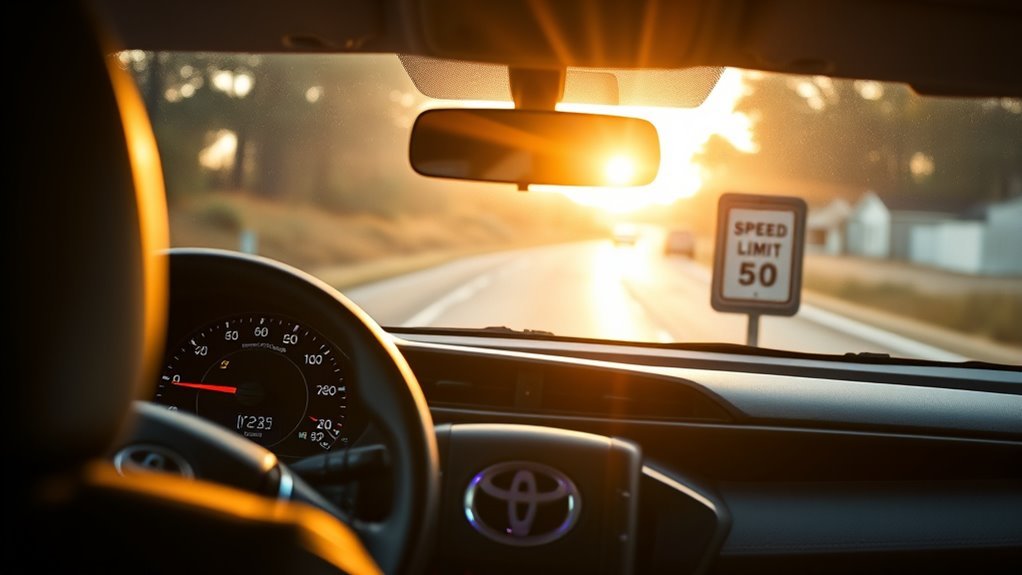
Your RAV4’s Road Sign Assist uses a forward camera and image processing to spot speed limits, stop, yield, do‑not‑enter and wrong‑way signs, then shows clear icons on the dash and can beep or flash when you exceed a set limit. You can turn alerts on/off, pick visual or audio notices, and set 1, 3 or 5 mph thresholds. It works alongside lane‑centering without taking control, and the next sections cover setup, limits, and fixes.
What the RAV4 Road Sign Assist Displays on Your Dash
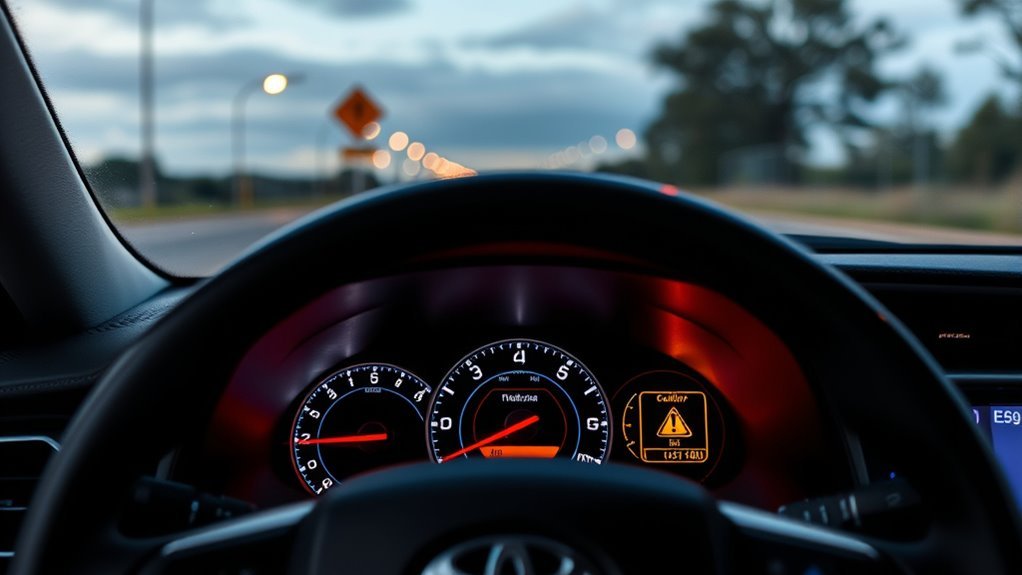
When you drive the Toyota RAV4, Road Sign Assist detects and displays key traffic signs—like stop, yield, and speed limits—directly on the dashboard so you don’t have to take your eyes off the road. You’ll see current speed limits rendered digitally, giving immediate dashboard visibility that lets you choose how to move without hesitation. The system uses camera-based sign recognition, so it reacts to posted signs rather than solely to GPS maps, reducing reliance on networked data and keeping you oriented in real time. If a wrong-way sign is detected, Road Sign Assist issues an urgent alert to stop you from entering hazards. You can also set notifications for exceeding speed limits, opting for visual cues or audio prompts to match your preference for freedom and control. The design prioritizes clear, minimal readouts and prompt alerts so you can maintain situational awareness and drive with confident autonomy.
How to Turn On and Customize Speed‑Limit Alerts
To enable speed‑limit alerts, open your dashboard settings and highlight the Road Sign Assist icon, then press and hold it to enter detailed options; from there you can toggle notifications on or off, pick visual or audio alerts, and set the over‑limit threshold to 1, 3, or 5 mph so the system warns you before you exceed posted limits. Once inside, enable speed limit notifications to activate continuous monitoring of detected limits. Choose visual alerts if you want unobtrusive reminders on your gauge cluster, or select audio alerts for assertive cues that reclaim attention quickly. Use the 1, 3, or 5 mph threshold to match your tolerance for enforcement risk and personal speed discipline. Save settings and verify operation by observing a test notification in a low‑risk area. This alert customization gives you practical control: it enforces safer habits, reduces ticket exposure, and supports independent, mindful driving without ceding authority to external conditions.
How the System Detects Stop, Yield, Wrong‑Way, and Speed Signs
Because the RAV4 uses a forward‑facing camera and image‑processing algorithms, it can reliably detect stop, yield, do‑not‑enter, wrong‑way, and speed limit signs and present them on your dashboard in real time. You get clear visual cues from camera technology that identifies sign shapes, colors, and text, so the system recognizes regulatory signs rather than guessing from maps. It prioritizes live sighting of speed limits, which matters in dynamic work zones where posted limits change.
The system continuously scans the road and flags wrong‑way and do‑not‑enter conditions, issuing hazard alerts to prevent dangerous maneuvers. When it detects a stop or yield sign, it displays the symbol and timing context so you can decide confidently. The design keeps you informed without taking control, supporting liberated driving choices while reducing risk. You read current signs at a glance, respond deliberately, and maintain situational awareness backed by reliable sensing.
How RAV4 Road Sign Assist Works With Lane Centering and Steering Assist
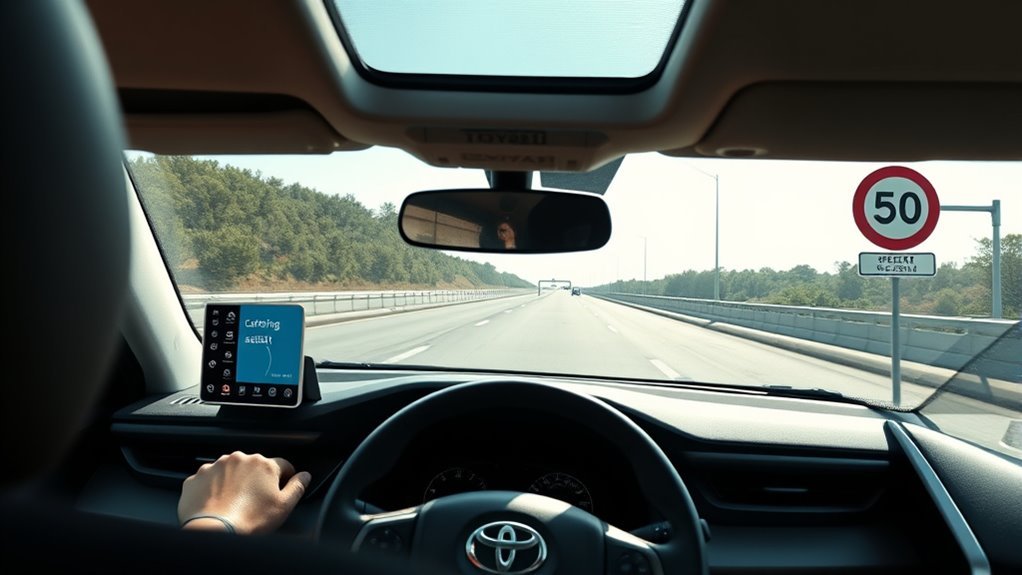
Although the Road Sign Assist and lane‑centering systems run independently, they work together to give you clearer, coordinated guidance: you get sign-based alerts while lane detection keeps you centered. The sign camera reads speed limits, stops, and wrong‑way indicators, then presents concise notifications so you can act with intent. Simultaneously, the lane‑centering camera tracks lane markings and the steering assist gently nudges the wheel if you drift, reducing micro-corrections you’d otherwise make.
This parallel operation preserves driver authority: you remain responsible, the features augment your situational control, and customization lets you set sensitivity and notification types. By combining sign inputs with lane position data, the system improves driver awareness—alerts are contextually relevant to whether you’re aligned in the lane or approaching a regulated area. The result: coordinated sensory cues and subtle steering interventions that free you to focus on higher‑order decisions while retaining full control.
Real‑World Limits, Practical Tips, and Troubleshooting
When driving, remember that Road Sign Assist is an aid—not a substitute—for your attention: it reads speed limits, stop, yield, and do‑not‑enter signs in real time but can miss signs that are obscured, dirty, or poorly lit. You’ll rely on road sign technology that’s powerful but imperfect; detection challenges include glare, occlusion, poor lighting, and nonstandard signs in construction zones. Set speed‑over alerts to 1, 3, or 5 mph so the system warns you when you exceed limits—defaults won’t alert unless you change them. Keep the windshield and camera area clean and unobstructed; dirt or debris directly reduces detection reliability. If signs aren’t recognized consistently, check for available software updates—manufacturers release algorithm improvements. Use the system to augment, not replace, your situational awareness: verify signs visually, especially where temporary signage appears. Troubleshoot methodically—clean optics, verify settings, update software—and you’ll reclaim control while benefiting from automated support.
Frequently Asked Questions
How Does Toyota Roadside Assistance Work?
You call the toll-free number, and Toyota dispatches emergency support—towing, jump-starts, fuel, lockout or tire help—within your coverage period; you’ll get prompt service benefits so you can regain freedom and keep moving.
Conclusion
Road Sign Assist is like a steady lighthouse guiding your RAV4 through busy seas: it shows signs on the dash, nudges speed alerts, and teams with lane‑centering and steering assist to keep you on course. You’ll rely on it when roads get confusing, but remember it’s a sensor‑based co‑pilot, not a captain. Use settings, stay alert, and treat the system as an aid—your hands and judgment remain the true helm.