Missing a posted sign can lead to a wrong turn, a late stop, or a speed warning you didn’t expect. Your RAV4’s Road Sign Assist, when equipped, uses a forward camera to help detect certain road signs and show them on the dash. This guide explains what the system can display, how to adjust alerts, where it has limits, and how to troubleshoot common problems.
Quick Answer
Toyota RAV4 Road Sign Assist can help identify select road signs, such as speed limit, stop, yield, and do-not-enter signs, then show matching icons on your display. Depending on your model and settings, it may also warn you when you go over a detected speed limit. It does not control the vehicle, so you still need to watch road signs and drive by posted rules.
Key Takeaways
- Road Sign Assist uses a forward-facing camera to help read select road signs.
- The system can show signs on the instrument display so you can check them quickly.
- Speed-limit alerts depend on your vehicle settings and detected signs.
- Dirty glass, glare, blocked signs, and poor lighting can reduce accuracy.
- You remain responsible for obeying signs, speed limits, and road conditions.
What the RAV4 Road Sign Assist Displays on Your Dash
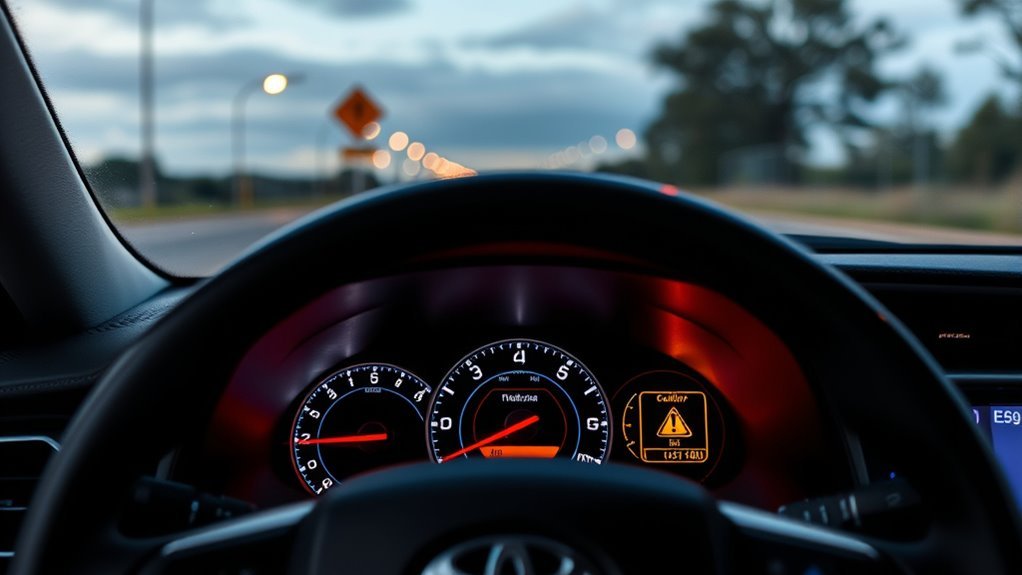
When you drive a Toyota RAV4 equipped with Road Sign Assist, the system can help detect key traffic signs. These may include stop, yield, do-not-enter, and speed limit signs, depending on your model, market, and settings.
The signs appear on the dashboard or multi-information display, which helps you check them without searching the roadside. The system uses camera-based sign recognition, so it reads signs in front of the vehicle rather than relying only on map data.
If the system detects a do-not-enter or wrong-way condition, it may show a warning to help you avoid a dangerous move. You can also adjust some speed-limit notices, including visual or sound alerts on models that support those settings.
[Products Worth Considering]

This versatile car phone holder offers windshield, dashboard, and air vent mounting options to keep your phone secure and accessible on the road. Its strong suction cup, adjustable telescopic arm, and 360-degree ball joint help you find the ideal viewing angle while maintaining a stable hold. Designed for easy one-handed use and broad compatibility, it supports most smartphones and cases for safer hands-free driving.
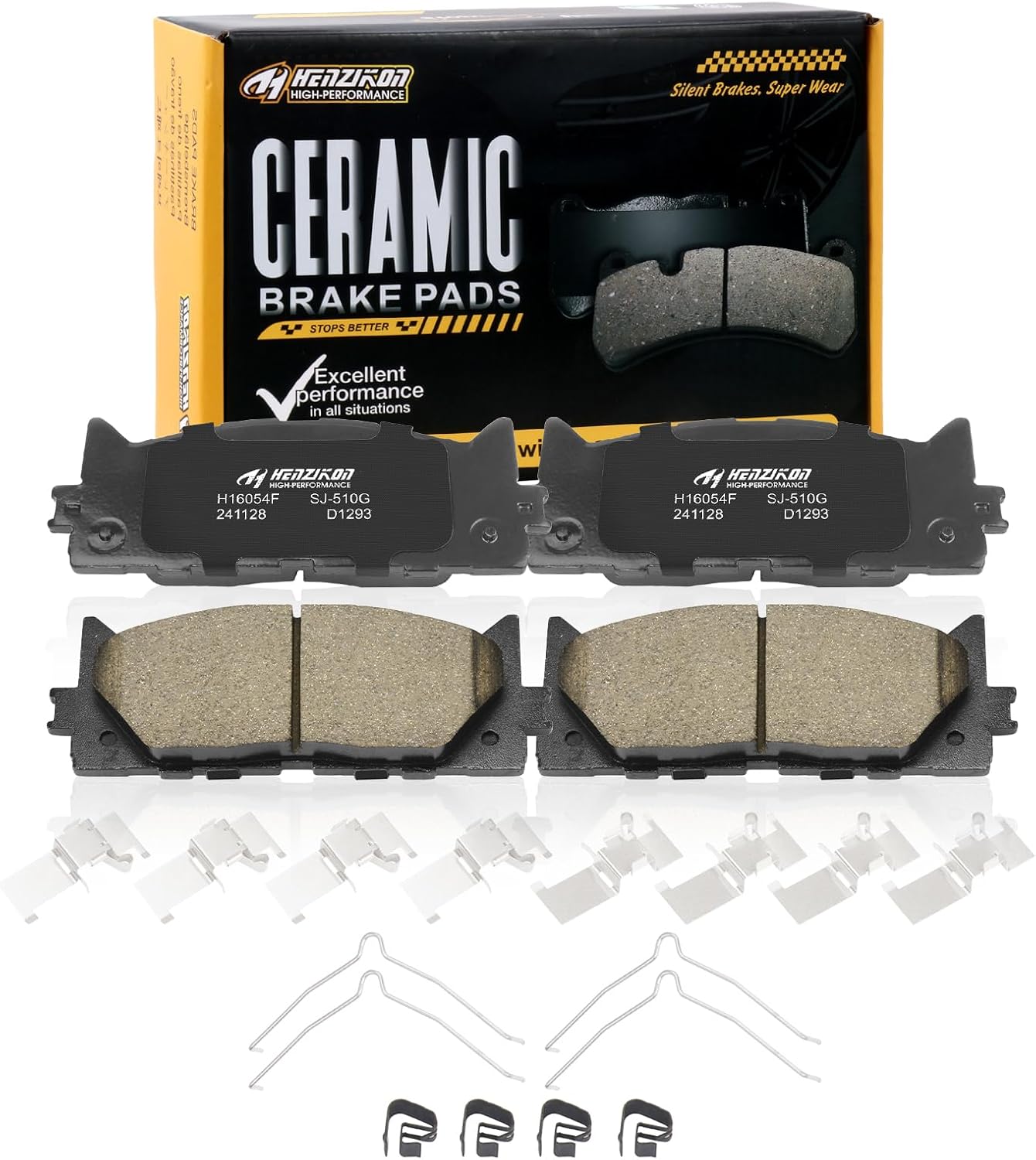
These ceramic front brake pads are designed for compatible Toyota Avalon, Camry, and Lexus ES-series vehicles, offering dependable stopping power and smooth, consistent braking performance. Built with included hardware for easier installation, they help reduce squealing and brake dust while supporting long-term durability for everyday driving.

This custom-fit windshield sun shade is designed for Toyota RAV4 models from 2013 to 2026, helping block sunlight and reduce interior heat for a more comfortable cabin. Its double-layer construction reflects UV rays and protects your dashboard and seats, while the foldable design makes it easy to install, remove, and store. Made with eco-friendly, odor-free materials, it offers a practical everyday solution for parking, camping, and hot-weather driving.
How to Turn On and Customize Speed-Limit Alerts
To adjust speed-limit alerts, use the vehicle’s meter or driver-assistance settings and find the Road Sign Assist menu. The exact path can vary by model year and trim, so check your owner’s manual if the menu names differ.
- Open the settings menu on the instrument display.
- Select the Road Sign Assist icon or related driver-assistance menu.
- Turn speed-limit notifications on or off, if your RAV4 supports the feature.
- Choose visual alerts, sound alerts, or both when those choices appear.
- Set the over-limit warning threshold, such as 1, 3, or 5 mph, if available.
Choose a lower threshold if you want earlier warnings near speed-limit changes. Choose a higher threshold if you want fewer alerts during normal traffic flow.
Note: Some settings may differ by RAV4 model year, trim, region, and software version.
[Products Worth Considering]

This automatic 12V charger and maintainer delivers a full charge before switching to float mode to help keep powersports batteries ready for storage and regular use. Its four-step charging program is designed for lead-acid, flooded, AGM, and gel cell batteries, helping prevent overcharging while supporting longer battery life. Compact and easy to use, it includes both ring terminal and alligator clip connections plus smart safety features for dependable charging.

SYLVANIA SilverStar Ultra H11 halogen bulbs are designed to deliver brighter down-road visibility and a whiter light for improved clarity at night. Patented Tri-Band Technology enhances contrast to help you spot road signs and hazards more easily, while replacing bulbs in pairs supports more consistent performance. Built for exact-fit compatibility in H11 applications, this two-bulb pack is a practical upgrade for safer nighttime driving.

[Package Contains] The package contains a load-bearing chassis, a spring, 4 support rods, 3 link sleeves and a light plate.
How the System Detects Stop, Yield, Wrong-Way, and Speed Signs
The RAV4 uses a forward-facing camera near the windshield to help spot traffic signs ahead. The system looks for sign shape, color, and text, then matches what it sees to supported sign types.
This live camera view helps the system respond to posted signs, including temporary signs in some work zones. Still, the camera must see the sign clearly before it can display it.
The system can miss a sign if another vehicle blocks it, the sign sits at an odd angle, or the sign looks worn. Bright glare, heavy rain, snow, dirt, and poor lighting can also affect how well the camera reads the road.
How RAV4 Road Sign Assist Works With Lane Centering and Steering Assist
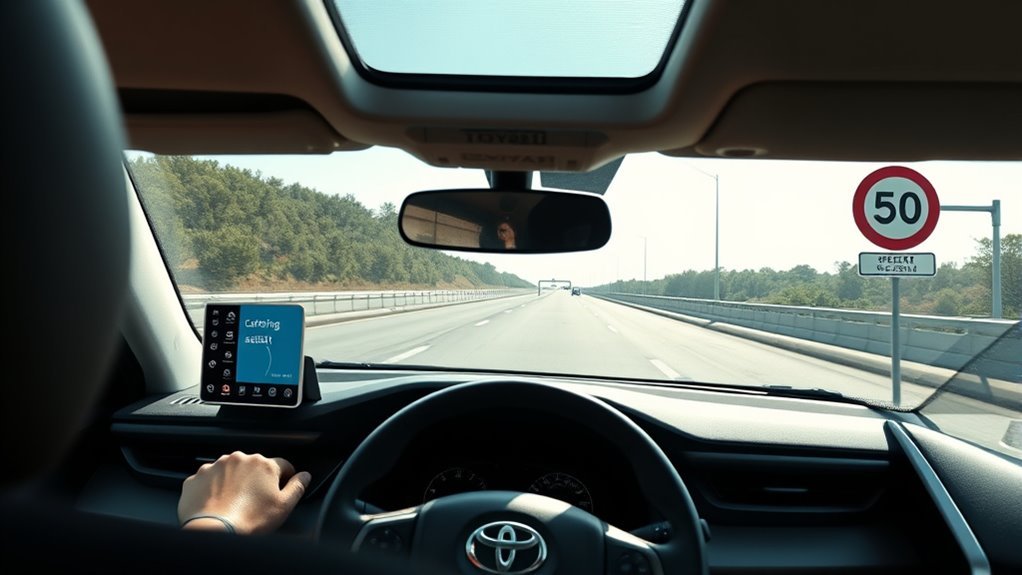
Road Sign Assist and lane-centering systems serve different jobs, but they can support the same goal: better awareness. Road Sign Assist focuses on select posted signs, while lane-centering or steering assist features focus on lane markings.
When both systems operate, you may see sign-based alerts while the vehicle also provides lane guidance. The steering system may give gentle assistance when conditions allow, but it does not replace your control.
This split design keeps driver authority with you. You steer, brake, and make decisions while the systems provide helpful cues.
Real-World Limits, Practical Tips, and Troubleshooting
Road Sign Assist works as an aid, not a substitute for your attention. You should still read road signs yourself, especially near schools, construction zones, detours, and unfamiliar roads.
Use these checks if the system misses signs or shows alerts less often than expected:
- Clean the windshield area in front of the camera.
- Remove stickers, dash items, or accessories that block the camera view.
- Confirm Road Sign Assist and speed alerts remain turned on.
- Check your owner’s manual for model-specific settings.
- Ask a Toyota service center about software updates if problems continue.
A clean camera view gives the system its best chance to read signs. You should also slow down and verify signs yourself when road markings or signs look unclear.
Warning: Do not rely on Road Sign Assist as your only source for speed limits, stop signs, or road restrictions.
Frequently Asked Questions
How Does Toyota Roadside Assistance Work?
You call Toyota’s roadside support number, and Toyota can dispatch help for covered services. Depending on your coverage, help may include towing, a jump-start, fuel delivery, lockout support, or tire service.
Does Road Sign Assist control my RAV4’s speed?
No. Road Sign Assist can show signs and may warn you about speed limits, but it does not control the accelerator or brake pedal. You remain responsible for keeping a safe and legal speed.
Why does my RAV4 miss some road signs?
The camera may miss signs that are blocked, dirty, faded, poorly lit, or placed at an unusual angle. Weather, glare, windshield dirt, and temporary construction signs can also affect detection.
Can I turn off Road Sign Assist alerts?
Yes, many RAV4 models let you adjust or turn off certain Road Sign Assist notifications. Use the driver-assistance settings in the instrument display and check your owner’s manual for the exact steps.
Conclusion
Road Sign Assist gives your RAV4 one more way to keep important road signs in view. Use it as a helpful backup, not as your main source of road information. Check the settings, keep the camera area clean, and keep watching the road. The system works best when your attention stays in charge.