If your Toyota RAV4 says “Key Not Detected,” hold the fob against the start/stop button and press to force recognition; listen for a beep and check the dash lights. Test all fob buttons and try a spare to isolate a bad transmitter. Inspect for damage and weak LED flashes. Replace the CR2032 battery if needed—pry the case at the seam, swap batteries with correct polarity, snap closed, then retest. Continue for step‑by‑step troubleshooting and service options.
Fix “Key Not Detected” Now : Start Your RAV4 Immediately
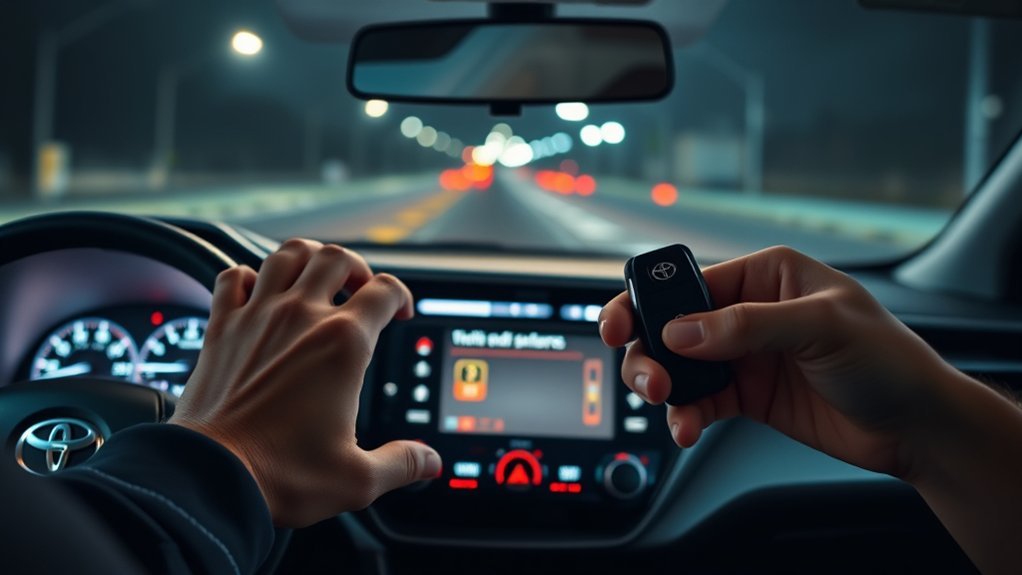
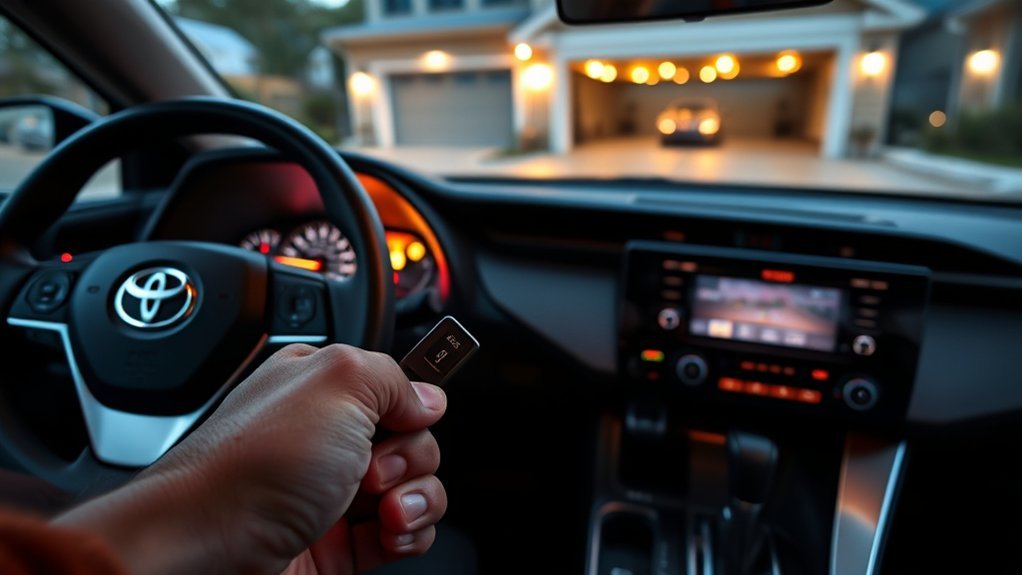
Hold the key fob against the RAV4’s stop/start button and press it to force the system to read the transponder; you’ll hear a beep when the vehicle recognizes the key, allowing you to start normally. You’ll act decisively: press the button with the fob snug to the button, verify the beep, then start. This immediate procedure’s purpose is clear—restore mobility now while you assess root cause.
If the vehicle still reports “Key Not Detected,” shift to methodical key fob troubleshooting. Inspect the fob for physical damage and confirm battery age; replace cells per the manufacturer if needed. Document battery replacements on a schedule to prevent recurrence. These steps serve both liberation and safety: you reclaim control of your commute while maintaining vehicle security enhancements through consistent maintenance and correct handling. Learn the battery replacement process so you won’t be stranded again, and keep records to support reliable, secure access to your RAV4.
Test the Key Fob: 3 Quick Checks to Confirm a Dead Battery
Start with three rapid checks to confirm whether your RAV4 key fob battery is dead: press each button and note any lack of response, try a spare fob to isolate the fault to the original unit or the car, and hold the fob close to the stop/start button while pressing to detect a weak transmitter.
Next, inspect the fob physically. You’re looking for cracks, corrosion, or water stains that compromise circuits; physical damage can mimic a dead cell. For button response, watch for inconsistent LED flashes or no feedback—these indicate depleted battery lifespan and need for replacement. Use a spare fob to determine if the vehicle’s receiver or your unit is at fault; if the spare works, the original is the problem.
If tests point to the fob, replace the coin cell following key fob maintenance best practices: use the correct CR2032 (or specified) cell, avoid skin oils on contacts, and recycle the old battery. After swapping, retest all checks to confirm restored function.
Step‑by‑Step: Start the RAV4 When the Fob Isn’t Detected
If your RAV4 shows “key not detected,” place the fob right against the stop/start button and press and hold the button until you hear a beep—this forces the vehicle to read the transponder even when the fob’s radio signal is weak. When you hear the beep, release; the dash lights will illuminate, confirming detection. Proceed with the normal start procedure and drive as usual if the engine starts. Use this method as an immediate liberation from immobilization while you address the root cause.
- Hold the fob against the stop/start button, press and hold until a beep confirms transponder read — this overrides weak radio range.
- Observe dashboard illumination; if lit, press brake and push start to crank — successful start permits normal operation.
- If detection is intermittent, continue key fob troubleshooting and follow battery maintenance tips promptly to prevent recurrence and reclaim reliable mobility.
Replace the RAV4 Key Fob Battery : Parts, Tools, Quick Steps
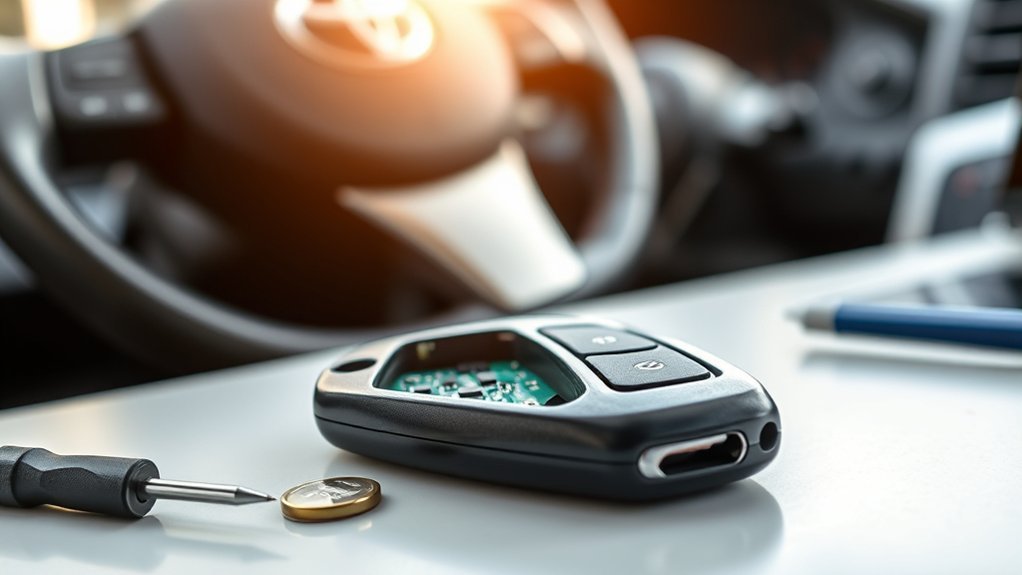
You’ll need a CR2032 battery, a small flathead screwdriver, and about five minutes to swap the RAV4 fob cell. Gather parts and tools, work on a clean surface, and free yourself from dependency on roadside help. This is routine key fob maintenance that preserves autonomy and simplifies travel.
Step 1: Locate the notch on the fob seam. Step 2: Insert the flathead gently and pry the casing open; don’t force plastic. Step 3: Note the old battery orientation, remove it, and discard responsibly. Step 4: Install the new CR2032 with the positive (+) side facing up. Step 5: Snap the casing closed until it clicks.
Finalize by testing a button to confirm operation. Regular battery lifespan checks prevent lockouts—monitor voltage or replace proactively when remote range decreases. These quick, precise actions keep you in control and moving without waiting for external rescue.
When to Call a Dealer or Locksmith : What They’ll Do and Likely Costs
When swapping the CR2032 doesn’t clear the “key not detected” warning, contact a dealer or locksmith to diagnose and, if needed, reprogram or replace the fob. You’ll want a professional when diagnostics show RF failure, rolling-code errors, or a damaged transponder. Dealers offer extensive dealer services and access to OEM parts; locksmiths often match function at lower cost.
If replacing the CR2032 won’t clear “key not detected,” have a dealer or locksmith diagnose and reprogram or replace the fob.
- Diagnostic & reprogramming: They’ll read fault codes, test signal strength, and perform key fob reprogramming. Expect $100–$200 at a dealer, $50–$150 at a locksmith.
- Replacement fob: If the fob is lost or dead, a dealer can supply and program a new unit. New OEM fobs typically cost $200–$500 depending on features.
- Preparation & logistics: Bring ID, proof of ownership, and any existing fobs. Call ahead to confirm services and get an estimate to avoid surprises.
You retain freedom by choosing the cost-effective, transparent path that fits your needs.
Frequently Asked Questions
Can a Smartphone App Replace My RAV4 Key Fob Functionality?
Yes — you can use smartphone integration to replicate some key fob functions, but you’ll need manufacturer-approved apps and hardware. You’ll retain freedom, but verify key fob security, encryption, and failover to avoid being locked out.
Will a Weak Car Battery Cause “Key Not Detected” Warnings?
Yes—you’ll see “key not detected” if battery health is poor; low vehicle power or key fob battery causes connection issues. Start troubleshooting steps: check voltages, replace key battery, reset systems, and restore empowered control.
Can Aftermarket Key Fobs Fully Work With Toyota Security Systems?
A friend’s cloned key worked like a spare passport: you’ll often get aftermarket compatibility but you’ll need proper programming and certified chips. If done right, key fob reliability matches OEM; improper parts undermine security and freedom.
Does Cold Weather Increase Key Fob Failure Chances?
Yes — cold weather increases key fob failure chances. You should practice key fob maintenance: keep batteries warm, replace weak cells, avoid condensation, and store fobs against freezing to mitigate cold weather effects and retain dependable electronic freedom.
Can Reprogramming the Fob Be Done at Home?
You can, but don’t assume it’s trivial: you’ll need exact steps and tools. You’ll perform key fob maintenance, battery replacement, follow manufacturer programming sequence, and test; otherwise a dealer’s diagnostic and reprogramming may be required.
Conclusion
If your RAV4 shows “Key Not Detected,” you can usually fix it fast by testing the fob, using the mechanical backup start procedure, or swapping the battery. You’ll avoid most dealer visits—about 70% of no-detect complaints are battery-related—so start with the simple checks. If those fail, a locksmith or dealer can reprogram or replace the fob; expect higher costs and diagnostic steps they’ll perform. Act methodically and document each step.