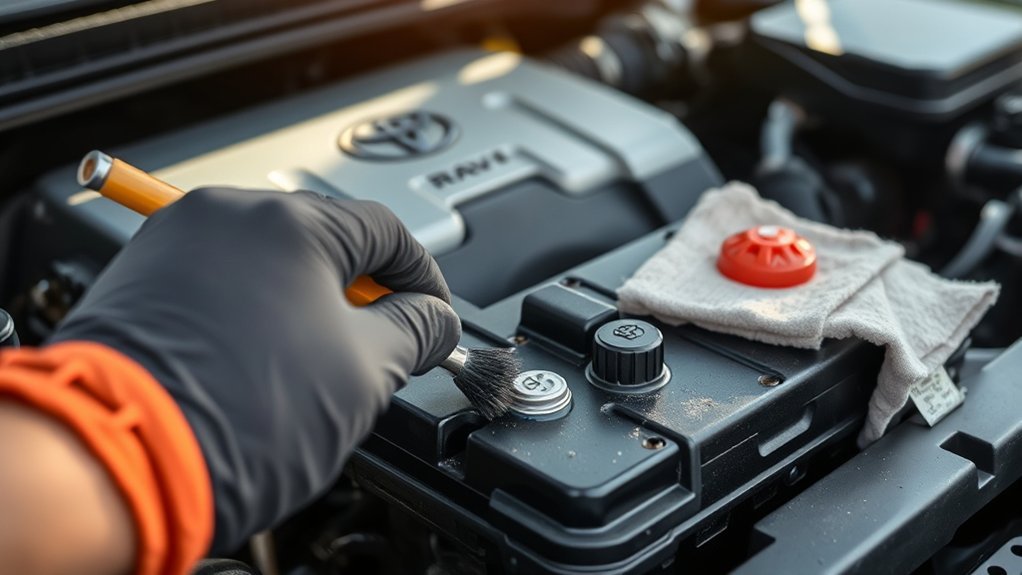
To clean your Toyota RAV4’s battery terminals, start by disconnecting the negative cable, then the positive. Wear protective gear like gloves and goggles. Mix one tablespoon of baking soda with a cup of water and scrub the terminals with a toothbrush dipped in the solution. Rinse thoroughly and make certain everything’s dry before reconnecting the cables, starting with the positive. Regular maintenance can prevent corrosion and boost battery life—discover more tips for peak performance.
Why Clean Battery Terminals?
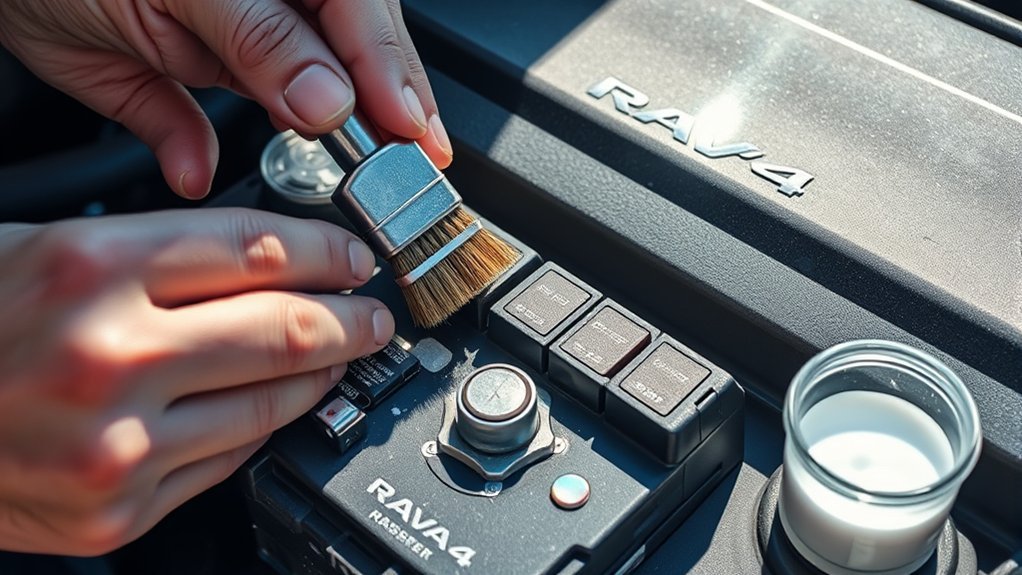
Cleaning battery terminals is crucial because, without regular maintenance, corrosion can build up and impede electrical flow. This corrosion often leads to poor connections, which can cause starting issues and malfunctions in your vehicle’s electrical system. By cleaning the terminals, you guarantee ideal contact between the battery and cables, greatly enhancing electrical efficiency.
Regular cleaning acts as a form of corrosion prevention, extending the battery’s lifespan and reducing the risk of battery acid buildup. Accumulated acid can damage not only the battery itself but also surrounding components, leading to costly repairs. Maintaining clean terminals isn’t just about performance; it’s about assuring the reliability of all electrical components in your vehicle.
Essential Safety Gear for Battery Maintenance
How can you guarantee your safety while maintaining your battery? Start by equipping yourself with essential safety gear. Always wear protective gloves and goggles to shield your skin and eyes from potential battery acid splashes. If you’re working in a poorly ventilated area, utilize a face mask or respirator to avoid inhaling harmful gases emitted from the battery.
Next, protect your clothing with an apron or old clothes to guard against spills and stains. Keep a bucket of water or a neutralizing agent like baking soda nearby; this allows for quick neutralization of any acid leaks. Finally, make certain you have a first-aid kit accessible, ready to address any accidental exposure to battery acid or injuries that may occur during maintenance.
With these safety measures in place, you can confidently proceed with your maintenance tools, knowing you’re well-protected.
Step-by-Step Guide to Disconnecting Battery Cables
Disconnecting battery cables requires careful attention to detail to confirm safety and proper procedure. Start by making sure your vehicle is turned off and parked on a flat surface. Equip yourself with protective gear—gloves and safety goggles—to shield against battery acid and potential corrosion hazards.
Begin with the negative (black) cable: use a wrench to loosen the clamp and carefully lift it away from the terminal. This step minimizes the risk of short circuits that could hinder your battery lifespan. Next, disconnect the positive (red) cable using the same method, making certain it doesn’t touch any metal surfaces.
After both cables are safely disconnected, inspect them for corrosion. Cleaning is crucial for corrosion prevention and enhances battery performance. When reconnecting, always attach the positive cable first, followed by the negative, to maintain safety and confirm peak battery function.
Clean Battery Terminals With Baking Soda
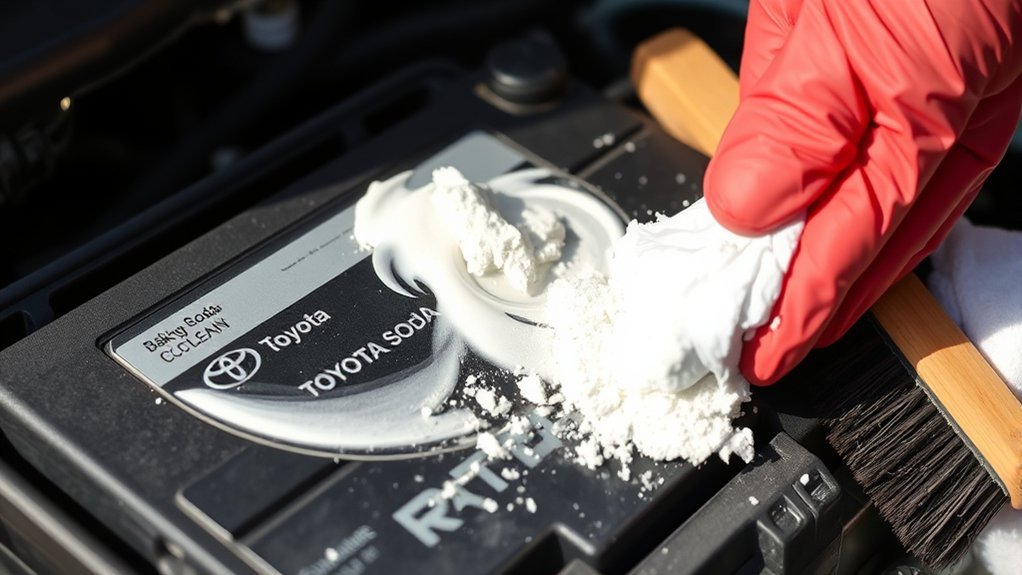
To clean your battery terminals effectively, mix one tablespoon of baking soda with one cup of water to create a cleaning solution. Use a toothbrush dipped in this mixture to scrub away any corrosion and grime. Don’t forget to rinse the terminals with cold water and make sure they’re dry before reconnecting the cables to maintain peak performance.
Effective Baking Soda Solution
Cleaning battery terminals effectively requires just a simple baking soda solution. To prepare, mix one tablespoon of baking soda with one cup of water. This solution not only neutralizes battery acid but also offers significant baking soda benefits for terminal maintenance.
Here’s a quick reference table:
| Step | Description |
|---|---|
| Mix Solution | Combine baking soda and water in a container. |
| Scrub Terminals | Use a toothbrush dipped in the mixture to clean. |
| Rinse Thoroughly | Wash away residue with cold water to finish. |
Always wear protective gear like gloves and goggles while cleaning to safeguard against acid and debris. This method guarantees your terminals stay corrosion-free and functional.
Scrubbing Techniques Overview
Start by using a toothbrush dipped in your baking soda solution to tackle battery terminals effectively. This mixture—one tablespoon of baking soda combined with one cup of water—serves as an excellent cleaning tool. Focus on applying scrubbing techniques to the terminals and cables, which helps neutralize acid corrosion. Make sure you scrub thoroughly, as this promotes ideal connectivity and prevents buildup. After scrubbing, rinse the cleaned areas with cold water to eliminate any residual baking soda and corrosion particles. This step is essential for maintaining a clean surface. Regularly using this method not only enhances battery performance but also prolongs its lifespan. Remember to wear gloves and protective eyewear to safeguard against battery acid and debris during the process.
Safety Precautions Reminder
While scrubbing the battery terminals is essential for maintaining peak performance, safety precautions should never be overlooked. Always wear gloves and eye protection to guarantee battery acid safety. Prepare a cleaning solution by mixing one tablespoon of baking soda with one cup of water; this neutralizes acid and aids in corrosion prevention. Use a toothbrush dipped in the mixture to scrub the terminals thoroughly, rinsing with cold water afterwards to eliminate any residue.
| Precaution | Action | Purpose |
|---|---|---|
| Wear gloves | Protect hands from battery acid | Safety |
| Use eye protection | Shield eyes from splashes | Safety |
| Dispose of materials | Avoid contamination and guarantee safety | Environmental care |
Taking these steps assures a safer cleaning experience.
When to Use Coca-Cola for Battery Terminal Cleaning?
In emergencies, using Coca-Cola for battery terminal cleaning can be effective due to its phosphoric acid content, which helps dissolve corrosion. If you find yourself without standard cleaning supplies like baking soda and water, Coca-Cola usage can serve as a temporary fix. Apply it directly to the corroded areas and let it sit for a few minutes. This allows the solution to penetrate and loosen the buildup. After scrubbing the terminals, rinse them with cold water to eliminate any sticky residue and prevent future corrosion concerns. Remember, this method isn’t a long-term solution; it’s meant for urgent situations only. Always wear protective gear, such as gloves and goggles, when handling batteries and cleaning agents. Keeping these precautions in mind guarantees you’re safely addressing corrosion while maintaining the functionality of your Toyota RAV4’s battery.
Check Your Battery for Damage and Corrosion
When you check your battery, inspect it for visible cracks or damage that could lead to leaks. Look for acid seepage and terminal corrosion, as these issues can hinder performance and indicate a need for replacement. Ensuring all connections are tight will help maintain a reliable electrical flow.
Inspect For Cracks
To guarantee your Toyota RAV4’s battery operates efficiently, you must inspect the casing for cracks and damage. Visible cracks can lead to leaks, which compromise performance and safety. Regularly checking your battery is essential; increased inspection frequency can help you spot issues early. Look for any signs of corrosion around the terminals, as this can hinder electrical flow and affect your vehicle’s functionality. Ascertain that the battery’s label and date codes are legible to assess its age and warranty status, which helps determine if replacement is necessary. By staying proactive with these checks, you can extend your battery lifespan and avoid unexpected failures, keeping your RAV4 running smoothly for longer.
Look For Acid Seepage
Acid seepage can severely compromise your Toyota RAV4’s battery performance, so it’s crucial to inspect for any signs of leakage during routine checks. Start by examining the battery casing for visible cracks or bulges, which can indicate damage and potential acid seepage. Look for white, powdery residue around the terminals and casing; this is a clear sign of corrosion effects from battery acid. Additionally, check for any liquid pooling around the battery, as this may signal a leak that could necessitate immediate replacement. Always wear gloves and protective gear while inspecting to avoid contact with harmful acid. Regularly monitoring your battery’s appearance allows for early detection of acid damage, preventing future issues.
Check Terminal Corrosion
Regular inspections of your Toyota RAV4’s battery terminals are essential, as corrosion can severely impair electrical flow and lead to starting issues. Look for a white, powdery substance around the connections—this is a clear sign of corrosion. Always wear protective gloves and eyewear during your terminal inspection to avoid contact with battery acid. If you spot corrosion, clean it promptly using a mixture of one tablespoon of baking soda with one cup of water and a toothbrush. This simple solution aids in corrosion prevention and restores connectivity. If any terminals are severely corroded or damaged, replace them to guarantee a reliable electrical connection. Keeping your battery terminals clean is key to maintaining your vehicle’s performance.
How to Properly Reconnect Battery Cables

When reconnecting battery cables, it’s vital to start with the positive (red) cable to prevent any risk of short circuits. Begin by verifying that the battery terminals are clean and free of corrosion for peak electrical connectivity. Check the cable orientation to confirm that you’re attaching the correct cables to their respective terminal types—positive to positive and negative to negative.
Next, securely tighten the cable connections, but avoid over-tightening to prevent damage to the terminals. After connecting, double-check that the cables aren’t touching any moving parts or the vehicle frame, as this could lead to wear or short circuits. Finally, test the battery’s performance by starting the vehicle to verify a proper connection. If everything’s in order, you’re good to go, empowering your Toyota RAV4 with reliable power and performance.
Best Practices for Battery Maintenance
Maintaining your Toyota RAV4’s battery is key to guaranteeing long-lasting performance and reliability. Regularly inspect the battery for signs of wear, like cracks or corrosion, to optimize its lifespan. Every few months, clean the battery terminals and cables with a baking soda solution to eliminate corrosion, which can severely impact electrical efficiency. When servicing the battery, always disconnect the negative cable first to minimize the risk of electrical shorts. If you notice corroded or damaged terminals, replace them promptly; poor connections can hinder electrical flow and lead to broader vehicle issues. Additionally, keep the battery and its terminals dry and clear of debris to enhance functionality. By following these best practices, you’ll help guarantee your RAV4’s battery remains robust, ultimately prolonging its life and maintaining the vehicle’s overall performance.
Troubleshooting Common Battery Issues
When your Toyota RAV4 won’t start, it’s often a battery issue tied to corroded terminals. Corrosion can disrupt electrical flow, leading to symptoms like dim lights or sluggish starts. By understanding these problems and regularly inspecting your battery connections, you can prevent more serious issues down the line.
Symptoms Of Battery Failure
How can you tell if your Toyota RAV4’s battery is failing? Watch for these battery symptoms that indicate potential electrical issues:
- The car won’t start, often producing a clicking sound when you turn the key.
- Dim headlights that struggle to illuminate the road ahead.
- Frequent need for jump-starts, signaling an underlying battery problem.
- Corrosion build-up on battery terminals, disrupting the electrical flow.
- Erratic dashboard lights indicating system malfunctions.
These signs often point to a weak or failing battery, affecting your vehicle’s performance. Addressing these symptoms promptly can help you maintain your RAV4’s reliability and prevent further complications down the road. Stay vigilant to keep your drive liberated and smooth!
Causes Of Corrosion
Corrosion on your Toyota RAV4’s battery terminals can stem from several factors that disrupt electrical connections and hinder performance. The buildup of acidic gases during the charging process can create a white, powdery residue, leading to poor connections. Environmental factors, like high humidity or road salt exposure, accelerate corrosion, making regular maintenance essential for corrosion prevention. Additionally, overcharging or using damaged batteries increases the risk of acid leakage, further contributing to terminal corrosion. These issues can disrupt electrical flow, resulting in starting problems and decreased battery performance. By understanding these causes, you can take proactive steps to mitigate environmental impact and guarantee your RAV4’s battery operates efficiently for the long haul.
Connection Troubleshooting Tips
Battery terminal issues often manifest as starting problems or unexpected shutdowns, and these can usually be traced back to loose or corroded connections. To perform effective connection diagnostics, follow these tips:
- Always disconnect the negative terminal first to prevent electrical shorts.
- Inspect terminals for corrosion; use a wire brush and baking soda solution for cleaning.
- Check for loose connections; tighten as needed to guarantee proper electrical flow.
- If corrosion is excessive, consider replacing battery terminals for a solid connection.
- Regularly inspect and clean your battery connections to prevent broader electrical issues.
Tips for Keeping Battery Connections Clean
To guarantee your Toyota RAV4 runs smoothly, it’s vital to keep battery connections clean and free from corrosion. Regular inspection of your battery terminals is a must; even minor corrosion can disrupt electrical flow and lead to starting issues. Clean the terminals at least twice a year using a baking soda solution to neutralize acid and remove corrosion effectively.
Here’s a quick reference table to help you:
| Action | Frequency |
|---|---|
| Inspect terminals | Monthly |
| Clean terminals | Every 6 months |
| Apply petroleum jelly | After cleaning |
| Replace corroded terminals | As needed |
| Monitor battery performance | Weekly |
Using a wire brush guarantees thorough cleaning. Afterward, apply a thin layer of petroleum jelly or dielectric grease for corrosion prevention. Consistent battery maintenance will keep your RAV4 operating reliably.
Frequently Asked Questions
How to Clean Toyota RAV4 Battery Terminals?
To clean your Toyota RAV4 battery terminals, wear gloves, disconnect cables, scrub corrosion with a wire brush, and use a baking soda solution. Regular maintenance and corrosion prevention methods will enhance your vehicle’s performance.
Can I Clean Corrosion Without Removing the Battery?
Yes, you can clean corrosion without removing the battery. Use battery maintenance tips like a baking soda solution and a wire brush. This method boosts connections, ensuring effective corrosion prevention methods for long-lasting performance.
Conclusion
By following these steps, you not only extend your Toyota RAV4’s battery life but also enhance its reliability. Imagine driving through a storm, confident your vehicle will start without a hitch, thanks to clean connections. When you invest a little time in maintenance, you prevent frustrating surprises down the road. So, grab those tools, and remember that a small effort today can make all the difference in your driving experience tomorrow. Keep your journey smooth and worry-free!