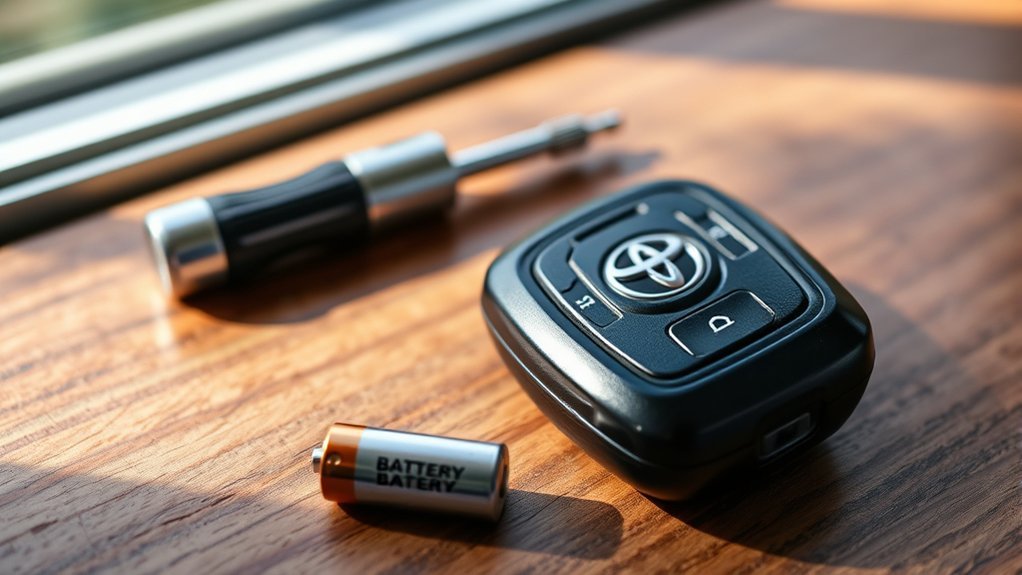
If your Toyota Camry key fob isn’t working, start by checking the battery; a dead CR2032 lithium battery is a common issue. Test the fob’s signal and inspect the keyless entry receiver for damage. Make sure all doors are closed while you reprogram the fob. If multiple fobs fail, evaluate a receiver malfunction. Following these steps can help solve the problem, but there are more detailed troubleshooting tips and preventative maintenance strategies to take into account.
Immediate Steps to Diagnose Key Fob Issues
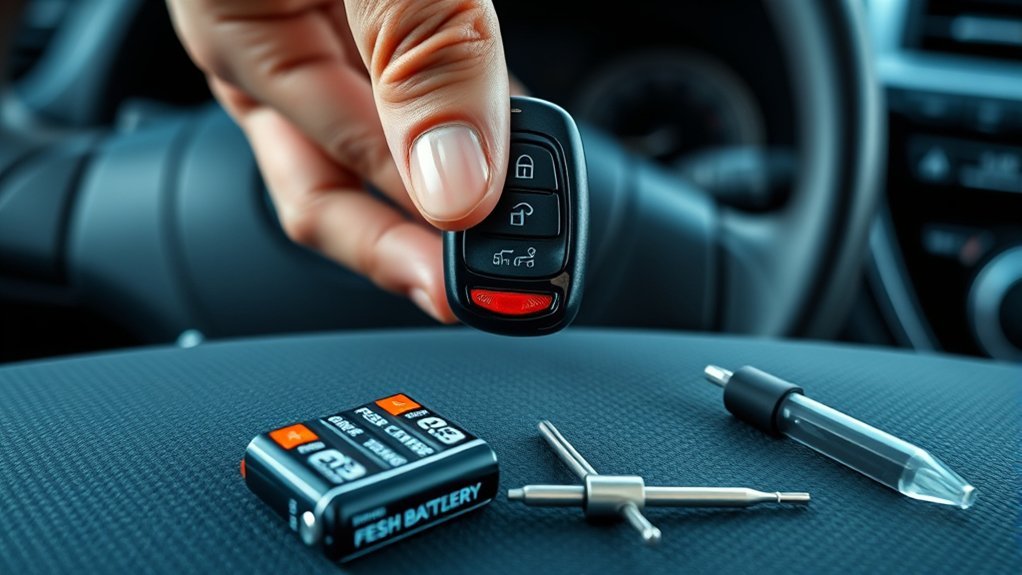
If you’re experiencing issues with your Toyota Camry key fob, start by replacing the battery. Use a new CR2032 lithium battery, making sure the positive side faces up during installation. Once you’ve replaced the battery, test the fob’s signal transmission at a local parts store to confirm it’s functioning properly. If it’s still unresponsive, check the vehicle’s fuses related to the keyless entry system; intact fuses are essential for key fob security.
Next, consult the owner’s manual for any specific reprogramming instructions, as this might be necessary after replacing the battery. Finally, verify the key fob contacts are clean and free of debris, since dirt can impede functionality and compromise key fob maintenance. By following these immediate steps, you’ll effectively diagnose and address key fob issues, enhancing both your vehicle’s security and your peace of mind.
How to Replace the Key Fob Battery in Your Camry
Replacing the key fob battery in your Toyota Camry is a straightforward process that can often be completed in just a few minutes. First, acquire a lithium CR2032 battery, known for its reliability and compatibility with your key fob design. Use a small screwdriver to carefully open the key fob at the designated notch, being cautious not to damage the casing.
Once open, remove the old battery and insert the new one, ensuring the positive (+) side faces up for proper functionality. After replacing the battery, test the fob to confirm that all functions, like lock and disengage, are operational.
If the fob still doesn’t work after the battery replacement, consider checking for signal transmission issues or the need to reprogram the fob. Regularly replacing the battery will help maintain peak performance and extend the overall lifespan of your key fob.
Key Fob Troubleshooting: First Steps
Start your troubleshooting by checking the key fob battery; make certain it’s a lithium 2032 with the positive side facing up. Next, verify its functionality by testing it against a second fob, as simultaneous issues might point to a receiver problem. Finally, inspect the receiver connections to guarantee they’re secure and undamaged.
Check Key Fob Battery
Check the key fob battery first, as a depleted battery is the most common cause of key fob failure. Most Toyota Camry key fobs use a 2032 lithium battery, which you should replace if the fob is unresponsive. During replacement, verify the positive side faces up and all buttons stay properly positioned before sealing the fob. After replacing the battery, test the key fob to confirm it’s functioning correctly. If multiple fobs fail simultaneously, the issue often lies with the vehicle’s receiver rather than the fobs. For some models, reprogramming may be necessary post-replacement, so consult your owner’s manual for specific sequences. Regular key fob maintenance can extend battery lifespan, enhancing reliability.
Inspect Key Fob Functionality
After replacing the key fob battery, ensuring proper functionality is the next step. Start by testing the fob to see if it operates correctly. If it doesn’t, check for physical damage or loose buttons. Use a multimeter to measure the battery voltage; it should be around 3 volts for ideal performance. Additionally, inspect for any signs of water damage or corrosion on the contacts, as these can lead to signal interference. Effective key fob maintenance involves addressing these issues promptly. If problems persist, consider visiting a parts store to test the fob’s signal transmission or using a diagnostic tool like Techstream for further troubleshooting. Each step is essential to regain full control of your Toyota Camry.
Examine Receiver Connections
To guarantee your key fob communicates effectively with your Toyota Camry, examining the receiver connections is vital. Start by inspecting the wiring integrity; look for any loose or damaged wires that could disrupt communication. Confirm the receiver is securely mounted and free from corrosion, as this can lead to signal interference. Also, check for obstructions around the receiver that might block the signal from your key fob. It’s essential to verify that the receiver is compatible with your specific Camry model, as different models may require different units. If you need guidance, consult your vehicle’s manual for troubleshooting steps on accessing the receiver effectively. This foundational check can often resolve key fob issues swiftly.
Why the Keyless Entry Receiver Is Crucial for Your Fob
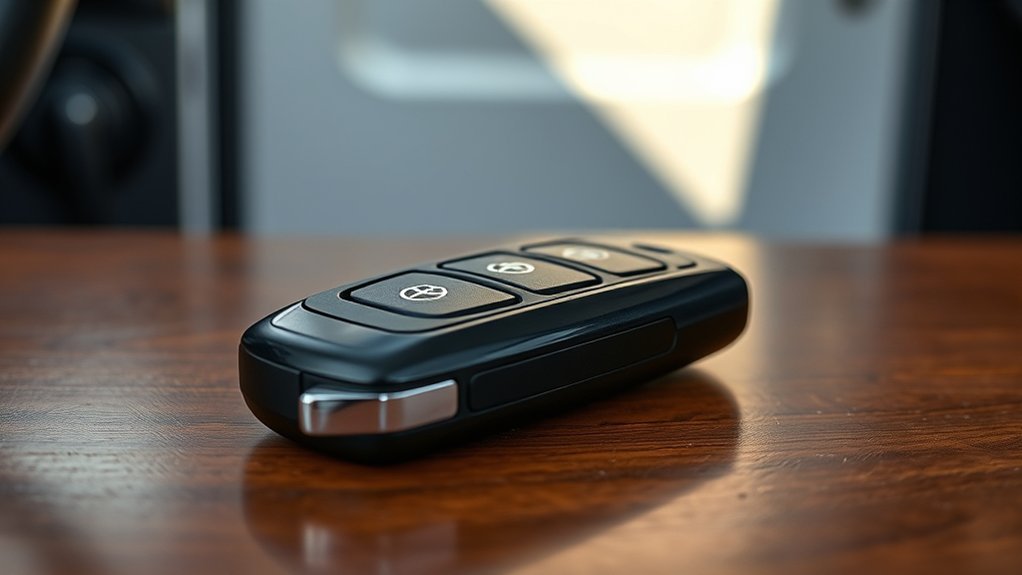
The keyless entry receiver plays a pivotal role in your Toyota Camry’s functionality, as it directly communicates with your key fob to execute commands like locking and opening the doors. Understanding its importance helps guarantee your key fob security remains intact. Here are some key points about the receiver:
The keyless entry receiver is essential for your Toyota Camry, ensuring seamless communication with your key fob for secure access.
- Signal Reception: It receives signals from your key fob, enabling remote access.
- Centralized Control: A malfunctioning receiver can cause all key fobs to fail, regardless of battery status.
- Programming Requirements: Each receiver usually needs programming for new or replacement key fobs to recognize them.
- Vulnerability to Damage: Physical damage or disconnection during repairs can impair the receiver’s functionality, highlighting the importance of careful handling.
Knowing the receiver’s location and functionality is essential for maintaining seamless access to your vehicle and guaranteeing that your key fob operates effectively.
Signs Your Keyless Entry Receiver Might Be Malfunctioning
How can you tell if your keyless entry receiver is malfunctioning? One clear sign is if your key fob fails to communicate with your Toyota Camry, leaving you unable to lock or access your doors. You might also notice sporadic functionality, where the fob works inconsistently or not at all. Physical damage to the receiver, like water exposure or impacts, can severely disrupt its signal reception. If you’re experiencing issues with multiple key fobs simultaneously, this often indicates a problem with the receiver rather than individual fob failures. For accurate assessment, consider using receiver diagnostics tools like Techstream software to check for communication errors between the key fob and the vehicle’s ECU. Additionally, be aware of potential signal interference from nearby electronic devices, which can exacerbate receiver malfunctions. Recognizing these signs early can save you time and frustration in resolving issues.
How to Remove and Inspect Your Keyless Entry Receiver
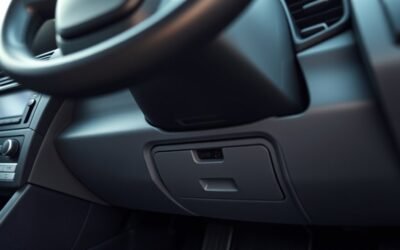
When you need to remove and inspect your keyless entry receiver, start by locating it behind a panel secured with rivets; careful prying is essential to prevent damage. Follow these steps for a successful removal:
- Gather Installation Tools: You’ll need a screwdriver, pliers, and a socket wrench.
- Remove the Panel: Carefully pry off the panel to access the receiver location.
- Unfasten the Receiver: Use the socket wrench to unfasten the single nut. Press the notch tab to separate the unit from its housing.
- Document the Model Number: Before disconnecting, take note of the receiver’s model number for sourcing a replacement.
After inspection or replacement, reconnect the new receiver to the wiring harness. Finally, double-check that all components are securely reattached, ensuring your key fob functions properly. This meticulous approach empowers you to maintain your vehicle’s keyless entry system effectively.
Programming Your Key Fob: A Step-by-Step Guide
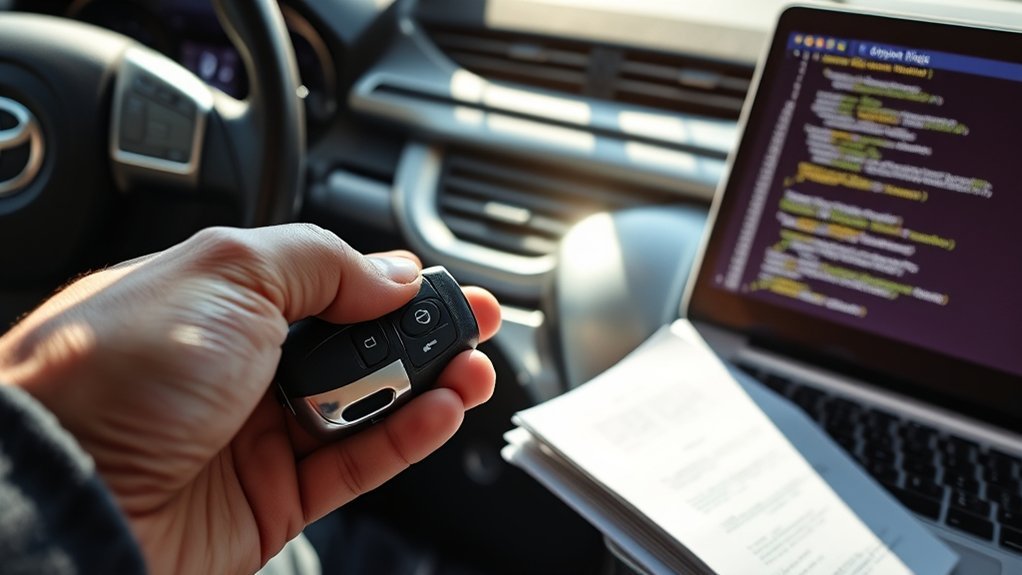
Programming your Toyota Camry key fob can be straightforward if you follow the correct methods. You might encounter some common issues during the process, but troubleshooting them is often simple. Let’s explore the essential steps and solutions to guarantee your key fob works seamlessly.
Common Programming Methods
While you might find key fob programming challenging, it’s a straightforward process for your Toyota Camry. Follow these steps to boost your key fob security:
- Close all doors and insert the key into the ignition, turning it to the “On” position (don’t start the engine) within five seconds.
- Turn the ignition off, remove the key, then reinsert and turn it to “On” to activate programming mode.
- Press and hold the “Lock” button for one second, then press “Open.” Repeat this within 40 seconds.
- Check if the doors lock and open to confirm success; otherwise, repeat the steps.
Always verify your key fob has a working battery before programming, as dead batteries are common programming alternatives.
Troubleshooting Programming Issues
If you encounter issues while programming your Toyota Camry key fob, it’s essential to troubleshoot effectively to guarantee proper functionality. Start with all doors closed and the driver’s door open. Insert the key into the ignition and turn it to the “On” position without starting the engine. Press and hold the “Lock” button on the key fob for about 10 seconds to initiate key fob synchronization. If you don’t hear the doors lock and release, repeat the process for additional fobs, as each must be programmed individually. For certain models, you may need to repeat the sequence up to five times. If problems persist, consult your owner’s manual for programming alternatives specific to your model.
What If Both Key Fobs Fail?
Experiencing simultaneous failure of both key fobs for your Toyota Camry can signal underlying issues with the vehicle’s keyless entry system rather than problems with the fobs themselves. Here are steps to diagnose and resolve the issue:
- Check the Battery: Confirm the vehicle’s battery is charged; a weak battery can affect the keyless entry receiver.
- Inspect Wiring Connections: Look for any loose or damaged wiring that might disrupt electrical connections.
- Examine the ACC ECU Fuse: Verify that the fuse related to the accessory ECU is intact; replacing it may solve the problem.
- Reprogram the Key Fobs: Follow the owner’s manual for reprogramming or use specialized tools like Techstream for key fob diagnostics.
If these steps don’t restore functionality, consider inspecting or replacing the keyless entry receiver for a long-term solution.
When to Get Expert Help for Key Fob Issues?
Wondering when to seek expert help for key fob issues? If multiple key fobs fail to operate simultaneously, it’s likely a receiver problem, not a fob issue. This warrants professional diagnosis. When you’ve tried basic troubleshooting, like battery replacement and reprogramming, without success, it’s time to consult an expert. If you notice sporadic functionality with factory fobs while aftermarket options work consistently, deeper electronic faults may exist, needing investigation. Also, if you can’t communicate with the ECU or diagnostic tools like Techstream fail to connect, enlisting a professional for a thorough electrical system check is advisable. Finally, if the keyless entry system malfunctions while manual locks work, seek a technician to inspect potential wiring issues or receiver failures. Regular key fob maintenance can help, but sometimes expert assistance is the best route for resolution.
Preventative Tips to Avoid Future Key Fob Issues
Key fob issues can often lead to frustration, but taking preventative measures can greatly reduce the likelihood of future problems. Here are some essential tips for effective key fob maintenance:
- Check and Replace the Battery: Regularly replace the CR2032 lithium battery to prevent unexpected failures.
- Avoid Extreme Conditions: Keep the key fob away from extreme temperatures and moisture, as these can damage internal components.
- Clean Contacts Periodically: Clean the key fob contacts to guarantee strong signal transmission, reducing communication issues with your vehicle.
- Store Away from Interference: Store the key fob away from electronic devices to minimize signal interference that can disrupt functionality.
Frequently Asked Questions
What Is the Lifespan of a Toyota Key Fob Battery?
Toyota key fob batteries typically last 3 to 5 years, depending on use and conditions. When you notice decreased range, consider a battery replacement. Most key fob types use a CR2032 lithium battery for easy replacement.
Conclusion
In the end, keeping your key fob in top shape is like maintaining a well-tuned engine; a little attention goes a long way. Regularly check the battery and verify your keyless entry receiver is functioning smoothly. If issues arise, don’t hesitate to troubleshoot or seek professional help. With these strategies, you can glide into your Camry with ease, turning the ignition without a hitch—your key fob a reliable companion on every journey.