
What’s in This Article
- Identifying Backup Camera Malfunctions
- Common Causes of Backup Camera Failure
- How to Enter Service Mode in Your Toyota Camry
- Steps to Adjust the Steering Angle Correctly
- Why Calibration Matters for Your Backup Camera
- Final Steps to Calibrate Your Toyota Backup Camera
- Common Backup Camera Problems and Solutions
- How to Clean Your Backup Camera Lens
- When to Call a Professional
- Check for Recalls Before Paying for Repairs
- Maintaining Your Backup Camera
- Frequently Asked Questions
- References
By [VERIFY: add real author name and credentials] · Last updated: [VERIFY: add real last-updated date] · Checked against current NHTSA recall records
Your Toyota Camry’s backup camera goes dark, and reversing can feel risky fast. Missing grid lines usually point to a steering-angle calibration issue; a black, frozen, or delayed image more often means wiring, a blown fuse, software, or camera damage. Start with the low-risk checks below — clean the lens, restart the vehicle, and check your VIN for open recalls — before paying for diagnosis.
Quick Answer
A Toyota Camry backup camera that shows missing grid lines may need steering angle calibration, but a blank or frozen screen can also point to wiring, software, fuse, or camera damage. Start with the simple checks: clean the lens, restart the vehicle, check for recall coverage, and confirm your exact owner manual steps. If the image stays black or the warning returns after two careful attempts, have a Toyota technician diagnose the camera, wiring, and parking assist control unit.
Key Takeaways
- Missing grid lines often point to a calibration issue, especially after steering or alignment work.
- A black, frozen, or delayed image can point to software, wiring, fuse, or camera hardware trouble.
- Service menu steps vary by model year, trim, and multimedia system, so confirm the process before you change settings.
- Clean the camera lens first because dirt, water, and road grime can mimic bigger camera problems.
- Check your VIN for open recalls before you pay for diagnosis or camera replacement.
Identifying Backup Camera Malfunctions
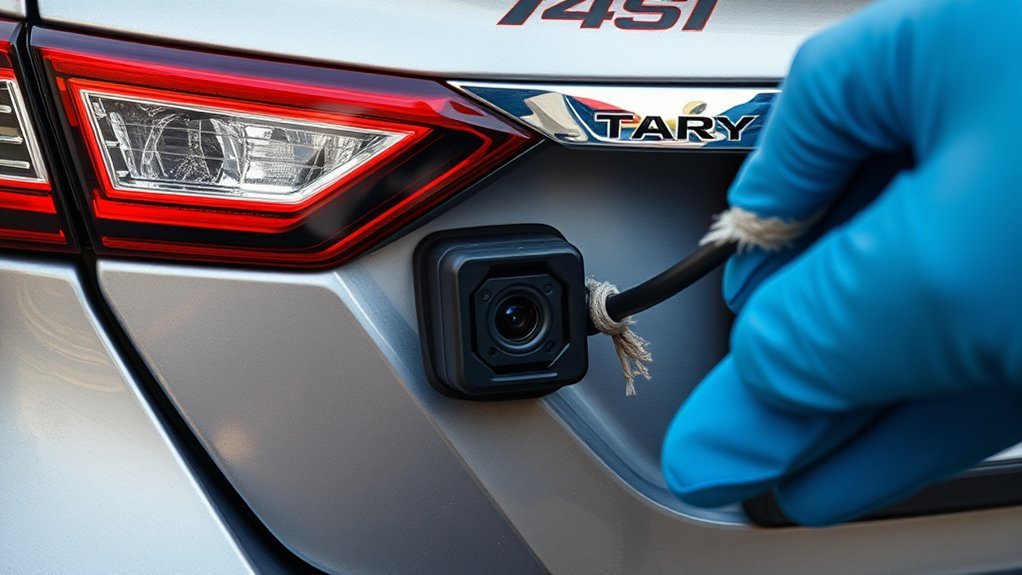
A Toyota rear view monitor should show the area behind your vehicle when you shift into reverse. Toyota quick reference guides also place the Camry rear view monitor camera above the license plate, so dirt and road spray can affect the image.
Common warning signs include a blank screen, frozen image, missing guide lines, distorted view, or a warning icon on the display. Missing guide lines often point to calibration. A completely black screen may point to power, wiring, fuse, software, or camera failure.
One quick diagnostic clue: if your parking sensors still beep normally when you shift into reverse, the parking-assist system has power and the wiring is likely intact — the fault is probably isolated to the camera or its video cable, not a blown fuse or dead module.
Start with safe, simple checks before you touch service settings. Clean the lens, restart the car, and confirm that the issue happens every time you shift into reverse.
Common Causes of Backup Camera Failure
Backup cameras fail for several common reasons. You can check some problems at home, but other faults need scan tools and a trained technician.
- Steering angle miscalibration: Dynamic grid lines rely on steering angle data. Alignment work or steering repairs can affect this reference point.
- Dirty or blocked lens: Road grime, mud, snow, or condensation can blur or block the rear camera image.
- Loose or damaged wiring: Vibration, water intrusion, or rear bumper damage can interrupt camera power or video signal.
- Broken hinge wire: The video cable from the camera to the head unit crosses the trunk lid hinge. Years of opening and closing the trunk can fatigue and eventually break this wire, causing an intermittent or permanent black screen even when the camera itself is fine.
- Recent battery disconnect or replacement: A dead or replaced 12V battery can cause the camera or parking-assist system to lose its saved calibration. Some systems recalibrate automatically after a few reverse cycles; if the display still shows an error, check the infotainment settings menu for a camera reset option.
- Software issue: Some vehicles may need a system restart, software update, or dealer repair for camera display faults.
- Physical camera damage: A rear impact can crack the camera housing or knock the camera out of position.
- Open recall: Some 2025 to 2026 Camry Hybrid vehicles with Panoramic View Monitor have a software-related rear camera recall.
How to Enter Service Mode in Your Toyota Camry
Some Toyota multimedia systems include a hidden service or diagnostic menu. On certain older Toyota and Lexus units, owners report that holding the audio or menu button while cycling the headlights opens this menu. Your Camry may use a different sequence, so don’t treat one online method as universal.
Before you try service mode, check your owner’s manual, Toyota owner resources, or a repair manual for your exact model year and trim. Toyota’s public quick reference guides mainly describe normal camera display adjustments, such as brightness and contrast, rather than hidden calibration steps.
Warning: Only attempt camera checks while the vehicle sits in Park on level ground with the parking brake set.
If you enter a diagnostic menu, avoid changing settings you don’t understand. Wrong settings can create new display or calibration problems. Use the menu only to view or reset camera-related items that match your manual or verified repair instructions.
Note: Service mode access can differ by Camry generation, screen size, audio unit, and camera package.
[Products Worth Considering]
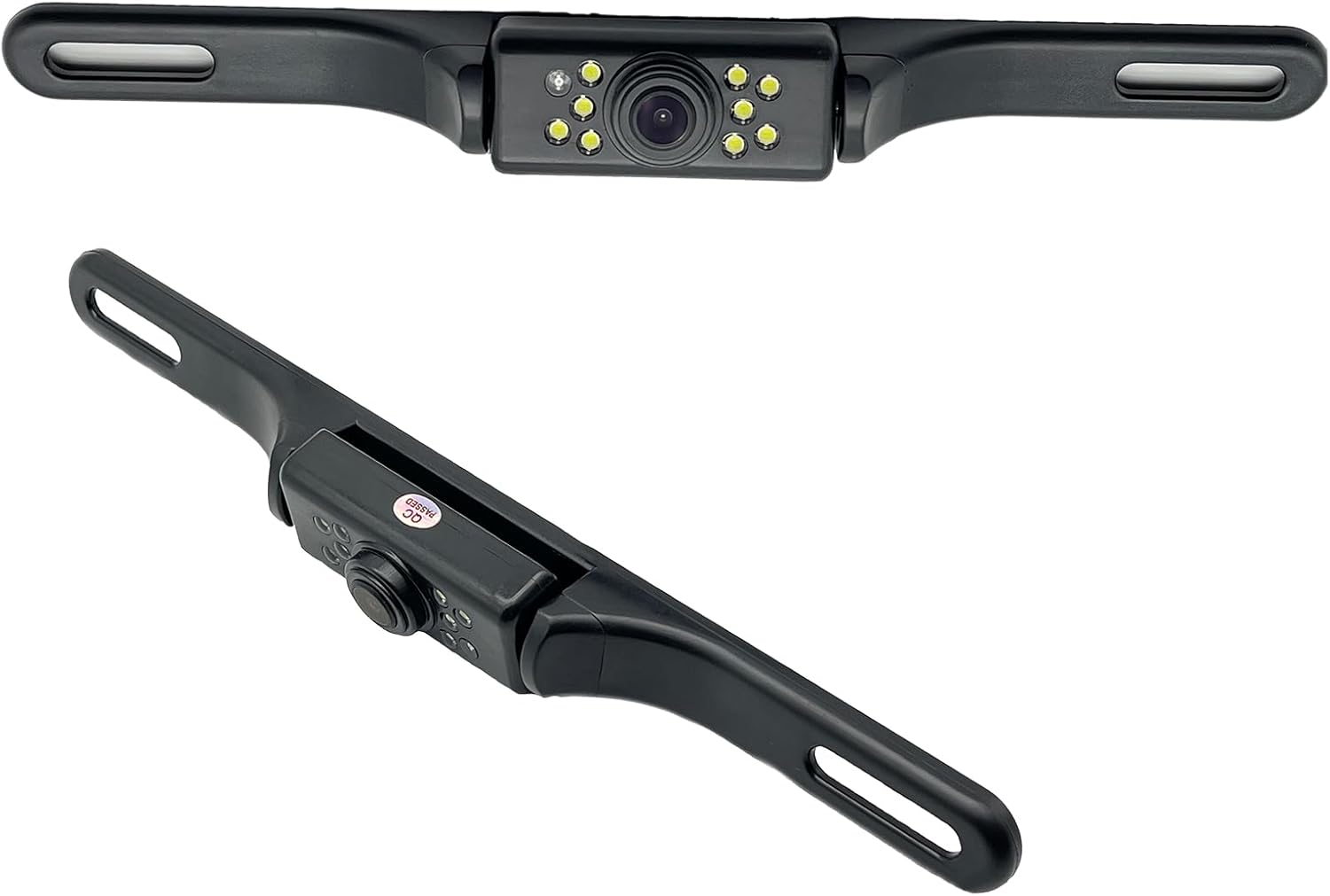
This YIMU license plate backup camera helps improve rear visibility with a wide 150° viewing angle, clear HD imaging, and full-color night vision powered by 7 LED lights. It supports CVBS and AHD switching for compatible screens, includes a long RCA video cable for flexible installation, and is built for reliable use in a variety of vehicles with waterproof and shockproof protection.
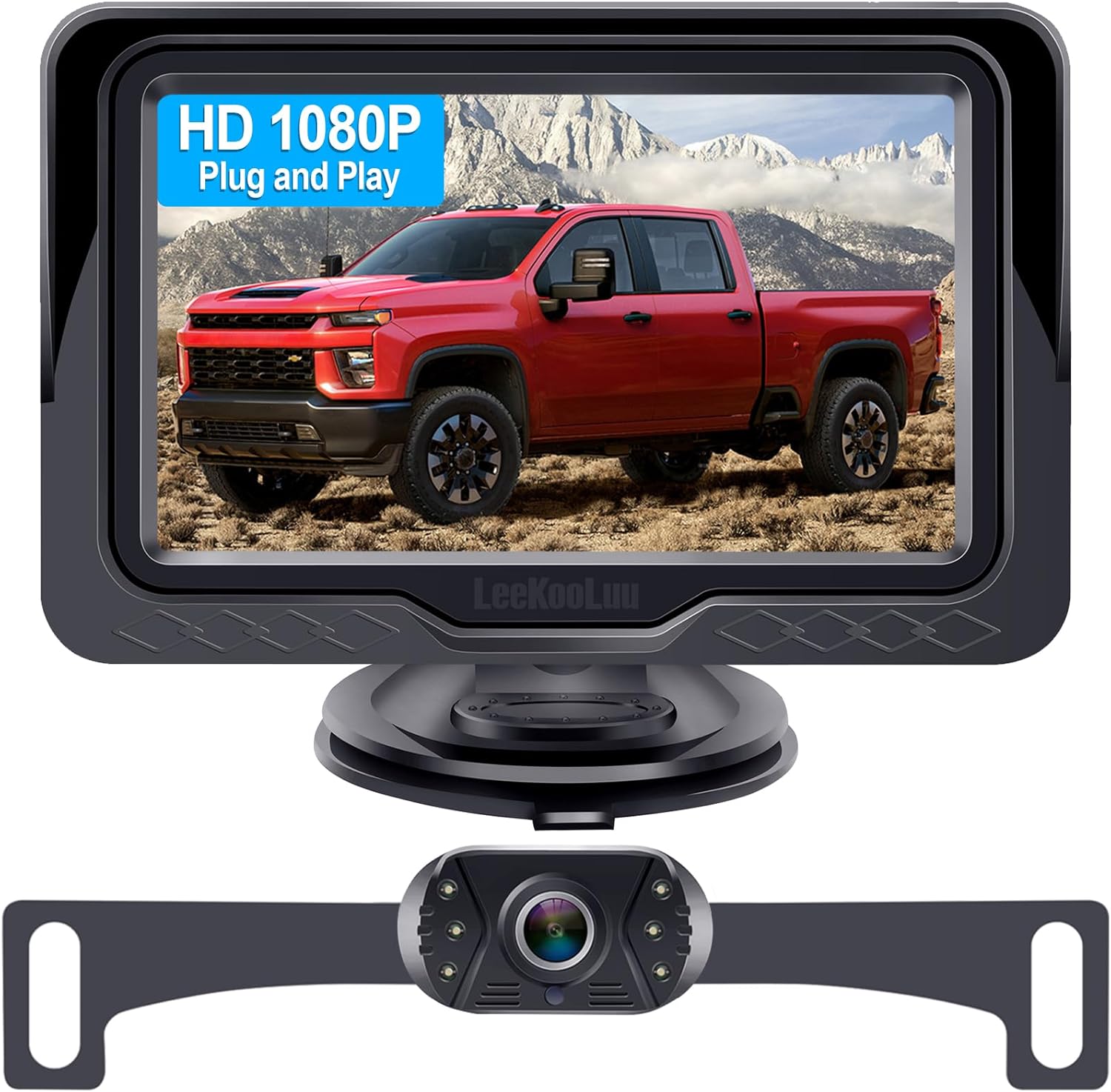
This plug-and-play backup camera system is designed for quick installation and dependable rear visibility on a wide range of vehicles. It delivers HD 1080P color images with stable signal transmission, clear night vision, and an adjustable 4.3-inch monitor for safer reversing in day or night conditions. With a waterproof all-weather design, customizable parking grid lines, and wide-angle viewing, it helps reduce blind spots and makes parking and maneuvering easier.

This wireless backup camera system offers quick magnetic installation, making it easy to mount without wiring for trucks, trailers, cars, and RVs. It delivers a clear 1080P image with enhanced night vision, stable digital signal transmission, and a wide 170° view to help reduce blind spots and improve reversing safety. Built for all-weather use, it also includes a long-lasting rechargeable battery, solar support, and parking assist lines for easier maneuvering.
Steps to Adjust the Steering Angle Correctly
Steering angle calibration helps the system match the guide lines to your wheel position. Collision repair guidance from I-CAR notes that steering angle calibration often uses a scan tool and may require straight-ahead wheel positioning or an alignment rack.
If your Camry provides a camera steering-angle setting in the service menu, follow the on-screen prompts and your repair instructions. Use this general order only as a safe checklist, not as a replacement for the correct Toyota procedure:
- Park the vehicle on a flat surface.
- Center the steering wheel and front wheels.
- Open the verified camera or steering angle calibration screen.
- Follow each on-screen prompt without skipping steps.
- Turn the steering wheel only when the screen tells you to do so.
- Save the setting when the system confirms calibration.
- Restart the vehicle and test the rear camera in reverse.
Don’t force a calibration if the system doesn’t confirm the process. Stop and schedule diagnosis when the warning returns, the guide lines still don’t move, or the screen stays blank.
Pro tip: Recalibrate after alignment, steering rack work, suspension repair, or rear camera replacement.
Why Calibration Matters for Your Backup Camera
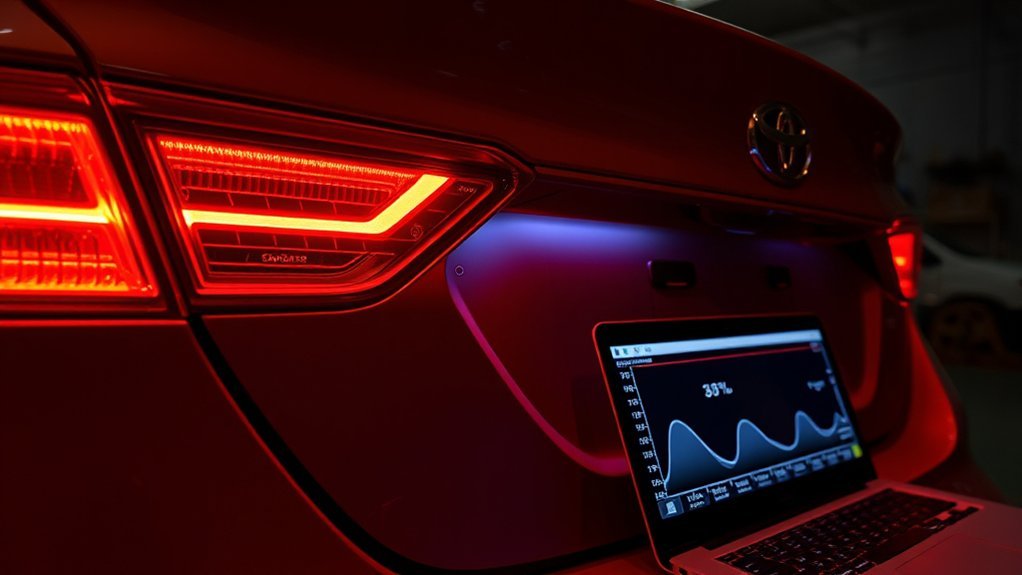
Calibration matters because it helps the guide lines match your actual steering path. When the camera or steering angle reference drifts, distance markers and projected path lines can mislead you.
The rear camera supports safer reversing, but it doesn’t replace mirrors, shoulder checks, or slow movement. Federal rear visibility rules require covered vehicles to show a defined zone behind the vehicle, but the driver still controls the vehicle.
[Products Worth Considering]
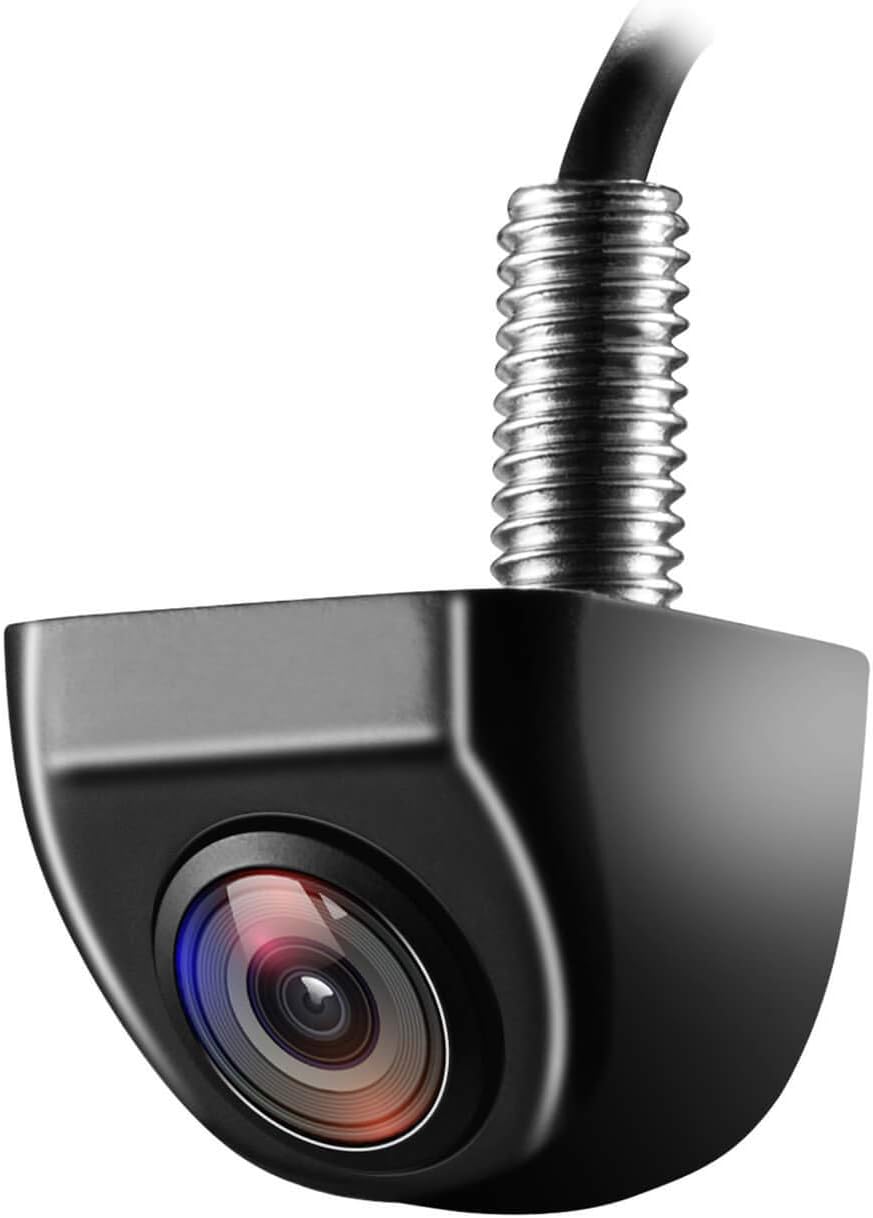
This OEM-style backup camera delivers a clear rear view with a wide-angle HD sensor to help reduce blind spots and make parking easier. Its fully sealed waterproof construction and strong low-light performance support reliable use in all weather and lighting conditions. Designed for cars, trucks, SUVs, vans, and RVs, it also supports front-view switching and selectable guide lines for flexible installation.

AUTO-VOX Solar Wireless Backup Camera makes reversing easier with a clear 1080P display, wireless digital signal, and a solar-assisted battery system that reduces maintenance. Designed for fast DIY setup, it mounts cleanly on a license plate and delivers dependable visibility for parking, towing, and blind-spot monitoring in a wide range of vehicles.

This Camecho vehicle backup camera helps improve rear, side, or front visibility with a wide 170° viewing angle and bright LED night vision for safer parking and reversing. Its waterproof, weather-resistant design and adjustable mounting make it a practical choice for many vehicles, while the included cable length supports straightforward installation.
Accurate Grid Lines
Accurate grid lines help you judge space while backing into a driveway, garage, or tight parking spot. When the lines don’t match your steering input, you can turn too early or stop too late.
- They show a clearer projected path while reversing.
- They help you judge distance in tight spaces.
- They reduce confusion after steering or alignment service.
- They help parking assist features work as designed.
Enhanced Driving Safety
A working backup camera improves rear visibility, especially around children, pedestrians, low posts, and parked vehicles. The U.S. Department of Transportation announced rear visibility rules for vehicles under 10,000 pounds manufactured on or after May 1, 2018.
Still, the camera has limits. Bad weather, dirt, glare, low light, and software faults can reduce the view. Use the camera as one safety aid, not your only source of information.
Final Steps to Calibrate Your Toyota Backup Camera

After any calibration attempt, verify the result before you drive. A quick test can tell you whether the system accepted the setting.
Confirm Steering Position Accuracy
Use this checklist after the system saves the calibration:
- Confirm that the steering wheel sits centered.
- Turn the vehicle off and restart it.
- Shift into reverse while the vehicle remains stationary.
- Check that the rear image appears quickly.
- Turn the wheel slightly and confirm that dynamic guide lines respond.
If the display works normally, test the camera again in a safe open area. Keep your speed low and use mirrors while you confirm the guide lines.
Test Camera Functionality After Calibration
Shift into reverse and watch the display. The image should appear, and the guide lines should move with steering input if your Camry has dynamic guidelines.
If the screen stays black, freezes, or shows no guide lines after two careful attempts, stop the DIY process. The fault may involve a camera, wiring connector, fuse, steering angle sensor, display unit, or parking assist electronic control unit.
Common Backup Camera Problems and Solutions
Most Toyota Camry backup camera issues fall into a short list of symptoms. Match your symptom first, then choose the safest next step.
- Warning icon or camera unavailable message: Restart the vehicle, check for open recalls, then confirm calibration steps for your model.
- No grid lines in reverse: Check camera settings first. If your Camry uses dynamic guide lines, steering angle calibration may help.
- Blurry or distorted image: Clean the camera lens and inspect the housing for cracks or trapped moisture.
- Black screen: Check the relevant fuse and look for loose or damaged wiring, especially around the trunk lid hinge. Schedule service if the image doesn’t return.
- Frozen rear image: Check for open software recalls, especially on vehicles with Panoramic View Monitor.
- Guide lines don’t move: Recheck camera settings and steering angle calibration. If the issue remains, ask a technician to inspect the steering angle data.
[Products Worth Considering]

This CANBUS wiring harness is designed to connect compatible Android head units to select Toyota models with mid-trim OEM JBL systems, helping simplify installation and reduce cutting or splicing. It supports retained factory features such as steering wheel controls, factory backup camera, original USB, and JBL amplifier functions when the vehicle and radio are compatible. Built for select Toyota fitments, it offers a plug-and-play upgrade path for a smoother stereo replacement.

The PixelMan PMD2A-S is a rearview backup camera designed to improve reversing visibility with crisp 1080P AHD output, a wide 170-degree viewing angle, and enhanced night vision. Its alloy housing, IP69 waterproof construction, and flexible HD/AHD switching help deliver reliable performance in harsh weather and low-light conditions. Built for easier installation with included brackets and RCA connectivity, it suits cars, SUVs, RVs, and other vehicles with compatible screens.

The WOLFBOX G840S mirror dash cam combines a large 12-inch display with front 4K UHD and rear 1080p recording to improve driving visibility and reduce blind spots. Built-in Wi-Fi, GPS tracking, wide-angle lenses, and enhanced night vision help deliver clear footage, easy playback, and safer everyday driving. It also supports 24-hour parking monitoring for added protection when your vehicle is parked.
How to Clean Your Backup Camera Lens
A dirty lens can make a healthy camera look broken. The camera sits near the rear license plate, so road spray and dust collect on it fast.
- Use a soft microfiber cloth with clean water or mild glass cleaner.
- Wipe the lens gently in a circular motion.
- Skip harsh chemicals, rough towels, and hard scrubbing.
- Check for fogging inside the lens housing.
- Inspect the camera housing after any rear impact.
Avoid rubbing the lens forcibly — this can scratch the lens coating and permanently affect image quality. [VERIFY: confirm exact wording against your Camry’s model-year owner’s manual]
Condensation inside the camera housing usually means the seal failed. Don’t ignore it because water can damage the camera and wiring connector.
When to Call a Professional for Backup Camera Issues
Basic checks solve many camera issues, but some faults need scan tools and wiring tests. Call a professional when the problem affects safety or keeps returning.
- The warning returns after calibration.
- The screen stays black every time you shift into reverse.
- The rear image freezes or appears late.
- The camera housing has water inside it.
- You see wiring damage after a rear-end impact.
- The problem started after collision repair or suspension work.
A technician can check camera power, ground, video signal, communication codes, steering angle data, and software updates. That diagnosis can save you from replacing a working camera by mistake.
Check for Recalls Before Paying for Repairs
Check your vehicle identification number (VIN) for open recalls before you pay for camera replacement. NHTSA Campaign 25V744 (reported October 30, 2025) covers roughly 1,024,407 Toyota, Lexus, and Subaru Solterra vehicles equipped with a Panoramic View Monitor, including certain 2025–2026 Camry Hybrid models, and can cause the rearview camera image to freeze or fail to display because of a Parking Assist ECU software error.
Toyota began mailing owner notification letters starting January 2026, and dealers install the Panoramic View Monitor Parking Assist ECU software update at no cost for involved vehicles. [VERIFY: confirm remedy availability status as of your read date] If your Camry falls outside that recall, you should still check the official recall tool because recall lists can change by VIN.
Note: A recall check doesn’t diagnose every camera fault, but it helps you avoid paying for a covered software repair.
Maintaining Your Backup Camera
Regular care keeps your backup camera useful and reduces surprise failures. Add these checks to your normal Camry maintenance routine.
- Clean the lens: Wipe the rear camera when you wash the vehicle or after driving in rain, mud, or snow.
- Check the image: Confirm that the rear view appears each time you shift into reverse.
- Recalibrate after steering service: Ask about steering angle calibration after alignment, suspension, or steering work.
- Watch for recalls: Check your VIN if the image freezes, blanks, or acts differently after a software update.
- Inspect connectors during service: Ask your technician to inspect camera wiring, including at the trunk hinge, if you often drive in heavy rain or rough roads.
Frequently Asked Questions
What does a warning icon on my Toyota Camry backup camera mean?
A warning icon usually means the rear camera image, guide lines, or parking assist display can’t work as expected. Restart the vehicle and check whether the issue returns. If it does, check for recalls and schedule diagnosis.
Will recalibrating the backup camera erase my vehicle settings?
Camera calibration should only affect the camera or steering reference setting you change. Still, hidden diagnostic menus can include other settings. Don’t change any item unless your manual or repair instructions tell you to change it.
How often should I recalibrate my Toyota Camry’s backup camera?
You don’t need routine calibration on a fixed schedule. Recalibrate only when guide lines disappear, the projected path looks wrong, or your Camry had alignment, steering, suspension, or rear camera work.
Can a backup camera problem affect Toyota Safety Sense features?
Toyota Safety Sense features often use a front camera and radar, while the rear view monitor uses a rear camera. Some parking features may use rear camera or parking assist data, so check your owner’s manual for your exact Camry package.
What does it cost to replace a Toyota Camry backup camera professionally?
According to RepairPal’s cost estimator, a Toyota Camry park-assist (backup) camera replacement typically runs $509–$551 including parts and labor at a shop. DIY replacement parts alone run roughly $50–$150, with independent-shop labor adding about $150–$450 depending on your market. [VERIFY: confirm current pricing before publishing] Don’t approve replacement until the shop checks recalls, wiring, fuse condition, software, and calibration — many camera complaints don’t require a new camera.
Your backup camera gives you a safer view behind your Camry, but it needs clean hardware, correct calibration, and working software. Start with the low-risk checks: clean the lens, restart the vehicle, confirm settings, and check your VIN for recalls. If the camera still fails, let a technician test the system before you buy parts. A clear rear view makes every reverse move safer and less stressful.
References
- 2025 Toyota Camry Quick Reference Guide — Toyota, 2025
- NHTSA Announces Final Rule Requiring Rear Visibility Technology — U.S. Department of Transportation, 2014
- Part 573 Safety Recall Report 25V744 — National Highway Traffic Safety Administration, 2025
- NHTSA Campaign 25V744 Recall Remedy Notice — Toyota and NHTSA, 2025 [VERIFY: NHTSA’s acknowledgment letter lists Toyota’s internal codes as 25TB13/25LB06 — confirm before citing 25TA13]
- Typical Calibration Requirements for Steering Angle and Steering Position Sensors — I-CAR, 2016
- Toyota Safety Sense Feature Information — Toyota Owners
- Toyota Camry Park Assist Camera Replacement Cost — RepairPal


[…] your Toyota Camry drifts, pulls, or wears tires unevenly, don’t ignore it. A small alignment problem can reduce […]
[…] Toyota Camry trunk gives you useful daily cargo space, but the opening decides what actually fits. You may have […]
[…] your Toyota Camry‘s USB port stops working, the fault can feel bigger than it is. The cause often comes from […]
[…] vehicles, and objects. If your camera issue does not match this recall, compare it with common backup camera requirements and troubleshooting signs before you approve paid […]