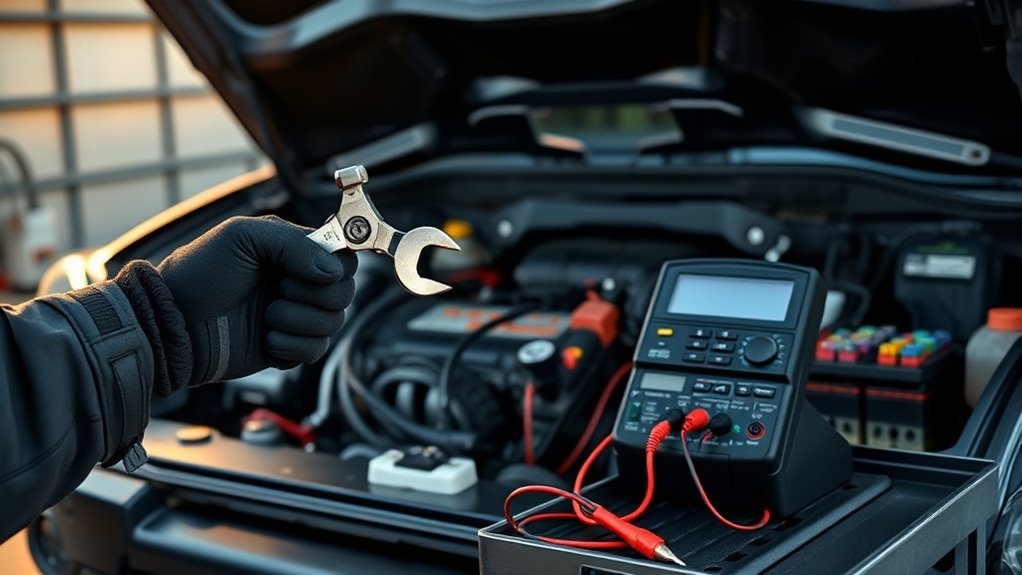
A Toyota Tacoma that clicks when you turn the key usually has a voltage-delivery problem, not a mysterious engine failure. Start with the battery, terminals, cables, and grounds before replacing the starter. A weak battery, dirty connection, worn starter solenoid, or charging-system problem can all create the same click-no-start symptom.
Quick Answer
If your Tacoma clicks when starting, first check battery voltage, clean and tighten the terminals, and inspect the ground cables. If the battery reads about 12.6 volts but still fails under load, load-test it. If the battery passes, test the starter solenoid, starter connections, relay circuit, and alternator output.
Key Takeaways
- Rapid clicking usually means the starter is not getting enough current, often from a weak battery or poor cable connection.
- A battery can show normal resting voltage and still fail when the starter demands high current.
- Clean the terminals, battery clamps, chassis ground, and engine ground before buying parts.
- If the battery and cables test good, move to the starter solenoid, starter motor, relay, fuse, and ignition-control circuit.
- Check alternator output after the truck starts, because a weak charging system can leave a good battery undercharged.
At a Glance
| Time Required | 15–60 minutes for basic checks; longer if starter access is tight |
| Difficulty | Beginner to intermediate |
| Tools Needed | Digital multimeter, battery terminal brush, gloves, eye protection, socket set, battery load tester or parts-store battery test |
| Typical Cost | $0–$30 for cleaning supplies, $120–$300+ for a battery, $200–$600+ for starter replacement, $300–$800+ for alternator replacement |
Quick-Start Checklist: Try These Fixes First
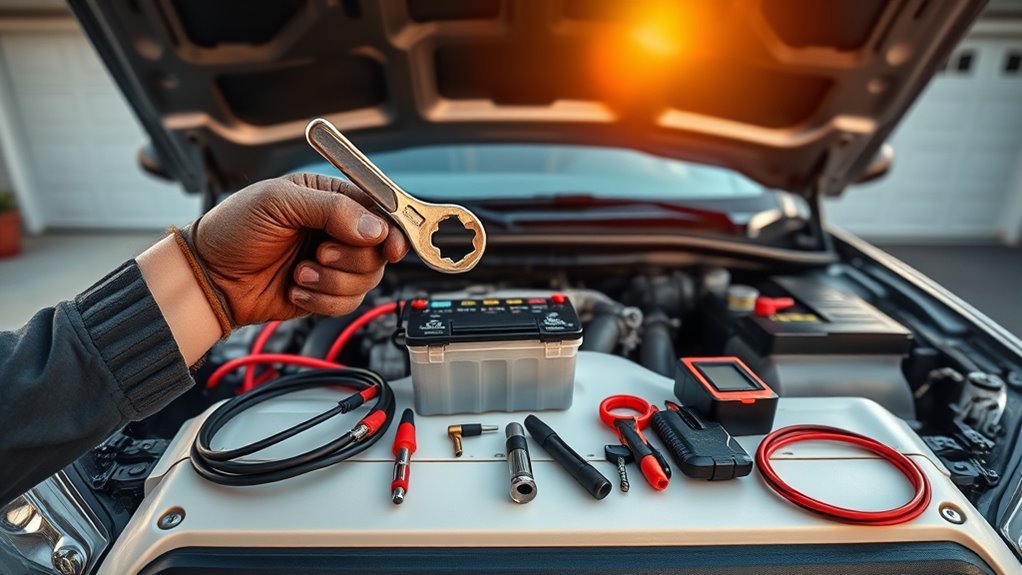
Begin with the simple, high-probability fixes. Measure battery voltage with a multimeter, clean the terminals, tighten the battery clamps, and inspect the ground cables. A Tacoma starter needs heavy current, so even light corrosion or a loose ground can cause clicking instead of cranking.
- Listen to the click pattern. Rapid clicking often points to low voltage or high resistance. One solid click can point to the solenoid or starter motor.
- Check battery resting voltage. A fully charged 12-volt lead-acid battery is commonly around 12.6 volts or slightly higher after sitting.
- Inspect the terminals. Look for white, green, or blue crust, loose clamps, cracked cable insulation, or swollen battery case.
- Clean and retighten the connections. Clean both battery posts, both clamps, and the ground connections to bare metal.
- Try a jump start safely. If the truck starts with a jump, the battery or cable path is the main suspect.
- Load-test the battery. Do not rely only on open-circuit voltage. A weak battery can look “full” until it is loaded.
- Test starter voltage while cranking. If the battery is good but voltage does not reach the starter correctly, inspect the cables, relay, solenoid, and starter motor.
Warning: Wear eye protection and gloves around the battery. Remove rings, watches, and bracelets before touching battery cables. A tool that bridges the positive terminal to ground can spark, burn, or damage electronics.
What the Clicking Sound Usually Means
The sound pattern helps narrow the problem before you start replacing parts.
| Sound or Symptom | Most Likely Cause | First Check |
|---|---|---|
| Rapid clicking | Weak battery, dirty terminals, loose ground, or high cable resistance | Battery load test and terminal cleaning |
| One loud click | Starter solenoid contacts, starter motor, or poor high-current connection | Voltage at starter while cranking |
| No click, lights normal | Starter relay, fuse, ignition switch signal, park/neutral switch, clutch switch, or security interlock | Starter relay/fuse and shift-position test |
| Clicking after a recent battery replacement | Loose clamp, wrong battery size, poor cable seating, or disturbed ground | Clamp tightness and battery CCA rating |
Clean & Inspect Battery Terminals, Cables, and Grounds
Because the starter draws a large burst of current, the battery cable path must be clean and tight from end to end. Disconnect the negative cable first, then the positive cable. Inspect the battery posts, clamps, cable ends, chassis ground, and engine ground strap for corrosion, looseness, frayed wire, cracked insulation, or rusty mounting points.
Use a battery terminal brush or wire brush to clean the posts and clamps until you see bare metal. Clean the ground contact points the same way. Reconnect the positive cable first, then the negative cable. Tighten the clamps firmly, but do not over-torque them until the clamp or post is damaged.
Pro Tip: After cleaning and tightening the terminals, apply a thin layer of dielectric grease or battery terminal protector around the outside of the connection. Do not use grease as a substitute for metal-to-metal contact.
[Products Worth Considering]

The AstroAI M4K0R Digital Multimeter delivers accurate TRMS measurements for AC/DC voltage, current, resistance, continuity, diode testing, and battery checks, making it a versatile tool for home and automotive troubleshooting. Its non-contact voltage detection, backlit LCD, flashlight, data hold, and auto-ranging design help simplify everyday electrical diagnostics while supporting safer use with audible and visual alarms. Built with double ceramic fuses and a protective silicone cover, it is designed for reliable performance and added protection during demanding tasks.

The KONNWEI KW208 is a versatile 12V battery tester designed to quickly analyze battery health, cranking performance, and charging system status for cars, trucks, boats, motorcycles, and more. It supports multiple battery types and provides clear guidance on whether a battery should be recharged or replaced, helping you diagnose issues before they become failures. With plug-and-play use, high accuracy, and multilingual support, it offers a convenient way to test batteries in-vehicle or out-of-vehicle.
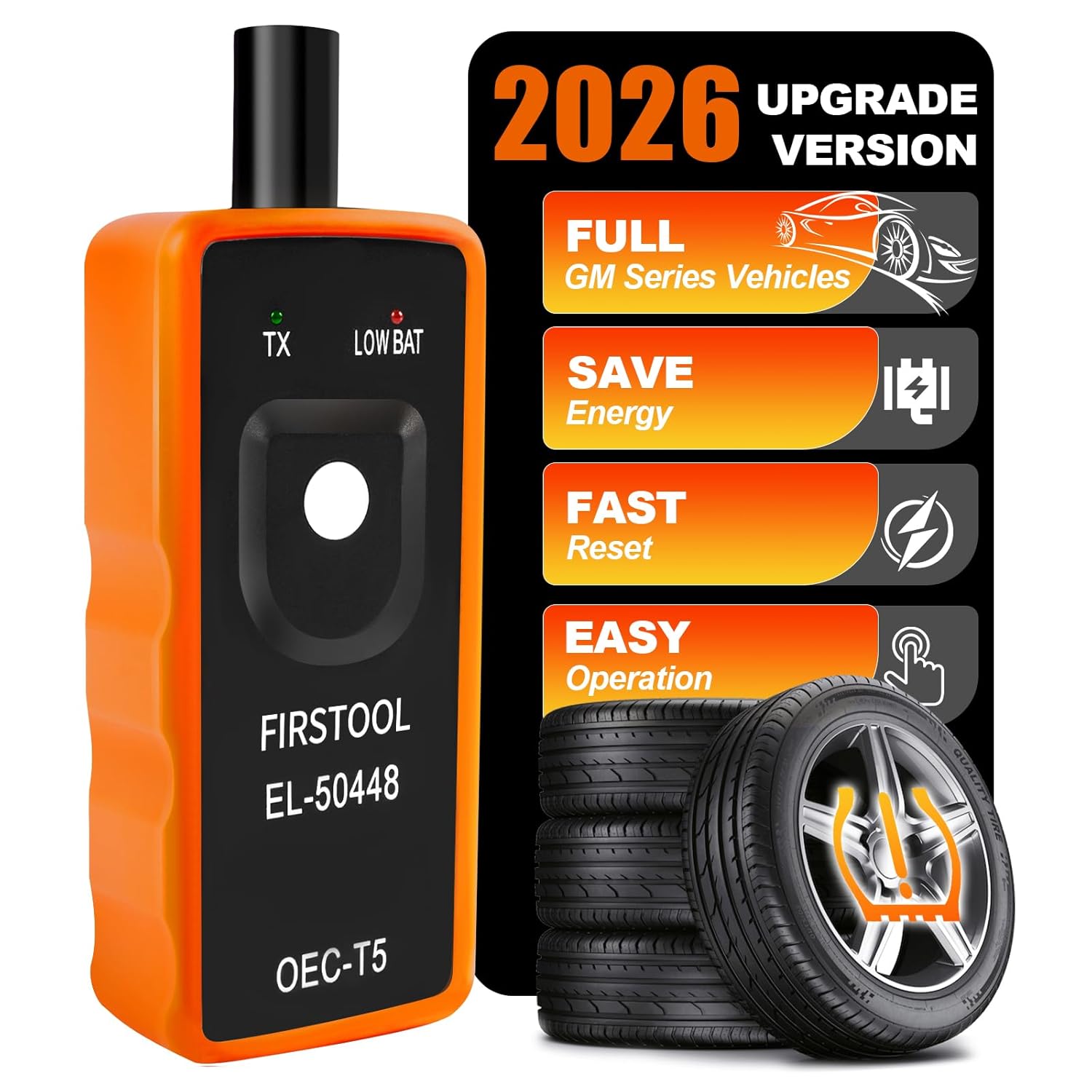
This EL-50448 TPMS relearn tool helps quickly activate and reset tire pressure sensors so your vehicle’s monitoring system stays accurate after tire rotations, sensor replacement, or seasonal tire changes. Designed for many GM-related vehicles and compatible with common 315 and 433 MHz TPMS systems, it offers simple one-button operation and reliable performance for clearing warning lights and relearning sensor positions.
Load-Test the Battery Safely: Voltage & Load Checks
A simple voltage reading is useful, but it does not prove the battery can crank the engine. A weak cell can show acceptable resting voltage and still collapse under starter load.
[Products Worth Considering]

The TOPDON BT100 helps you quickly check the health and charge status of 12V lead-acid batteries with clear analytical results, including state of health, state of charge, voltage, and cranking performance. It supports a wide range of battery types and vehicles, making it a practical tool for diagnosing starting and charging issues at home or in the shop. Compact and easy to use, it provides fast, reliable testing without needing to charge the device first.

This click torque wrench delivers accurate, repeatable tightening for automotive and home repair tasks, helping prevent over-tightening and fastener damage. Its dual-range scale, knurled non-slip grip, and durable ratchet head make it easy to use, while the included extension bar and storage case add extra convenience.
Measure Battery Open-Circuit Voltage
Let the Tacoma sit with the engine off for at least 30 minutes, then set your multimeter to DC volts. Touch the red probe to the positive battery post and the black probe to the negative post.
| Reading | What It Usually Means |
|---|---|
| 12.6–12.8 V | Fully charged or close to fully charged |
| 12.4–12.5 V | Partially charged; charge and retest if starting is weak |
| 12.0–12.3 V | Low state of charge or aging battery |
| Below 12.0 V | Discharged, failing, or not being charged properly |
Voltage alone is not final proof. If your Tacoma clicks with a 12.6-volt reading, continue with a load test.
Perform a Proper Load Test
Use a calibrated battery load tester, or have the battery tested at a parts store or repair shop. A common carbon-pile load-test method is to apply a load equal to half the battery’s cold cranking amps rating for 15 seconds. According to ODYSSEY Battery’s testing guidance, a battery at about 70°F should stay at or above 9.6 volts at the end of that 15-second test.
A battery can pass a resting-voltage check and still fail under load. For a click-no-start Tacoma, the load test is the battery test that matters most.
Interpret Results and Next Steps
If the battery fails the load test, replace or professionally charge and retest it before moving deeper into the starter system. If the battery passes but the Tacoma still clicks, check the cables and starter voltage drop next. A good battery cannot crank the engine if the current cannot reach the starter.
Spot a Weak Battery Even When It Reads “Full”
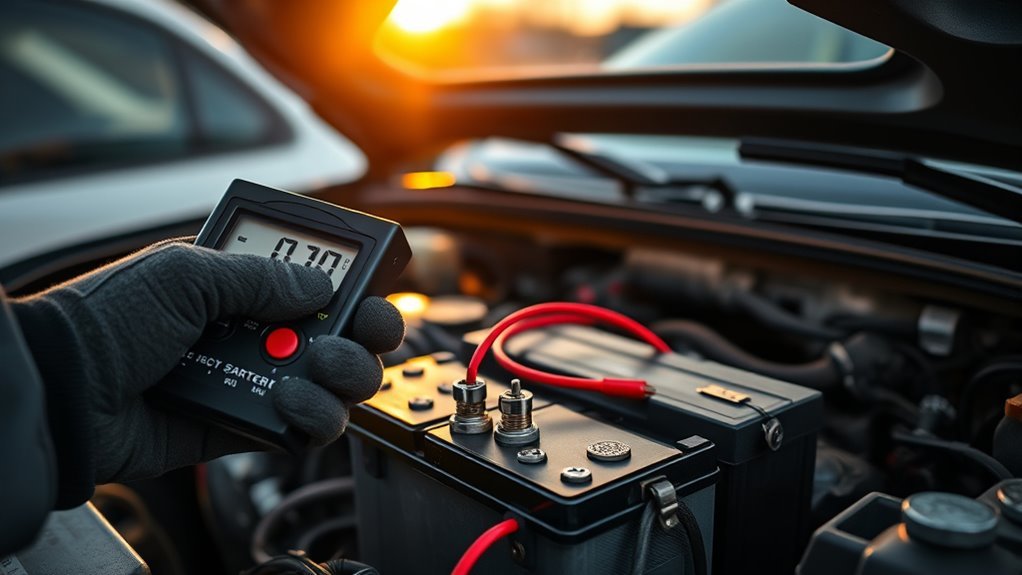
A battery can fool you. The dashboard lights may turn on, the radio may work, and a multimeter may show a decent number. But the starter needs far more current than the lights or radio. That is why rapid clicking often appears before the battery looks completely dead.
Hidden Weak Cell
A hidden weak cell often shows up as rapid clicking, intermittent starting, or repeated jump-start dependence. If the battery is more than three to five years old, treat it as suspect, especially in hot or cold climates. Age, heat, vibration, and deep discharges all reduce starting reserve.
Why Load Testing Matters
Load testing simulates the heavy current draw of starting. It catches weak plates, sulfation, and internal resistance that a basic voltage check can miss. If the battery voltage drops sharply during the test, replace the battery before chasing the starter.
Cold Weather Makes the Problem Worse
Cold weather reduces battery output while the engine needs more effort to turn over. AAA reports that a vehicle battery can lose about 35% of its strength at 32°F and about 60% at 0°F, while the engine may require more current to start. That is why a borderline Tacoma battery may click only on cold mornings. See AAA’s winter battery guidance for more detail.
Terminal Corrosion Signs
White, green, or blue crust around the battery posts is not cosmetic. Corrosion adds resistance, which creates voltage drop when the starter tries to draw current. Clean the terminals, rinse and dry the area, then retest before condemning the battery or starter.
If the Battery Is Good: Check the Starter and Solenoid
If the battery passes a load test and the terminals are clean, inspect the starter circuit. The starter solenoid acts like a heavy-duty switch. When you turn the key or press the start button, the solenoid should engage and send battery power to the starter motor.
Use a multimeter to measure voltage at the starter’s main battery terminal and solenoid signal terminal while a helper attempts to start the truck. If full battery voltage reaches the starter and you hear one solid click but the motor does not spin, the starter or solenoid contacts may be worn. If voltage is missing, trace backward through the cable, relay, fuse, ignition signal, and interlock circuit.
Single Click: Solenoid or Starter Motor
A single click usually means the solenoid is trying to work, but the starter motor is not spinning. Common causes include pitted solenoid contacts, a worn starter motor, a stuck starter drive, or a poor high-current cable connection.
Rapid Click: Voltage Drop Under Load
Rapid clicking is usually the solenoid engaging and disengaging repeatedly because voltage drops too low. Recheck battery load, terminal contact, battery ground, engine ground, and the positive cable to the starter.
Starter Voltage Drop Test
A voltage drop test finds resistance that a visual inspection can miss. During a crank attempt, measure voltage drop across the positive cable from the battery positive post to the starter battery terminal. Then measure the ground side from the starter case to the battery negative post. A large voltage drop on either side means resistance in that cable, clamp, connection, or ground path.
Note: Starter access and wiring layout vary by Tacoma year, engine, and drivetrain. Use the service information for your exact model before removing the starter or probing connectors.
Check the Starter Relay, Fuses, and Safety Interlocks
If there is no click at all, or the click comes from the fuse box instead of the starter area, check the control side of the circuit. A good battery and starter will not crank if the starter relay never receives the correct signal.
- Starter relay: Swap with an identical known-good relay only if the part numbers match, or test the relay properly.
- Starter fuse or fusible link: Inspect for an open fuse and replace only with the correct rating.
- Park/neutral switch: On automatic Tacomas, try starting in Neutral instead of Park. If that works, the shift-position circuit may need adjustment or diagnosis.
- Clutch start switch: On manual Tacomas, make sure the clutch pedal fully depresses the switch.
- Security or key issue: If the security light behaves abnormally, the immobilizer or key recognition system may be preventing crank authorization.
Test the Alternator: Voltage, Diodes, and Load Behavior
The alternator may not cause the first click, but it can create the conditions for the next one by failing to recharge the battery. Once you get the Tacoma started, test charging voltage at the battery with the engine running. A healthy charging system commonly reads in the high 13-volt to mid-14-volt range, depending on temperature, load, and vehicle strategy. AutoZone’s charging-system guide also describes testing the battery, alternator, and voltage regulator together rather than replacing one part blindly: AutoZone alternator and charging-system test.
| Test | Expected Result | Action if Fail |
|---|---|---|
| Engine-Off Battery Voltage | About 12.6 V when fully charged | Charge and load-test battery |
| Running Voltage | Usually about 13.8–14.7 V | Check alternator, belt, wiring, and regulator strategy |
| Loaded Voltage | Should remain stable with lights and blower on | Inspect belt tension, battery cables, alternator output, and grounds |
| AC Ripple | Low AC voltage reading | Possible diode or alternator fault |
If the alternator undercharges, the battery may be fine but never fully replenished. If it overcharges, it can shorten battery life and damage electronics. Either condition deserves a proper charging-system test.
Cheap Repairs to Try First: Terminals, Contacts, Cables

Before replacing the starter, try the low-cost repairs that often fix Tacoma clicking problems:
- Clean both battery posts and clamps. Corrosion can create enough resistance to stop the starter.
- Replace weak or damaged terminal clamps. A clamp that tightens fully but still twists by hand is not reliable.
- Inspect the positive cable to the starter. Replace cables with cracked insulation, loose crimps, or green corrosion under the jacket.
- Clean the chassis and engine grounds. Rust, paint, and loose bolts can interrupt the return path.
- Check starter mounting bolts. A loose starter can create poor grounding or alignment issues.
- Inspect solenoid contacts when serviceable. Some starter designs allow contact replacement; others are replaced as an assembly.
When to Replace the Battery, Starter, or Alternator: Costs & Priority
Replace parts only after the test results point to them. The correct order is battery and connections first, starter circuit second, charging system third.
| Component | Replace When | Typical Priority |
|---|---|---|
| Battery | Fails load test, is old and weak, or cannot hold charge | First |
| Terminals/Cables | Loose, corroded, cracked, hot during cranking, or high voltage drop | First |
| Starter/Solenoid | Gets correct voltage but only clicks or does not spin | Second |
| Starter Relay/Fuse | No crank signal reaches the solenoid | Second |
| Alternator | Running voltage or charging tests confirm undercharge/overcharge | Third |
Battery prices vary by group size, warranty, and AGM versus flooded design. Starters and alternators vary widely by engine, labor time, and whether you choose new, remanufactured, or OEM parts. Always ask the shop to show the failed test result before approving a major replacement.
Safe Jump-Starting for a Tacoma
If the battery is discharged, follow the jump-start procedure in the owner’s manual for your exact Tacoma year. Toyota’s official 2024 Tacoma owner information explains using booster cables and connecting to the positive battery terminal cover when the vehicle battery is discharged: Toyota Tacoma discharged-battery procedure.
As a general rule, connect positive to positive first, then connect the final negative clamp to the approved ground point away from the discharged battery if the manual specifies one. Do not guess on newer vehicles with battery sensors, stop-start systems, or sensitive electronics. Reversed polarity can cause expensive damage.
If DIY Fails: What to Tell Your Mechanic and What to Expect
Give the mechanic specific observations instead of saying only “it clicks.” Tell them:
- Whether the sound is rapid clicking, one click, or no click.
- Whether the truck starts with a jump.
- The battery resting voltage and load-test result, if tested.
- Whether the terminals, cables, and grounds were cleaned.
- Whether the symptom happens cold, hot, after sitting overnight, or randomly.
- Any recent battery, starter, alternator, alarm, or accessory work.
Ask for a written diagnostic report that includes battery load-test results, charging voltage, voltage drop readings, and whether power reaches the starter solenoid during a crank attempt. That prevents unnecessary parts replacement and gives you a clear repair path.
Frequently Asked Questions
Why does my Toyota Tacoma click when I try to start it?
A Tacoma usually clicks because the starter circuit does not have enough usable current. The most common causes are a weak battery, dirty terminals, loose cables, bad grounds, worn starter solenoid contacts, or a failing starter motor.
Can a battery be bad even if it reads 12.6 volts?
Yes. Resting voltage shows state of charge, not true cranking strength. A weak battery can read about 12.6 volts with no load and still drop too low when the starter demands high current. That is why a load test is important.
Does rapid clicking mean the starter is bad?
Not always. Rapid clicking more often points to low voltage, high resistance, a weak battery, dirty terminals, or a poor ground. Test the battery and cable path before replacing the starter.
What does one loud click mean when starting a Tacoma?
One loud click often means the starter solenoid is engaging but the starter motor is not turning. Possible causes include worn solenoid contacts, a failing starter motor, a seized starter drive, or a poor high-current connection.
Why does my Tacoma click only in cold weather?
Cold weather lowers battery output and makes the engine harder to turn. A battery that works in mild weather can fail on cold mornings, especially if it is older, partly discharged, or has corroded terminals.
Should I replace the battery, starter, or alternator first?
Start with the battery and cable connections. If the battery fails a load test, replace it. If the battery and cables pass, test the starter and solenoid. Replace the alternator only if charging-system tests confirm it is not charging correctly.
Conclusion
A Tacoma that clicks when starting is usually telling you the starter circuit cannot get enough usable current. Clean and tighten the battery terminals, inspect the grounds, measure resting voltage, and load-test the battery first. If those checks pass, test voltage at the starter and inspect the solenoid, relay, fuses, and interlock circuit. After the truck starts, verify alternator output so the problem does not return with the next weak charge.
Sources
- Toyota Owners: 2024 Tacoma discharged-battery procedure — official Tacoma jump-start and discharged-battery guidance.
- ODYSSEY Battery: Proper battery testing and maintenance — load-test method using half the CCA rating for 15 seconds and 9.6-volt threshold at about 70°F.
- SAE J537 Storage Batteries Standard — automotive 12-volt storage-battery testing standard reference.
- AAA Oregon/Idaho: Winter Battery Preparation — cold-weather battery strength loss and winter starting guidance.
- AutoZone: How to Test the Alternator and Charging System — charging-system testing procedure and alternator diagnosis overview.
- Battery Council International: Battery Technical Manual — automotive lead-battery safety and technical reference.