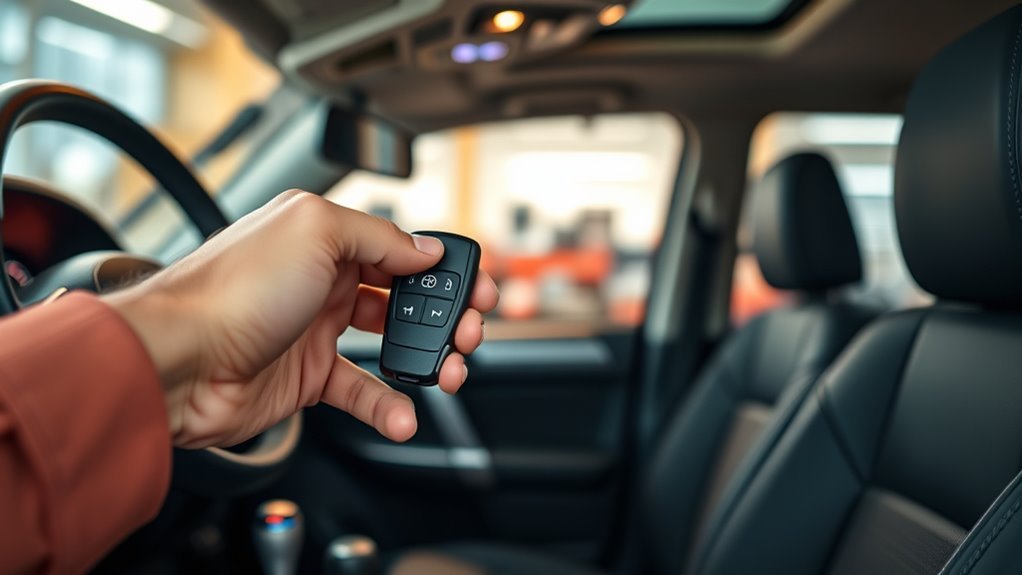
Programming a Toyota 4Runner key is not the same for every year, trim, or key style. Some older remote-only functions can be paired with an in-vehicle sequence, but transponder chips, proximity smart keys, immobilizer resets, and all-keys-lost situations usually need Toyota-capable diagnostic equipment and proof of ownership.
Last updated: [VERIFY: insert current publish/update date]
Quick Answer
To program a Toyota 4Runner key, first identify whether you have a remote fob, transponder key, proximity smart key, or Digital Key. Verify the part number and bring all working keys. Remote-only pairing may be DIY on some older models, but smart-key and immobilizer programming usually require a Toyota dealer or qualified locksmith.
Key Takeaways
- Do not buy a fob until the FCC ID, part number, button layout, blade type, and model year match your 4Runner.
- A dead fob battery is not the same as an unprogrammed key; replace the battery first if the fob used to work.
- If you have no working key, plan on a Toyota dealer or credentialed automotive locksmith with vehicle-security access.
- For 2025+ 4Runner models, Digital Key and electronic-key features add another setup path, but they do not replace ownership verification.
At a Glance
| Time Required | 2–5 minutes for a battery check; 15–60 minutes for locksmith/dealer programming, depending on key type and system access. |
| Difficulty | Easy for battery replacement; moderate for older remote-only pairing; professional for smart-key, immobilizer, and all-keys-lost programming. |
| Tools Needed | Working key if available, all existing keys, correct replacement fob, owner’s manual, fresh fob battery, VIN, photo ID, proof of ownership, and Toyota-capable scan tools when required. |
| Cost | Often $150–$600+ for modern fob replacement and programming (basic transponder keys trend toward the low end; smart-key and all-keys-lost dealer jobs trend toward the high end). Dealer, locksmith, location, key type, and whether all keys are lost can change the total. [VERIFY: confirm current local pricing] |
Quick Checklist: What to Verify Before Programming
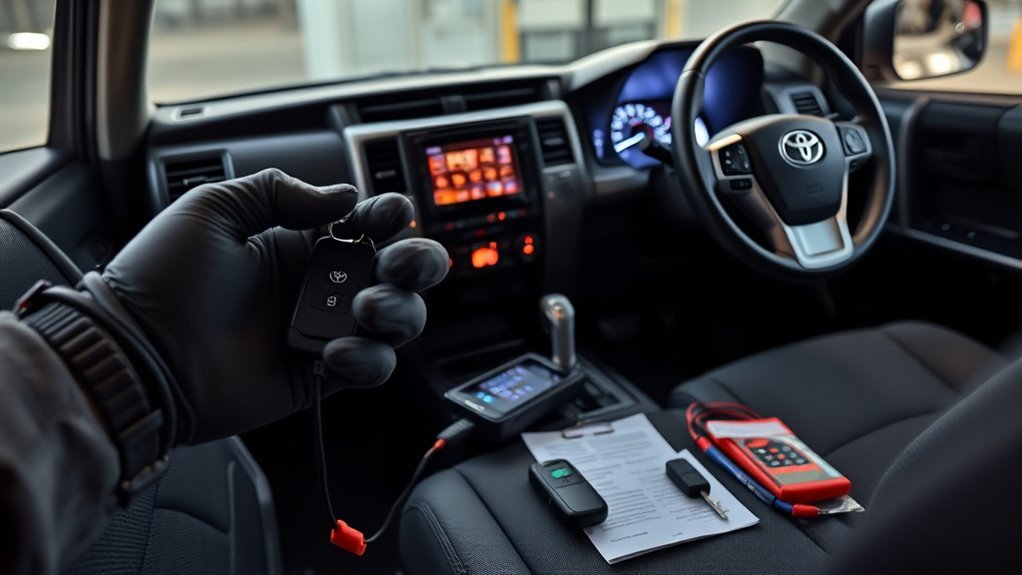
Before you try to program a new Toyota 4Runner key fob, confirm what you are actually trying to add. A lock/unlock remote, a chip key, a proximity smart key, and a smartphone-based Digital Key are different systems. Mixing them up is the most common reason owners buy the wrong part or expect a simple DIY sequence to do more than it can.
- Confirm the model year and trim: A 2010–2024 4Runner key setup is not the same as a 2025+ 4Runner electronic key setup.
- Match the part number: Compare the replacement fob’s OEM part number, FCC ID, button layout, blade type, and market region before purchase.
- Check the battery first: If your old fob worked recently, replace the coin battery before assuming the key lost programming.
- Gather every current key: Some programming sessions require all keys to be present so old and new keys stay synchronized. This is because registering a new key can reset which keys the immobilizer recognizes, so a key left out of the session may be dropped. [VERIFY: confirm this is accurate for 4Runner’s specific immobilizer logic]
- Bring ownership documents: Toyota says replacement-key help requires valid photo identification, proof of ownership, and the 17-digit VIN.
Warning: Only program keys for a vehicle you own or are legally authorized to service. Immobilizer, key-code, and all-keys-lost work is security-sensitive and should be handled by a Toyota dealer or properly credentialed automotive locksmith.
Confirm Toyota 4Runner Fob Compatibility
A replacement fob that looks correct can still fail if the electronics do not match the vehicle. Use the old key, owner’s manual, Toyota parts counter, or a qualified locksmith to verify the exact replacement before you pay for programming.
| Item | What to Check | Why It Matters |
|---|---|---|
| Model year | Exact year, trim, and ignition type | Key systems changed across generations. |
| Fob electronics | OEM part number, FCC ID, frequency, and button count | Wrong electronics will not register even if the shell fits. |
| Key blade | Mechanical blade style and emergency-key insert | The remote may program, but the door blade still needs to be cut correctly. |
| Seller policy | Return window and compatibility guarantee | Many used or aftermarket fobs cannot be reused on every vehicle. |
Pro Tip: Ask the locksmith or dealer to confirm the replacement fob by VIN before cutting or programming. A cheap fob becomes expensive if it cannot be registered.
[Products Worth Considering]

This replacement key fob is designed for compatible Toyota Rav4 and Scion XB models, offering a convenient solution for worn or lost remote keys. It includes an uncut key blade, integrated electronics, and battery, and is tested before shipping for reliable performance. Programming and cutting are required by a qualified dealer or locksmith, and it is intended for regular key vehicles only.

This keyless entry remote replacement is designed for a wide range of Toyota, Scion, and Lexus-compatible vehicles, offering a convenient way to restore remote locking and unlocking functions. Each fob is pre-tested, comes with the battery and electronics already installed, and is ready to be programmed for supported standard-key vehicles. It is a practical replacement choice for drivers who need a reliable, compatible remote for everyday use.
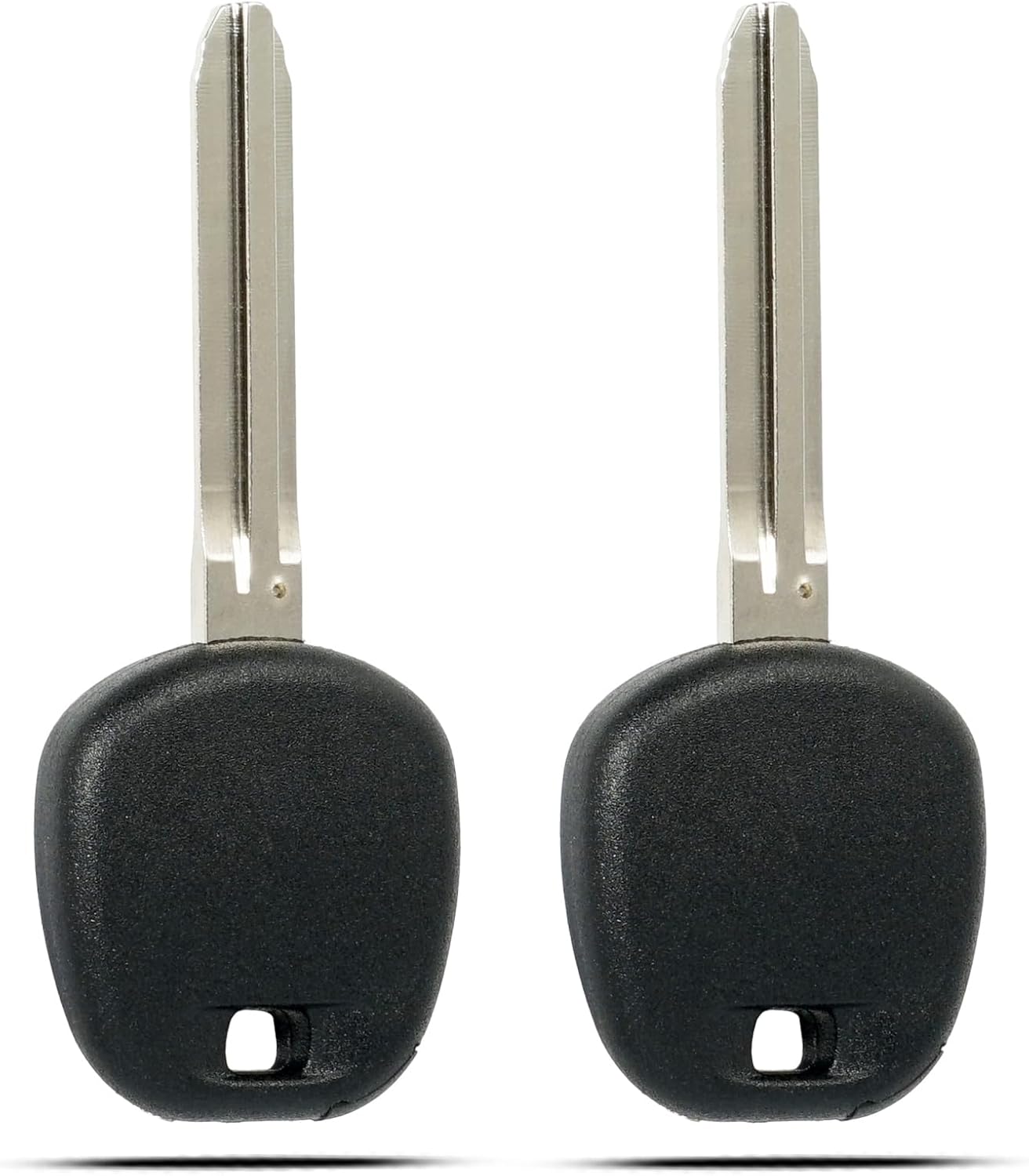
This uncut transponder ignition key replacement is designed for select 2003+ Toyota, Scion, and compatible models, offering a convenient solution when you need a spare or replacement key. It includes a chip and is ready to be cut and programmed by a qualified locksmith or professional, making it ideal for regular key vehicles that are not equipped with proximity or passive entry systems.
Know Which Kind of 4Runner Key You Have
The safest programming path depends on the key type. Use this decision guide before you follow any in-car instructions.
Can You Program a Toyota 4Runner Key Yourself?
Partly, depending on the key type and model year. On many older 4Runners, the remote lock/unlock buttons can be paired at home using a timed in-vehicle sequence with no special tools. Cutting a mechanical blade and registering a transponder chip or smart key so the engine will start is different work: it’s tied to the immobilizer system and typically needs Toyota-capable diagnostic equipment, so it goes to a dealer or a qualified automotive locksmith. [VERIFY: confirm which model years support owner-programmable remote pairing before publishing a year-specific sequence]
Remote-Only Keyless Entry
Some older 4Runner remotes only control lock, unlock, panic, or rear hatch functions. In those cases, an in-vehicle sequence may pair the remote buttons, but it may not program the immobilizer chip that starts the engine.
Transponder Key
A transponder key has a chip that the vehicle must recognize before the engine will start. Some earlier Toyota add-key procedures may work only when you already have a valid master key. If all keys are lost, the vehicle generally needs professional programming.
Proximity Smart Key
A smart key communicates with the vehicle while it stays in your pocket or bag. These keys are tied closely to the immobilizer and usually require Toyota-capable diagnostic software, dealer access, or a qualified automotive locksmith.
Digital Key for 2025+ 4Runner Models
On equipped 2025+ 4Runner models, Toyota Digital Key can let a compatible smartphone lock, unlock, and start the vehicle through the Toyota app setup. It is a separate feature from cutting or registering a physical electronic key, and Toyota advises contacting a dealer immediately if a phone with Digital Key access is lost or stolen.
Gather Tools & Prepare the Vehicle for Programming
Preparation prevents most failed programming sessions. Start with the vehicle parked safely, the 12-volt battery in good condition, and all keys within reach. If the replacement key is new, install the correct battery listed for your exact key. Toyota’s 2025 4Runner Hybrid electronic key, for example, uses a CR2450 battery, but older keys may use a different coin cell.
[Products Worth Considering]
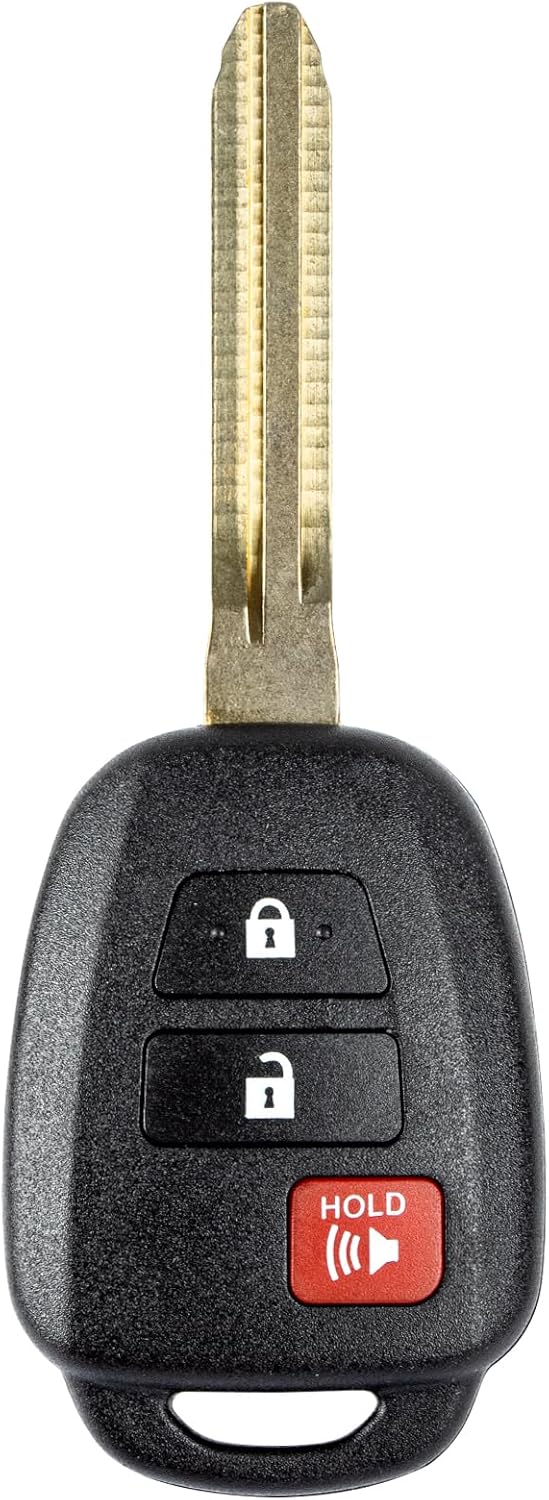
This replacement key fob is designed for select Toyota models and provides reliable keyless entry functionality with a factory-like fit and operation. It comes pre-tested with electronics and battery installed, making it a convenient solution when your original remote is lost, damaged, or worn out. Professional programming and cutting are required, and compatibility should be confirmed against the original remote and vehicle fitment details.

This keyless entry remote replacement is designed for select Toyota vehicles and comes pre-tested with battery and electronics already installed. It is compatible with multiple Toyota part numbers and FCC IDs, making it a convenient replacement option for lost or damaged remotes. A qualified locksmith or dealership must cut and program the remote, and it supports regular key vehicles only.

This replacement key fob set is designed for select Toyota RAV4 and XB models with regular key systems, offering lock, unlock, and panic functions in a convenient two-pack. Each remote comes pre-tested with battery and electronics installed, and it must be cut and programmed by a qualified dealer or locksmith for proper use. Built from durable materials and backed by warranty support, it provides a reliable solution when replacing worn or missing remotes.
Required Tools Checklist
- Correct replacement fob or key confirmed by VIN, part number, and FCC ID.
- All existing working keys and remotes.
- Fresh fob battery that matches the owner’s manual or fob marking.
- Vehicle registration, title, or other proof of ownership.
- Valid photo ID and the 17-digit VIN.
- Owner’s manual or Toyota service information for your exact year.
- Toyota-capable diagnostic tool access when programming a transponder, smart key, or immobilizer function.
Vehicle Preparation Steps
Close the doors unless your exact year-specific procedure says otherwise. Turn off accessories, keep the key away from phones or other wireless devices when testing, and do not rush timing prompts. If you are using a locksmith or dealer, bring all keys so the technician can verify which keys remain active.
Note: Replacing a dead battery in a working fob usually does not require reprogramming. If the fob still fails after a correct battery replacement, then troubleshoot the fob, vehicle battery, or registration status.
Choose the Right Programming Path
Instead of using one generic ignition sequence, choose the path that matches your key situation.
[Products Worth Considering]

This keyless entry remote replacement is designed for select Toyota models and comes pre-tested with battery and electronics installed for ready-to-program convenience. It supports compatible part numbers and FCC IDs, making it a practical solution for replacing a lost or damaged fob. Programming and cutting by a qualified locksmith or dealership are required, and it is intended for regular key vehicles rather than push-start systems.

This keyless entry remote is a compatible replacement for select Toyota and Scion vehicles, offering lock, unlock, and panic functions with included electronics and battery. It supports self-programming for many models with one working key, while some vehicles may require professional programming. Please verify FCC ID and vehicle compatibility before ordering to ensure proper fit and operation.

This replacement key fob shell is designed for select Toyota models and helps restore a broken, worn, or damaged remote case without replacing the electronics. It offers easy installation with no reprogramming required, making it a convenient option for a spare or refresh. Compatible with 4-button keyless entry remotes, it is a practical fit for multiple Toyota vehicles.
If You Have a Working Key
- Verify the replacement fob is compatible before cutting the blade.
- Replace the fob battery if needed.
- Check whether you are pairing remote buttons only or registering a starting key.
- Follow the exact year-specific Toyota procedure or the prompts from a Toyota-capable scan tool.
- Register every required key during the same session if the tool or service procedure asks for it.
- Test lock, unlock, panic, hatch, mechanical blade, and engine start before leaving the shop.
If You Only Need Remote Button Pairing
Some older 4Runner remotes can be paired to the door-lock receiver with a timed in-vehicle sequence. This can restore lock/unlock button function, but it does not automatically mean the key can start the engine. Use the owner’s manual, Toyota repair information, or a reputable locksmith procedure for your exact year.
If You Need a Transponder or Smart Key Registered
Use a Toyota dealer or qualified automotive locksmith with proper Toyota-capable tools. Toyota immobilizer and smart-key work is security-sensitive, and professional access may require verified credentials. NASTF’s Vehicle Security Professional program exists to vet locksmiths and repair specialists who access vehicle security information.
If All Keys Are Lost
Do not waste money on random online fobs or DIY programmers. Contact a Toyota dealer or a credentialed locksmith, provide your VIN and proof of ownership, and ask whether the service includes key cutting, programming, old-key erasure, and final testing. Toyota notes that when an immobilizer-equipped vehicle is involved, the vehicle computer may need scan-tool programming to authorize a new key.
A working remote is not always a working starting key. Always test the mechanical blade, remote buttons, and engine start before you consider the job finished.
Model-Year Variations and Alternative Sequences
Toyota 4Runner programming depends heavily on model year and system type. Treat online sequences as starting points only after you confirm they match your year, trim, and key.
- Older remote/transponder systems: Some functions may be owner-programmable when you already have a valid key, but the remote and immobilizer may require separate steps.
- 2010–2024 4Runner models: Many use electronic keys, transponder logic, or smart-key systems depending on trim. Confirm the exact fob and battery before programming.
- 2025+ 4Runner models: Electronic-key, smart-key, and Digital Key features make dealer or qualified-locksmith verification more important.
- Used fobs: Some used smart keys may not be reusable depending on the system and fob state. Verify before purchase.
Troubleshooting: Why Programming Fails and Fixes
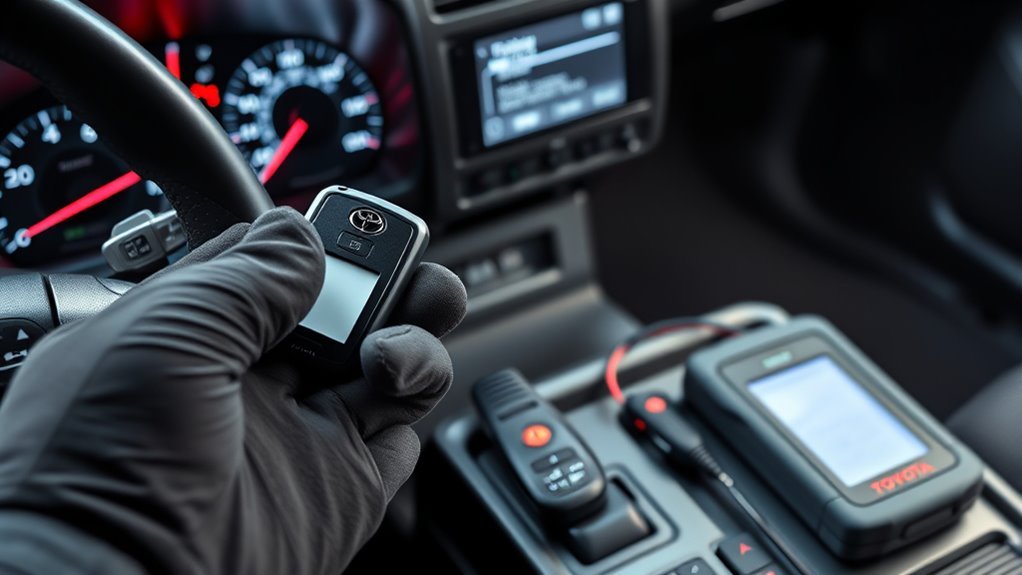
If programming fails, slow down and isolate the cause. Repeating the same wrong procedure usually wastes time and may require a professional reset.
| Problem | Likely Cause | Fix |
|---|---|---|
| No lock/unlock response | Dead fob battery, wrong fob, or remote not paired | Install the correct battery, verify FCC ID, then retry the correct remote-pairing procedure. |
| Remote works but engine will not start | Remote portion paired, but immobilizer chip not registered | Have the transponder or smart key registered with Toyota-capable equipment. |
| Procedure never enters programming mode | Wrong year sequence, wrong door state, weak vehicle battery, or missing working key | Stop and confirm the year-specific procedure or use a qualified locksmith/dealer. |
| New aftermarket fob will not register | Incompatible, locked, poor-quality, or wrong-market fob | Use an OEM or verified compatible fob and confirm return eligibility before programming. |
Cost, Locksmith Vs. Dealer, and When to Call a Pro
A locksmith is often more convenient and may cost less than a dealer, especially when mobile service is available. A dealer may be the safer choice when the fob is unusual, the vehicle is under warranty, all keys are lost, Digital Key access is involved, or the locksmith cannot confirm Toyota security-system access.
Before booking, ask for a written quote that separates the fob, emergency blade cutting, programming, service call, old-key erasure, and taxes. Also ask whether the shop can handle your exact year and key type before they arrive.
- Choose a locksmith when: you have a working key, the locksmith confirms Toyota capability, and they can cut and program on-site.
- Choose a dealer when: all keys are lost, the key is dealer-restricted, warranty questions matter, or Digital Key/security reset support is needed.
- Call a pro immediately when: the engine will not start after remote pairing, warning messages appear, no working key remains, or several attempts fail.
Related 4Runner Guides
- How to reset the maintenance required light on a 4Runner
- RAV4 key fob programming guide (for owners with both a 4Runner and a RAV4)
Frequently Asked Questions
Can you program a Toyota smart key yourself?
Usually not completely. Some older remote-button functions may be owner-pairable, but Toyota smart keys and immobilizer functions commonly require Toyota-capable diagnostic equipment, dealer access, or a qualified automotive locksmith.
How do I program a Toyota 4Runner key?
First identify the key type and confirm compatibility by VIN, part number, FCC ID, and button layout. If it is remote-only pairing on an older model, follow the exact year-specific sequence. If it is a transponder or smart key, use a Toyota dealer or qualified locksmith.
Does a replacement Toyota 4Runner key fob have to be programmed?
Yes, if it is a new remote, transponder key, or smart key. A simple battery replacement for a previously working fob usually does not require programming, but a replacement fob must be registered to the vehicle before it will work.
Can I program a used Toyota 4Runner smart key?
Maybe, but do not assume it will work. Some used smart keys may be locked to another vehicle or incompatible with your model year. Confirm reusability with a Toyota dealer or qualified locksmith before buying.
What should I do if I lost all Toyota 4Runner keys?
Contact a Toyota dealer or credentialed automotive locksmith. Be ready to provide a valid photo ID, proof of ownership, and the 17-digit VIN. All-keys-lost service may require scan-tool programming and security access.
Why does my Toyota 4Runner key fob not work after replacing the battery?
The battery may be the wrong type, installed backward, or not seated correctly. The fob may also be damaged, incompatible, or no longer registered. If the second fob works, compare batteries and test again before paying for programming.
Conclusion
The right way to program a Toyota 4Runner key starts with identification, not button timing. Confirm the model year, key type, part number, battery, and ownership documents first. Then choose the correct path: older remote-only pairing, professional transponder registration, smart-key programming, all-keys-lost service, or Digital Key setup. When in doubt, a verified Toyota dealer or qualified locksmith is cheaper than guessing with the wrong fob.
Sources
- Toyota Customer Service: Replacement key guidance — proof of ownership, photo ID, VIN, and dealer replacement-key support.
- Toyota Customer Service: Lost key and key-code guidance — immobilizer vehicles and scan-tool programming context.
- Toyota Owners: 2025 4Runner Hybrid electronic key battery — battery replacement and CR2450 reference for 2025 electronic keys.
- Toyota Owners: 2025 4Runner Hybrid Digital Key — Digital Key capability and lost-phone caution.
- NASTF Vehicle Security Professional Registry — credentialed access for vehicle security information.
- Kelley Blue Book: Key fob replacement — replacement cost ranges, programming context, and proof-of-ownership guidance.