A reliable Hyundai Sonata key fob starts with three habits: keep the battery fresh, protect the case from heat and moisture, and know the backup steps before the fob fails. If the range gets shorter, the mechanical key feels loose, or the dashboard shows a low-key-battery message, inspect the fob before you assume the car has an electrical problem.
Quick Answer
To keep a Hyundai Sonata key fob reliable, replace the battery when range drops or a low-battery warning appears, match the exact battery number in your owner’s manual or old cell, keep the fob dry, protect the latch and buttons, and learn how to use the mechanical key and emergency start method.
Key Takeaways
- Do not guess the battery size. Match the number printed on the old battery or listed in your Sonata owner’s manual.
- A weak fob may still let you unlock the driver’s door with the mechanical key and start the vehicle by pressing the Start/Stop button with the fob.
- Short range is not always a dead fob. Phones, radio transmitters, metallic tint, another smart key, or a weak vehicle battery can interfere with operation.
- If the case, buttons, or mechanical-key latch is cracked, replace the shell or fob before the internal circuit board is damaged.
At a Glance
| Time Required | 5–10 minutes for a battery check or replacement; longer if the fob needs dealer or locksmith programming. |
| Difficulty | Easy for battery replacement; moderate if the case or mechanical key latch is damaged. |
| Tools Needed | Correct coin battery, small flat-head screwdriver or plastic pry tool, clean cloth, and your owner’s manual or the old battery for size confirmation. |
| Cost | Usually a few dollars for a battery; a replacement smart key can cost much more because the fob, emergency blade, and programming may all be separate charges. |
Understand Your Key Fob Components
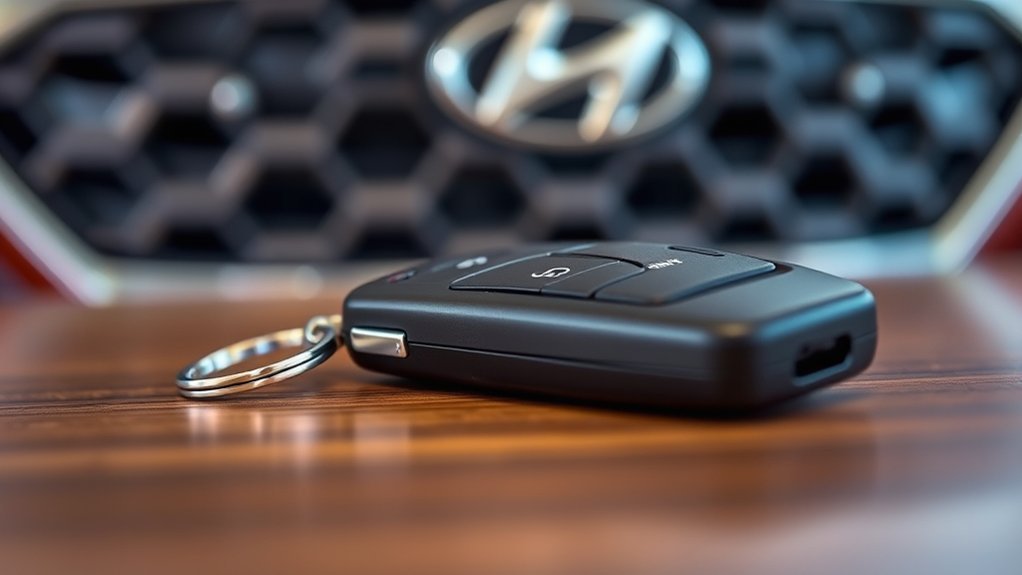
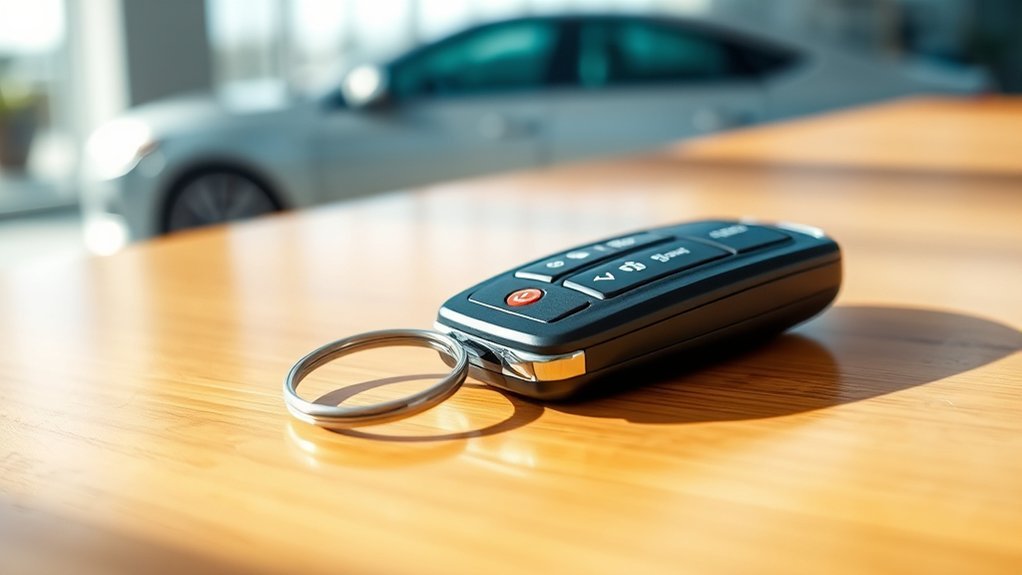
Your Hyundai Sonata key fob is more than a plastic remote. Depending on model year and trim, it may include lock and unlock buttons, remote start, trunk or tailgate release, a panic button, an internal circuit board, a coin battery, and a mechanical key for backup door access.
The mechanical key is important because it lets you unlock the driver’s door if the fob battery is weak or the remote buttons stop responding. On many Sonata smart keys, you remove the mechanical key by sliding or pressing the release lever, then reinstall it until it clicks.
The case matters, too. A cracked shell, sticky button, loose mechanical-key latch, or weak battery contact can make a good circuit board act like a failing fob. Inspect the outside first before buying a replacement.
Check the Battery Before Blaming the Fob
A weak battery is one of the most common reasons a Sonata key fob becomes unreliable. Signs include shorter remote range, needing several button presses, intermittent lock or unlock response, or a “Low key battery” message on the instrument cluster.
Do not assume every Hyundai Sonata fob uses the same battery. Some recent Hyundai smart-key documentation lists CR2450, while many older Hyundai remotes and aftermarket guides may reference CR2032. The safest method is to match the number stamped on the old battery or confirm the battery type in the owner’s manual for your exact model year and key style.
Warning: Key fobs use button or coin batteries. Keep new and used batteries away from children and pets. If a battery may have been swallowed or placed inside the body, seek emergency medical help immediately.
[Products Worth Considering]
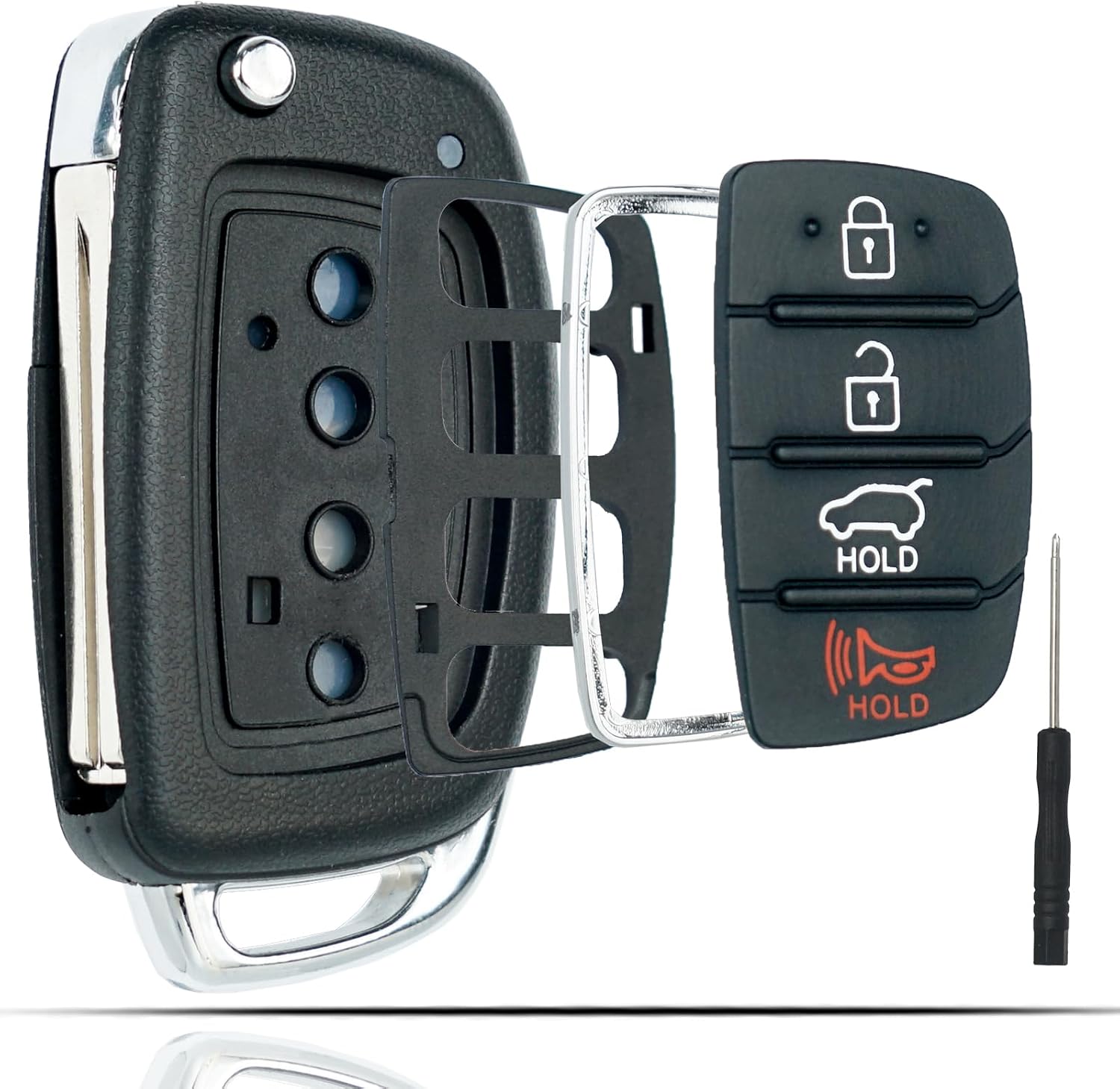
This flip key fob shell is a replacement case designed for compatible Hyundai Sonata and Santa Fe models, helping restore a worn or broken remote housing without replacing the electronics. It includes a 4-button layout and is made for easy transfer of your original internal components, with no reprogramming required. The durable metal and plastic construction makes it a practical fix for damaged key fobs, and the replacement blade must be cut by a locksmith or hardware store.

Replace worn or damaged key fob buttons with this rubber keypad insert designed for compatible Hyundai remote key cases. It restores the look and feel of your car key, offering a simple installation and a snug fit for supported Santa Fe and Sonata models. The set includes two replacement pads and a mini screwdriver for convenience.

This replacement flip folding key fob case is designed for compatible Hyundai models, giving your worn or broken remote a fresh outer shell without needing reprogramming. Made for easy transfer of your existing circuit board and chip, it includes a mini screwdriver and sticker for convenient assembly. It is an ideal solution for restoring the look and function of your key fob while keeping your original electronics intact.
How to Replace the Key Fob Battery
- Work on a clean table so the battery, cover, and mechanical key do not fall into a seat rail or parking-lot crack.
- Remove the mechanical key from the fob.
- Find the small slot or groove in the fob case.
- Insert a small flat-head screwdriver or plastic pry tool into the slot and gently open the rear cover.
- Note the old battery number and polarity before removing it.
- Install the new battery in the same orientation. Do not force a thicker or different-size battery into the holder.
- Snap the cover back on evenly and reinstall the mechanical key until it clicks.
- Test lock, unlock, trunk or tailgate release, remote start if equipped, and push-button start before you leave.
Pro Tip: Keep one spare matching battery in your glove box or center console, but leave it sealed in its package so it cannot short against coins, keys, or metal tools.
Use the Mechanical Key and Emergency Start Method
If the fob stops unlocking the car, remove the mechanical key and use it in the driver’s door key cylinder. On some newer Sonata door handles, the key cylinder may be hidden behind a small cover, so check your owner’s manual before you are stranded.
If the vehicle does not detect the smart key, try starting the car by pressing the brake pedal and pressing the Engine Start/Stop button directly with the key fob. This backup method can help when the fob battery is weak, but it is not a fix for a damaged fob.
If the same warning returns after a fresh battery and a successful emergency start, have the fob and vehicle inspected by an authorized Hyundai dealer or a qualified automotive locksmith.
Identify Common Key Fob Latch Issues
The mechanical key should slide into the fob and click securely. If it falls out, feels loose, or does not release cleanly, the issue is usually a worn latch, damaged plastic guide, dirt in the slot, or a poor-fitting replacement shell.
Latch and Case Wear
Repeated battery changes, drops, and rough handling can wear the plastic around the release lever. Avoid bending the metal key or forcing the latch. If the key no longer locks into place after cleaning and reseating, replacing the case is safer than trying to reshape small plastic parts.
Wear and Tear Factors
| Issue | What It Looks Like | Best Fix |
|---|---|---|
| Loose mechanical key | Key slides out or will not click | Clean the slot; replace the shell if the latch is worn |
| Cracked case | Seam opens or buttons sit unevenly | Move the original circuit board into a compatible case or replace the fob |
| Sticky buttons | Button stays pressed or feels gummy | Clean gently around the button; avoid soaking the fob |
| Moisture damage | Intermittent response after rain, laundry, or spills | Stop using it until dry; replace if corrosion is visible |
Troubleshoot Key Fob Latch Problems
Before replacing the whole fob, use a simple troubleshooting sequence. Start with the least expensive fix and move toward replacement only when the fob still fails.
Inspect Plastic Components Carefully
Open the fob only as far as needed for battery access. Look for cracked tabs, bent contacts, missing rubber button pads, debris in the mechanical-key slot, or a battery that is not seated flat. Use a dry cloth or soft brush to remove lint and dust. Do not spray cleaner into the circuit board.
Avoid Forcing the Metal Key or Latch
If the metal key does not lock into place, do not pry aggressively. Small latch pieces can snap easily. Clean the slot, confirm the mechanical key is facing the correct direction, and press it in until it clicks. If it still will not hold, replace the shell or fob rather than bending the key blade.
Troubleshooting Symptoms
| Symptom | Likely Cause | What to Do |
|---|---|---|
| Range is shorter than usual | Weak fob battery or signal interference | Replace the battery; move away from phones, radio transmitters, or other smart keys |
| New battery does not fix it | Wrong polarity, wrong battery size, damaged contacts, or failed fob | Recheck battery number and orientation; inspect contacts; test the spare fob |
| Car unlocks but will not start | Weak fob battery, smart-key detection issue, or vehicle battery issue | Press the Start/Stop button with the fob; check the vehicle battery if problems continue |
| Mechanical key falls out | Worn latch or poor aftermarket shell fit | Clean the slot; replace the shell with a compatible case |
| Buttons work only sometimes | Sticky button pad, moisture, cracked case, or failing circuit board | Dry and inspect the fob; replace if corrosion or internal damage is visible |
Note: If your spare fob works normally, the problem is probably the main fob. If both fobs fail at the same time, check the vehicle battery, door-lock system, interference, or a vehicle-side issue.
Choose the Right Aftermarket Key Fob Case
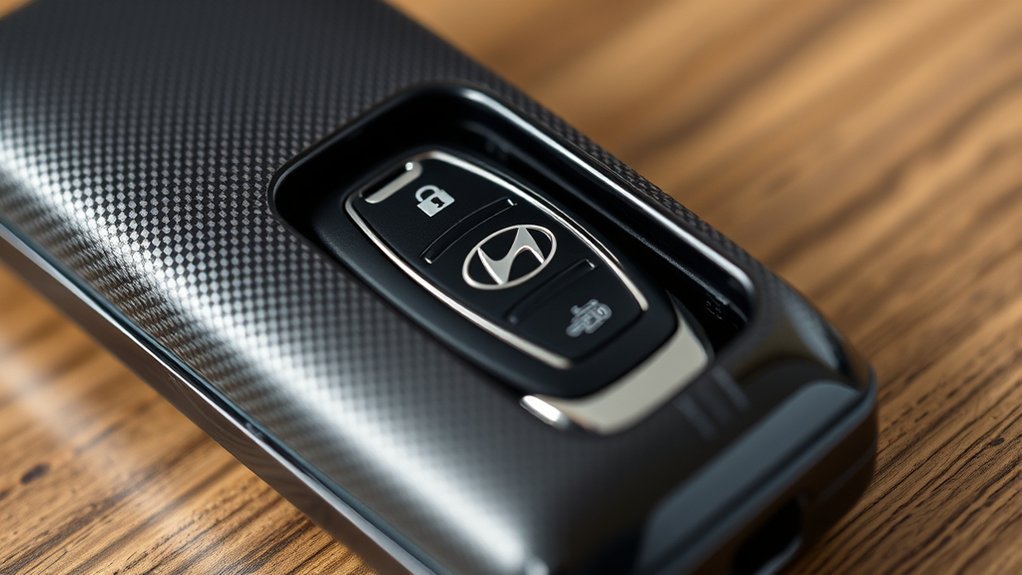
An aftermarket key fob case can be a good low-cost fix when the original electronics still work but the shell, buttons, or mechanical-key latch is damaged. The risk is fit. A case that looks similar online may not match the board, button layout, emergency key blade, or latch design.
Before buying, compare these details with your original fob:
- Model year and trim.
- Button count and button icons.
- FCC ID or part number printed on the fob.
- Mechanical key blade style.
- Smart key vs flip key vs remote key.
- Whether you are buying only a shell or a complete programmed fob.
If the original fob is electronically dead, a shell alone will not fix it. You may need a complete OEM or compatible replacement fob, key cutting, and programming by a Hyundai dealer or qualified automotive locksmith.
[Products Worth Considering]

This soft TPU key fob cover is designed to help protect compatible Toyota flip smart keys from everyday wear, including scratches, drops, bumps, and dust. It offers a comfortable grip, easy installation, and a snug fit for selected 4-button Toyota remote fobs, making it a practical accessory and a thoughtful gift for Toyota drivers.

This key fob case is a practical replacement for damaged or worn Hyundai flip key shells, helping restore your remote’s appearance and usability. It fits select Hyundai Sonata and Santa Fe models and includes an uncut blade, replacement button pad, and basic tools for easy shell transfer. No electronics are included, so you can reuse your existing internals and have the blade cut to match your vehicle.
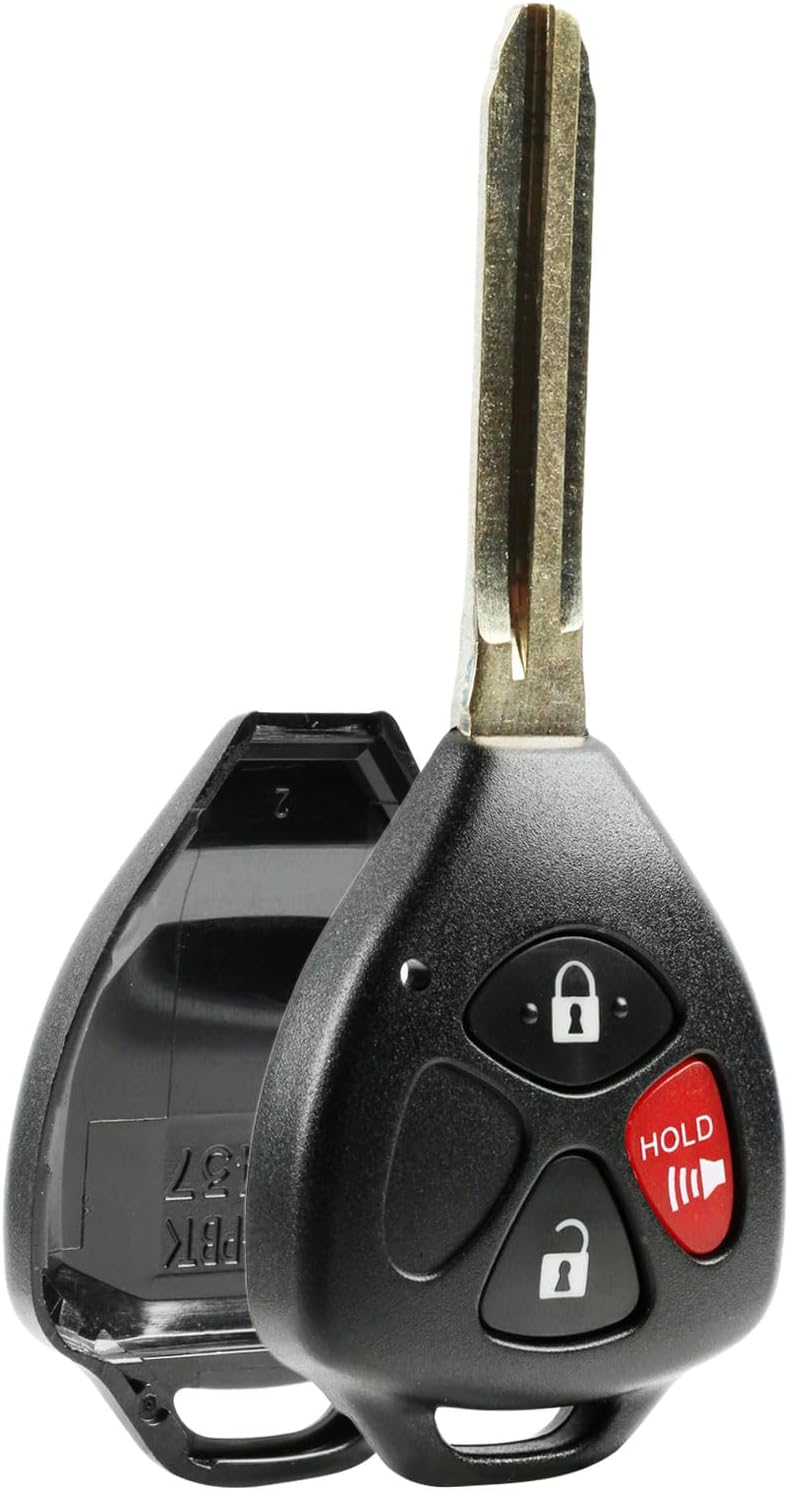
Replace a worn or broken remote housing with this keyless entry shell case and pad designed for select Toyota and Scion vehicles. It helps restore your key fob's appearance and function without replacing the full remote, making it a practical fix for everyday use. The lightweight plastic design includes one-button compatibility for a simple, cost-effective refresh.
Know When to Replace Your Key Fob
Replace or professionally inspect the fob when basic maintenance no longer restores reliable operation. Common signs include:
- The fob still fails after a correctly installed fresh battery.
- The case is cracked enough to expose the circuit board.
- Buttons are missing, torn, or stuck.
- The mechanical key will not stay locked in the shell.
- The fob was soaked and now works intermittently.
- The vehicle repeatedly shows smart-key detection warnings.
Replacement costs vary widely because the final price may include the fob, emergency key blade cutting, programming, and proof-of-ownership requirements. Call with your VIN before ordering so the dealer or locksmith can match the exact fob.
[Products Worth Considering]

This mech-style heavy metal key fob cover is designed to protect compatible Toyota E-style smart keys with a precise 1:1 fit. Built with a durable zinc alloy frame and soft silicone buttons, it helps guard against daily wear while keeping full access to key functions. The set includes a metal keychain and screwdriver for easy installation, making it a practical upgrade for select Toyota models.

This KeyGuardz silicone soft rubber shell helps protect your existing keyless remote from everyday wear while giving it a custom fit. It is designed for compatible Toyota-style three-button fobs and installs easily by sliding over the remote with no tools required. The cover also helps personalize your key fob while keeping buttons and outer surfaces better protected from damage.

This keyless entry remote replacement is designed for a wide range of Toyota, Scion, and Lexus-compatible vehicles, offering a convenient way to restore remote locking and unlocking functions. Each fob is pre-tested, comes with the battery and electronics already installed, and is ready to be programmed for supported standard-key vehicles. It is a practical replacement choice for drivers who need a reliable, compatible remote for everyday use.
Check Recalls, Warranty, and Owner Support
If your key fob problem seems unusual, check for open Hyundai campaigns or recalls with your 17-digit VIN at Hyundai’s official campaign lookup page. Recalls are vehicle-specific, so avoid relying on forum posts or generic model-year claims without checking your VIN.
If your Sonata is still under warranty, ask the dealer whether the fob, smart-key receiver, or related vehicle-side components are covered. Physical damage, water intrusion, aftermarket shells, or a lost key may not be covered, but it is worth confirming before paying out of pocket.
Owner forums can still be useful for real-world tips, especially for case-fit comparisons and photos, but treat them as experience-based guidance rather than official repair instructions.
Frequently Asked Questions
How long do Hyundai Sonata key fob batteries last?
Many key fob batteries last several years, but lifespan depends on use, storage, temperature, and battery quality. Replace the battery when the remote range drops, the buttons respond inconsistently, or the vehicle displays a low-key-battery warning.
What battery does a Hyundai Sonata key fob use?
It depends on the model year and fob style. Some Hyundai smart-key documentation lists CR2450, while other Hyundai remotes may use CR2032. Always match the number printed on your old battery or confirm the battery type in the owner’s manual for your exact Sonata.
Do I need to reprogram my Sonata key fob after changing the battery?
A normal battery replacement should not erase the fob’s programming. If the fob still does not work, recheck battery orientation, confirm the battery size, inspect the contacts, and test your spare fob. If it still fails, the fob or vehicle may need diagnosis.
How do I protect my Hyundai Sonata key fob?
Keep it dry, avoid dropping it, do not leave it in direct sun or extreme heat, keep it away from strong electronics when possible, and replace a cracked case before the circuit board is exposed. A soft silicone cover can help with grip and light impact protection.
Can I start my Sonata if the key fob battery is dead?
In many push-button Hyundai models, you can unlock the driver’s door with the mechanical key and start the vehicle by pressing the Engine Start/Stop button directly with the fob while pressing the brake. Check your owner’s manual for the exact backup procedure.
How much does Hyundai charge for a key fob replacement?
The price varies by model year, fob type, dealer, locksmith, emergency key cutting, and programming. Modern smart-key replacements often cost hundreds of dollars. Call a Hyundai dealer or qualified automotive locksmith with your VIN for an accurate quote.
Conclusion
Keeping your Hyundai Sonata key fob reliable is mostly about prevention: use the correct battery, install it with the right polarity, protect the case, and handle the mechanical key latch gently. When the fob acts up, troubleshoot battery, interference, case damage, and vehicle-side issues before buying a replacement. Most importantly, learn the mechanical-key and emergency-start backup steps now so a weak fob does not leave you stuck later.
Sources
- Hyundai Owner’s Manual — Smart key — backs up smart-key functions, battery replacement, polarity, mechanical key, and emergency-start guidance.
- Hyundai Owner’s Manual — Cluster display messages — backs up the low-key-battery warning and smart-key detection messages.
- Hyundai Owner’s Manual — Digital key card key — backs up digital-key/card-key operation and limitations.
- Hyundai Campaign / Recall Lookup — backs up checking open campaigns by VIN.
- Kelley Blue Book — Key Fob Replacement — backs up modern key fob replacement cost and programming considerations.
- U.S. Consumer Product Safety Commission — Button Cell and Coin Battery Guidance — backs up button/coin battery safety requirements and ingestion-risk context.
- U.S. Environmental Protection Agency — Lithium Battery Recycling FAQ — backs up safe disposal and recycling guidance for household lithium batteries.