

Last updated: July 31, 2026
How this guide was prepared: This guide was reviewed against Toyota’s 2026 U.S. Land Cruiser information, current owner documentation, and official Land Cruiser 250 operating guidance. It does not claim hands-on trail testing.
Multi-Terrain Select on the Toyota Land Cruiser adjusts drive-force and brake control to match specific off-road surfaces. On the current Land Cruiser 250 system, H4 provides Auto, Dirt, Sand, Mud, and Deep Snow choices, while L4 provides Auto, Sand, Mud, and Rock. Press the MTS switch, turn the MODE SELECT control, confirm the selected mode on the display, and drive with smooth steering and throttle inputs.
For the 2026 U.S. lineup, Multi-Terrain Select is included on the Land Cruiser grade. Toyota does not list it on the Land Cruiser 1958 grade, although the 1958 still has full-time four-wheel drive, a two-speed transfer case, Crawl Control, and center and rear locking differentials.
Quick Answer
Use Land Cruiser Multi-Terrain Select only for suitable off-road surfaces. In H4, choose Auto, Dirt, Sand, Mud, or Deep Snow. In L4, choose Auto, Sand, Mud, or Rock. Select the transfer range first, press MTS, turn the MODE SELECT switch to the closest surface type, and verify that the mode appears on the multi-information display.
Key Takeaways
- Multi-Terrain Select is an off-road control, not a normal dry-pavement drive mode.
- The available mode list changes with transfer range: Dirt and Deep Snow are H4 choices, while Rock is an L4 choice.
- Use H4 when normal-range gearing suits the trail and L4 when you need slow movement, torque multiplication, and stronger control.
- Crawl Control and the differential locks are separate tools with their own engagement conditions.
- A missing mode may be normal. Check the selected transfer range before treating it as a fault.
At a Glance
| System Purpose | Match off-road drive-force and brake control to the selected surface |
| 2026 U.S. Availability | Land Cruiser grade; not listed on Land Cruiser 1958 |
| H4 Modes | Auto, Dirt, Sand, Mud, Deep Snow |
| L4 Modes | Auto, Sand, Mud, Rock |
| Separate Controls | Crawl Control, center differential lock, rear differential lock, and Downhill Assist Control |
What Does Multi-Terrain Select Do on the Land Cruiser?
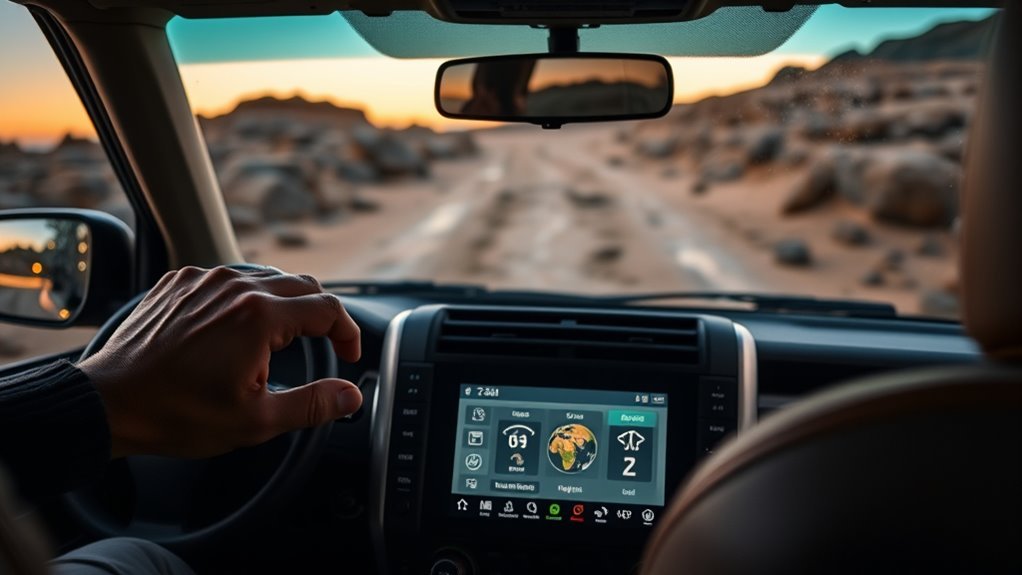
Toyota’s 2026 Land Cruiser information describes Multi-Terrain Select as a system that functions in both 4WD High and 4WD Low and provides terrain-specific control for off-road driving. The selected mode changes how the vehicle manages available drive force and brake intervention on loose or uneven surfaces.
MTS does not identify every hazard or increase the vehicle’s physical limits. It cannot add ground clearance, improve tire tread, reveal hidden obstacles, or prevent a rollover on an unsafe side slope. The driver remains responsible for speed, steering, tire placement, visibility, and route choice.
MTS also works alongside other Land Cruiser off-road systems. Crawl Control can manage low-speed throttle and braking, while the center and rear locking differentials change how torque is shared when traction is uneven. MTS matches the control strategy to the surface; it does not replace low-range gearing or a differential lock.
Note: Toyota feature names, mode labels, and operating conditions vary across Land Cruiser generations and markets. This guide focuses on the current Land Cruiser 250 arrangement. Use the owner’s manual for your VIN as the final authority.
Does Your Land Cruiser Have Multi-Terrain Select?
For the 2026 U.S. lineup, Toyota offers two grades: Land Cruiser 1958 and Land Cruiser. Toyota lists Multi-Terrain Select and the Multi-Terrain Monitor on the Land Cruiser grade. The 1958 grade has other off-road hardware, including Crawl Control and locking center and rear differentials, but Toyota does not list MTS as 1958 equipment.
Confirm these three points before entering a trail:
- Check the grade: Do not assume that every current Land Cruiser has MTS.
- Find the controls: An equipped vehicle has an MTS switch and a MODE SELECT control, with the selected mode shown on the multi-information display.
- Check the manual: Confirm the operating conditions, transfer-range procedure, warnings, and automatic cancellation rules for your vehicle.
How Do You Activate Multi-Terrain Select?
Choose the mode before the vehicle is already buried, sliding, or bouncing over an obstacle. Stop or slow in a safe location, inspect the surface, and decide whether the section calls for H4 or L4.
- Position the vehicle safely. Avoid changing settings while the vehicle is sliding, leaning heavily, or striking obstacles.
- Select H4 or L4. Keep H4 for normal-range off-road driving. Select L4 when the obstacle requires low gearing and slow, controlled movement.
- Press the MTS switch. The MTS control should activate and display the available choices for the selected transfer range.
- Turn the MODE SELECT switch. Scroll to the mode that most closely matches the surface.
- Confirm the display. Do not assume the selection is active until the correct mode appears on the multi-information display.
- Enter the section smoothly. Use measured throttle, controlled braking, and small steering corrections.
Warning: Multi-Terrain Select is not a rescue guarantee. Stop and reassess if the Land Cruiser is sliding, leaning beyond your comfort level, overheating, displaying a warning, or losing a safe route out.
[Products Worth Considering]

This digital tire tread depth gauge helps you check tire wear quickly and accurately with fractional inch, decimal inch, and millimeter readouts. Its large LCD screen, zero reset function, and automatic shutoff make it easy to use for cars, motorcycles, SUVs, trucks, and pickups. Designed for clear readings and dependable measurement, it is a practical tool for routine tire safety checks.

Custom-fit floor mats and cargo liner designed to provide edge-to-edge protection for the Toyota Land Cruiser Prado. Made from durable TPE material, they offer all-weather defense against rain, slush, snow, mud, and everyday dirt while remaining easy to install, clean, and maintain. The odorless, non-slip design helps keep your interior safer, cleaner, and more comfortable in every season.

These custom floor mats are designed to fit the Toyota Land Cruiser GX550 with a 5-seat layout for a precise, secure install. Made from durable TPE, they help shield your interior from spills, mud, snow, dirt, sand, pet hair, and everyday debris while making cleanup quick and easy.
Which Land Cruiser MTS Mode Should You Use?
The menu changes with transfer range. H4 provides five choices: Auto, Dirt, Sand, Mud, and Deep Snow. L4 provides four choices: Auto, Sand, Mud, and Rock. Dirt and Deep Snow therefore disappear in L4, while Rock appears only in L4.
| Mode | Available Range | Best Match | Driver Tip |
|---|---|---|---|
| Auto | H4 and L4 | Mixed off-road surfaces or conditions that change frequently | Use Auto as a starting point when no single manual mode clearly matches the entire section. |
| Dirt | H4 only | Unpaved dirt roads, firm dirt, and loose gravel-like surfaces | Keep speed appropriate for visibility and avoid abrupt steering or braking. |
| Sand | H4 and L4 | Loose sand, sandy washes, and permitted beach or dune routes | Use H4 where momentum is needed. Use L4 only where slower gearing and control better match the obstacle. |
| Mud | H4 and L4 | Wet soil, muddy ruts, and slick off-road sections | Avoid unnecessary wheelspin. Stop before the chassis or axles become buried. |
| Deep Snow | H4 only | Deep, unpacked snow on an appropriate off-road route | Do not confuse this setting with a general winter-road mode. MTS remains an off-road system. |
| Rock | L4 only | Rocky terrain, ledges, and slow technical obstacles | Use low speed and deliberate tire placement. Do not use extra throttle to compensate for a poor line. |
Pro Tip: If a mode is missing, check the transfer range before troubleshooting. Rock should not appear in H4, and Dirt or Deep Snow should not appear in L4.
[Products Worth Considering]

This 50-pack of tire tread depth gauges offers a simple way to check tire wear quickly and accurately. Color-coded reading zones make it easy to see tread condition at a glance, while the compact design and pocket clip support convenient everyday carry. Built for repeated use, these gauges help drivers monitor tire safety with confidence.

This dial type tire tread depth gauge helps you quickly check tread wear on motorcycles, cars, trucks, and buses with easy-to-read 1/32-inch increments. Its colorful zone markings make it simple to assess tire condition for safer driving in different weather, while the durable zinc cast body and legible dial provide dependable everyday use.

This color coded tire tread depth gauge helps you quickly check tire wear and monitor when replacement is needed. Calibrated in easy-to-read 32nds with clear red, yellow, and green ranges, it offers fast visual results for cars, trucks, motorcycles, and other passenger vehicles. The pocket clip makes it simple to keep on hand for routine maintenance and safety checks.
Should You Use H4 or L4 With Multi-Terrain Select?
The current Land Cruiser uses full-time four-wheel drive with a two-speed transfer case. H4 is the normal high-range setting. L4 changes the transfer-case gearing for slower movement, greater torque multiplication, and stronger low-speed control.
- Use H4 when the off-road surface allows normal-range gearing, such as dirt roads, loose gravel, moderate sand, mud, or deep unpacked snow.
- Use L4 for slow technical terrain, steep grades, rocks, deep ruts, difficult mud, controlled sand work, or other obstacles where normal gearing is too fast.
Follow the model-year owner’s manual when shifting between H4 and L4. The procedure requires specific vehicle, transmission, and speed conditions. Wait for the low-range indicator to confirm engagement before applying power.
How Should You Prepare Before Using MTS?
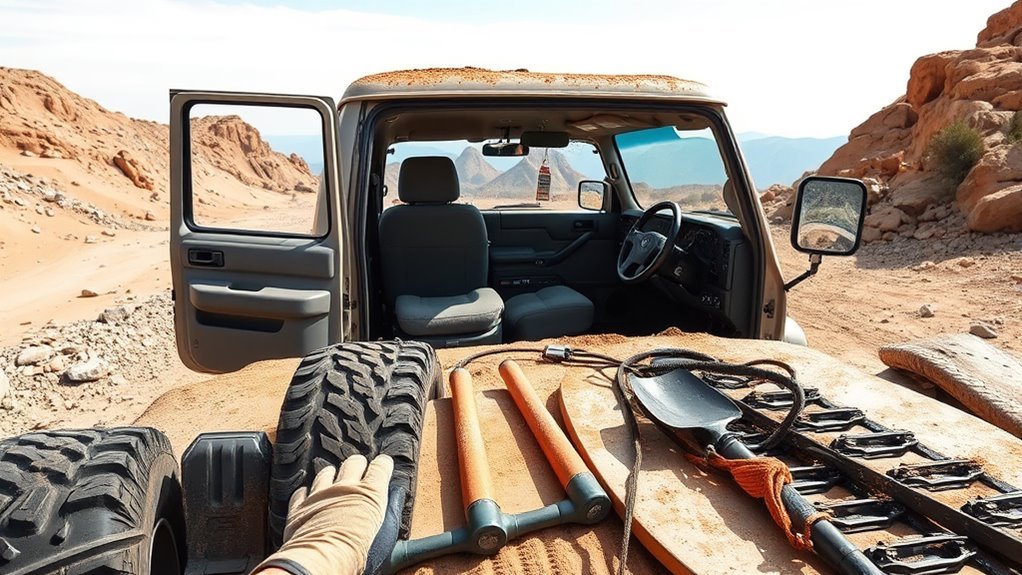
Multi-Terrain Select cannot compensate for damaged tires, unsecured cargo, poor visibility, or an obstacle that exceeds the vehicle’s clearance and angles. Complete a basic inspection before relying on electronic traction controls.
- Check the tires: Inspect tread, sidewalls, and tire pressure. Only reduce pressure when the surface, tire, load, and recovery plan support it, and carry a safe way to reinflate.
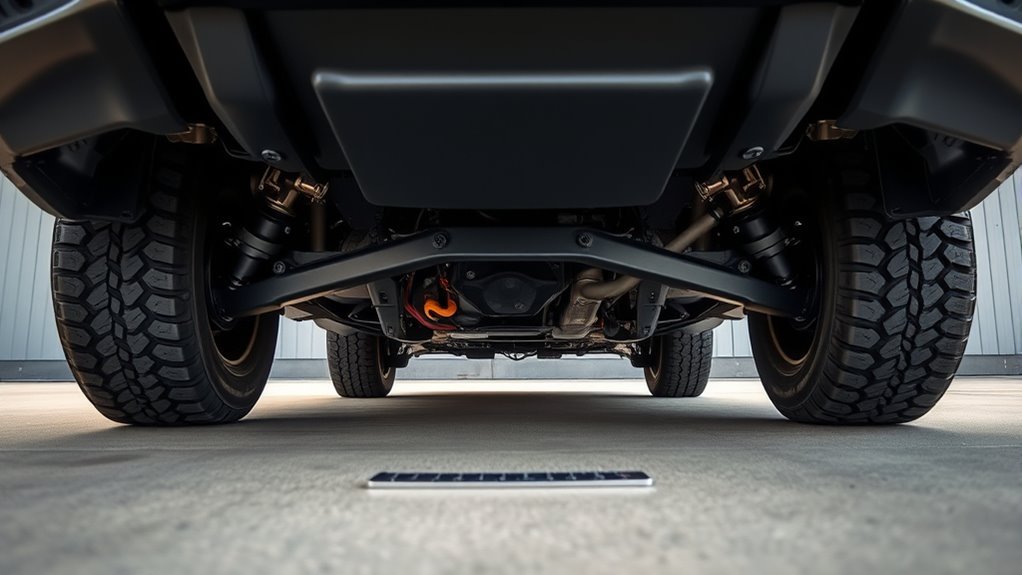
- Inspect underneath: Look for leaks, loose trim, damaged skid plates, or debris near the suspension, brakes, radiator, or driveline.
- Secure the cabin and cargo area: Tools, bottles, recovery equipment, and other loose objects can become hazards on steep or uneven terrain.
- Walk technical obstacles when safe: Identify holes, rocks, ledges, side slopes, soft shoulders, and the intended exit.
- Keep recovery equipment accessible: Use rated recovery points and equipment appropriate for the vehicle and situation.
Note: Tire construction, tread depth, pressure, load, and surface condition can have more influence on available grip than the selected MTS label.
How Does MTS Work With Crawl Control and Differential Locks?
Multi-Terrain Select is one part of the Land Cruiser’s off-road control system. H4 or L4 determines the transfer-case range. MTS selects the surface strategy. Crawl Control manages a low-speed pace. The center and rear differential locks change torque distribution when the normal traction system is not enough.
MTS vs. Crawl Control
Crawl Control is a low-speed off-road aid that automatically manages throttle and braking so the driver can concentrate on steering. It is useful on rough terrain where maintaining a consistent pedal input is difficult.
MTS and Crawl Control are not interchangeable. Select the transfer range and follow the display and owner-manual conditions for each system. Choose a Crawl Control speed that lets the tires and suspension move over the terrain without excessive bouncing.
Warning: Sustained Crawl Control or brake-based traction intervention can generate heat. If the system sounds a buzzer, displays a warning, or becomes temporarily unavailable, stop safely and follow the cooling instructions shown by the vehicle.
When Should You Use the Center Differential Lock?
The center differential lock limits the normal speed difference between the front and rear driveline. It can improve traction when the front and rear axles are on surfaces with very different grip.
Use it only under the conditions described in the owner’s manual and disengage it when the low-traction obstacle has ended. Do not continue onto dry, high-grip pavement with a differential lock engaged. If its indicator does not behave normally, see the site’s center differential lock light guide.
When Should You Use the Rear Differential Lock?
The rear differential lock connects the two rear axle shafts so both rear wheels turn together. It can help when one rear tire is unloaded or spinning, but it also reduces the axle’s ability to accommodate different wheel speeds while turning.
Engage it only under the vehicle’s required low-speed and transfer-range conditions. Keep speed low, avoid sharp turns, and unlock it after clearing the obstacle.
A Practical Control-Selection Sequence
- Inspect the surface and choose H4 or L4 for the required gearing.
- Press MTS and choose an available surface mode.
- Confirm the mode and transfer range on the display.
- Use Crawl Control when automatic low-speed pacing is helpful and its operating conditions are met.
- Use a differential lock only when appropriate and permitted by the owner’s manual.
- Return every off-road control to its normal setting after clearing the obstacle.
How Do You Get the Best Results From MTS?
MTS works within the grip available at the tires. Smooth inputs give the system more predictable conditions than abrupt throttle, braking, or steering.
- Look ahead: Choose the line before the front tires reach the obstacle.
- Build momentum gradually: Avoid sudden throttle in sand, mud, and deep snow.
- Keep rock speed low: Use tire placement and gearing instead of impacts and wheelspin.
- Use small steering corrections: Large, rapid inputs can increase digging and side loading.
- Respond to intervention: If the slip indicator flashes repeatedly, reduce the demand rather than adding more throttle.
- Stop early: Reassess before the vehicle settles onto its frame, axles, or underbody.
The correct MTS setting is the available mode that best matches the surface and transfer range. It does not replace a safe line, appropriate tires, or controlled speed.
What Can Multi-Terrain Select Not Do?
Multi-Terrain Select does not increase ground clearance, improve approach or departure angles, change the tire tread, reveal submerged hazards, or make an unsafe trail safe. It cannot guarantee traction on glare ice, wet rock, unstable side slopes, floodwater, deep holes, or snow that hides obstacles.
Do not enter water when its depth, current, bottom condition, or exit is unknown. Do not depend on a dashboard mode to correct a route that exceeds the vehicle’s clearance, traction, or stability limits.
Why Will Multi-Terrain Select Not Engage?

If MTS will not engage, will not show a requested mode, or displays a warning, stop in a safe place before troubleshooting. Do not continue farther into difficult terrain while guessing whether the control is active.
| Symptom | Possible Explanation | What to Do |
|---|---|---|
| Rock mode is missing | The transfer case is in H4 | Rock is an L4 mode. Select L4 only when the terrain and owner-manual procedure call for it. |
| Dirt or Deep Snow is missing | The transfer case is in L4 | Dirt and Deep Snow are H4 modes. Return to H4 only when appropriate for the terrain. |
| MTS will not activate | The required vehicle or system condition is not met | Check the transfer range, vehicle state, active warnings, and owner-manual activation conditions. |
| Selected mode does not appear | The selection was not confirmed or the system is unavailable | Do not rely on MTS unless the correct mode is shown. Stop using it if the display remains abnormal. |
| Slip indicator flashes | Brake or traction control is actively intervening | Reduce throttle, keep steering smooth, and reassess the line and available traction. |
| MTS becomes temporarily unavailable | Sustained brake-control operation may have generated excess heat | Stop safely, follow the displayed message, and allow the system to cool before relying on it again. |
| Crawl Control cancels or warns | An operating condition is no longer met or the system needs protection from heat | Stop safely and follow the owner’s manual and displayed warning. |
| Differential-lock indicator keeps blinking | The locking or unlocking action has not completed, or a fault may be present | Do not force the control. Follow the manual and arrange an inspection if the indicator continues blinking. |
What Should You Check After the Trail?
Return the Land Cruiser to its normal road configuration before resuming pavement or higher-speed driving. Confirm every change on the display rather than assuming a switch command completed.
- Exit MTS: Turn the system off or return to the normal/default road setting.
- Unlock the differentials: Confirm that the center and rear lock indicators turn off.
- Return to H4: Follow the owner-manual procedure before resuming normal speeds.
- Inspect the tires: Check for cuts, punctures, exposed cords, missing tread pieces, or bead damage.
- Inspect underneath: Remove lodged debris and look for leaks or damaged shields, suspension parts, brake components, and cooling-system areas.
- Check temperature and warnings: Allow the vehicle to cool after sustained low-speed work and investigate any warning that remains.
- Restore road pressure: Reinflate any tires that were intentionally aired down before highway driving.
Which 2026 Land Cruiser Trim Includes MTS?
For the 2026 U.S. market, Toyota lists Multi-Terrain Select on the Land Cruiser grade. The Land Cruiser 1958 grade is equipped with full-time four-wheel drive, a two-speed transfer case, Crawl Control, and center and rear locking differentials, but MTS is not listed among its grade features.
If you are shopping used or checking a vehicle from another market, verify the physical MTS switch, mode display, window sticker, build information, and owner’s manual. Listings may confuse Multi-Terrain Select with the Multi-Terrain Monitor, Crawl Control, or the Eco, Normal, and Sport road-driving modes.
[Products Worth Considering]

This smart tire tread depth gauge provides quick, accurate readings from 0 to 1 inch in 1/32-inch increments, helping drivers assess tire wear with confidence. Its color-coded display makes it easy to see tread condition at a glance, while the pocket clip adds convenient portability for garages, glove boxes, and on-the-go inspections. Designed for use on trucks, motorcycles, automobiles, and other passenger vehicles, it is a simple tool for safer tire maintenance.

This LUMITECO tire tread depth gauge set makes it easy to monitor tire wear and maintain safer driving performance. The color-coded scale provides quick, easy-to-read measurements, while the compact pocket-size design and included clip make it convenient to keep in your vehicle or toolbox. Suitable for cars, trucks, motorcycles, and more, it offers a simple reusable way to check tread depth whenever needed.

This smart color coded tire tread depth gauge makes it easy to check tread wear at a glance with clear red, yellow, and green ranges. Calibrated from 0 to 1 inch in 1/32 inch increments, it helps you quickly assess tire condition for safer driving and timely replacements. The pocket clip design makes it convenient to carry and use on trucks, motorcycles, cars, and other passenger vehicles.
Frequently Asked Questions
Which MTS modes are available in H4?
The current Land Cruiser 250 arrangement provides Auto, Dirt, Sand, Mud, and Deep Snow in H4. Rock does not appear because it is an L4 mode.
Which MTS modes are available in L4?
L4 provides Auto, Sand, Mud, and Rock. Dirt and Deep Snow do not appear in L4 because they are H4 choices.
Does the 2026 Land Cruiser 1958 have Multi-Terrain Select?
Toyota lists Multi-Terrain Select on the 2026 Land Cruiser grade, not the Land Cruiser 1958. The 1958 still includes other off-road systems, including Crawl Control and center and rear locking differentials.
Can Multi-Terrain Select be used on public roads?
Toyota identifies Multi-Terrain Select as an off-road system. Leave it off for ordinary public-road driving and dry, high-traction pavement. Use it only where the owner’s manual and the actual off-road surface support its operation.
What MTS mode should I use for gravel?
Use Dirt in H4 when the route is an appropriate unpaved, loose gravel-like surface. Keep speed low enough for visibility and stopping distance, and do not use a locked differential unnecessarily.
Is Multi-Terrain Select the same as Crawl Control?
No. Multi-Terrain Select changes the control strategy for the selected surface. Crawl Control manages throttle and braking at a selected low speed so the driver can focus on steering.
Why does the slip indicator flash while MTS is active?
A flashing slip indicator normally means a traction or brake-control system is intervening. Reduce throttle, keep steering smooth, and reassess the surface if intervention continues.
Conclusion
Use Land Cruiser Multi-Terrain Select by first choosing the correct transfer range, then selecting an available mode that matches the off-road surface. H4 provides Auto, Dirt, Sand, Mud, and Deep Snow. L4 provides Auto, Sand, Mud, and Rock. Confirm the selection on the display, use smooth inputs, and treat Crawl Control and differential locks as separate controls with their own operating conditions.
After the difficult section, exit MTS, unlock the differentials, return to H4 when appropriate, restore road tire pressure, and inspect the vehicle before normal driving.
Sources
- Toyota USA Newsroom: 2026 Land Cruiser — U.S. grades, MTS availability, full-time four-wheel drive, locking differentials, Crawl Control, and other off-road features.
- Toyota 2026 Land Cruiser E-Brochure — 2026 U.S. equipment and Multi-Terrain Select mode labels.
- Toyota Owners: Multi-Terrain Select — operating controls, selectable modes, conditions, and cautions.
- Toyota Owners: Crawl Control — Crawl Control operation, selectable speeds, conditions, and system warnings.
- Toyota Owners: Rear Differential Lock System — differential-lock operation and safety guidance.
- Toyota Europe: Land Cruiser 250 Off-Road Controls — H4 and L4 Multi-Terrain Select mode arrangement for the current Land Cruiser 250 system.




[…] Multi-Terrain Select, the Multi-Terrain Monitor, and the Stabilizer Disconnect Mechanism depend on grade or equipment. […]
[…] needs diagnosis. It applies broadly to Land Cruiser models, but the exact light names, buttons, and off-road modes vary by model year and […]