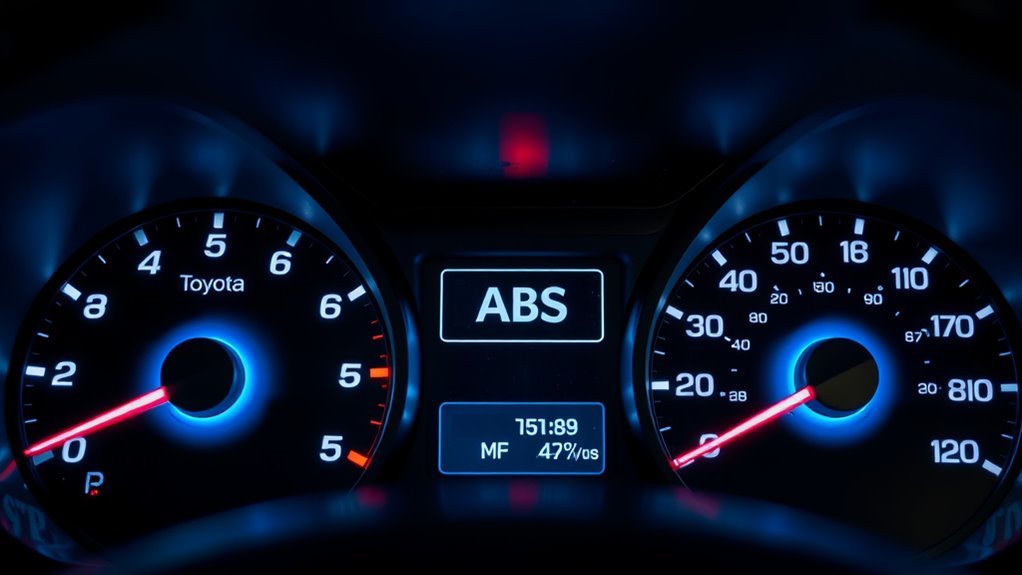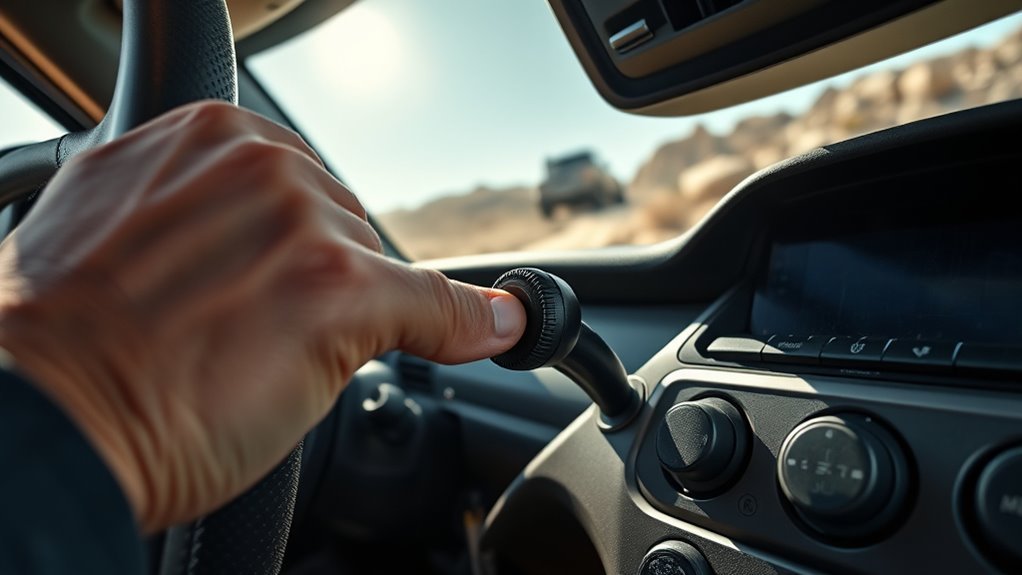
The Land Cruiser LC200 already uses full-time 4WD, so the center differential lock is not a “more 4WD” button for everyday driving. It is a traction tool for loose, slippery, bumpy, or stuck conditions where the front and rear axles need a fixed drive connection. Use it before the difficult section, drive smoothly, and unlock it again when you return to firm, high-grip ground.
Quick Answer
Lock the LC200 Land Cruiser’s center differential when the vehicle is stuck or when driving on loose, slippery, or bumpy surfaces such as mud, snow, sand, gravel, ruts, or rough climbs. Do not use it on dry pavement or tight high-traction turns. Shift H4/L4 correctly, wait for a solid indicator, and unlock it once traction improves.
Key Takeaways
- Use the center differential lock only when the surface can slip enough to prevent drivetrain binding.
- H4 is the normal high-range mode; L4 is for slow, high-load off-road driving such as steep grades, sand, mud, rocks, or recovery work.
- For H4 to L4 or L4 to H4 range changes, stop the vehicle, shift to N, and wait for the range indicator to finish changing.
- Avoid engaging the lock while wheels are spinning, while turning sharply, or while the drivetrain is under heavy load.
- A blinking indicator usually means the lock has not completed engagement or disengagement; reduce load, roll gently, retry, and seek inspection if it persists.
At a Glance
| Time Required | 10–30 seconds once you know the controls; longer if the indicator needs a gentle roll to finish engaging. |
| Difficulty | Easy, but it requires correct surface judgment and smooth driving. |
| Tools Needed | Owner’s manual, safe low-traction practice area, and clear view of the dashboard indicator. |
| Cost | Free for normal operation; inspection or repair costs apply only if the lock will not engage or disengage correctly. |
Warning: Center diff lock improves traction in the right conditions, but it does not improve braking, cancel tire limits, or make off-roading risk-free. Toyota warns that off-roading is inherently dangerous and abusive use can cause injury or vehicle damage, so wear seat belts, slow down, and use the system only where appropriate.
How the LC200 Center Differential Lock Works
The LC200 Land Cruiser uses a full-time 4WD system with a center differential. In normal H4 driving, the center differential allows the front and rear axles to rotate at different speeds, which is why the vehicle can drive smoothly on paved roads and around corners.
On many LC200 models, the center differential is a Torsen limited-slip unit. Toyota describes the Land Cruiser’s Torsen limited-slip center differential as being able to send more power to the wheel or axle with the most traction, with a locking feature that lets the driver select 50/50 front/rear power distribution in extremely traction-limited situations.
When you press the center differential lock switch, the front and rear driveline are mechanically tied together. That helps when one axle is losing traction, but it also removes the speed difference the drivetrain needs during normal high-grip turning. That is why the lock is useful on loose ground and risky on dry pavement.
H4, L4, and Center Lock: What Each Control Does
Before using the lock, separate the three ideas:
| Mode or Control | What It Does | Best Use |
|---|---|---|
| H4 | High-range full-time 4WD for normal driving. | Pavement, rain, gravel, mild snow, and normal mixed roads with the center diff unlocked. |
| L4 | Low-range gearing for slow control and more torque multiplication. | Steep climbs, steep descents, deep sand, mud, rocks, ruts, recovery, and technical off-road driving. |
| Center Differential Lock | Locks the center differential so front and rear axles are driven together. | Loose, slippery, bumpy, or stuck conditions where front/rear traction is uneven. |
Toyota’s Land Cruiser Quick Reference Guide says to lock the center differential when the wheels are stuck in a ditch or when driving on a slippery or bumpy surface. It also shows that shifting to L4 should be done stopped, with the transmission in N.
How to Engage the Center Differential (H4 and L4)

Engaging the Center Lock in H4
- Confirm the surface. Use the lock only on loose, slippery, or bumpy ground such as snow, mud, sand, loose gravel, wet grass, ruts, or a rough trail.
- Straighten the vehicle if possible. Avoid pressing the lock during a tight turn.
- Reduce drivetrain load. Ease off the throttle and avoid wheelspin.
- Press the center differential lock switch. Watch the center diff lock indicator.
- Wait for a solid indicator. If it blinks, roll forward or backward gently with light throttle and minimal steering until it completes.
- Drive smoothly. Use gentle throttle, gentle steering, and enough momentum to keep moving without spinning the tires.
Shifting to L4 and Locking the Center Differential
- Stop completely. Do not try to shift between H4 and L4 while the vehicle is moving.
- Shift the transmission to N. Keep your foot on the brake.
- Select L4. Hold the control in the L4 position until the low-range indicator confirms the shift.
- Lock the center differential if the terrain needs it. Press the CDL switch when traction is loose, slippery, bumpy, or uneven enough to justify it.
- Confirm the indicator. A steady light means the lock is engaged. A blinking light means the command has not completed.
- Proceed slowly. L4 is for control, not speed.
Pro Tip: Engage the center lock before the climb, rut, mud hole, or sandy section. Waiting until tires are spinning makes engagement harder and adds stress to the drivetrain.
When to Lock the Center Differential (LC 200): Clear Use Cases
Lock the center differential when the ground can slip enough to release drivetrain stress and when front/rear traction may differ. Good use cases include:
- Deep snow or packed snow: lock before a hill, drifted section, or uneven snow track.
- Mud and wet grass: lock before entering the slick section so the vehicle does not wait for wheelspin to react.
- Loose gravel or dirt climbs: lock when momentum is low and wheelspin is likely.
- Sand: lock when steady drive to both axles helps maintain momentum.
- Ruts and bumpy trails: lock when the terrain unloads one axle or makes traction uneven front-to-rear.
- Recovery or getting unstuck: use the lock with smooth throttle and, if needed, L4 for slow control.
The center diff lock is best used before traction becomes a problem, not after the vehicle is already spinning and loaded up.
When Not to Use the Center Lock (Avoid Driveline Windup)
Do not use the center differential lock on dry pavement, concrete, or other firm high-grip surfaces. When the center diff is locked, the front and rear axles cannot rotate at different average speeds. During turns, that difference has to go somewhere, so stress builds in the transfer case, driveshafts, axles, tires, and joints. That stress is commonly called driveline windup.
Dry Pavement and Tight Turns
If the steering feels heavy, the vehicle hops or binds, or the tires scrub during a turn, unlock the center differential as soon as it is safe. Drive straight, reduce load, and allow the indicator to go out before continuing on high-grip ground.
Do Not Engage Under Wheelspin
A wheel in the air is not automatically a reason to avoid center lock. Uneven trails are one reason the lock exists. The key is timing: engage before the obstacle, or stop and remove load first. Do not press the lock while a wheel is spinning fast, while the vehicle is bouncing, or while the throttle is heavy.
Do Not Borrow Speed Rules From Other 4WD Systems
Some Toyota part-time 4WD instructions mention speed limits for shifting into high-range 4WD. That is not the same thing as the LC200’s full-time 4WD center differential lock. For the LC200, the safer rule is simpler: use the lock only on the right surface, engage it with low drivetrain load, and drive at a speed that matches the terrain.
Note: Always follow the owner’s manual for your exact year, market, and trim. LC200 controls and warnings can vary by region and equipment package.
Safe Speeds and Driving Practices With the CDL Engaged
There is no benefit in driving fast with the center differential locked. Locked driving is about control and traction, not speed. Use these habits:
- Keep steering smooth. Avoid sharp turns, especially on firmer surfaces.
- Keep throttle smooth. Wheelspin adds shock load and digs the vehicle in.
- Unlock early. Once the trail turns into firm dirt, rock slab, pavement, or a tight maneuvering area, unlock the center diff.
- Use L4 when speed is low and load is high. L4 gives better control for steep grades, technical terrain, and recovery work.
- Do not use cruise control in technical terrain. Driver control matters more than speed-holding.
How to Unlock the Center Differential
- Move onto a safer, straighter path. Avoid unlocking while the vehicle is twisted up or spinning.
- Ease off the throttle. Reduce driveline load.
- Press the center differential lock switch again.
- Watch the indicator. The light should go out when the lock releases.
- If it keeps blinking, roll gently. Move forward or backward a short distance with light steering input to release tension.
If the vehicle feels bound up after using the lock on a grippy surface, stop forcing it. Straighten the wheels, roll gently on a loose patch if available, and let the drivetrain unwind.
Fix a Blinking or Non-Engaging Center Lock Indicator (Troubleshooting)
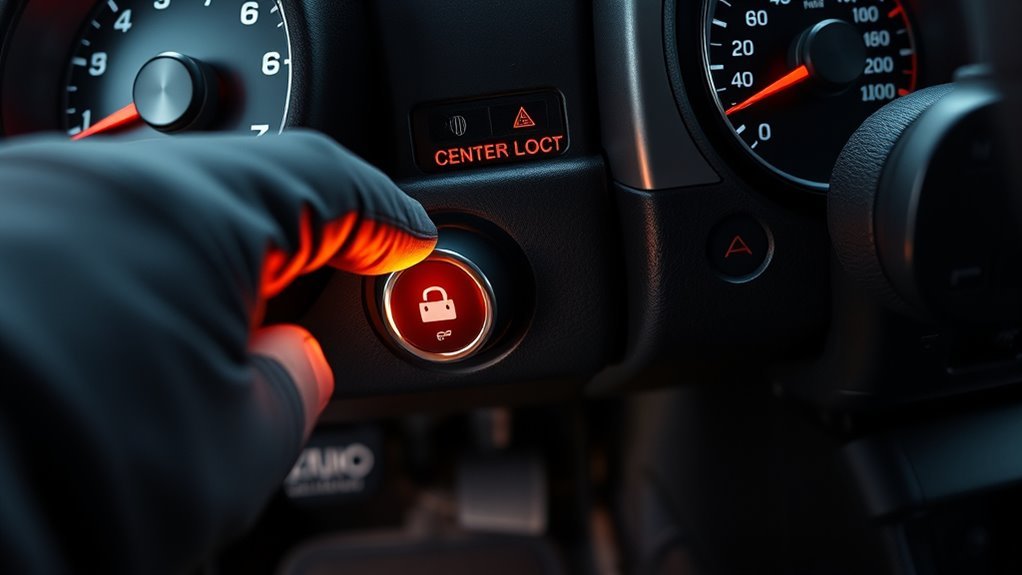
A blinking center differential lock indicator usually means the lock or unlock command has not finished. It does not automatically prove the actuator is bad. Start with simple checks before assuming a repair is needed.
- Confirm the transfer range. Make sure H4 or L4 has fully selected before diagnosing the center lock.
- Reduce load. Take your foot off the throttle and avoid turning sharply.
- Roll gently. Move forward or backward a few feet with light steering input.
- Retry once or twice. Do not keep forcing the switch repeatedly.
- Check the obvious electrical items. Low battery voltage, loose terminals, damaged wiring, water intrusion, or blown fuses can contribute to electrical symptoms.
- Stop if warnings remain. If the indicator keeps blinking, warning messages appear, or the lock will not release, have the vehicle inspected by a Toyota dealer or qualified 4WD technician.
Warning: Do not continue driving on dry pavement with the center diff lock stuck on. If it will not unlock, avoid tight turns, drive slowly only as needed to reach a safe place, and arrange proper diagnosis.
[Products Worth Considering]

These off-road traction boards are designed to help vehicles recover from mud, sand, and snow with reliable grip and easier ramp-up. Their double-sided diamond construction, cross-shaped teeth, and contoured ramps improve traction while the durable polypropylene build stays flexible in harsh conditions. Convenient mounting points, ergonomic handles, and a visible leash make them practical to carry, store, and retrieve when recovery is needed.

These custom floor mats are designed to fit the Toyota Land Cruiser GX550 with a 5-seat layout for a precise, secure install. Made from durable TPE, they help shield your interior from spills, mud, snow, dirt, sand, pet hair, and everyday debris while making cleanup quick and easy.

Custom-fit floor mats and cargo liner designed to provide edge-to-edge protection for the Toyota Land Cruiser Prado. Made from durable TPE material, they offer all-weather defense against rain, slush, snow, mud, and everyday dirt while remaining easy to install, clean, and maintain. The odorless, non-slip design helps keep your interior safer, cleaner, and more comfortable in every season.
Torsen vs. Locked CDL on the LC 200: Traction Tradeoffs
The Torsen center differential is useful because it can bias torque automatically while still allowing normal front/rear speed differences during turns. Torsen explains that its differentials use helical gearing to bias torque toward the tire or axle that can use it.
Unlocked H4 is the best choice for normal driving, wet roads, mixed pavement, graded dirt, and mild gravel. It gives stable full-time 4WD without the binding risk of a locked center differential.
Locked CDL is the better choice when the surface is loose enough and the vehicle needs a fixed front/rear drive connection. Toyota’s 2021 Land Cruiser brochure describes the locking feature as a way to manually select 50/50 front/rear power distribution in extremely traction-limited situations.
| Situation | Best Choice | Why |
|---|---|---|
| Dry pavement | H4, center unlocked | Allows normal cornering without driveline windup. |
| Rain or mixed wet roads | H4, center unlocked | Full-time 4WD and Torsen biasing are usually enough. |
| Loose gravel climb | H4 or L4, center locked if needed | Fixed front/rear drive helps prevent one axle from wasting traction. |
| Deep sand or mud | H4 or L4, center locked | Maintains drive to both axles and supports steady momentum. |
| Rocks, ruts, steep recovery | L4, center locked | Low range adds control; center lock gives consistent front/rear drive. |
[Products Worth Considering]
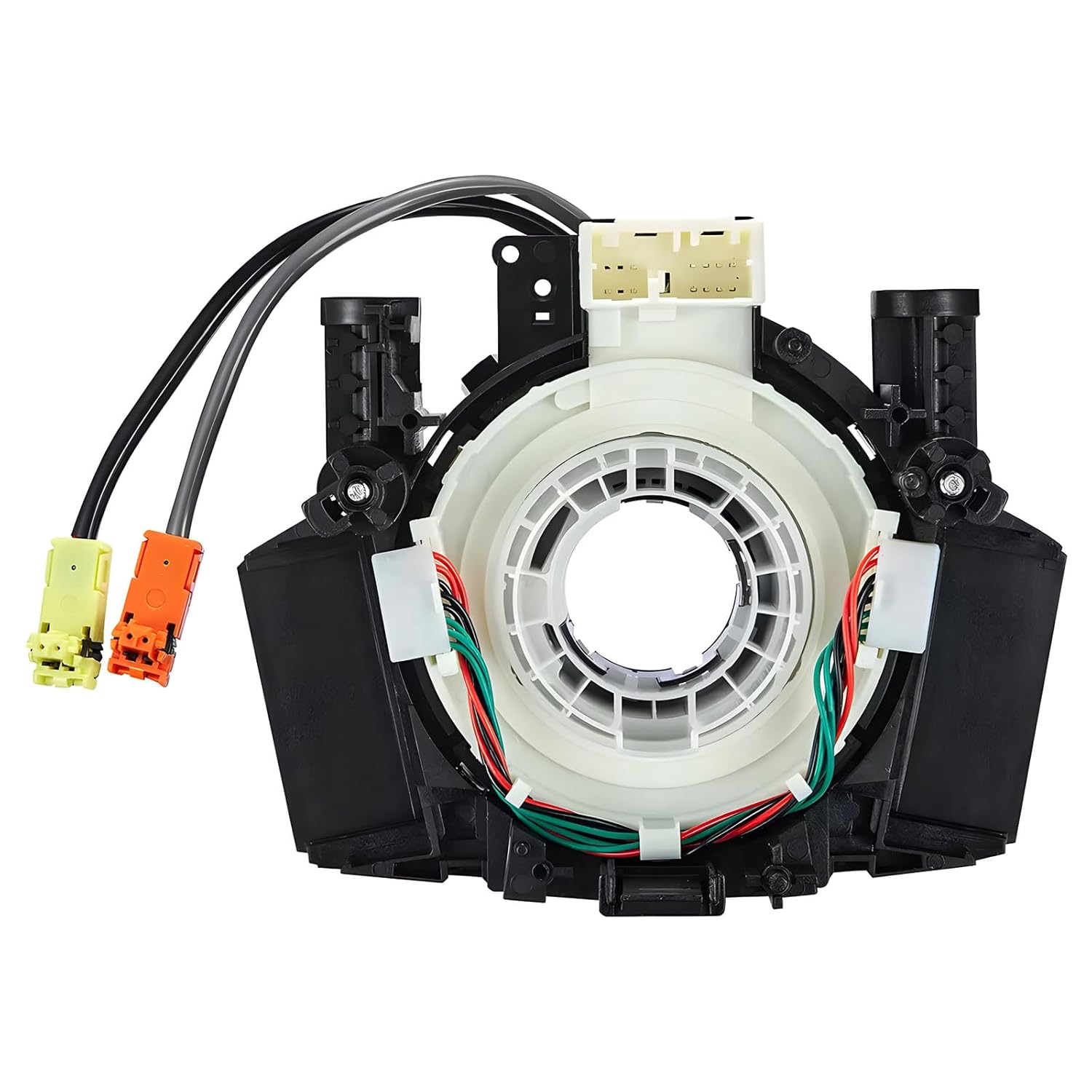
This steering clock spring assembly is an OEM-style replacement designed to restore steering wheel controls and related electronic functions in compatible Nissan vehicles. It supports audio, cruise control, and multi-function button operation while matching multiple factory part numbers for a reliable fit. Built for direct installation with vehicle-specific connectors, it helps return steering column electronics to proper working order.
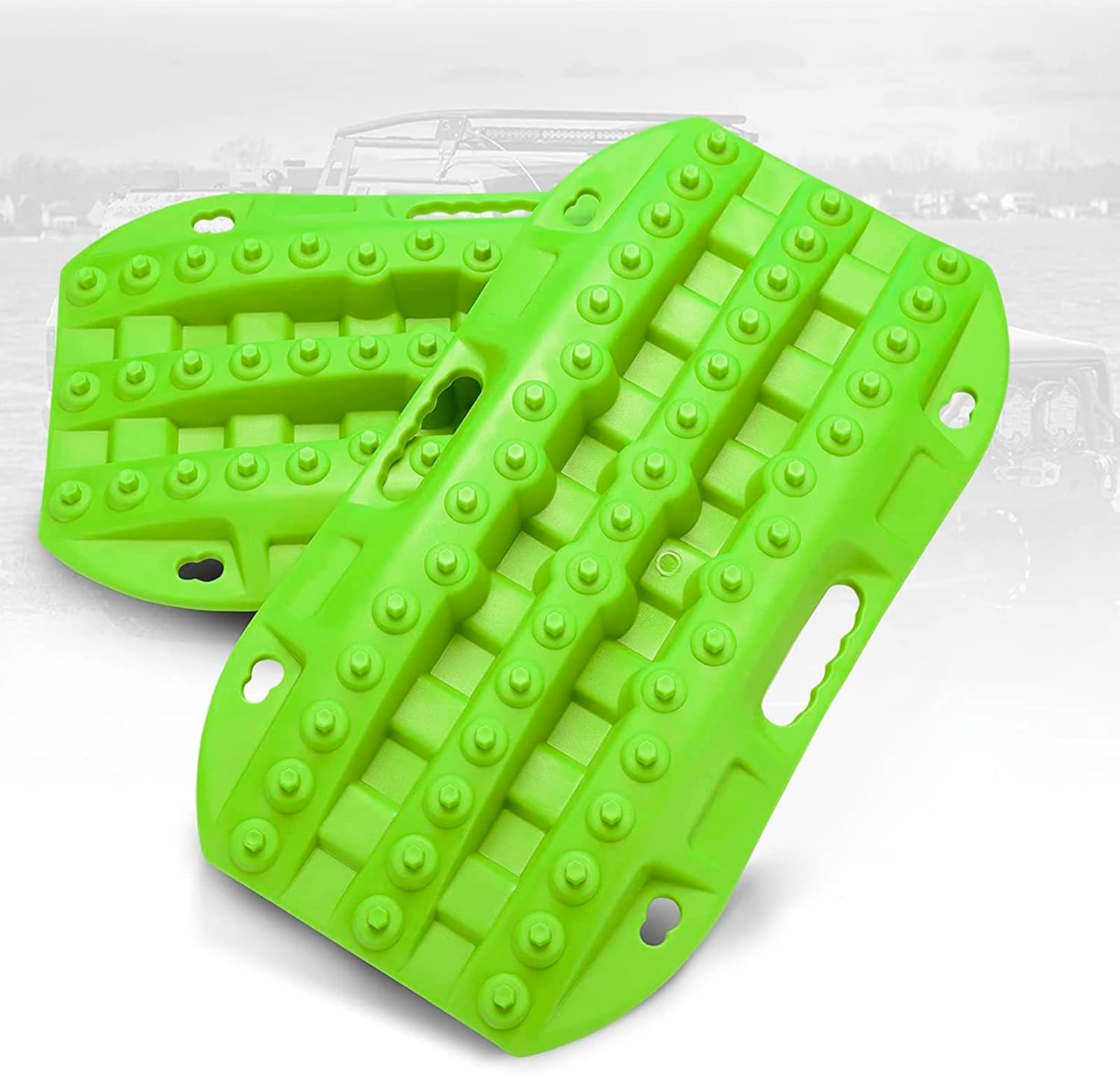
These short recovery traction boards are designed to help ATVs, UTVs, and other off-road vehicles regain grip in mud, sand, and snow. Built with strengthened teeth and a durable polypropylene construction, they provide reliable traction, easy handling, and year-round performance in tough conditions. Their nested, space-saving design and integrated shovels make them practical for carrying and using on remote adventures.

This steering clock spring is designed to restore reliable steering wheel controls across a wide range of Toyota models. It supports audio, cruise control, and other multifunction commands while matching OEM part numbers for confident replacement fitment. Built for dependable signal transfer and straightforward installation, it is an effective solution for repairing steering column control issues.
Center Diff Lock vs. Rear Diff Lock, A-TRAC, MTS, and Crawl Control
The center differential lock works front-to-rear. It does not lock the left and right wheels on the same axle. That is the job of an axle differential lock, if your vehicle has one, or traction-control systems that brake a spinning wheel.
- Center diff lock: connects front and rear axles for consistent front/rear drive.
- Rear diff lock, if equipped: locks the two rear wheels together for difficult low-speed traction.
- A-TRAC: uses brake control to reduce wheelspin and send torque where grip remains.
- Multi-Terrain Select: adjusts vehicle control for surfaces such as mud, sand, rock, and moguls on equipped models.
- Crawl Control: manages throttle and braking at very low speeds on rough terrain on equipped models.
Use the least aggressive tool that solves the problem. Often, unlocked H4 is enough. For a loose climb, center lock may be enough. For slow technical terrain, L4 plus center lock may be better. Save axle locks, if equipped, for the situations where traction control and center lock are not enough.
CDL Maintenance for LC 200: Exercise, Electrical, Battery
A center differential lock that never gets used can become slow or reluctant. You do not need to abuse it; you just need to operate it correctly from time to time.
- Exercise it on a safe loose surface. A gravel driveway, dirt road, or other low-grip area is better than dry pavement.
- Engage and disengage gently. Keep the wheels mostly straight and the throttle light.
- Use L4 periodically if safe. Follow the stopped/N procedure for range changes.
- Keep the battery healthy. Weak voltage can make electronic systems act strangely, even if it is not the only possible cause.
- Inspect connectors after water or mud. If problems appear after deep water, mud, or pressure washing, look for moisture or damaged wiring.
For fluid intervals, warning lights, and model-specific maintenance data, use Toyota’s official Land Cruiser owner manual library for your exact model year.
[Products Worth Considering]

These X-BULL recovery traction tracks help drivers get unstuck from sand, snow, mud, or ice with a stable U-shaped elastic design and a wavy ramp that makes tire entry easier. Built from reinforced nylon, they are flexible, impact-resistant, and designed to perform in extreme temperatures while providing reliable emergency traction for a wide range of vehicles.

This dash clock spring replacement is designed for a wide range of Toyota vehicles and helps restore reliable steering wheel control functions. It supports audio controls, cruise control, and other multi-function commands while using vehicle-specific connectors for easier installation. Built with durable materials and OEM-referenced part compatibility, it is a practical solution for repairing steering wheel signal issues.

This dual dash cam captures detailed road footage with front and rear recording for added driving security. Built-in WiFi and app control make it easy to review, download, and manage videos from your phone, while the IPS screen provides clear on-device viewing. With loop recording, G-sensor protection, parking mode, and WDR support, it is designed to help document incidents day or night.
Real-World Tips From LC 200 Owners and Common Pitfalls
The best owner habit is to think ahead. Lock before the obstacle, not while the vehicle is already bouncing, sliding, or spinning. Unlock when the surface firms up. Practice in a controlled area before you need the system on a trail.
| Tip | Condition | Action |
|---|---|---|
| Blinking indicator | Command has not completed | Reduce load, roll gently, and retry. |
| Tight turn on firm ground | Binding or tire scrub | Straighten, unlock, and avoid forcing the turn. |
| Loose climb ahead | Likely front/rear traction difference | Lock before the climb and use smooth throttle. |
| Deep sand | Momentum matters | Lock early, avoid sharp steering, and keep steady speed. |
| Dry pavement | High traction | Keep the center diff unlocked. |
Frequently Asked Questions
How do you lock the center differential on a Land Cruiser LC200?
Choose the correct range first. Stay in H4 for most loose-road driving, or shift to L4 by stopping completely and selecting N before changing range. Then press the center differential lock switch, reduce throttle load, and wait for the indicator to stay solid before driving into the difficult section.
Is it bad to drive with the centre diff lock on?
It is not bad when used on loose, slippery, or bumpy surfaces. It is bad practice to leave it locked on dry pavement, concrete, or tight high-traction turns because the drivetrain can bind and build windup.
Can I lock the center diff in H4?
Yes, when the surface calls for it. H4 with the center diff locked can be useful for snow, sand, mud, loose gravel, and bumpy trails where you still want high-range gearing. Keep speed and steering appropriate for the terrain.
When should I use L4 with the center diff locked?
Use L4 with the center lock for slow, difficult conditions: steep climbs, steep descents, rocks, deep ruts, mud, sand, recovery work, or any situation where slow control and torque multiplication matter more than speed.
Why is my center diff lock light blinking?
A blinking light usually means engagement or disengagement has not completed. Reduce throttle, keep steering light, roll forward or backward a short distance, and wait for the indicator. If it keeps blinking or warning messages appear, have the system inspected.
Conclusion
Locking the center differential on an LC200 Land Cruiser is simple, but using it well depends on judgment. Keep H4 unlocked for normal driving. Lock the center diff when the surface is loose, slippery, bumpy, or traction-limited enough to need fixed front/rear drive. Use L4 for slow technical work, unlock before dry pavement or tight high-traction turns, and never force the system while the wheels are spinning. Treated as a precise traction tool, the CDL helps the Land Cruiser do what it was built to do without putting unnecessary stress on the drivetrain.
Sources
- Toyota 2017 Land Cruiser Quick Reference Guide — H4/L4 operation and center differential lock use.
- Toyota 2021 Land Cruiser eBrochure — Torsen limited-slip center differential, 50/50 locking feature, and off-road safety warning.
- Toyota Land Cruiser Owner Manuals — official model-year owner manual access.
- Torsen: How It Works — torque-biasing differential operation.