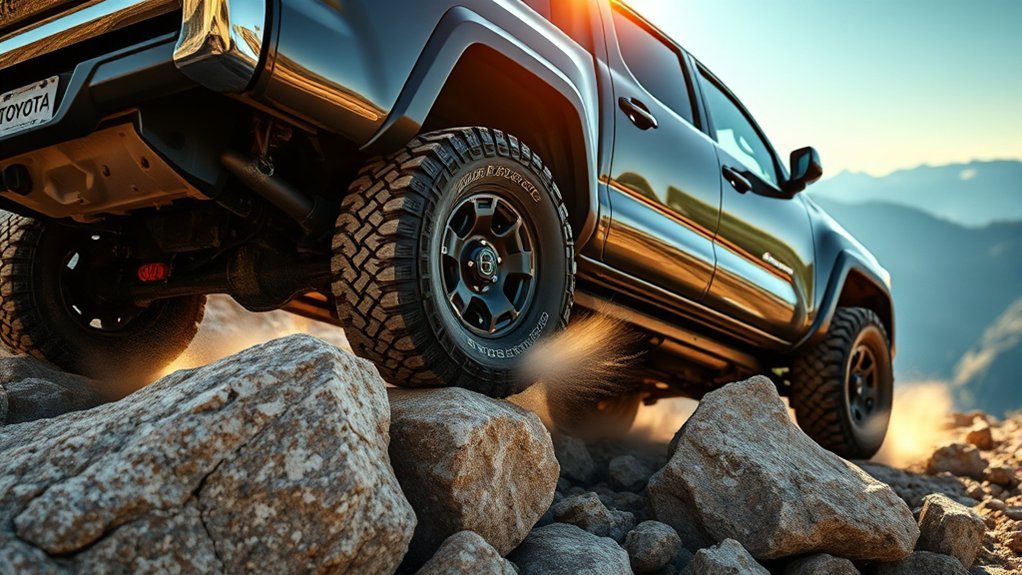
Toyota Tacoma Crawl Control is an off-road driving aid that helps the truck move at a steady low speed over rough, slippery, or uneven terrain. Instead of juggling the accelerator and brake, you select the proper 4WD setting, choose a crawl speed, and focus on steering. The exact buttons and menus can vary by model year, so always confirm the process in your Tacoma owner’s manual before using it on a trail.
Quick Answer
To use Crawl Control in a Toyota Tacoma, stop safely, shift into Neutral, engage 4L when required, select Drive or Reverse, turn Crawl Control on, choose a low speed, and steer while the system manages throttle and braking. Use it only off-road, not on regular pavement.
Key Takeaways
- Crawl Control is designed for slow, difficult off-road driving where steady throttle and brake control matter most.
- Many Tacoma models require 4L before Crawl Control will activate; some newer full-time 4WD models use a low-range locked setting instead.
- Start with the lowest crawl speed, then increase only if the terrain allows it.
- Clicks, pulses, and vibrations can be normal because the system is actively controlling braking and traction.
- Turn Crawl Control off before returning to normal road driving.
At a Glance
| Time Required | 1–2 minutes to set up once stopped |
| Difficulty | Easy, but only for off-road use |
| Tools Needed | No tools; use the Tacoma’s factory controls |
| Cost | Free if your Tacoma is equipped with Crawl Control |
Check Whether Your Tacoma Has Crawl Control
Before trying to activate the system, confirm that your Tacoma is equipped with Crawl Control. It is commonly found on off-road-focused trims and packages, such as TRD Off-Road, TRD Pro, and Trailhunter, depending on model year and market. Toyota also notes that Crawl Control is an “if equipped” feature, so trim name alone is not always enough.
The easiest way to verify it is to look for a CRAWL button, Crawl Control switch, or Crawl Control menu in the off-road controls. You can also check your window sticker, build sheet, or Toyota owner’s manual for your exact year and trim.
Note: Crawl Control availability, speed ranges, display messages, and control layouts can differ between third-generation and fourth-generation Tacoma models. Use the steps below as a practical guide, then follow your owner’s manual for your exact truck.
[Products Worth Considering]

These all-weather car floor mats combine durable rubber with metallic aluminum film for a sporty look and reliable interior protection. Deep ridge channels help trap mud, water, snow, and debris, while the trimmable universal design offers a flexible fit for many cars, SUVs, and vans. They are waterproof and easy to clean, making them a practical upgrade for everyday driving in any season.
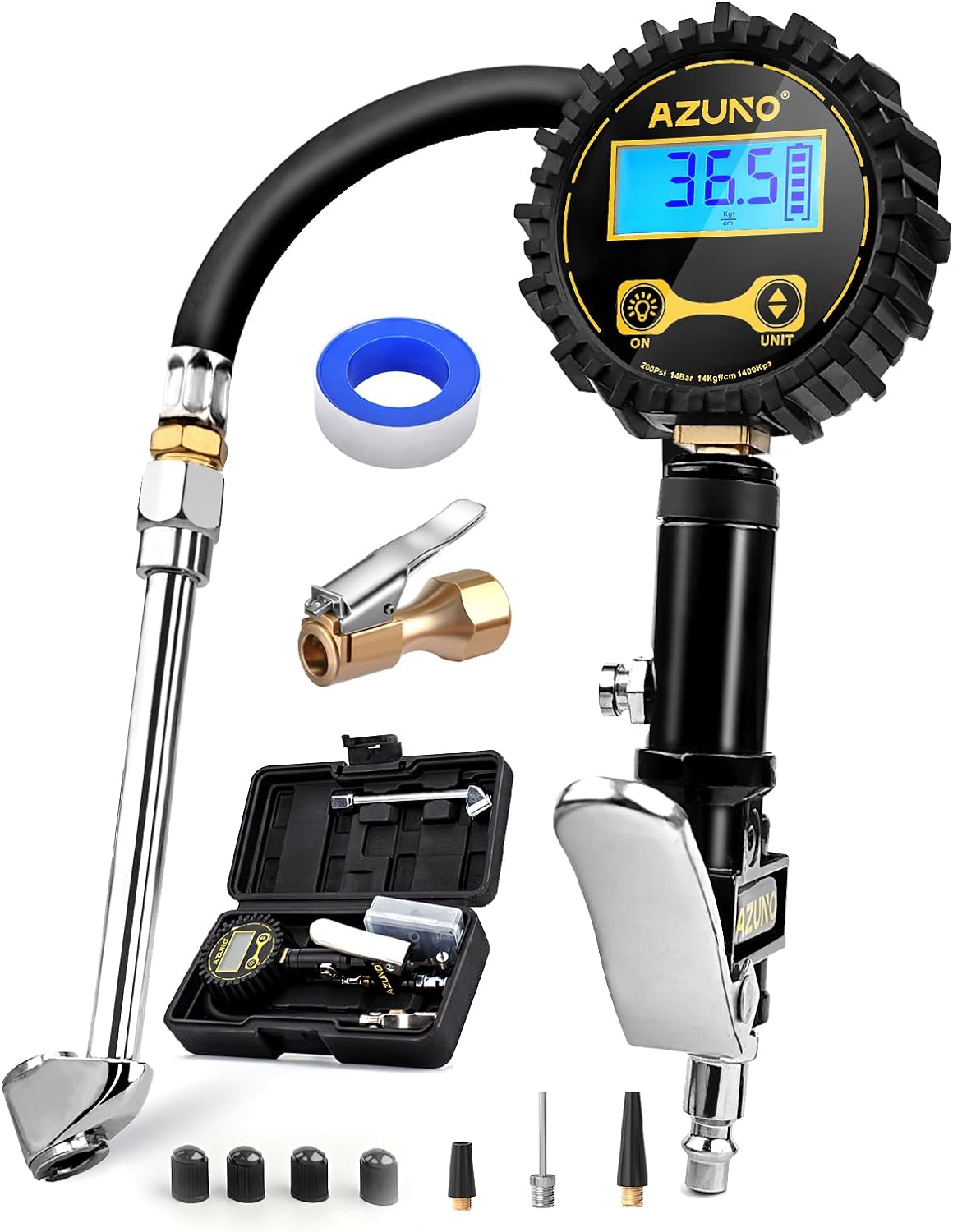
This digital tire inflator delivers accurate, easy-to-read pressure measurements with a bright backlit LCD and precise 0.1 resolution for confident inflation. Designed for single-handed use, it makes it simple to inflate or deflate tires while staying organized in the included portable carrying box. Built for a wide range of vehicles, it is a practical air compressor accessory for cars, trucks, SUVs, motorcycles, and more.

This portable tire inflator delivers fast, convenient inflation for cars, bikes, motorcycles, and balls with dual power options from a rechargeable battery or a 12V car cord. Its digital LCD pressure gauge and automatic shutoff help prevent over-inflation, while multiple preset modes and a custom setting make it easy to use for different inflation tasks. Built-in flashlight and USB power ports add extra emergency utility on the road.
Easily Engage Four-Wheel Drive in Your Tacoma
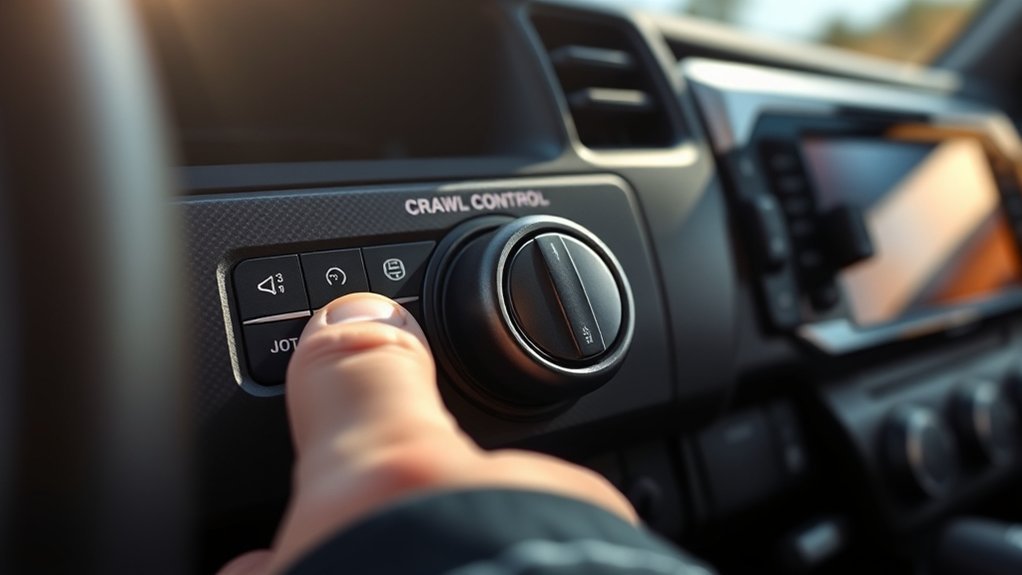
Engaging the right four-wheel-drive mode is the first step before using Crawl Control on most Tacoma models. In many part-time 4WD Tacomas, Crawl Control operates when the truck is in 4L, not regular two-wheel drive or 4H. Toyota’s official owner information says Crawl Control is made for difficult terrain at low speeds and helps the driver by controlling acceleration and braking while the driver focuses on steering.
To engage low range on most part-time 4WD Tacomas, come to a complete stop, keep your foot on the brake, shift the transmission into Neutral, and move the 4WD selector into 4L. Wait for the indicator to show that low range is engaged before selecting Drive or Reverse.
Warning: Do not use 4L, Crawl Control, or other low-speed off-road systems on dry pavement. Binding the drivetrain on high-traction surfaces can cause poor handling and possible mechanical stress.
How to Turn On Crawl Control Step by Step
Once your Tacoma is in the correct low-range setting, activate Crawl Control with the truck stopped or moving very slowly, depending on your owner’s manual. The basic process is simple:
- Stop in a safe off-road area. Keep your foot on the brake and make sure the trail ahead is clear.
- Shift into Neutral if you need to enter 4L. Engage 4L or the required low-range setting for your model.
- Select Drive or Reverse. Choose the direction you need before activating the system.
- Press or select Crawl Control. Use the CRAWL switch, dial, or touchscreen menu, depending on your Tacoma.
- Choose the lowest speed first. Let the truck begin moving slowly while you steer.
- Adjust speed as needed. Increase only when the surface is stable enough for a faster crawl.
When Crawl Control is active, you should not need to press the accelerator or brake during normal operation. Your job is to steer, watch the trail, and be ready to take over if the terrain changes or the system cancels.
Crawl Control works best when you let it do its job: choose a slow speed, keep your feet off the pedals unless needed, and focus on clean steering inputs.
[Products Worth Considering]

This all-in-one roadside emergency kit is designed to help drivers handle common breakdowns, minor repairs, and first aid needs with confidence. It includes a portable air compressor with tire pressure measuring and memory settings, safe jumper cables, and a versatile 14-in-1 pliers tool set, all organized for easy trunk storage. With a wide range of emergency supplies packed into one compact case, it is a practical choice for new drivers, daily commuters, and anyone preparing for unexpected roadside situations.

This full set seat cover package delivers a custom-fit upgrade for compatible Toyota models, helping refresh worn interiors with a clean, premium look. Thickened foam and heavy-duty faux leather provide supportive comfort, stain resistance, and improved durability, while the quick-install design helps keep the covers secure during daily driving. Front seat protection includes air bag compatible construction, and the rear bench design uses dual zippers for flexible fit across split seat configurations.

Check Compatibility: Fits 2005-2015 Toyota Tacoma, including SR, SR5, TRD Sport, TRD Off-Road, Limited, and TRD Pro models. Ensure compatibility with your 2nd Gen Tacoma before purchase.
Selecting the Right Terrain for Crawl Control
Multi-Terrain Select and Crawl Control are related, but they are not the same feature. Crawl Control manages low-speed throttle and braking. Multi-Terrain Select adjusts traction behavior for surfaces such as mud, dirt, sand, rock, moguls, or snow, depending on the model year.
On newer Tacoma models, Toyota says Multi-Terrain Select can optimize brake control, steering feel, and drive-force control based on the selected terrain mode. Choose the mode that most closely matches what is under your tires, but treat the listed terrain types as a guide rather than a guarantee.
- Mud or sand: Use when wheelspin is likely and steady momentum is more important than ultra-slow crawling.
- Loose rock or gravel: Use when traction changes quickly and the truck needs careful brake and throttle control.
- Moguls or uneven terrain: Use when tires may lift or unload over crossed-up trail sections.
- Rock crawling: Use the slowest Crawl Control setting and make small steering corrections.
Pro Tip: Select the terrain mode before you start moving through the obstacle. Changing modes mid-obstacle can distract you and may not give the system enough time to respond smoothly.
Explore Crawl Control and Its Benefits
Crawl Control can make your Toyota Tacoma easier to manage when the trail gets technical. Toyota describes Crawl Control as a system that automatically modulates throttle and braking on low-speed settings, helping the driver focus on steering through difficult terrain.
Enhanced Off-Road Control
When you venture off the beaten path in your Toyota Tacoma, steady control matters more than speed. Crawl Control helps by:
- Managing throttle and braking automatically: This reduces the need for constant pedal work over rocks, ruts, mud, or steep trail sections.
- Keeping speed consistent: A steady crawl can reduce sudden surges that break traction.
- Helping on climbs and descents: The system can support slow, controlled movement uphill or downhill, depending on conditions.
This does not mean the truck drives itself. You still need to choose the line, avoid hazards, and be ready to brake or steer away from trouble.
Simplified Navigation Challenges
Steering through off-road challenges becomes easier when you are not constantly switching between the accelerator and brake. Crawl Control acts like a low-speed off-road cruise control, letting you concentrate on tire placement and obstacle clearance.
You may hear clicking, pulsing, or mechanical sounds while the system is working. Toyota owner information notes that sounds, vibrations, and brake-control sensations can occur during operation and are not automatically signs of a malfunction. Still, stop and inspect the vehicle if a sound feels unusual, harsh, or continues after Crawl Control is turned off.
How to Adjust Speed With Crawl Control for Optimal Performance
To get the best performance from Crawl Control, start slower than you think you need. Low speed gives the system more time to control wheelspin and gives you more time to steer around obstacles.
Use these speed-setting tips:
- Use the lowest setting for rocks and deep ruts. Slow movement helps protect the underbody and tires.
- Move up slightly for sand, snow, mud, or loose dirt. Some surfaces need gentle momentum to keep the truck moving.
- Do not chase speed. Crawl Control is not meant for fast trail driving. It is for controlled, low-speed movement.
- Let the system work. Avoid pressing the accelerator or brake unless you need to override the system for safety.
If the truck feels like it is bogging down, slipping too much, or pulsing aggressively, stop when safe and reassess the terrain, tire placement, and speed setting.
When to Use Crawl Control and When Not To
Crawl Control is useful in the right setting, but it is not for every off-road situation. Use it when slow, steady progress is safer than manual pedal control.
| Good Uses | Avoid Using It |
|---|---|
| Rocky trails | Dry pavement |
| Loose gravel climbs | High-speed dirt roads |
| Rutted trail sections | Normal city or highway driving |
| Slow mud or snow recovery | Long-distance continuous driving |
| Steep low-speed descents | Any situation where you need quick manual throttle response |
How to Properly Deactivate Crawl Control in Your Tacoma
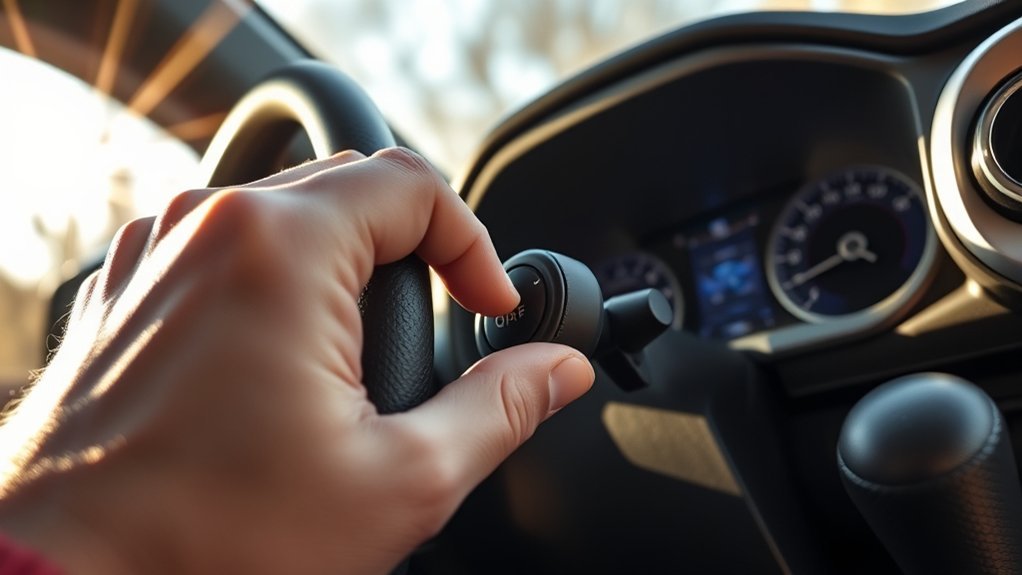
To properly deactivate Crawl Control in your Toyota Tacoma, press the Crawl Control switch again, cancel it through the control menu, or change out of the required low-range mode according to your owner’s manual. In many Tacoma models, Crawl Control cancels when the transmission is shifted to Park or Neutral, or when the transfer case is moved out of the required low-range setting.
Shift Back to Four High
When you are finished with the obstacle, stop in a safe, level area when possible. Keep your foot on the brake, shift into Neutral, and move from 4L back to 4H if your Tacoma uses a part-time 4WD system. Wait for the indicator to confirm the shift is complete before driving normally.
- Confirm Neutral: Use Neutral when shifting between high and low range if your owner’s manual requires it.
- Watch the dashboard: Make sure the 4L and Crawl Control indicators are no longer showing active operation.
- Return to 2WD when appropriate: On dry pavement, part-time 4WD Tacomas should generally be returned to two-wheel drive after off-road use.
Confirm All Features Disengaged
Before you hit the road, make sure Crawl Control, Multi-Terrain Select, rear locker settings, and any other off-road-only features are off unless your owner’s manual says otherwise. This final check helps prevent unexpected traction behavior when you return to regular driving.
Note: If Crawl Control will not turn off, stop safely, shift to Park, check the display messages, and consult your owner’s manual. Do not continue onto public roads with off-road controls active if the truck is not behaving normally.
Common Mistakes to Avoid When Using Crawl Control
Using Crawl Control effectively can improve your off-road experience, but only when you avoid these common mistakes:
- Starting too fast: Begin on the lowest setting so you can learn how the truck reacts.
- Using it on pavement: Crawl Control is an off-road feature, not a daily driving mode.
- Fighting the system: Repeated accelerator or brake input can defeat the point of Crawl Control.
- Ignoring steering responsibility: The system controls speed, not your line through the obstacle.
- Forgetting to disengage it: Always turn off Crawl Control and low-range settings before returning to normal driving.
- Assuming every Tacoma works the same way: Always check the instructions for your specific year, trim, and drivetrain.
Troubleshooting Crawl Control Problems
If Crawl Control will not activate, the truck is usually missing one of the required conditions. Check these items first:
| Problem | Likely Cause | What to Do |
|---|---|---|
| Crawl Control light will not stay on | Truck is not in the required low-range setting | Stop, shift to Neutral, and engage 4L or the required low-range mode |
| System cancels right away | Shift lever is in Park or Neutral, or the door is open | Close the door and select Drive or Reverse |
| Loud clicking or pulsing | Brake and traction systems are actively working | This can be normal, but stop if the noise continues after the system is off |
| Warning message appears | System condition is not met or a fault is detected | Follow the display message and owner’s manual; schedule service if it persists |
Preparing Your Tacoma for Regular Driving After Off-Roading
After an off-road section, take a minute to return your Tacoma to normal driving mode and inspect the truck. This helps protect the drivetrain, tires, brakes, and suspension before you get back on pavement.
| Step | Action | Purpose |
|---|---|---|
| Deactivate Crawl Control | Press the switch or cancel it through the display | Returns speed control to the driver |
| Shift Out of Low Range | Move from 4L to 4H when safe and required | Prepares the truck for faster normal driving |
| Return to Two-Wheel Drive | Use 2WD on dry pavement if your Tacoma has part-time 4WD | Reduces drivetrain binding and improves efficiency |
| Check Indicators | Confirm off-road lights and messages are clear | Prevents unintended system behavior |
| Inspect the Truck | Look at tires, underbody, mud buildup, and brakes | Catches trail damage before road speeds |
Always verify that the dashboard indicators match the mode you want before returning to regular driving. If something feels wrong, stop and check the manual instead of forcing the truck into a mode.
Frequently Asked Questions
Is Tacoma Crawl Control worth it?
Yes, Tacoma Crawl Control is worth it if you regularly drive on rocky, muddy, sandy, snowy, or steep off-road terrain. It reduces pedal work and helps maintain a steady low speed. If you mostly drive on pavement, you may rarely use it.
What Tacoma models have Crawl Control?
Crawl Control is typically offered on off-road-focused Tacoma trims and packages, including many TRD Off-Road, TRD Pro, and Trailhunter models. Availability depends on model year, drivetrain, transmission, and market, so check your window sticker or owner’s manual.
Can I use Crawl Control in 2WD?
On many part-time 4WD Tacoma models, no. Crawl Control generally requires 4L. Some full-time 4WD or newer configurations may use a different low-range locked setting. Follow the operation conditions in your exact owner’s manual.
Why does Crawl Control make clicking or grinding sounds?
Rhythmic clicks, pulses, and vibrations can be normal because the system is applying brake and traction control inputs. Stop and inspect the truck if the sound is severe, continues after deactivation, or is paired with a warning message.
Is Crawl Control the same as Multi-Terrain Select?
No. Crawl Control manages low-speed throttle and braking. Multi-Terrain Select adjusts traction behavior for the surface you are driving on. They can work together on equipped Tacoma models, but they serve different purposes.
Conclusion
Crawl Control can make your Toyota Tacoma easier to manage on rough, low-speed trails by automatically controlling throttle and braking while you steer. The key is using it in the right place: engage the proper low-range setting, start slow, select the terrain mode that best matches the surface, and deactivate everything before returning to normal roads. Used correctly, it is a helpful off-road tool—not a substitute for careful driving, trail awareness, or your owner’s manual.
Sources
- Toyota Support: Crawl Control with Off-Road Turn Assist — backs up how Crawl Control modulates throttle and brakes on low-speed settings.
- Toyota Support: Multi-Terrain Select and Crawl Control — backs up the purpose of Crawl Control and Toyota’s off-road safety note.
- Toyota Owners Manual: 2026 Tacoma Crawl Control — backs up operation conditions, cancellation behavior, and normal sounds or vibrations.
- Toyota Owners Manual: 2026 Tacoma Multi-Terrain Select — backs up the function of Multi-Terrain Select and terrain-mode precautions.
- Toyota USA Newsroom: 2026 Tacoma — backs up current Tacoma off-road feature availability, including Multi-Terrain Select and next-generation CRAWL Control.