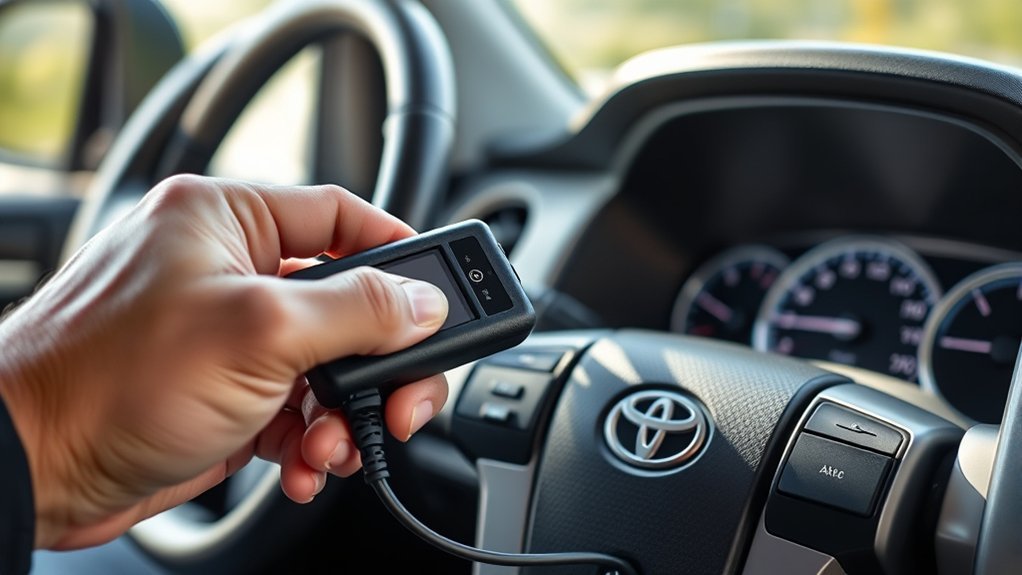
Locate the OBD‑II port under the steering column, remove the plastic cover, and confirm the white connector is seated. With the Tundra off, plug in your Launch reader, power it on, set language/time, and confirm device ID. Use Autodetect to verify VIN, then access Diagnostics to read and log fault codes and freeze‑frame data. Run Onboard Component Tests to monitor sensors and actuators, troubleshoot anomalies, clear codes after repairs, and continue for step‑by‑step verification.
Locate the Tundra OBD‑II Port
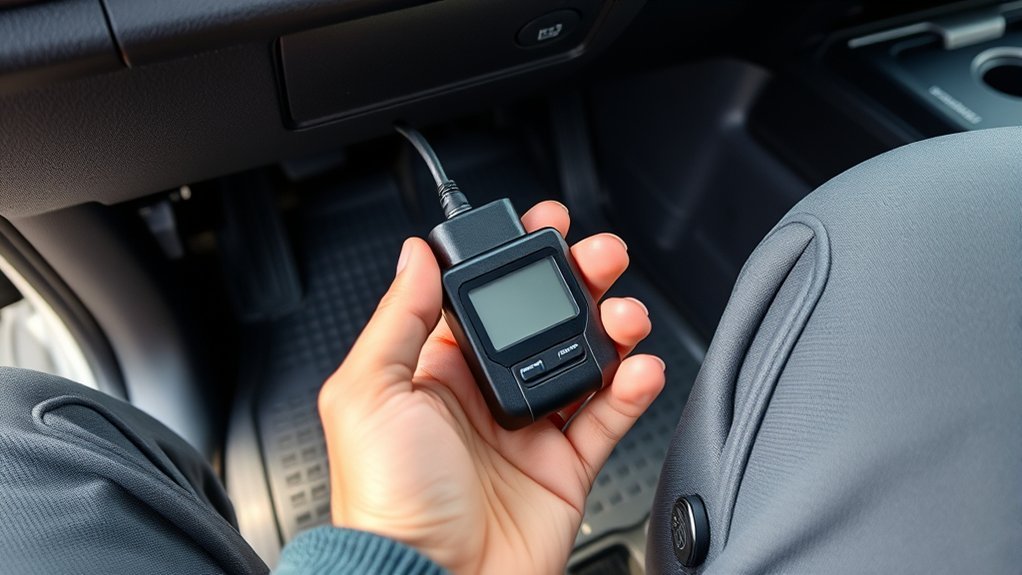
Start by sitting in the driver’s seat and looking under the steering column; the Tundra’s OBD‑II port is mounted there and is usually concealed by a small plastic cover. You’ll remove that cover to reveal a white data connector—the standardized OBD II interface. With the vehicle off, you protect circuits and prepare for a clean connection. Align your Diagnostic tools with the port; the plug fits only one way, so don’t force it. Once seated, the code reader will link directly to the vehicle’s onboard system, giving you immediate access to fault codes and live data. That direct link is one of the primary OBD II benefits: it hands you control to diagnose without intermediaries. Work methodically: confirm connector seating, note connector color and pin alignment, and keep the cover for reinstallation. This concise approach reduces dependence on shops and empowers you to act deliberately when troubleshooting the Tundra’s systems.
Set Up and Power On the Launch Reader
With the Launch reader plugged securely into the Tundra’s white OBD‑II socket under the driver’s column, press the power button to wake the touchscreen and begin setup. You’ll confirm the connecting device is seated and receiving power; a steady boot screen means you’re ready. Use touchscreen navigation to select language, then set your time zone precisely—accurate timekeeping matters for logged events and diagnostics. If prompted, accept basic permissions and review firmware version. Optionally enable Wi‑Fi to fetch updates; doing so keeps your tool current and independent from dealer constraints. Proceed methodically: verify battery/ignition state per on‑screen prompts, confirm device ID, and note any error messages during boot. You’re aiming for a clean startup sequence so diagnostics are reliable. When the main menu appears, you’re liberated to run scans, review live data, or configure preferences. Keep cable connections secure and resume only when the reader reports normal operation.
Autodetect Your Tundra and Confirm VIN
Before running any tests, plug the Launch reader into the OBD‑II port under the driver‑side column, power it on, and select Autodetect to let the tool identify your Tundra’s make and model. The reader polls ECU modules, then displays the Vehicle Identification Number for VIN verification to guarantee diagnostic accuracy. You’ll confirm the system matched your truck; this step prevents wasted effort on wrong-vehicle data. If the VIN shown equals the VIN on your dash or registration, you’re cleared to continue. If it doesn’t, stop, reseat the connector, and retry Autodetect to restore trust in results.
- Check the displayed VIN against the dash plate and documents before proceeding.
- If Autodetect fails, verify power and connection, then retry to maintain diagnostic accuracy.
- Use VIN verification as a liberation tool: it frees you from uncertainty and guesswork.
- Document the confirmed VIN for future reference and quality control.
Operate methodically; accurate VIN verification is the foundation of reliable diagnostics.
Read, Interpret, and Clear Tundra Fault Codes
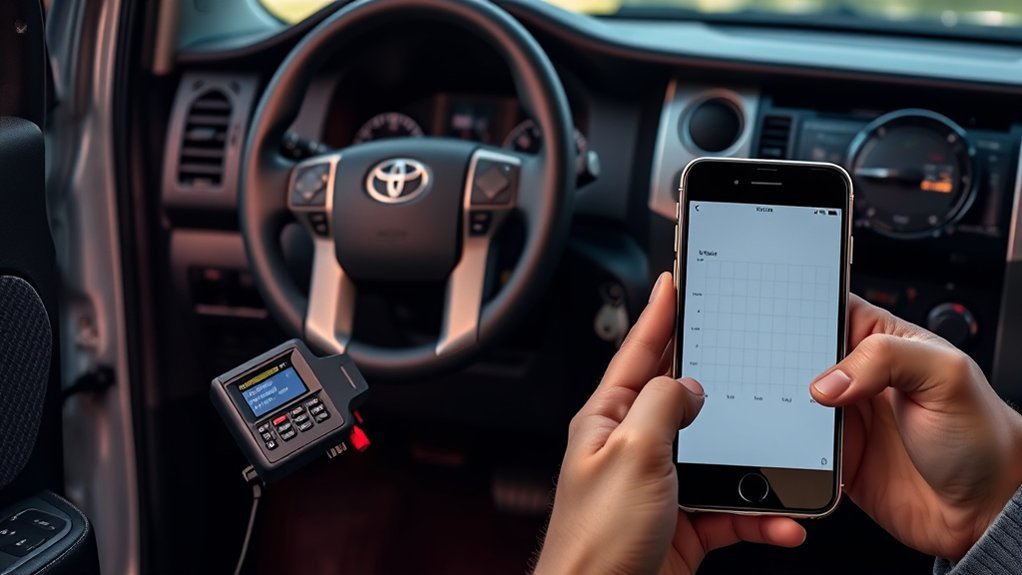
Having confirmed the VIN, plug the Launch reader firmly into the white OBD‑II data port under the driver‑side column, power it on, and select Autodetect to populate the diagnostics menu. Navigate to Diagnostics and read stored fault codes; the reader lists standardized P‑codes and Toyota‑specific entries. Use fault code interpretation to map each code to subsystem symptoms—engine, transmission, emissions, sensors—so you can prioritize repairs. Cross‑reference codes with manufacturer notes and service literature, then document code occurrences and freeze‑frame data for evidence. After you repair or replace components, reconnect the reader, confirm the vehicle is ready, and clear codes via the Clear DTCs function; this resets the MIL if faults are resolved. Maintain your autonomy by keeping the Launch unit updated over Wi‑Fi so diagnostic troubleshooting stays current with Toyota revisions. Methodically repeat read, interpret, and clear until no persistent codes reappear and the system reports readiness.
Run Onboard Component Tests and Troubleshoot Common Issues
Once the Launch reader is plugged into the OBD‑II port and autodetect has identified your Tundra, use the Onboard Component Tests menu to command and monitor individual systems—engine actuators, transmission solenoids, EVAP canister purges, oxygen sensors, and more. You’ll run targeted component diagnostics, watch live responses, and force parts to operate so you can verify function without disassembly. Interpret real‑time data to isolate failures, then read and clear fault codes to confirm fixes.
- Start with engine and transmission tests to verify actuation and response times.
- Run EVAP and sensor checks to detect leaks or erroneous readings.
- Use live data streams to compare expected values; log anomalies for repair.
- Clear codes after repairs and rerun tests to confirm issue resolution.
You’re empowered to act decisively: follow methodical steps, document findings, and reclaim control of your Tundra’s systems through precise diagnostics and confirmed repairs.
Frequently Asked Questions
How Do I Read My Toyota Engine Code?
You plug a diagnostic tools reader into the OBD-II port, power it up, autodetect the vehicle, access fault codes, then read the engine code on the screen; you can note, research, and clear codes afterward.
Do OBD2 Scanners Work on Toyota?
Yes—you can. You’ll find OBD2 compatibility across Toyota models, empowering Toyota diagnostics for liberation from dependence on shops. You’ll connect, scan, read and clear codes, use live data, and control onboard components directly.
Conclusion
You’ve now located the OBD-II port, powered the Launch reader, autodedected your Tundra and confirmed the VIN, and read, interpreted, and cleared fault codes. Run onboard component tests to pinpoint issues and follow the flowchart-like troubleshooting steps when codes reappear. Stay methodical: log every action, retest after fixes, and don’t cut corners — a stitch in time saves nine. With this process, you’ll diagnose and resolve faults efficiently and reliably.