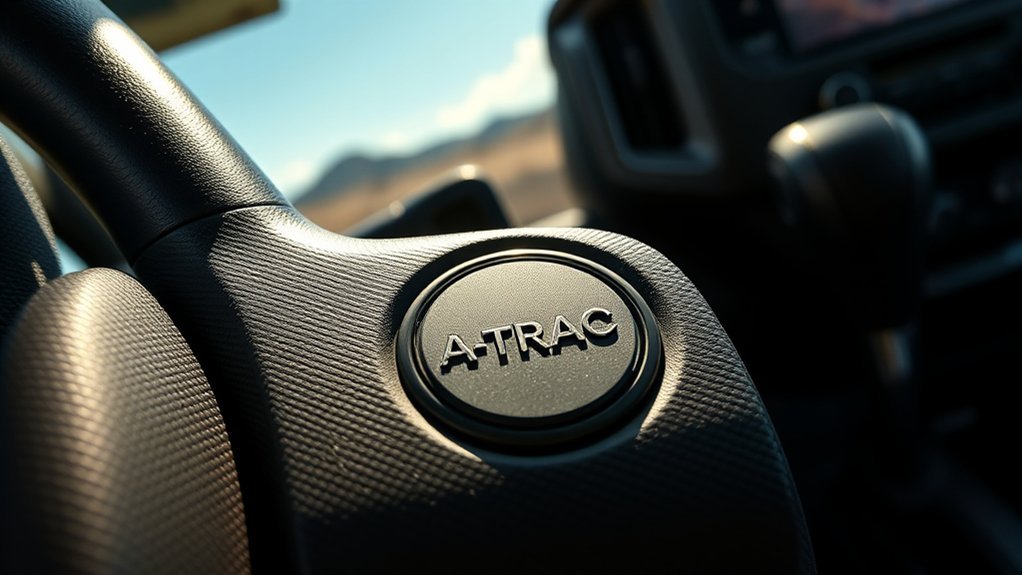
A-TRAC on a Toyota Tacoma is simple to use once you know the right drive mode, but it is also easy to misunderstand. It is an off-road traction aid, not a cure-all for every stuck situation. Use it when your Tacoma is in the correct four-wheel-drive setting, keep your inputs smooth, and always follow the procedure in your model-year owner’s manual.
Quick Answer
To use A-TRAC on a Toyota Tacoma, shift into the required four-wheel-drive mode, usually 4L on many Tacoma model years, then press the A-TRAC button. The indicator light confirms activation. Use it on loose, slippery, or uneven terrain where wheels may spin, not for normal dry pavement driving.
Key Takeaways
- A-TRAC stands for Active Traction Control and helps limit wheelspin by applying brake force to wheels that lose grip.
- Most Tacoma procedures require four-wheel drive, and many model years require 4L before the A-TRAC switch will activate the system.
- Use A-TRAC for mud, snow, loose gravel, ruts, rocks, and low-speed off-road climbs where one or more wheels may lose traction.
- Do not treat A-TRAC like a locking differential. It helps, but it can overheat the brakes or struggle in deep mud, deep sand, or extreme cross-axle situations.
- Check your exact Tacoma owner’s manual because switch layout, drive-mode requirements, and feature availability vary by year and trim.
At a Glance
| Time Required | Less than 1 minute once stopped and in the correct drive mode |
| Difficulty | Easy |
| Tools Needed | None |
| Cost | $0 |
Understanding A-TRAC: What It Is and How It Works
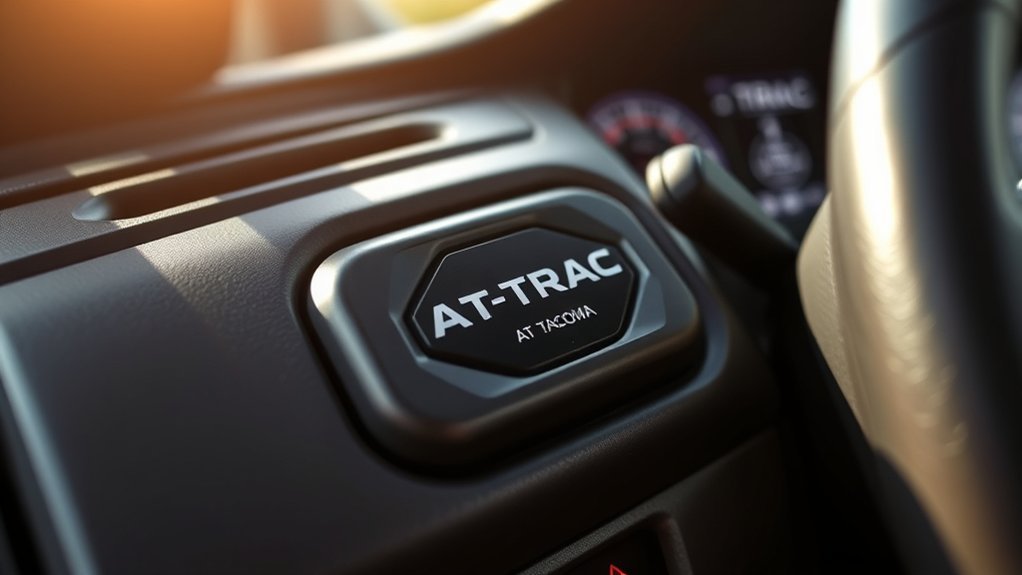
A-TRAC, short for Active Traction Control, is a Toyota off-road traction system designed to help reduce wheelspin when traction is poor. Instead of locking the axle mechanically, it uses the vehicle’s brake and traction-control hardware to slow a spinning wheel. That can help send usable torque to the wheel or wheels that still have grip.
In plain language, A-TRAC helps your Tacoma keep moving when one tire is on a slick rock, in a rut, on packed snow, or on loose dirt while the other tires still have traction. Toyota lists Active Traction Control as part of the off-road equipment on several modern Tacoma 4WD trims, and Toyota’s owner resources also describe traction-control systems as helping maintain drive power and reduce drive-wheel spin on slippery roads.
A-TRAC is most useful at low speed, where controlled traction matters more than momentum. It can feel a little unusual when it works because you may hear brake-system noise, feel vibration, or see a slip indicator flash. Those signs can be normal while the system is managing wheelspin.
Note: A-TRAC is not the same as standard pavement-focused TRAC, Multi-Terrain Select, Crawl Control, or a rear locking differential. These systems can overlap, but they are not identical and may have different speed, mode, and terrain limits.
Before You Activate A-TRAC
Before pressing the A-TRAC button, make sure the truck is in the correct drive mode for your model year. On many Tacoma models, A-TRAC is designed to be used in 4L. The exact steps can vary between older lever-operated transfer cases, dial-style transfer cases, manual transmissions, automatic transmissions, and newer Tacoma trims.
Check These First
- Vehicle trim: A-TRAC is not available on every Tacoma configuration. It is commonly associated with 4WD off-road trims.
- Drive mode: Many model years require 4L before the A-TRAC switch will activate the system.
- Terrain: Use it on low-traction surfaces, not during normal dry-road driving.
- Speed: Engage and use it at low speed. Some model years require stopping or nearly stopping before shifting into 4L.
- Owner’s manual: Confirm the exact procedure for your year because Toyota has changed Tacoma controls and off-road systems over time.
Warning: Do not use part-time 4WD modes such as 4H or 4L on dry, high-traction pavement unless your owner’s manual specifically allows it. Binding the driveline on high-grip surfaces can make the truck harder to control and may damage components.
How to Activate A-TRAC on a Toyota Tacoma
Use this as a general guide, then confirm the details in your Tacoma owner’s manual. The safest approach is to activate A-TRAC before you are fully stuck, while the truck is stable and you still have room to choose a clean line.
- Stop or slow the Tacoma as required by your model. Many procedures for 4L require the vehicle to be stopped or moving very slowly.
- Shift into the required four-wheel-drive setting. On many Tacoma models, that means selecting 4L. Automatic models may require shifting the transmission to neutral first. Manual models may require depressing the clutch.
- Wait for the 4L or four-wheel-drive indicator. Do not rush the shift. Let the indicator confirm the transfer case has engaged.
- Press the A-TRAC button once. The A-TRAC indicator should illuminate when the system is active.
- Drive with steady throttle. Let the system work. Avoid stabbing the gas pedal, spinning the tires hard, or sawing the steering wheel.
- Press the A-TRAC button again to turn it off. Once you are back on easier terrain, return the truck to the normal drive mode recommended by Toyota.
| Step | Action | What to Look For |
|---|---|---|
| 1 | Stop or slow as required | Truck is stable and under control |
| 2 | Shift into the required 4WD mode | 4WD or 4L indicator confirms engagement |
| 3 | Press the A-TRAC button | A-TRAC indicator illuminates |
| 4 | Apply smooth throttle | Less wheelspin and improved forward movement |
Pro Tip: A-TRAC works best when you give it a moment to react. Use light, steady throttle and let the system pulse the brakes instead of forcing the tires to spin faster.
[Products Worth Considering]

PowerStop Z17 Evolution Ceramic Brake Pad Set is an OE replacement solution built for dependable everyday braking and consistent value. Designed with chamfered, slotted surfaces and rubberized shims, it helps deliver quiet stopping performance with reduced brake dust and cleaner wheels. The kit includes stainless steel installation hardware for an easy bolt-on install and comes backed by a limited warranty.

Designed for Toyota Avalon models from 1995 to 1997, this front ceramic brake pads kit delivers dependable stopping power with a quiet, smooth braking feel. The ceramic construction helps reduce brake dust for cleaner wheels while supporting consistent performance and easier maintenance. Built to fit properly with compatible rotors, it offers a practical replacement solution for everyday driving.

These upgraded mud flaps are designed to fit select Toyota Camry SE and XSE Sport models with a precise, no-drill installation using original mounting points. Their aerodynamic shape and extended coverage help protect the body and chassis from road spray, snow, salt, sand, and debris while blending cleanly with the vehicle's lines. Built from durable PP and TPE materials, they offer a strong, flexible fit for everyday driving protection.
When to Use A-TRAC in Real-World Scenarios
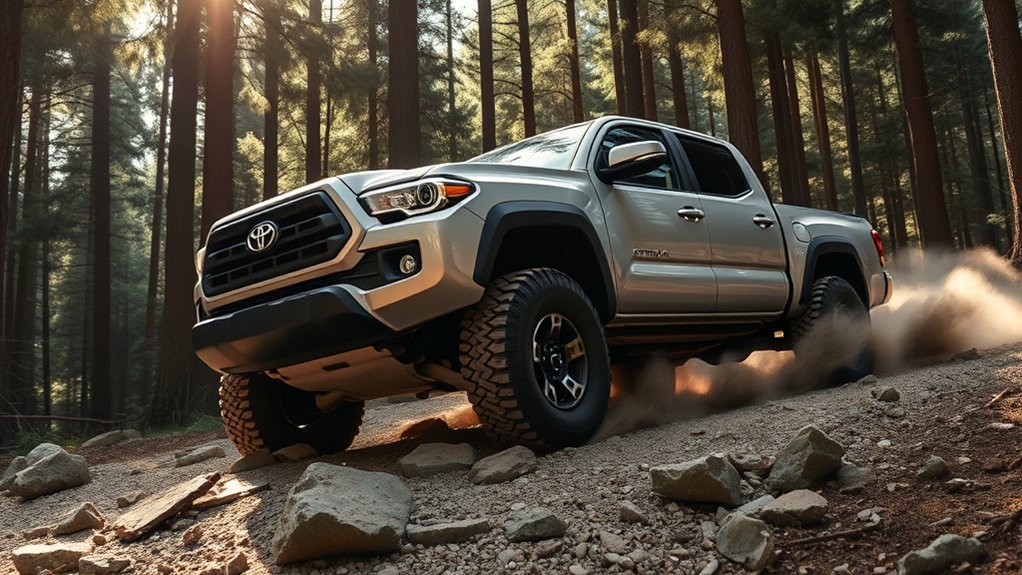
Use A-TRAC when traction is uneven and one or more tires may spin while the others still have grip. It is especially helpful when you need controlled, low-speed progress instead of high-speed wheelspin.
Good Times to Use A-TRAC
- Rocky trails: Helpful when one tire lifts or unloads while another tire still has traction.
- Ruts and washouts: Useful when opposite corners of the truck have uneven grip.
- Loose gravel: Helps reduce spinning when climbing or starting from a stop.
- Mud: Works best in moderate mud where some tires can still bite.
- Snow and ice: Can help at low speed when starting or climbing, as long as the tires still have some traction.
- Steep off-road climbs: Helps control wheelspin when throttle needs to stay smooth and measured.
Situations Where A-TRAC May Not Be Enough
- Deep mud: If all four tires lose grip, brake-based traction control has little to work with.
- Deep sand: A-TRAC may slow wheelspin, but sand often requires careful momentum and correct tire pressure.
- High-centered truck: No traction system can help if the frame or skid plates are holding the tires off the ground.
- Very slick ice: The system cannot create grip where the tires have almost none.
- Overheated brakes: Because A-TRAC uses brake force, heavy repeated use can reduce effectiveness until the system cools.
Limitations of A-TRAC: What You Should Know
A-TRAC is valuable, but it is not magic. It cannot replace smart line choice, proper tires, careful throttle control, recovery gear, or good judgment. If the truck is buried, high-centered, sliding sideways, or sitting on tires with no usable grip, A-TRAC may not get you out.
A-TRAC Is Not a True Locking Differential
A locking differential mechanically forces wheels on the same axle to rotate together. A-TRAC does not do that. It uses brake force to manage spin. That means it can mimic some benefits of a locker in certain situations, but it may not match a locker in severe off-road conditions.
Brake Heat Can Reduce Performance
Because A-TRAC uses the braking system, repeated hard use can build heat. If the system warns you, blinks, buzzes, or stops helping, pull over in a safe place and let the brakes cool. Normal driving can usually continue, but avoid pushing deeper into the obstacle until the system recovers.
Terrain Still Matters
A-TRAC needs at least some available traction. It performs best when one or two wheels are slipping but the others still have grip. It performs worse when every tire is spinning on the same slick surface.
A-TRAC helps manage wheelspin, but the tires still decide how much grip your Tacoma actually has.
A-TRAC vs. TRAC, Multi-Terrain Select, Crawl Control, and Rear Locker
Tacoma owners often confuse A-TRAC with other Toyota traction and off-road features. The difference matters because the right tool depends on the surface, speed, and obstacle.
| System | Main Job | Best Use |
|---|---|---|
| TRAC | Helps reduce drive-wheel spin during normal acceleration | Slippery paved roads and everyday traction support |
| A-TRAC | Uses brake control to help reduce off-road wheelspin | Low-speed off-road traction in 4WD conditions |
| Multi-Terrain Select | Adjusts vehicle settings for specific surfaces | Mud, dirt, sand, rock, or other terrain modes on equipped models |
| Crawl Control | Automatically manages low-speed throttle and braking | Technical trails where the driver wants to focus on steering |
| Rear locking differential | Locks rear wheels together mechanically | Severe low-traction situations where rear-wheel traction is uneven |
On newer Tacoma trims, Toyota notes that Multi-Terrain Select can work in both 4WD-High and 4WD-Low, while the available rear locking differential can split power evenly between the rear wheels when traction is extremely limited. Your exact combination depends on trim and model year.
[Products Worth Considering]
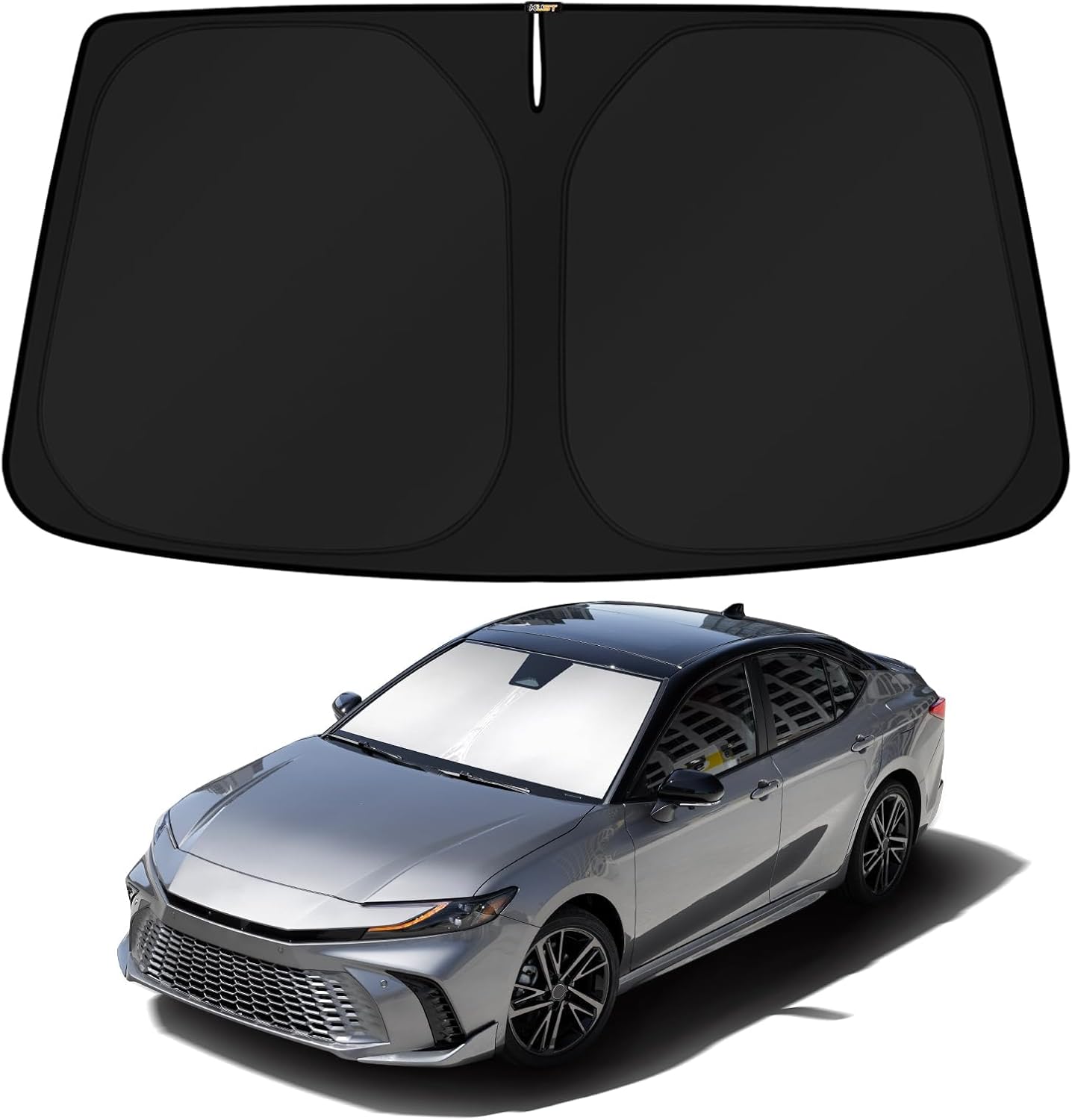
This custom-fit windshield sun shade is designed specifically for 2025-2026 Toyota Camry hybrid models, covering the front glass with no gaps for maximum protection. Its reflective double-layer construction helps block heat and UV rays to keep the cabin cooler, reduce AC strain, and protect dashboards and seats from sun damage. It folds and installs quickly without suction cups or adhesives, making it easy to use and store.
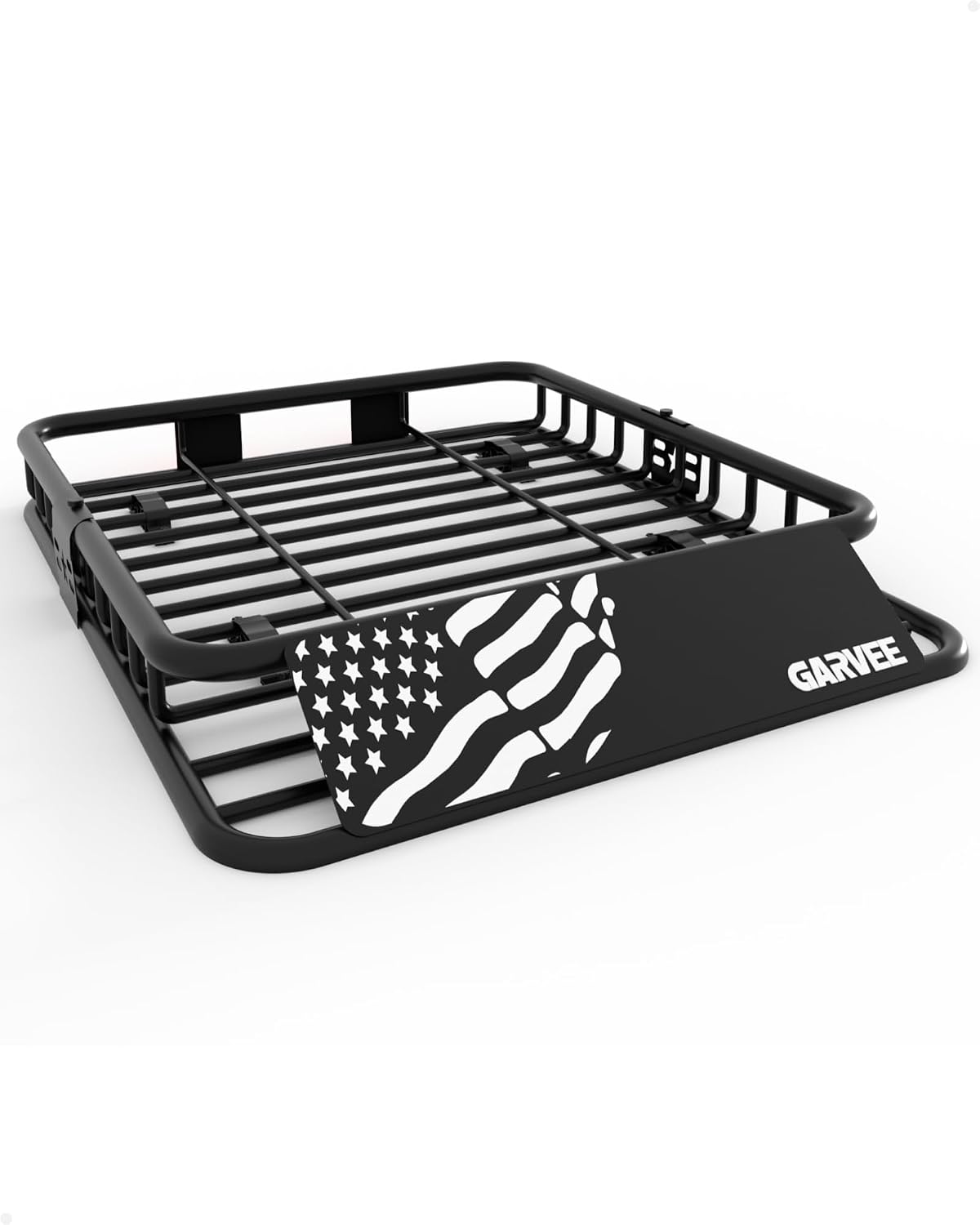
This universal roof rack cargo basket adds extra storage space for road trips, camping, and everyday hauling while keeping gear secure on the roof. Built with powder-coated steel and a wind deflector, it helps protect cargo from the elements and reduce drag. The universal U-bolt mounting design makes installation quick and compatible with many vehicles that have crossbars.
Best Practices for Using A-TRAC Effectively
Good technique makes A-TRAC more effective. The system works with your driving, not instead of it.
- Use it before you are badly stuck. Engage A-TRAC when you see a traction problem coming.
- Keep your throttle smooth. Hard throttle can create more spin than the system can comfortably manage.
- Pick a clean line. Avoid sharp rocks, deep holes, and high-centering points whenever possible.
- Use proper tires. All-terrain or winter tires can make a bigger difference than any electronic traction aid.
- Do not fight the system. Some pulsing, noise, and vibration may be normal when A-TRAC is active.
- Know when to stop. If the truck is digging deeper, stop and reassess instead of spinning the tires.
- Carry recovery gear. A shovel, traction boards, rated recovery points, and a proper strap can matter more than electronics when conditions get serious.
Note: If your Tacoma has both A-TRAC and a rear locking differential, check your manual before combining systems. On some model years, A-TRAC operation may change or be limited when the rear differential is locked.
Troubleshooting: Why A-TRAC May Not Turn On
If you press the A-TRAC button and nothing happens, the problem is usually a mode requirement, not a broken system. Work through these checks first.
| Problem | Likely Cause | What to Do |
|---|---|---|
| A-TRAC light does not come on | Truck is not in the required 4WD mode | Shift into the correct mode, commonly 4L on many models |
| 4L light keeps flashing | Transfer case has not completed the shift | Stop, shift to neutral if required, and wait for the indicator |
| A-TRAC turns off or warning appears | Brake system may be hot from repeated use | Stop safely and let the system cool |
| Truck still spins | Terrain has too little grip or all tires are slipping | Try a better line, lower safe tire pressure, traction boards, or recovery |
| System behaves differently than expected | Model-year or trim differences | Use the Toyota owner’s manual for your exact Tacoma |
Frequently Asked Questions
Can A-TRAC be used on pavement?
A-TRAC is meant for low-traction conditions, not normal dry pavement driving. Because many Tacoma models require 4L or another 4WD setting to use A-TRAC, you should avoid using it on dry, high-grip pavement unless your owner’s manual specifically says it is allowed. Standard TRAC is the system intended for everyday slippery-road assistance.
Does A-TRAC affect fuel efficiency?
A-TRAC is normally used at low speed and for short off-road situations, so it is not usually a major fuel-economy factor by itself. However, driving in 4WD, crawling through soft terrain, spinning tires, and repeated braking can all use more fuel than normal road driving.
Is A-TRAC compatible with all Tacoma models?
No. A-TRAC availability depends on model year, trim, drivetrain, and market. It is most commonly found on 4WD off-road-oriented Tacoma trims. Check your window sticker, owner’s manual, or the buttons near your drive-mode controls to confirm whether your truck has it.
Can A-TRAC work in snowy conditions?
Yes, A-TRAC can help in snow at low speed when the Tacoma is in the correct 4WD mode and the tires still have some grip. It will not overcome poor tires, excessive speed, glare ice, or unsafe steering and braking inputs.
How does A-TRAC compare to traction control?
Standard TRAC is mainly for reducing wheelspin during everyday acceleration on slippery roads. A-TRAC is more off-road focused and uses brake control to help manage wheelspin when traction is uneven. Think of TRAC as a road-driving aid and A-TRAC as a low-speed trail aid.
Should I use A-TRAC or the rear locker first?
For moderate uneven traction, A-TRAC is often a good first choice because it can help without fully locking the axle. For severe rear-wheel traction loss, the rear locker may be more effective on equipped models. Follow your owner’s manual because some Tacoma years limit how these systems work together.
Why does A-TRAC make noise or vibration?
Some noise, pulsing, or vibration can be normal because the system is using brake control to slow spinning wheels. If a warning light stays on, the system stops working, or the truck behaves abnormally, stop safely and consult the owner’s manual or a Toyota technician.
Conclusion
A-TRAC is one of the Tacoma’s most useful low-speed off-road tools when you use it correctly. Shift into the required four-wheel-drive mode, wait for the proper indicator, press the A-TRAC button, and drive with smooth throttle. It can help in mud, snow, gravel, rocks, and ruts, but it cannot replace good tires, smart driving, a rear locker where needed, or proper recovery gear. Learn how it feels before you need it, and your Tacoma will be much easier to control when the trail gets slick or uneven.
Sources
- Toyota Owners: 2025 Tacoma Manuals and Warranties — official owner’s manual hub for Tacoma model-specific operating instructions.
- Toyota Owners: 2025 Tacoma Driving Assist Systems — Toyota description of traction-control and driving-assist functions.
- Toyota Owners: 2024 Tacoma Driving Assist Systems — official Tacoma driving-support reference for current-generation systems.
- Toyota USA Newsroom: 2024 Tacoma i-FORCE MAX — Toyota information on Tacoma 4WD trims, A-TRAC, Multi-Terrain Select, Crawl Control, and rear locking differential availability.
- Toyota USA Newsroom: 2024 Tacoma Ultimate Adventure Machine — Toyota overview of current-generation Tacoma off-road systems and trim features.