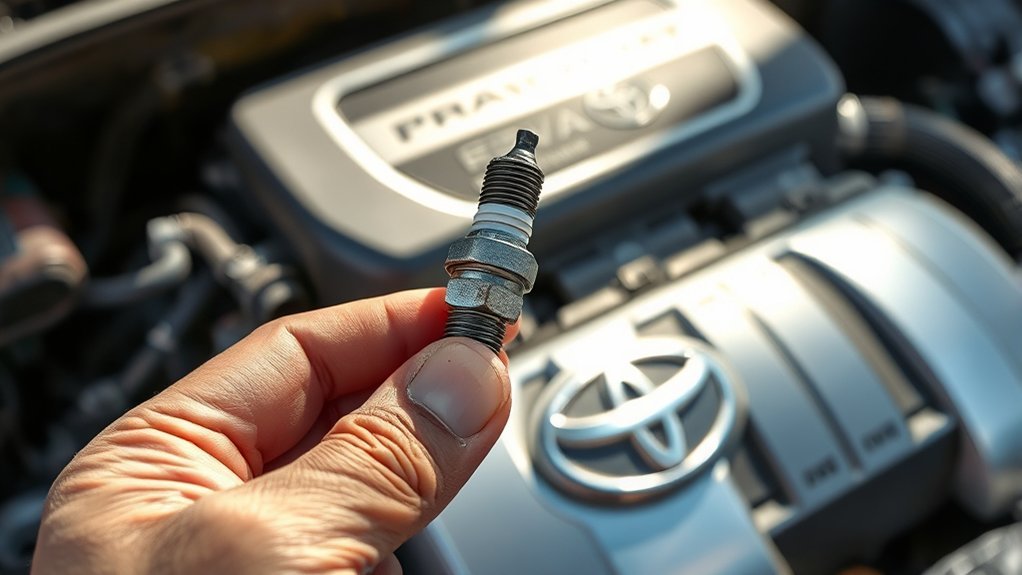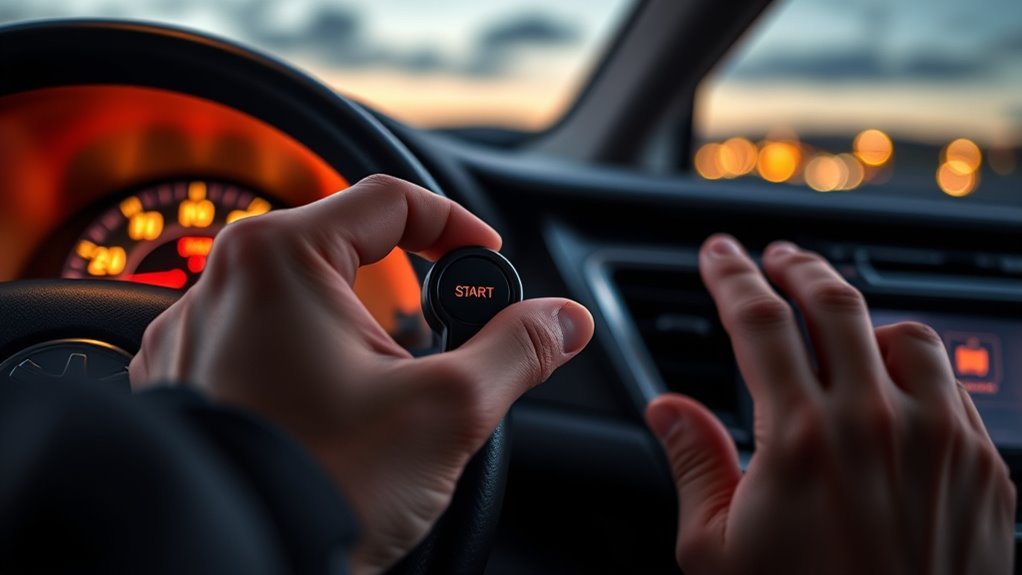
If your Toyota RAV4 or RAV4 Prime key fob battery dies, you can still get into the vehicle and usually start it. Use the mechanical key hidden inside the Smart Key to unlock the driver door, then hold the Smart Key next to the START/POWER button while pressing the brake. After you are moving again, replace the fob battery and check whether the real problem is the fob battery or the vehicle’s 12V battery.
Quick Answer
To start a RAV4 with a dead key fob battery, remove the mechanical key from the fob, unlock the driver door, sit inside, shift to Park, press the brake firmly, hold the Smart Key next to the START/POWER button, and press the button. Replace the fob battery as soon as possible.
Key Takeaways
- A dead Smart Key battery does not always strand you; the hidden mechanical key can unlock the driver door.
- Toyota’s emergency method is to hold the Smart Key next to the START button while pressing the brake.
- If the RAV4 still will not start and the power locks are also inoperable, suspect the vehicle’s 12V battery, not just the fob battery.
- Most RAV4 Smart Key battery replacements use a CR2032 coin cell, but confirm the marking on your old battery or owner’s manual before installing.
- Keep coin batteries away from children and recycle or dispose of used batteries responsibly.
At a Glance
| Time Required | 1–2 minutes to start the vehicle; 3–5 minutes to replace the fob battery |
| Difficulty | Easy DIY |
| Tools Needed | Hidden mechanical key, new CR2032 battery, small flathead screwdriver or plastic pry tool |
| Cost | Usually a few dollars for a CR2032 battery |
Start Your RAV4 When the Key Fob Battery Is Dead
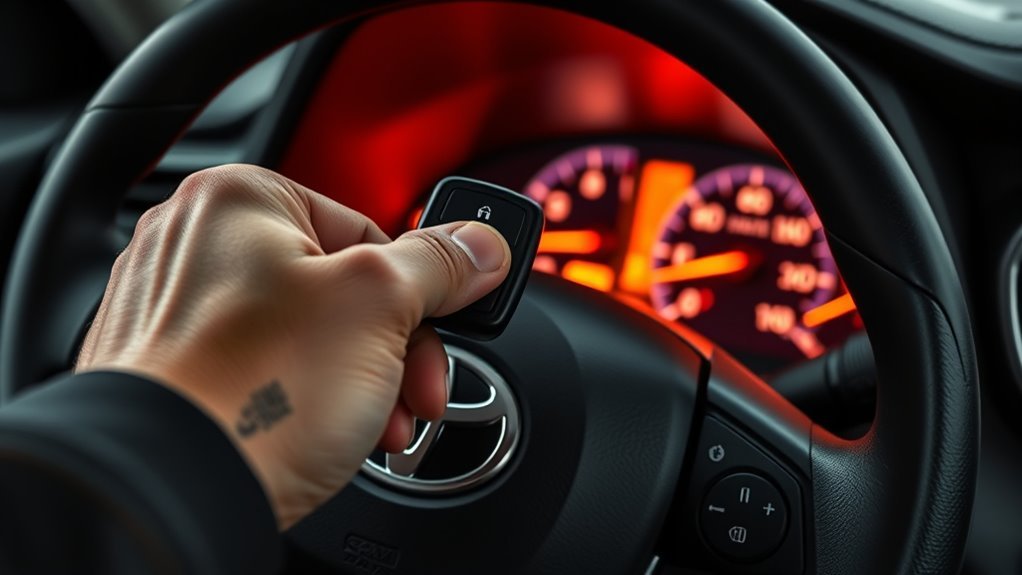
Use this method when the Smart Key battery is weak or dead but the vehicle itself still has power. Toyota’s owner support explains that the mechanical key inside the Smart Key can open the driver door, and once inside, holding the Smart Key next to the START button will most likely allow the vehicle to start.
- Remove the mechanical key. Slide the small release latch on the back of the Smart Key and pull the metal key straight out.
- Unlock the driver door manually. Insert the mechanical key into the driver door lock cylinder. If it will not turn, flip the key over and try again because the key may insert only one way.
- Sit in the driver seat and secure the vehicle. Close the door, shift to P, and set the parking brake if needed.
- Press the brake firmly. A weak brake-pedal press is a common reason a push-button-start Toyota will not start.
- Hold the Smart Key next to the START/POWER button. Place the fob against or very close to the button. Do not wave it around randomly; keep it steady for a moment so the vehicle can read the transponder.
- Press START/POWER. Keep your foot on the brake until the engine or hybrid system is fully started and the vehicle shows it is ready.
Warning: Do not keep forcing repeated start attempts. If the RAV4 will not start after a couple of careful tries, or if the power locks and interior electronics also seem dead, the vehicle’s 12V battery may be weak. Stop troubleshooting and arrange a proper battery check or roadside help.
[Products Worth Considering]
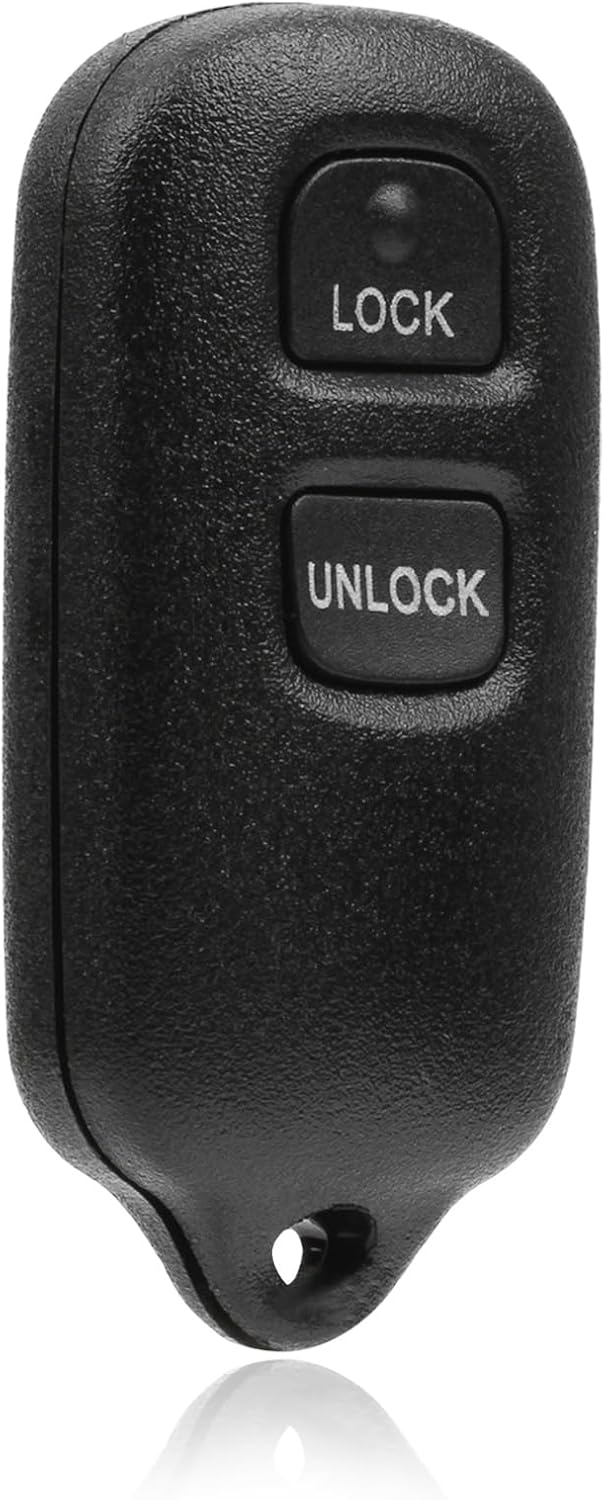
This USARemote key fob replacement provides convenient keyless entry for a wide range of Toyota and Scion vehicles. It is programmable, ready to use, and designed to help restore remote locking and unlocking functionality for compatible models. The compact black remote offers dependable everyday use for drivers needing a simple replacement solution.

This soft TPU key fob cover is designed to fit select Hyundai smart keys and helps protect against scratches, dust, and everyday wear while preserving signal performance. Its full-coverage design, stylish gold-rimmed look, and included leather keychain make it a practical and attractive upgrade for compatible Hyundai models.

CAR GUYS Super Cleaner is a versatile multi-surface solution designed to lift dirt, grime, stains, and messes from your car’s interior and more. It works on upholstery, fabric, leather, vinyl, plastic, rubber, carpet, and other compatible surfaces, making detailing simpler with one all-purpose cleaner. Formulated for effective cleaning without unnecessary complexity, it is ideal for drivers who want a reliable interior care product in a refill size.
Find and Remove the Hidden Physical Key
The mechanical key is built into the Smart Key so you are not fully dependent on the fob battery. Flip the fob over, slide the release tab or latch on the back, and pull the metal key straight out. Keep your fingers clear of the blade and avoid forcing the latch if it feels stuck.
Use the mechanical key only as needed, then store it back inside the fob. Toyota owner guidance says to carry the mechanical key together with the electronic key because you may need it if the Smart Key battery is depleted or the entry function does not operate properly.
Note: If you unlock the vehicle manually while the alarm is armed, the alarm may sound. Continue with the start procedure calmly; once the vehicle recognizes the Smart Key, the situation should clear. If it does not, check your owner’s manual for your exact trim.
To stay prepared, build these habits into your routine:
- Practice removing and reinserting the mechanical key before you need it in a parking lot.
- Keep the fob clean and dry so the latch and case seam do not bind.
- Do not store the mechanical key separately from the fob unless you have a deliberate backup plan.
Unlock and Start the Car Without a Working Fob Battery
Once you have the mechanical key out, unlock the driver door manually and sit inside. Keep the fob with you, because even with a dead coin-cell battery, the Smart Key can still be recognized at close range when it is held next to the START/POWER button.
Press the brake pedal firmly, hold the fob close to the START/POWER button, and press the button. If the vehicle does not respond, check three simple things before assuming a major problem: the shifter must be in Park, your foot must be firmly on the brake, and the fob must be right next to the start button.
Pro Tip: If you have more than one Smart Key, keep the spare away from the vehicle while testing. Multiple fobs, metal objects, nearby electronics, or a weak 12V battery can make troubleshooting more confusing.
[Products Worth Considering]

The ANCEL AD410 PRO combines engine diagnostics and 12V battery testing in one easy-to-use tool, helping you read and clear check engine codes while checking battery health, cranking, and charging performance. It also provides live data, freeze frame details, and I/M readiness checks to help you diagnose issues faster and prepare for emissions testing. With plug-and-play operation, a clear screen, and broad vehicle compatibility, it is a practical solution for home mechanics and everyday drivers.

This battery terminal cleaning and repair kit helps restore worn or damaged top-post battery connections for cars, RVs, boats, and other vehicles. It includes lead shims for improving fit, stainless steel brushes for removing corrosion and debris, and fiber washers to help reduce future buildup and maintain a reliable electrical connection.
Troubleshooting: Car Won’t Start or Shows Warning Lights
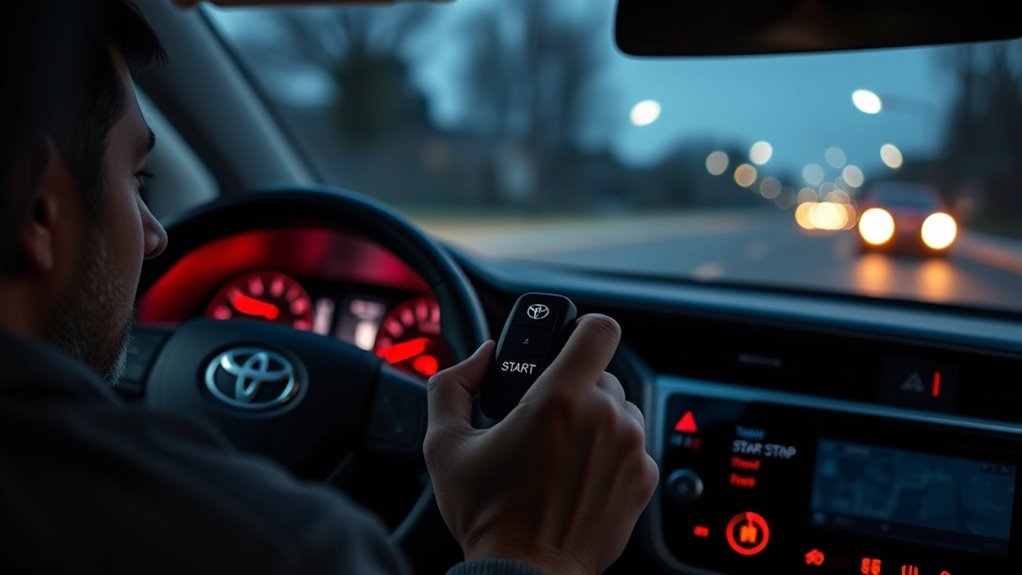
If your RAV4 still will not start, separate a dead fob battery from other problems. A weak Smart Key battery can reduce range or stop normal keyless entry, but a weak vehicle 12V battery can also prevent the power locks, displays, and start system from working correctly.
| Symptom | Likely Cause | What to Do |
|---|---|---|
| Doors do not unlock by touch or remote, but the dashboard lights up | Weak/dead Smart Key battery | Use the mechanical key, then hold the fob next to START/POWER while pressing the brake. |
| Power locks, interior lights, or displays are also dead | Possible weak 12V vehicle battery | Do not blame the fob first. Have the 12V battery tested or request roadside help. |
| Fob works only very close to the vehicle | Low coin-cell battery or interference | Replace the fob battery and move away from strong electronics or metal objects. |
| Fob still fails after battery replacement | Wrong battery orientation, dirty contact, damaged fob, or unregistered fob | Reopen the fob, confirm polarity, clean contacts gently, test the spare, or contact a Toyota dealer/qualified locksmith. |
Check Dashboard Indicators
When warning lights appear during a dead-fob start attempt, treat them as information, not as proof that the fob is the only problem. Some lights appear briefly during normal startup checks. Persistent warnings, repeated “key not detected” messages, or a vehicle that will not reach READY/started status need more attention.
- Confirm the brake pedal is fully depressed.
- Confirm the shifter is in Park.
- Hold the fob directly next to the START/POWER button and try once more.
- If it still fails, replace the fob battery and check the vehicle’s 12V battery condition.
- If warning lights remain after the vehicle starts, schedule a diagnostic check rather than ignoring them.
Use the Emergency Smart Key Method
The goal is not to “bypass” the security system. The goal is to let the RAV4 read the Smart Key transponder at very close range. Hold the fob steady beside the START/POWER button, press the brake firmly, and press the button. If the vehicle recognizes the fob, it should allow the start sequence.
After the vehicle starts, replace the key fob battery promptly. Toyota describes this kind of emergency procedure as a temporary measure, not a substitute for a working Smart Key battery.
Replace the RAV4 Key Fob Battery: Step-by-Step
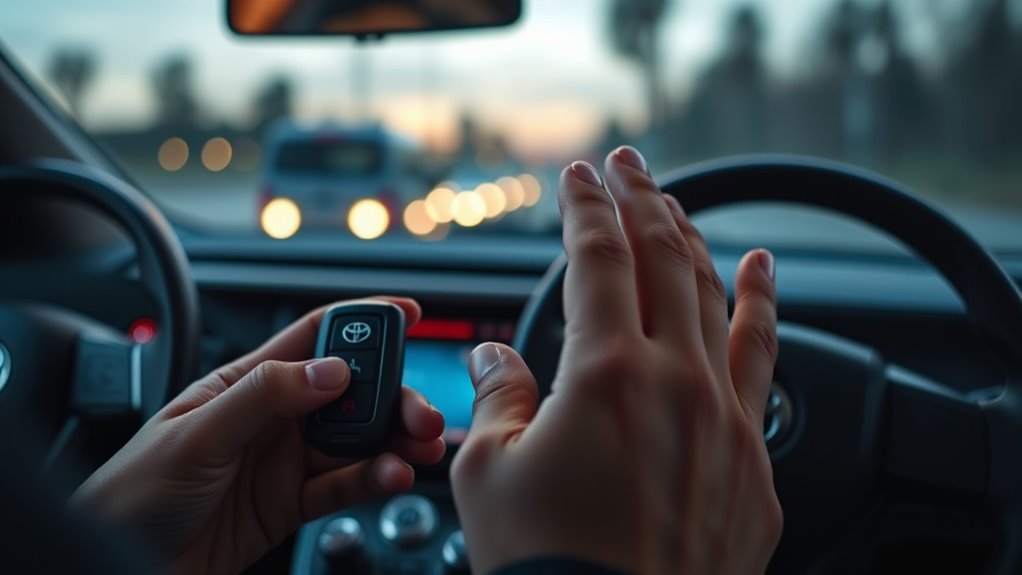
Toyota’s current RAV4 owner guidance lists a CR2032 lithium battery for the RAV4 electronic key. For your exact year and trim, confirm the battery number printed on the old coin cell or in your owner’s manual before installing the replacement.
Open the Key Fob Case
- Remove the mechanical key by sliding the release latch on the back of the fob.
- Look for the small slot or seam where the mechanical key was stored.
- Use the mechanical key tip, a small flathead screwdriver, or a plastic pry tool to gently separate the fob halves.
- Work slowly around the seam. Do not twist hard enough to crack the plastic shell.
Replace the CR2032 Battery
- Note the old battery’s positive and negative orientation before removing it.
- Lift the old CR2032 out carefully without bending the metal contact tabs.
- Insert the new CR2032 in the same orientation. The positive (+) side must face the correct direction for your fob.
- Snap the fob halves back together until the case is fully seated.
- Reinsert the mechanical key.
- Test lock, unlock, panic, and power rear door buttons if your RAV4 has them.
Warning: CR2032 batteries are coin/button batteries. Keep new and used batteries away from children and pets. If a child may have swallowed or been exposed to a coin battery, contact the National Battery Ingestion Hotline or Poison Help immediately and seek emergency care.
Prevent Lockouts: Maintenance and Simple Tips
A dead key fob battery is easier to prevent than to handle in bad weather or a crowded parking lot. Watch for early signs: reduced remote range, delayed lock/unlock response, a “Key Battery Low” message, or a key fob LED that no longer lights when you press a button.
Use these habits to reduce lockout risk:
- Replace the battery when symptoms appear. Do not wait until the fob is completely dead.
- Carry the Smart Key and mechanical key together. The hidden key is your backup for driver-door entry.
- Keep a fresh CR2032 at home. Store it in child-resistant packaging until needed.
- Avoid long-term storage near electronics. Do not leave the Smart Key close to phones, laptops, chargers, induction cookers, or other devices that may affect battery drain or signal operation.
- Test the spare fob. A spare that has been sitting for years may also need a battery.
Note: Used household batteries can often be recycled or taken to a household hazardous waste collection point. Check your local rules before putting lithium coin cells in household trash.
Frequently Asked Questions
Can a dead key fob battery affect remote trunk or rear hatch release?
Yes. If the fob battery is dead, the remote buttons may not lock, unlock, panic, or open the power rear door on equipped RAV4 models. Use the mechanical key to enter the driver door, then start the vehicle with the close-range Smart Key method. If the power rear door still will not operate after the fob battery is replaced, check the vehicle’s 12V battery and power rear door settings.
Will a spare Toyota Smart Key sync automatically without programming?
A spare Smart Key that was already registered to your RAV4 should work after a fresh battery is installed. A new or replacement Smart Key usually must be registered to the vehicle by a Toyota dealer or qualified locksmith. Replacing the CR2032 battery in an already-registered fob should not require reprogramming.
Can I start the RAV4 with a smartphone app instead?
Only if your RAV4 is compatible, enrolled, and connected through Toyota Remote Connect or Digital Key. Toyota notes that Remote Connect with Digital Key depends on an operative telematics device, cellular connection, GPS signal, compatible network availability, app registration, and vehicle/region support. Treat the phone app as a convenience feature, not your only backup.
Does cold weather shorten RAV4 key fob battery life?
Cold weather can make a weak coin-cell battery perform worse, so a fob that worked in mild weather may suddenly have reduced range in winter. If you notice delayed response, short range, or a low-key-battery warning, replace the CR2032 before it fails completely.
Will jump-starting the RAV4 affect key fob functionality?
A proper jump-start is meant to help a weak vehicle 12V battery; it does not recharge or repair the key fob’s CR2032 battery. If the vehicle starts after a jump but the fob still has short range or no button response, replace the fob battery and test again.
What should I do if the fob still does not work after replacing the battery?
Reopen the fob and confirm the battery type, polarity, and contact tabs. Try a name-brand fresh CR2032, test the spare fob, and move away from strong electronic interference. If the fob still fails, the case, circuit board, or vehicle receiver may need inspection by a Toyota dealer or qualified locksmith.
Conclusion
When your RAV4 key fob battery dies, stay calm and follow the simple backup path: remove the mechanical key, unlock the driver door, press the brake, hold the Smart Key next to the START/POWER button, and start the vehicle. If that does not work, do not force it. Check the brake input, fob battery orientation, and the vehicle’s 12V battery condition. Replace the CR2032 promptly, keep coin batteries away from children, and keep the mechanical key ready so one dead fob battery does not leave you stuck.
Sources
- Toyota Support: If the battery in the Smart Key dies — backs up the mechanical key and close-range START button method.
- Toyota Support: Smart Key engine will not start — backs up brake-pedal, weak Smart Key battery, and weak vehicle battery troubleshooting.
- Toyota Owners: RAV4 electronic key battery — backs up CR2032 battery guidance for current RAV4 owner documentation.
- Toyota Support: Digital Key — backs up Toyota app, Remote Connect, and Digital Key limitations.
- U.S. Consumer Product Safety Commission: Button Cell and Coin Battery Safety — backs up coin battery ingestion safety warning.
- U.S. EPA: Used Household Batteries — backs up battery recycling and disposal guidance.