To start a Toyota Camry with a dead key fob, unlock the driver’s door with the mechanical key hidden inside the Smart Key, press the brake, hold the fob directly against the START button, and press it. Toyota says this will most likely allow the vehicle to start. Below is the full process, how to handle the alarm it can trigger, and how to replace the fob battery for good.
Last updated: August 19, 2026
Quick Answer
To start a Toyota Camry with a dead key fob, remove the mechanical key from the fob, unlock the driver’s door, press the brake, hold the fob directly against the POWER or ENGINE START STOP button, and press the button. Toyota says this will most likely allow the vehicle to start.
This guide applies to Camry models with push-button Smart Key start [VERIFY: confirm exact model-year range with Toyota — generally cited as roughly 2012 and newer]. If your Camry instead uses a traditional metal key and ignition cylinder, a dead fob battery only affects remote lock/unlock, not starting the engine.
Key Takeaways
- The hidden mechanical key in the Smart Key can unlock the driver’s door when the fob battery is dead.
- Hold the dead fob directly against the start button while pressing the brake pedal.
- A manual unlock may trigger a pre-alarm or alarm on some Camry models; starting the vehicle usually stops it.
- Key fob battery type varies by trim and model year. Most Camry Smart Key fobs use a CR2032 battery, but always verify your own fob before replacing it.
At a Glance
| Time Required | 1–3 minutes to unlock and start; 5–10 minutes to replace the battery |
| Difficulty | Easy |
| Tools Needed | Mechanical key, small flathead screwdriver or plastic pry tool, correct coin battery |
| Cost | Usually a few dollars for the battery; more if the fob is damaged or needs replacement |
How to Start Your Camry When the Key Fob Dies
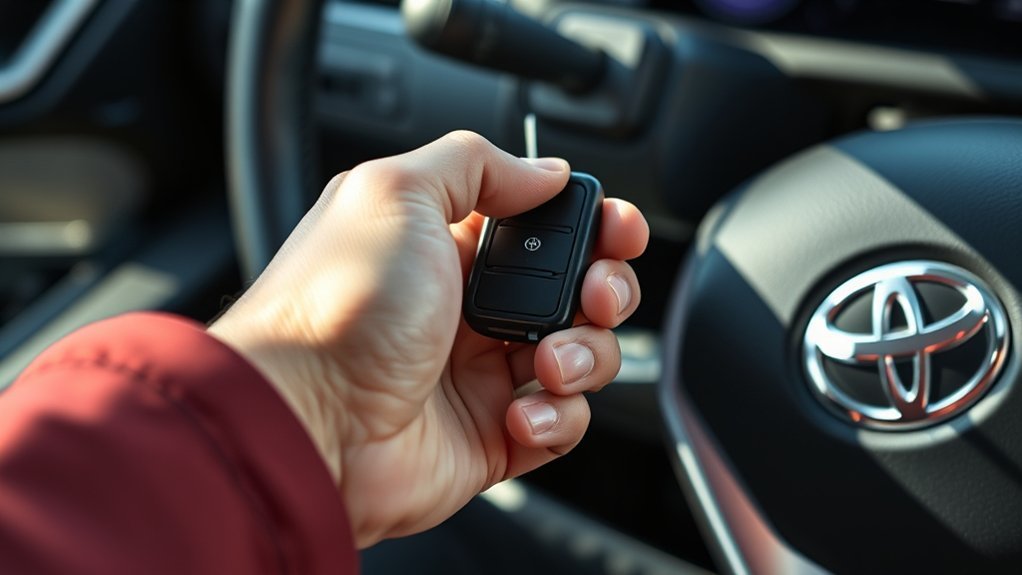
If your Camry has a Smart Key and push-button start, the dead fob is not completely useless. The fob still contains a registered chip, and the car can usually read it at close range when you hold it against the start button.
- Remove the mechanical key from the fob. Look for the release button or small latch on the Smart Key, then pull out the hidden metal key.
- Unlock the driver’s door manually. Insert the mechanical key into the driver’s door lock. On some model years, the key cylinder may be visible; on others, it may be behind a small cover near the door handle.
- Get in and keep the fob with you. If the alarm or pre-alarm starts, stay calm and move to the start procedure.
- Make sure the vehicle is in Park. Press the brake pedal firmly.
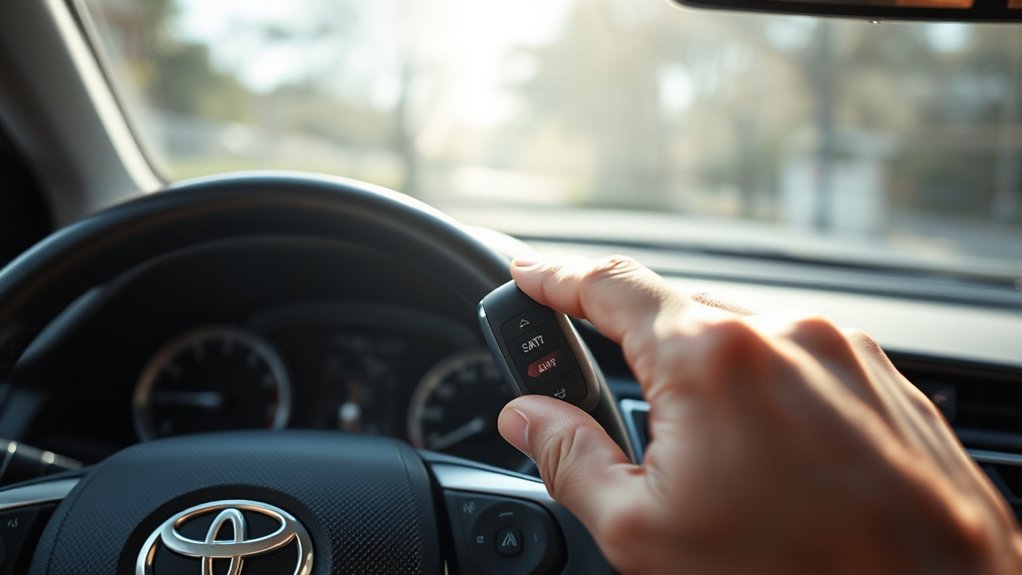
- Touch the fob to the start button. Hold the Toyota-emblem side of the dead fob directly against the POWER or ENGINE START STOP button, depending on your Camry’s model year.
- Press the start button. Gas models should start the engine. Hybrid models should show the READY indicator when the hybrid system is active.
Warning: Do not keep pressing the start button repeatedly if the vehicle will not start or the READY light will not appear. A weak 12-volt battery, Smart Key system issue, damaged fob, or immobilizer problem may need diagnosis.
[Products Worth Considering]

This replacement key fob shell is designed to refresh worn or broken Toyota remote cases without changing the electronics inside. It fits select Toyota models and provides a simple, no-reprogramming solution for restoring your key’s appearance and function. The durable mixed metal and plastic construction helps protect your original internal components while the blank key can be cut by a locksmith or hardware store.

This silicone key fob cover is designed to fit select Toyota Camry and Corolla Crown 4-button key fobs, helping protect them from scratches, wear, and everyday pocket damage. Made from food-grade silicone, it offers a soft, comfortable feel while keeping all buttons accessible and the signal unaffected. The fluorescent white buttons also make it easier to identify controls at night, and the set includes two covers with matching key chains.

This keyless entry remote replacement is designed for a wide range of Toyota, Scion, and Lexus-compatible vehicles, offering a convenient way to restore remote locking and unlocking functions. Each fob is pre-tested, comes with the battery and electronics already installed, and is ready to be programmed for supported standard-key vehicles. It is a practical replacement choice for drivers who need a reliable, compatible remote for everyday use.
Using the Emergency Key to Unlock Your Camry
The mechanical key is only for entry. It unlocks the driver’s door, but it does not replace the electronic fob for starting a Smart Key Camry. You still need the registered fob inside the vehicle, even if its battery is dead.
Locate the Mechanical Key
Hold the Smart Key and look for the small release button or slider. Press or slide it, then pull the metal key blade out of the fob. Keep the fob in your hand after removing the key because you will need it for the start-button step.
Unlock the Driver’s Door
Use the mechanical key in the driver’s door lock. Turn it gently; do not force it if the cylinder feels stuck. If your Camry has a covered key cylinder, check the owner’s manual before prying so you do not scratch the door handle trim.
Note: The button label varies. Newer Camry Hybrid models may use a POWER switch, while some earlier push-button Camry models use ENGINE START STOP. The emergency method is the same: brake pedal down, fob touching the button, then press the button.
Steps to Start Your Toyota Camry With a Dead Key Fob
Once you are inside the car, focus on the start sequence. This is the part that matters most if the alarm is sounding.
| Step | What to Do | Why It Matters |
|---|---|---|
| 1 | Confirm the shifter is in Park. | The vehicle will not start normally if it is not in the correct position. |
| 2 | Press the brake pedal firmly. | Push-button start requires brake input before the system will start. |
| 3 | Hold the fob flat against the start button. | This gives the vehicle the best chance to detect the registered key chip. |
| 4 | Press the start button once. | The car should start or show READY on hybrid models. |
Pro Tip: If the first attempt fails, rotate the fob so the Toyota logo side touches the button, press the brake harder, and try once more. Do not keep trying endlessly; move to troubleshooting if it still does not start.
[Products Worth Considering]

This key fob shell is a replacement case and button pad designed to refresh worn or damaged Toyota remote housings. It fits select Camry, Corolla, RAV4, and Highlander models and installs without programming when you transfer your existing electronics and battery. It is a simple way to restore the look and function of your keyless entry remote.

This replacement key fob shell is designed for select Toyota models and helps restore a broken, worn, or damaged remote case without replacing the electronics. It offers easy installation with no reprogramming required, making it a convenient option for a spare or refresh. Compatible with 4-button keyless entry remotes, it is a practical fit for multiple Toyota vehicles.
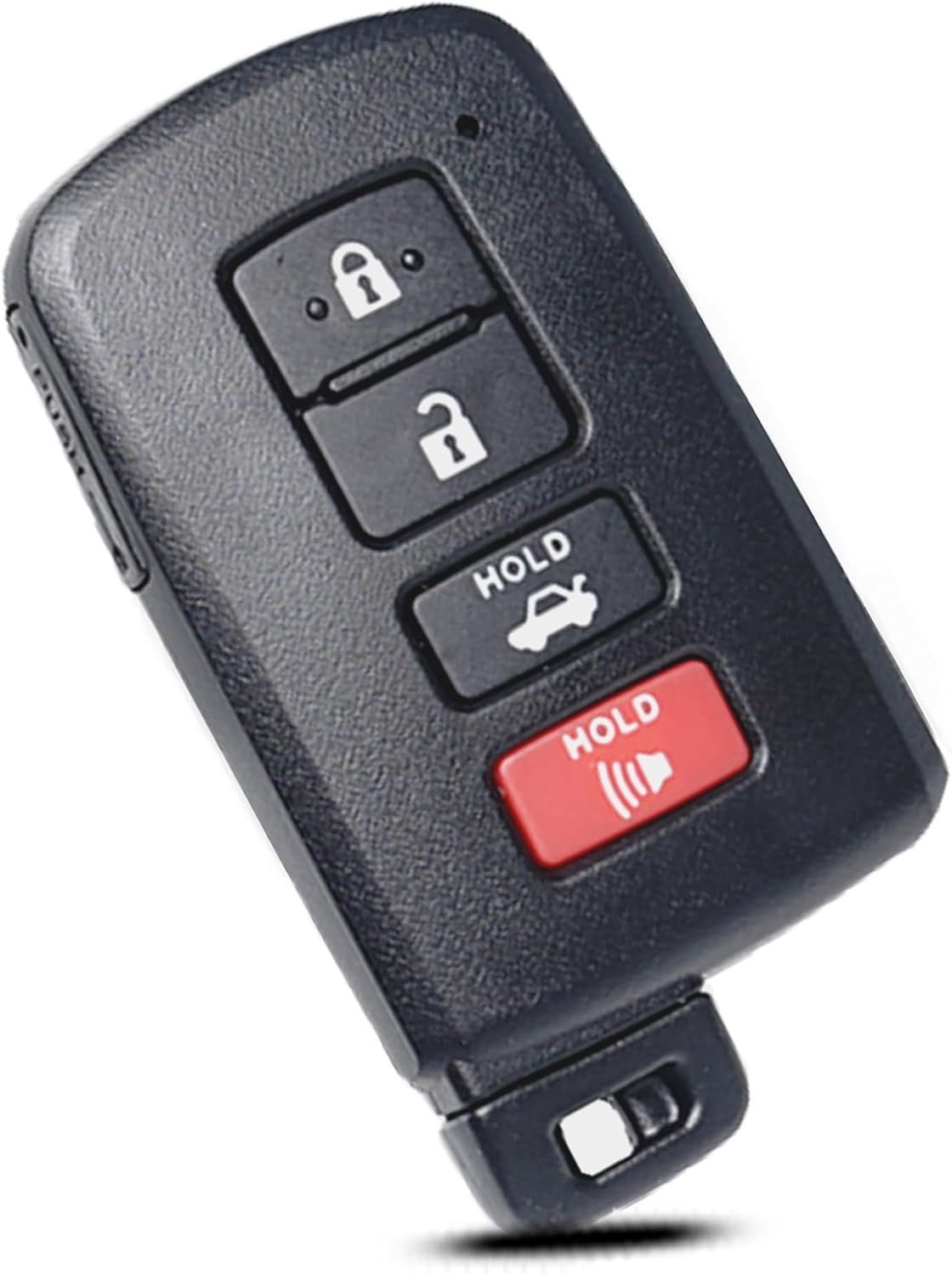
This replacement key fob shell is designed for select Toyota models and provides a simple way to restore a worn or broken remote without replacing the electronics. It includes only the outer case, so you can transfer your existing circuit board, chip, and battery into the new shell for a quick, no-reprogramming installation. Built for a precise fit, it is a practical solution for maintaining your keyless entry remote.
Managing the Alarm After Unlocking
Unlocking with the mechanical key may cause beeping, a pre-alarm, or a full alarm, depending on the model year, market, and alarm status. For the 2025 Camry Hybrid, Toyota’s owner information says that if a door is unlocked with the mechanical key while the alarm is being set, a pre-alarm can sound for 10 seconds. Turning the power switch to ACC or ON, or starting the hybrid system, stops and deactivates it after a few seconds.
The fastest practical move is to sit down, press the brake, hold the fob against the start button, and start the vehicle. Avoid walking away with the door open while the alarm is sounding, because that can make the situation more stressful and may draw attention.
How to Change Your Toyota Key Fob Battery
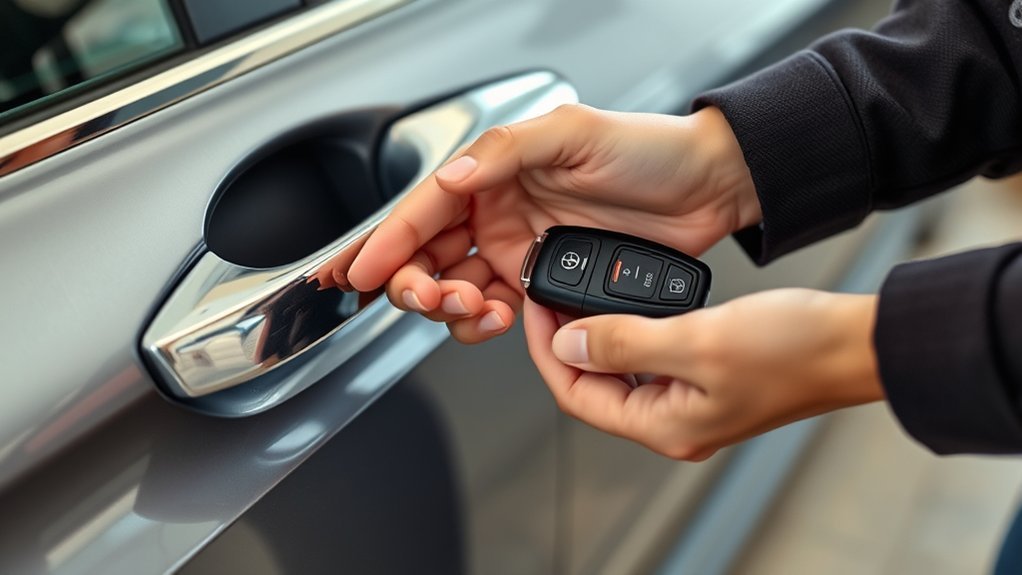
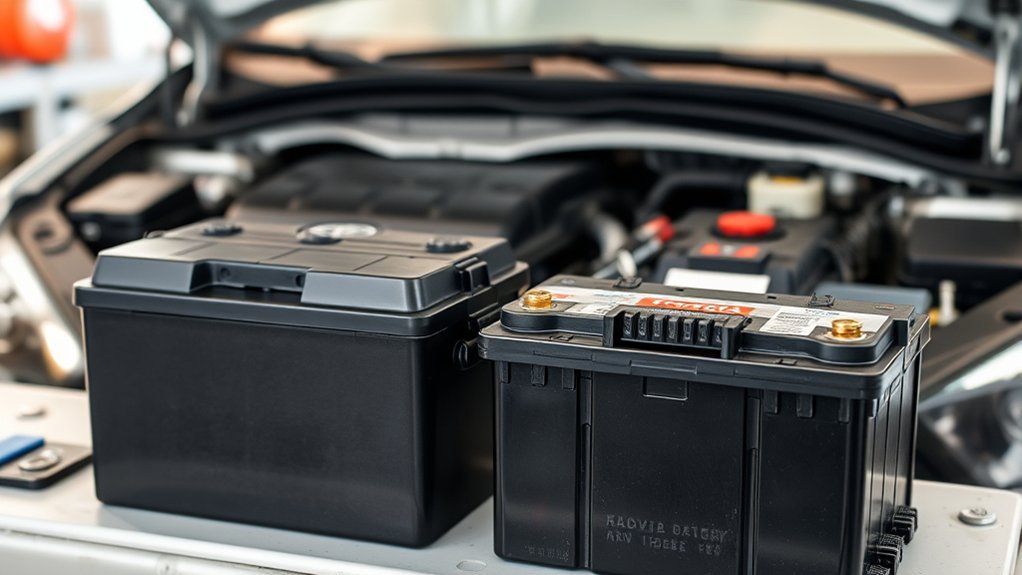
Replacing the key fob battery is usually simple, but the correct battery is not the same for every Camry fob. Most Camry Smart Key fobs use a CR2032 3V lithium battery [VERIFY: confirm against your specific model-year owner’s manual or the number printed on your existing battery, since size can vary by trim and generation]. Verify the battery number on your owner’s manual or on the battery already inside the fob before buying a replacement.
- Remove the mechanical key. Press the release button or slider and pull the metal key out.
- Open the fob carefully. Use the mechanical-key slot, a plastic pry tool, or a small flathead screwdriver wrapped with tape to avoid damage.
- Note the battery orientation. Before removing the old battery, check which side faces up.
- Install the correct new battery. Use only the same or equivalent type recommended for your fob.
- Snap the fob back together. Make sure the case closes evenly and the buttons move normally.
- Test the fob. Stand near the vehicle and test lock, unlock, trunk, and start functions.
Warning: Coin batteries are dangerous if swallowed. Keep new and used batteries away from children and pets. After removing the old battery, tape the terminals or wrap the battery with non-conductive tape and recycle it at a battery-collection center.
[Products Worth Considering]

This mech-style heavy metal key fob cover is designed to protect compatible Toyota E-style smart keys with a precise 1:1 fit. Built with a durable zinc alloy frame and soft silicone buttons, it helps guard against daily wear while keeping full access to key functions. The set includes a metal keychain and screwdriver for easy installation, making it a practical upgrade for select Toyota models.
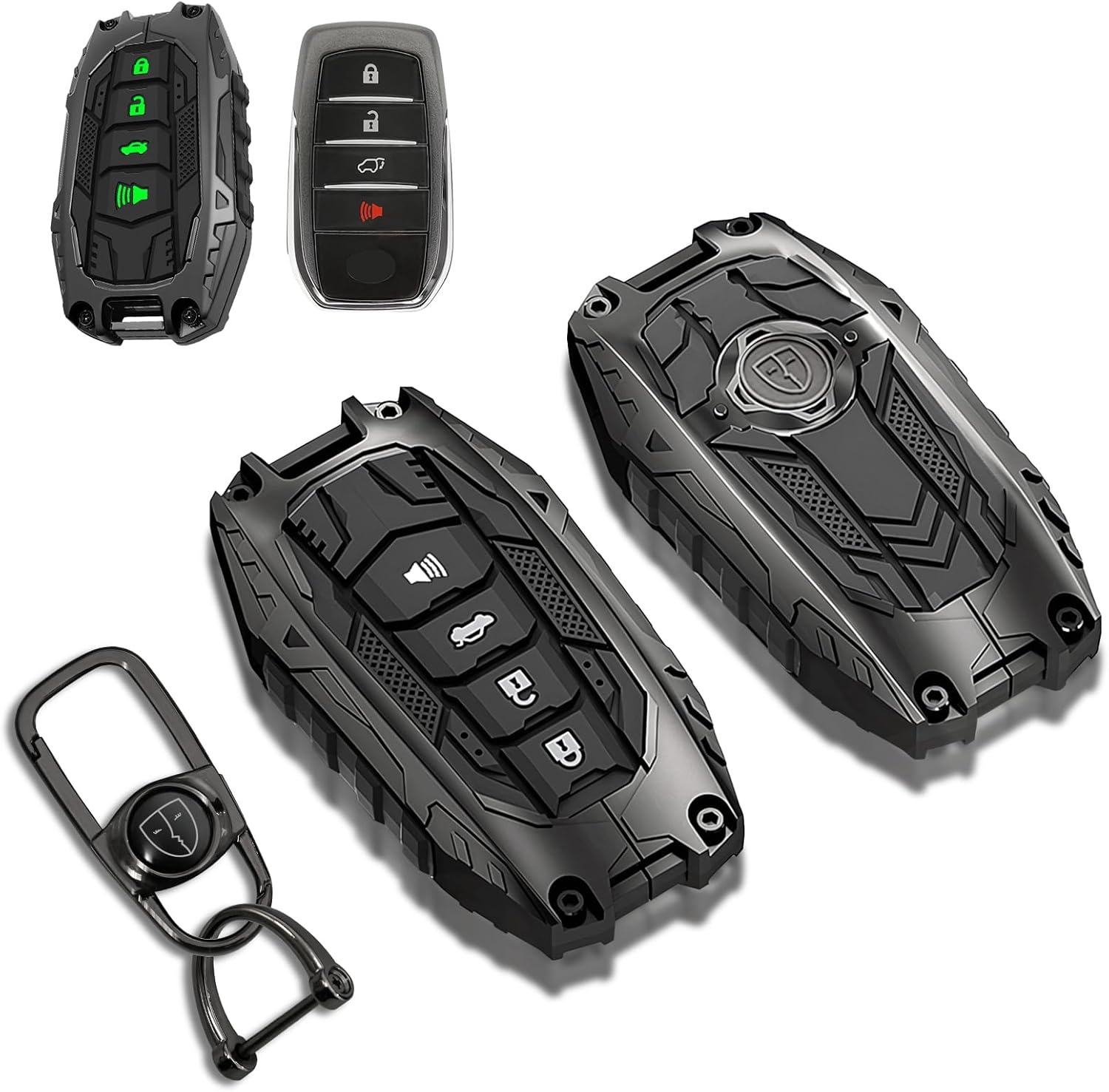
This mech-style metal key fob cover adds a sleek armored look while helping protect your Toyota key from scratches, drops, and everyday wear. Designed for compatible 4-button Toyota smart keys, it preserves full remote functionality with no signal interference and includes glow-in-the-dark buttons for easier nighttime use.

This leather key fob cover helps protect your Toyota remote from scratches, wear, dust, and everyday damage while keeping the buttons easy to use. Its snug fit preserves sensor access and gives your key a distinctive look that is easy to identify in a bag or on a keychain. Designed for compatible Toyota smart key models, it is a practical accessory for added protection and style.
When to Get Professional Help With Your Key Fob?
If the dead-fob emergency method does not work, the fob battery may not be the only problem. The issue could involve the 12-volt battery, Smart Key system settings, a damaged fob, or a vehicle-side fault.
Persistent Starting Issues
Get help if the Camry will not start after you confirm the fob is touching the start button, the brake pedal is firmly pressed, and the vehicle is in Park. Toyota notes that a weak engine or vehicle battery can prevent starting, and some vehicles may have a Smart Key deactivation switch that was pressed accidentally.
Key Fob Damage
Cracks, water exposure, broken buttons, or a loose battery contact can stop a fob from working even after battery replacement. If the case will not close securely or the buttons feel stuck, do not keep forcing it. A Toyota dealer, qualified locksmith, or automotive electronics technician can test the fob and replace or program a new one if needed.
Unresponsive Vehicle Features
If lock, unlock, trunk release, remote start, or push-button start all act strangely after a new battery is installed, the problem may be more than the coin battery. Check your second key if you have one. If the second key works normally, the first fob is likely the issue. If neither key works, the vehicle may need diagnosis.
How to Maintain Your Key Fob for Longevity
A few habits can keep your Camry Smart Key working longer and reduce surprise dead-fob moments.
| Key Fob Care | Frequency | Notes |
|---|---|---|
| Check Battery | Every 6 months | Replace if range gets shorter or buttons respond slowly |
| Clean | Monthly | Wipe with a soft dry cloth; avoid moisture |
| Test Functionality | Every 3 months | Confirm lock, unlock, trunk, and start functions work |
| Protect From Heat and Water | Always | Do not leave the fob in direct sun, laundry, or wet cup holders |
If you store a spare fob for a long time, check your owner’s manual for any battery-saving mode instructions available for your model. Also keep the spare fob in a safe place that is not inside the vehicle.
Frequently Asked Questions
Can I start my Camry without using the key fob?
If your Camry has push-button start, you need a registered key fob present. However, the fob battery does not need to work normally. Hold the dead fob against the start button while pressing the brake, and the car will usually recognize it.
Will the alarm reset itself after starting?
On many Camry models, starting the vehicle or turning the power switch to ACC or ON stops the alarm or pre-alarm after a few seconds. Alarm behavior can vary by model year and market, so check your owner’s manual if it keeps happening.
What if the mechanical key is lost?
If the mechanical key is missing, contact a Toyota dealer or qualified automotive locksmith. You may need proof of ownership, the vehicle identification number, and a replacement key cut to match the driver’s door lock.
Does touching the fob to the power button always work?
No. It usually works when the only problem is a weak or dead fob battery. It may not work if the 12-volt battery is weak, the fob is damaged, the Smart Key system is disabled, or the vehicle has another electrical or immobilizer issue.
Can a dead key fob affect my car’s security system?
A dead fob battery does not erase the key’s registration, but it can stop remote lock, unlock, and normal Smart Key detection from working. Manual unlocking may also trigger an alarm or pre-alarm on some models.
What battery does a Toyota Camry key fob use?
It depends on the fob and model year. Most Camry Smart Key fobs use a CR2032 3V lithium battery. For your specific fob, check your owner’s manual or open the fob and match the battery number printed on the old battery, since some newer smart-key styles use a different size.
Why does my Camry still not start after replacing the fob battery?
The issue may be the vehicle’s 12-volt battery, brake switch, Smart Key system, deactivation switch, damaged fob, or immobilizer system. Try your spare fob if you have one, then schedule diagnosis if the vehicle still will not start.
How much does it cost to replace a Toyota Camry key fob?
Cost varies by dealer, locksmith, and whether the fob needs dealer programming, so get a quote from a Toyota dealer or a qualified automotive locksmith before committing. In many cases, simply replacing the coin battery restores full function for a few dollars, so it’s worth trying that first.
Conclusion
A dead Camry key fob is usually a temporary problem, not the end of your trip. Use the mechanical key to unlock the driver’s door, press the brake, hold the fob against the start button, and start the car. Then replace the fob battery with the correct type for your model year as soon as possible. If the emergency method does not work, treat it as a possible 12-volt battery, Smart Key, or fob-damage issue and get professional help.
Sources
- Toyota Support: alternate way to enter and start with a dead Smart Key battery — backs up the mechanical key and fob-to-start-button method.
- Toyota Support: Smart Key vehicle will not start — backs up weak vehicle battery and Smart Key deactivation troubleshooting.
- Toyota 2025 Camry Hybrid Owner’s Manual: electronic key battery — backs up battery guidance and reduced-range symptoms. [VERIFY: confirm exact battery size cited in this manual page.]
- Toyota 2025 Camry Hybrid Owner’s Manual: alarm — backs up pre-alarm and alarm-stopping guidance.
- Toyota Manuals and Warranties: 2026 Camry — current owner manual lookup source.
- U.S. Consumer Product Safety Commission: button cell and coin battery safety — backs up battery handling and disposal safety.