You can reset the RAV4 maintenance required light using the multi‑information display: turn the ignition to ON (engine off), use the meter control switches to open the display, select the gear icon, press and hold OK, choose Scheduled Maintenance and confirm Yes — the light clears immediately. Controls and icon placement vary by model year, so verify your display type and try again if it doesn’t clear; the next section covers model differences and troubleshooting steps to help.
Reset the RAV4 Maintenance Light (Steps)
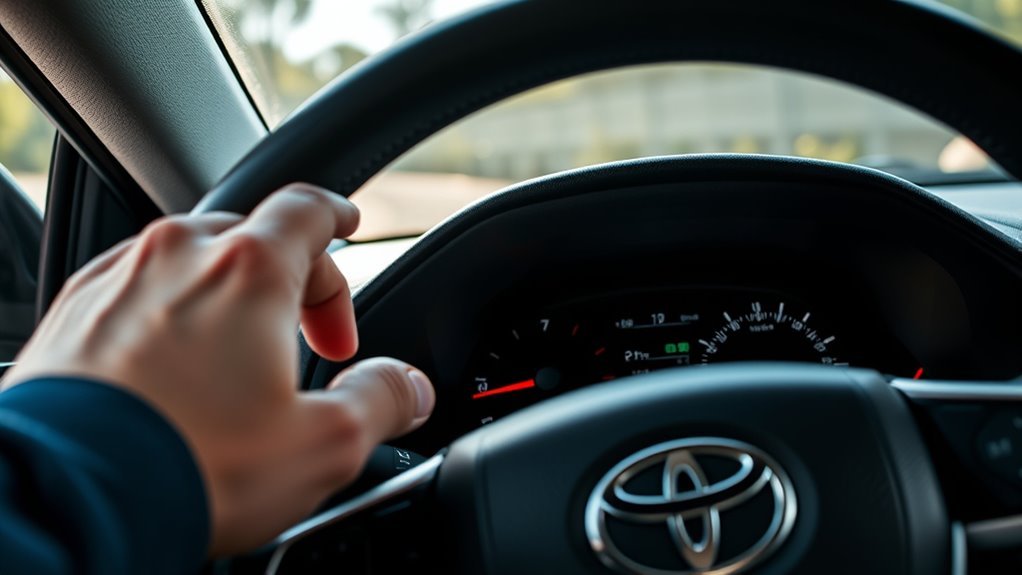
Start by turning the ignition to ON (do not start the engine) and use the meter control switches to bring up the multi-information display; then navigate to the gear icon, press and hold OK to enter Vehicle Settings, choose Scheduled Maintenance, select Yes to confirm, and press OK to reset the maintenance required light. You’ll use the meter control switches to move through menus, recognizing the gear symbol as the entry to settings. Press and hold OK only when you see Vehicle Settings, then select Scheduled Maintenance to access maintenance reminder settings tied to your vehicle maintenance schedule. Confirm by choosing Yes and pressing OK; the light clears immediately. This procedure’s consistency across Toyota models since 2019 means you can reclaim control of alerts without dealer intervention. Familiarize yourself with the multi-information display so you can manage reminders efficiently and keep your vehicle aligned with its scheduled maintenance, empowering you to maintain autonomy over service notifications.
Prep & Identify Your Display Type
Before you begin the reset, identify which multi-information display your RAV4 has so you know where the gear icon and meter control switches are located. Turn the ignition on (engine off) and scan the dash: some display types show a digital cluster with a central menu, others use a smaller monochrome screen. Locate the gear symbol — that’s the gateway to vehicle settings and the maintenance reset option.
Next, find and test the meter controls on the steering wheel or stalk. Use them to move through menus and confirm responsiveness before proceeding. Familiarity with control placement frees you from uncertainty and speeds the reset. If the layout differs from your expectations, consult the owner’s manual for diagrams specific to your model. Knowing your display type and meter controls ahead of time guarantees you can navigate efficiently and regain control of your vehicle maintenance routine without unnecessary delay.
RAV4 Model Differences (2019–Present)
While the reset steps are largely the same across 2019–present RAV4s, you may see slight differences in icon placement or menu layout depending on the model year and trim; access the multi-information display, select the gear icon for vehicle settings, then hold the OK button to reach the scheduled maintenance reset. You’ll find that model year variations mainly affect menu graphics and button labeling, not the core procedure. This preserves user experience consistency and keeps the process liberatingly simple—no special tools or tricks required. Learn your display’s navigation shortcuts and you’ll move faster through the menu.
| Model range | Typical difference |
|---|---|
| 2019–2020 | Simpler icons, physical button cluster |
| 2021 | Updated graphics, touch responsiveness |
| 2022 | Refined menu grouping |
| 2023–present | Modern UI, slight icon relocation |
Familiarity with the multi-information display enhances control and confidence when managing scheduled maintenance.
Maintenance Light Won’t Reset : Fixes
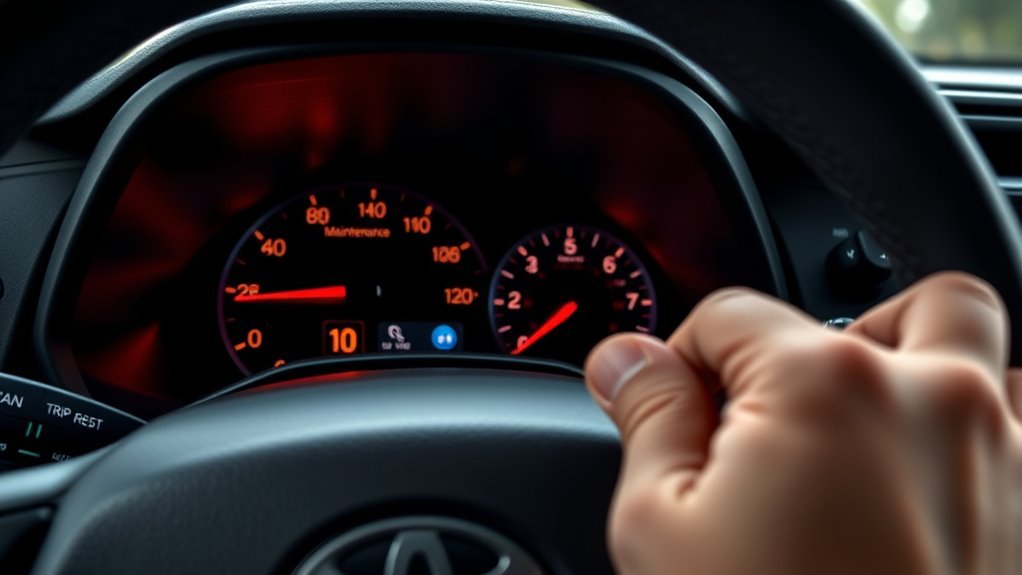
If the maintenance light won’t reset after following the multi-information display steps described earlier, check a few common causes before assuming a fault: make sure the ignition is in the ON position (engine off), confirm you actually selected the gear icon and held OK until the confirmation appears, and verify the vehicle isn’t blocking a reset because the scheduled interval has been exceeded. If the light still stays on, try these targeted fixes based on common issues and user experiences to regain control.
- Confirm procedure accuracy: re-run the display reset steps exactly, watch for the confirmation message, and guarantee the vehicle remains in ON (engine off).
- Battery disconnect: disconnect the negative terminal for a few minutes to clear electronic flags—use caution, since this resets other settings.
- Consult resources: check the owner’s manual and online forums for model-specific quirks and user experiences before seeking dealer support.
Quick Troubleshooting Checklist and Next Steps
When the maintenance light won’t reset, run through a concise troubleshooting checklist so you can pinpoint the issue quickly: first, make certain the RAV4 is in the “On” position without starting the engine. Use the meter control switches to access the multi-information display and select the gear symbol for vehicle settings. Press and hold OK to open “Scheduled Maintenance,” follow prompts, and confirm the reset by selecting “Yes” and pressing OK to finalize.
If the indicator importance persists after that sequence, verify you completed each step precisely and try again. Check the vehicle’s maintenance schedule to confirm no overdue service triggered a persistent warning. If the light still won’t clear, inspect fuses and connectors related to the instrument cluster or consult the owner’s manual for model-specific quirks. Finally, don’t accept false constraints: contact a dealer or qualified technician to run diagnostic codes and reset the system professionally so you regain confidence and control.
Frequently Asked Questions
Can Resetting Affect Warranty or Service Records?
Yes — if you reset without performing required maintenance, you risk warranty implications and inaccurate service history; you should document work, use dealer or certified shop records, and avoid voiding coverage by skipping mandated repairs.
Can I Reset the Light Remotely via an App?
“Trust but verify”: you usually can’t reset the light remotely unless your Toyota app supports remote access and app functionality for service resets; even then, manufacturers often limit resets to protect warranty and accurate records.
Does Resetting Clear Other Dashboard Warnings?
No — resetting the maintenance indicators won’t clear unrelated dashboard alerts; you’ll only reset that specific reminder. Critical warnings and fault codes remain until you address underlying issues or use a diagnostic tool to reset their specific codes.
Will Tire Pressure Warnings Be Affected by This Reset?
Like a lighthouse ignoring small buoys, no—you won’t clear tire pressure sensors by resetting the maintenance reminder. You’ll keep independent TPMS alerts intact; only the scheduled maintenance reminder resets, not safety-related sensor warnings.
Can a DIY Reset Harm My Hybrid System?
No, a DIY reset won’t damage hybrid system functionality if you follow procedures, but it won’t replace proper service; you should respect maintenance schedule importance, ensuring repairs and diagnostics are done by qualified technicians when needed.
Conclusion
You’ve taken care of the little nag — reset the Maintenance Required light and kept your RAV4 running as intended. If it comes back, don’t assume the car’s just being finicky: check the service records, scan for codes, and address any real wear items. Staying on top of routine care keeps surprises to a minimum and preserves value. When in doubt, get a pro involved so small reminders don’t become bigger issues.