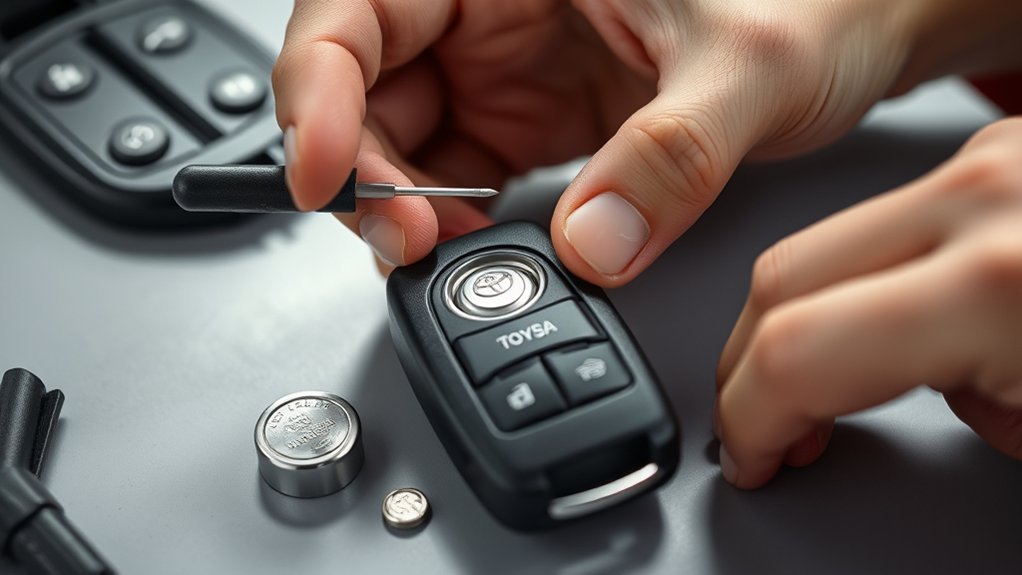
You can swap the Toyota Tundra key fob CR2450 yourself in about a minute. Grab a CR2450 cell, the mechanical key from the fob, and a small flat tool; work on a clean, static-free surface. Slide out the mechanical key, twist the case open at the back latch, lift the old cell straight up noting polarity, and seat the new CR2450 positive side up. Snap the case closed, test the red LED and button range; continue for full troubleshooting and tips.
Quick: Replace a Tundra Key Fob Battery (60 Sec)
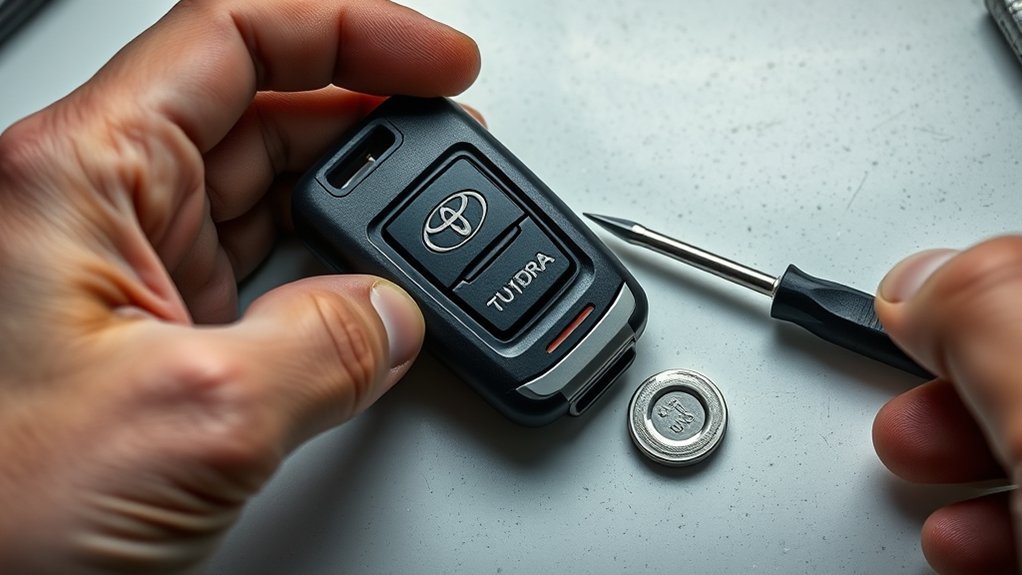
Grab your spare key and a new CR2450 battery — replacing a Toyota Tundra key fob battery takes about a minute. You’ll locate the latch on the back, push it up, and slide the mechanical key free. Use that key to twist open the battery compartment, applying steady pressure to avoid damage. Pry the dead cell out with the key, then seat the new 2450 battery with the positive side facing up; proper orientation is critical for reliable signaling.
Squeeze the two halves of the fob back together until they lock; a secure fit preserves internal contacts and extends key fob maintenance intervals. Test immediately — the red indicator light should flash and the remote should respond. There’s no reprogramming needed after a battery swap, but functional verification is mandatory. When you’re done, follow local regulations for battery disposal; recycling old cells protects your freedom to operate without unnecessary waste or risk.
What You Need: 2450 Battery, Key & Safety Checks
Tools and parts: you’ll need a CR2450 battery, the Tundra’s mechanical key (found inside the fob), and a small flat tool or the key itself to open the case. You’ll confirm battery compatibility with your fob model before buying. Inspect the shell, buttons, and contacts; key fob maintenance starts with a visual check to prevent damage during replacement. Handle components gently and plan for proper disposal of the old cell per local regulations.
| Item | Purpose |
|---|---|
| CR2450 battery | Power source; verify compatibility |
| Mechanical key | Emergency entry; frees case |
| Small flat tool | Case opening without damage |
| Inspection checklist | Confirm contacts, seals, buttons |
| Disposal plan | Environmental, local-compliant battery drop-off |
Keep a clean, static-free workspace. Work deliberately: lifting broken tabs or forcing parts undoes your autonomy. Once prepared, you’ll move to opening the fob with confidence and preserve long-term key fob maintenance.
Open the Tundra Key Fob and Remove the Old Battery
With the workspace set and the CR2450 verified, start by locating the latch on the fob’s back and pushing it upward to slide out the mechanical key. You’ll use that key as a tool to open the case without marred plastic or bent tabs. Insert the key into the slot and twist gently to release the battery compartment hinge.
- Apply steady, controlled force when twisting the key to avoid cracking the housing.
- Pry the dead cell out with the key edge, lifting straight up to protect contacts and circuit traces.
- Inspect the cavity for corrosion, debris, or displaced components before proceeding.
- Note the battery orientation and check that the cell removed matches the CR2450 spec.
Adopt these fob maintenance tips to extend service life and maintain autonomy. Handle the spent cell according to approved battery disposal methods—don’t discard it with general waste.
Install the 2450 Battery and Reassemble the Fob
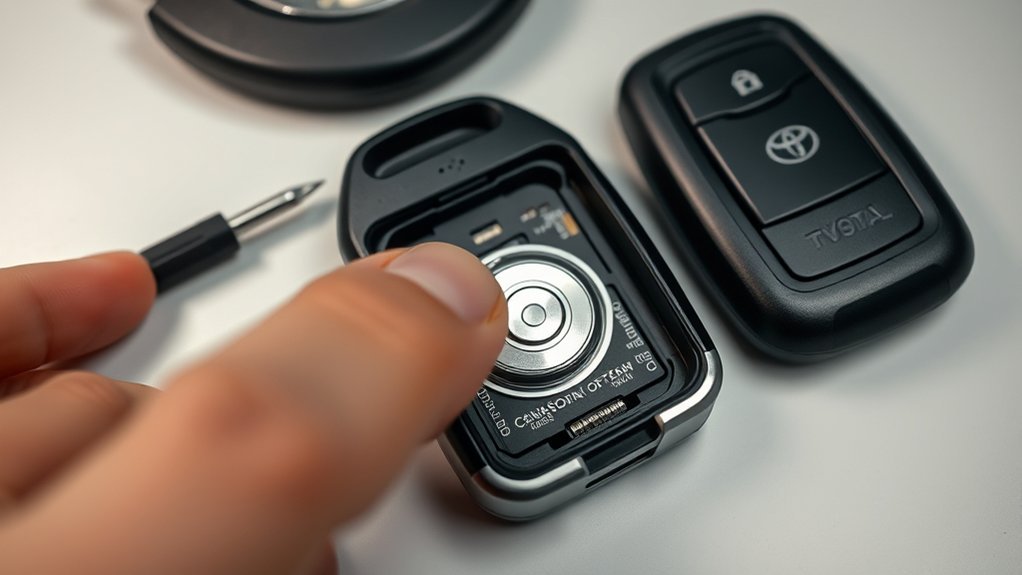
Once you’ve confirmed the replacement CR2450 matches the original, seat the new cell into the cavity with the positive (+) side facing up, then align the case halves and squeeze them together evenly until the hinge and latch click into place. You’ll maintain correct battery orientation and preserve internal fob components by handling parts deliberately and avoiding force that could deform plastic or displace the contact springs. Use fingertip pressure along the seam—don’t pry with tools—to guarantee an even seal and to protect internal circuits.
Before finalizing, glance for proper seating and verify no debris or misaligned buttons impede closure. After reassembly, briefly actuate the buttons to observe the red LED indicator; this quick check confirms the installation without delving into reprogramming steps. Dispose of the old cell responsibly at a battery recycling point. Keep this procedure in your maintenance routine so you’re free from unexpected lockouts and dependent systems.
Test & Troubleshoot (No Reprogramming Needed?)
If the red LED illuminates when you press a button, the replacement succeeded and no reprogramming is required; if it doesn’t light, re-seat the CR2450 with the positive side up and retest. You’ll confirm fob functionality quickly and regain control without dealer intervention. Follow these steps to verify and troubleshoot:
If the red LED lights when a button is pressed, the battery swap worked—reseat the CR2450 positive-side up if not.
- Press each button and watch for the red LED; note any unresponsive buttons.
- Open the case and make sure the CR2450 sits flat, positive side up; reseat if necessary.
- Verify battery compatibility — use a genuine CR2450 rated for correct voltage and size.
- Reassemble and perform a final button test at arm’s length to check range and response.
If the LED still fails or buttons remain dead, swap in a known-good CR2450 to isolate the battery. Persistent faults indicate internal contact issues or PCB damage; pursue component-level repair or a replacement fob. This process keeps you independent and efficient.
Frequently Asked Questions
Can I Use a Different Battery Size or Brand Instead of a 2450?
You can’t swap sizes; use the 2450 or exact-equivalent CR2450 for battery compatibility. You’re free to choose alternative brands with identical voltage, dimensions, and specs, but don’t force a different size or mismatched chemistry.
Does Replacing the Battery Void My Vehicle Warranty?
Imagine a dealer audit where you show DIY key fob maintenance receipts; you won’t void warranty just replacing the battery, but warranty implications arise if damage occurs—document your work and use correct parts to protect coverage.
How Do I Replace a Battery in a Water-Damaged Fob?
You’ll open the fob, remove corrosion, and replace battery; if water damage’s severe, perform fob cleaning with isopropyl, dry thoroughly, reseal, test; if functionality fails, replace the module to regain control and freedom.
Can I Rekey or Replace the Metal Key Blade Myself?
Yes — you can DIY replace the metal blade and handle rekey process yourself if you have proper key blank, cutting tools, and code; treat the key fob carefully, follow technical guides, and demand liberated self-reliance.
What Should I Do if the Fob Still Won’t Lock/Unlock Range-Wise?
If the fob still won’t lock/unlock, you’ll follow fob troubleshooting tips and consult the remote programming guide, verify battery/contacts, reprogram per steps, test near the vehicle, and seek dealer locksmith support if range issues persist.
Conclusion
You’ve swapped the dead cell for a fresh 2450, closed the shell, and saved yourself a trip to the dealer—simple as that. With the key reassembled, test every button and the engine start; if something’s off, reseat the battery or clean contacts. No reprogramming’s usually required, so you’re back on the road in a minute. Like a well-oiled hinge, a small fix can restore full function—quick, precise, and done.