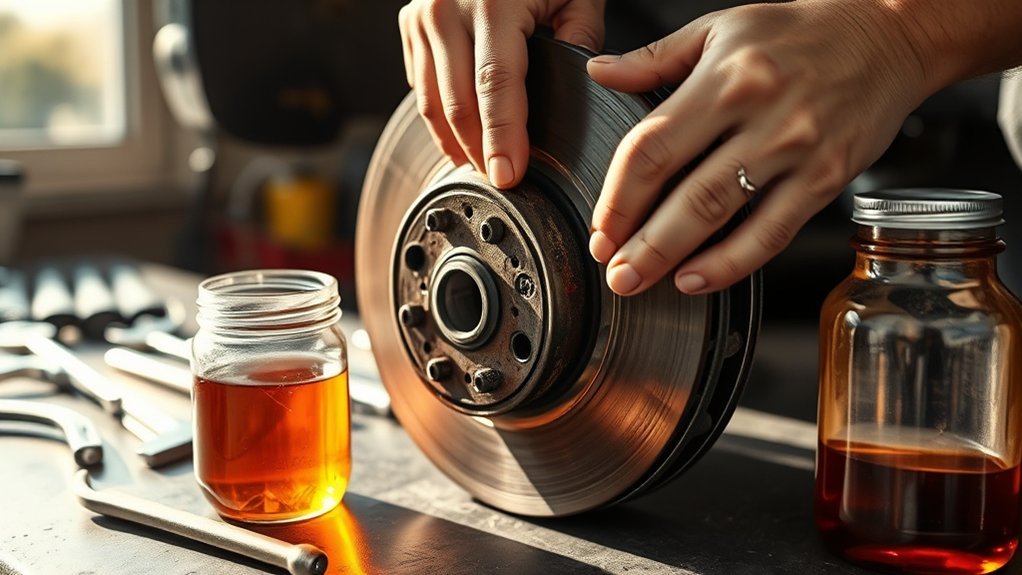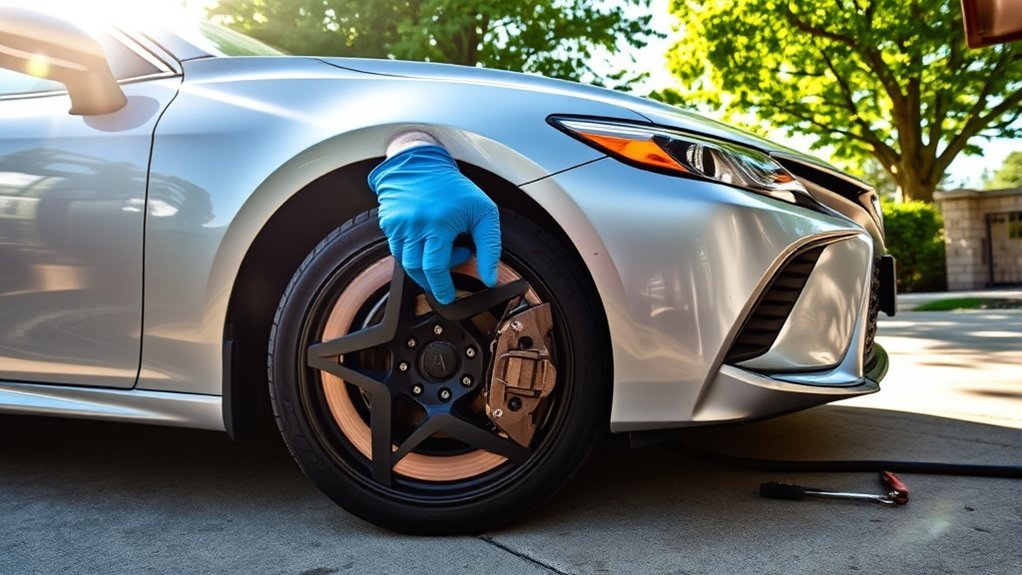
If your Toyota Camry vibrates when braking at low speeds, do not ignore it. The cause is often in the brake rotors, pads, calipers, wheel hub, or installation hardware, but tire, wheel, ABS, or suspension issues can also make a brake vibration feel worse. Start with safe, simple checks, then have a qualified technician measure the brake components if the vibration continues.
Quick Answer
A Camry that vibrates when braking at low speeds usually has rotor thickness variation, pad deposits, uneven brake pad wear, a sticking caliper, hub runout, or improperly torqued wheels. If the pedal feels soft, the brake warning light is on, or braking power changes, stop driving and get professional help.
Key Takeaways
- Low-speed brake vibration is often blamed on “warped rotors,” but disc thickness variation, pad material transfer, dirty hub surfaces, or caliper drag are common causes.
- Steering wheel shake usually points toward the front brakes, front wheels, or steering/suspension parts; vibration felt mostly in the seat or pedal can involve rear brakes or chassis components.
- Use your exact Camry owner’s manual or service information for torque specs, brake limits, and repair procedures because they vary by model year and trim.
- Do not keep driving if the brake warning light is on, the pedal sinks, braking power drops, or you hear grinding.
At a Glance
| Time Required | 15–30 minutes for basic checks; 1–3 hours for shop diagnosis or brake service |
| Difficulty | Beginner for symptom checks; intermediate to advanced for wheel removal, rotor measurement, and brake repair |
| Tools Needed | Flashlight, tire pressure gauge, torque wrench, jack stands, brake cleaner, micrometer, and dial indicator as needed |
| Cost | Basic inspection may be free to low-cost; brake repairs vary by axle, parts quality, and labor rate |
Warning: Stop driving as soon as it is safe if your Camry has a red brake warning light, a soft or sinking brake pedal, grinding noise, smoke, burning smell, fluid leak, strong pull to one side, or longer stopping distance. Toyota’s official manual guidance says a brake system warning can indicate low brake fluid or a malfunction, and continuing to drive may be dangerous.
Identifying Common Brake Vibration Problems in Your Camry
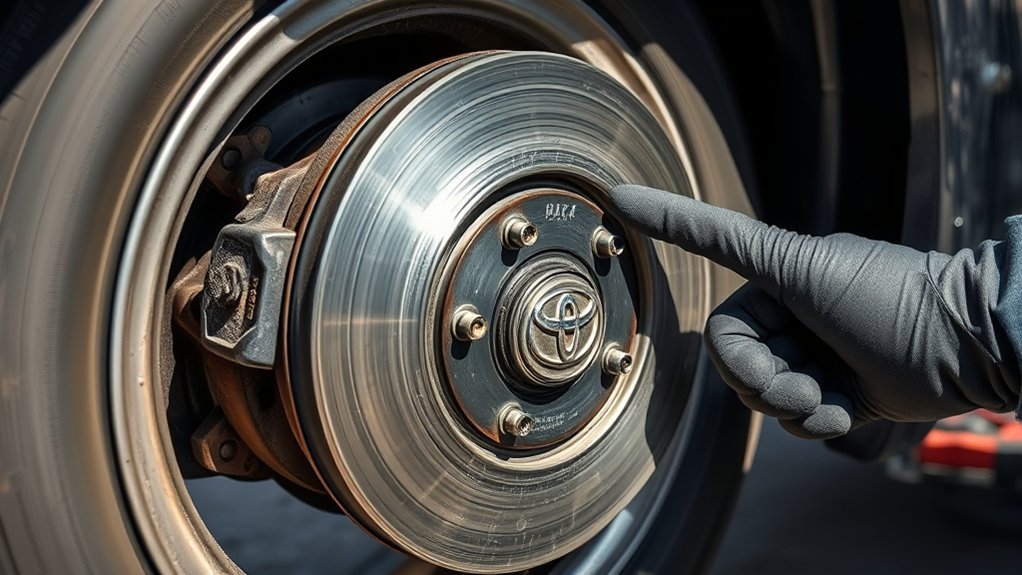
Brake vibration is a symptom, not a diagnosis. The same shake can come from several parts working together: the rotor surface, brake pad material, caliper movement, wheel hub condition, lug nut torque, wheel balance, or worn suspension parts.
| What You Feel | Likely Area to Check | Common Cause |
|---|---|---|
| Steering wheel shakes while braking | Front brakes, front wheels, steering, suspension | Rotor thickness variation, pad deposits, wheel imbalance, worn front-end parts |
| Brake pedal pulses under your foot | Rotors, pads, ABS, hydraulic system | Disc thickness variation, ABS activation on loose or slippery surfaces, uneven pad transfer |
| Seat or floor vibrates | Rear brakes, tires, wheels, chassis | Rear rotor/drum issue, tire wear, wheel bearing, suspension looseness |
| Vibration plus scraping or grinding | Brake pads and rotors | Worn pads, metal-to-metal contact, damaged rotor surface |
| Vibration after recent brake or tire work | Wheel installation, hub face, rotor seating | Dirty hub, uneven lug nut torque, rotor not seated flat |
The word “warped rotor” is often used for any brake shake, but many cases are really disc thickness variation or pad material transfer. That means the brake pads are not meeting the rotor evenly as it spins, so you feel a pulse or vibration as the high and low spots pass through the caliper.
Note: A brief pedal buzz during hard braking on gravel, snow, rain, or rough pavement can be normal ABS operation. A repeated shake on dry pavement during gentle stops is more likely a mechanical brake, wheel, or suspension issue.
How to Diagnose Vibration During Braking?
Start by narrowing down when the vibration happens. Do not perform aggressive test stops in traffic. Choose a safe, open road or parking area, and stop the test if braking feels weak, noisy, or unpredictable.
- Confirm the speed range. Note whether the vibration happens below 30 mph, only at highway speeds, or during nearly every stop.
- Watch the brake pedal feel. A firm pedal with pulsing points toward rotor, pad, ABS, or runout issues. A soft or sinking pedal points toward a hydraulic problem that needs urgent inspection.
- Notice where the vibration is felt. Steering wheel shake often points forward. Seat, floor, or body vibration may involve rear brakes, tires, wheels, or suspension.
- Listen for noise. Squealing can mean pad wear or glazing. Grinding can mean worn pads or rotor damage.
- Check whether it changed after service. If the vibration began after new tires, wheel rotation, or brake work, inspect wheel torque, hub cleanliness, and rotor seating first.
- Look for warning lights. A red brake warning light, ABS light, or repeated warning message should be handled according to your Camry’s owner’s manual.
Pro Tip: Write down the speed, pedal pressure, road surface, weather, and whether the steering wheel or pedal vibrates. A mechanic can diagnose the problem faster when the symptom is repeatable.
Diagnosing Your Brake System for Vibration Issues
Once you know when the vibration occurs, inspect the parts that can create or amplify brake pulsation. If you are not comfortable lifting the vehicle safely, let a shop handle the inspection.
[Products Worth Considering]
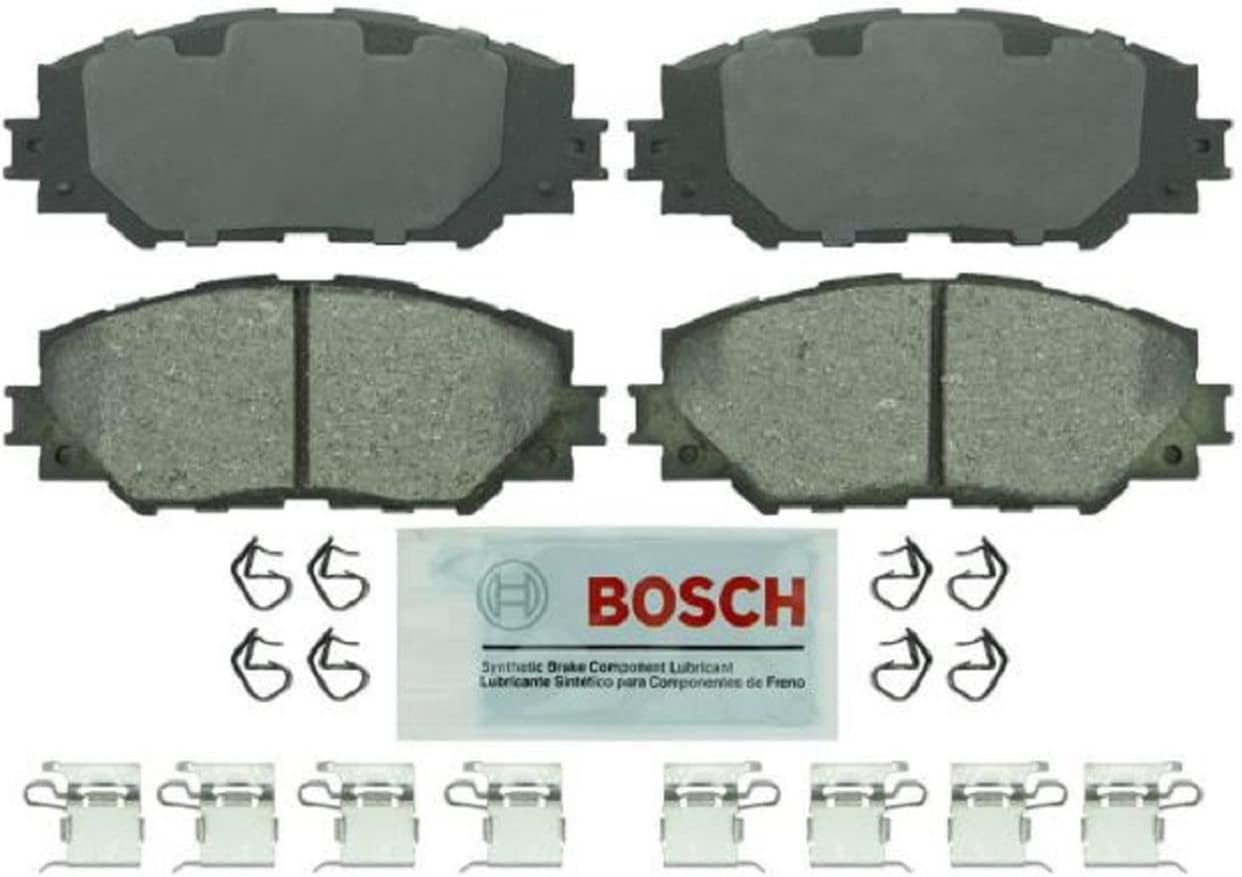
Bosch Blue ceramic front brake pads deliver dependable stopping power with platform-specific friction material designed for select Lexus, Pontiac, Scion, and Toyota vehicles. OE-style shims, slots, and chamfers help promote quiet braking, while the rust-inhibitive coating supports long-lasting performance and cleaner operation. The set includes hardware and synthetic lubricant for easier installation on one axle.

Bendix Premium Ceramic Front Brake Pads are engineered to match original equipment fit, form, and function for a straightforward replacement. Built with durable materials to help resist wear and corrosion, they support consistent braking performance and reduced brake fade for everyday driving. These pads are a dependable choice for compatible Pontiac, Scion, Toyota, and related vehicles.

【Multifunctional Runout Gauge Set 】Neoteck disc brake rotor gauge is specially designed to allow the dial indicator to be firmly mounted on the brake disc to measure the warping of the disc brake. The innovative design of it allows the dial indicator to be securely installed in almost any location.Disc brake rotor gauge can help you check tire and wheel run-out, gear backlash and valve guide wear to improve your driving safety.
1. Inspect the Brake Pads
Look for uneven pad thickness, glazing, cracks, missing friction material, or pads worn near the minimum limit. Uneven inner and outer pad wear can point to stuck slide pins, seized hardware, or caliper problems.
2. Inspect the Rotor Surface
Look for grooves, heat spots, rust ridges, scoring, or pad-shaped deposits. A smooth-looking rotor can still have thickness variation, so visual inspection alone is not enough when the vibration persists.
3. Measure Rotor Thickness Variation and Runout
A shop can measure rotor thickness with a micrometer and rotor runout with a dial indicator. These measurements matter because a rotor may sit slightly crooked on the hub or vary in thickness around its face. Either condition can create brake pedal pulsation even when the rotor does not look badly damaged.
Small differences in rotor thickness or hub runout can be enough to create a brake pulse, especially on modern suspension systems with tight tolerances.
4. Check the Calipers and Slide Pins
A sticking caliper, seized slide pin, or rusty pad bracket can keep one pad lightly touching the rotor. That extra contact can create heat, uneven pad transfer, accelerated wear, and low-speed vibration.
5. Clean and Inspect the Wheel Hub
Rust, dirt, or excess grease between the hub and rotor can stop the rotor from sitting flat. If the rotor is not seated evenly, it can create runout and lead to vibration after a few hundred or thousand miles.
6. Verify Wheel Installation
After wheel or brake service, lug nuts should be tightened evenly with a calibrated torque wrench using the correct pattern and the specification for your exact Camry. Avoid relying only on an impact wrench for final tightening.
7. Do Not Ignore Tires, Wheels, and Suspension
Brake vibration can be amplified by uneven tire wear, bent wheels, wheel imbalance, loose wheel bearings, worn ball joints, damaged bushings, or steering looseness. If the brakes measure within spec, inspect these parts next.
Proven Methods to Resolve Brake Vibration Issues
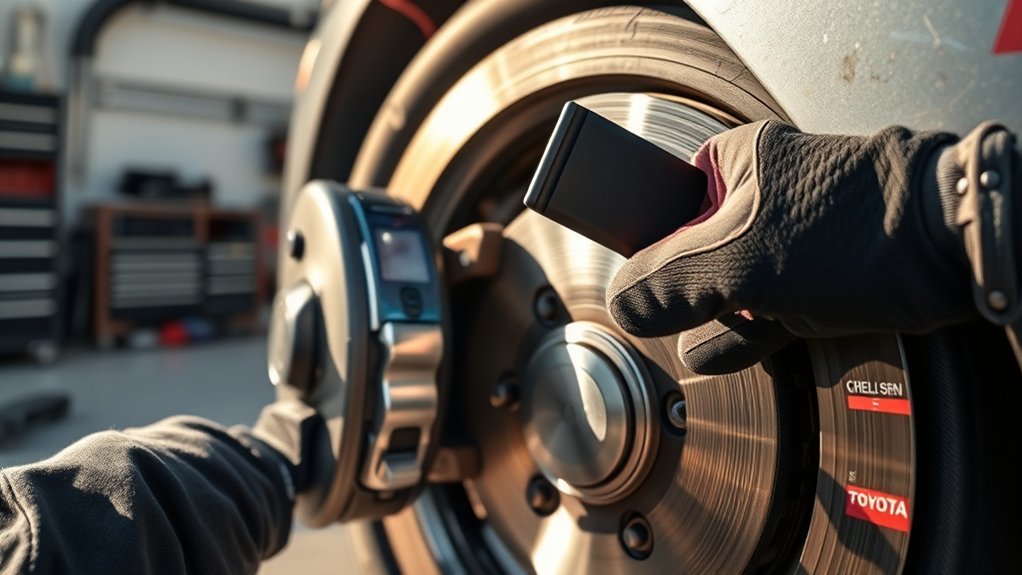
The right fix depends on the measurement results and the condition of the brake parts. Replacing rotors without cleaning the hub, checking calipers, or using proper torque can allow the vibration to return.
[Products Worth Considering]

PLEASE CONFIRM YOUR FITMENT: Using the Amazon Confirmed Fit bar at the top of the page or check the Product Description to confirm your vehicle fitment. This may be delivered in multiple boxes

[Fitment] Lexus 2007-2018 Lexus ES350; Lexus 2013-2018 Lexus ES300H; Toyota 2007-2017 Toyota Camry; Toyota 2008-2018 Toyota Avalon
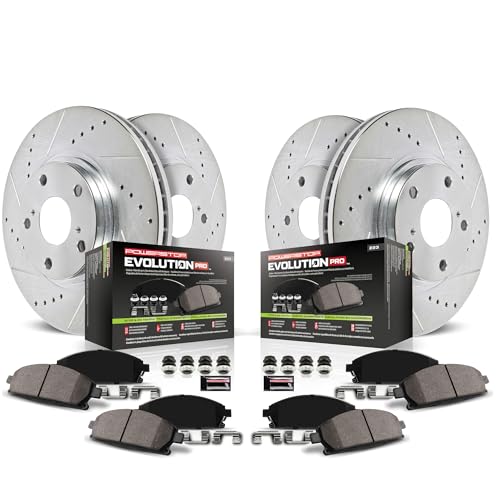
PLEASE CONFIRM YOUR FITMENT: Using the Amazon Confirmed Fit bar at the top of the page or check the Product Description to confirm your vehicle fitment. Item packaging may differ from image shown
Resurface or Replace the Rotors
If rotor thickness variation or surface deposits are confirmed, the rotor may need machining or replacement. Replacement is usually the safer choice if the rotor is below minimum thickness, badly scored, heat-damaged, cracked, or already machined too thin. Always follow Toyota service information for your model year.
Replace Pads Correctly
Brake pads should usually be replaced in axle sets so braking remains balanced from side to side. Use Toyota Genuine, OEM-equivalent, or reputable OE-quality pads that match your Camry’s exact year, trim, and brake package.
Service the Caliper Hardware
Clean the bracket contact points, replace worn clips or shims, lubricate slide pins with the correct brake lubricant, and confirm the caliper moves freely. A rotor and pad replacement will not stay smooth if the caliper keeps dragging.
Clean the Hub Before Installing Rotors
Before a rotor is installed, the hub face should be clean, flat, and free of rust scale. This small step is one of the best ways to prevent comeback vibrations after brake work.
Torque the Wheels Evenly
Install the wheels using a star or crisscross pattern and a torque wrench set to the correct specification for your Camry. Uneven clamping force can distort how the rotor sits on the hub.
Bed In New Brake Pads When Required
Some pads need a bedding-in process to transfer an even layer of friction material onto the rotor. Follow the pad manufacturer’s instructions. Avoid heavy braking, holding the pedal hard after a hot stop, or parking immediately after repeated hard stops unless the instructions say otherwise.
Why Quality Brake Parts Matter
Brake parts are safety parts, not just comfort parts. Poor-quality or mismatched pads and rotors can create noise, uneven wear, poor heat control, and repeat vibration. The best choice is usually Toyota Genuine parts or high-quality OE-equivalent parts that match your vehicle’s exact specifications.
[Products Worth Considering]

PLEASE CONFIRM YOUR FITMENT: Using the Amazon Confirmed Fit bar at the top of the page or check the Product Description to confirm your vehicle fitment. This may be delivered in multiple boxes

Fits: 2018 2019 TOYOTA CAMRY L, LE, SE Models | 2020 TOYOTA CAMRY L; LE; SE; SE Nightshade - FWD | 2021 2022 2023 2024 TOYOTA CAMRY LE; SE; SE Nightshade - FWD

Premium Materials Ensure Durability
Quality rotors and pads are manufactured with tighter tolerances and more consistent friction materials. That helps reduce uneven pad transfer, heat-related deposits, premature wear, and low-speed brake judder.
Performance Enhances Safety Standards
Consistent braking depends on matched parts, proper installation, and correct maintenance. Even high-quality parts can vibrate if the hub is dirty, the caliper is sticking, or the wheels are torqued unevenly. Good parts and good installation work together.
How to Prevent Future Brake Vibration Problems?
Prevention comes down to regular inspection, clean installation, proper torque, and smooth braking habits. You cannot prevent every brake issue, but you can reduce the chance of repeat vibration.
Regular Brake Inspections
Inspect the brakes at normal service intervals and any time you notice squealing, grinding, pulsing, pulling, or a change in pedal feel. A complete inspection should include pad thickness, rotor surface, rotor thickness, caliper movement, brake fluid condition, and signs of leaks.
Quality Component Selection
Use brake parts that match your Camry’s model year, trim, engine, and brake package. If you drive in heavy traffic, mountains, or wet/salty conditions, ask for parts suited to your driving environment rather than choosing the cheapest option.
Note: Brake fluid, rotor minimum thickness, pad limits, and lug nut torque are model-specific. Use Toyota’s official manuals or a professional service database for your exact Camry before doing brake work.
When to Seek Professional Help for Brake Issues?
Some checks are simple, but brake diagnosis often requires safe lifting, precision measurement, and experience. Get professional help if the vibration continues after basic checks or if any safety warning signs appear.
| Warning Sign | Possible Issue | Best Action |
|---|---|---|
| Red brake warning light | Low brake fluid or brake system malfunction | Stop safely and contact a Toyota dealer or qualified technician |
| Soft, spongy, or sinking pedal | Air, leak, master cylinder issue, hydraulic failure | Do not continue driving; arrange inspection or towing |
| Grinding noise | Worn pads or rotor damage | Get same-day brake inspection |
| Vibration after recent brake work | Runout, dirty hub, uneven torque, pad bedding issue | Have the installation checked and measured |
| Steering shake plus tire wear | Wheel balance, alignment, suspension, or bearing wear | Inspect brakes and front-end components together |
Frequently Asked Questions
How do I fix brake pedal vibration at low speeds?
Start with safety checks, then inspect the pads, rotors, calipers, hub surface, tires, wheels, and suspension. If the vibration repeats, have the rotors measured for thickness variation and runout. The fix may require resurfacing or replacing rotors, replacing pads, servicing caliper hardware, cleaning the hub, and torquing wheels correctly.
Why does my Camry vibrate when I brake?
The most common causes are rotor thickness variation, uneven pad material on the rotor, worn or glazed pads, a sticking caliper, a dirty wheel hub, uneven wheel torque, tire imbalance, or worn suspension parts. A short ABS pulse on slippery surfaces can be normal, but repeated vibration on dry pavement should be inspected.
How do I fix brake shudder at low speed?
Fixing low-speed brake shudder usually means correcting the uneven contact between the pad and rotor. That can involve replacing or machining rotors, installing new pads, cleaning the hub face, lubricating or replacing caliper hardware, checking rotor runout, and torquing the wheels evenly to the correct specification.
Can ABS cause a brake pedal vibration?
Yes. ABS can create a rapid pedal pulse during hard braking or on slippery, loose, or rough surfaces. That pulse is different from a repeated shake that happens during normal gentle stops on dry pavement. If the ABS light is on or the pulse happens during ordinary stops, have the system checked.
Is it safe to drive a Camry with brake vibration?
Light vibration with normal pedal feel may allow careful driving to a repair shop, but it should not be ignored. Do not drive if the brake warning light is on, the pedal feels soft or sinks, braking power changes, the vehicle pulls hard, or you hear grinding. In those cases, stop safely and arrange professional help.
Conclusion
A Camry that vibrates when braking at low speeds usually needs a careful brake inspection, not guesswork. The issue may be rotor thickness variation, pad deposits, uneven pad wear, caliper drag, dirty hub surfaces, wheel installation error, or suspension and tire problems. Start with safe symptom checks, follow your exact Toyota manual for specifications, and get professional diagnosis if the vibration continues or any braking warning sign appears. Smooth braking comes from good parts, clean installation, correct torque, and timely maintenance.
Sources
- Toyota Manuals and Warranties — official owner-manual and model-specific reference source.
- Toyota 2025 Camry Digital Manual: Warning Lights — brake warning light safety guidance.
- National Highway Traffic Safety Administration — safety-defect, recall, and vehicle-safety resource.
- ZF Aftermarket: Brake Judder — brake judder causes, DTV, runout, hub condition, and diagnostic guidance.
- Textar: DTV Problems, Solutions & Prevention — disc thickness variation explanation and prevention steps.