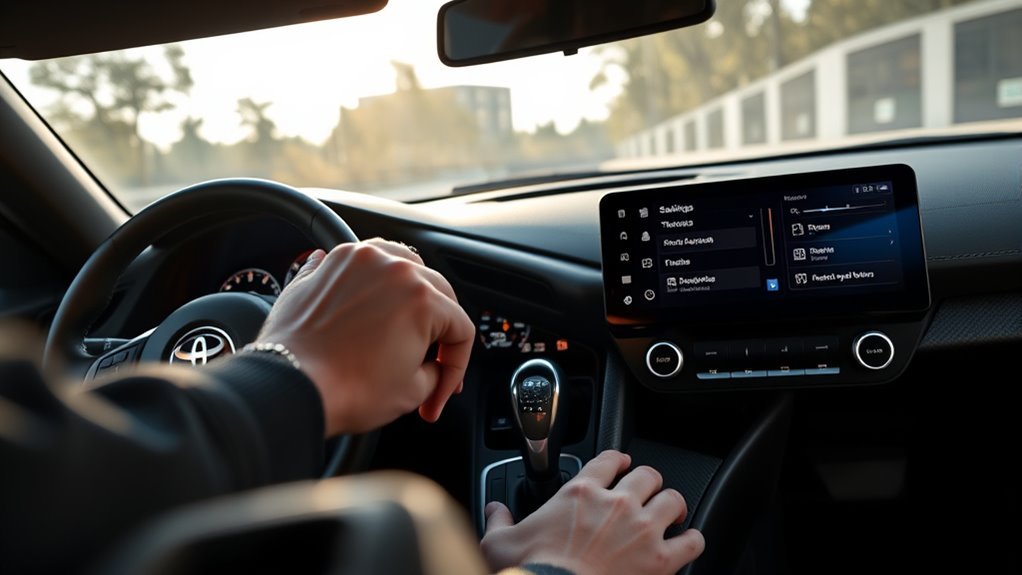
Auto Start/Stop in the Toyota GR Supra is meant to cut idle time at traffic lights and in stop-and-go driving, but it only works when the car’s operating conditions allow it. The key point is simple: the system is active by default each time you start the engine, and the driver can temporarily cancel it with the Auto Start/Stop button on the center console.
Last updated: August 19, 2026
Quick Answer
To turn the Supra’s Auto Start/Stop off, press the Auto Start/Stop cancel button on the center console switch row, near the Sport button. Press it again to allow the system to work. The system is active by default every time you start the engine, so if you canceled it on your last drive, you’ll need to press the button again to turn it off on your next drive.
Key Takeaways
- Auto Start/Stop is active by default after each engine start and shuts the engine off once the vehicle is stationary and driving conditions are met.
- The center-console Auto Start/Stop cancel button temporarily stops the engine from shutting off automatically.
- SPORT driving mode deactivates Auto Start/Stop on the Supra, and automatic-transmission models are also commonly said to deactivate it in manual selector position M .
- The system may not stop the engine if the battery is low, the cabin is not at the set temperature, the A/C demand is high, the steering wheel is turned sharply, or other limits apply.
At a Glance
| Time Required | Less than 10 seconds |
| Difficulty | Easy |
| Tools Needed | None |
| Cost | Free |
How to Turn Supra Auto Start/Stop On or Off
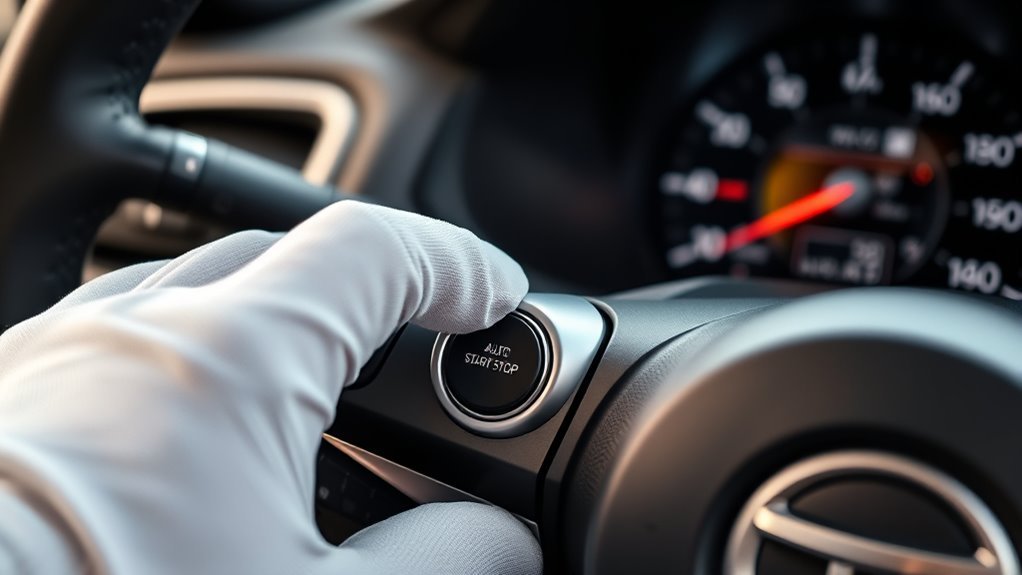
In the 2026 Toyota Supra, the Auto Start/Stop function helps save fuel by switching the engine off during certain stops, such as traffic lights or traffic jams, while drive-ready state stays on. Toyota’s owner’s manual says the function is active by default each time you start the engine and shuts the engine off once the vehicle is stationary and the required conditions are met. You can review the official manual through Toyota’s 2026 Supra Owner’s Manual.
To cancel Auto Start/Stop, press the Auto Start/Stop cancel button on the center console switch row. On the Supra, this control is grouped near the Sport mode button, not hidden in a touchscreen menu. Pressing the button prevents the engine from automatically shutting off during stops. Pressing it again allows the system to operate when all conditions are satisfied.
Note: Auto Start/Stop is different from the engine Start/Stop button. The engine Start/Stop button turns drive-ready state on or off; the Auto Start/Stop cancel button controls whether the engine may shut off automatically at a stop.
[Products Worth Considering]

1. Device works well on 2022 2023 2024 2025 2026 Toyota Tundra TDA3 and 2023 2024 2025 GR Corolla iMT;

Compatible with 2020-up Toyota GR Supra A90/A91
What Auto Start/Stop Does in the Toyota Supra
Auto Start/Stop reduces wasted idle time. In normal operation, the Supra can shut the engine off while the vehicle is stopped and restart it automatically when you are ready to drive away. The feature is most noticeable in city traffic, where repeated stops create more idling than steady highway driving.
On automatic-transmission models, the system can stop the engine when the selector lever is in D, the brake pedal remains pressed, and the vehicle is stationary; releasing the brake pedal restarts the engine. On manual-transmission models, the engine can shut off automatically once the car is stationary, and pressing the clutch pedal restarts it. Some owners also report the engine cycling when the transmission is shifted to neutral at a stop . In both cases, the driver’s seat belt, door state, engine temperature, battery charge, climate-control demand, and other conditions can affect whether the system operates. Stop-start systems generally use a heavier-duty starter designed for the extra cycling, though some drivers still prefer to avoid it in heavy stop-and-go traffic — that’s a comfort preference, not a system limitation .
The U.S. Department of Energy notes that idling for as little as 10 seconds can use more fuel than stopping and restarting an engine, which is why automatic stop-start systems are used to reduce idle fuel waste.
How to Enable Auto Start/Stop Step by Step
Most drivers do not need to manually “turn on” Auto Start/Stop every time. According to the Supra owner’s manual, the function is active by default each time you start the engine using the Start/Stop button. If it has been canceled, use these steps to let it operate again:
- Start the car normally. Press the brake pedal on automatic models, or the clutch pedal on manual models, and press the engine Start/Stop button.
- Use a compatible driving mode. Normal driving mode allows Auto Start/Stop to operate when conditions are met. SPORT mode deactivates it.
- Check the Auto Start/Stop cancel button. If the system is canceled, press the center-console Auto Start/Stop button again to allow operation.
- Come to a stop under qualifying conditions. Once the vehicle is stationary and other conditions (battery charge, cabin temperature, and so on) are met, the system is ready to shut the engine off.
- Stay stopped normally. On automatic models, keep the brake pedal pressed while stopped in D. On manual models, follow the neutral and clutch-pedal behavior described in your owner’s manual.
- Drive off as usual. On automatic models, releasing the brake pedal prompts the engine to restart when conditions allow; on manual models, pressing the clutch pedal restarts it.
Pro Tip: If Auto Start/Stop does not engage, do not assume it is broken. The Supra may keep the engine running because of battery charge, cabin temperature, window-fogging risk, steering angle, engine temperature, or traffic-situation logic.
How to Temporarily Disable Auto Start/Stop
To temporarily disable Auto Start/Stop, press the Auto Start/Stop cancel button on the Supra’s center console switch row. When canceled, the engine will not automatically switch off at stops. If the engine is already off because of an automatic stop, pressing the button starts it again.
You can also disable Auto Start/Stop by using SPORT driving mode or, on automatic-transmission models, using selector lever position M . This is useful when you want more predictable throttle response, steadier cabin cooling, or a more consistent feel in slow traffic.
Warning: Do not use Auto Start/Stop settings as a substitute for safe parking. Before leaving the vehicle, switch off drive-ready state, set the parking brake, and make sure the vehicle is secured against rolling.
Does the Supra Remember Your Auto Start/Stop Setting?
Here’s the short version: after each engine start, Toyota says the Auto Start/Stop function is active by default. That means you should expect the system to be available again at the beginning of a new drive unless a driving mode or operating condition deactivates it.
If you prefer the engine to stay running at stops, make pressing the Auto Start/Stop cancel button part of your startup routine. If you drive in SPORT mode, the Supra also deactivates Auto Start/Stop while that mode is selected.
Why the System May Be Ready Again Next Drive
Auto Start/Stop is part of the vehicle’s fuel-saving and emissions-control strategy. The owner’s manual describes a temporary cancel function, but it does not present a normal owner-menu setting that permanently disables Auto Start/Stop for every future drive.
What About Coding or Aftermarket Modules?
Some owners discuss aftermarket coding or memory modules, but those are not Toyota owner-manual procedures. Coding can create warranty, diagnostic, emissions, or software-update issues. If you want a permanent change, ask a Toyota dealer what is supported for your exact model year, transmission, market, and software version before modifying anything.
When You Should Turn Auto Start/Stop Off
Auto Start/Stop is helpful for reducing idle time, but there are times when canceling it makes the drive smoother or more predictable. Turn it off when you want the engine to keep running continuously, especially in situations where comfort, visibility, or immediate response matters more than saving a small amount of fuel.
High Heat, Cabin Cooling, and Defogging
The Supra’s manual notes that airflow from the air conditioner is reduced when the engine is switched off. The system may also avoid stopping the engine if the interior has not reached the set temperature, if outside temperature is high and automatic A/C is running, or if there is a risk of window condensation. If you want maximum cooling or defogging, cancel Auto Start/Stop.
Sporty Driving and Immediate Response
If you want sharper response in traffic or on a back road, SPORT mode is the cleaner choice because the Supra automatically deactivates Auto Start/Stop in SPORT. Toyota’s official 2026 GR Supra page also confirms the model’s performance focus, including its 3.0L turbocharged inline-six engine and available 6-speed manual or 8-speed automatic transmission.
Stop-and-Go Traffic
In heavy stop-and-go traffic, the system may decide not to shut the engine off if the expected stop time is very short. If frequent cycling feels distracting, press the cancel button and drive normally.
Why Auto Start/Stop May Not Work
If Auto Start/Stop will not shut the engine off, the car may be protecting comfort, safety, battery charge, or drivability. The owner’s manual lists several limits that can prevent automatic engine stop.
| Possible Cause | What It Means | What To Do |
|---|---|---|
| Brake pressure is too light | The car may not confirm a stable stop. | Press the brake pedal firmly while stopped. |
| Battery charge is low | The vehicle may keep the engine running to preserve electrical power. | Drive longer, reduce accessory load, or have the battery checked. |
| Cabin temperature is not reached | The system prioritizes heating or cooling. | Wait until the cabin stabilizes or cancel the system manually. |
| Window fogging risk | The car may keep airflow strong for visibility. | Use defogging settings and leave Auto Start/Stop canceled if needed. |
| SPORT mode or selector position M | The Supra deactivates Auto Start/Stop in these settings. | Return to Normal mode or D if you want the system to operate. |
| Vehicle message or warning | A system fault may be present. | Continue driving if the car says it is safe, then have the system checked by a Toyota dealer. |
Auto Start/Stop, Sport Mode, Traction Control, and Remote Features
Auto Start/Stop is closely tied to drive mode on the Supra. SPORT mode deactivates Auto Start/Stop, so you do not need to press the cancel button separately if SPORT is already selected. Traction and stability controls are separate systems, and turning them off can reduce electronic assistance, so reserve those settings for appropriate conditions and follow the owner’s manual.
Remote features can also be confusing. The 2026 GR Supra brochure describes Supra Connect features such as remote lock/unlock and ventilation functions through the Supra Connect iPhone app, but remote ventilation is not the same thing as remote engine start. You can verify those connected-service details in Toyota’s official 2026 GR Supra brochure.
Frequently Asked Questions
How do I activate Auto Start/Stop in a Toyota Supra?
Start the engine normally — the system is active by default. If you previously canceled it, press the Auto Start/Stop cancel button again and avoid SPORT mode or selector position M.
How do I turn off Auto Start/Stop in a Supra?
Press the Auto Start/Stop cancel button on the center console switch row near the Sport button. The engine will no longer shut off automatically at stops while the system is canceled. Press the same button again to allow Auto Start/Stop to operate.
Does SPORT mode turn off Auto Start/Stop?
Yes. The Supra owner’s manual states that Auto Start/Stop is deactivated in SPORT driving mode. On automatic models, selector lever position M is also commonly described as deactivating the function.
Why is my Toyota Supra Auto Start/Stop not working?
Common reasons include low battery charge, high A/C demand, cabin temperature not reached, window-fogging risk, engine temperature, steering-wheel angle, steep grades, stop-and-go traffic, reverse driving, parking-assist activity, SPORT mode, or a system message.
Does the 2026 Toyota Supra have remote start?
Toyota’s 2026 GR Supra brochure lists Supra Connect remote lock/unlock and ventilation features, but those are not the same as remote engine start. Check Toyota’s latest connected-services information for your region and subscription status.
Sources
- Toyota 2026 Supra Owner’s Manual — Auto Start/Stop operation, activation behavior, system limits, SPORT mode behavior, and malfunction guidance.
- Toyota 2026 GR Supra Official Model Page — current model details, engine, transmission, trims, and official Toyota product information.
- Toyota 2026 GR Supra Brochure — Supra Connect features, remote lock/ventilation wording, and technology overview.
- U.S. Department of Energy Vehicle Technologies Office — fuel-use comparison between idling and stopping/restarting.
- Alternative Fuels Data Center: Idle Reduction Basics — idle reduction benefits and why reducing engine idle time saves fuel and reduces pollution.
Conclusion
The Supra’s Auto Start/Stop system is simple once you separate three things: the engine Start/Stop button starts or shuts down the car, the Auto Start/Stop cancel button controls automatic engine-off stops, and SPORT mode deactivates the feature automatically. For daily driving, leave it active if you want less idling. Press the cancel button when you want constant engine operation, stronger climate control, or a more predictable stop-and-go feel.