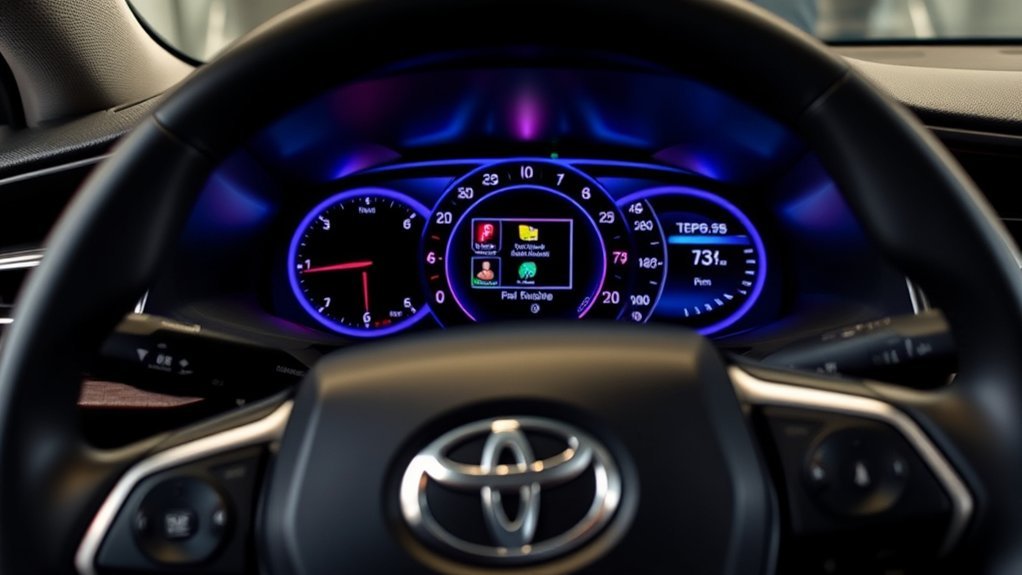
You can easily customize your Camry’s multi-information display. Start by accessing the settings menu to adjust brightness and choose your favorite color theme. Switch languages to English or Spanish, and change measurement units as needed. Decide between single or dual panel layouts for ideal info viewing. Tailor safety alerts like lane departure and blind spot monitoring. Finally, personalize multimedia settings and navigation preferences for an enhanced driving experience—there’s plenty more to explore for customization!
Accessing Your Multi-Information Display Settings
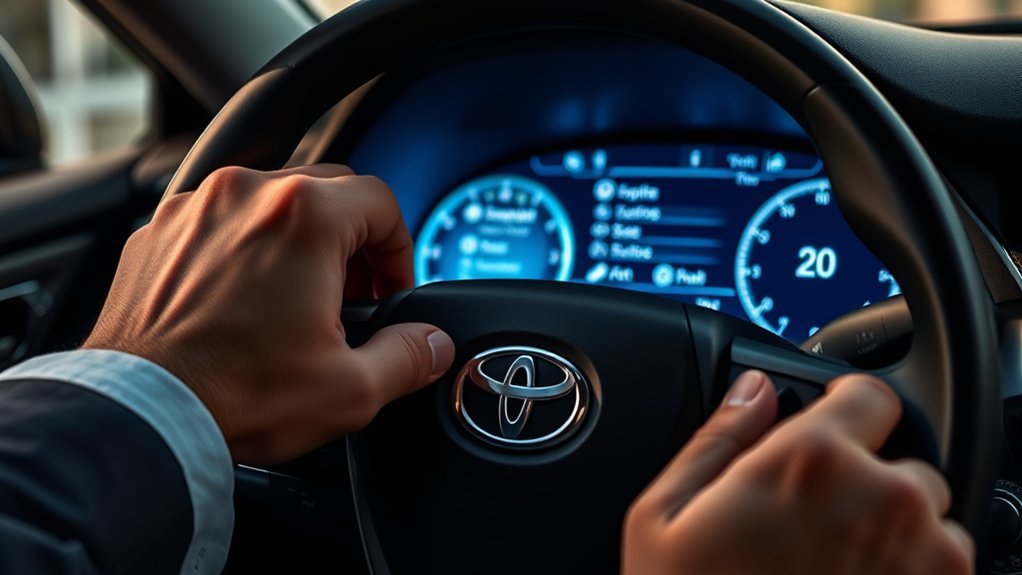
To access your multi-information display settings, you’ll first need to locate the settings menu on the digital gauge cluster behind your steering wheel. Once there, press the “OK” button to navigate through the various panels and options for customization. You’ll find essential features like display brightness settings, allowing you to adjust the illumination for ideal visibility in all lighting conditions.
Explore theme color options to personalize your display further—choose between different color schemes that resonate with your style. Whether you prefer a sleek, modern look or something more vibrant, these options enhance your driving experience.
Additionally, you can customize the display style to reflect your personality, with choices like “smart,” “tough,” or sporty designs. Each option transforms how you interact with the vehicle, empowering you to create an environment that feels just right for your journey.
Customizing Language and Measurement Units
Steering through the customization options for language and measurement units in your 2025 Toyota Camry enhances your driving experience by aligning it with your personal preferences. You can easily select your language preferences, choosing between English and Spanish, to guarantee that every detail on your display resonates with you.
To access these settings, navigate through the vehicle’s settings menu in the digital gauge cluster. This straightforward process also allows you to customize your measurement options, switching between meters, miles, and kilometers. The metric system is the default, but you have the freedom to adjust it as needed.
Choosing Your Panel Layout
When you want to enhance your driving experience in the 2025 Toyota Camry, choosing the right panel layout for your multi-information display is key. You’ve got a few options to customize your experience, allowing you to pick what best suits your needs. Here’s a quick breakdown:
- Single Panel Layout: Simplifies the interface for quick access.
- Dual Panel Layout: Shows multiple metrics simultaneously for enhanced visibility.
- Default “Smart” Display: Offers a balanced view of information.
- “Tough” or Sporty Design: Personalizes your display style.
- Custom Navigation: Easily access panel layout options via the settings menu.
Tailoring Safety Alerts for a Safer Drive

Customizing your Camry isn’t just about aesthetics; it’s also about enhancing safety on the road. You can easily toggle the lane departure alert on or off, tailoring it to your comfort and driving habits. Activate the blind spot monitor and rear cross traffic alert to boost your awareness of surrounding vehicles, especially when changing lanes or reversing. Adjust the warning timing for the pre-collision system for ideal alert sensitivity, making sure you’re informed about potential hazards at your preferred level.
Additionally, the safe exit assist feature guarantees exit safety by notifying passengers of approaching traffic when opening doors. With the road sign assist, you’ll receive real-time updates on traffic signs, helping you stay compliant and informed. By customizing these safety alerts, you empower yourself and your passengers to navigate the roads with confidence and security.
Personalizing Multimedia and Navigation Features
To enhance your driving experience, personalizing the multimedia and navigation features in your Camry is essential. Tailoring these settings not only boosts convenience but also aligns the system with your unique preferences. Here’s how to make the most of it:
Personalizing your Camry’s multimedia and navigation features enhances convenience and aligns the system with your unique driving preferences.
- Choose your preferred screen size (8″ to 14″) for better visibility.
- Customize navigation settings to save frequently visited locations for quick access.
- Prioritize driving metrics like fuel economy and eco score to reflect your habits.
- Adjust audio preferences, including volume levels and radio stations, to create your ideal sound environment.
- Set reminders for tire pressure and maintenance to keep your vehicle in top shape.
Frequently Asked Questions
How to Upgrade a Toyota Multimedia System?
To upgrade your Toyota multimedia system, check compatibility first. Then, explore enhanced multimedia features, audio settings, and user interface options. Don’t forget to install necessary software updates for peak performance and functionality.
Conclusion
By customizing your Camry’s multi-information display, you transform your driving experience from mundane to extraordinary. Whether you’re adjusting language settings or personalizing navigation features, each choice enhances your connection to the road. With safety alerts tailored to your preferences, you’re not just driving; you’re engaging with your vehicle in a whole new way. So, embrace the technology at your fingertips and make your Camry truly yours, blending function with personal flair for every journey.