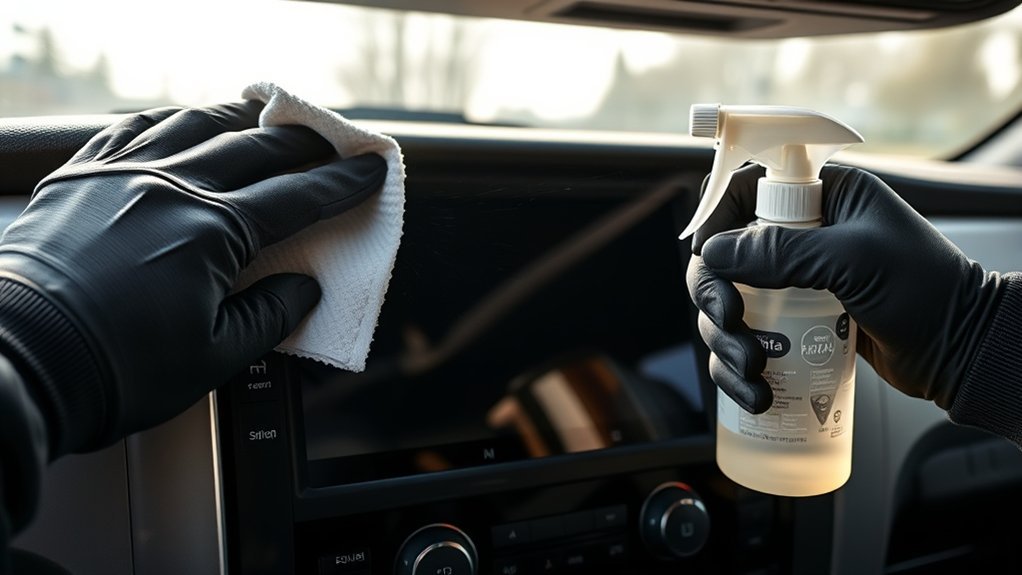
Use a clean microfiber cloth slightly dampened with distilled water and power off your Tundra’s infotainment first. Wipe in straight, controlled passes—side-to-side or up-and-down—working top to bottom and flipping the cloth to avoid spreading grit. For stubborn smudges use equal parts distilled white vinegar and distilled water applied to the cloth, never sprayed. Don’t use ammonia or alcohol on bare screens, avoid paper towels, and dry immediately; continue for full step-by-step care and tips.
Quick Answer: Safest Way to Clean Your Tundra Touchscreen
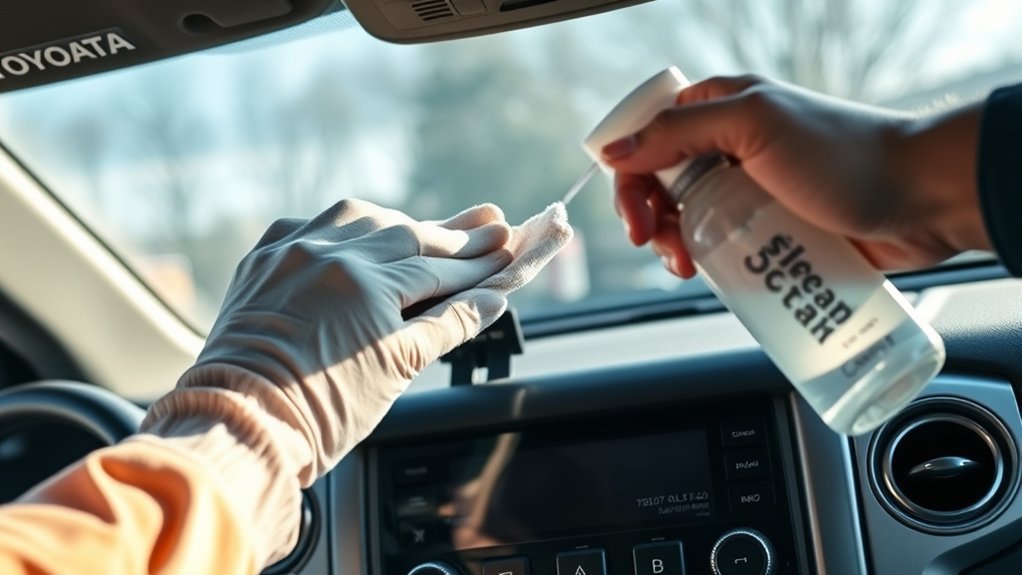
The safest way to clean your Tundra touchscreen is to use a clean microfiber cloth lightly dampened with distilled water; avoid soaking the cloth to prevent water intrusion. You’ll wipe in straight, controlled passes—side-to-side or up-and-down—to prevent streaks and protect touch sensitivity. For stubborn smudges, mix equal parts distilled white vinegar and distilled water, dampen the microfiber, and apply gently; don’t spray liquids directly on the display. Keep your motions light and steady to avoid pressure that could misalign the screen or damage coatings.
Treat touchscreen maintenance as routine vehicle care: establish a cleaning frequency that prevents buildup rather than reacting to heavy soiling—ideally a quick wipe before dirt becomes visible. Store your microfiber and solution in the cab for immediate access and consistent upkeep. These disciplined steps free you from degraded visibility and unresponsive controls, preserving functionality and your autonomy on the road.
Tools & Liquids for Tundra Touchscreen Cleaning
Now that you’ve got the basic wiping technique down, gather the right tools and liquids so you can clean safely and effectively. Use fresh, clean microfiber cloths exclusively; they won’t scratch and they trap oils. Don’t reach for paper towels or regular rags — those abrade the coating and degrade touch response. For liquids, prefer distilled water for routine dust and fingerprint removal. For stubborn spots, mix equal parts distilled white vinegar and water as an effective, low-toxicity cleaning solution. Dampen the cloth slightly; never soak it. Excess liquid risks seepage into seams and electronics. Keep pressure light and controlled while you work; heavy force stresses the glass and digitizer. Carry at least two microfiber cloths: one damp for cleaning solutions and one dry for final wiping. Inspect the screen after each pass and clean regularly to prevent buildup that reduces visibility and control. These tools and cleaning solutions give you safe, empowering maintenance without compromising function.
Step-by-Step Cleaning Method (Prep, Wipe Pattern, Dry)
Start by powering off the Tundra’s infotainment and gathering one slightly damp microfiber cloth and a dry one so you won’t introduce liquid or debris; make certain the damp cloth is just moist, not wet. You’ll prep the area by removing loose dust with the dry cloth using light strokes. Follow a systematic wipe pattern: choose side-to-side or up-and-down passes—never circular—to evacuate oils and avoid streaks. Use the damp cloth with gentle pressure; you’re displacing contaminants, not scrubbing them. Work from top to bottom so runoff doesn’t recontaminate cleaned zones. Inspect under light for missed spots and repeat targeted passes if needed. Finish by drying immediately: either air-dry briefly or use the dry microfiber to absorb any residual moisture, ensuring touch responsiveness. Establish a cleaning frequency based on use and environment to prevent buildup. Rely on microfiber benefits for dust capture and low abrasion; they free you from smear and microdamage while restoring clarity.
Cleaning With a Screen Protector vs. a Bare Screen
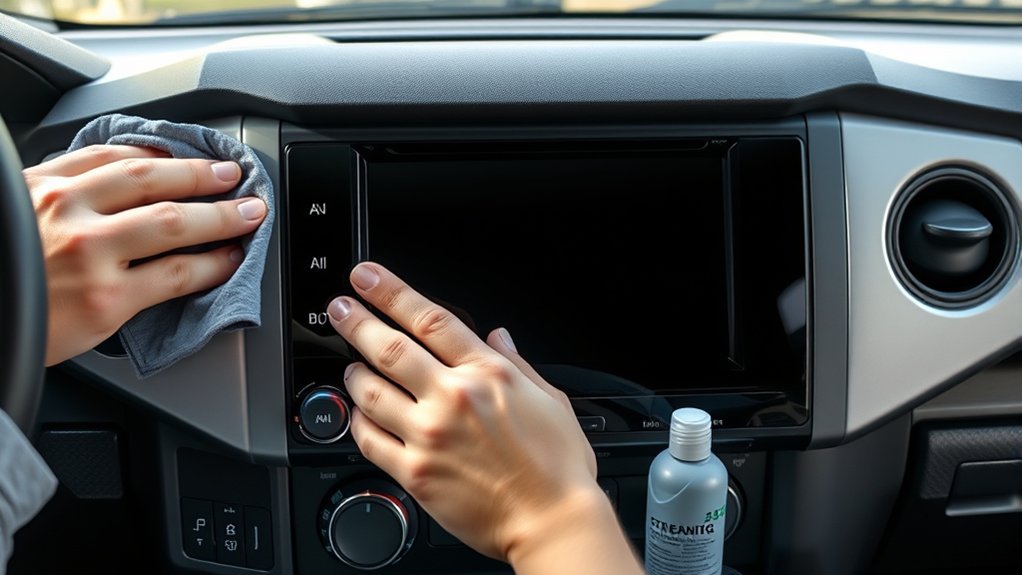
If your Tundra’s display has a protector, you’ll get scratch resistance and wider cleaning options compared with a bare screen. You can use alcohol wipes and routine microfiber wiping on a protector with minimal risk to coatings, whereas a bare screen needs gentler, alcohol-free methods to avoid degrading the OEM anti-reflective/oleophobic layer. Inspect the surface regularly and adjust cleaners to protect the original coating or the protector’s finish.
Protector Versus Bare Screen
When deciding between cleaning a protected Tundra touchscreen and a bare one, note that a screen protector lets you use alcohol wipes and standard cleaners with less risk of damage, while a bare screen requires gentler, non-abrasive techniques to avoid scratches and coating wear. You’ll appreciate protector benefits: added scratch resistance, anti-glare options, and easier upkeep. Adopt specific cleaning techniques: use microfiber with light pressure, alcohol wipes on protectors, and avoid abrasive pads. For bare screens, use distilled water or a mild, alcohol-free spray applied to cloth only, not to the display. Replace protectors showing heavy wear. These steps free you from constant worry about damage, give you practical control over maintenance, and keep the touchscreen functional and visible.
Cleaning Impact On Coating
Although a protector cushions the touchscreen from abrasive contact and cleaning chemicals, a bare Tundra display exposes its fragile anti-reflective and oleophobic coatings to wear during cleaning. You’ll preserve coating longevity by installing a quality protector: it absorbs fingerprints and smudges, reducing direct wipes and lowering the impact on durability of the underlying surface. Clean the protector routinely with a microfiber and mild alcohol wipe using gentle, linear strokes; this prevents buildup without aggressive abrasion. If you opt to clean a bare screen, use only approved cleaners, minimal pressure, and soft microfibers to limit coating removal. In practice, a protector creates a sacrificial layer that lets you maintain clarity and freedom from restrictive maintenance while extending the original screen’s functional life.
Fixing Streaks, Residue, and Sticky Spots
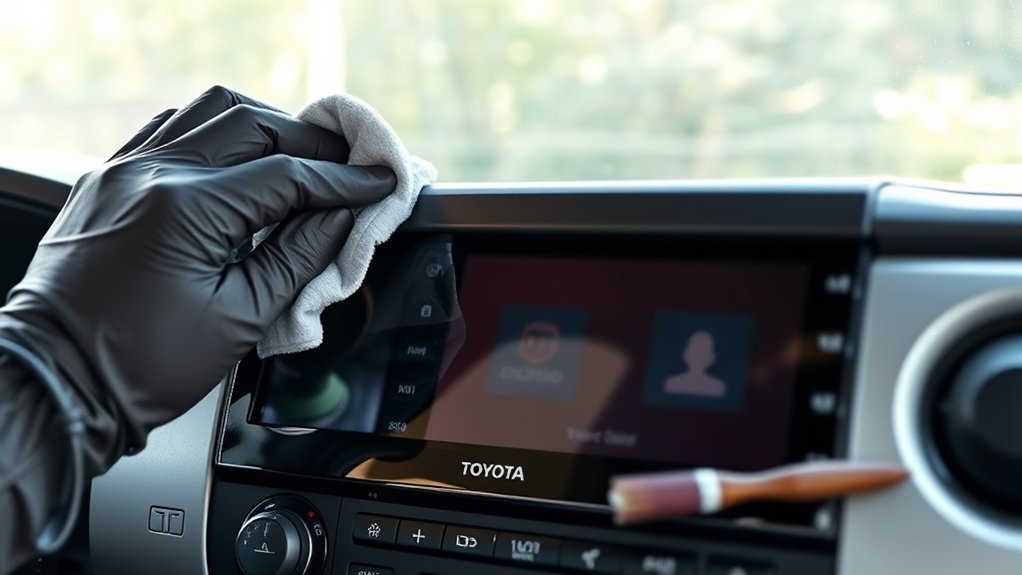
Because streaks and sticky residue degrade touchscreen responsiveness and visibility, start by wiping the display with a clean, dry microfiber cloth using consistent side-to-side or up-and-down strokes to avoid circular patterns that worsen streaking. For streak removal, inspect the screen under angled light to locate problem areas. Mix equal parts distilled white vinegar and distilled water; dampen (don’t soak) a microfiber cloth and work from one edge to the opposite in straight passes. Test the solution on a small corner first to confirm compatibility with the coating. For fingerprint-heavy zones, use a lightly dampened cloth with plain distilled water for routine maintenance to prevent buildup. For stubborn sticky spots, apply the vinegar solution with gentle pressure until adhesive lifts, then immediately follow with a dry microfiber pass to eliminate moisture. Never use abrasive tools or harsh chemicals; they’ll scratch coatings and cause more streaking. Maintain controlled motions and minimal solution for effective residue prevention and restored touch performance.
When to Clean and Where to Store Supplies in Your Tundra
Check your Tundra touchscreen weekly or at the first sign of fingerprints, dust, or reduced responsiveness to maintain visibility and touch accuracy. Keep a labeled small container with microfiber cloths and alcohol wipes in a dedicated compartment (console or glove box) so supplies are dry, clean, and immediately accessible. Replace or dry supplies after use to avoid transferring dirt or moisture back onto the screen.
When To Clean
When should you clean your Tundra’s touchscreen? You’ll set a cleaning frequency based on visibility maintenance and real-world use: light wipe-downs before visible smudges, deeper cleans weekly or every few days if you use the truck heavily. Inspect the screen each time you start the vehicle and after messy tasks.
- Check at startup for fingerprints, glare, or streaks.
- Do light maintenance whenever visibility drops.
- Schedule a fuller clean weekly or every few days under heavy use.
- Flip to a clean microfiber side during each wipe to avoid redistribution.
- Use distilled water or mild vinegar solution; avoid harsh solvents.
These steps give you agency over screen clarity and keep controls readable and functional.
Where To Store Supplies
Keep cleaning supplies in one dedicated spot so you can grab them quickly when the screen needs attention. Designate a compartment or glove box area for microfiber cloths and alcohol wipes; label the space if that helps you act without hesitation. Store a brand new microfiber towel wrapped or in a small pouch to prevent contamination. Choose storage options that protect supplies from heat and moisture—avoid loose door pockets exposed to sun. Establish a cleaning frequency tied to use: inspect the screen regularly and clean before grime accumulates. Keep a damp, not soaked, microfiber towel ready in a resealable bag for immediate use. Maintain this routine and storage discipline so you stay free from excuses and keep the touchscreen responsive and visible.
Mistakes That Can Damage Your Tundra Touchscreen
A few common cleaning mistakes can permanently harm your Tundra’s touchscreen, so don’t use ammonia-based or other harsh cleaners, avoid soaking your cloth, and never scrub aggressively. You want control: set a reasonable cleaning frequency, apply protective measures, and follow precise steps to preserve the coating and electronics. Don’t let shortcuts rob you of freedom from avoidable damage.
- Using ammonia-based or harsh cleaners that strip the protective coating.
- Saturating cloths so moisture seeps into seams and circuitry.
- Scrubbing hard, which creates scratches and degrades touch sensitivity.
- Reusing one towel side without flipping it, spreading grit and grime.
- Using paper towels or regular rags that abrade the surface instead of microfiber.
Follow procedural discipline: use a damp (not wet) microfiber, light pressure, single-direction wipes, and a scheduled cleaning frequency. These protective measures keep the screen functional and let you reclaim control over your vehicle’s interface.
Frequently Asked Questions
Are Alcohol Wipes Safe for Touch Screens?
They can be, but you should test first and favor 70% wipes; avoid harsh chemicals. You’ll use microfiber cloths with mild cleaning solutions or distilled water when possible, protecting coatings and preserving your autonomy over device care.
What Does Toyota Recommend for Cleaning the Dashboard?
Think of it like gentle revolution: Toyota tells you to use a soft, clean microfiber cloth and water, avoid alcohol or harsh chemicals to protect dashboard materials, and set a regular cleaning frequency to preserve appearance and function.
Is Windex Safe for Touch Screens?
No — you shouldn’t use Windex on touch screens; it can damage screen protection. Use approved cleaning materials like distilled water, vinegar solutions, or specialized screen cleaners, testing a small area first to avoid warranty risk.
Conclusion
You’ve now got the exact steps and safe supplies to clean your Tundra’s touchscreen without harming sensors or coatings. Do it with a microfiber cloth and diluted isopropyl spray when fingerprints pile up, and keep a spare cloth in the glove box so you’ll clean one-handed at stoplights (not while driving). Coincidentally, the same cloth that wiped your sunglasses works fine here—just avoid household cleaners, rough towels, and excess moisture to prevent damage.