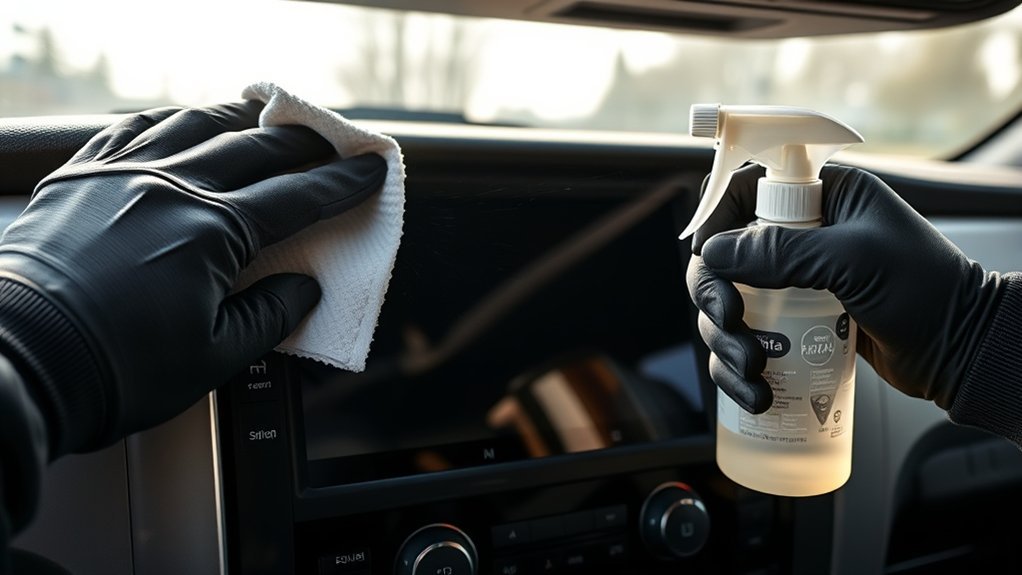
Cleaning a Toyota Tundra touchscreen is simple, but the safest method is gentler than many DIY screen-cleaning tips suggest. Toyota’s guidance is to use a soft damp cloth and avoid alcohol, acidic cleaners, alkaline cleaners, solvents, gasoline, kerosene, and similar chemicals on the touch screen panel. That means the best routine is a clean microfiber or glasses-cleaning cloth, lukewarm water, light pressure, and immediate drying.
Quick Answer
To clean your Tundra touchscreen safely, park first, turn the screen or vehicle off when possible, and wipe with a clean microfiber or glasses-cleaning cloth lightly dampened with lukewarm water. Dry right away with a second soft cloth. Do not use Windex, alcohol, vinegar, ammonia, paper towels, or direct sprays.
Key Takeaways
- Use a soft microfiber or glasses-cleaning cloth, not paper towels, shop towels, or regular rags.
- Use only a lightly damp cloth with lukewarm water for the bare Toyota touchscreen.
- Never spray liquid directly onto the display because moisture can run into the edges and seams.
- Avoid alcohol, vinegar, ammonia, Windex, solvents, acidic cleaners, and alkaline cleaners on the OEM screen.
- Clean only while parked, and let a hot screen cool before wiping it.
At a Glance
| Time Required | 2–5 minutes |
| Difficulty | Easy |
| Tools Needed | Two clean microfiber or glasses-cleaning cloths, lukewarm water, small storage pouch |
| Cost | Usually under $10 if you already have microfiber cloths |
Safest Way to Clean Your Tundra Touchscreen
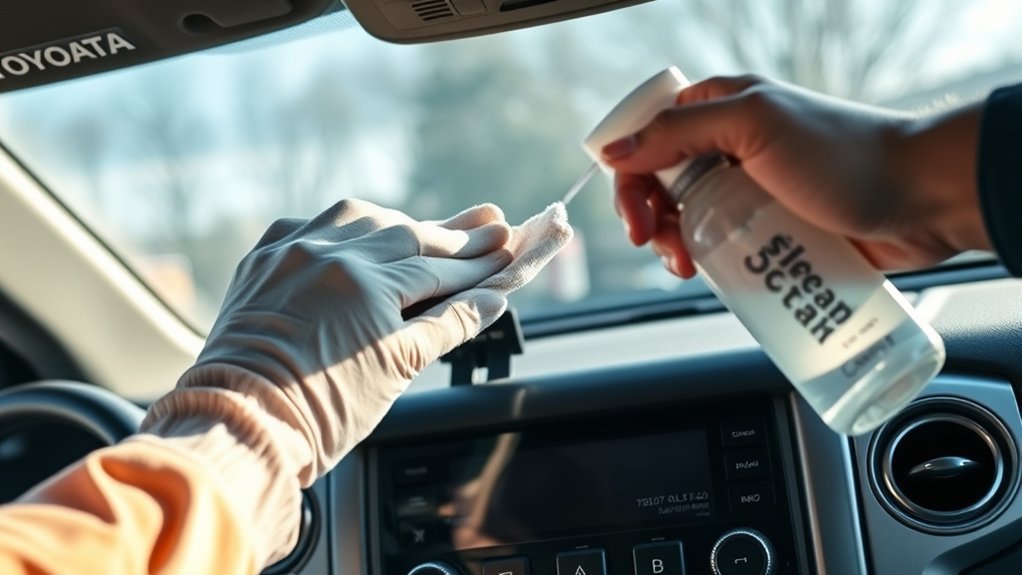
The safest way to clean your Tundra touchscreen is to use a clean, soft microfiber cloth or glasses-cleaning cloth lightly dampened with lukewarm water. Toyota’s touch screen cleaning guidance says to wipe gently with a soft damp cloth and avoid chemicals such as alcohol, acidic solutions, alkaline solutions, solvents, gasoline, and kerosene. You can review Toyota’s guidance here: Toyota touch screen cleaning support.
Use straight, controlled passes—side-to-side or up-and-down—to make streaks easier to see and remove. Do not scrub. Toyota’s 2025 Tundra digital manual also advises cleaning the screen gently with a glasses-cleaning cloth or similar soft cloth and warns that force or a hard cloth may scratch the surface. See the Tundra manual note here: Toyota Tundra touch screen operating notes.
Warning: Do not clean the touchscreen while driving or while waiting at a light. Park first, then clean the screen when you can focus on the job without distraction.
Tools & Liquids for Tundra Touchscreen Cleaning
Gather the right supplies before you start. A soft cloth matters more than a strong cleaner. For the bare OEM Toyota screen, keep the liquid simple: lukewarm water on the cloth, never sprayed directly onto the display.
- Use: a clean microfiber cloth or glasses-cleaning cloth for the first wipe.
- Use: a second dry microfiber cloth for the final drying pass.
- Use: lukewarm water, applied to the cloth only.
- Avoid: alcohol wipes, vinegar, Windex, ammonia, solvents, gasoline, kerosene, acidic cleaners, and alkaline cleaners on the bare screen.
- Avoid: paper towels, tissues, shop towels, stiff brushes, and regular rags because they can drag grit across the surface.
Wring or squeeze the cloth so it is only slightly damp. If you can see droplets or squeeze water out of it, it is too wet. Excess liquid can run toward the bezel and seams around the display.
Note: Distilled water is fine if you have it, but Toyota’s public support guidance specifically mentions lukewarm water and a soft cloth. The key is to keep the cloth lightly damp, not wet.
[Products Worth Considering]
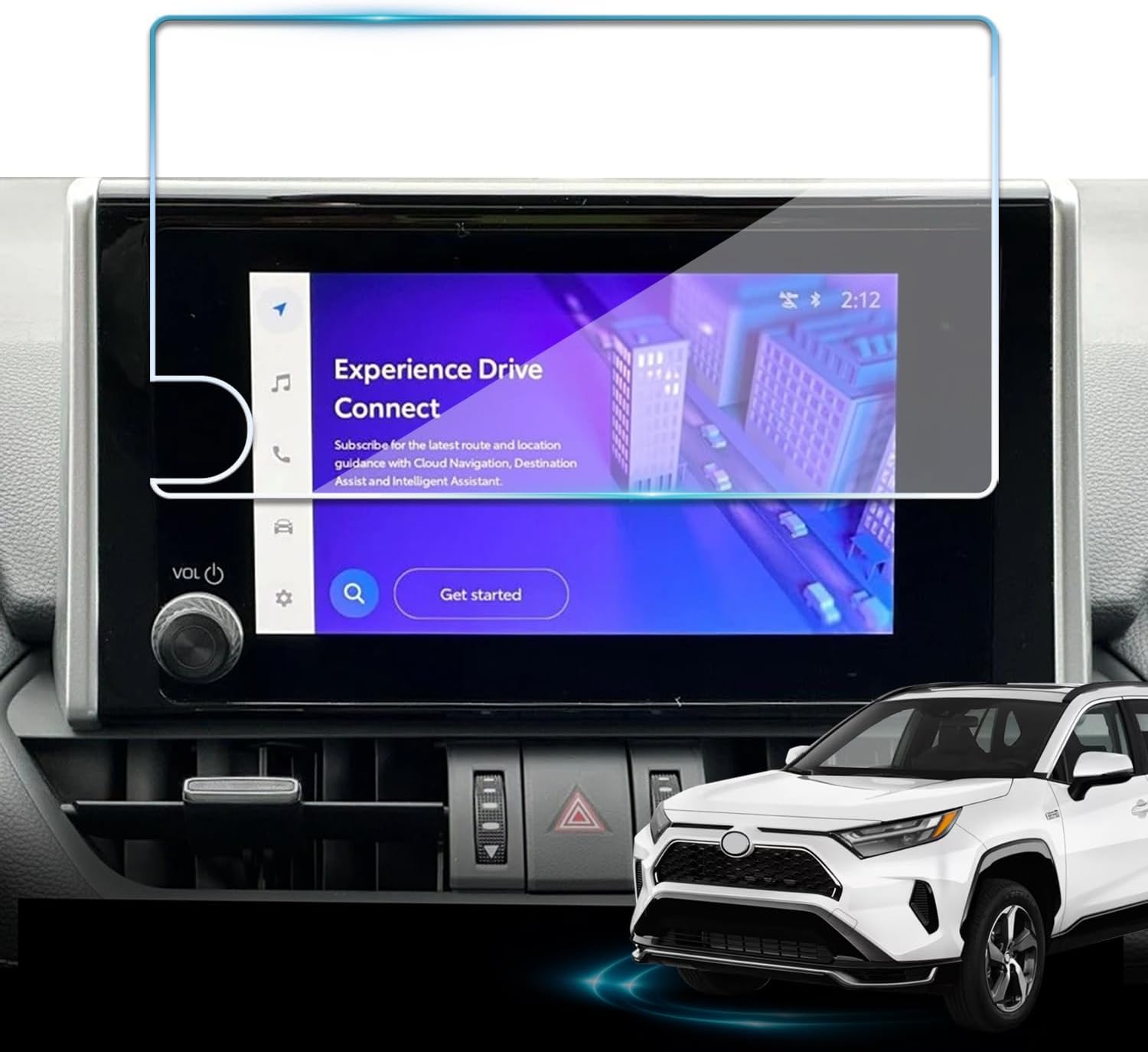
Protect your Toyota RAV4 infotainment display with this tempered glass screen protector designed for 2023-2025 LE, XLE, Adventure, XLE Premium, SE, and Woodland Edition models. It helps guard against scratches and fingerprints while preserving touch sensitivity and delivering a clear, low-glare viewing experience. Installation is quick and convenient with the included tools and guidance.

Restore responsive touch control to your Toyota navigation system with this 6.1-inch digitizer replacement designed for select Camry, Corolla, Prius C, and RAV4 models. It helps fix unresponsive, ghost-touch, and cracked-screen issues while matching OEM fitment for a straightforward repair and improved in-car usability.

This anti-glare matte tempered glass screen protector is designed for compatible 2026 Toyota RAV4 and RAV4 Hybrid models with a 12.9-inch touchscreen. It helps reduce glare, resists scratches and fingerprints, and maintains responsive touch performance for a clearer, cleaner driving experience.
Step-by-Step Cleaning Method: Prep, Wipe Pattern, Dry
Follow this simple process to clean fingerprints, dust, and light smudges without damaging the screen surface.
- Park safely. Put the truck in park and clean only when you are not driving.
- Turn the screen or vehicle off when possible. A dark screen makes fingerprints and streaks easier to spot.
- Let a hot screen cool. If the display has been sitting in direct sun, wait a few minutes before wiping it.
- Remove loose dust first. Use a dry microfiber cloth with very light pressure so grit does not get dragged across the screen.
- Dampen the cloth. Wet a clean corner with lukewarm water, then squeeze it until it is only slightly damp.
- Wipe in straight passes. Move side-to-side or up-and-down with gentle pressure. Work from the top of the screen to the bottom.
- Use a clean side of the cloth. Flip the cloth as it picks up oils and dust so you are not spreading residue.
- Dry immediately. Use a second dry microfiber cloth to remove moisture and polish away light streaks.
- Inspect from an angle. Look for remaining smudges under natural light and repeat with a barely damp cloth if needed.
Pro Tip: Keep one cloth for screens only. A microfiber towel that has been used on wheels, glass cleaner, interior dressing, or greasy trim can leave residue or drag grit across the display.
Cleaning With a Screen Protector vs. a Bare Screen
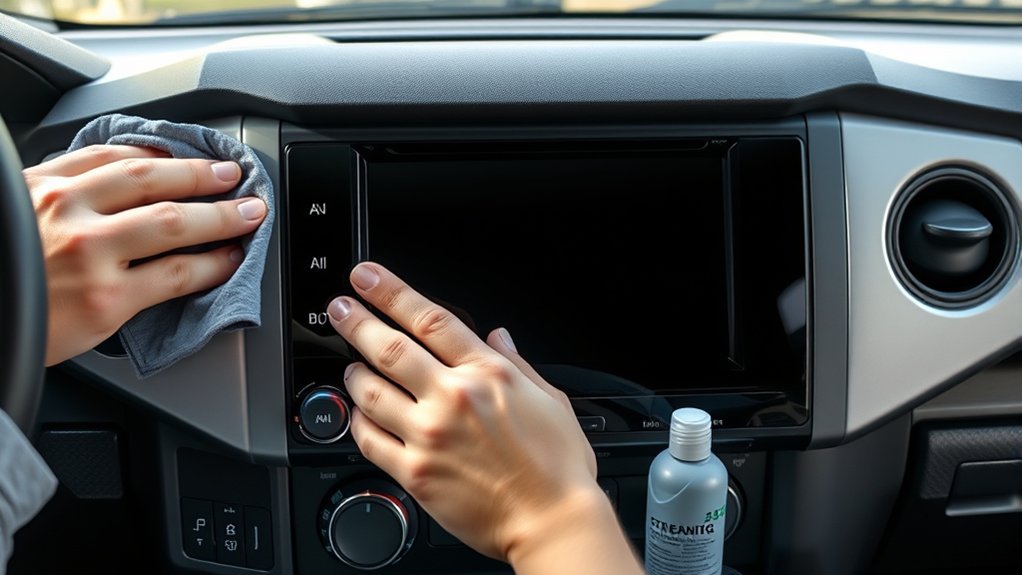
A screen protector changes what you are cleaning, but it does not make the Toyota display underneath chemical-proof. The safest rule is simple: treat the bare OEM screen gently, and follow the screen protector maker’s cleaning instructions only for the protector surface.
[Products Worth Considering]

This plastic razor blade scraper set is designed to remove stickers, decals, glue, grease, and paint without scratching delicate surfaces. It includes four ergonomic scrapers and 100 replacement plastic blades for convenient, long-term use on glass, windows, cars, walls, appliances, and more. Easy blade changes and a comfortable grip make it a practical choice for everyday cleaning and removal tasks.

These HOMEXCEL microfiber cleaning cloths deliver excellent absorbency and gentle, scratch-free cleaning for cars, homes, and glass surfaces. The soft, lint-free towels help remove dirt, water, and streaks quickly for a polished finish, and they are machine washable for repeated everyday use.
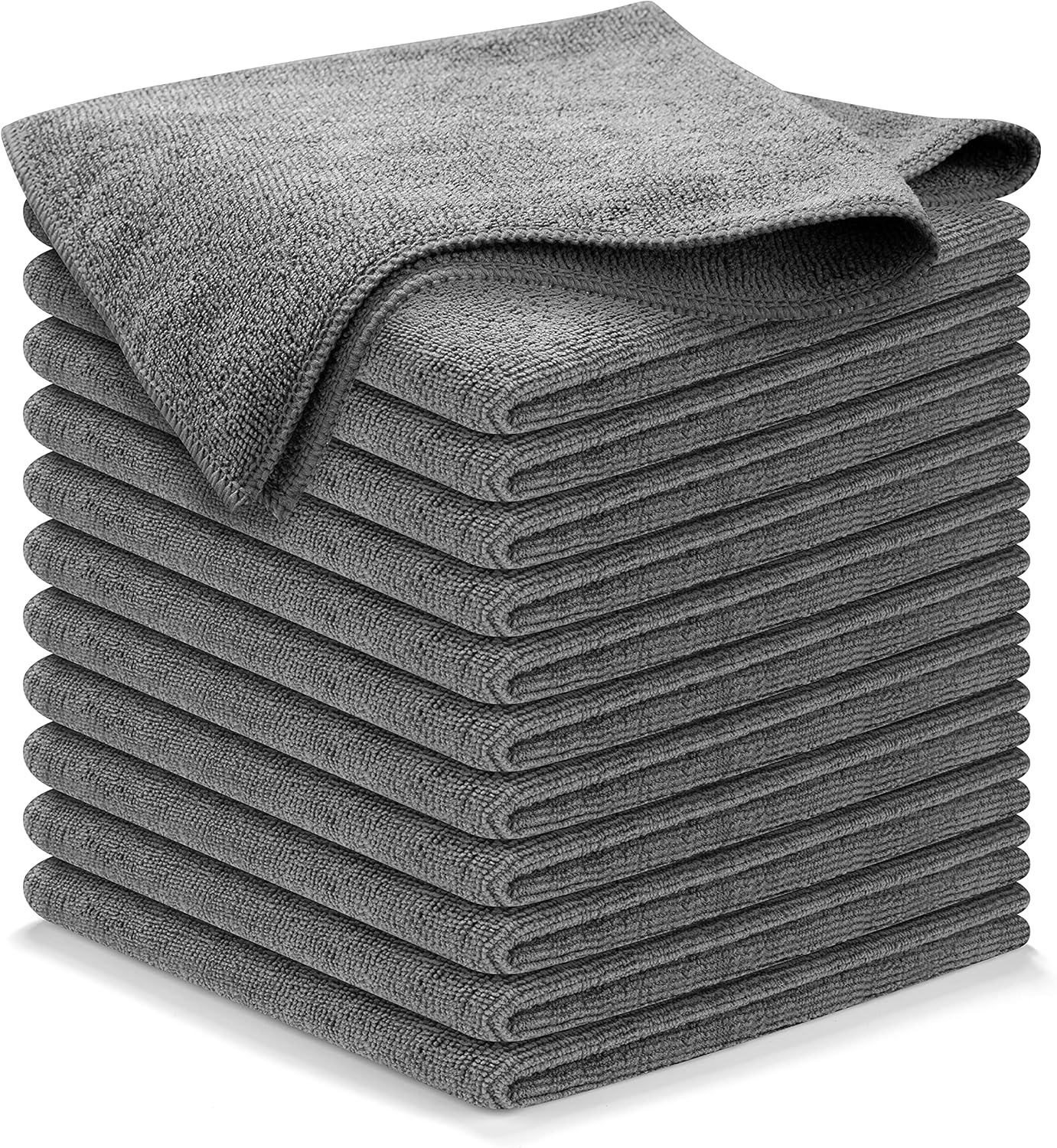
These high-performance microfiber cleaning cloths are designed to lift grime, liquid, dust, and dirt quickly while leaving a streak-free shine on glass, mirrors, and car surfaces. The thick, durable weave is built for repeated use, fast drying, and gentle cleaning that helps avoid linting, scratching, or swirling. Ideal for automotive detailing and all-purpose household cleaning, this reusable 12-pack delivers dependable absorbency and long-lasting value.
Protector Versus Bare Screen
On a bare Tundra touchscreen, use a soft microfiber or glasses-cleaning cloth lightly dampened with lukewarm water. Do not use alcohol, vinegar, Windex, ammonia, or other strong cleaners on the OEM display.
If your screen has a protector, you may have more cleaning options, but only if the protector manufacturer says they are safe. Apply any approved protector cleaner to the cloth, not directly to the screen, and keep liquid away from the edges so it cannot seep under the protector and touch the Toyota display.
Cleaning Impact On Coating
Touchscreens often have surface treatments that help with glare, feel, and fingerprints. Harsh chemicals, hard cloths, and heavy pressure can wear or scratch the surface. A quality screen protector can act as a replaceable layer, but it should not be treated as a reason to spray cleaners freely around the display.
Replace a protector if it becomes cloudy, scratched, lifting at the edges, or harder to clean. A worn protector can make the screen look dirty even when the actual display is clean.
Fixing Streaks, Residue, and Sticky Spots
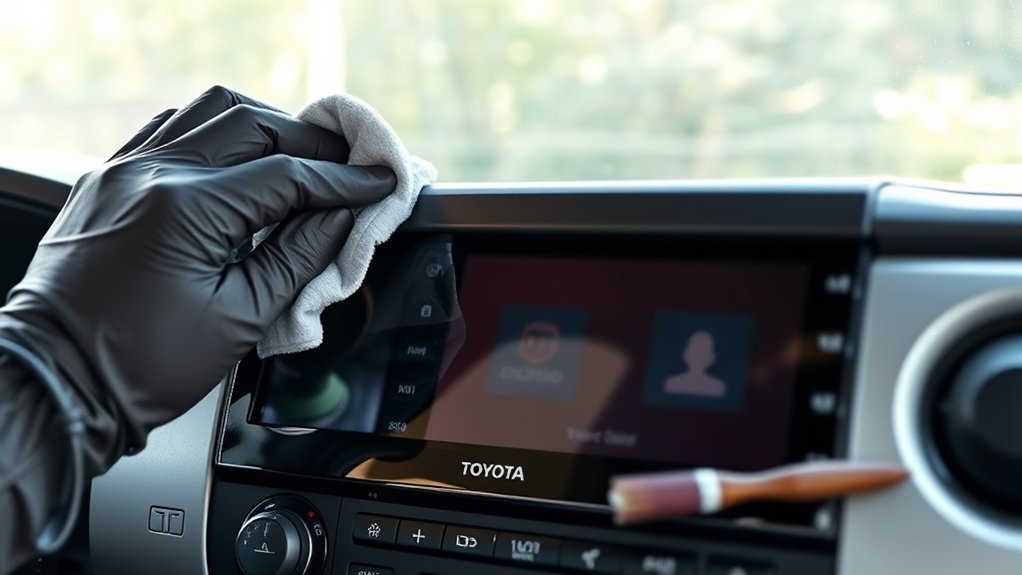
Streaks usually happen when the cloth is dirty, too wet, or carrying old cleaner residue. Start over with a fresh cloth and lukewarm water. Wipe once with the damp cloth, then dry immediately with a second microfiber cloth.
For sticky fingerprints, sunscreen, lotion, or food residue, do not jump to vinegar or alcohol on the bare screen. Instead, hold a lightly damp microfiber cloth on the spot for a few seconds to soften the residue, then wipe gently in one direction. Repeat with a clean section of cloth. If the residue still will not lift, contact a Toyota dealer or use only a cleaner that Toyota confirms is safe for the display.
Warning: Never scrape the screen with a fingernail, card, razor blade, brush, or detailing tool. Even a tiny hard particle can leave visible scratches.
[Products Worth Considering]

These heavy-duty running board side steps are designed to improve access to your Toyota Tundra without reducing ground clearance. Built for Double Cab and CrewMax front door applications, they offer practical convenience for everyday entry, roof loading, and off-road use. The durable iron construction and easy no-drill installation make them a reliable upgrade for rugged driving.

Replace a cracked or unresponsive navigation screen with this touch screen glass digitizer designed for compatible Toyota infotainment units. It restores touch functionality for supported RAV4, Prius C, Corolla, and Camry models with a precise 12-pin interface and the correct cable position requirements. Built with a slim 1.5mm profile, it is a practical repair solution for keeping your factory navigation system working properly.
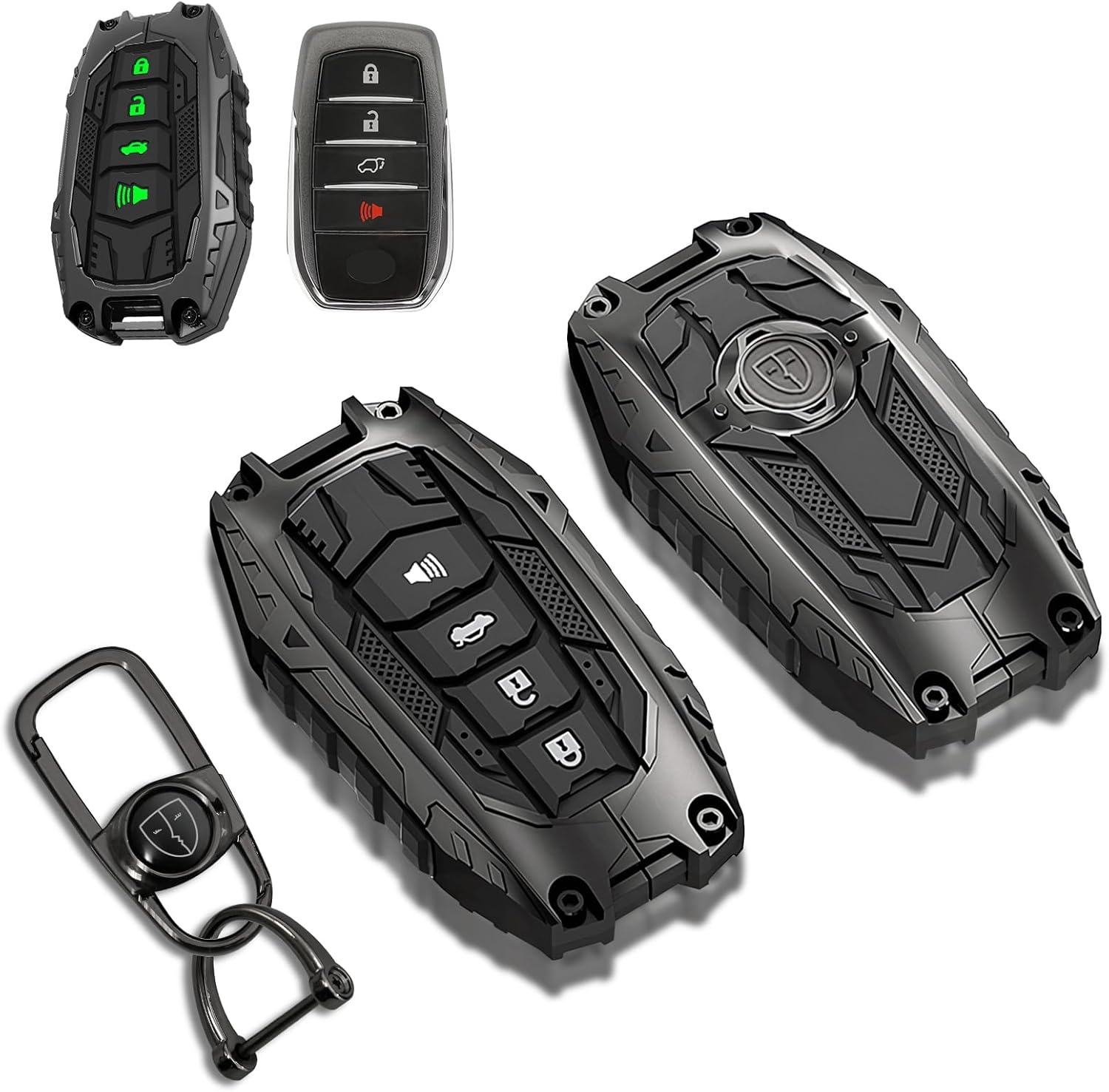
This mech-style metal key fob cover adds a sleek armored look while helping protect your Toyota key from scratches, drops, and everyday wear. Designed for compatible 4-button Toyota smart keys, it preserves full remote functionality with no signal interference and includes glow-in-the-dark buttons for easier nighttime use.
When to Clean and Where to Store Supplies in Your Tundra
Clean the Tundra touchscreen when fingerprints, glare, dust, or smudges start to affect visibility. For most drivers, a quick weekly wipe is enough. If you often drive with sunscreen, hand lotion, work gloves, dusty hands, or kids in the truck, inspect it more often.
When To Clean
- Clean when the truck is parked, not while driving.
- Wipe light dust before it mixes with oils and becomes harder to remove.
- Clean after sunscreen, lotion, soda, coffee, or food residue touches the screen.
- Let the screen cool first if the cabin has been hot or the display has been in direct sun.
- Use a fresh cloth side each time so you do not spread grit or old residue.
Where To Store Supplies
Keep two clean microfiber cloths in a small pouch in the glove box or center console. A pouch keeps dust, crumbs, and grit off the cloth. Avoid leaving damp cloths sealed in the truck for long periods; let them dry and wash them regularly.
Do not store alcohol wipes as your default touchscreen cleaning supply for the bare Toyota display. If you use a screen protector that specifically allows alcohol wipes, store them separately and label them for the protector only.
Mistakes That Can Damage Your Tundra Touchscreen
Most touchscreen damage happens from aggressive cleaning, the wrong chemical, or a dirty cloth. Avoid these common mistakes:
- Using Windex or household glass cleaner: Windex Original includes ammonium hydroxide, commonly referred to as ammonia, and household glass cleaners are not Toyota’s recommended screen-cleaning method. See SC Johnson’s ingredient listing here: Windex Original Glass Cleaner ingredients.
- Using alcohol on the bare screen: Toyota’s touch screen guidance says not to use alcohol.
- Using vinegar or acidic cleaners: Toyota warns against acidic solutions on touch screen panels.
- Spraying liquid directly on the display: liquid can run into edges, seams, and nearby controls.
- Scrubbing hard: heavy pressure can scratch the surface or wear down coatings.
- Using paper towels or shop towels: they can be rough enough to leave fine scratches.
- Reusing a dirty cloth: grit trapped in the cloth can act like sandpaper.
The safest cleaner for a bare Toyota Tundra touchscreen is not a stronger spray. It is a softer cloth, lighter pressure, and less liquid.
Frequently Asked Questions
Are alcohol wipes safe for a Toyota Tundra touchscreen?
Do not use alcohol wipes on the bare Toyota Tundra touchscreen. Toyota’s touch screen cleaning guidance says to avoid alcohol. If you have an aftermarket screen protector, use alcohol wipes only if the protector manufacturer allows them, and keep the wipe away from the screen edges.
What does Toyota recommend for cleaning the touchscreen?
Toyota recommends cleaning touch screen panels with a soft damp cloth using lukewarm water. For the Tundra, Toyota’s digital manual also says to clean gently with a glasses-cleaning cloth or similar soft cloth and avoid hard cloths or force that may scratch the screen.
Is Windex safe for a Tundra touchscreen?
No. Do not use Windex or household glass cleaner on the bare Tundra touchscreen. Toyota warns against chemicals such as alcohol, acidic solutions, alkaline solutions, and solvents, and Windex Original contains ammonia-related ingredients that are meant for household glass cleaning, not Toyota infotainment screens.
Can I spray water onto the touchscreen?
No. Apply lukewarm water to the microfiber cloth, then wipe the screen. Spraying the display directly can send moisture toward the bezel, seams, buttons, and electronics.
How often should I clean the Tundra touchscreen?
Clean it whenever fingerprints, dust, glare, or sticky residue affects visibility or touch use. A weekly wipe is enough for many drivers, but clean sooner after sunscreen, lotion, food, or drink residue gets on the screen.
Conclusion
You can keep your Tundra touchscreen clear without harsh cleaners. Park first, let the screen cool if needed, then use a clean microfiber or glasses-cleaning cloth lightly dampened with lukewarm water. Wipe gently, dry immediately, and keep a screen-only cloth in the glove box or console. Skip Windex, alcohol, vinegar, paper towels, and direct sprays so the display stays readable, responsive, and scratch-free.
Sources
- Toyota Support: How should I clean the touch screen panel in my vehicle? — backs the soft damp cloth method and chemical warnings.
- Toyota Owners: 2025 Tundra notes for operating the touch screen — backs gentle cleaning with a glasses-cleaning cloth and warnings about scratching.
- SC Johnson: Windex Original Glass Cleaner ingredients — backs the Windex/ammonia-related ingredient note.