How to Use the RAV4 Smart Key
What’s in This Article
- Quick Answer: Use the RAV4 Smart Key
- Key Takeaways
- Before You Begin With the RAV4 Smart Key
- Basic RAV4 Smart Key Steps
- Lock and Unlock the RAV4 With Smart Key
- Trunk, Remote Controls, and the Mechanical Key
- Start the RAV4 With Push-Button Start or Remote Start
- Troubleshooting Smart Key Problems
- Keep Your Smart Key Secure
- Frequently Asked Questions
Your RAV4 Smart Key should make entry and starting feel simple, not confusing. You can lock the doors, unlock the cabin, open the liftgate, and start the vehicle without pulling the fob from your pocket. This guide shows you the right touch points, the correct start steps, common failure fixes, and key security habits that reduce problems.
Quick Answer: Use the RAV4 Smart Key (Unlock, Trunk, Start)
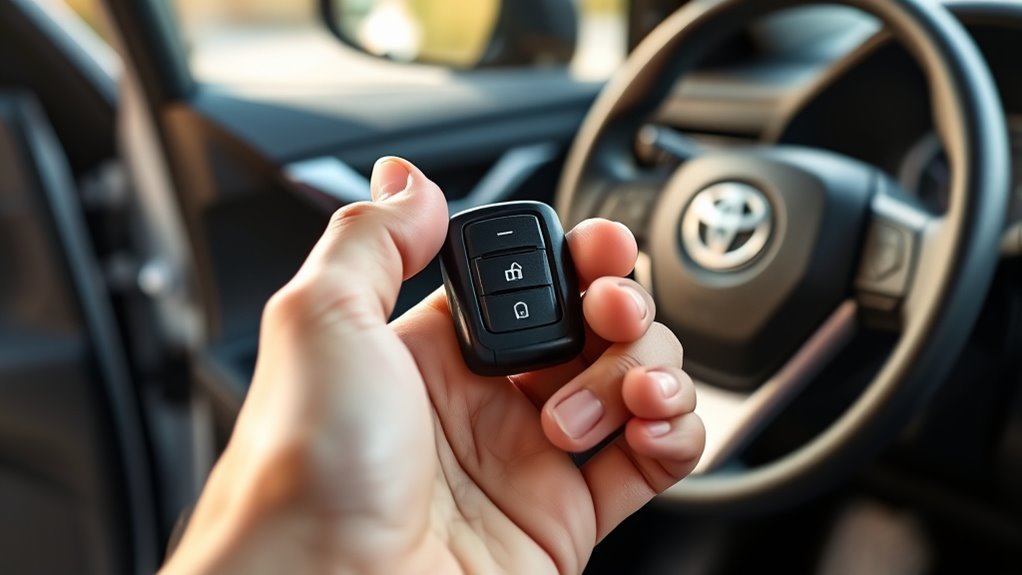
Carry the RAV4 Smart Key with you, then grasp the front door handle to unlock the door. Touch the lock grooves on the front door handle to lock the vehicle, and use the rubber liftgate button above the license plate to open the trunk area. To start the RAV4, keep the Smart Key inside, shift to Park, press the brake pedal, and press the engine start/stop button once. On compatible Remote Connect models, you can use key-fob remote start by pressing Lock, pressing Lock again within one second, then pressing and holding Lock on the third press.
Key Takeaways
- Carry the Smart Key close to you before you use the door handle sensors.
- Grasp the handle to unlock, then touch the handle grooves to lock.
- Press the liftgate release above the license plate when the Smart Key sits within range.
- Start the RAV4 by pressing the brake and the Engine Start/Stop button once.
- Fix most detection errors by checking fob position, fob battery, and signal interference.
Before You Begin With the RAV4 Smart Key
Estimated time: 3 to 5 minutes for normal use, or 10 minutes if you need to test a dead-fob backup start. Keep the Smart Key in your pocket, purse, or hand, and stand close to the door or liftgate you want to use.
Smart Key behavior can vary by RAV4 model year, trim, market, and owner settings. Check your owner’s manual if your beeps, door-unlock pattern, or liftgate behavior doesn’t match this guide.
Basic RAV4 Smart Key Steps
- Carry the Smart Key close to your body before you approach the vehicle.
- Grasp the front door handle to unlock the door when the vehicle detects the key.
- Touch the lock grooves on the front door handle after you close all doors.
- Press the liftgate release above the license plate to open the trunk area.
- Press the brake pedal and push the Engine Start/Stop button once to start the RAV4.
- Move the fob near the start button if the vehicle shows a Key Not Detected message.
Lock and Unlock the RAV4 With Smart Key
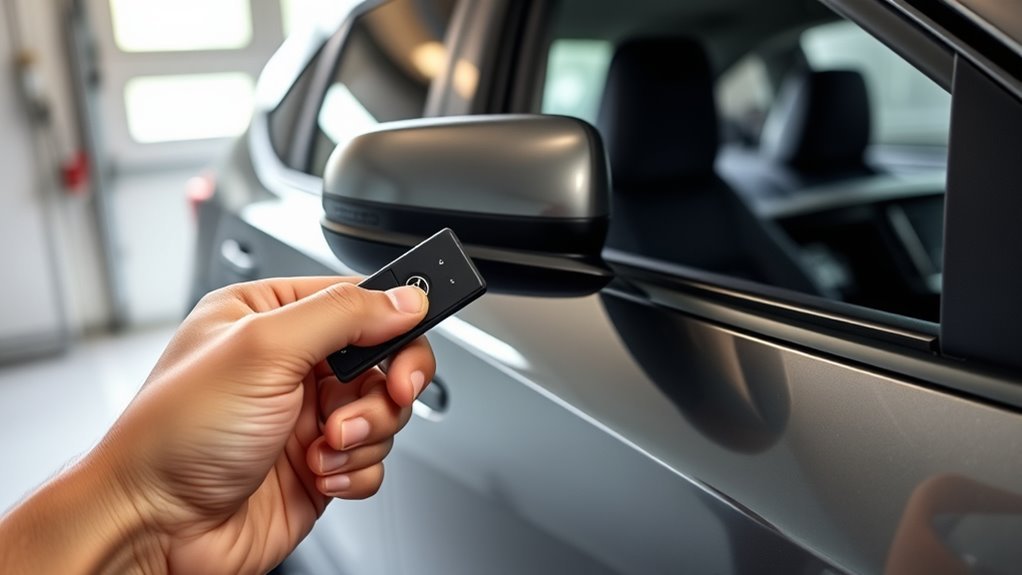
Keep the Smart Key on you and approach the RAV4 to use proximity access. Grasp the front door handle to unlock the door. If your vehicle has audible confirmation turned on, the beeps help confirm the lock state.
To lock the RAV4, close all doors and touch the two grooves on top of the front door handle. Toyota quick reference guidance also notes that doors can relock after 60 seconds if you unlock the vehicle but don’t open a door.
[Products Worth Considering]

Protect your Toyota smart key with this genuine crazy horse leather cover that fully wraps the fob, guarding against drops, shocks, and scratches. The heavy‑duty metal carabiner adds secure anti‑loss functionality, clipping to belts or bags without interfering with signal transmission. Its stylish black finish and tactile feel bring a premium look while preserving full key functionality.

Protect your Toyota key fob with this premium soft TPU case that offers 360-degree coverage against drops, dust, and scratches while maintaining full signal strength. The sleek gold‑rimmed design adds a stylish touch, and the attached leather‑aluminum keychain provides convenient carrying. Made from durable materials with strong color fastness, it fits like a glove for a seamless look and feel.

Protect your Toyota key fob with this soft TPU cover that offers a precise 1:1 fit for 3‑button models. The elastic material cushions against dust and scratches while maintaining full button functionality. Easy to install and portable, it clips onto bags or pockets for on‑the‑go convenience.
Proximity Unlock Steps
When the Smart Key is on your person, grasp the front door handle to open the RAV4. The courtesy lights may turn on, and your vehicle may beep if you have sound feedback enabled.
Use the passenger-side front handle when you want to unlock more than the driver’s door on many RAV4 settings. Some vehicles let you change this pattern, so check the owner’s manual if only one door opens.
- Keep the Smart Key on your person before you touch the handle.
- Grasp the handle surface with a steady hand.
- Listen for beeps if your vehicle has sound feedback enabled.
- Open a door after unlocking so the system doesn’t relock.
Handle Locking Tips
Use a light, steady touch on the lock grooves instead of a quick brush. A rushed touch can fail because the handle sensor may not read your hand clearly.
Check that every door has closed before you lock the vehicle. If one door, the hood, or the liftgate remains open, your RAV4 may warn you or refuse to confirm the lock.
- Close each door before touching the lock grooves.
- Keep the fob outside the vehicle when you lock it.
- Pause for the confirmation beep or light flash.
- Pull the handle once after locking if you need extra confidence.
Trunk, Remote Controls, and the Mechanical Key
The RAV4 Smart Key helps you open the liftgate without pressing a fob button. Stand near the rear of the vehicle with the Smart Key, then press the rubber rectangular release above the license plate.
You can also use the fob buttons for normal lock and unlock control. If the fob battery dies, use the concealed mechanical key to unlock the driver’s door and reach the cabin.
Use proximity access for normal liftgate use, the fob buttons for remote control, and the mechanical key when the electronics fail.
- Use the rubber liftgate button when you stand near the rear of the RAV4.
- Use the fob buttons when you want short-range remote lock or unlock control.
- Use the mechanical key if the fob battery has no power.
- Replace the fob battery soon after you need the mechanical backup.
This backup setup keeps you from relying on one electronic path. It also helps you avoid a tow when the fob battery fails at the wrong time.
Start the RAV4 With Push-Button Start or Remote Start
To start the RAV4 normally, keep the Smart Key inside the vehicle, shift to Park, press the brake pedal, and press the Engine Start/Stop button once. Toyota Support states that the Smart Key must sit inside the vehicle and the shifter must stay in Park before normal push-button start.
If you press the Engine Start/Stop button without pressing the brake, the button cycles accessory and ignition modes instead of starting the vehicle. Use this only when you want power for some electronics without starting the engine or making the hybrid system ready.
Note: Remote start availability depends on model year, trim, market, Remote Connect support, and active service status.
For key-fob remote start on a compatible Remote Connect Toyota, press Lock, press Lock again within one second, then press and hold Lock on the third press. Use remote start only when the vehicle sits outside or in a well-ventilated space.
[Products Worth Considering]

Protect your Toyota key fob with this slim, one‑piece TPU case that offers a snug, lightweight fit without adding bulk. The transparent front panel safeguards buttons while keeping them visible, and the clear back design shows the original logo for a premium look. Easy snap‑on installation and durable construction guard against scratches, drops, and everyday wear, making it ideal for a wide range of Toyota models.

Protect your car key with this premium TPU cover that offers 360-degree protection against drops, shocks, scratches and dust while adding a stylish, slim profile. The integrated metal‑textile keychain keeps keys secure and easy to carry for both men and women. Compatible with a wide range of Toyota models from 2016 to 2025, it ensures a snug fit and a premium look. Lifetime customer service guarantees a hassle‑free experience.
Troubleshooting: Key Not Detected, Interference, and Dead Battery
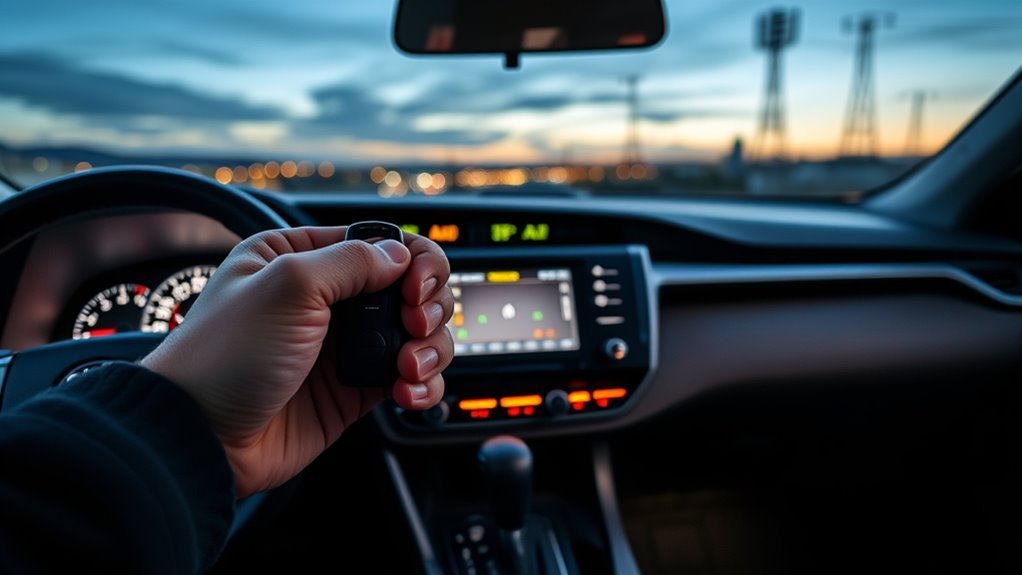
If your RAV4 won’t detect the Smart Key, first move the fob closer to the driver seat or the start button. Toyota Support notes that a weak Smart Key battery can stop the system from reading the key correctly.
Strong radio signals, some electronics, low fob battery power, and a vehicle left parked and locked for two weeks or more can affect Smart Key operation. Start with the simple checks before you assume a larger fault.
Key Not Detected
When your RAV4 shows “Key Not Detected,” check the fob location first. Move it out of a bag, away from your phone, and close to the Engine Start/Stop button.
If the fob battery feels weak, hold the Smart Key next to the start button while you press the brake and push the button. This backup method can help the vehicle read the fob even when the battery has little power.
- Move the fob closer to the start button.
- Separate the fob from phones, chargers, and other electronics.
- Use the mechanical key if you can’t unlock the driver’s door.
- Replace the fob battery if detection remains weak.
Check the Fob Battery and Signal Interference
A weak Smart Key battery can cause slow response, missed lock commands, or a Key Not Detected message. Replace the coin cell when the range drops or the fob works only near the vehicle.
Signal interference can also block normal operation. Move away from strong radio sources, charging stations, dense parking areas, or electronic devices, then test the key again.
| Check | Action |
|---|---|
| Low battery | Replace the coin cell |
| Interference sources | Move the key or vehicle |
| Long storage | Test the fob before driving |
| No detection | Hold the fob near the start button |
| Persistent fault | Ask a Toyota dealer to diagnose it |
Keep Your Smart Key Secure and Limitations to Know
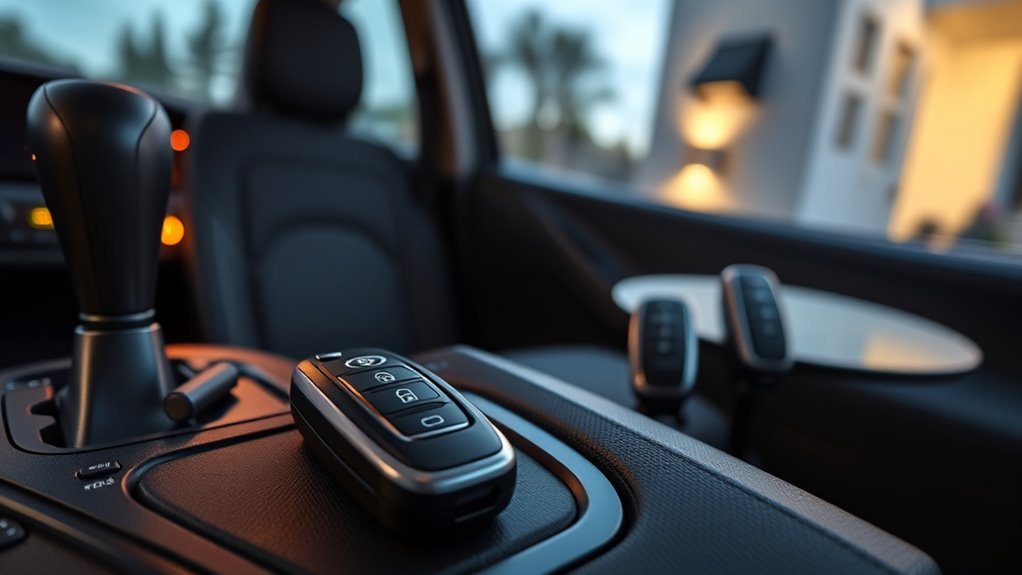
Your Smart Key uses radio signals, so you should treat it like part of your vehicle’s security system. Don’t leave the fob inside the RAV4, near an exterior door at home, or in an easy-to-reach place.
AP News reports that thieves can use relay attacks against some keyless vehicles by extending a fob signal. A Faraday pouch, smart key sleep setting where available, or secure storage away from doors and windows can reduce that risk.
Warning: Never use remote start in a closed garage because exhaust can create a serious carbon monoxide risk.
- Store the fob away from doors, windows, and exterior walls.
- Use a Faraday pouch or signal-blocking box when the key sits at home.
- Keep spare keys in a separate secure place.
- Replace a weak fob battery before it leaves you stranded.
- Ask your doctor or Toyota dealer for guidance if you use an implanted medical device.
Good key habits protect access, reduce theft risk, and help you avoid lockout stress. They also make Smart Key problems easier to diagnose when something goes wrong.
Frequently Asked Questions
What Is the Difference Between a Keyless Key and a Smart Key?
A basic keyless fob usually locks and unlocks doors with buttons. A Smart Key adds passive entry and push-button start, so you can keep the fob in your pocket during normal use.
How Does the Smart Key Work?
The RAV4 uses antennas and the Smart Key signal to confirm that the fob sits close enough to the vehicle. Once the system verifies the key, it lets you unlock doors, open the liftgate, or start the vehicle.
Can You Start a RAV4 if the Smart Key Battery Is Dead?
Yes, you can often start it by holding the Smart Key close to the Engine Start/Stop button while pressing the brake. Replace the fob battery soon after, because the backup method doesn’t fix the weak battery.
Why Does My RAV4 Relock After I Unlock It?
Your RAV4 can relock after about 60 seconds if you unlock it but don’t open a door. This safety feature helps protect the vehicle from staying unlocked by mistake.
Does Every RAV4 Smart Key Have Remote Start?
No, remote start depends on model year, trim, market, equipment, and Remote Connect support. Check your Toyota app, owner’s manual, or dealer if the key-fob sequence doesn’t work.
Safety Disclaimer: This article is for informational purposes only and does not replace your Toyota owner’s manual or professional automotive advice. Always follow your owner’s manual, avoid remote start in enclosed spaces, and ask a qualified Toyota technician to inspect persistent Smart Key problems.
Conclusion
The RAV4 Smart Key works best when you use the right sensor, keep the fob close, and follow the correct start sequence. Grasp the handle to unlock, touch the grooves to lock, press the liftgate release for trunk access, and press the brake before using the Engine Start/Stop button.
If the key fails, check fob position, battery strength, and nearby signal interference first. Store the fob safely, replace weak batteries early, and confirm model-specific settings in your owner’s manual. Small Smart Key habits can save you from lockouts, start trouble, and avoidable security risks.
References
- How do I operate the Smart Key locking and unlocking functions? — Toyota Support
- How do I operate the push button start and accessory modes? — Toyota Support
- How do I start the vehicle using my Toyota key fob? — Toyota Support
- My vehicle has a Smart Key and the engine won’t start — Toyota Support
- One Tech Tip: Protecting your car from the growing risk of keyless vehicle thefts — Associated Press, 2024