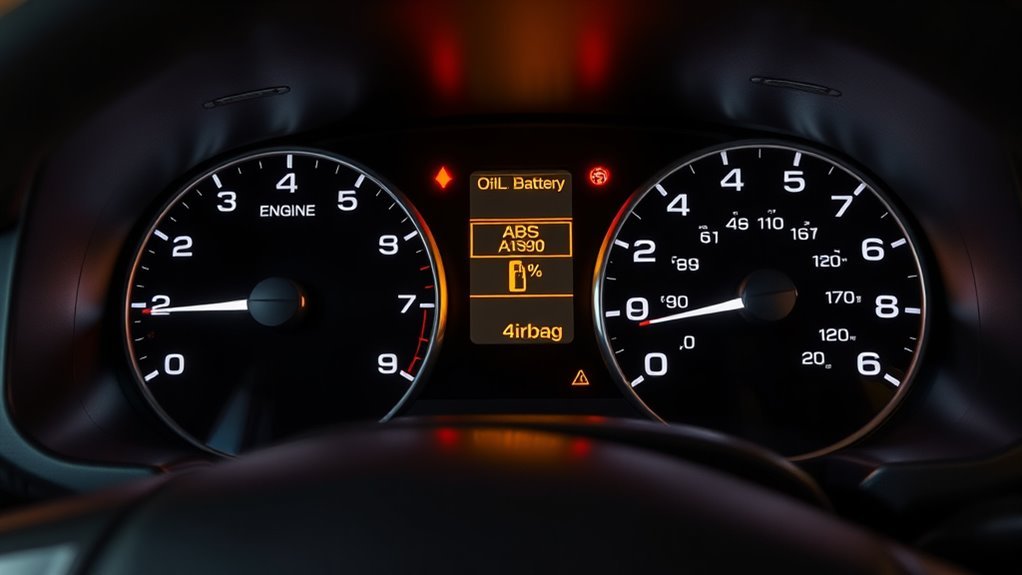
Your 4Runner’s dashboard uses color and icons to prioritize action: red means stop and address immediately (oil pressure, brakes, charging, SRS), amber means you can drive to service but should schedule diagnostics soon (check engine, ABS, TPMS, traction), and green confirms active systems. For off‑road use, A‑TRAC, CRAWL, Multi‑Terrain and differential lock lights show engaged modes. Use an OBD2 scanner to pull codes, cross‑check the owner’s manual, and follow service guidance to resolve persistent faults—keep going to learn specific steps and resets.
How to Read Your 4Runner Dashboard at a Glance (Colors & Priorities)
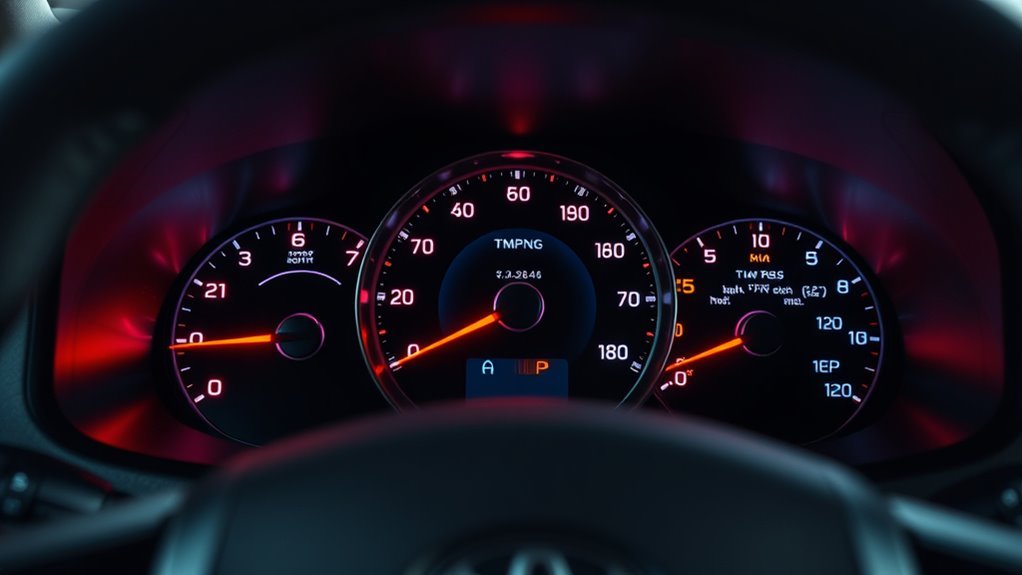
When you glance at your 4Runner’s dash, treat the lights like a priority code: red means stop and address the issue immediately, yellow (or amber) signals a problem that needs attention soon, and green shows systems that are active and operating normally. You’ll read dashboard symbols by color first, then by icon detail. Red lights indicate urgent failures; don’t ignore them. Yellow lights warn you to schedule service or inspect soon, preventing escalation. Green lights confirm functions—cruise, headlights, or drive modes—are engaged and you’re in control. Memorize basic light meanings and cross-check any unfamiliar icon with the Owner’s Manual for exact action steps. Train yourself to scan left-to-right: color, icon, behavior (steady or flashing). That systematic habit frees you from anxiety and keeps your 4Runner reliable. Use this methodical approach to respond decisively, prioritize repairs, and reclaim time and safety on the road.
Immediate Red Warnings: Stop Now Checklist (Oil, Brakes, Charging, Airbags)
Because a red dash light usually means imminent danger, you should stop the 4Runner safely and address it immediately. Check oil pressure first: if the oil pressure light is on, shut the engine off to prevent catastrophic wear and tow or add oil per the owner’s guide. Inspect the brake system warning: if illuminated, don’t drive—test pedal feel, set hazard lights, and call for professional service; compromised brakes remove your freedom to go. For charging issues, the charging issues indicator means alternator or battery failure; stop, turn off nonessential electrical loads, and arrange dealer or roadside assistance to avoid being stranded. If the SRS airbag warning shows an airbag malfunction, don’t delay—airbag faults defeat your passive safety; schedule urgent dealer diagnostics. Treat each red light as a command to stop, secure passengers, and prioritize repair. Your autonomy depends on decisive action and adherence to these critical checks.
Amber Alerts You Can Check or Drive to Service (Check Engine, ABS, TPMS, Traction)
After you’ve stopped for any red warnings, you’ll still see amber lights that let you keep driving but warn you to check things soon. These indicators let you stay mobile while directing maintenance: Check Engine signals non-urgent faults—run engine diagnostics promptly to avoid escalation and preserve freedom on the road. ABS amber means the anti-lock brakes need inspection; you can drive but book service to keep braking performance reliable. TPMS points to low pressure; address tire maintenance immediately—inflate to spec, inspect for damage, and prevent reduced efficiency or handling loss. Traction Control normally flashes when active in slippery conditions; if it remains on steady, get the system checked to restore stability assistance. Ignoring amber alerts risks larger repairs and limits your autonomy. Schedule a Toyota dealer inspection when lights persist or recur; treating amber warnings early protects performance, safety, and your ability to travel without constraint.
Off‑Road & 4WD Indicators Explained (A‑TRAC, CRAWL, Multi‑Terrain, Diff Locks)
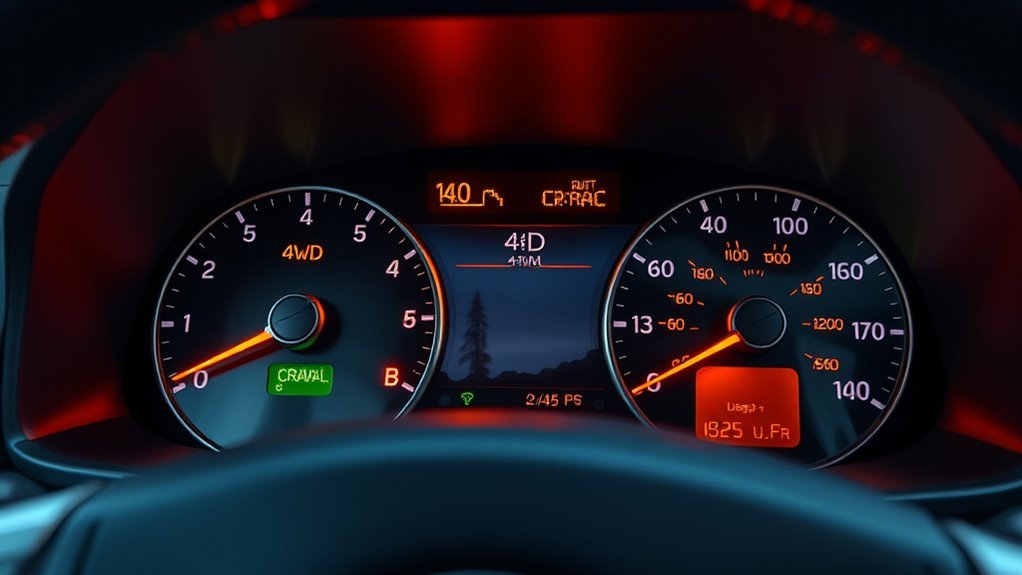
If you plan to take your 4Runner off pavement, learn the off‑road and 4WD indicators so you can confirm systems are engaged and functioning. You’ll see the A‑TRAC indicator when Active Traction Control is working; it prevents wheel spin and redistributes torque so you keep moving on slippery surfaces — that’s A TRAC functionality in action. The CRAWL lamp signals Crawl Control is active, holding a steady low speed so you can focus on steering; note the Crawl Control benefits for technical lines. Multi‑Terrain Select indicators show which terrain mode you’ve chosen, tuning throttle, braking, and traction for mud, sand, or rocks — that’s Multi Terrain performance. The rear differential lock indicator confirms the diff is locked, forcing equal torque to both rear wheels for traction where one wheel would spin — Differential lock advantages are clear on rutted trails. When you engage 4WD, corresponding H4/N/L4 lights illuminate so you always know the drive mode.
Diagnose, Reset, and When to See a Dealer (OBD2 Steps, Maintenance Reminders)
When a warning light comes on, start by pulling diagnostic trouble codes with an OBD2 scanner so you know which system flagged an error and what needs attention. You’ll read trouble codes, reference the Owner’s Manual for meaning and recommended actions, and decide if you can fix it or need pro help. Resetting maintenance reminders is usually done via the multi-information display per the Scheduled Maintenance section; follow the steps exactly to clear service alerts. Some lights won’t extinguish until manually reset after repair.
- Pull trouble codes with an OBD2 scanner and record them.
- Cross-check codes with the Owner’s Manual for targeted diagnostics.
- Perform repairs or routine service, then reset maintenance reminders via the display.
- If codes persist or issues are complex, schedule a dealer appointment.
You want freedom from uncertainty — use precise diagnostics, clear service logs, and dealer support when problems exceed your tools or expertise.
Frequently Asked Questions
How Do Dashboard Light Behaviors Change With Hybrid or TRD Pro Models?
Hybrid indicators add battery, EV mode and regen status lights; TRD Pro differences include off‑road/traction and suspension alerts. You’ll see distinct icons, behavior and diagnostics so you can confidently control powertrain and terrain systems.
Do Warning Light Patterns Differ Between Model Years and Generations?
Yes — 78% of owners report differences: you’ll see warning light variations across model year differences, as clusters, icons and flash patterns evolved. You’ll adapt quickly, learning technical cues that free you from uncertainty.
Can Smartphone Apps Read and Explain Dashboard Warning Animations?
Yes — you can use smartphone integration and warning light apps to read and explain dashboard warning animations; they’ll decode codes via OBD-II, display statuses, suggest fixes, and let you reclaim control over vehicle diagnostics and repair choices.
Are There Fuse or Bulb Failures That Mimic Dashboard Warnings?
Yes — fuse identification and bulb replacement matter: faulty fuses or burnt bulbs can mimic warnings, so you’ll inspect fuse boxes, test circuits, swap bulbs, and restore control, freeing yourself from false alerts and unnecessary panic.
Will Aftermarket Accessories Trigger False Warning Lights?
Yes — aftermarket accessories can trigger false warning lights; aftermarket effects like poor grounding or CAN bus interference become warning light triggers. You’ll diagnose with multimeter and proper wiring, reclaiming control and freedom on your ride.
Conclusion
Read your 4Runner’s dash like a seasoned navigator: red lights demand you drop anchor and address oil, brakes, charging, or airbags immediately; amber warnings let you pilot to a shop for check engine, ABS, TPMS, or traction issues; and off‑road icons map available tools like A‑TRAC, CRAWL, Multi‑Terrain, and diffs. Use OBD2 scans and reset procedures for diagnosis, and treat persistent alerts as flags steering you to a dealer for professional repair.