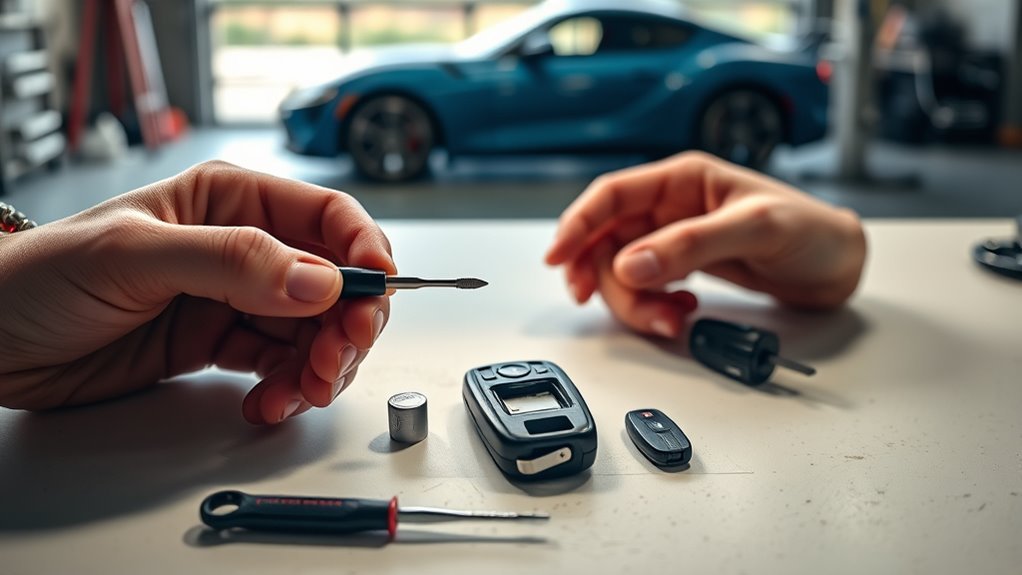
You can replace your Supra key fob battery in about five minutes using a CR2032 and a flat-head screwdriver. First press the side button to release the mechanical key, then use that key to gently pry open the back case without damaging clips or contacts. Carefully remove the old CR2032, insert the new one positive side up, snap the case closed until it clicks, and test the buttons. If anything’s off, check orientation or reclosing, and more tips follow.
Quick Answer: Replace Your Supra Key Fob Battery in 5 Minutes
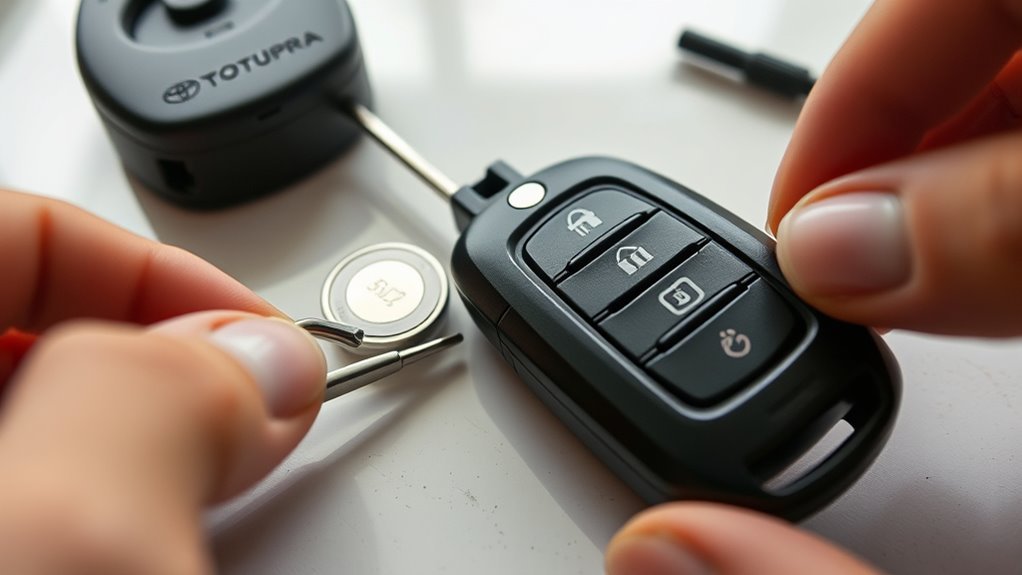
1. You can replace your Supra key fob battery in about five minutes. Start by pressing the side button to release the mechanical key, then use that key to pry open the backing case. This simple key fob maintenance step exposes the old CR2032 cell. Carefully lift the old battery out with a flathead screwdriver and insert the new CR2032 with the positive side facing up. Slide the tabs together and clip the backing case securely to restore a tight seal. Test all functions to confirm success. Doing this routinely preserves battery lifespan and keeps you free from unexpected lockouts. Follow these precise steps and you’ll regain control quickly, efficiently, and confidently.
What You’ll Need: Tools and CR2032 Battery
You’ll need only a flat head screwdriver and a CR2032 lithium coin battery to replace the Supra key fob cell. The screwdriver gently pries open the back case and the CR2032 (positive side up) fits the battery compartment. You can buy CR2032s at auto parts stores, big-box retailers, pharmacies, or online.
Required Tools
To swap the 2020 Supra MK5 key fob battery, gather a flat-head screwdriver and a CR2032 lithium coin cell—both are common and easy to buy. Use the screwdriver to gently pry the backing case open; you don’t need specialist tools, just steady hands and care to avoid marring the plastic. Replace the old cell, noting orientation, then snap the case closed and test the buttons. This simple routine preserves battery lifespan and supports regular fob maintenance, keeping you independent of dealer service. Keep a spare CR2032 on hand so you can act when the fob shows low power. You’ll save time and stay in control—small skills that free you from unnecessary service visits and costly delays.
Battery Type
For this job you’ll only need a flat-head screwdriver and a CR2032 lithium coin cell; the Supra MK5 uses a CR2032 and the battery’s positive side must face up when you insert it. Use a single clean CR2032—common, compact, and compatible with many fobs—to restore power quickly. You’ll pry the case open with the flat-head, remove the old cell, and seat the new one with its + side up. Test the buttons before reassembling to confirm successful contact. Schedule simple battery maintenance: check the fob every 12 months or when range drops. Keeping the coin cell fresh preserves fob security and prevents lockouts. This choice of tool and cell gives you fast, self-reliant control over access.
Where To Buy
Although you can grab a CR2032 and a flat-head screwdriver from many places, aim for quality: buy the lithium coin cell at electronics stores, automotive supply shops, supermarkets, or online retailers (prices typically run $2–$5), and use a common flat-head from your toolkit to pry the fob open. For reliable battery purchasing, choose known brands and check expiration dates; a fresh CR2032 delivers longer life and consistent signal strength. If you need one fast, try convenience stores or automotive parts chains. Online orders offer bulk deals and verified specs. Keep a spare on hand to avoid downtime and support ongoing fob maintenance. Store batteries in a cool, dry place and dispose of old cells at designated recycling points.
Remove the Mechanical Key and Open the Backing Case
When you’re ready, press the release button on the fob’s side and pull out the mechanical key, then use that key to gently pry the backing case tab open so you can access the internals. You’ll follow key fob design cues to avoid damage: remove the key, insert it into the slot, and lever the tab slowly. If needed, use a small flat head screwdriver in the gap to pop the case without breaking clips. Handle parts gently to preserve tabs and promote battery longevity. Once open, you’ve liberated the internals and can proceed with replacement steps.
| Step | Tool | Caution |
|---|---|---|
| Remove key | Thumb | Don’t force |
| Pry tab | Key | Gentle leverage |
| Use screwdriver | Small flat | Minimal pressure |
| Open case | Fingers | Protect clips |
| Inspect interior | Visual | Note orientation |
Remove the Old CR2032 and Install the New One (Positive Side Up)
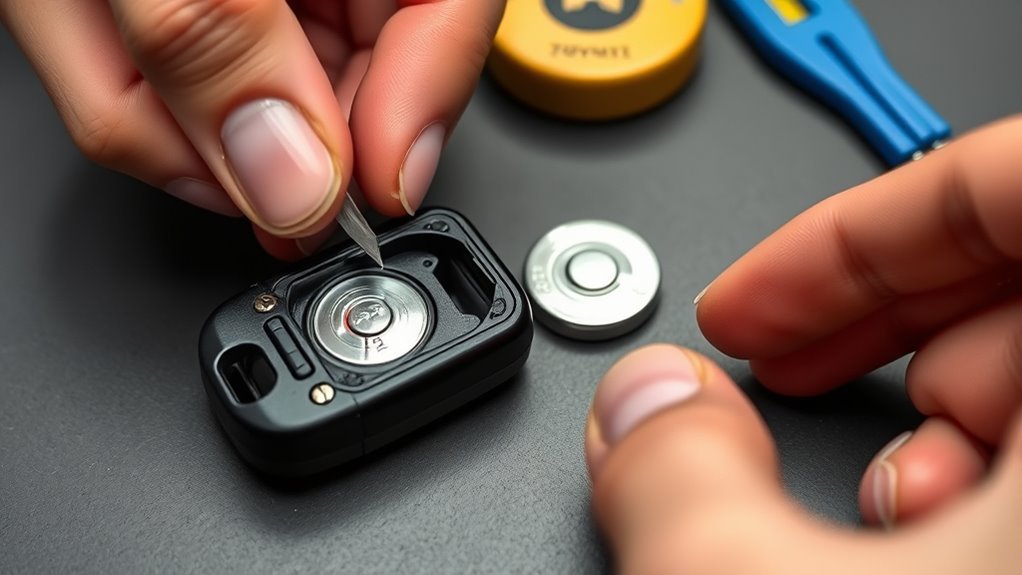
Pop the old CR2032 out with a small flat head screwdriver, taking care not to pry against plastic clips or circuit contacts. You’ll lift it gently from its seat; avoid scraping the circuit or bending terminals. Note the battery lifespan expectation and use that to gauge replacement intervals so you aren’t stranded. Slide the new CR2032 into place with the positive (+) side facing up—this orientation guarantees proper contacts and function. Confirm the replacement matches fob compatibility specifications stamped in the case or manual to avoid damage. Once seated, press lightly to secure the cell without forcing it. Before closing the backing case, test the fob’s buttons and the mechanical key’s position to verify successful installation.
Reassemble the Fob and Secure the Backing Case
Align the backing case tabs with the fob’s grooves, making certain the mechanical key is seated in its slot, then press the case down evenly until you hear it click and see no gaps. Verify the CR2032 battery’s positive side faces up before closing. Use steady pressure; don’t force misaligned edges. These fob assembly tips protect the contacts and preserve your autonomy.
| Step | Action |
|---|---|
| 1 | Confirm battery orientation |
| 2 | Seat mechanical key |
| 3 | Align tabs to grooves |
| 4 | Press evenly until click |
| 5 | Inspect for gaps |
Finish with a visual and tactile check. Proper battery insertion techniques and precise closure guarantee durable function and free you from dependency on service centers.
Test the Supra Key Fob and Quick Troubleshooting Steps
With the fob snapped shut, test it by pressing the lock and open buttons to confirm it communicates with the vehicle; you should hear locks actuate or see lights flash. If it responds, you’ve restored key fob functionality. If not, follow these troubleshooting techniques: verify the CR2032 is seated positive side up and the backing case is fully closed—loose halves break contact. Retry from a few feet away and with the vehicle doors closed. If still dead, consult your owner’s manual to reprogram or resync the fob per the manufacturer procedure. Persistent failure suggests a weak vehicle battery or internal fob damage; don’t be stuck—seek professional diagnostics. Stay deliberate, act fast, and reclaim reliable access to your Supra.
Safe Battery Disposal and How Often to Replace CR2032
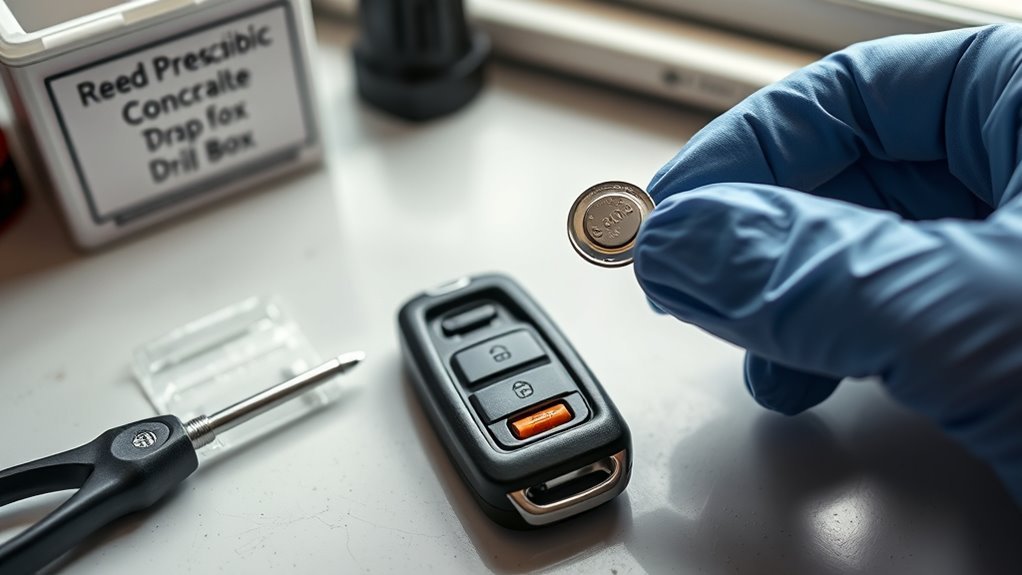
Because CR2032 cells usually last 2–5 years depending on use, replace them proactively to avoid unexpected fob failure and test your key fob regularly to gauge battery life. Schedule replacements every 2–4 years based on usage intensity and test results; shorten interval if range or responsiveness declines. When you open the fob, inspect the compartment for leakage or corrosion—clean with isopropyl alcohol and a soft brush if needed, or replace the fob if damage is severe. Don’t toss old cells in household trash. Use local recycling programs or designated battery collection points to prevent contamination; many communities list drop-off sites online. Document replacement dates to track battery lifespan and maintain reliable access without dependence on dealers.
When to Contact a Dealer or Locksmith for Key Fob Issues
Wondering whether the problem needs pro help? If your Supra’s key fob stays unresponsive after a fresh battery, contact a dealer or locksmith for reprogramming services—this is standard key fob troubleshooting. If the fob works intermittently, fails to open, or the battery drains unusually fast, get diagnostics from a dealer to find underlying faults. For visible damage to the casing or buttons, let a pro assess repair versus replacement to preserve function and freedom of mobility. If the fob is lost or stolen, go to a dealer immediately so they can supply replacements and perform secure reprogramming services to protect your vehicle. Choose a certified dealer or reputable locksmith to guarantee secure, reliable resolution.
Frequently Asked Questions
Can Water Damage Affect the Supra Key Fob Battery Life?
Yes — water exposure can shorten battery life and corrode contacts, so you should inspect, dry, and seal the fob promptly. You’ll perform key fob maintenance to reclaim reliability and prevent premature failure.
Is the CR2032 Battery Type Universal Across All Supra Trims?
Yes — the CR2032 fits most Supra trims, but you’ll verify key fob compatibility. Check polarity, part numbers and seals; consider battery lifespan considerations like temperature, usage patterns and water damage to guarantee reliable operation and freedom from surprises.
Will Replacing the Battery Reset My Key Fob Programming?
Of course it won’t betray you — replacing the key fob battery won’t erase programming. You’ll preserve your key fob’s settings; just swap the cell, check battery lifespan, and confirm functions before relying on freedom.
Are There Aftermarket Batteries Recommended for Longer Life?
Yes — you can choose aftermarket battery brands like Energizer or Panasonic to extend fob lifespan; remove old cell, confirm CR2032 size, test voltage, install snugly, and reclaim freedom from frequent replacements.
Can Extreme Temperatures Permanently Damage the Key Fob Electronics?
Yes — temperature extremes can permanently damage key fob electronics. You should avoid prolonged exposure, store fobs in moderate climates, use insulated holders when needed, and replace stressed units to preserve key fob longevity and personal freedom.
Conclusion
You’ve just swapped a tiny CR2032 and undone hours of mystery: your Supra’s fob springs back to life like a caffeine shot for a sleepy robot. In under five minutes you’ve saved dealership fees, avoided locksmith drama, and reclaimed control of your car. Keep spare batteries, snap the case shut firmly, and test every button—this small, precise fix prevents big headaches, proving tiny parts can deliver massive peace of mind.