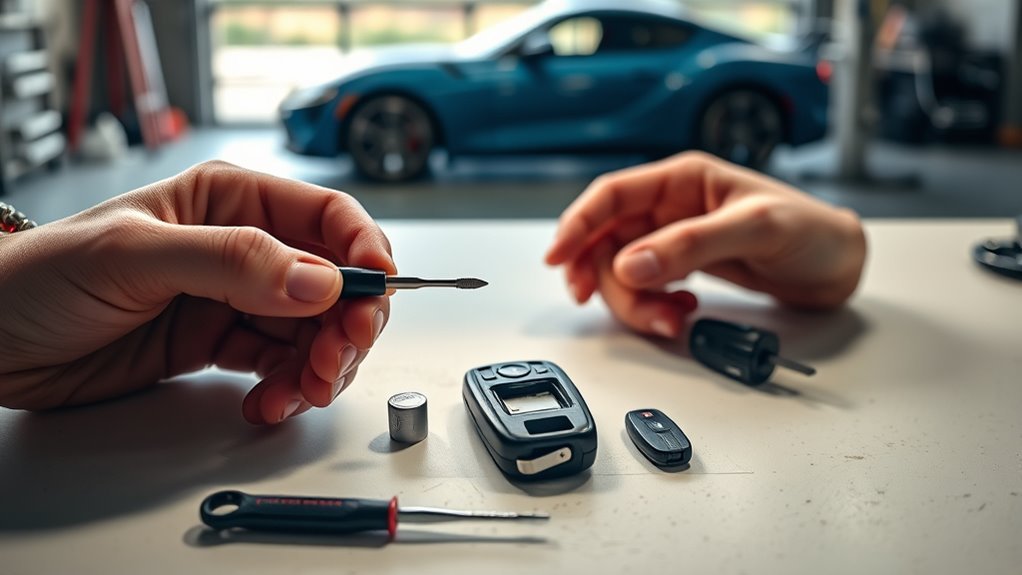
For a 2020–2026 Toyota GR Supra (A90/A91), you can replace the key fob battery at home with a fresh CR2032 3V coin cell and the integrated mechanical key. Open the battery cover gently, install the new CR2032 with the positive side facing up, close the cover completely, and test the remote before relying on it again.
Last updated: September 16, 2026 · Reviewed against Toyota owner-manual guidance and current battery-safety guidance.
Scope: This guide covers the modern 2020–2026 Toyota GR Supra (A90/A91) remote control. Older MkIV/A80 Supra remotes use a different system; see our MkIV Supra key fob programming guide if you own that generation.
Quick Answer
To replace a Supra key fob battery, press the side button to remove the integrated key, use that key to lift the battery cover, remove the old coin cell, and install a new CR2032 3V battery with the positive side facing up. Close the cover until it clicks, reinsert the key, and test the fob.
Key Takeaways
- Toyota Supra owner-manual procedures for the MkV remote specify a CR2032 3V lithium coin battery installed with the positive side facing up.
- Use the integrated mechanical key to open the cover gently; forcing the case can crack clips or damage the seal.
- Toyota’s normal battery-replacement procedure does not include a reprogramming step. If the remote still fails, check battery seating, interference, damage, and Toyota’s emergency-detection procedure.
- Keep CR2032 batteries away from children and pets because swallowed button or coin batteries can cause life-threatening internal burns.
At a Glance
| Time Required | A few minutes for most owners |
| Difficulty | Easy DIY |
| Tools Needed | Integrated key and a small pointed plastic tool or small flat-head screwdriver if needed |
| Battery | CR2032 3V lithium coin cell |
| Professional Programming | Not part of Toyota’s normal battery-replacement procedure |
How to Replace Your Supra Key Fob Battery
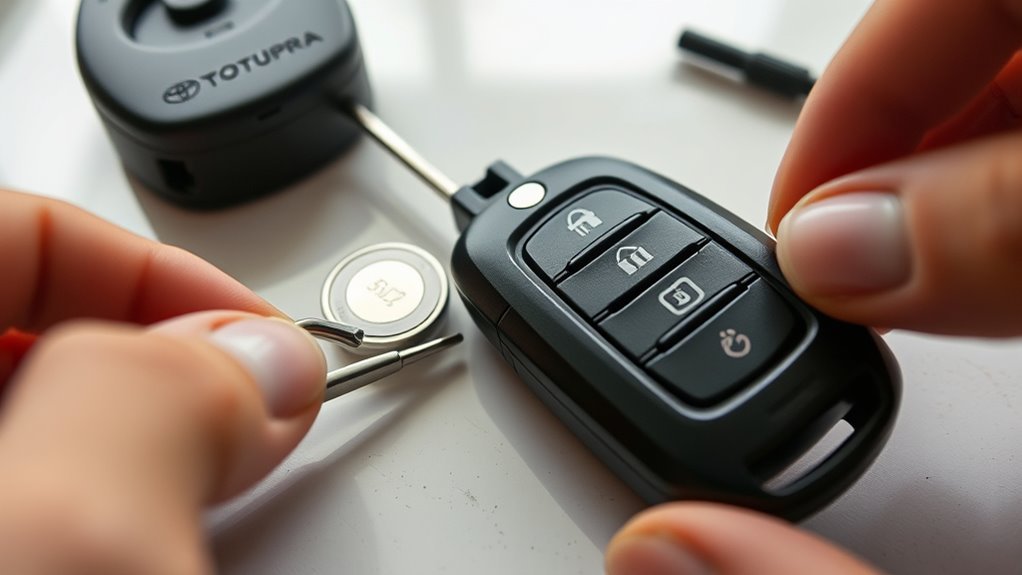
A weak Supra key fob battery usually shows up as shorter remote range, inconsistent response, or a vehicle message about the remote battery. The basic repair is simple: open the fob, replace the CR2032 with the correct polarity, close the cover fully, and test the remote.
Toyota’s owner-manual procedure says to remove the integrated key, lift the battery compartment cover with the key, push the old battery out with a pointed object, and install a CR2032 3V battery with the positive side facing up. Following those defined opening points reduces the risk of prying at the wrong part of the case.
Warning: A CR2032 is a button or coin battery. Keep new and used cells away from children and pets. The U.S. Consumer Product Safety Commission warns that swallowed button or coin batteries can cause severe internal burns. If a battery may have been swallowed or inserted into the nose or ear, seek emergency medical help immediately.
[Products Worth Considering]
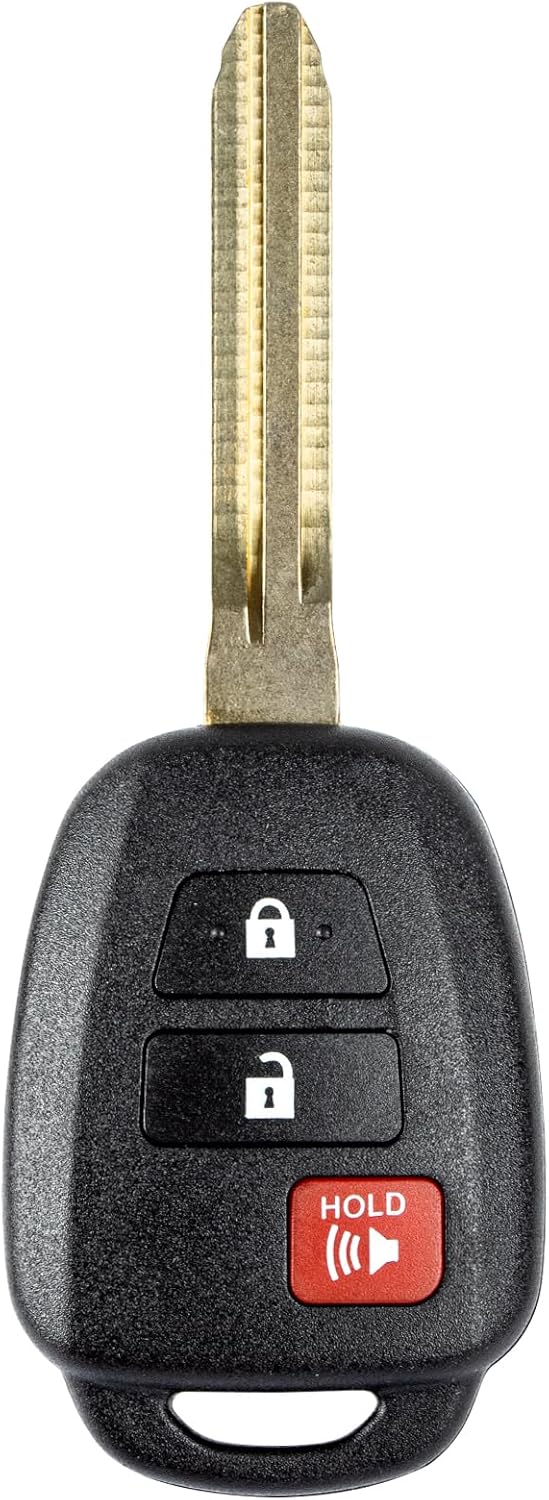
This replacement key fob is designed for select Toyota models and provides reliable keyless entry functionality with a factory-like fit and operation. It comes pre-tested with electronics and battery installed, making it a convenient solution when your original remote is lost, damaged, or worn out. Professional programming and cutting are required, and compatibility should be confirmed against the original remote and vehicle fitment details.

COMPATIBLE WITH AIRTAG & KEY FOBS: Works with Apple AirTag, all major car key fobs (Toyota, Honda, BMW, Ford, Chevrolet, Lexus), fitness trackers, glucose monitors, tire pressure sensors, and any CR2032 / 3V lithium coin battery device.
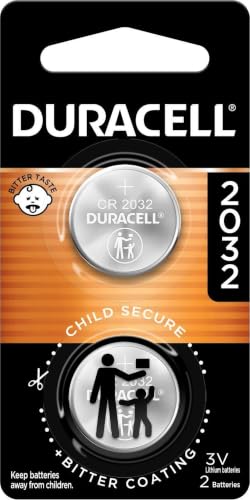
COMPATIBLE WITH AIRTAG & KEY FOBS: Works with Apple AirTag, all major car key fobs (Toyota, Honda, BMW, Ford, Chevrolet, Lexus), fitness trackers, glucose monitors, tire pressure sensors, and any CR2032 / 3V lithium coin battery device.
What You’ll Need: Tools and CR2032 Battery
You need a fresh CR2032 3V lithium coin cell and the integrated mechanical key. Toyota uses the integrated key to lift the battery compartment cover. A small pointed plastic tool or small flat-head screwdriver can help release the old battery if needed.
[Products Worth Considering]

Avoid expensive dealer service charges and easily replace your key fob battery yourself

BROAD COMPATIBILITY ACROSS BRANDS - Compatible with all major car brands, fits with TOYOTA, VOLKSWAGEN, HONDA, CHEVY, BMW, HYUNDAI, KIA, FORD, LEXUS, JEEP, AND ALL OTHERS. Most of the car key fobs use this type of CR2032 batteries. Direct battery replacement for your key fob.
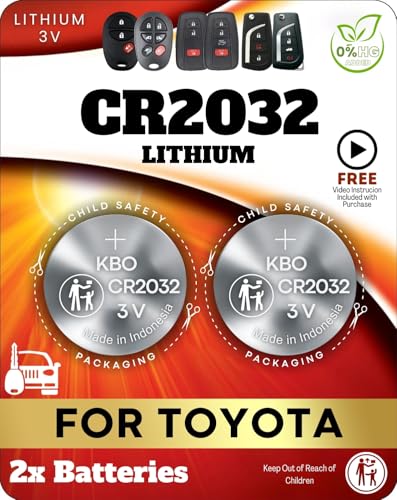
Reliable Power Solution – Includes two premium CR2032 lithium batteries, ensuring long-lasting and dependable power for your Toyota key fob.
Required Tools
- Integrated mechanical key: This slides out of the fob and is used to lift the battery cover.
- Small pointed plastic tool or small flat-head screwdriver: Use it only if you need help releasing the battery. Work around the battery holder carefully so you do not bend the contacts.
- Clean cloth: Place the fob on a soft surface so the glossy case does not get scratched.
Pro Tip: If you use a metal screwdriver, wrap the tip with a small piece of tape. It provides a softer edge and can help prevent marks on the key fob shell.
What Battery Does a Toyota GR Supra Key Fob Use?
The referenced Toyota Supra owner-manual procedure specifies a CR2032 3V lithium coin cell. Install it with the positive (+) side facing up. Use the same voltage, size, and specification as Toyota specifies for the remote.
Do not substitute a CR2025 or CR2016 simply because it has the same 20 mm diameter. These batteries have different thicknesses. Use a fresh CR2032 from a sealed, undamaged package and check its date information before installation.
Where To Buy
You can buy CR2032 batteries at auto parts stores, electronics stores, supermarkets, pharmacies, warehouse clubs, and online retailers. If you buy a multipack, leave unused cells in their original packaging, store them in a cool and dry location, and keep them secured away from children.
Remove the Mechanical Key and Open the Backing Case
Start with the fob facing you on a clean surface. Press the small release button on the side of the remote and pull out the integrated mechanical key. This key also provides emergency mechanical access to the vehicle, so set it somewhere it cannot slide away.
Place the integrated key underneath the battery compartment cover and lift it with a gentle lever motion. Work slowly. You should not need to twist hard, dig into the plastic, or force the cover. If it does not release, reposition the key and try again instead of increasing force.
| Step | Tool | Caution |
|---|---|---|
| Remove key | Thumb | Press the release button first |
| Lift cover | Integrated key | Use gentle leverage |
| Loosen battery | Pointed plastic tool or small flat screwdriver | Do not bend contacts |
| Open case | Fingers | Protect clips and seals |
| Inspect interior | Visual check | Note battery orientation |
Remove the Old CR2032 and Install the New One Positive Side Up
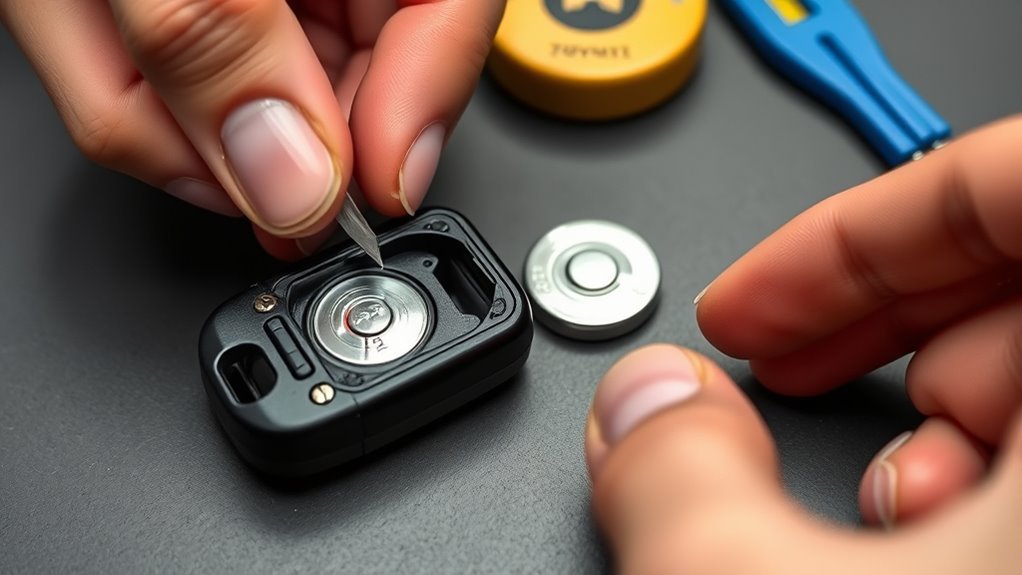
Once the battery compartment is open, note the old battery’s orientation. Toyota instructs you to push the battery in the release direction with a pointed object and lift it out. Avoid scraping the circuit board or bending the small metal battery contacts.
Slide the fresh CR2032 into the compartment with the positive (+) side facing up. It should sit flat and securely. If it rocks, sits at an angle, or feels loose, remove it and reseat it instead of forcing the cover closed.
Note: Handle the new coin cell by its edge when practical so the battery faces and electrical contact surfaces stay clean.
Reassemble the Fob and Secure the Backing Case
Align the battery cover with the fob body and press it closed evenly until it snaps into place. Check the entire edge for gaps. A cover that is not fully seated may prevent reliable battery contact and can reduce the case’s protection against dirt and moisture.
| Step | Action |
|---|---|
| 1 | Confirm the CR2032 positive side faces up |
| 2 | Seat the battery flat in the compartment |
| 3 | Align the cover tabs with the grooves |
| 4 | Press evenly until the cover clicks |
| 5 | Push the integrated key back in until it engages |
After the cover is closed, wipe the outside of the fob and make sure its buttons move normally. A button that suddenly feels trapped or uneven can indicate that the cover is not seated correctly.
Why Is My Supra Key Fob Still Not Working After a Battery Change?
Stand near the vehicle and test lock, unlock, trunk release, and panic functions. Toyota’s Supra manuals show lock, unlock, trunk-release, and panic functions on the remote. Confirm that the vehicle responds normally before you put your tools away.
If the fob still does not work after the battery replacement, use this checklist in order:
- Check battery orientation: The CR2032 positive side must face up.
- Check battery seating: Make sure the cell is sitting flat and making firm contact with the terminals.
- Check the cover: Make sure the battery cover is fully snapped shut with no visible gap.
- Try a second CR2032: A supposedly new battery can still be weak or damaged.
- Try your spare remote: If the spare works normally, concentrate troubleshooting on the first fob rather than the vehicle.
- Move away from interference: Metal objects, phones, nearby electronics, wireless charging, or strong radio sources can interfere with remote detection.
- Check for a vehicle-side power issue: If multiple remotes fail and other vehicle electronics are also dead or behaving abnormally, investigate the car’s 12-volt system rather than repeatedly changing coin cells. See our Toyota Supra battery maintenance guide.
- Inspect for physical damage: Water intrusion, cracked housing, damaged contacts, or a previously dropped remote may require professional inspection.
If the Supra says the key is not detected: Toyota’s owner-manual procedure says to hold the back of the remote against the marked area on the steering column and watch the instrument cluster. If the remote is detected, switch on the drive-ready state within 10 seconds. If it is not detected, slightly change the remote’s position and repeat the procedure.
Toyota’s normal battery-replacement instructions do not include a reprogramming step. Avoid using generic Toyota programming sequences from unrelated models. If the remote was lost, stolen, water-damaged, physically broken, or remains unresponsive with a correctly installed known-good CR2032, contact a Toyota dealer or qualified automotive locksmith.
[Products Worth Considering]

COMPATIBLE WITH AIRTAG & KEY FOBS: Works with Apple AirTag, all major car key fobs (Toyota, Honda, BMW, Ford, Chevrolet, Lexus), fitness trackers, glucose monitors, tire pressure sensors, and any CR2032 / 3V lithium coin battery device.

**Please confirm compatibility using the fitment guide located in the product images**

**To confirm compatibility please use the picture guide located in the product images** This battery will not fit your key fob if yours does not match one of the pictures
How Should You Dispose of a Used CR2032, and When Should You Replace It?
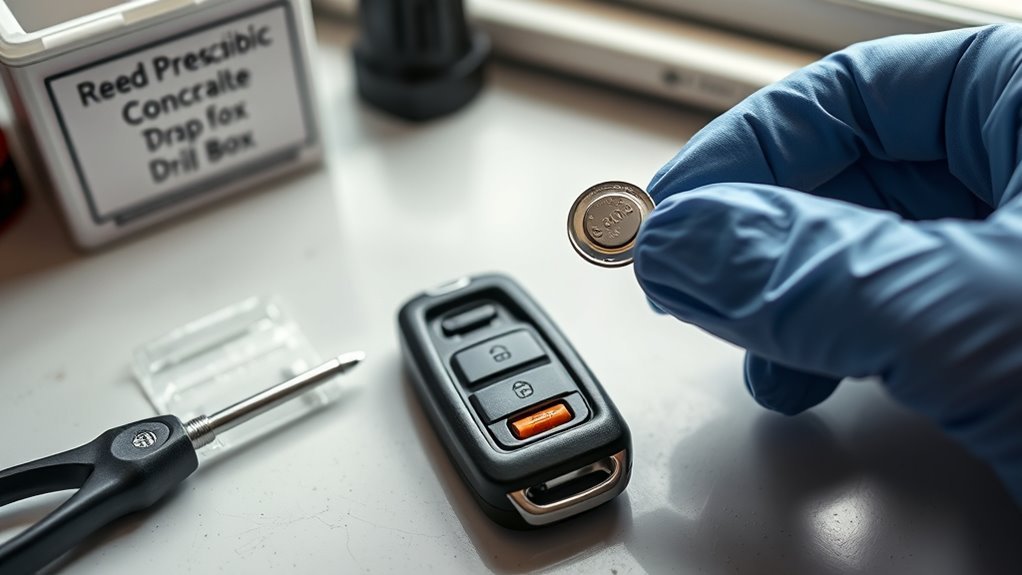
There is no need to replace the Supra remote battery on a fixed calendar if it is working normally. Replace it when remote range drops, a remote-battery warning appears, or operation becomes inconsistent.
Do not leave a loose used CR2032 in a drawer, cup holder, purse, or bag. The U.S. Environmental Protection Agency advises keeping button/coin and single-use lithium batteries out of household trash and municipal recycling bins and recommends using appropriate battery-recycling, retailer takeback, or household hazardous-waste programs. EPA and CPSC guidance also supports covering the terminals with non-conductive tape before disposal or recycling. Toyota’s manual advises taking old remote batteries to a Toyota dealer or collection point.
A fresh CR2032 is inexpensive compared with a damaged remote or a battery-ingestion emergency. Replace it carefully, secure the used cell immediately, and recycle or dispose of it through an appropriate collection program.
When Should You Contact a Toyota Dealer or Locksmith?
Most battery replacements do not require professional help. A dealer or qualified automotive locksmith becomes the better choice when the remote is lost, stolen, cracked, water-damaged, physically damaged, or still unresponsive after a correctly installed known-good CR2032.
Contact a Toyota dealer if you need a replacement remote, need a lost remote blocked, or suspect the remote is no longer correctly assigned to the vehicle. Toyota owner-manual guidance states that additional remotes are available through Toyota dealers and that lost remotes can be blocked and replaced.
Frequently Asked Questions
What battery does a 2020–2026 Toyota GR Supra key fob use?
Toyota’s MkV Supra remote-battery procedure specifies a CR2032 3V lithium coin cell. Use the same size, voltage, and specification rather than substituting a thinner coin battery.
Which side of the CR2032 faces up in a Supra key fob?
Install the CR2032 with the positive (+) side facing up. Make sure the battery sits flat and securely in the holder before closing the cover.
Do I need to reprogram a Supra key fob after changing its battery?
Toyota’s normal battery-replacement procedure does not include a reprogramming step. If the fob does not work afterward, first recheck CR2032 orientation, seating, the battery cover, interference, and the emergency-detection procedure.
What should I do if my Supra does not detect the key after the battery change?
First verify that the CR2032 is installed positive side up and seated correctly. Move the remote away from phones, metal objects, and charging devices. If needed, hold the back of the remote against the marked area on the steering column. If the vehicle detects it, switch on the drive-ready state within 10 seconds.
Can I use a CR2025 or CR2016 instead of a CR2032?
Do not substitute a different coin-cell specification. The referenced Toyota Supra remote procedure specifies a CR2032 3V battery. CR2025 and CR2016 cells have different thicknesses even though their diameters are similar.
How should I dispose of an old Supra key fob battery?
Secure the used coin cell immediately and keep it away from children. Cover its terminals with non-conductive tape and take it to an appropriate battery collection, retailer takeback, household hazardous-waste, or recycling program. Toyota also advises taking old remote batteries to a dealer or collection point.
Conclusion
Replacing the battery in a 2020–2026 Toyota GR Supra key fob is a straightforward DIY job when you use the correct CR2032 3V coin cell. Remove the integrated key, lift the cover gently, install the CR2032 positive side up, close the remote completely, and test its functions. If the car still cannot detect the key, recheck the installation and use Toyota’s steering-column emergency-detection procedure before assuming the remote needs programming or replacement.
Sources
- Toyota Owners: 2026 Supra Manuals and Warranties — official current Toyota manual access for 2026 GR Supra models.
- Toyota 2022 Supra Owner’s Manual PDF — official Toyota MkV Supra CR2032 replacement sequence, positive-side-up installation, battery disposal guidance, and emergency remote procedures.
- U.S. Environmental Protection Agency: Used Household Batteries — handling and recycling guidance for button, coin, and single-use lithium batteries.
- Energizer CR2032 Datasheet — CR2032 lithium/manganese-dioxide chemistry, dimensions, and 3.0V nominal specification.
- U.S. Consumer Product Safety Commission: Button Cell and Coin Battery Safety — ingestion hazards, terminal-taping guidance, and child-safety information.
- Poison Control: Batteries Cause Devastating Injuries — emergency information about swallowed lithium coin batteries, including CR2032 cells.