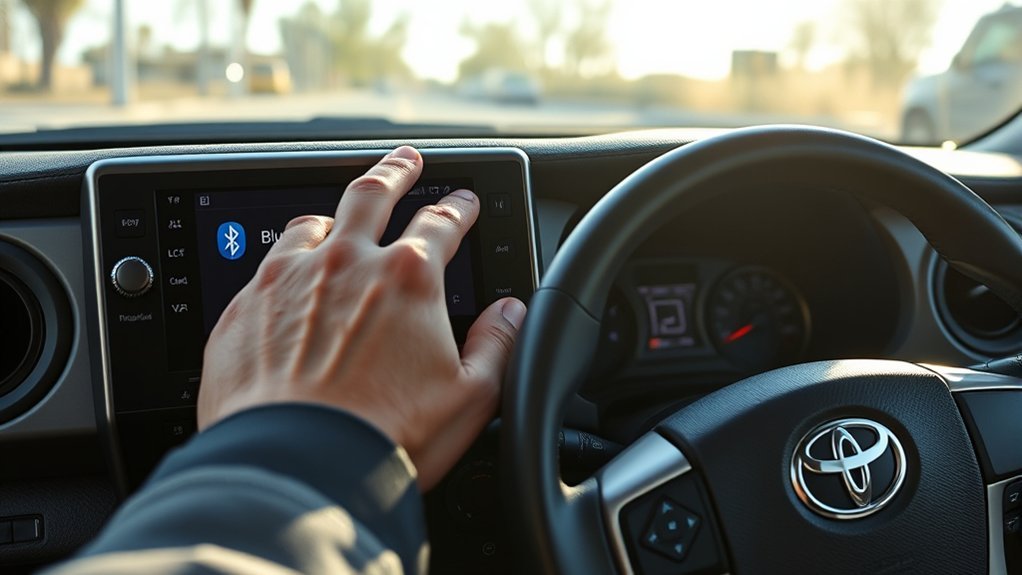
If your Toyota Tacoma’s Bluetooth isn’t connecting, start by ensuring your devices are compatible and updated. Remove old connections, enable Bluetooth on your phone, and make sure the Tacoma’s infotainment system is in pairing mode. Check for any software updates for both your phone and the Tacoma. If you still face issues, consider minimizing nearby electronic interference. Persisting problems may need professional assistance, and there’s more you can discover about solutions to enhance your connectivity.
Common Bluetooth Problems in Your Tacoma and How to Fix Them
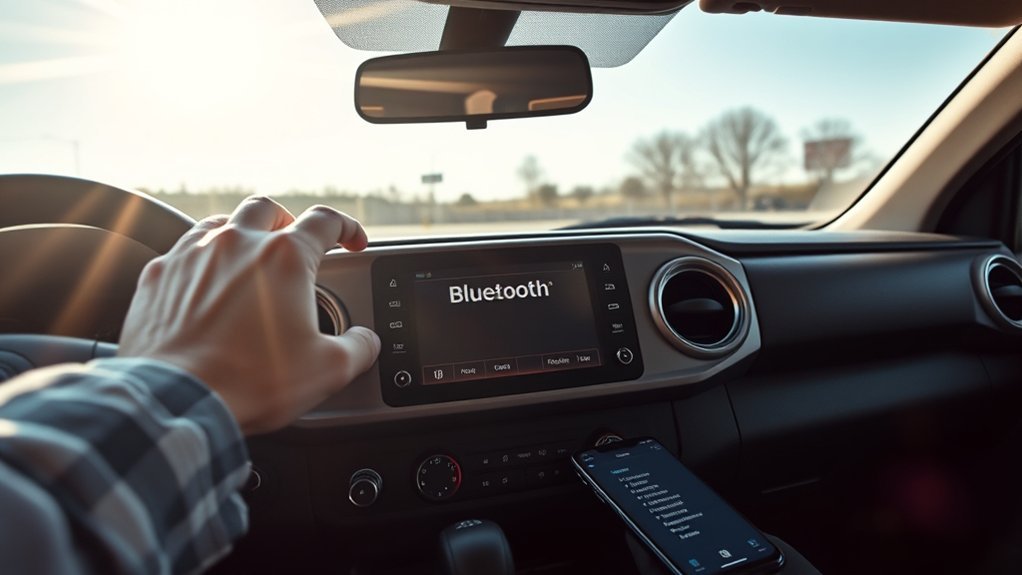
Have you noticed your Toyota Tacoma’s Bluetooth acting up? You’re not alone; many owners face connectivity issues, often seeing unclickable setup menus. Start with some Bluetooth troubleshooting tips: unpair your device using the settings menu, then re-pair it. This simple step can often restore your connection. Just remember to track the last paired phone to avoid complications.
If you’re still having trouble, check for software updates on your Tacoma’s infotainment system. Regular updates are vital for maintaining Bluetooth stability. You might also want to minimize nearby electronic devices, as they can interfere with the connection. If issues persist, consulting your owner’s manual for compatible devices is important, as compatibility can play a significant role in connection failures. For ongoing problems, dealer assistance may be necessary to guarantee everything’s running smoothly.
Check if Your Devices Are Compatible With Your Tacoma
Are you sure your devices are compatible with your Tacoma’s Bluetooth system? First, check your smartphone settings to verify your device’s software is updated to the latest version. Outdated software can hinder connectivity. It’s also wise to consult the owner’s manual for a list of compatible devices, as not all smartphones work seamlessly with your Tacoma.
Remove any old or unused devices from your phone and the Tacoma’s Bluetooth settings to prevent connection conflicts. Additionally, check for firmware updates for your Tacoma’s infotainment system; these updates can enhance device compatibility.
Be mindful of nearby electronic devices, as they can interfere with Bluetooth connections. By verifying device compatibility and minimizing interference, you’ll pave the way for a smoother connection experience and enjoy the full benefits of your Tacoma’s Bluetooth system.
How to Pair Your Phone With Tacoma’s Bluetooth: a Step-By-Step Guide
Pairing your phone with your Tacoma’s Bluetooth system is a straightforward process that enhances your driving experience. Start by ensuring Bluetooth is enabled on your phone and that your vehicle’s audio system is in pairing mode. Access the Bluetooth settings on your Tacoma’s infotainment system and select “Add Device” to kick off the pairing process. On your phone, scan for available Bluetooth devices and choose your Tacoma from the list; confirm any pairing codes if prompted.
If you run into issues, try Bluetooth troubleshooting by deleting any previously paired devices from both your phone and the Tacoma. Restart both devices before attempting to pair again. For peak performance, make sure your phone’s software is updated. It’s also wise to consult the owner’s manual for a list of compatible devices with your Tacoma model. Enjoy seamless connectivity as you drive!
Update Your Tacoma’s Infotainment System for Better Connectivity
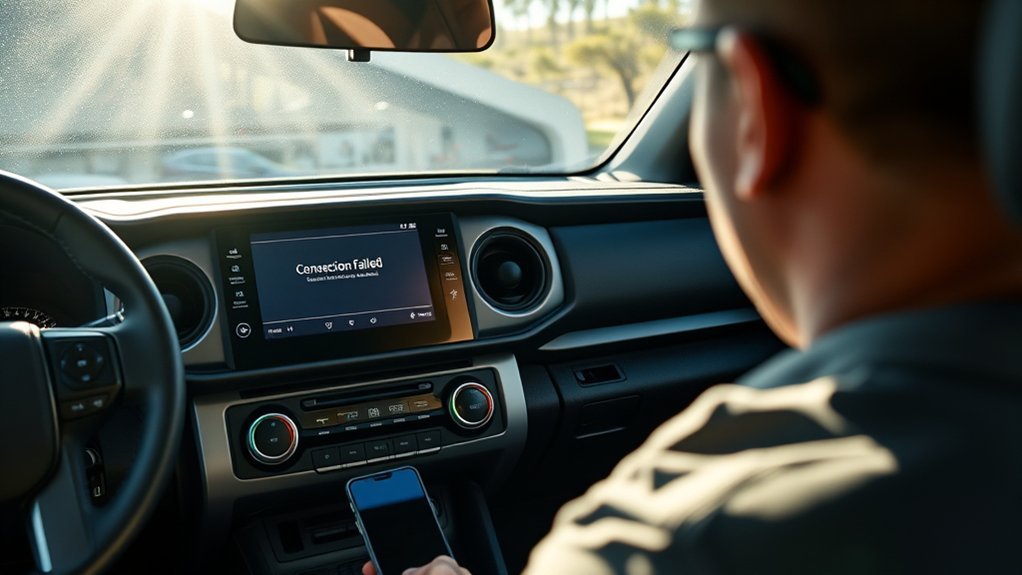
To guarantee ideal Bluetooth connectivity in your Tacoma, keeping the infotainment system updated is essential. Outdated software can lead to malfunctions and connectivity issues. Here’s how to make sure you’re up to date:
- Check for Infotainment Updates: Refer to your owner’s manual or Toyota’s website.
- Visit a Local Service Center: Professional assistance can resolve persistent problems effectively.
- Perform Updates Regularly: Set a reminder to check every few months to avoid software troubleshooting delays.
- Allow Time for Updates: The process typically takes around 15 minutes, but it can greatly enhance connectivity for Bluetooth, CarPlay, and Android Auto.
Successful updates not only restore functionality but also guarantee smoother operation, addressing compatibility errors that may arise. By prioritizing these updates, you empower your Tacoma to perform at its best.
Tips to Minimize Bluetooth Signal Interference in Your Tacoma
To minimize Bluetooth signal interference in your Tacoma, start by turning off nearby wireless devices like headphones or tablets. Choosing a less crowded area for connection can also help improve signal quality. Regularly restarting both your phone and Tacoma can clear any temporary glitches that disrupt connectivity.
Nearby Device Disabling
Minimizing Bluetooth signal interference in your Tacoma can greatly improve your connection experience. To optimize signal strength and streamline Bluetooth device management, follow these tips:
- Turn off nearby devices: Disable wireless headphones, tablets, or other phones that might disrupt your connection.
- Change locations: Move to a less crowded area to avoid physical barriers and competing signals.
- Restart devices: After removing old or unused Bluetooth devices, restart both your phone and Tacoma to clear potential conflicts.
- Limit active connections: Make sure no other Bluetooth devices are connected to your phone, which could prevent successful pairing with your Tacoma.
Implementing these steps can notably enhance your Bluetooth connectivity and improve your driving experience.
Optimal Connection Environment
While you enjoy the convenience of Bluetooth in your Tacoma, creating an ideal connection environment is essential for minimizing signal interference. Here are some tips to optimize your Bluetooth range and signal strength:
| Action | Impact on Connection | Tips |
|---|---|---|
| Turn off nearby devices | Reduces interference | Disable headphones, tablets |
| Move to a less crowded area | Enhances signal strength | Find open spaces |
| Restart devices | Clears conflicts | Reboot phone and infotainment |
Regularly check device compatibility and keep your phone’s software updated. These steps can greatly improve your Bluetooth performance, ensuring a seamless connection experience in your Tacoma.
When to Seek Professional Help From a Toyota Service Center?
If you’re still facing Bluetooth connectivity issues after trying common fixes, it’s time to visit a Toyota Service Center for expert help. Complex software problems, like persistent malfunctions or glitches, often require specialized tools for proper diagnosis and resolution. Don’t hesitate to seek professional assistance to guarantee your Tacoma’s infotainment system functions smoothly.
Persistent Connectivity Issues
When Bluetooth connectivity issues linger despite your efforts to troubleshoot, it’s time to contemplate seeking professional help from a Toyota Service Center. Persistent problems may indicate deeper issues that need addressing. Consider visiting the service center if you experience:
- Unresolved pairing problems with multiple devices, suggesting device compatibility issues.
- Limited Bluetooth range that doesn’t align with standard performance expectations.
- Sporadic glitches in the infotainment system affecting usability.
- Reports from other users indicating dealer updates successfully resolved similar issues.
Engaging with a Toyota Service Center can provide you access to the latest software and firmware updates, often at no charge, ensuring your Bluetooth system regains full functionality. Don’t let connectivity frustrations hold you back!
Complex Software Problems
Complex software problems in your Toyota Tacoma can lead to frustrating Bluetooth connectivity issues that regular troubleshooting can’t resolve. If you’re dealing with persistent disconnections or pairing failures, it’s time to consult a Toyota Service Center. They can utilize specialized diagnostic tools and access updated firmware, which may not be available to you.
| Signs to Seek Help | Why It Matters |
|---|---|
| Frequent connectivity drops | Indicates potential software glitches |
| Inability to pair devices | May require professional intervention |
| Ongoing issues post-update | Guarantees thorough problem solving |
Professionals can address both software and potential hardware malfunctions, helping restore your Tacoma’s Bluetooth functionality effectively. Don’t hesitate to seek expert assistance for these complex issues.
Frequently Asked Questions
Why Is My Bluetooth Not Working in My Toyota Tacoma?
Your Bluetooth might not be working due to connection issues or compatibility problems. Try Bluetooth troubleshooting: unpair and reconnect devices, check for updates, or consult your owner’s manual for supported models.
Why Is My Toyota Bluetooth Not Pairing?
Your Toyota Bluetooth might not pair due to compatibility issues or incorrect smartphone settings. Check your device’s compatibility, verify Bluetooth is enabled, and remove old connections before attempting to pair again for better results.
Conclusion
To sum up, resolving Bluetooth issues in your Toyota Tacoma is often straightforward. Notably, around 20% of drivers report connectivity problems at some point, highlighting that you’re not alone in this. By ensuring device compatibility, following pairing steps, and keeping your infotainment system updated, you can enhance your Bluetooth experience. If problems persist, don’t hesitate to consult a Toyota service center for professional assistance. A little troubleshooting goes a long way in enjoying seamless connectivity on the road!