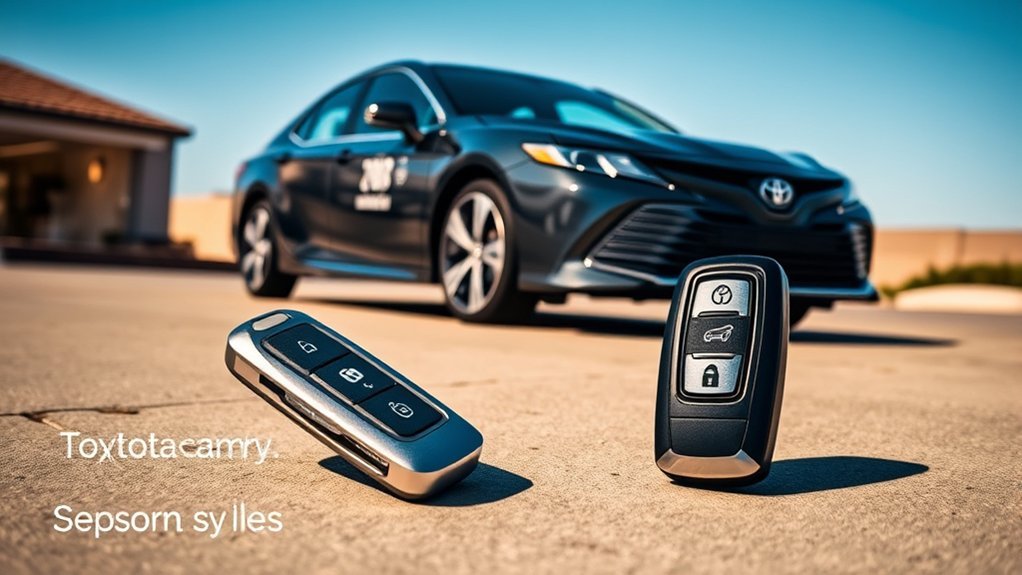
The Toyota Camry Smart Key System offers you keyless entry and ignition, making access effortless. It automatically opens doors when you’re within about 2.3 feet. You can lock or open with just a button on the key fob, and even start the engine without inserting a key. Battery-saving features help prolong the smart key’s life. Plus, there are customizable settings for added convenience. Stick around to discover more about optimizing your experience and troubleshooting any issues.
Understanding the Toyota Camry Smart Key System
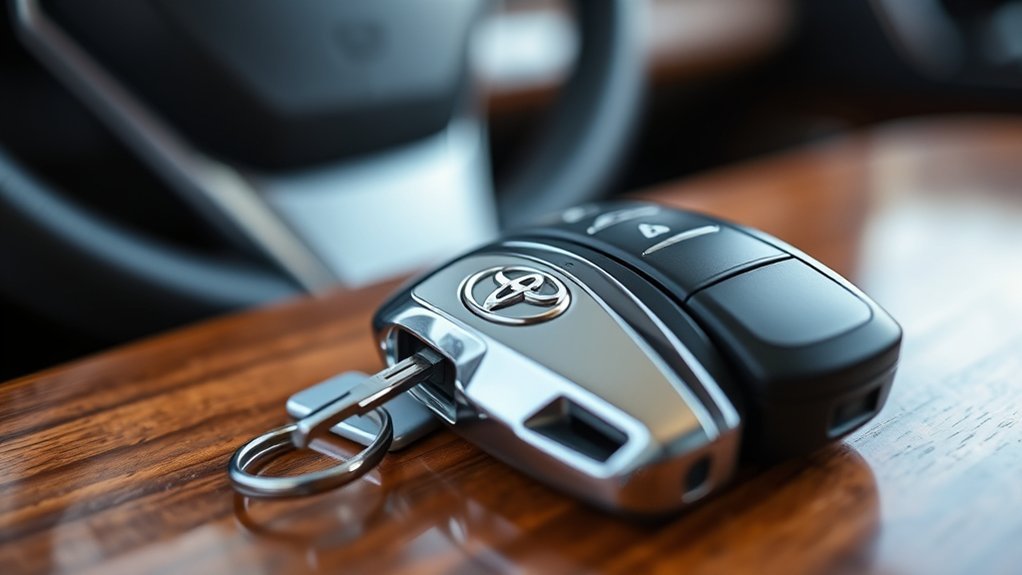
The Toyota Camry Smart Key System revolutionizes how you interact with your vehicle, offering a seamless keyless entry and ignition experience. This system operates within a proximity range of about 2.3 feet, allowing you to access doors and start your car without fumbling for a physical key. However, for ideal smart key security, you’ll need to keep the Smart Key with you; otherwise, you might face detection issues.
The system also has a battery-saving mode, which can delay access if the key is outside the vehicle for over 40 seconds. After 14 days of inactivity, only the driver’s door can be accessed. You can customize your locking preferences through the vehicle’s menu, adjusting for either all doors or just the driver’s door. Being aware of these features guarantees you maximize battery life and enjoy the freedom that comes with keyless entry.
How Keyless Entry Works
The keyless entry system in your Toyota Camry is designed for seamless convenience, allowing you to access and start your car without fumbling for a key. With proximity sensors and an intricate antenna network, it detects your smart key within close range, enhancing both security and ease of access. As you touch the door handle or the designated area, you’ll appreciate how effortlessly this technology enhances your driving experience.
Keyless Entry Mechanism
Keyless entry systems, like the one found in the Toyota Camry, make accessing your vehicle easier than ever. With smart key technology, your car opens automatically when you’re within about 2.3 feet. You can lock the doors by simply pressing a button on the Smart Key or touching the door handle. This keyless convenience enhances your experience, allowing you to start the hybrid system without inserting a key. The system uses radio signals, with antennas placed throughout your car for peak detection. However, if multiple Smart Keys are nearby, you might experience a delay in opening, so verify you’re using the correct one.
| Feature | Description | Benefit |
|---|---|---|
| Automatic Opening | Opens when key is within 2.3 feet | Hands-free access |
| Button Locking | Press a button to lock | Quick and easy |
| Radio Signal | Communicates with antennas | Reliable detection |
| Keyless Start | Start without inserting the key | Enhanced convenience |
| Multiple Keys Handling | May cause delays in opening | Confirms security |
Smart Key Functionality
With smart technology at your fingertips, accessing your Toyota Camry becomes a seamless experience. The Smart Key System offers keyless convenience, detecting your Smart Key via radio signals from about 2.3 feet away. Simply touch the door handle or press the Smart Key button to gain entry. A single press opens the driver’s door; a second press opens all doors. Plus, the trunk opens automatically when the key is nearby and the release button is pressed. To start your hybrid engine, you must keep the Smart Key with you, ensuring smart detection of your key’s presence. If the key’s outside for over 40 seconds, the system conserves battery life by delaying access—always keeping efficiency in mind.
Enhanced User Convenience
Accessing your Toyota Camry is about more than just convenience; it’s about enhancing your overall driving experience. With the Smart Key System, you can gain entry to and start your vehicle without even touching a key. Proximity sensors detect your Smart Key within about 2.3 feet, allowing automatic entry as you approach. Locking the car is just as effortless—simply touch the door handle. This smart key convenience elevates your user experience, making every entry and exit seamless. Plus, with remote start capabilities from up to 100 feet away, you can warm up your Camry before getting in. Customizable settings let you tailor entry options to fit your preferences, ensuring your driving experience is as personal and liberating as possible.
Exploring Your Camry’s Smart Key Features
When you’re approaching your Toyota Camry, the Smart Key System makes it easier than ever to keep your hands free and your day moving. This innovative technology enhances accessibility by allowing you to access doors and start the engine without fumbling for a key. With a detection range of about 2.3 feet, you can seamlessly enter your vehicle.
Here’s a quick overview of some key features:
| Feature | Functionality | Benefit |
|---|---|---|
| Proximity Access | Opens doors as you approach | Hands-free access |
| Remote Start | Start the engine from up to 100 feet | Convenience in cold weather |
| Customizable Settings | Adjust unlocking preferences | Tailored user experience |
These Smart Key innovations empower you to navigate your day effortlessly, making your Camry not just a car but a seamless extension of your lifestyle.
[Products Worth Considering]

Protect your Toyota key fob with this premium soft TPU case that offers 360-degree coverage against drops, dust, and scratches while maintaining full signal strength. The sleek gold‑rimmed design adds a stylish touch, and the attached leather‑aluminum keychain provides convenient carrying. Made from durable materials with strong color fastness, it fits like a glove for a seamless look and feel.

This 9H tempered glass screen protector offers anti-glare matte finish, fingerprint resistance, and full sensor functionality for the 2026 Toyota RAV4 12.9" touchscreen. It preserves touch sensitivity while protecting against scratches and smudges, and includes easy bubble‑free installation with a 360‑day replacement warranty.
Benefits of the Toyota Smart Key
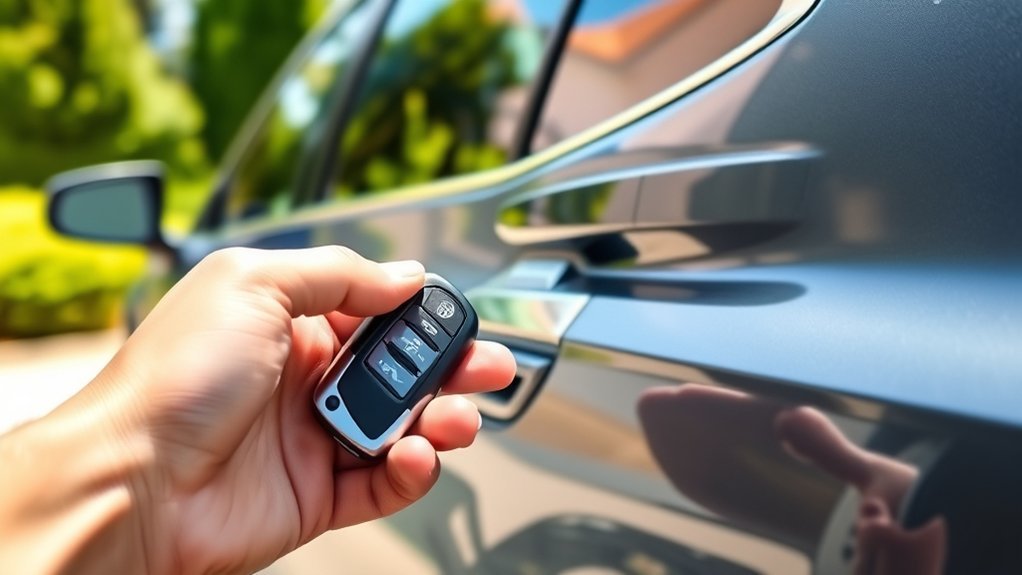
The Toyota Smart Key system elevates your driving experience by offering a blend of convenience and security that traditional keys simply can’t match. With keyless entry, you can open your doors and start your Camry without fumbling for a key. The Smart Key’s proximity feature lets you keep the key securely in your pocket or bag, giving you swift access within about 2.3 feet.
You’ll also appreciate the remote start option, perfect for warming up your car on chilly mornings from up to 100 feet away. This not only enhances your comfort but also adds a layer of safety, as the Smart Key uses unique radio signals to minimize theft risks. Plus, customizable settings allow you to tailor your user experience, choosing whether all doors open with a single touch or just the driver’s door, making your daily routine smoother and more enjoyable.
How to Optimize Your Smart Key Settings
To optimize your Toyota Camry’s smart key settings, start by customizing your access options based on your preferences. You can also enable battery-saving mode to extend the life of your key fob, ensuring it remains functional when you need it most. By adjusting these settings, you’ll enhance both convenience and security in your daily driving experience.
Customize Unlocking Options
Customizing your Toyota Camry’s Smart Key settings can greatly enhance your driving experience, allowing you to tailor vehicle entry to your preferences. Access the vehicle settings menu to adjust your entry preferences. You can opt to open all doors simultaneously or just the driver’s door with the first press of the unlock button. The Smart Key access feature enables you to lock the vehicle by simply tapping designated areas on the doors while keeping the key nearby. For added convenience, you can configure it so the driver door opens when you place your hand behind the door handle. If you prefer more control, you can also disable the Smart Key access feature altogether, ensuring your door access aligns with your needs.
Enable Key Fob Settings
Optimizing your Toyota Camry’s Smart Key settings can elevate your convenience and security. By customizing your key fob settings, you can enhance both accessibility and key fob security. Here’s how to tailor your access preferences:
- Access Settings: Navigate to the vehicle customization settings in your menu.
- Adjust Access Features: Choose to open all doors or just the driver’s door with a quick adjustment.
- Disable Key Fob: Follow the specific button sequence to secure your vehicle from unauthorized access.
- Re-enable Functionality: Press any button to restore the key fob’s locking and unlocking capabilities.
Regularly check the operational status of your key fob through its flashing lights to verify it remains functional and secure.
Adjust Battery-Saving Mode
Adjusting your Toyota Camry’s battery-saving mode can greatly enhance your smart key’s efficiency and lifespan. To initiate this feature, press and hold the lock button until the indicator lights flash. This mode delays smart key activation if it’s outside the vehicle for more than 40 seconds, promoting battery conservation. If your car sits unused for 14 days, only the driver’s door opens, further conserving power. To cancel battery-saving mode, just press any button on the fob. Regularly check the battery status and replace it when needed to maintain peak performance.
| Action | Effect |
|---|---|
| Activate Battery-Saving | Engages delayed opening |
| 14 Days Unused | Limits access to driver’s door |
| Press Lock Button | Activates battery-saving mode |
| Any Button Press | Cancels battery-saving mode |
| Check Battery Status | Guarantees peak smart key performance |
Troubleshooting Common Smart Key Issues
When you encounter issues with the Toyota Camry’s Smart Key system, it’s vital to pinpoint the problem quickly to avoid frustration. Here are some common troubleshooting tips:
- Proximity Check: Verify the electronic key is within 2.3 feet of the vehicle. Distance is essential for operation.
- Signal Interference: If opening is delayed, look for other electronic keys nearby that might cause signal interference.
- Starting Issues: Confirm the key is inside the cabin, as the hybrid system won’t start without it.
- Backup Option: In case of communication issues, use the mechanical key as a reliable backup.
Regular key fob maintenance can also prevent future problems. Avoid placing the electronic key near windows or handles, as this may disrupt its ability to communicate effectively with your vehicle. By being proactive, you can guarantee a smooth experience with your Smart Key system.
Boost Your Vehicle’s Security With the Smart Key
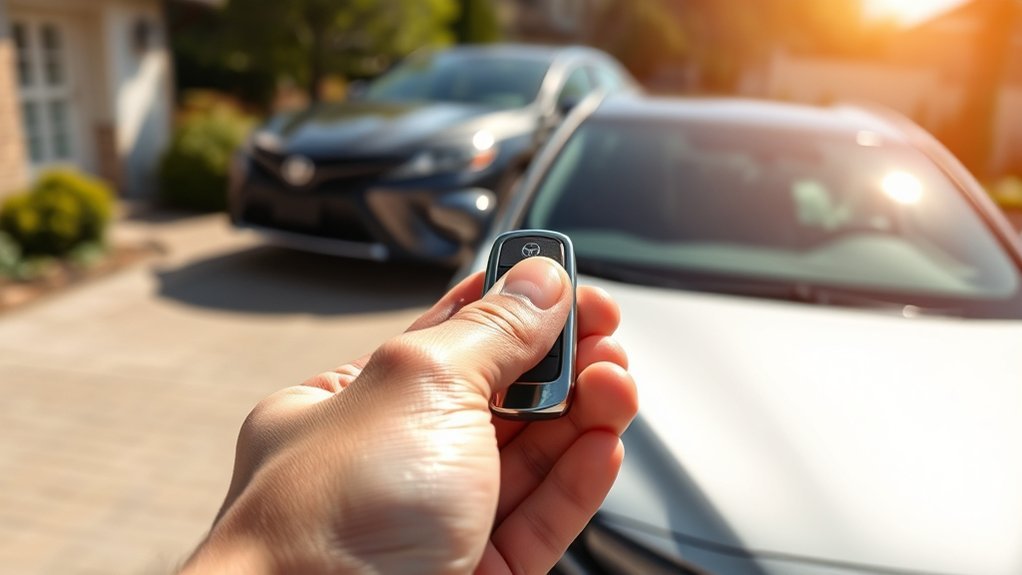
The Toyota Smart Key system greatly enhances your vehicle’s security, ensuring that only authorized users can access and operate your Camry. With smart key technology, the system employs unique radio signals that effectively prevent unauthorized access. The proximity sensor automatically locks or opens the doors when the key is within 2.3 feet, reducing the chance of leaving it behind.
If someone attempts to close the trunk with the electronic key inside, an alarm triggers, alerting you to potential theft. Additionally, the system features customizable settings, allowing you to adjust locking and opening preferences to match your needs for convenience and vehicle safety. You can even set the key to battery-saving mode, extending its lifespan while maintaining peak performance. By embracing this advanced security technology, you’re taking proactive steps to protect your Camry and enjoy peace of mind on every journey.
Key Fob Functionality Explained
Releasing the full potential of your Toyota Camry starts with understanding the key fob’s functionality. This small device offers various features that enhance your driving experience, but to make the most out of it, regular key fob maintenance is vital.
Here are four key functions you should know:
- Lock/Release: Pressing the lock button flashes amber lights and releases the driver’s door on the first press, while the second press unlocks all doors.
- Trunk Access: Hold the trunk button for easy access without releasing the entire vehicle.
- Panic Alarm: Use the panic button to sound an alarm, helping you locate your car in crowded spaces.
- Remote Start: Triple-click the lock button to start your vehicle remotely, confirmed by flashing lights.
Lastly, keep an eye on battery status, and don’t forget to schedule battery replacement when necessary to guarantee seamless functionality!
Frequently Asked Questions About the Smart Key System?
Curious about how the Toyota Smart Key System works? You’re not alone! Many drivers have questions about this innovative feature. One common inquiry is about Smart Key safety. Rest assured, the system guarantees that your Smart Key needs to be inside your Camry to start the hybrid engine, promoting secure operation.
Keyless entry FAQs often highlight how the system opens your doors automatically when the key is within about 2.3 feet. You can even customize which doors open—just the driver’s or all of them—tailoring your experience.
Concerned about battery life? The Smart Key System includes thoughtful features like delaying opening if the key is outside for over 40 seconds, and it locks out after 14 days of inactivity (except for the driver’s door). So, enjoy the freedom and convenience while staying informed about how to maximize your Smart Key experience!
Frequently Asked Questions
What Is the Smart Key System on a Toyota Camry?
The Smart Key System on your Toyota Camry offers keyless entry and ignition, enhancing convenience. Its features include proximity access and trunk release, while smart key benefits include improved security and battery-saving measures when not in use.
What Is the Difference Between a Keyless and a Smart Key?
Think of keyless entry as a gentle nudge towards convenience, while smart technology takes it a step further, offering seamless, automatic access and advanced features. Keyless is simple; smart is sophisticated and secure.
Conclusion
In summary, mastering your Toyota Camry’s smart key system can feel like unfastening a treasure chest of convenience and security. With its keyless entry and advanced features, you’re not just driving; you’re experiencing the future of automotive technology. By optimizing your smart key settings, you’ll enhance your driving experience and keep your vehicle safe. Don’t let common issues trip you up—stay informed, and enjoy every moment behind the wheel with confidence!