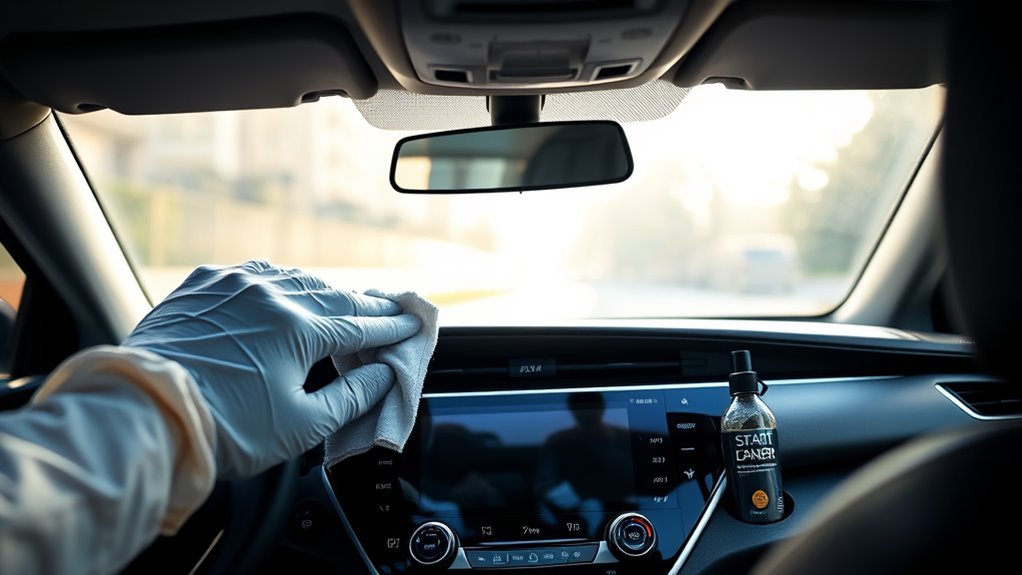
Turn the Camry off and wait a few minutes, then use a soft, lint‑free microfiber cloth lightly dampened with distilled water or an electronics‑safe, alcohol‑free cleaner. Wipe gently in horizontal strokes to lift fingerprints and smudges, avoid paper towels, ammonia, and abrasive scrubbing, and never spray liquid directly on the screen. For stubborn oil, re‑moisten the cloth and target spots; let the screen air‑dry before powering on. Keep a protector and routine care to prevent buildup and learn more practical tips below.
What You Need Before Cleaning a Toyota Camry Touchscreen
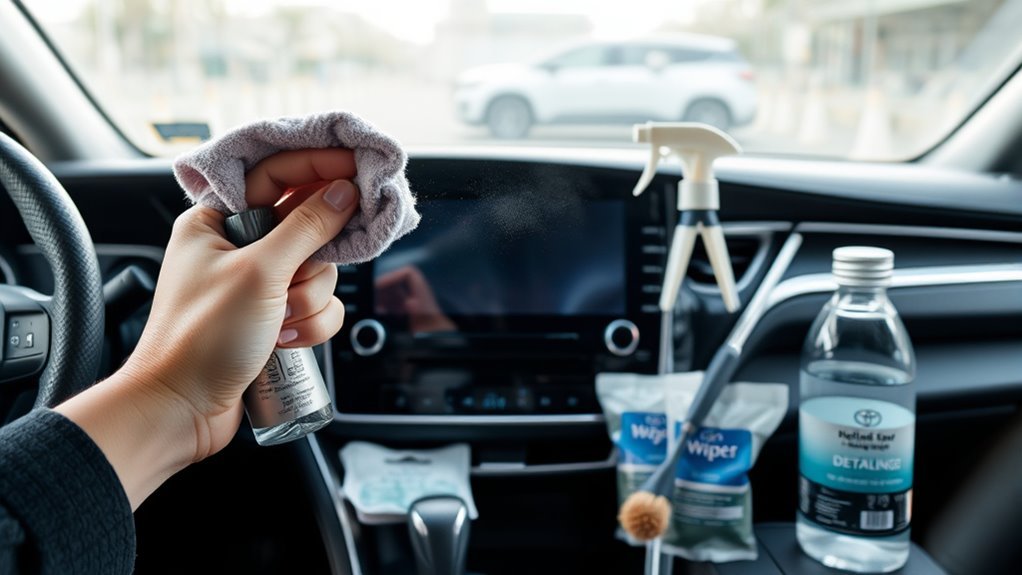
Before you touch the screen, gather the right supplies: soft, lint-free microfiber cloths made for screens, a gentle electronics-safe glass cleaner (no ammonia or alcohol), distilled water for dampening the cloth if needed, a dedicated interior/screen cleaner like Chemical Guys Total Interior Cleaner for stubborn fingerprints, and a soft-bristle brush to clean vents and crevices without scratching. You’ll want cleaning tools that protect coatings and prevent scratches. Choose microfiber for its low abrasion and an alcohol-free cleaner to avoid degrading anti-glare layers. Keep distilled water handy to lightly dampen a cloth when streaks persist. Use the soft-bristle brush to dislodge dust from vents and seams before wiping so particles won’t scratch the display. These maintenance tips help you preserve responsiveness and clarity, reduce long-term wear, and free you from frequent, risky scrubbing. Pack supplies in a small pouch so you can clean responsibly wherever you reclaim your ride.
Power Down and Prep the Toyota Camry Touchscreen
Now that you’ve gathered your microfiber cloth and electronics-safe cleaner, power off the Camry’s touchscreen to prevent accidental inputs and any risk of damage. Shut the system down fully and wait 10–15 minutes if the screen was recently active so heat dissipates; cooled glass responds better to cleaning and avoids altering screen sensitivity. While it’s off, lay out your supplies within reach: slightly dampen the microfiber—never soak it—and keep the cleaner formulated for electronics to protect coatings and seals.
Prep also includes checking connectors and edges for trapped debris; remove loose particles with the dry side of the cloth before using any liquid. Consider a sensible cleaning frequency based on use—daily for heavy-touch vehicles, weekly for lighter use—so you avoid over-cleaning and wearing down protective layers. This measured approach protects functionality, respects the screen’s delicate nature, and frees you from needless worry about accidental taps or moisture intrusion.
Quick How-To: Clean Fingerprints and Smudges Now
Grab your slightly damp microfiber cloth and power-off the Camry’s touchscreen, then gently wipe in horizontal strokes to lift fingerprints and smudges without scratching the surface. You’ll liberate the display fast: use distilled water or a specialized LCD cleaner sparingly, avoid ammonia-based solutions and paper towels, and keep pressure light. Clean regularly to prevent oil buildup and preserve responsiveness. This small ritual supports fingerprint prevention and long-term touchscreen maintenance.
| Step | Action |
|---|---|
| 1 | Power off the screen |
| 2 | Lightly dampen microfiber |
| 3 | Wipe horizontally |
After wiping, let the screen air-dry before powering on. Don’t spray liquid directly; control moisture on the cloth. Repeat weekly or as needed to maintain clarity. You’re reclaiming control—simple, safe steps that protect the coating and guarantee reliable touch responses.
Best Cleaners for Toyota Camry Touchscreens (Safe, Alcohol-Free Options)
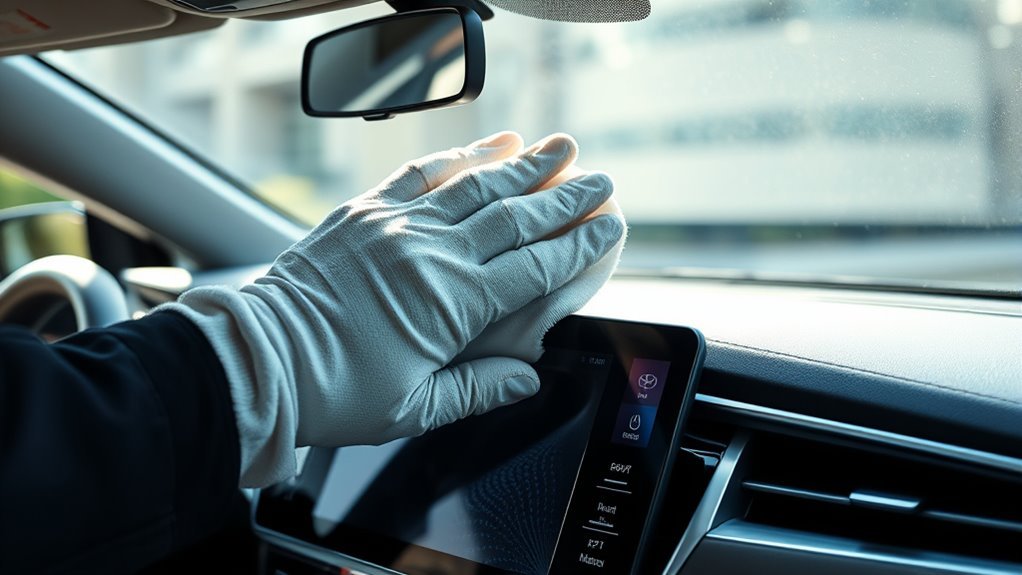
Keeping your Camry’s touchscreen spotless is easier when you pick the right cleaner; after regular dry wipes, using an alcohol-free formula protects the screen’s coating while removing oil and grime. Choose Chemical Guys Total Interior Cleaner and Protectant (~$12) for a versatile, residue-free option that handles grease reliably. Meguiar’s Quik Interior Detailer (~$9) works well for quick single-wipe touchups across surfaces. EVEO Premium Screen Cleaner (~$15) targets screens specifically and helps prevent static build-up that attracts dust. For freedom on the go, consider WHOOSH! Screen Shine Cleaner Wipes (~$20 for 90) as portable solutions—you’ll want a dry microfiber follow-up to avoid streaks. If sustainability matters, Flawless Screen Cleaner (~$19) uses natural ingredients and ranks high among eco friendly options. Pick one based on convenience, price, and values, and you’ll maintain clarity without compromising the screen’s coating or your principles.
Step-by-Step: Deep Clean and Remove Dust Safely
Start by powering off your Camry’s touchscreen to prevent accidental inputs and guarantee safety while you clean. With the screen off, use a clean microfiber cloth lightly dampened with distilled water or a screen-safe cleaner—never alcohol or ammonia. Begin at the top and wipe horizontally with gentle, consistent strokes to lift dust and fingerprints; don’t press hard. For concentrated oils, re-moisten the cloth slightly and target the area, then immediately dry with a fresh microfiber pass to remove moisture and avoid streaks. Keep vents and crevices clear by running the cloth along edges; don’t spray liquid directly onto the screen. Adopt a realistic cleaning frequency based on use: weekly for heavy-touch drivers, biweekly or monthly for lighter use. Regular touchscreen maintenance preserves clarity and responsiveness so the interface stays reliable and liberating. Follow these steps and your Camry’s display will remain clean, responsive, and protected without risking damage.
Remove Stubborn Grime Without Damaging the Coating
When grime won’t lift with a dry wipe, dampen a microfiber cloth with distilled water or a 1:1 vinegar-water mix and test a small corner first. Don’t use ammonia or alcohol cleaners, and use gentle, gliding motions—no scrubbing—to avoid wearing the protective coating. For stubborn spots, softly rub with the cloth’s clean edge or a slightly textured microfiber, then finish with a dry pass to restore clarity.
Gentle Cleaning Solutions
One simple, safe approach is to wipe the Camry’s touchscreen with a microfiber cloth lightly dampened with distilled water or an LCD-safe cleaner to lift stubborn grime without harming the protective coating. You’ll work deliberately, using gentle gliding motions to avoid scratches and preserve sensitivity. For heavier soils, consider eco friendly alternatives and homemade solutions like a 1:1 distilled water and white vinegar mix—test a hidden corner first. Never use ammonia or alcohol-based cleaners; they’ll erode the coating. Clean regularly to prevent buildup and keep the interface responsive.
| Solution | Notes |
|---|---|
| Distilled water | Safe, daily use |
| LCD-safe cleaner | Optimized for coatings |
| Vinegar mix | Test first |
| Microfiber cloth | Non-abrasive |
| Avoid ammonia/alcohol | Damaging |
Soft Abrasion Techniques
Tackle stubborn grime with controlled, soft abrasion using a lightly dampened microfiber cloth and distilled water to minimize scratch risk while restoring clarity. You’ll use microfiber benefits to lift oils and particles without harsh friction; work in gentle circular motions and keep pressure even. For persistent marks, mix equal parts distilled water and white vinegar, apply sparingly with the cloth, and test a small corner first to confirm the finish holds. Avoid paper towels or rough rags that cause micro-abrasions and accelerate coating wear. If you prefer, choose an ammonia-free, touchscreen-safe cleaner and apply it lightly to the cloth, not the screen. Maintain a sensible cleaning frequency—light wipe weekly, deeper soft abrasion monthly—to keep the display clear and free.
Protect Your Screen: Protectors, Coatings, and Daily Habits
You can boost your Camry’s touchscreen lifespan with a mix of screen protectors, temporary ceramic-type coatings like Dr. Beasley’s Glass IQ, and sensible daily habits. Protectors add a sacrificial layer against scratches and fingerprints but may slightly alter touch feel or visibility, while coatings reduce smudges and make cleaning easier. Make a habit of wiping with a microfiber cloth, avoiding ammonia cleaners and rough materials, and keeping a small duster in the car to minimize dust buildup.
Screen Protectors Pros And Cons
A good screen protector can save you from scratches and stubborn smudges while keeping your Camry’s touchscreen clear and responsive, though quality matters. You’ll appreciate screen protector effectiveness when it preserves clarity and touch sensitivity, but expect installation challenges—bubbles or misalignment can reduce performance. Choose high-quality protectors that apply cleanly and remove without residue; users report these balance durability with minimal impact on responsiveness. Be aware some protectors slightly dull touch feel, so test responsiveness after fitting. Daily habits—regularly wiping with a microfiber cloth—reduce reliance on protectors and keep the interface free. Use a protector as a practical guard, not a crutch: when paired with good care, it extends screen life and keeps you free from frequent replacements.
Protective Coatings And Treatments
When you pair a good screen protector with occasional protective coatings and simple daily habits, your Camry’s touchscreen will stay clearer and more responsive for longer. Use a quality protector to block scratches and reduce fingerprints while preserving touch sensitivity. For added protection, apply a temporary coating like Dr. Beasley’s Glass IQ after cleaning; understand coating benefits—water repellency, smudge resistance, easier future wipes. Follow proper application techniques: clean thoroughly, spray sparingly, buff gently with a microfiber cloth, and let it cure per instructions. Don’t use ammonia or harsh chemicals—they’ll break down coatings. Keep a soft microfiber on hand for light dusting to avoid grit buildup and minimize intensive treatments. These steps free you from constant worry and extend screen life.
Daily Cleaning And Habits
Having a protector and occasional coating in place makes daily care simple: keep a soft, lint-free microfiber cloth on hand and make a quick wipe with distilled water your routine to remove fingerprints and light smudges before they build up. You’ll preserve clarity and touch response if you set a sensible cleaning frequency—daily quick wipes and a more thorough check weekly. Use a protector to block scratches and apply a temporary coating like Glass IQ during cleaning to repel grime and ease future care. Avoid ammonia-based cleaners and abrasive materials that strip coatings. Maintenance tips: keep cloths clean, dampen them lightly, and store protectors/spare cloths in the glovebox. These habits free you from constant worry and prolong your screen’s performance.
Don’t Do This: Common Mistakes, Cleaning Frequency, and Troubleshooting
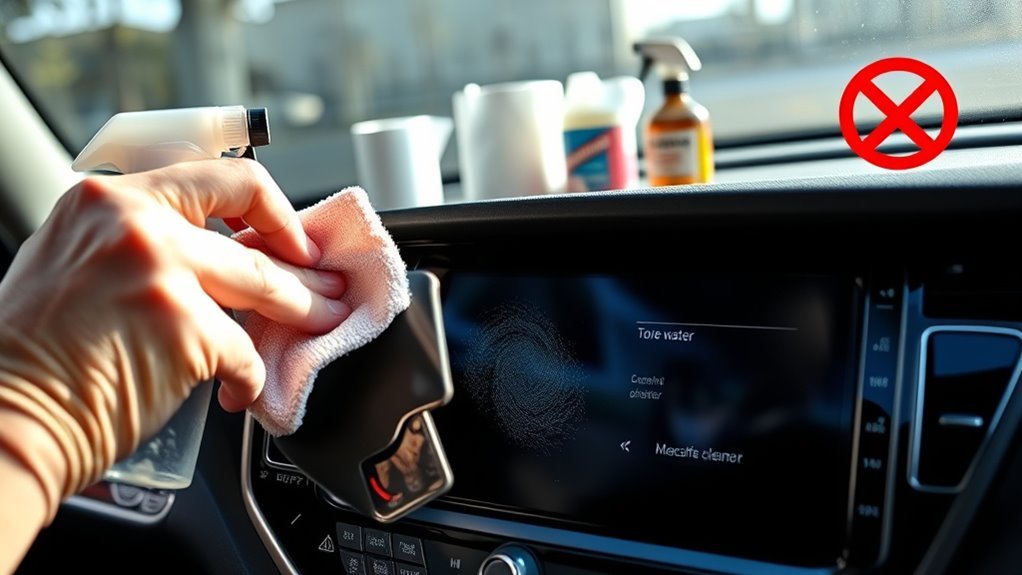
Although it might seem convenient, don’t grab ammonia-based cleaners, paper towels, or rough cloths—those will damage the protective coating and can scratch or degrade touchscreen responsiveness. Avoid these common mistakes: using harsh chemicals, scrubbing with abrasive materials, or cleaning while the unit’s powered on. Those habits shorten the screen’s life and limit your control.
Respect cleaning frequency: wipe the screen with a clean microfiber cloth at least once a week, and more often if fingerprints or smudges build up. Always power down before you clean to prevent accidental inputs.
If a cleaner is needed, dilute isopropyl alcohol to 70% or use a manufacturer-recommended product, but test it on a hidden edge first. For persistent marks, apply solution to the cloth—not the screen—and use gentle, circular strokes. If the touchscreen becomes unresponsive after cleaning, restart the system and retry; if issues persist, consult your dealer. Clean smartly and reclaim your driving freedom.
Frequently Asked Questions
How to Safely Clean a Touch Screen?
Power down first, then use soft microfiber dampened with distilled water or approved screen cleaning solution; avoid alcohol or ammonia. You’ll wipe gently in horizontal strokes, use safe materials, and maintain routine cleaning for lasting clarity and control.
How to Remove Fingerprints From Touch Screen in Car?
Don’t worry, gentle cleaning works best: dampen a microfiber cloth with distilled water, glide to remove fingerprints using safe fingerprint removal techniques, avoid alcohol cleaners, and use eyeglass-safe touchscreen cleaning products for stubborn marks.
Conclusion
You’ve got this—cleaning your Camry’s touchscreen is simple if you’re careful. Treat it like a delicate photograph: gentle, steady, and deliberate. Power down, use a soft microfiber and a mild, alcohol-free cleaner, and avoid sprays, abrasives, or excessive pressure. For stubborn grime, dab gently with a dampened cloth, then dry. Protect with a screen protector and wipe daily. Do this routinely and your display will stay clear, responsive, and scratch-free.