
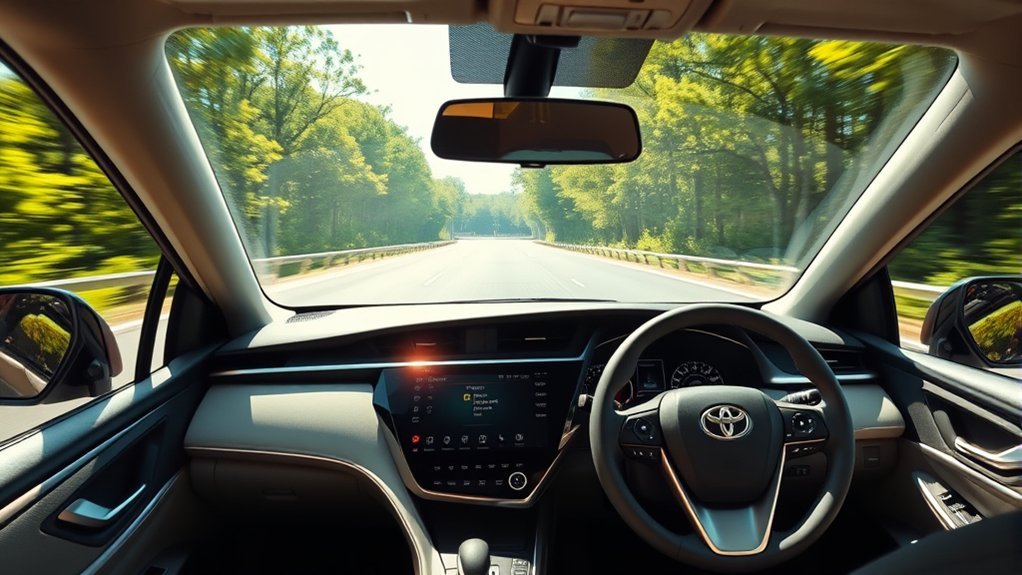
Lane Tracing Assist in a Toyota Camry can make highway driving feel smoother by helping the car stay near the center of its lane, but it is not self-driving and it is not a hands-free system. To use it correctly, you need to turn on Lane Tracing Assist, use Dynamic Radar Cruise Control, keep your hands on the wheel, and make sure the road conditions allow the system to see lane lines or surrounding vehicle paths.
Quick Answer
To use Lane Tracing Assist in a Toyota Camry, press the LTA button on the steering wheel, then set Dynamic Radar Cruise Control. When the system detects lane lines or a usable vehicle path, it can provide gentle steering support to help keep the Camry centered. Keep your hands on the wheel at all times.
Key Takeaways
- Lane Tracing Assist helps with lane centering, but the driver remains responsible for steering, braking, and watching the road.
- In current Camry models, Lane Tracing Assist works with Dynamic Radar Cruise Control when operating conditions are met.
- It works best on highways and expressways with clear lane lines, steady traffic, and gentle curves.
- If the road markings are poor, the curve is sharp, or your hands are not detected on the wheel, the system may warn you or temporarily cancel.
At a Glance
| Time Required | Less than 1 minute once you know the controls |
| Difficulty | Easy |
| Tools Needed | No tools; use the steering-wheel controls and multi-information display |
| Cost | No extra cost if your Camry is equipped with Lane Tracing Assist |
How Lane Tracing Assist Enhances Your Driving Experience
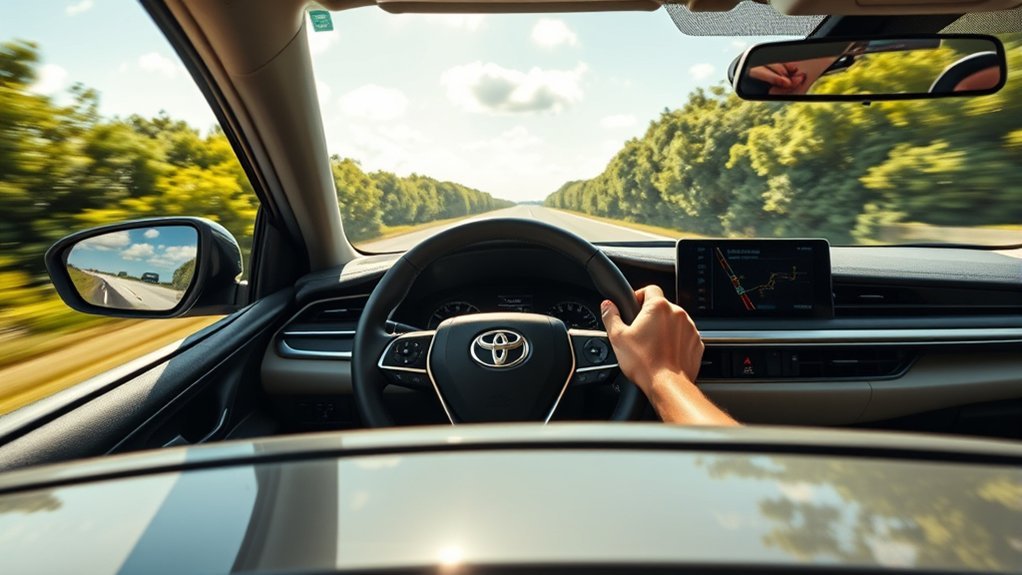
Lane Tracing Assist is part of Toyota’s driver-assistance technology. In simple terms, it helps reduce small steering corrections on compatible roads by providing gentle steering support when the system can detect lane markings or the path of nearby vehicles.
According to Toyota Safety Sense information, Lane Tracing Assist is designed to provide active driving assistance and help keep the vehicle centered in its lane when Dynamic Radar Cruise Control is enabled and lane markers are detected. That makes it most useful on longer highway drives where lane markings are clear and traffic is steady.
The main benefit is comfort. Instead of constantly making tiny left-right corrections, you can let the system assist with lane centering while you stay engaged and ready to steer. It can also make gentle curves feel less tiring, especially during long commutes or road trips.
Warning: Lane Tracing Assist is not autonomous driving. Keep your hands on the steering wheel, watch the road, and be ready to take over immediately. Weather, poor lane markings, construction zones, sharp curves, and sensor limitations can reduce or cancel system support.
Activating Lane Tracing Assist in Your Toyota Camry
Activating Lane Tracing Assist is easy, but using it correctly takes two parts: turning on the LTA system and using it with Dynamic Radar Cruise Control when conditions allow.
[Products Worth Considering]

These round blind spot mirrors add a wider viewing angle to help improve lane changes, passing, and everyday driving safety. The frameless convex HD glass design offers a slim, clear rear view while the adjustable swivel mount makes positioning quick and easy. Compatible with cars, SUVs, vans, and trucks, this two-pack is a simple upgrade for reducing blind spots.
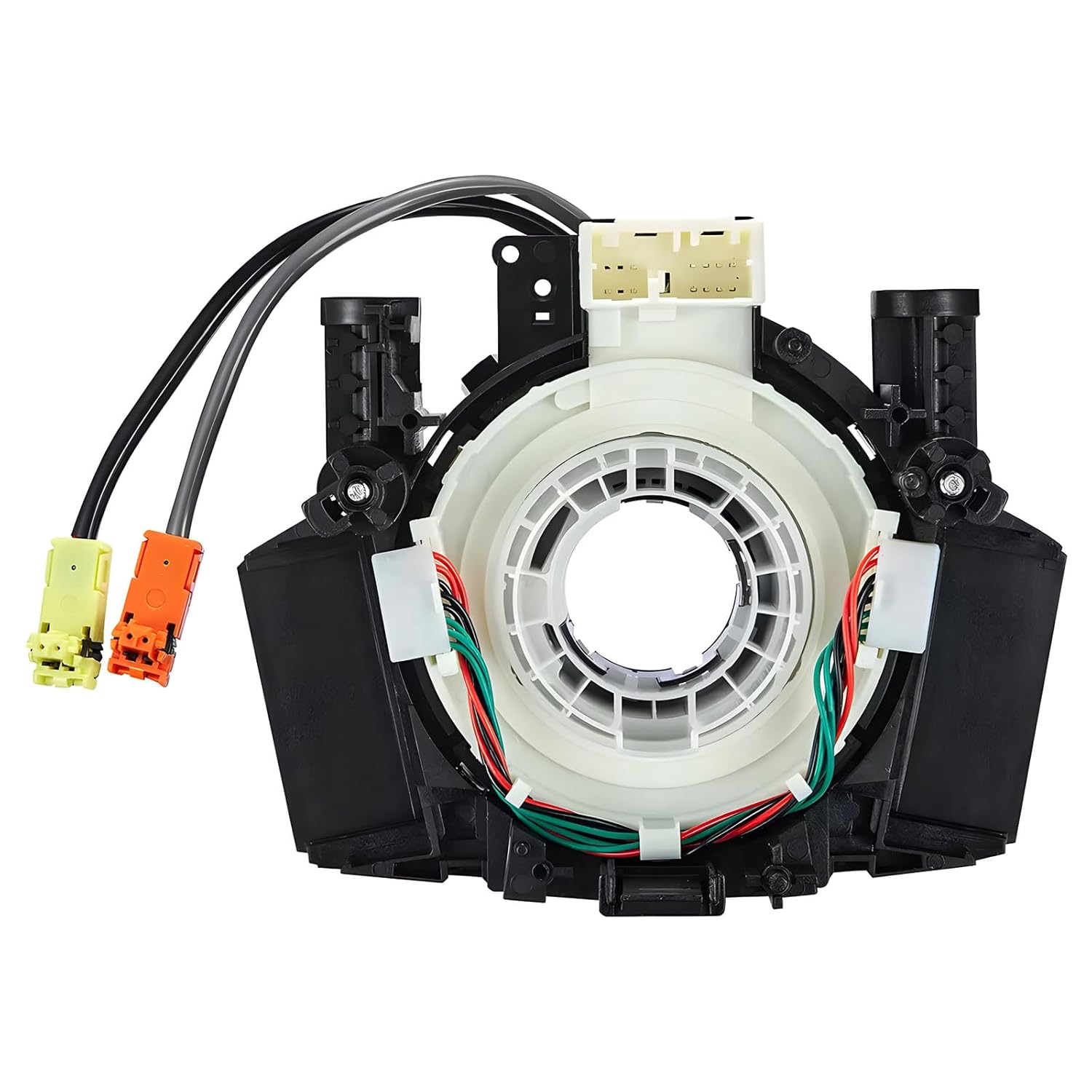
This steering clock spring assembly is an OEM-style replacement designed to restore steering wheel controls and related electronic functions in compatible Nissan vehicles. It supports audio, cruise control, and multi-function button operation while matching multiple factory part numbers for a reliable fit. Built for direct installation with vehicle-specific connectors, it helps return steering column electronics to proper working order.

This steering clock spring is designed to restore reliable steering wheel controls across a wide range of Toyota models. It supports audio, cruise control, and other multifunction commands while matching OEM part numbers for confident replacement fitment. Built for dependable signal transfer and straightforward installation, it is an effective solution for repairing steering column control issues.
Activating the System
- Find the LTA button on the steering wheel. The icon usually looks like a small steering wheel or lane-centering symbol.
- Press the LTA button to turn Lane Tracing Assist on. The LTA indicator should appear on the multi-information display when the system is enabled.
- Set Dynamic Radar Cruise Control using the cruise-control buttons. In current Camry owner-manual guidance, LTA operates when Dynamic Radar Cruise Control is operating and the required road conditions are met.
- Check the display for lane lines or system status. If the lane markings are detected, the system can begin assisting with steering support.
- Keep both hands available on the wheel and continue steering as needed. If the system cannot detect your grip or conditions change, it may warn you or temporarily cancel.
Note: Button layout and menu wording can vary by model year and trim. For exact control names, check your Camry owner’s manual or Toyota’s official digital manual for your vehicle.
Maintaining Lane Position
Once Lane Tracing Assist is active, the system can help keep your Camry near the center of the lane by applying small steering inputs. You may feel the wheel make gentle corrections, especially on straight roads or soft curves.
Do not fight the system unless you need to take control. Driver steering overrides the assistance, so you can steer normally at any time. If you use the turn signal, make a strong steering input, drive through a sharp curve, or leave the system’s operating conditions, LTA may stop assisting until conditions are suitable again.
Understanding Lane Centering Functionality
Lane centering means the vehicle uses cameras, sensors, and control software to help stay near the middle of a detected lane. NHTSA explains lane centering assistance as a technology that monitors lane position and applies steering inputs to help keep a vehicle centered.
In the Camry, Lane Tracing Assist works with Toyota’s camera and radar systems. On suitable highways and expressways, it can use lane lines and, in some situations, the path of preceding or surrounding vehicles to support lane centering.
This is different from Lane Departure Alert. Lane Departure Alert warns you if you may be drifting out of the lane. Lane Tracing Assist is more active because it can help with continuous lane-centering support while the required conditions are met.
Lane Tracing Assist is best understood as steering support, not steering replacement. You are still the driver.
Why You Should Keep Your Hands on the Wheel
Keeping your hands on the wheel is essential because Lane Tracing Assist has limits. It may not recognize every lane, curve, vehicle path, road edge, or traffic situation. Toyota’s owner-manual guidance also warns that LTA does not reduce the amount of attention needed for safe driving.
| Why Keep Your Hands on the Wheel? | Benefit | Risk if You Do Not |
|---|---|---|
| Immediate Control | You can react quickly to traffic, debris, or sudden lane changes | Delayed reaction time |
| System Recognition | The system is less likely to show a hands-off warning | Warning messages or temporary cancellation |
| Better Awareness | You stay engaged with the road and surrounding vehicles | Overreliance on driver assistance |
| Safe Override | You can steer out of a problem immediately | The vehicle may not respond the way you expect |
Pro Tip: Use a relaxed but steady grip. Do not rest your hands loosely for long periods and do not rely on tiny steering-wheel touches to prove you are paying attention.
Typical Issues Users Face With Lane Tracing Assist
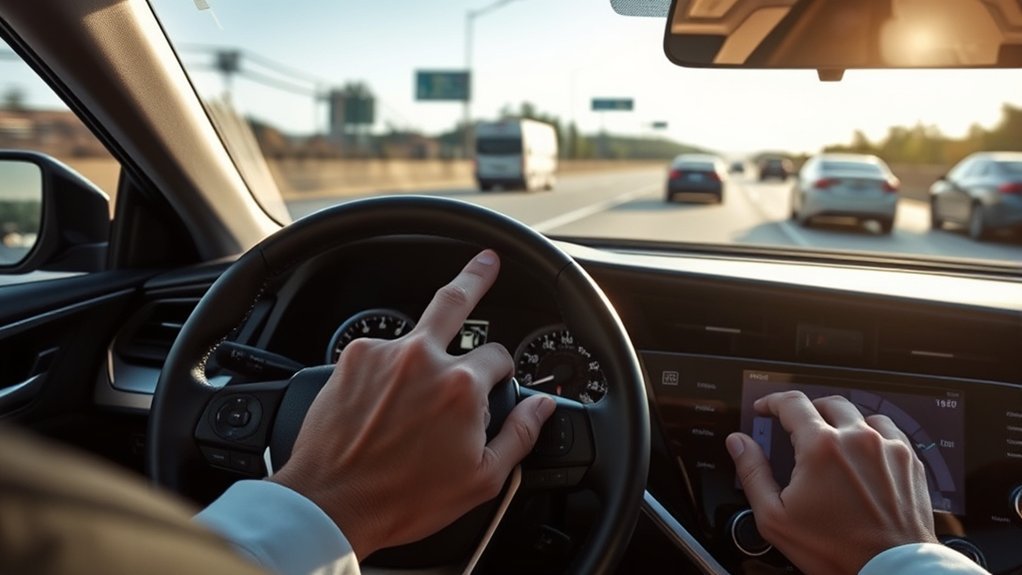
Lane Tracing Assist can be helpful, but it will not work perfectly in every situation. Most issues happen when the system cannot clearly detect the lane, cannot confirm operating conditions, or determines that the driver is not holding the steering wheel firmly enough.
| Problem | Likely Cause | What to Do |
|---|---|---|
| LTA will not turn on or will not assist | Dynamic Radar Cruise Control is not set, lane lines are not detected, or conditions are not met | Set DRCC, check the display, and use the system only on suitable highways or expressways |
| “Hold steering wheel” warning appears | The system does not detect steering-wheel grip or driver input | Grip the wheel firmly and continue steering normally |
| Car feels like it is drifting or swaying | Lane markings are unclear, surrounding vehicles are moving unpredictably, or the road is curved | Take over steering and wait for better road conditions |
| System cancels in a curve | The curve may be too sharp or the system may no longer meet operating conditions | Steer manually until the road straightens and LTA becomes available again |
| LTA behaves differently in traffic | The system may rely on surrounding vehicle paths when lane lines are hard to see | Stay alert and be ready to steer if nearby vehicles drift or change lanes |
[Products Worth Considering]

This dash clock spring replacement is designed for a wide range of Toyota vehicles and helps restore reliable steering wheel control functions. It supports audio controls, cruise control, and other multi-function commands while using vehicle-specific connectors for easier installation. Built with durable materials and OEM-referenced part compatibility, it is a practical solution for repairing steering wheel signal issues.

Upgrade your Toyota interior with this custom-fit steering wheel cover designed for a wide range of compatible models. Made from soft microfiber leather with an anti-slip lining, it enhances grip, adds comfort, and helps protect your steering wheel from everyday wear, dirt, fading, and scratches. The easy-to-install design makes it a practical way to refresh a worn steering wheel and improve your cabin’s look.

This steering wheel cover is designed to fit a wide range of Toyota models and any standard-size wheel for a secure, comfortable upgrade. Made with nappa leather and a carbon fiber texture, it helps improve grip, reduce hand fatigue, and protect your original wheel from everyday wear, sun damage, and sweat. The anti-slip design and easy installation make it a practical interior accessory for daily driving.
Reducing Driver Fatigue With Lane Tracing Assist
Lane Tracing Assist can reduce some of the small steering corrections that make highway driving tiring. This is especially noticeable on long drives where the lane markings are clear and traffic is predictable.
Enhanced Comfort During Travel
On a long highway trip, small steering inputs add up. LTA can help smooth out those tiny corrections by supporting lane centering. You should still steer, scan mirrors, watch traffic, and prepare for lane changes, but the system can make steady cruising feel less demanding.
| Feature | Benefit |
|---|---|
| Lane Centering Support | Helps reduce side-to-side movement when conditions are suitable |
| Driver Monitoring Prompts | Reminds you to stay engaged and keep your hands on the wheel |
| Soft Curve Support | Can assist through gentle highway curves when lane detection remains stable |
Minimizing Stressful Driving Situations
Lane Tracing Assist is most helpful in low-stress conditions: clear weather, visible lane markings, steady traffic, and gentle highway curves. In those situations, it can make driving feel calmer because you are not constantly correcting the vehicle’s position.
It is less helpful in stressful conditions such as construction zones, faded lane markings, heavy rain, snow, glare, sharp curves, or traffic where nearby vehicles cut in and out. In those moments, treat LTA as secondary support and drive manually.
Supporting Long-Distance Journeys
For long-distance journeys, Lane Tracing Assist pairs well with Dynamic Radar Cruise Control because one system helps with lane-centering support and the other helps maintain a preset following distance from the vehicle ahead. Together, they can reduce workload, but they do not remove your responsibility to drive.
Navigating Curves With Lane Tracing Assist
Lane Tracing Assist can support you through soft curves, but sharp curves are a common reason the system may reduce support or cancel temporarily. If you feel the vehicle is not tracking the curve correctly, steer manually right away.
For smoother curve navigation:
- Use LTA mainly on highways and expressways where lane markings are consistent.
- Keep your speed appropriate for the curve, traffic, and weather.
- Watch the lane display to see whether the system still detects the lane.
- Avoid overreliance when road edges, lane lines, or surrounding vehicles are confusing.
- Take over early if the vehicle drifts, sways, or feels uncertain.
How Can You Combine Cruise Control With Lane Tracing Assist?

Combining Dynamic Radar Cruise Control with Lane Tracing Assist is the correct way to get the most from LTA in current Camry models. Dynamic Radar Cruise Control manages your set speed and following distance, while Lane Tracing Assist can help with lane-centering support when the system detects suitable lane information.
Seamless Driving Experience
Here is the basic order:
- Turn on Lane Tracing Assist with the LTA steering-wheel switch.
- Turn on Dynamic Radar Cruise Control.
- Set your desired cruising speed and following distance.
- Confirm that the multi-information display shows lane detection or LTA readiness.
- Keep your hands on the wheel and continue watching the road.
Enhanced Safety Features
When used properly, these features can support a calmer highway drive. Dynamic Radar Cruise Control can help maintain distance from a vehicle ahead, while Lane Tracing Assist can help reduce lane-position corrections. Still, neither system replaces safe driving judgment.
Lane Tracing Assist Operating Conditions
Lane Tracing Assist is not available in every situation. Toyota’s current Camry guidance lists several conditions that matter, including lane detection, Dynamic Radar Cruise Control operation, lane width, turn-signal use, curve sharpness, acceleration or deceleration, steering force, and whether the vehicle is centered in the lane.
For best results, use Lane Tracing Assist when:
- The road is a highway or expressway.
- Lane lines are clear, or the system can use the path of preceding or surrounding vehicles.
- Dynamic Radar Cruise Control is operating.
- The lane is a normal width, roughly 10 to 13 feet in current Camry manual guidance.
- The turn signal is not being used.
- The vehicle is not in a sharp curve.
- You are holding the steering wheel and paying attention.
Note: If LTA temporarily cancels, that does not always mean something is broken. It often means one or more operating conditions are no longer met.
Lane Tracing Assist vs. Other Toyota Safety Features
Toyota uses several similar-sounding driver-assistance names, so it helps to separate them:
| Feature | What It Does |
|---|---|
| Lane Tracing Assist | Helps keep the vehicle centered in the lane when Dynamic Radar Cruise Control and road conditions allow. |
| Lane Departure Alert with Steering Assist | Warns if the vehicle may leave its lane and may provide gentle corrective steering. |
| Dynamic Radar Cruise Control | Helps maintain a set speed and following distance from the vehicle ahead. |
| Lane Change Assist | If equipped, assists with certain lane changes under specific conditions. |
| Traffic Jam Assist | If equipped, provides additional low-speed support in certain traffic-jam conditions. Do not assume your Camry has this feature. |
[Products Worth Considering]

This Yangday steering wheel cover is designed for a custom fit on select Toyota models, helping improve grip, comfort, and control during everyday driving. Its breathable leather construction and non-slip inner lining offer a secure feel, while the sport-inspired design adds a stylish upgrade to the car interior. The cover is easy to install and helps protect the original steering wheel from heat, wear, and seasonal discomfort.

This frameless convex blind spot mirror helps expand your field of view for safer lane changes, passing, and merging. The HD glass design offers a clear, wide-angle rear view, while the swivel mount supports flexible positioning for cars, SUVs, trucks, vans, and RVs. Easy to install and built for all-weather use, it is a practical upgrade for everyday driving confidence.

These replacement windshield wiper blades are designed for Toyota Camry models from 2018 through 2024, delivering a precise fit for reliable all-weather visibility. Built with durable rubber and a beam-style design, they help resist cracking and ensure even pressure across the windshield for smoother, clearer wiping. The complete front set is made for easy home installation without special tools, making maintenance simple and convenient.
Maximizing Lane Tracing Assist Benefits
To get the best experience from Lane Tracing Assist, use it where it was designed to work: steady highway driving with visible lane guidance and predictable traffic.
- Turn it on before you need it: Use the LTA switch and confirm the indicator appears.
- Use it with Dynamic Radar Cruise Control: LTA depends on cruise-control operation in current Camry manual guidance.
- Watch the road, not just the display: The display helps, but your eyes should stay on traffic and lane conditions.
- Keep sensors and glass clean: Dirt, ice, fogged glass, or camera obstruction can affect driver-assistance systems.
- Do not use it as a test: Do not intentionally let the car drift to see what LTA will do.
- Take breaks on long drives: Driver assistance can reduce workload, but it does not prevent fatigue.
Safety Tips for Using Lane Tracing Assist
Using Lane Tracing Assist safely comes down to one rule: treat it as help, not control. The system can support steering, but it cannot understand every road hazard or replace your judgment.
- Keep your hands on the wheel even when LTA feels smooth.
- Take over immediately near construction, lane splits, toll areas, exits, or faded lane markings.
- Do not rely on LTA in bad weather or poor visibility.
- Use turn signals normally and steer manually for lane changes.
- Slow down or disable the system if the vehicle feels like it is swaying or following another vehicle’s path too closely.
- Follow your specific owner’s manual for your Camry model year and trim.
Frequently Asked Questions
How do you use Toyota Lane Tracing Assist?
Press the LTA button on the steering wheel, turn on Dynamic Radar Cruise Control, set your cruising speed, and confirm the system can detect the lane or vehicle path. Keep your hands on the wheel and be ready to steer at all times.
How do I turn on Camry lane assist?
Use the LTA switch on the steering wheel to turn Lane Tracing Assist on or off. The LTA indicator should appear when the system is enabled. To receive steering support, Dynamic Radar Cruise Control must also be operating and road conditions must be suitable.
Why is my Toyota Camry Lane Tracing Assist not working?
Common reasons include Dynamic Radar Cruise Control not being set, unclear lane markings, sharp curves, turn-signal use, heavy steering input, poor weather, blocked sensors, or the system not detecting your hands on the wheel. Check the multi-information display for messages.
Does Toyota have Lane Tracing Assist?
Yes. Toyota offers Lane Tracing Assist on many vehicles as part of Toyota Safety Sense. Availability, controls, and exact behavior vary by model year, trim, package, and market, so check your Camry owner’s manual for vehicle-specific details.
Is Toyota Lane Tracing Assist hands-free?
No. Lane Tracing Assist is not a hands-free driving system. Keep your hands on the wheel, pay attention to the road, and take over whenever conditions change or the system warns you.
Conclusion
Lane Tracing Assist can make your Toyota Camry feel steadier and less tiring on suitable highways, especially when it is paired with Dynamic Radar Cruise Control. The key is to use it correctly: turn on LTA, set cruise control, confirm the system detects the lane, and keep your hands on the wheel.
When lane markings are clear and traffic is predictable, LTA can be a helpful comfort feature. When the road is complex, visibility is poor, or the system gives a warning, take over immediately and drive manually. Used responsibly, Lane Tracing Assist can support a smoother drive without replacing your attention or control.
Sources
- Toyota Safety Sense — Toyota overview of Lane Tracing Assist and related driver-assistance features.
- Toyota Owners Digital Manual: 2025 Camry Hybrid Lane Tracing Assist — Camry-specific LTA operation and usage details.
- Toyota 2026 Camry Driving Support Systems Manual Excerpt — LTA warnings, operating conditions, and hands-on guidance.
- NHTSA Driver Assistance Technologies — General explanation of lane-centering assistance and driver-assistance technologies.




[…] button-by-button setup, use the site’s Toyota Camry Lane Tracing Assist how-to guide. This page focuses on the separate question of when LTA is appropriate and when you should take […]