
Last updated: September 1, 2026
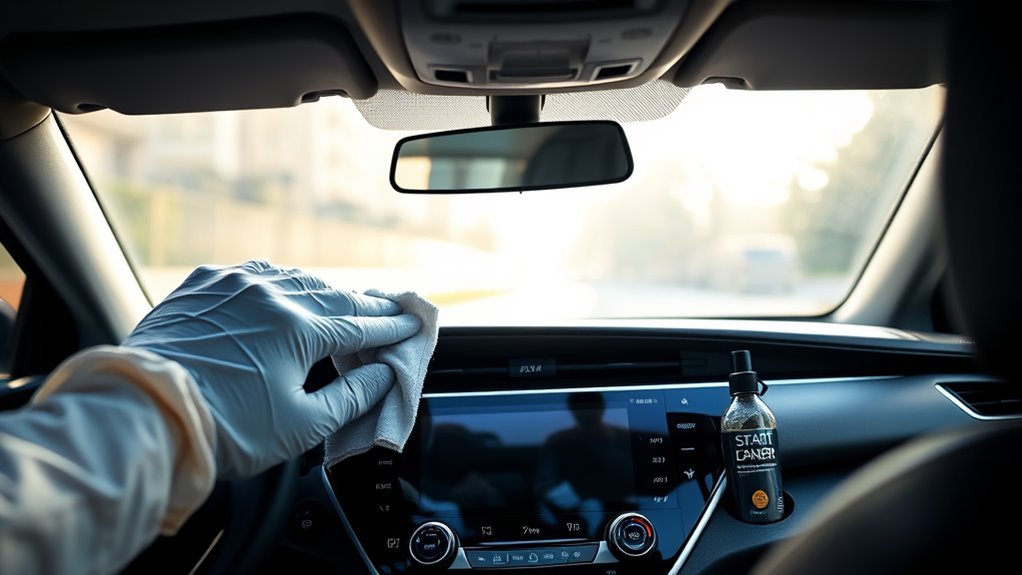
To clean a Toyota Camry touchscreen safely, park the car and turn the multimedia display off. Start with a clean glasses-cleaning cloth or similarly soft microfiber cloth. For fingerprints that remain, Toyota’s general touch-screen support guidance recommends lightly wiping with a soft cloth dampened with lukewarm water, then drying the screen. Never spray liquid directly on the display.
Toyota guidance varies by multimedia system and model year. The 2025 Camry Hybrid multimedia manual recommends a glasses-cleaning cloth or similarly soft material and warns against hard cloths, forceful pressure, benzine, and alkaline solutions. Older Camry multimedia manuals can be stricter and say not to use chemical cleaners. Follow the manual for your exact Camry whenever it differs from general Toyota cleaning advice.
Quick Answer
Use the gentlest method allowed for your Camry multimedia unit: start with a clean, soft glasses-cleaning or microfiber cloth, then use a cloth lightly dampened with lukewarm water only when the applicable guidance permits it. Dry the screen with a second soft cloth. For routine cleaning, avoid direct spray, heavy pressure, abrasive materials, alcohol-based wipes, ammonia-based cleaners, and unapproved household chemicals unless Toyota instructions for your exact unit or an applicable Toyota procedure specifically say otherwise.
Key Takeaways
- Park and turn the vehicle or multimedia display off before cleaning.
- Use a glasses-cleaning cloth or similarly soft microfiber cloth, not a rough cloth or abrasive pad.
- Use the model-specific Camry multimedia manual as your first authority when cleaning instructions differ.
- If using lukewarm water, lightly dampen the cloth rather than spraying or soaking the display.
- For routine cleaning, avoid alcohol-based wipes, ammonia-based cleaners, solvents, gasoline, kerosene, alkaline cleaners, acidic cleaners, and abrasive scrubbing unless an applicable Toyota instruction specifically directs otherwise.
- Toyota notes that plastic film or a coating on the display may cause some Camry screen buttons to malfunction.
At a Glance
| Time Required | Usually a short cleaning job; keep the system off until the screen and surrounding edges are dry |
| Difficulty | Easy |
| Tools Needed | Two clean soft microfiber or glasses-cleaning cloths and, when appropriate, lukewarm water |
| Extra Purchase | Normally none |
Source Method: This documentation-based guide compares Toyota’s Camry-specific multimedia instructions, Toyota’s touch-screen support guidance, and Toyota’s broader interior-cleaning advice. It does not claim hands-on testing of every Camry display or cleaner. When Toyota sources differ, use the instructions for your exact Camry multimedia system first rather than combining cleaning methods from different Toyota pages.
Which Cleaning Method Should You Use?
Match the method to what you see on the display. Start with the least aggressive option and stop as soon as the screen is clean.
| Screen Condition | Start With | Next Step |
|---|---|---|
| Loose dust | Clean, dry glasses-cleaning or soft microfiber cloth | Do not add liquid unless marks remain |
| Fingerprints or light smudges | Soft cloth; if needed, lightly dampen it with lukewarm water when allowed | Dry with a second soft cloth |
| Dried splash or sticky spot | Lightly damp cloth when allowed by your manual or applicable Toyota guidance | Soften and wipe gently without scraping |
| Oily film that water will not remove | Check the exact multimedia manual before using a cleaner | Do not assume a general interior cleaner is screen-safe |
| Liquid at an edge or an unresponsive display | Stop cleaning and leave the system off | Let it dry naturally and seek service if the problem remains |
Which Toyota Cleaning Guidance Applies to Your Camry?
Toyota publishes more than one type of screen-care guidance. They are not identical, so do not combine the strongest cleaner recommendation from one page with a different Camry multimedia unit.
| Toyota Source | What It Says | How to Use It |
|---|---|---|
| 2025 Camry Hybrid multimedia manual | Use a glasses-cleaning cloth or similarly soft cloth; avoid forceful pressure, hard cloths, benzine, and alkaline solution | Use model-specific instructions first for an applicable Camry |
| Toyota touch-screen support guidance | Use a clean soft cloth with lukewarm water and avoid solvents, kerosene, alcohol, gasoline, alkaline solutions, and acidic solutions | Use as conservative general Toyota guidance when it does not conflict with your manual |
| Older Camry multimedia instructions | Some manuals say to wipe fingerprints with a glass-cleaning cloth and not to use chemical cleaners | If your exact manual gives this stricter instruction, follow it instead of borrowing a cleaner recommendation from another Toyota system |
| Toyota general interior-cleaning guide | Mentions specialized LCD cleaner, microfiber, horizontal wiping, avoiding ammonia-based cleaners and abrasives, and drying afterward | Treat as broader advice, not permission to override your Camry multimedia manual |
Manual-first rule: if your exact Camry multimedia manual says not to use chemical cleaners, stop at the cleaning method that manual specifies. Do not treat a newer Camry manual or Toyota’s general interior-cleaning article as permission to use a cleaner on a different screen.
Toyota’s broader interior page also mentions a do-it-yourself LCD-cleaning mixture containing isopropyl alcohol, while Toyota’s separate touch-screen support guidance says not to use alcohol on the panel. Because those instructions conflict, this guide does not recommend an alcohol mixture for routine Camry touchscreen cleaning. Use the instructions for your exact multimedia unit or an applicable Toyota procedure.
What You Need Before Cleaning a Toyota Camry Touchscreen
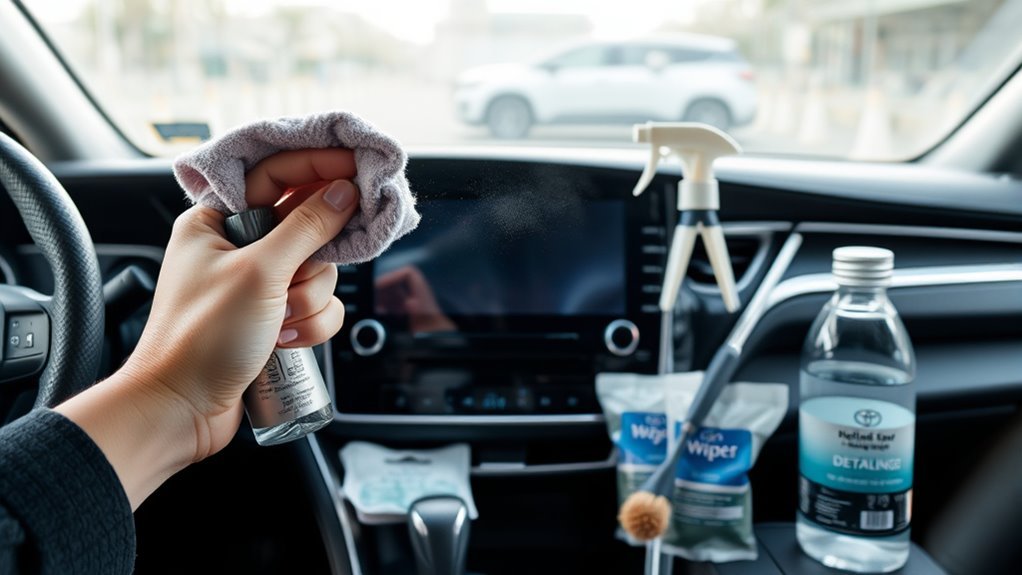
You do not need a large detailing kit. Gather these supplies before you start:
- A clean glasses-cleaning cloth or similarly soft microfiber cloth
- A second clean, dry soft cloth for the final wipe
- Lukewarm water if your cleaning method requires a lightly damp cloth
- An optional soft detailing brush for dust around vents, seams, and nearby trim, not for brushing across the display
Toyota’s touch-screen support guidance recommends a clean, soft cloth dampened with lukewarm water. It warns against solvents, kerosene, alcohol, gasoline, alkaline solutions, and acidic solutions because they may stain or discolor the panel.
The 2025 Camry Hybrid multimedia manual recommends a glasses-cleaning cloth or a similarly soft material. It warns that forceful touching or a hard cloth may scratch the screen and says not to use benzine or an alkaline solution.
Camry multimedia hardware and cleaning instructions can vary by model year and system. Follow the instructions in your exact owner’s or multimedia manual whenever they differ from general Toyota guidance.
Warning: Do not treat a household glass cleaner, disinfecting wipe, degreaser, vinegar mixture, or “all-purpose interior” product as automatically safe for a Camry touchscreen. Toyota specifically warns against several chemicals in its touch-screen guidance, and some Camry multimedia manuals prohibit or restrict chemical cleaners. Use a soft cloth first and keep moisture away from screen edges, buttons, ports, and trim gaps.
[Products Worth Considering]
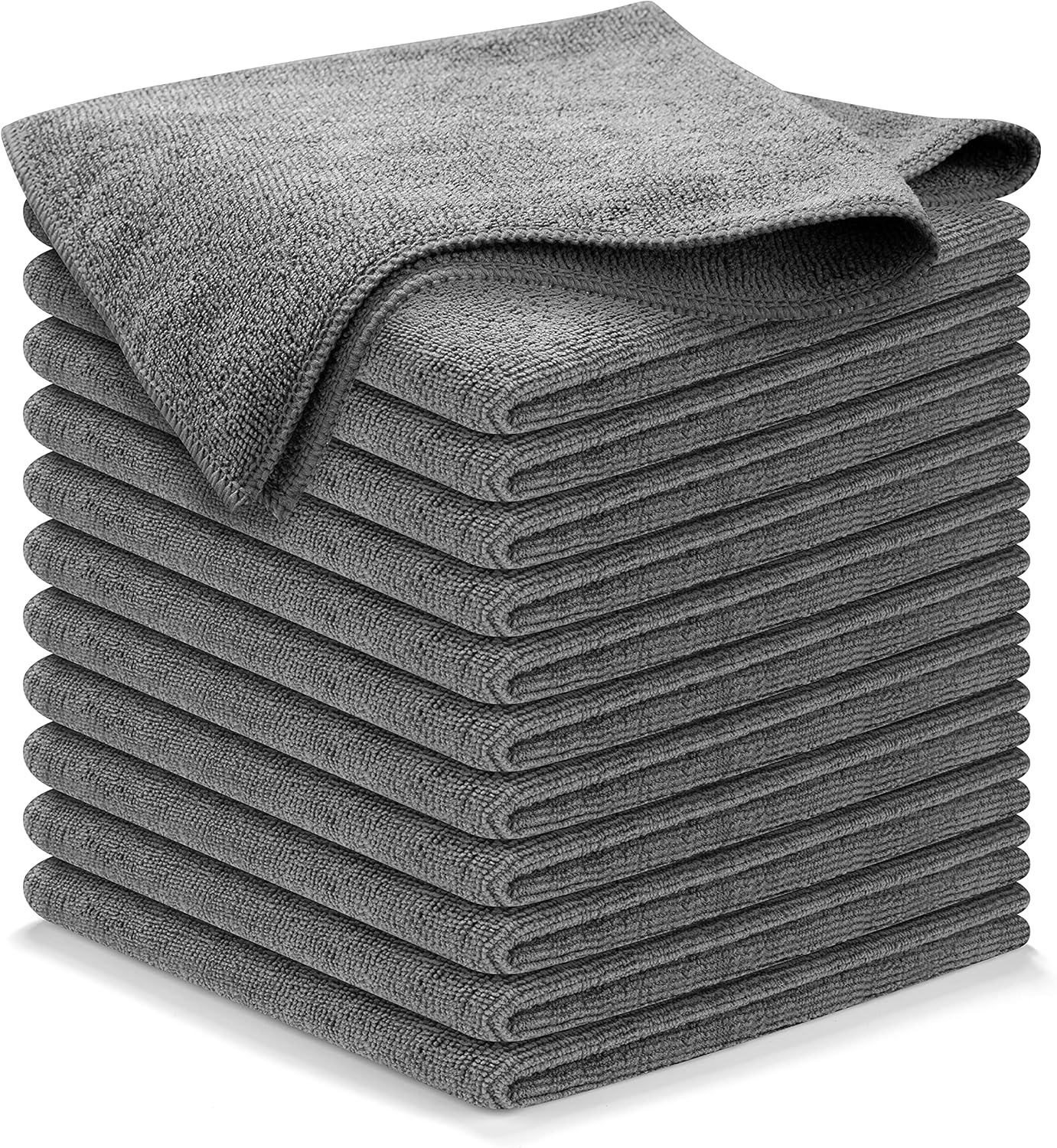
These high-performance microfiber cleaning cloths are designed to lift grime, liquid, dust, and dirt quickly while leaving a streak-free shine on glass, mirrors, and car surfaces. The thick, durable weave is built for repeated use, fast drying, and gentle cleaning that helps avoid linting, scratching, or swirling. Ideal for automotive detailing and all-purpose household cleaning, this reusable 12-pack delivers dependable absorbency and long-lasting value.

Premium Materials: Extremely high-quality, soft, microfiber material absorbs and removes dust, oil, smudges, fingerprints, and dirt. Leaves no scratches, streaks, marks, or lint. Makes the perfect stocking stuffers for adults, men, women, him, her, teens, and more.

HIGH QUALITY MICROFIBER CLOTHS ⭆ The pack includes 5 double-sided cleaning cloths (6.6 inch x 6.2 inch) Black Side: Microfiber & Blue Side: Suede. The very fine fibers of the cloth is perfect to pick up grease and dirt.
How Do You Prepare a Camry Touchscreen for Cleaning?
Park safely, shift into Park, and turn the vehicle or multimedia display off. A dark screen makes fingerprints easier to see and prevents accidental menu selections while you clean.
Use a clean, dry glasses-cleaning or soft microfiber cloth to lift loose dust before adding moisture. If dirt has collected around the display edges, vents, buttons, or trim seams, loosen it with a soft detailing brush or the corner of the cloth. Do not drag a brush across the display surface.
Dust or grit trapped under a cloth can mark a delicate screen when rubbed with pressure. Remove loose particles first and use only light hand pressure.
If the display feels hot after sitting in direct sunlight, allow it to cool naturally before cleaning. Toyota notes that the screen surface can become hot under some conditions.
How Do You Clean Fingerprints and Smudges?
For routine fingerprints, start with the soft dry-cloth method used in Camry multimedia manuals. If marks remain and your applicable guidance permits a damp cloth, use only a small amount of lukewarm water and finish with a second dry cloth.
| Step | Action |
|---|---|
| 1 | Park and turn the vehicle or multimedia display off. |
| 2 | Lift loose dust with a clean, dry glasses-cleaning or soft microfiber cloth. |
| 3 | If needed and allowed by the applicable guidance, lightly dampen a clean section of cloth with lukewarm water. |
| 4 | Wipe gently with smooth horizontal or one-direction strokes. |
| 5 | Dry the display with a second clean, soft cloth. |
The cloth should be only lightly damp, not dripping. Keep moisture away from screen edges, knobs, buttons, USB ports, and trim gaps.
Pro Tip: Fold the microfiber cloth into quarters. When one section collects oil or dust, turn to a clean section instead of spreading residue across the display.
What Cleaner Is Safe for a Toyota Camry Touchscreen?
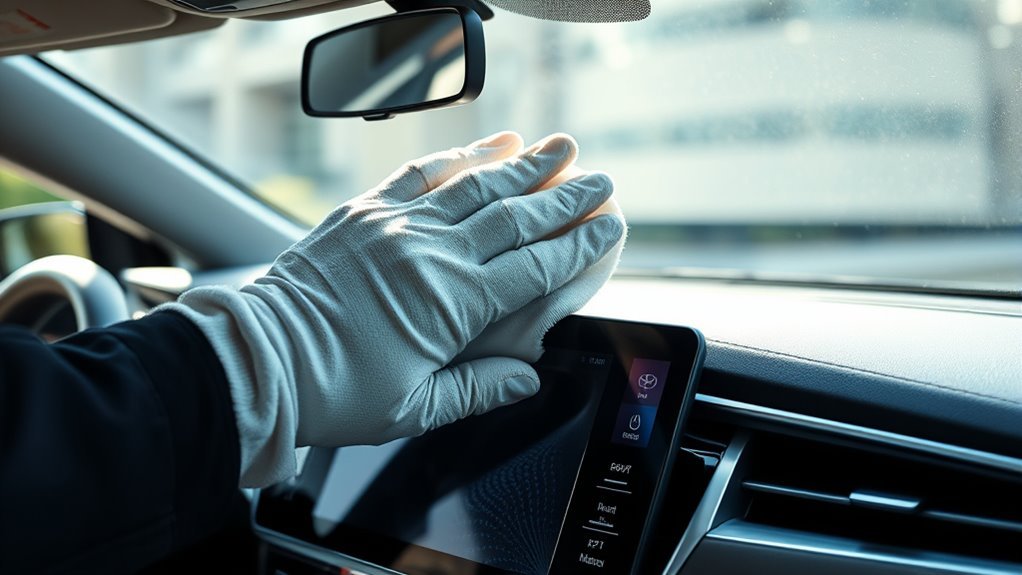
The safest starting point is not a chemical cleaner. Use a clean glasses-cleaning cloth or similarly soft microfiber cloth. Toyota’s general touch-screen support page allows a soft cloth dampened with lukewarm water, while model-specific Camry multimedia manuals may give narrower instructions.
Toyota’s broader interior-cleaning guidance mentions a specialized LCD screen cleaner and says to avoid ammonia-based cleaners and abrasive materials. That general page should not override a stricter Camry multimedia manual.
Do not assume a product is safe because its label says “interior,” “glass,” “electronics,” or “multi-surface.” Check both the cleaner label and your exact Camry multimedia instructions before putting a chemical product on the display.
If an applicable Toyota instruction permits a particular screen cleaner, apply only a controlled amount to the cloth rather than spraying the display, wipe gently, and dry the screen afterward.
Note: Toyota’s official pages are not fully uniform. Its touch-screen support guidance warns against alcohol for routine panel cleaning, while its broader interior article mentions an LCD-cleaner mixture containing isopropyl alcohol. Use your Camry multimedia manual first and do not transfer a chemical method from another Toyota document or procedure unless it applies to your exact screen.
[Products Worth Considering]

Touch Screen Fits For: 2014-2016 RAV4/ Prius C/ Corolla, and 2014 1/2- 2016 Camry (won't work on the early 2014).
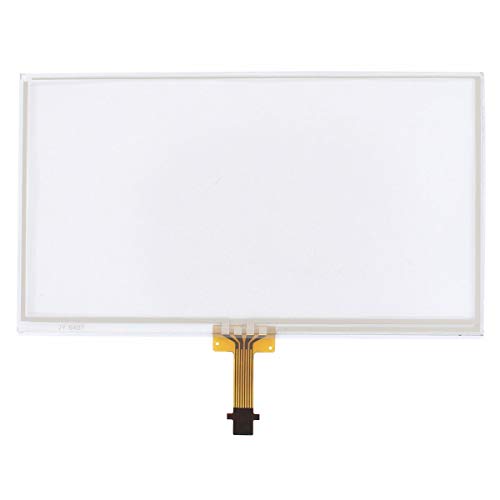
Thickness: 1.5mm, Interface: 12-Pin

【Fitment】The touch screen glass digitizer is compatible with Toyota Camry Tacoma Corolla 4Runner 2009-2014. Please check if the touch screen is suitable for your car model.
How Do You Deep-Clean a Camry Touchscreen Safely?
Use this sequence when dry wiping alone does not remove the visible residue. The goal is controlled cleaning, not stronger chemicals or additional pressure.
- Park and turn the system off. Do not clean while driving or while menus are active.
- Remove loose debris. Use a dry glasses-cleaning or soft microfiber cloth on the display and a soft brush only on surrounding trim.
- Check your manual. Confirm what your Camry multimedia system permits before adding moisture or cleaner.
- Dampen the cloth only if appropriate. When using Toyota’s water-based support method, use lukewarm water and keep the cloth only lightly damp.
- Wipe lightly. Use smooth horizontal or one-direction passes without concentrated fingertip pressure.
- Repeat only where needed. Turn to a clean section of the cloth rather than scrubbing one spot.
- Dry the display. Use a second clean, soft cloth until visible moisture is gone.
- Inspect the edges. Do not power the system back on if moisture appears to have entered a seam, button, control, or port.
Do not add more liquid simply because a faint streak remains. First try a fresh, dry, soft cloth for the final pass.
How Do You Remove Stubborn Grime Without Damage?
Do not jump to alcohol, vinegar, household glass cleaner, or heavy scrubbing when a mark resists the first wipe. First repeat the manual-approved soft-cloth method using a clean section of the cloth.
For a dried splash, a lightly damp cloth can help soften residue when that cleaning method is allowed for your screen. Keep liquid from running toward display edges, and do not scrape the surface with a fingernail, card, blade, or plastic tool.
If a greasy film remains after the permitted cloth-and-water method, stop and check your exact Camry multimedia manual before trying any chemical cleaner. A product being suitable for another Toyota screen or another model year does not prove compatibility with yours.
Which Cleaning Method Fits Each Type of Grime?
Use the mildest option that completes the job:
| Solution | Best Use | Safe Handling |
|---|---|---|
| Dry glasses-cleaning or soft microfiber cloth | Dust and light fingerprints | Use a clean, soft section of cloth |
| Lukewarm water on a soft cloth | Smudges that remain after dry wiping, when allowed | Lightly dampen the cloth, not the screen |
| Chemical screen cleaner | Only when compatible with the exact multimedia instructions | Do not assume general Toyota interior guidance overrides the Camry manual |
| Dry soft-cloth finish | Final streak removal | Buff gently without concentrated pressure |
How Much Pressure Should You Use?
Use light pressure and let the cloth glide over the screen. Toyota’s 2025 Camry Hybrid multimedia manual warns that forceful touching or a hard cloth can scratch the surface.
If a mark remains, change to a clean section of the cloth and repeat the approved cleaning process. Do not use polishing compounds, erasers, scouring pads, stiff brushes, textured cleaning pads, or scraping tools on the display.
Should You Use a Screen Protector or Coating?
Use caution before putting any film, protector, or coating on a Camry touchscreen. The 2025 Camry Hybrid multimedia manual lists a plastic film or coating on the screen as one condition in which screen buttons may fail to respond or malfunction.
A third-party screen protector may advertise scratch protection, fingerprint resistance, or full touch sensitivity, but those are aftermarket product claims rather than a Toyota recommendation. If you install one, confirm that it is designed for your exact Camry model year and display and watch for any change in touch response.
If the touchscreen becomes less responsive after a protector is installed, treat the protector as a possible cause. Follow the installation/removal instructions and your Camry multimedia manual rather than increasing touch pressure.
[Products Worth Considering]
![LFOTPP Matte Anti Glare for 2025 2026 Camry Screen Protector 12.3 inch Touchscreen 2025+ Toyota Camry XLE/XSE Tempered Glass Protective Film 2025 2026 Camry Accessories [Anti-Fingerprint]](https://m.media-amazon.com/images/I/51Mm-FQ+zOL._SL500_.jpg)
[Unbreakable TOP 9H+ Glass: The 2nd Screen for Your Car Display] Crafted exclusively for 2025 2026 Camry (XLE/XSE) screen protector, this 9H+ tempered glass offers unmatched shatter resistance and durability.

Precision Fit, Factory Quality: Toyota Camry screen protector fits with laser-cut precision, tailor-made for the 2025 2026 Toyota Camry 12.3-inch screen. Enjoy precision fitment that aligns perfectly with your Camry display, delivering a factory finish
![BIBIBO 2025 2026 2027 Camry Screen Protector 2025 2026 2027 Toyota Camry LE/SE 8" Tempered Glass Protective Film [Anti Glare& Scratch Ultra-Clear] 2026 Toyota Camry LE Accessories Screen Protector](https://m.media-amazon.com/images/I/51uemSHV2QL._SL500_.jpg)
Custom Design: Tailored for 2025 2026 Toyota Camry LE/SE 8 inch touch screen infotainment,perfect fit.precise coverage, enhance your Toyota Camry experience,unhindered touch interaction
Screen Protector Pros and Cons
| Potential Pros | Potential Cons |
|---|---|
| Provides a replaceable surface over the original display | Toyota notes that plastic film can contribute to touch-response problems |
| Some aftermarket films are designed to reduce fingerprints or glare | Fit, clarity, glare, and touch feel depend on the specific aftermarket product |
| May take everyday wear instead of the original surface | Poor installation can introduce bubbles, trapped dust, or alignment problems |
Are Protective Screen Coatings Safe?
Do not apply a wipe-on ceramic-style, anti-fog, glass, paint, or other protective coating merely because it works on another vehicle surface. Toyota’s Camry multimedia guidance specifically identifies a coating on the screen as a possible cause of screen-button malfunction.
Use a screen treatment only if the documentation for your exact multimedia unit expressly permits it. Otherwise, the lower-risk approach is to leave the original display surface untreated and clean it using the applicable Toyota instructions.
Habits That Reduce Fingerprints and Scratches
Keep a clean glasses-cleaning or soft microfiber cloth in the glovebox or center console and use a dry section when fingerprints begin to affect visibility.
- Wash or replace microfiber cloths when they collect oil or grit.
- Do not use the same cloth on wheels, exterior paint, greasy trim, and the touchscreen.
- Avoid touching the display immediately after using lotion or sunscreen or handling greasy food.
- Park in shade when practical to reduce cabin and display heat.
- Use moisture only when needed and when the applicable Toyota guidance permits it.
What Mistakes Can Damage a Camry Touchscreen?
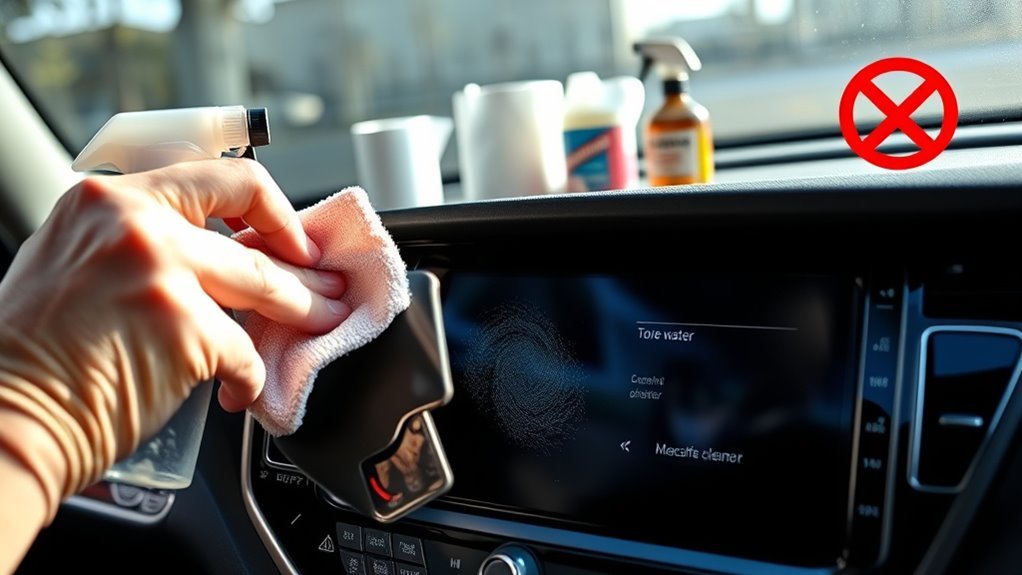
Most avoidable cleaning problems come from using an incompatible chemical, introducing excessive liquid, trapping grit under the cloth, or applying too much pressure.
- Do not spray the screen directly. Apply permitted moisture to the cloth so liquid is less likely to run toward edges, buttons, trim gaps, or electronics.
- Do not assume alcohol is safe for routine cleaning. Toyota’s touch-screen support guidance says not to use alcohol even though a separate general interior article mentions an alcohol-containing LCD mixture. Follow the instructions for your exact screen or applicable Toyota procedure.
- Avoid ammonia-based cleaner. Toyota’s general interior guide specifically warns against ammonia-based cleaners on the touch screen.
- Use the specified soft cloth. Toyota manuals call for a glasses-cleaning cloth or similarly soft material rather than rough wiping materials.
- Do not scrub. Toyota warns that forceful touching or hard material may scratch the display.
- Do not use a dirty cloth. Change to a clean section instead of dragging collected grime back across the screen.
- Do not put dashboard dressing on the display. A dashboard product is not automatically approved for the multimedia screen.
- Do not clean while driving. Park before cleaning or troubleshooting the multimedia display.
If you are disinfecting the rest of the cabin, keep those products away from the touchscreen unless the screen instructions specifically permit them. See the Camry high-touch surface disinfecting guide for the rest of the interior.
How Often Should You Clean a Camry Touchscreen?
Toyota does not publish a fixed touchscreen-cleaning interval. Clean the display when dust, oil, or fingerprints affect its appearance, readability, or operation.
For routine care, start with the dry soft-cloth method. Add moisture only when necessary and when it is compatible with the instructions for your multimedia unit.
What If the Screen Looks Streaky After Cleaning?
Streaks can come from excess moisture, cleaner residue, or contamination on the cloth. Start with a fresh, dry glasses-cleaning or soft microfiber cloth and wipe gently.
If streaks remain, follow the cleaning method permitted for your exact multimedia unit. Do not keep adding chemical cleaner to a screen that may already have cleaner residue on it.
What If the Touchscreen Is Unresponsive After Cleaning?
Leave the vehicle or multimedia system off and make sure the display is dry, especially around its edges. Do not use a hair dryer, heat gun, or other direct heat.
Check for simple causes Toyota identifies: dirt or water on the screen can interfere with operation, and the 2025 Camry Hybrid multimedia manual says a plastic film or coating can also cause screen buttons to malfunction. If the problem started immediately after installing a protector, consider that connection before assuming the display itself has failed.
If the screen is dry and still does not respond, restart it only according to the procedure for your model and multimedia system. For a fuller diagnostic sequence, see the Toyota Camry touchscreen troubleshooting guide.
Contact a Toyota dealer or qualified service center if the display remains unresponsive, flickers, shows visible moisture, develops unusual marks, or has physical damage. Cleaning cannot repair an internal display or touch-control fault.
What If You Already Used Alcohol or Another Chemical Cleaner?
A single use does not by itself prove that the screen has been damaged. Stop using the chemical for routine cleaning and inspect the display in good light for haze, discoloration, unusual streaks, surface changes, or touch-response problems.
If the screen appears normal, return to the cleaning method specified for your Camry multimedia unit. If a visible change or operating problem remains, do not try to polish or chemically strip the screen; have the display inspected instead.
Frequently Asked Questions
How do you safely clean a Toyota Camry touchscreen?
Park and turn the multimedia display off. Start with a clean glasses-cleaning or similarly soft microfiber cloth. If fingerprints remain and the applicable Toyota guidance permits it, lightly dampen the cloth with lukewarm water and wipe gently. Dry the display with a second soft cloth.
How do you remove fingerprints from a car touchscreen?
Start with a clean, dry glasses-cleaning or soft microfiber cloth. If oily fingerprints remain, follow the cleaning instructions for your exact multimedia unit. Toyota’s general touch-screen support method allows a soft cloth lightly dampened with lukewarm water.
Can I use alcohol wipes on a Toyota Camry touchscreen?
For routine cleaning, the conservative answer is no. Toyota’s touch-screen support guidance says not to use alcohol, solvents, kerosene, gasoline, alkaline solutions, or acidic solutions on the panel. Follow your exact Camry multimedia manual or an applicable Toyota procedure if it gives more specific instructions.
Can I use Windex or glass cleaner on my Camry screen?
Do not assume a household glass cleaner is safe for the multimedia screen. Product formulas differ, and Toyota warns against several chemicals and abrasive cleaning methods. Start with the soft-cloth method specified by your Camry manual.
Can I use an LCD screen cleaner on a Camry touchscreen?
Toyota’s general interior guide mentions specialized LCD cleaner, but some Camry multimedia manuals give stricter instructions. Use an LCD cleaner only when it is compatible with the instructions for your exact multimedia unit; general interior advice should not override a model-specific warning.
What if my Camry manual says not to use chemical cleaners?
Follow the stricter instruction in your exact Camry manual. Use the specified soft or glass-cleaning cloth and do not treat a newer Toyota manual or Toyota’s general interior-cleaning article as permission to use a chemical cleaner on a different multimedia screen.
Should I clean the touchscreen with the car on or off?
Park and clean the display with the vehicle or multimedia system off. This prevents accidental inputs, makes smudges easier to see, and lets you confirm that the screen and surrounding edges are dry before normal use.
Can a screen protector affect a Toyota Camry touchscreen?
Yes, it can. The 2025 Camry Hybrid multimedia manual says screen buttons may fail to respond or malfunction when a plastic film or coating is on the display. If touch problems begin after installing a protector, consider the protector as a possible cause and follow the instructions for your exact multimedia system.
What should I do if cleaner or water reached the edge of the screen?
Stop cleaning and leave the multimedia system off while the area dries naturally. Do not use direct heat. If visible moisture, flickering, unusual marks, or touch problems remain after the surface is dry, have the system inspected by a Toyota dealer or qualified service center.
Conclusion
The safest way to clean a Toyota Camry touchscreen is to start with the mildest method Toyota specifies for your multimedia unit. Park the car, turn the display off, remove dust and fingerprints with a clean glasses-cleaning or similarly soft cloth, and use lukewarm water only when the applicable guidance allows it.
Do not assume that a chemical cleaner, alcohol wipe, household glass product, screen protector, or protective coating is safe for every Camry display. Toyota’s own guidance varies across multimedia systems, and its 2025 Camry Hybrid manual specifically notes that plastic film or a coating can interfere with screen operation. Check the exact manual first, keep moisture away from the display edges, and use gentle pressure.
Sources
- Toyota Owners Support: How should I clean the touch screen panel in my vehicle? — Toyota guidance to use a clean soft cloth with lukewarm water and avoid solvents, kerosene, alcohol, gasoline, alkaline solutions, and acidic solutions.
- 2025 Toyota Camry Hybrid Multimedia Owner’s Manual — Guidance to use a glasses-cleaning cloth or similar soft material, avoid forceful pressure, benzine, and alkaline solution, and a warning that plastic film or coating can contribute to screen-button malfunction.
- Toyota: How to Clean Your Car’s Interior — Broader Toyota guidance covering microfiber, specialized LCD cleaner, ammonia-based cleaners, abrasives, light pressure, and drying the screen.

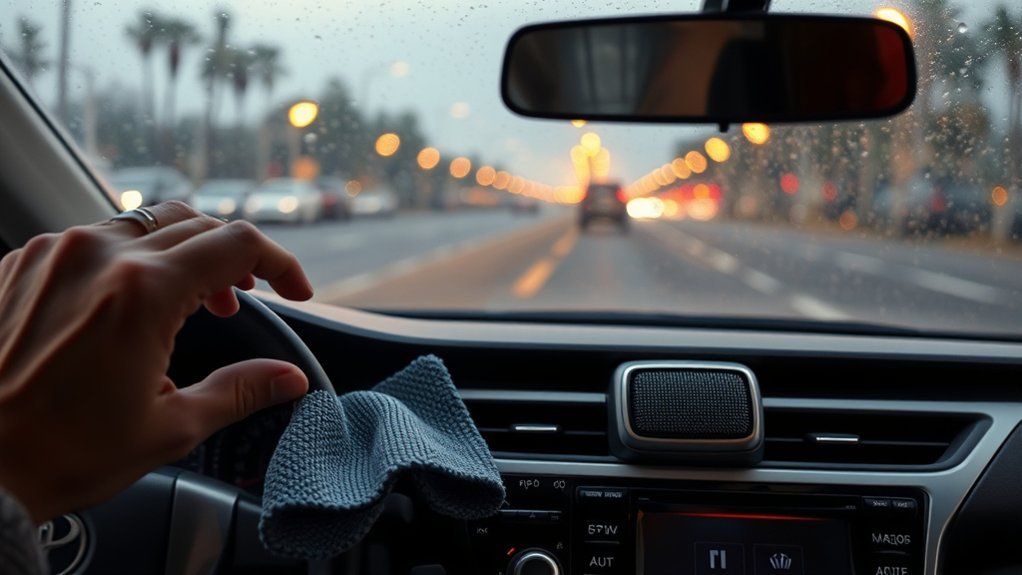
[…] The touchscreen needs a different approach from hard plastic trim. Toyota’s general touch-screen support guidance recommends a soft cloth dampened with lukewarm water and warns against several chemical cleaners. Model-year multimedia instructions can be more specific, so follow the manual for your exact Camry if it differs. For a more detailed screen-only workflow, see how to clean a Toyota Camry touchscreen safely. […]