RAV4 Prime Scheduled Charging Not Working: Quick Fixes and Checks
What’s in This Article
Your RAV4 Prime can ignore a charging schedule for simple reasons, such as a loose plug, a saved departure time conflict, or a charger setting that fights the vehicle setting. Start with the easy checks before you blame the battery or the onboard charger. This guide walks you through the fastest fixes, then shows you what to record if you need dealer help.
Quick Answer
If your RAV4 Prime scheduled charging won’t start, first confirm the SAE J1772 connector sits fully in the charge port and the Electric Vehicle Supply Equipment (EVSE) has power. Next, check the charging schedule, departure time, and Toyota app settings. Use Charge Now or a manual app start when you need power right away. If the problem repeats, check the 12V battery, charger lights, outlet, and dealer diagnostic logs.
Key Takeaways
- Confirm the J1772 plug clicks into place before you change software settings.
- Use Charge Now when the car waits for a saved charging schedule.
- Check the Toyota app, vehicle menu, and smart charger app for schedule conflicts.
- Test the 12V battery if screens, locks, or charging commands act slow or strange.
- Record dates, temperatures, charger lights, and screenshots before you visit a dealer.
Quick Fixes to Start Charging Now (Cable, App Override, Restart)
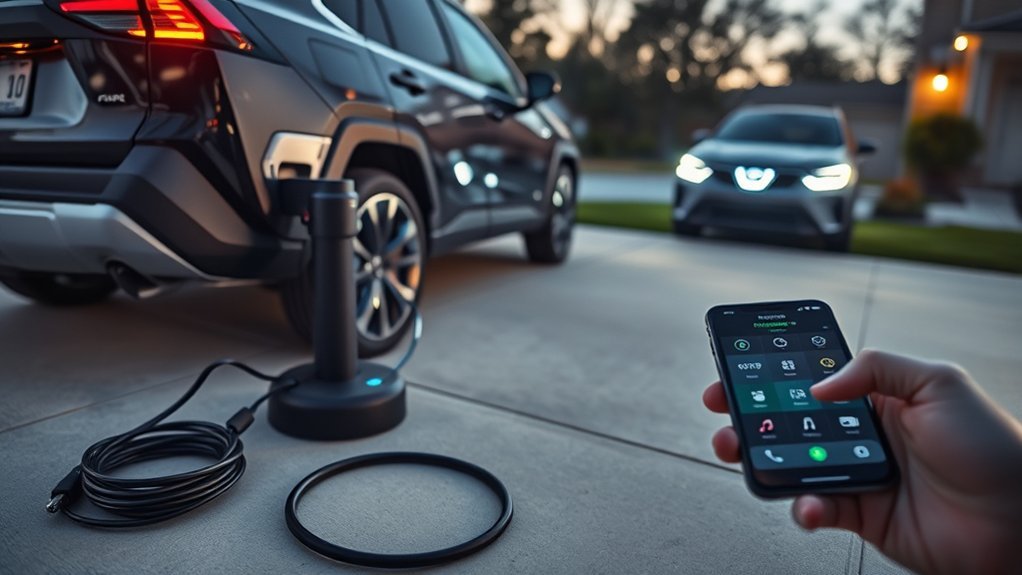
Start with the basics. Push the SAE J1772 connector straight into the charge port until the latch seats. A loose connector can stop communication before charging starts.
Check the Charging Circuit Interrupting Device (CCID) lights on the Toyota charging cable or your home charger. If the vehicle shows that a schedule waits to run, select Charge Now from the vehicle screen or start charging from the Toyota app when your vehicle supports it.
If the schedule still blocks charging, restart the car’s electronics. Turn the vehicle off, move the key fob away from the cabin, wait about 30 seconds, then power the vehicle back on.
Use a Level 2 charger when you can. The U.S. Department of Energy notes that Level 2 charging uses 240-volt or 208-volt service and charges faster than Level 1, which can make schedule testing easier.
[Products Worth Considering]

Protect your Toyota RAV4 interior with this custom‑fit windshield sun shade that blocks 99% of harmful UV rays and reduces cabin heat. The mirror cut‑out ensures a seamless fit without gaps, while durable 240T polyester and bendable wire keep it sturdy through repeated use. Foldable and stored in a convenient pouch, it offers easy installation and removal for everyday comfort.

The Autovir windscreen shade offers full windshield coverage for Toyota RAV4 models from 2019 to 2026, blocking up to 99.95% of UV rays and reducing interior heat. Its multi‑layer reflective material provides SPF 100 and UPF 80+ protection while keeping the dashboard, seats, and steering wheel cooler. The foldable design installs quickly and stores conveniently in the glove box, and reinforced stitching ensures long‑lasting durability for daily use.
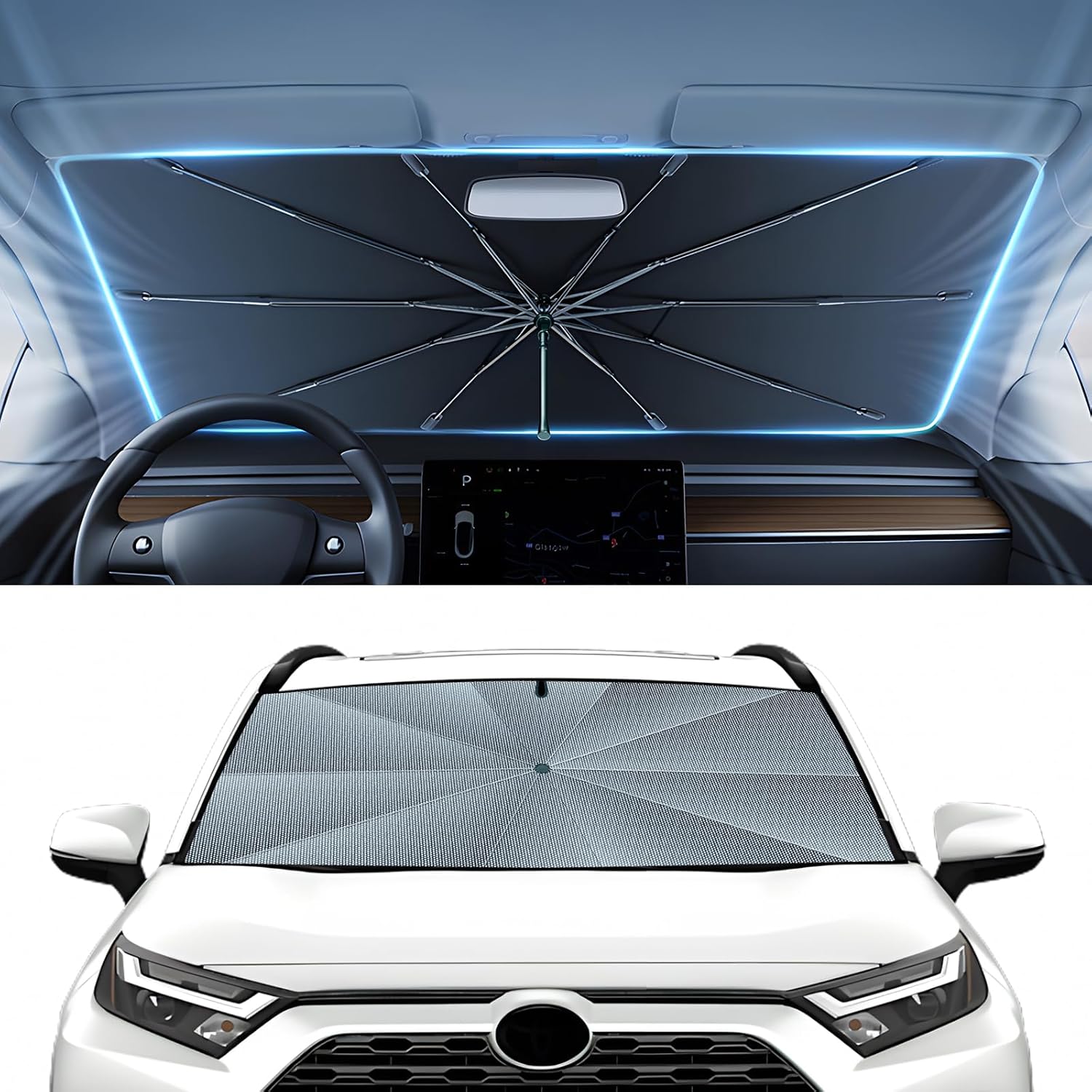
The Autorder windshield sun shade umbrella provides full coverage for Toyota RAV4 models from 2019 to 2026, blocking heat and UV rays with its advanced ice crystal material. Its ten reinforced skeletons and anti‑puncture edges ensure durability and stability, while the effortless umbrella‑style deployment and compact storage bag make it convenient for everyday use. Keep your car interior cool and protected from sun damage with this easy‑setup, high‑performance sunshade.
Verify Scheduled Charging and Next Departure Settings
Open the RAV4 Prime charging schedule menu and check the saved start time, selected days, and target departure time. A single wrong day can make the car wait even when the time looks correct.
Resave the schedule after you edit it. Then unplug the connector, wait a few seconds, and plug it back in so the vehicle can read the schedule again.
| Item | Action |
|---|---|
| Start Time | Confirm the exact start time and selected days |
| Departure | Set the Next Departure target you actually need |
| Toyota App | Check remote charging settings if your vehicle supports them |
| Dashboard | Recheck that the saved schedule appears correctly |
Toyota owner’s information notes that a charging indicator can flash when a charging schedule has been registered. In that case, Charge Now tells the car to start instead of waiting for the saved time.
Note: Toyota app features vary by model, trim, subscription, region, and network access.
Check App, Vehicle, and Charger Schedule Conflicts
Your RAV4 Prime, Toyota app, and smart charger app can each hold a schedule. If two schedules disagree, the car may wait, start late, or stop before you expect it.
Pick one place to control the schedule while you troubleshoot. For most owners, the vehicle menu gives the cleanest test because it removes smart charger app rules from the first diagnosis.
- Turn off the smart charger schedule for one test session.
- Use the vehicle menu to set one simple start time.
- Save the schedule, then plug in after the schedule appears.
- Check the Toyota app only after the vehicle schedule works by itself.
Older Entune or App Suite services no longer support some older Toyota EV functions after Toyota’s 3G retirement. For a RAV4 Prime, use the Toyota app when your vehicle and account support remote charging features.
[Products Worth Considering]

Upgrade your vehicle's interior with a stylish boho‑inspired center console cover that adds comfort and a striking visual appeal. Made from premium polyester fiber, anti‑skid cloth, and a plush 5 mm sponge, it provides soft support while reducing hand fatigue during long drives. The anti‑slip adhesive backing keeps it securely in place, and the elastic straps ensure a snug fit on most cars, trucks, SUVs, and vans.

Upgrade your Toyota's interior with this ultra-thin, perforated leather steering wheel cover that offers a glove‑like fit and full protection while preserving heating functionality. Installation is quick and tool‑free, snapping into place in under a minute. The cover enhances aesthetic appeal and provides a comfortable, authentic feel for daily driving.
Check Connector and EVSE: J1772 Lock, CCID Lights, Outlet Tests
If your schedule and Next Departure settings look correct but charging still won’t begin, check the physical connection and EVSE next. Confirm the J1772 connector sits fully in the charge port and the latch closes. A loose connector can block the signal that tells the car it can charge.
Inspect the plug and charge port for dirt, moisture, corrosion, or damage. Wipe only with a dry, clean cloth, and don’t force the connector into the inlet.
Next, read the EVSE or CCID indicator lights. A power light confirms that the charging cable or station receives power, while an error light points you toward the cable, outlet, or station.
Test the outlet only with safe tools and basic electrical knowledge. If you suspect low voltage, heat, a loose receptacle, or ground-fault problems, ask a qualified electrician to inspect the circuit.
Warning: Don’t open an EVSE, repair a wall outlet, or probe live wiring unless you’re qualified to do that work safely.
Cold-Weather and 12V Battery Checks That Affect Scheduling
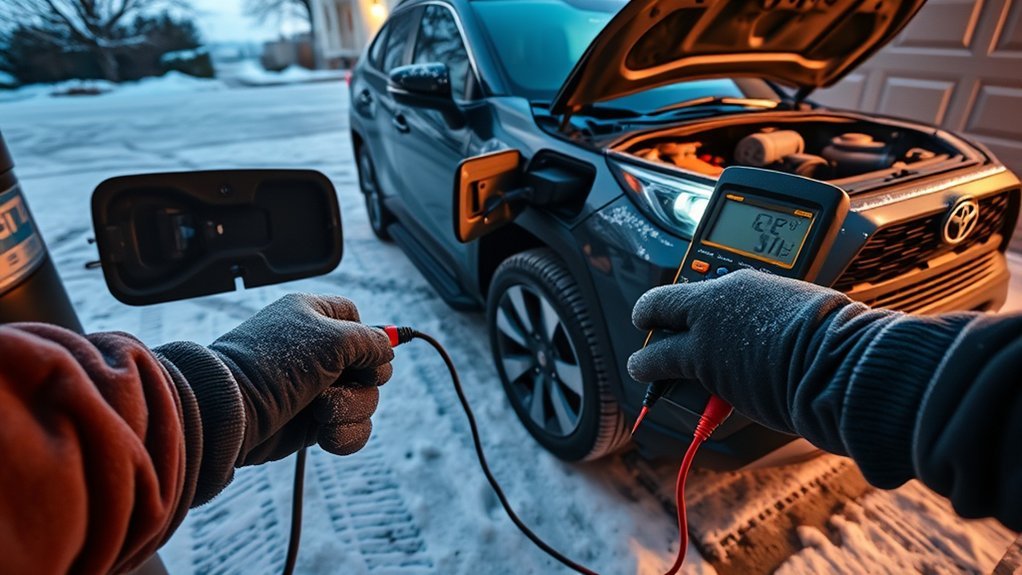
Cold temperatures can slow charging and reduce electric range, so don’t judge one failed schedule from one freezing night. Run a second test in milder conditions or inside a garage when you can do so safely.
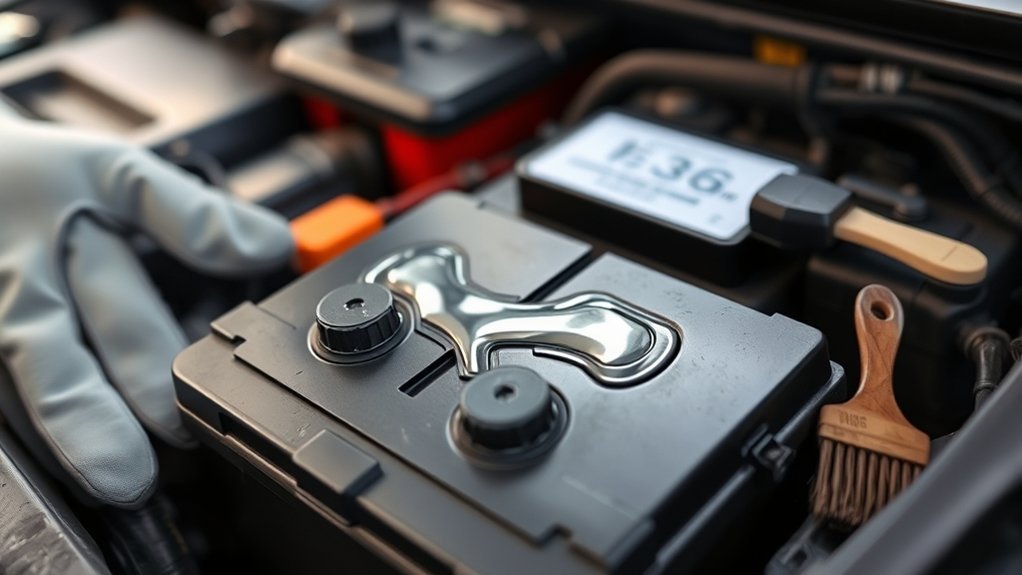
A weak 12-volt battery can also cause strange electronic behavior. The RAV4 Prime uses the 12V system to power control modules, locks, screens, and commands that support charging.
Check the 12V battery voltage and health if the infotainment screen lags, the locks act weak, or the charging menu fails to save settings. Inspect battery terminals for corrosion and tightness before you replace parts.
After you confirm 12V health, check the scheduled-charging menu again. A stable 12V system helps the vehicle save and follow charging commands more reliably.
When to Contact a Dealer: Logs, Reproduce Steps, and What to Collect
Contact a Toyota dealer when the same charging schedule fails after you test the connector, app, charger, outlet, and 12V battery. Bring a clear record instead of a vague complaint.
Write down dates, start times, departure times, outside temperatures, charger type, and battery level before each failed charge. Take photos of infotainment screenshots, Toyota app messages, dashboard messages, and EVSE light patterns.
Bring the Toyota charging cable and any third-party charger you used. Ask the technician to run diagnostic tools, attach vehicle logs, and test the vehicle with the same charging steps you used at home.
Prepare a short reproduction list. Include how you set the schedule, when you plugged in, what you expected, and what the vehicle actually did.
Safety Disclaimer: This article gives general troubleshooting information only. Always use a qualified Toyota technician or licensed electrician for high-voltage, outlet, wiring, EVSE, or repeated charging faults.
Frequently Asked Questions
Why is my Ohme charger not charging my RAV4 Prime when scheduled?
Your Ohme charger may not start if its app schedule conflicts with the RAV4 Prime schedule. Turn off one schedule and test the other by itself. Also check that the J1772 plug locks in place and the charger has no fault light.
Why does my RAV4 Prime keep stopping charging?
Your RAV4 Prime may stop charging because of a loose connector, a charger fault, a weak 12V battery, a schedule conflict, or a power supply issue. Start with the plug and EVSE lights, then test the schedule and 12V battery.
What does Charge Now do on a RAV4 Prime?
Charge Now tells the vehicle to start charging instead of waiting for a saved schedule. Use it when you need power right away or when you want to test whether the schedule caused the delay.
Should I set the schedule in the car or the Toyota app?
Use the in-car menu first while you troubleshoot because it reduces app and network variables. After the in-car schedule works, you can add Toyota app control if your vehicle, account, and region support it.
When should I stop troubleshooting and call a dealer?
Call a dealer when the same fault repeats across more than one outlet or charger after you verify the schedule and 12V battery. Bring screenshots, charger-light photos, and your step-by-step test notes.
Conclusion
Most RAV4 Prime scheduled charging problems come from a plug fit issue, a saved schedule conflict, a charger setting, or a weak 12V system. Start with the cable, Charge Now, and the in-car schedule before you test deeper parts. If the failure repeats, gather clear evidence and ask your Toyota dealer to check logs and charging-system codes. A simple, step-by-step record gives you the best chance of a fast fix.
References
- 2023 RAV4 Prime – When charging cannot be carried out – Toyota Owner’s Manual, 2023
- 2023 RAV4 Prime – Power sources that can be used – Toyota Owner’s Manual, 2023
- Electric Vehicle Charging Stations – U.S. Department of Energy Alternative Fuels Data Center, 2026
- 3G Network Retirement – Toyota Audio Multimedia Support, 2022
- Toyota App – Toyota Motor North America, updated 2026