You can set your RAV4’s tire pressure warning by first inflating all tires cold to the placard values (typically 32–36 PSI) and confirming each with a quality gauge. For 2013–2018 models, press and hold the reset button under the steering wheel until the indicator blinks three times; for 2019–2025, start the vehicle, go to Settings → TPWS and hold “OK” until it confirms. Drive briefly to recalibrate sensors, and continue for step‑by‑step troubleshooting and maintenance tips.
Who This Guide Helps : And How to Use It
This guide helps Toyota RAV4 owners who want to monitor, adjust, and reset tire pressure settings for safe, efficient driving. You’ll find concise, model-specific steps for 2013–2018 and 2019–2025 RAV4s, so you can act confidently whether you own an older or newer vehicle. Use the guide to learn why following the vehicle placard matters and how correct inflation supports safety, fuel economy, and tire life.
You’ll approach tire maintenance and pressure monitoring methodically: verify cold tire pressure, compare readings to the placard, inflate or deflate to spec, then follow the model-appropriate procedure to clear warnings. The guide assumes you value autonomy and offers clear checkpoints so you can perform tasks without unnecessary reliance on a dealer. Follow each step in order, keep a reliable gauge on hand, and don’t skip placard verification—precision here preserves performance and personal freedom on the road.
Quick Answer: Reset RAV4 TPMS (2013–2025)
Before you reset the TPMS, check tire pressures against the manufacturer’s placard on the driver’s door jamb and correct any deviations. For 2013–2018 models, arm the ignition and press the reset button under the steering wheel until the indicator blinks three times; for 2019–2025 models, start the vehicle, open Settings, select TPWS and hold “OK” until the reset completes. Keeping pressures correct improves safety, fuel efficiency, and tire life, so reset the system regularly to maintain accurate readings.
Quick Reset Steps
Start by confirming all four tires (and the spare, if your model monitors it) are inflated to the pressure shown on the driver’s door jamb placard. For 2013–2018 RAV4s, you’ll press the tire reset button under the steering wheel until the indicator blinks three times after inflating to spec. For 2019–2025 models, start the vehicle, open Vehicle Settings, select the TPWS/tire pressure monitoring systems menu, and hold “OK” until the reset completes. Always verify pressures with an accurate gauge before resetting. After the reset, drive briefly to allow sensors to recalibrate and confirm the warning lamp extinguishes. Regularly perform this quick reset to protect fuel efficiency, extend tire life, and keep control of your safety.
Why Pressure Matters
Now that you know how to reset the RAV4’s TPMS, it helps to understand why accurate tire pressure matters: under-inflation increases the risk of blowouts and reduces traction, while over-inflation can shorten tire contact with the road and cause uneven wear. You’ll preserve tire safety by keeping pressures within manufacturer spec, reducing accident risk and prolonging tire life. Proper inflation also supports fuel efficiency — correctly pressurized tires can improve gas mileage by up to 3% — so you’ll travel farther on each tank. The TPMS gives timely alerts, but you should regularly verify pressures and reset the system after adjustments. Taking these steps frees you from avoidable breakdowns and keeps control in your hands.
Check and Set Correct Tire Pressure
The simplest way to guarantee safe, efficient driving is to check and set your RAV4’s tire pressure against the manufacturer’s recommendations on the tire placard (usually on the driver’s door jamb). For disciplined tire maintenance and reliable pressure monitoring, use a quality gauge and measure pressures when the tires are cold. Compare each tire to the placard; most RAV4s fall between 32–36 PSI, but trust the placard for your model year and load.
Inspect and adjust monthly and before long trips. If a tire reads low, add air incrementally and recheck until it matches the specified PSI. If it reads high, release small amounts of air and confirm the correct value. Maintaining correct pressure can improve fuel efficiency by up to 3% and sharpens handling and safety. This routine gives you control over vehicle performance and autonomy on the road—simple, repeatable steps that protect you and extend tire life.
[Products Worth Considering]

Protect your Toyota RAV4 interior with this custom‑fit windshield sun shade that blocks 99% of harmful UV rays and reduces cabin heat. The mirror cut‑out ensures a seamless fit without gaps, while durable 240T polyester and bendable wire keep it sturdy through repeated use. Foldable and stored in a convenient pouch, it offers easy installation and removal for everyday comfort.

The Autovir windscreen shade offers full windshield coverage for Toyota RAV4 models from 2019 to 2026, blocking up to 99.95% of UV rays and reducing interior heat. Its multi‑layer reflective material provides SPF 100 and UPF 80+ protection while keeping the dashboard, seats, and steering wheel cooler. The foldable design installs quickly and stores conveniently in the glove box, and reinforced stitching ensures long‑lasting durability for daily use.

The KUST Black Dashboard Cover Mat offers a custom, eco‑friendly fit for Toyota RAV4 models from 2019 to 2025, protecting the dash from UV damage, scratches, and glare. Made from post‑consumer recycled polyester with a silicone anti‑slip underside, it stays soft, breathable, and odorless while securely adhering to the surface. Installation is quick and reversible, and the foldable design allows easy storage when not in use.
Reset Method (2013–2018): Button-Reset Steps
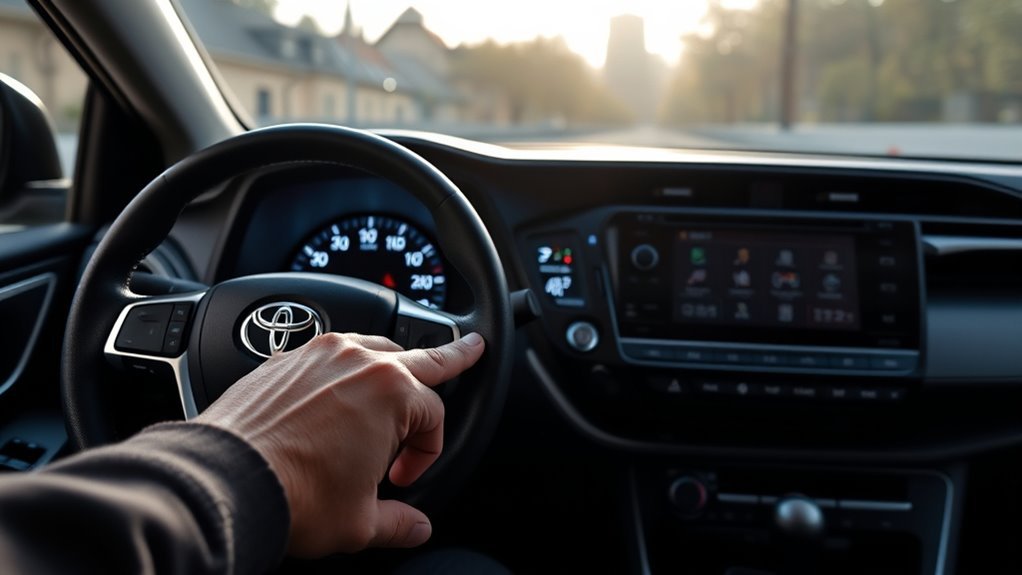
Confirm all four tires match the PSI on your RAV4’s placard, then switch the ignition to the “arm” position (don’t start the engine) to access the reset. Locate the tire reset button under the steering wheel. Press and hold it until the tire pressure indicator blinks three times; that blink confirms the reset sequence has started. Release the button and wait a few minutes for the system to record the new pressures. Verify the warning lights extinguish—if they don’t, recheck pressures and repeat.
| Step | Action | Purpose |
|---|---|---|
| 1 | Check PSI on placard | Guarantee baseline accuracy |
| 2 | Turn ignition to arm | Enable reset mode |
| 3 | Find reset button | Access reset control |
| 4 | Hold until 3 blinks | Initiate system relearn |
| 5 | Wait & confirm | Clear warning lights |
You’ll regain control and mobility by following this concise, methodical procedure; it’s liberation through proper maintenance.
[Products Worth Considering]

Upgrade your RAV4 interior with a sleek, retractable 4‑port USB hub that adds vibrant RGB lighting and fast charging for phones, tablets, and accessories. The intelligent retractable cables keep the console tidy while the snap‑in design ensures easy installation. Compatible with 2020‑2025 RAV4 models, it blends modern tech with a clean aesthetic.
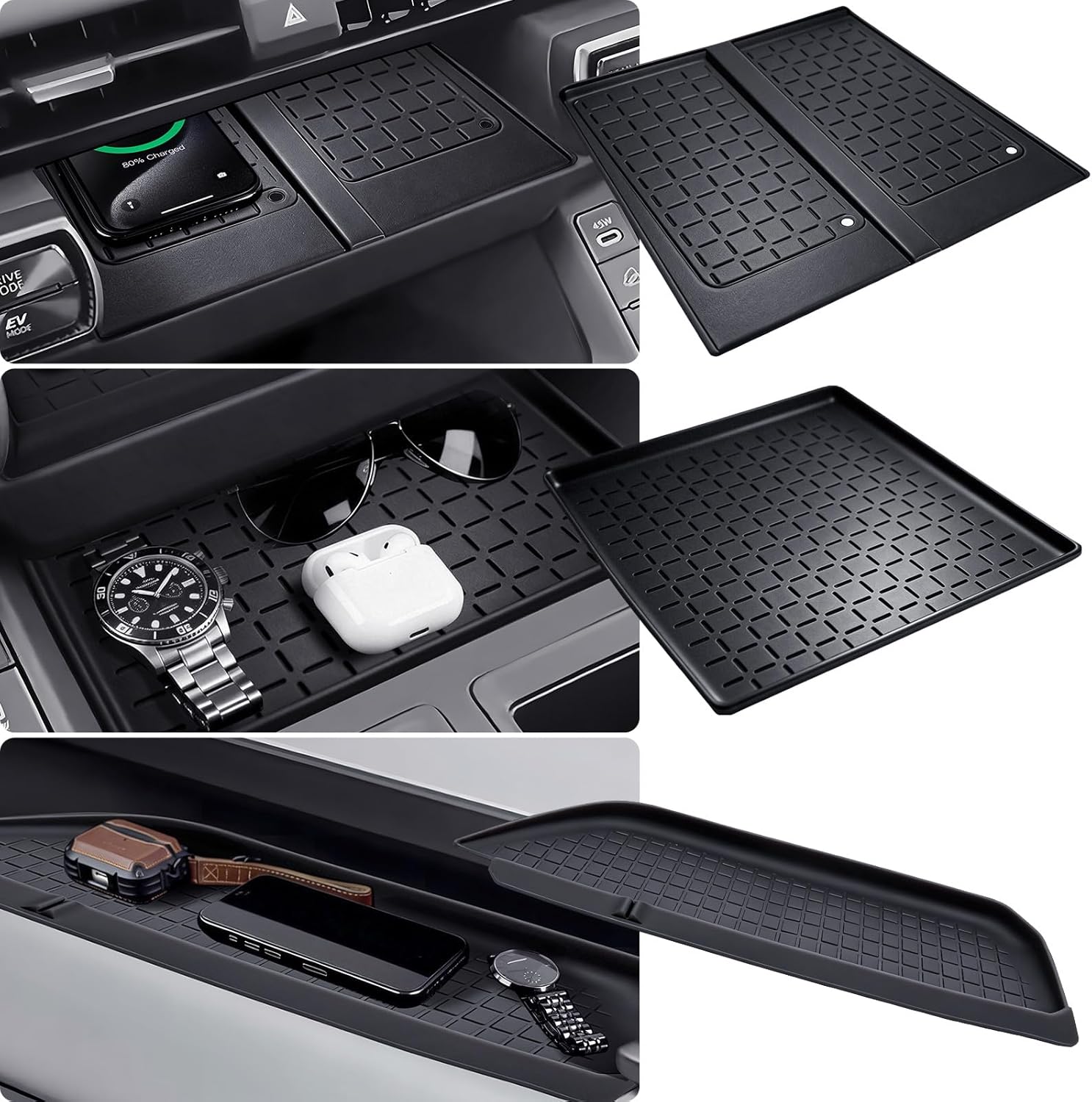
This high-quality silicone mat offers a custom‑fit, anti‑slip protective layer for the wireless charging area and center console of a 2026 Toyota RAV4. It resists scratches, water, and noise while enhancing interior style, and installs easily without tools. The mat does not include a charger but works with existing wireless charging configurations, and includes a 30‑day refund and lifetime replacement service.
Reset Method (2019–2025): Menu/TPWS Steps

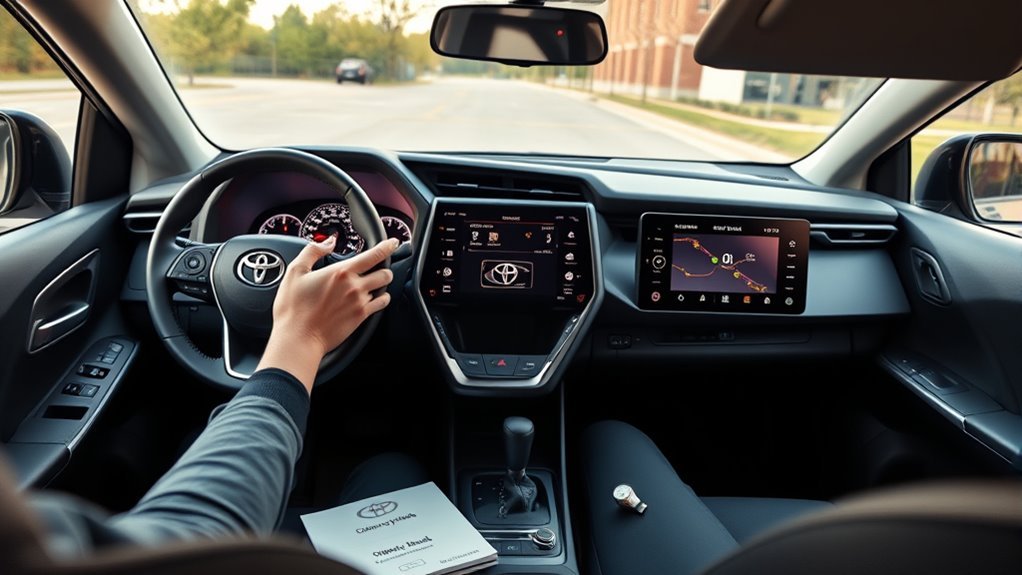
Before resetting TPWS, check and inflate all tires to the pressure on the placard. Start the vehicle and use the dashboard navigation button to open Settings, then enter Vehicle Settings. Select TPWS and hold “OK” until the system confirms the reset and the warning light goes off.
Accessing Vehicle Settings
When you turn the ignition to the ON position without starting the engine, use the navigation buttons to open the display and locate the Settings tab. You’ll access vehicle customization options and dashboard features from this menu. Scroll deliberately to Vehicle Settings and press “OK” to enter; each press registers a conscious choice. Inside, find the Tire Pressure Warning System (TPWS) entry—this is where you’ll manage tire pressure indicators. Don’t jump ahead; confirm you’re in the TPWS menu before proceeding. The interface is designed for clarity: use the same navigation controls to move, and press “OK” to select. Hold “OK” when prompted until the system confirms the action. These steps free you from guesswork and grant control over safety settings.
Initiating TPWS Reset
Start the TPWS reset with the vehicle stopped and the tire pressures set to the values on the driver’s door placard, then turn the ignition to ON so the display is active (engine running is preferred). You’ll use the navigation button to open the settings tab, then scroll to Vehicle Settings and press “OK” to enter the TPWS menu. Confirm the displayed tire pressure baseline matches the placard values; this step protects system accuracy and your freedom from false warnings. When the TPWS menu appears, press and hold “OK” until the reset completes — it usually takes a few moments. Release when the display confirms completion. After resetting, verify pressures and monitor for any warning indicators before you continue driving.
Troubleshooting TPMS Light: Common Causes and Fixes

If your TPMS light comes on, check tire pressures against the vehicle placard and correct any that are low, then inspect for sensor faults or recent tire service that could have damaged a sensor. Start by measuring all four tires with a calibrated gauge; low readings are the most common trigger. Consider seasonal adjustments, since temperature drops reduce pressure and may set off the warning. If pressures are correct but the light persists, suspect sensor malfunctions: a dead sensor battery or damage from mounting can prevent transmission. A brief blinking followed by a steady light indicates a system fault and calls for a diagnostic scan to read error codes. After repairing or replacing a faulty sensor, reset the TPMS so the system recognizes current pressures. If you want freedom from recurring alerts, adopt a routine of checks during seasonal shifts and after any tire service to prevent avoidable faults and maintain reliable TPMS operation.
TPMS Maintenance Tips and When to See a Shop
Because tire pressure affects safety and fuel economy, check your tires at least once a month and before long trips, using a calibrated gauge and the vehicle placard’s recommended pressures. Maintain records of readings, seasonal adjustments, and any TPMS resets so you can track trends and act decisively. Remember that for every 10°F drop, pressure can fall roughly 1 PSI; adjust pressures when temperatures shift.
Inspect tread depth and overall tire condition during each check, since worn or damaged tires can undermine TPMS functionality and mask leaks. If the tire pressure warning light stays on after a proper reset, or if you get repeated warnings despite correct inflation, don’t ignore it. Visit a qualified shop to diagnose sensor faults, valve-core issues, or slow leaks. A technician will pressure-test the tire, scan TPMS sensors, and replace faulty components when necessary. Consistent tire maintenance preserves performance and gives you the freedom to drive confidently.
Frequently Asked Questions
How to Display Tire Pressure on Toyota RAV4?
You access tire pressure via the RAV4’s settings menu on the infotainment screen; select “Tire Pressure” to view readings and configure the warning system, so you’ll stay informed, empowered, and able to act decisively for safety.
Does Toyota RAV4 Tell You Which Tire Is Low?
Yes — you’ll usually see the warning light functions first, then check tire pressure sensors or the vehicle’s display; many RAV4s show individual tire pressures so you can identify which tire’s low and act independently.
Conclusion
Like a compass bringing you back on course, resetting your RAV4’s TPMS keeps you safe and efficient on every drive. Follow the right pressure specs, use the correct reset method for your model year, and troubleshoot sensors or valves if the light stays on. Stay methodical with seasonal checks, battery swaps, and repairs. If faults persist after these steps, see a qualified shop to diagnose sensor or module issues promptly.