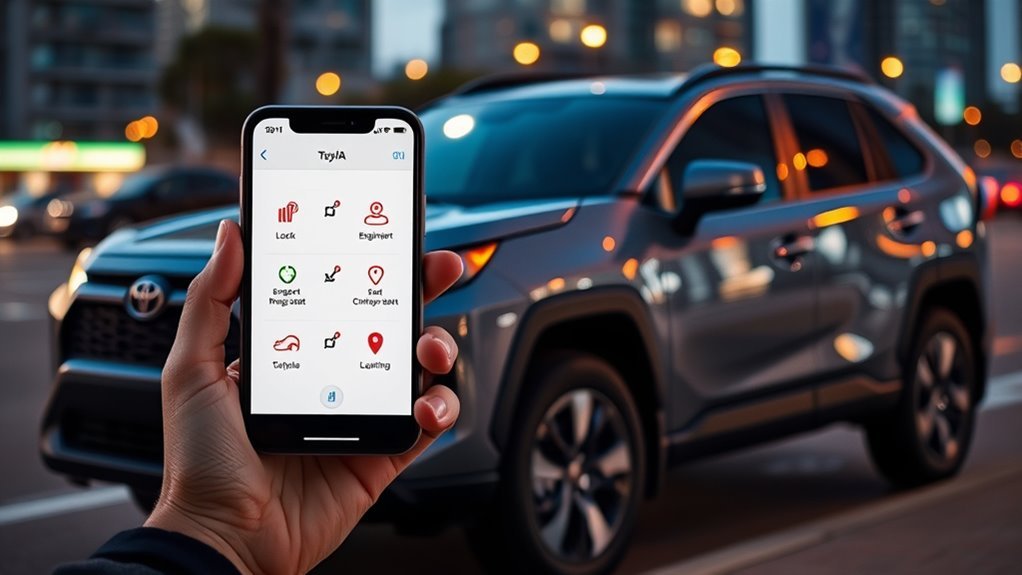
How to Use Toyota Remote Connect on a RAV4
What’s in This Article
- Quick Answer
- Key Takeaways
- Which RAV4s Support Remote Connect
- What You’ll Need Before You Start
- Quick Start: Set Up the RAV4 Remote Connect App and PIN
- Lock and Unlock Your RAV4 Remotely
- Start Your RAV4 and Precondition the Cabin
- Find Your Car Fast With Vehicle Finder
- View Vehicle Status: Fuel, Battery, Alerts, and Health
- Remote Connect Plans, Pricing, and When to Upgrade
- Common Remote Connect Problems and Fixes
- Frequently Asked Questions
The Toyota app can save you time, but only when your RAV4 trim and subscription support the right features.
Remote Connect lets you lock and unlock doors, start the vehicle on supported trims, precondition the cabin, locate your RAV4, and check key status details. This guide shows you what works, how to set it up, which plans matter, and what safety limits you need to know.
Quick Answer
Toyota Remote Connect gives you phone control over select RAV4 functions through the Toyota app. On compatible models, you can lock or unlock doors, start or stop the vehicle, precondition the cabin, view the last parked location, and check vehicle status.
- Works on select 2022 and newer Toyota vehicles, including compatible RAV4 trims
- Requires Toyota app setup and an active Connected Services trial or paid subscription
- Uses account security steps, such as a PIN, authorization code, or profile verification
- Depends on cellular service, GPS signal, vehicle equipment, and regional availability
Key Takeaways
Key Takeaways
- Check your VIN and trim before you pay for Remote Connect.
- Use the Toyota app to register your vehicle and activate Connected Services.
- Confirm remote start support because some trims may not include engine start or stop.
- Use Vehicle Finder as a parking aid, not as a guaranteed live tracking tool.
- Review Toyota’s privacy settings because connected services use vehicle and location data.
Which RAV4s Support Remote Connect
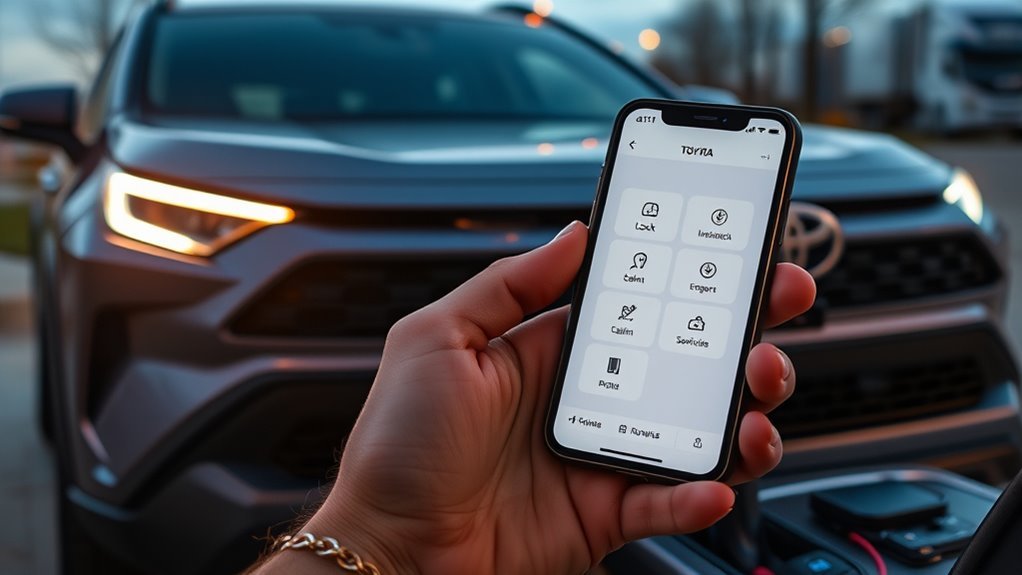
Which RAV4 models actually support Remote Connect? Toyota lists Connected Services plans for select 2022 and later Toyota vehicles, but feature access still depends on trim, equipment, trial status, and region.
For 2026 RAV4 models, Toyota’s feature applicability guide shows Remote Connect availability across listed multimedia systems and trims. It also notes that Digital Key requires an active Remote Connect subscription, and some RAV4 trims do not include every connected feature.
Toyota designed Remote Connect to give you app-based control over core functions. Confirm your exact VIN in the Toyota app before you rely on remote start, Digital Key, or location features.
| Item to Check | Why It Matters |
|---|---|
| Model year and trim | Remote Connect and Digital Key features can vary by trim. |
| Active trial or subscription | Toyota requires a paid plan after the trial ends. |
| Cellular and GPS signal | Remote commands may fail if the vehicle cannot connect. |
| Remote start support | Some trims may not include engine start or stop through Remote Connect. |
[Products Worth Considering]

Protect your Toyota RAV4 interior with this custom‑fit windshield sun shade that blocks 99% of harmful UV rays and reduces cabin heat. The mirror cut‑out ensures a seamless fit without gaps, while durable 240T polyester and bendable wire keep it sturdy through repeated use. Foldable and stored in a convenient pouch, it offers easy installation and removal for everyday comfort.

The Autovir windscreen shade offers full windshield coverage for Toyota RAV4 models from 2019 to 2026, blocking up to 99.95% of UV rays and reducing interior heat. Its multi‑layer reflective material provides SPF 100 and UPF 80+ protection while keeping the dashboard, seats, and steering wheel cooler. The foldable design installs quickly and stores conveniently in the glove box, and reinforced stitching ensures long‑lasting durability for daily use.
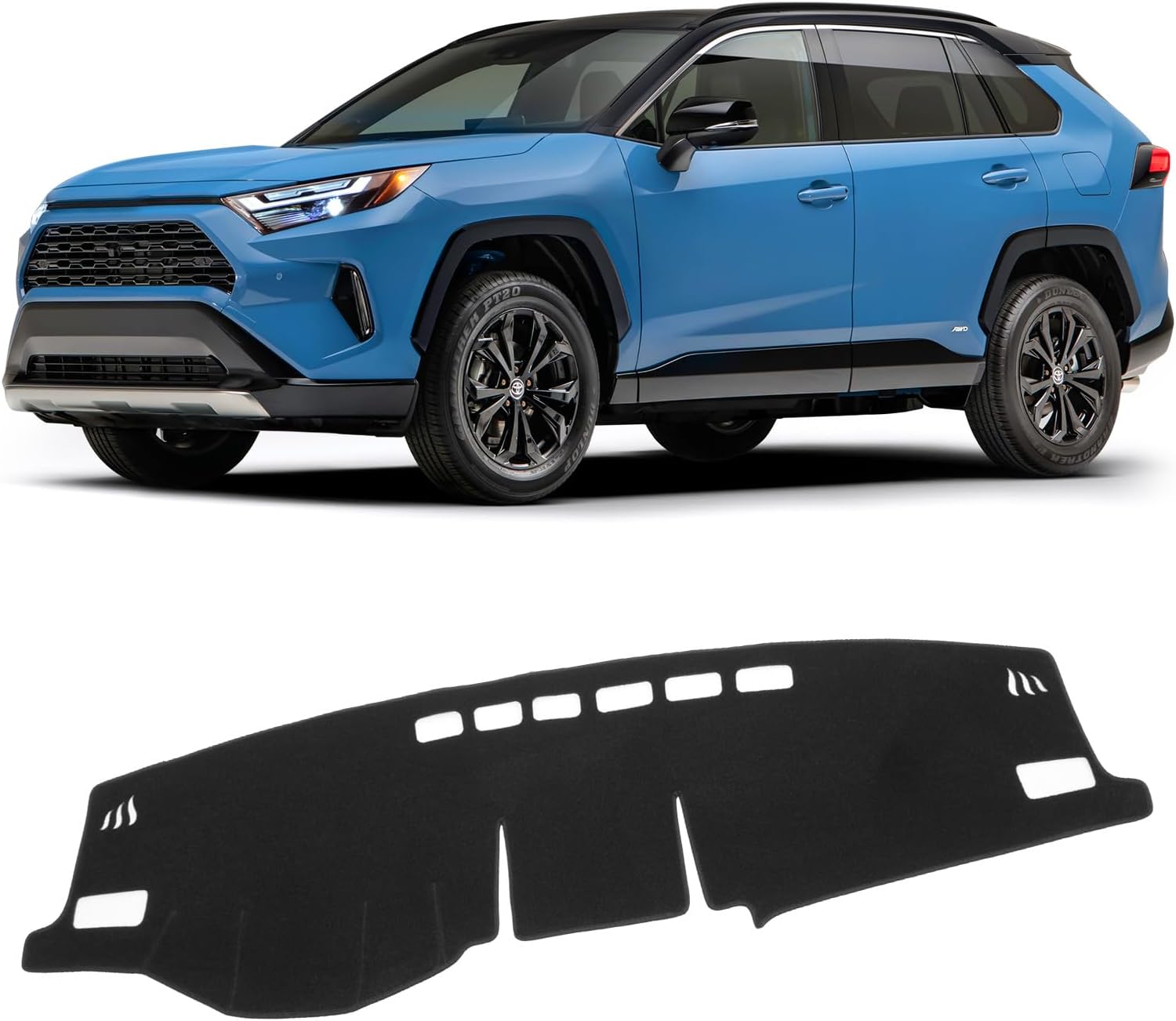
The KUST Black Dashboard Cover Mat offers a custom, eco‑friendly fit for Toyota RAV4 models from 2019 to 2025, protecting the dash from UV damage, scratches, and glare. Made from post‑consumer recycled polyester with a silicone anti‑slip underside, it stays soft, breathable, and odorless while securely adhering to the surface. Installation is quick and reversible, and the foldable design allows easy storage when not in use.
What You’ll Need Before You Start
Estimated total time: 10 to 20 minutes if your vehicle and account details are ready.
Before you set up Remote Connect, gather the details that the Toyota app may request. You will move faster if you confirm these items first.
- Your compatible RAV4 and its vehicle identification number (VIN)
- A Toyota account or My Toyota sign-in
- The Toyota app on your iPhone or Android phone
- A stable cellular or Wi-Fi connection for setup
- Access to your email or phone for any verification code
- An active Connected Services trial or paid plan
[Products Worth Considering]

Upgrade your 2026 Toyota RAV4 interior with this soft, breathable armrest cover that offers full protection against scratches, dirt, and wear. Made from eco‑friendly material, it fits the console perfectly and stays securely in place with elastic straps. Installation is tool‑free, providing added comfort and reducing fatigue during long drives.

Upgrade your RAV4 interior with a sleek, retractable 4‑port USB hub that adds vibrant RGB lighting and fast charging for phones, tablets, and accessories. The intelligent retractable cables keep the console tidy while the snap‑in design ensures easy installation. Compatible with 2020‑2025 RAV4 models, it blends modern tech with a clean aesthetic.
Quick Start: Set Up the RAV4 Remote Connect App and PIN
Get started by downloading the Toyota app from the App Store or Google Play. Sign in with your Toyota account or create one, then add your RAV4 to your account.
- Download the Toyota app on your smartphone.
- Sign in with your Toyota account, or create a new account.
- Add your RAV4 by entering or scanning the VIN.
- Activate Connected Services when the app prompts you.
- Verify your account with the requested code, PIN, or security step.
- Test one simple command, such as door lock status, before you rely on remote start.
The app may ask you to create or enter a security PIN, authorization code, or profile verification step. Follow the prompt shown in your version of the Toyota app because Toyota can update the setup flow.
Once setup finishes, you can use supported Remote Connect features from the app dashboard. If a button does not appear, your RAV4 trim, plan, or region may not support that feature.
Lock and Unlock Your RAV4 Remotely
With your smartphone and the Toyota app, you can lock or unlock a compatible RAV4 without using the key fob. Open the app, choose your vehicle, tap the lock or unlock command, and complete any security prompt.
This helps when you forgot to lock the doors or need to confirm vehicle status from a distance. The command depends on network service, so check the app result before you assume the vehicle changed state.
Use this feature with care when someone else has access to the vehicle. A remote unlock command can create a security risk if you send it while the vehicle sits in a public place.
Start Your RAV4 and Precondition the Cabin
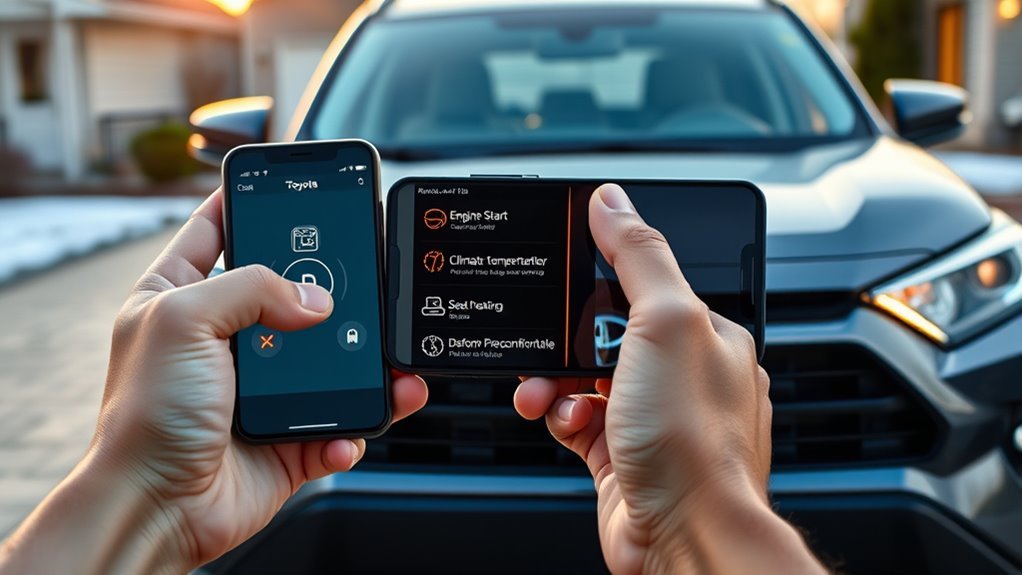
Use Remote Connect to start your RAV4 from your phone when your trim supports remote start. The climate system can begin warming or cooling the cabin before you get in.
Warning: Do not remote start a gas engine in an enclosed area, near children, near pets, or anywhere local rules prohibit it.
Remote Start Benefits
Remote start helps when the weather makes your cabin too hot or too cold. You can start the vehicle before you reach it, then let the climate system begin working.
The feature can save time on busy mornings, but it does not replace safe judgment. Use it only when you can confirm the area around the vehicle stays safe.
Cabin Preconditioning Tips
Set your climate controls before you turn the vehicle off so Remote Connect can use the settings you prefer. This makes cabin preconditioning more useful the next time you start the RAV4 from the app.
Use short run times when you only need light heating or cooling. This helps you avoid fuel waste while still making the cabin more comfortable.
Find Your Car Fast With Vehicle Finder
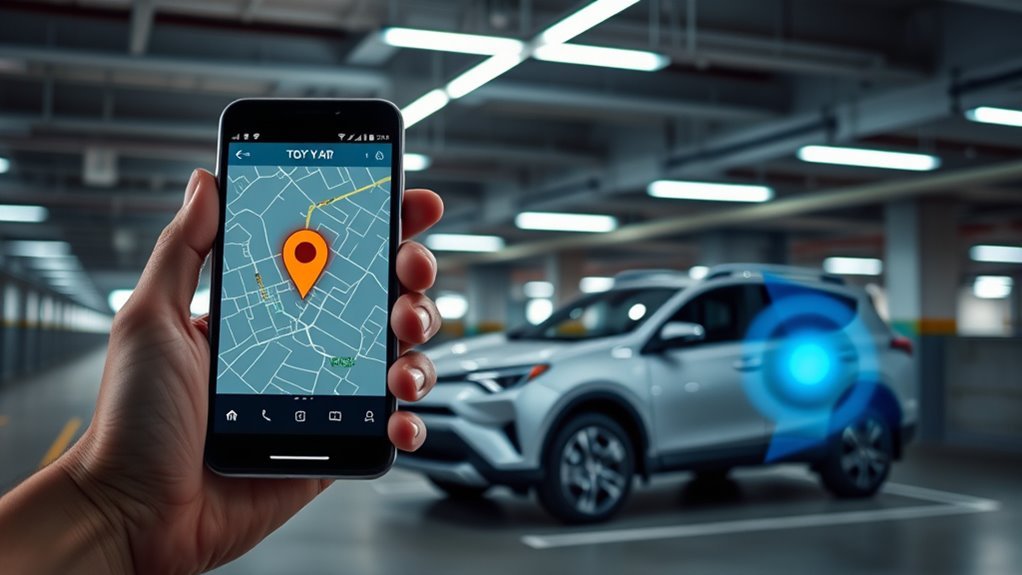
Vehicle Finder helps you locate your RAV4 on a map through the Toyota app. This helps in large parking lots, airport garages, shopping centers, and event spaces.
Treat this feature as a parking aid, not a guaranteed live tracking system. Location accuracy can depend on GPS signal, cellular coverage, building structure, and the last time the vehicle shared data.
For faster results, note your parking level, row, or nearby landmark when you leave the vehicle. The app can help, but your own parking note adds a useful backup.
View Vehicle Status: Fuel, Battery, Alerts, and Health
After you locate your RAV4, open Vehicle Status in the Toyota app to review key details. Depending on your model and connected services, you may see fuel level, battery information, door status, maintenance alerts, or vehicle health messages.
Use these details as the vehicle’s last reported status, not as a perfect live reading. If the app shows a warning or maintenance alert, confirm it in the vehicle and check your owner’s manual.
Toyota’s Connected Services Privacy Notice says Remote Connect services can use remote data, location data, and vehicle health data to provide vehicle finder, status, lock and unlock, alerts, and related features. Review your privacy choices in your Toyota account if connected-vehicle data matters to you.
Remote Connect Plans, Pricing, and When to Upgrade
Toyota’s Connected Services plans include Remote Connect in the main plan bundles for select 2022 and later Toyota vehicles. Toyota lists Music Lover and Go Anywhere at $15 per month, while Premium costs $25 per month.
Music Lover focuses on Integrated Streaming, Go Anywhere focuses on Drive Connect, and Premium combines Drive Connect with Integrated Streaming. Toyota also lists Wi-Fi Connect, connected by AT&T, as a $25 per month add-on.
Prices, trials, and services can change without notice, so confirm the current terms in the Toyota app or on Toyota’s official Connected Services page before you subscribe.
Plan Options Overview
| Plan | Monthly Price Listed by Toyota | Main Included Services | Best For |
|---|---|---|---|
| Music Lover | $15 per month | Remote Connect and Integrated Streaming | Drivers who mainly want music streaming and app control |
| Go Anywhere | $15 per month | Remote Connect and Drive Connect | Drivers who want navigation support and app control |
| Premium | $25 per month | Remote Connect, Drive Connect, and Integrated Streaming | Drivers who want the broadest bundle |
| Wi-Fi Connect Add-On | $25 per month | In-vehicle Wi-Fi through AT&T | Passengers who need mobile internet in the vehicle |
For the latest details on subscriptions, see the official connected services plans.
Upgrade Timing Guide
Upgrade only when you need features outside your current plan. Pick Go Anywhere if navigation tools matter more than streaming, or choose Music Lover if streaming matters more than Drive Connect.
Choose Premium when you want both Drive Connect and Integrated Streaming in one plan. Add Wi-Fi Connect only when you need in-car mobile internet for passengers or connected devices.
Common Remote Connect Problems and Fixes
Remote Connect can fail when the vehicle, phone, or account cannot complete the request. Start with the simple checks before you contact Toyota support.
- App command fails: Move your phone to a stronger signal area and try again.
- Vehicle does not respond: Confirm the RAV4 has cellular coverage and enough battery power.
- Remote start button is missing: Check whether your trim and plan support engine start or stop.
- Vehicle Finder looks wrong: Refresh the app and remember that location can reflect the last available update.
- Subscription features disappear: Review trial status, renewal date, and plan details in the Toyota app.
If the same issue keeps coming back, check the Toyota app for service alerts and contact Toyota support or your dealer. Give them your VIN, app version, phone model, and the exact error message.
Frequently Asked Questions
What features can you use in the Toyota app?
You can use the Toyota app to access supported Connected Services, including Remote Connect, Service Connect, Drive Connect, and Wi-Fi Connect features. Your exact buttons and options depend on your vehicle, trim, region, trial status, and subscription.
What’s included in Toyota Remote Connect for a RAV4?
Remote Connect can include remote lock and unlock, remote start or stop on supported trims, vehicle status, alerts, Vehicle Finder, and related app controls. Some features may not appear if your RAV4 trim or plan does not support them.
Does every RAV4 have remote start through the Toyota app?
No. Toyota lists Remote Connect support by vehicle, multimedia system, and trim, and some trims may not include engine start or stop. Check your VIN in the Toyota app or ask your Toyota dealer before you subscribe for remote start alone.
What data does Toyota collect with Remote Connect?
Toyota’s Connected Services Privacy Notice says Remote Connect services can use remote data, location data, and vehicle health data. Review Toyota’s privacy notice and your account settings so you understand what data supports these features.
What is Remote Connect on a Toyota RAV4?
Remote Connect is a Toyota app service that lets you control and monitor supported RAV4 features from your phone. You can use it for remote door controls, supported remote start, Vehicle Finder, status checks, and alerts.
Vehicle Safety Disclaimer: This article is for informational purposes only and does not replace your owner’s manual, Toyota’s terms, local laws, or advice from a qualified Toyota technician. Confirm safety, legality, and feature availability before you use remote vehicle controls.
Conclusion
Toyota Remote Connect can make your RAV4 easier to manage when your trim, app, and subscription support the features you need.
Start by checking your VIN in the Toyota app, then test basic commands before you rely on remote start or Vehicle Finder. Review your plan, safety limits, and privacy settings so you know exactly what you are using.
Once you set it up correctly, Remote Connect can turn small daily tasks into quick phone actions.
References
- Connected Services Plans — Toyota, 2026
- Connected Services — Toyota Owners, 2026
- Toyota App — Google Play, 2026
- 2026 Audio Multimedia and Connected Services Feature Applicability — Toyota, 2025
- Toyota Connected Services Privacy Notice — Toyota, 2026