
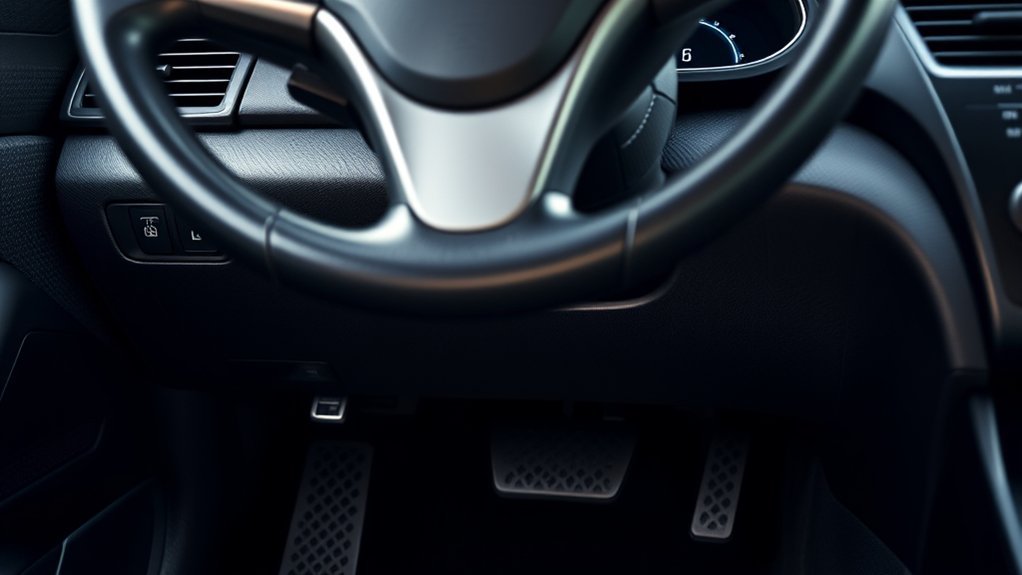
The OBD2 port on a Hyundai Sonata is under the driver-side dashboard, near the steering column and above the pedals. On older Sonata models — including the 2001 EF-generation Sonata — it can sit high enough under the lower dash that a flashlight and a low viewing angle from the footwell are both needed to spot it. Exact access varies by model year, trim, and left- or right-hand-drive layout, and pre-2008 Sonatas use an older OBD2 communication protocol that many cheap Bluetooth adapters cannot handle. Both issues are covered below.
Quick Answer
The Hyundai Sonata OBD2 port is on the driver’s side, under the dashboard, close to the steering column and above the pedals. For a 2001 Sonata, look around the right side of the steering column under the lower dash. Use a flashlight, plug the scanner in with the engine off, then turn the ignition to “ON.” If a Bluetooth adapter won’t communicate on a 2001–2007 model, the cause is usually an older protocol — not a bad port.
Key Takeaways
- Start your search under the driver-side dashboard, near the steering column and above the pedals.
- On a 2001 Hyundai Sonata (EF generation), the data link connector is commonly near the right side of the steering column, tucked high under the lower dash trim.
- Pre-2008 Sonatas use ISO 9141-2 or KWP2000 OBD2 protocols — confirm your scanner or Bluetooth adapter supports these before assuming a connection failure is a bad port.
- Connect the scanner while parked with the engine off, then switch the ignition to “ON” without starting the engine unless your scanner says otherwise.
- A basic OBD2 reader reads engine and emissions codes; ABS, airbag, transmission, and body-module codes require an enhanced Hyundai-compatible scanner.
- Record all codes before clearing them — codes are starting points for diagnosis, not automatic part-replacement instructions.
At a Glance
| Time Required | 2–5 minutes once you know where to look |
| Difficulty | Easy, but visibility can be poor on older Sonatas |
| Tools Needed | Flashlight, OBD2 scanner or Bluetooth OBD2 adapter, phone app if using Bluetooth |
| Cost | Free if you already own a scanner; basic readers often cost less than a professional diagnostic visit |
Where Is the OBD2 Port on a Hyundai Sonata?
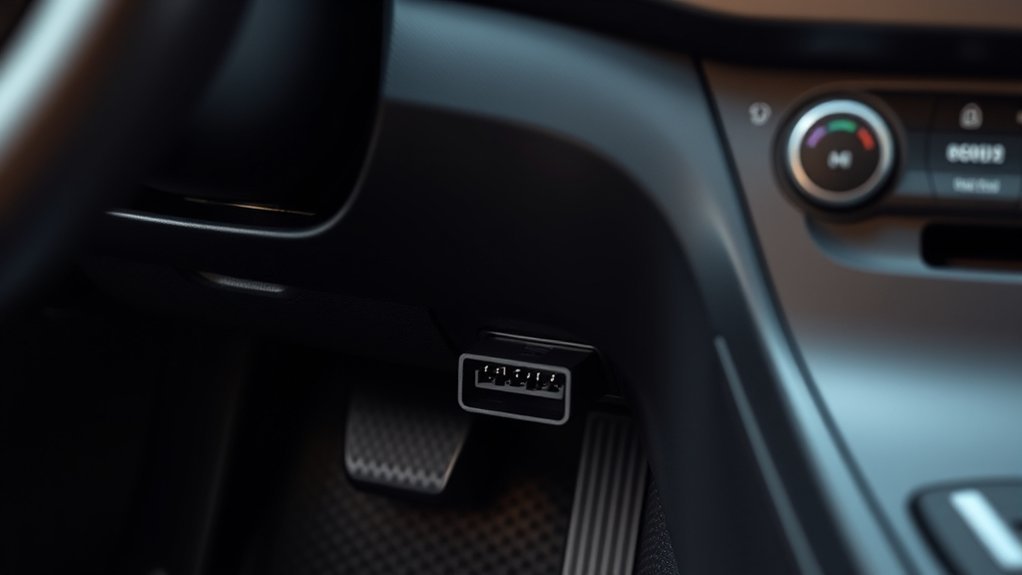
For most Hyundai Sonata models, the OBD2 port, also called the DLC or data link connector, is on the driver’s side under the dashboard. Look above the pedals and around the lower steering-column area first.
On a 2001 Hyundai Sonata — part of the EF generation built from 1999 to 2005 — the connector is commonly near the right side of the steering column. In practice, that means leaning into the driver footwell and looking upward behind the lower dashboard trim. The port may be partly hidden by the lower dash shape, so a flashlight is not optional on this generation.
If you have a right-hand-drive or Australian-market Sonata, begin in the driver’s footwell near the steering column, then check the lower-dash area toward the center console. Do not assume the left-hand-drive location will be mirrored perfectly on every market version.
Note: The OBD2 connector is a standardized diagnostic connector, but the exact trim opening, bracket angle, and visibility can vary by Sonata year and market. If you cannot see it immediately, feel gently around the lower dash near the steering column rather than pulling panels apart.
How to Access the OBD2 Port Step by Step
- Park safely. Put the car in Park or Neutral, set the parking brake, and keep the engine off.
- Move the seat back. Give yourself room to look under the steering wheel and dashboard.
- Use a flashlight. Shine it upward above the pedals and around the lower steering-column area.
- Look for a trapezoid-shaped 16-pin connector. It is usually black or dark colored and shaped so the scanner plug fits only one way.
- Plug in the scanner gently. Align the connector before pushing. Do not force it.
- Turn the ignition to “ON.” Do this without starting the engine unless your scanner instructions specifically require the engine running.
- Read and save the codes. Write down stored, pending, and permanent codes before clearing anything.
Warning: Never crawl under the dash while the vehicle is moving, and never drive with a corded scanner hanging near the pedals. A loose cable can interfere with braking or acceleration.
Common Challenges When Finding the Port
Poor Visibility Under the Dash
Older Sonata dashboards can make the port hard to see from a normal seated position. A small flashlight, phone light, or inspection mirror can help you spot the connector without tugging on trim panels.
Confusing the Fuse Panel With the OBD2 Port
Many owners first look near the fuse panel. That area is worth checking, but the OBD2 connector itself is the trapezoid-shaped diagnostic socket, not the fuse box cover. If you see blade fuses, you are looking at the wrong component.
The Connector Feels Loose
If the port moves slightly, support the surrounding trim gently with one hand while plugging in the scanner with the other. Do not yank the scanner cable sideways after it is connected.
Damaged or Corroded Port Pins
On high-mileage older Sonatas — a 2001 model with more than two decades of use is especially susceptible — the OBD2 port’s internal pins can be bent, corroded, or have broken retaining contact. If the scanner fails to power on even after confirming the ignition is on and the relevant fuses are intact, inspect the port directly with a flashlight. Bent pins can sometimes be carefully realigned with a small precision screwdriver. Light corrosion on contacts can often be cleared with electrical contact cleaner sprayed into the port. If the connector housing is cracked or the retaining clip is broken, a short OBD2 port extension cable — one with a fresh female connector on one end that can be supported by hand — is a practical low-cost workaround while a replacement bracket port is sourced.
Pro Tip: Before plugging in the scanner, turn the connector in your hand and match its trapezoid shape to the port. If it does not slide in smoothly, flip the plug orientation rather than forcing it.
How to Use Your OBD2 Scanner Effectively
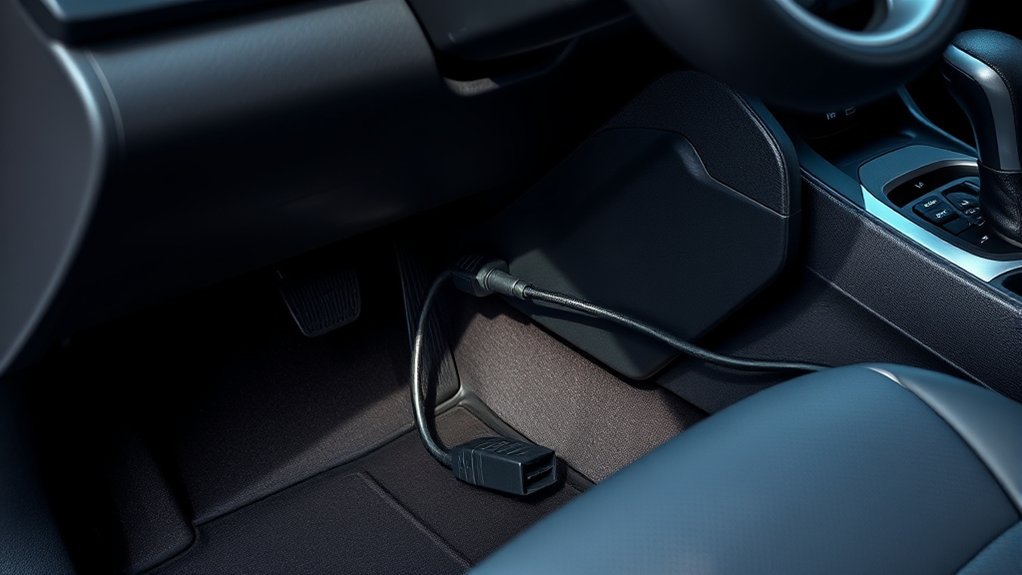
Once the scanner is connected, follow the scanner’s on-screen menu. Most basic tools have options such as Read Codes, Erase Codes, I/M Readiness, and Live Data.
- Read codes first. Save every code before clearing anything.
- Check whether the codes are stored, pending, or permanent. Pending codes may not have turned on the check engine light yet.
- Look at freeze-frame data if available. This can show engine speed, coolant temperature, and load when the code set.
- Do not replace parts based on one code alone. A code points to a system or circuit that needs testing.
- Clear codes only after repairs or checks. Clearing codes too early can erase useful evidence and reset emissions readiness monitors.
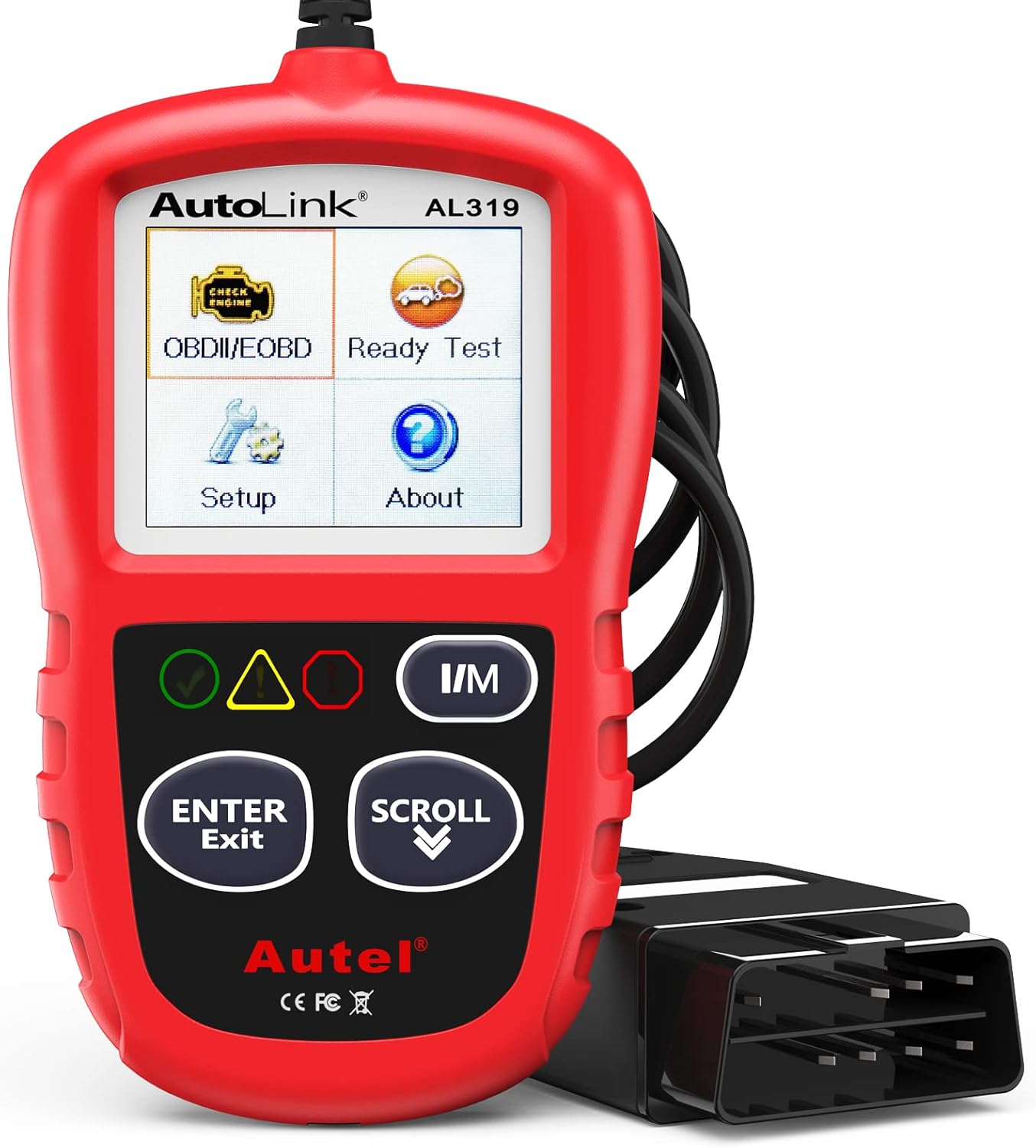
A basic OBD2 scanner handles check-engine-light and emissions-related codes. For ABS, airbag, transmission, immobilizer, or body-control-module information, choose an enhanced scanner that specifically lists Hyundai coverage. Tools with confirmed Hyundai enhanced support include the Autel MaxiCOM series, the BlueDriver Bluetooth adapter paired with its companion app, and the OBDLink MX+. For a 2001 Sonata or any other pre-2008 model, also confirm the tool supports the ISO 9141-2 or KWP2000 protocol — ultra-cheap ELM327 clone adapters frequently fail to open a communication session with older Korean vehicle protocols, producing a “link error” or “no response” message that is unrelated to the port itself.
Note: Hyundai Sonatas built before the 2008 model year predate the U.S. mandate for CAN bus OBD2 communication. These vehicles use older protocols — typically ISO 9141-2 or KWP2000 (ISO 14230). If a Bluetooth adapter pairs with your phone but fails to read any vehicle data on a 2001–2007 Sonata, the protocol is almost certainly the cause. Choosing a reputable adapter that explicitly lists legacy Korean vehicle or ISO 9141-2 support resolves this in the vast majority of cases.
[Products Worth Considering]

BlueDriver Pro turns your phone or tablet into a powerful vehicle diagnostic scanner with wireless Bluetooth connectivity and no subscription fees. It reads and clears enhanced trouble codes for systems like ABS, SRS, Airbag, TPMS, and Transmission, while also providing technician-verified repair reports, live data, freeze frame views, smog readiness checks, and Mode 6 test results. Built for broad coverage on gas vehicles sold in North America, it offers professional-grade diagnostics with easy setup and 24/7 North American support.

The FOXWELL NT301 is a plug-and-play OBD2 code reader designed to help drivers and home mechanics diagnose check engine light issues with ease. It reads fault codes, clears emissions-related warnings, displays live sensor data in graph form, and shows I/M readiness so you can quickly check vehicle status before an emissions test. With broad compatibility across many OBD2 vehicles and a clear color screen, it offers a practical, user-friendly way to monitor and troubleshoot engine performance.

The BLCKTEC 440 Bluetooth OBD2 scanner helps drivers and DIY mechanics quickly read and clear trouble codes, monitor live data, and check emissions readiness with confidence. Its color display, graphing capabilities, and battery and charging system testing make it a versatile diagnostic tool for OBD-compliant vehicles. Designed for plug-and-play convenience, it runs directly from your vehicle and includes support for report sharing and ongoing updates.
Decoding Hyundai Sonata OBD2 Trouble Codes
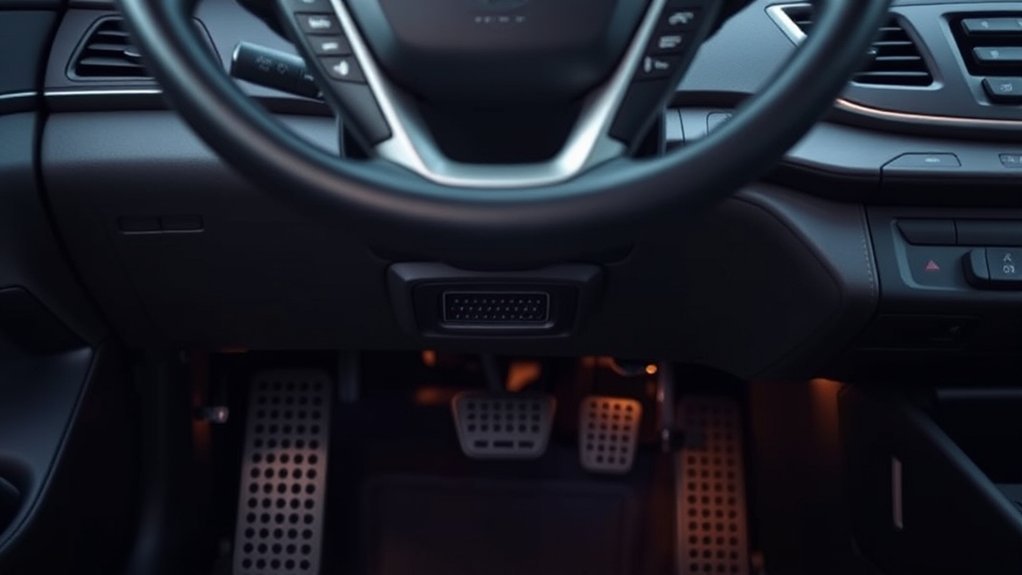
Most OBD2 trouble codes use five characters. The first letter tells you the system family:
- P = Powertrain, including engine, fuel, emissions, and transmission-related faults
- B = Body systems, such as some interior electronics and restraint-related systems
- C = Chassis systems, such as steering, suspension, and braking-related systems
- U = Network communication faults between control modules
The second character indicates standardization level. A 0 means the code follows the generic SAE OBD2 standard and will read the same across all compliant vehicles. A 1 identifies a manufacturer-specific code unique to Hyundai’s calibration. Digits 2 and 3 carry additional SAE-reserved and manufacturer-specific meanings depending on the system. Always verify any code against your Sonata’s specific year, engine, and live scanner data before ordering parts.
| Code | Common Meaning | First Check |
| P0300 | Random or multiple cylinder misfire | Spark plugs, coils, vacuum leaks, fuel delivery |
| P0171 | System too lean (Bank 1) | Vacuum leaks, intake hoses, MAF sensor, fuel pressure |
| P0420 | Catalyst system efficiency below threshold (Bank 1) | Exhaust leaks, oxygen sensor data, engine misfire history |
| P0442 / P0455 | EVAP system leak — small or large | Gas cap seal, EVAP hoses, purge or vent valve |
| P0128 | Coolant temperature below thermostat regulating temperature | Coolant level, thermostat operation, coolant temperature sensor data |
A trouble code tells you where to start testing. It does not prove a specific part is bad until the circuit, wiring, sensor data, and related symptoms are checked.
[Products Worth Considering]

FOXWELL NT201 is an easy-to-use OBD2 scanner designed to help drivers quickly read and clear check engine codes, view live engine data, and check emissions readiness. Its color screen, one-key I/M readiness test, and broad compatibility with most gasoline vehicles since 1996 make it a practical tool for everyday diagnostics and maintenance. With plug-and-play operation and lifetime free updates, it offers a simple way to understand vehicle issues without expensive shop visits.

Veepeak OBDCheck BLE is a Bluetooth LE OBD-II scanner designed to read and clear check engine codes, view live sensor data, and access freeze frame and readiness information through a compatible third-party app. It works with most 1996+ gas vehicles and many light trucks for standard diagnostics, with broader features depending on the app and vehicle support. This compact adapter is built for iOS and Android users who want a simple wireless way to monitor vehicle health without WiFi pairing.
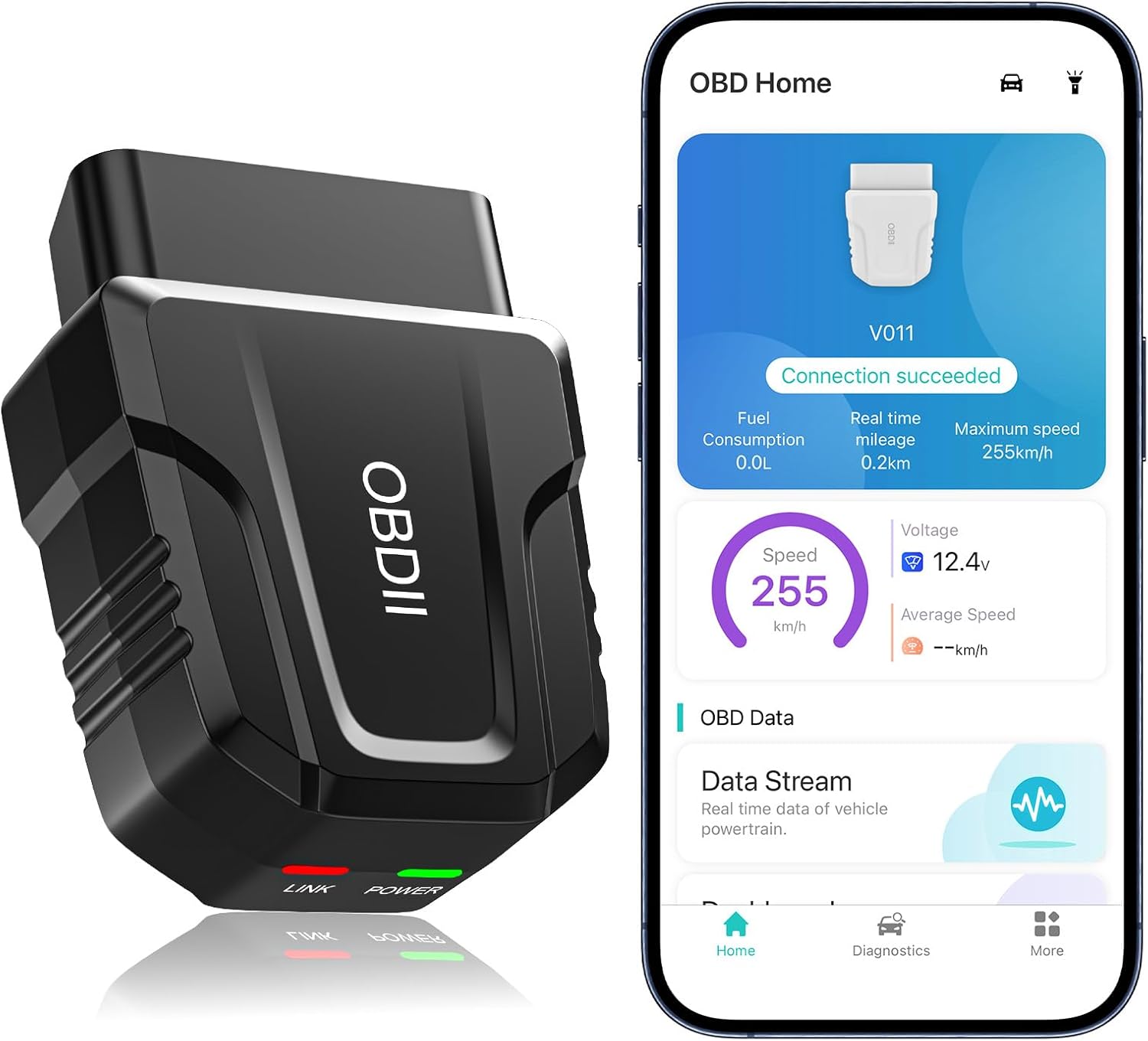
The UMEIJA V011 OBD2 scanner delivers comprehensive vehicle diagnostics with Bluetooth connectivity and a dedicated app for iOS and Android. It supports live data, fault code reading and clearing, readiness checks, freeze frame, sensor data, and performance testing to help drivers understand and monitor vehicle health. With broad compatibility across many car and truck models and easy-to-read data visualization, it is a practical tool for both beginners and experienced users.
Troubleshooting Common OBD2 Scanner Problems
[Products Worth Considering]

Turn your iPhone, Android device, or Windows PC into a professional-grade diagnostic scan tool with this Bluetooth OBD2 adapter. It is designed for broad vehicle compatibility and supports popular apps for deeper diagnostics, live data, and code clearing. Built-in protections and firmware updates help keep your vehicle and scanner safe while delivering reliable performance.

The OBDMATE OM901 is a handheld car diagnostic scanner designed to read and clear fault codes across ABS, SRS, engine, and transmission systems. It also offers full OBD2 functions like live data, freeze frame, I/M readiness, VIN retrieval, O2 sensor testing, EVAP testing, and onboard monitoring, making it useful for quick troubleshooting and emissions checks. With a large screen, battery voltage monitoring, DLC pin testing, and a protective carrying case, it is a practical tool for DIY drivers and professionals alike.

The ANCEL AD310 is a compact, easy-to-use OBD II code reader designed to help drivers quickly identify check engine light causes, read and clear fault codes, and review key vehicle data. It supports major OBD2 protocols and works with many 1996-and-newer cars, light trucks, SUVs, and other OBD2 vehicles. Built for fast diagnostics at home or on the go, it runs directly from the vehicle and provides clear results on a large screen.
Scanner Does Not Power On
If the scanner stays blank, first confirm the plug is fully seated and the ignition is in the “ON” position. If it still does not power up, check the vehicle’s fuse information in the owner’s manual because some diagnostic-port power circuits share fuse protection with interior power outlets or related circuits. On older, high-mileage Sonatas, also inspect the port pins directly — a corroded or bent pin can break the scanner’s power circuit even when the fuse is intact.
Scanner Powers On but Will Not Communicate
Turn the ignition off, unplug the scanner, wait a few seconds, reconnect it, and turn the ignition back to “ON.” If communication still fails, consider the protocol before assuming the port is bad. The 2001–2007 Hyundai Sonata uses ISO 9141-2 or KWP2000 (ISO 14230) — older OBD2 protocols that predate the CAN bus standard mandated for US vehicles starting with model year 2008. Many low-cost Bluetooth ELM327 adapters do not support these legacy protocols. The adapter will pair with your phone and appear active, but it will time out when trying to open a vehicle communication session — which looks identical to a bad port. Switching to a reputable adapter with explicit ISO 9141-2 or KWP2000 support resolves this in most cases. If you have already confirmed the adapter supports the correct protocol, try a different scanner to rule out an adapter fault.
Scanner Reads Only Engine Codes
This is normal for many entry-level OBD2 scanners. To read ABS, SRS airbag, transmission, or manufacturer-specific Hyundai modules, you need a scanner that clearly lists enhanced Hyundai coverage.
Code Comes Back After Clearing
If a code returns, the underlying issue is still present or the monitor has run again and detected the same fault. Re-scan, record freeze-frame data, and diagnose the system instead of repeatedly clearing the code.
Why You Should Scan Your Sonata Regularly
Regular scanning can help you catch check-engine-light problems before they become harder to diagnose. OBD systems monitor emission-related components, store diagnostic trouble codes when faults are detected, and alert the driver through the malfunction indicator light when conditions require attention.
A scanner is especially useful before an emissions inspection, before a long trip, after a repair, or when the check engine light appears. It can also show whether readiness monitors have completed after the battery was disconnected or codes were cleared.
Note: Clearing codes resets some readiness monitors. If your area requires emissions testing, do not clear codes right before inspection unless the repair is complete and the vehicle has had enough normal driving time to complete its monitors.
OBD2 Port Locations by Sonata Generation
The driver-side lower dashboard area is the correct starting point on every OBD2-equipped Hyundai Sonata, but the exact position, visibility, and required scanner protocol differ across generations. The table below covers all five OBD2 Sonata generations sold in the United States.
| Generation / Years (US) | Port Location Note | OBD2 Protocol |
| EF — 1999–2005 | Right side of steering column under lower dash; sits high — use a flashlight from the footwell | ISO 9141-2 / KWP2000 |
| NF — 2006–2010 | Driver side under dash near steering column; slightly more accessible than EF | KWP2000 (2006–07) / CAN bus (2008–10) |
| YF — 2011–2014 | Driver side under dash to the left of the steering column; lower and easier to see than earlier models | CAN bus |
| LF — 2015–2019 | Driver side under dashboard above the pedal cluster; well-positioned and easy to reach | CAN bus |
| DN8 — 2020–present | Driver side under dash above pedals; most accessible Sonata generation — good visibility without a flashlight in most lighting conditions | CAN bus |
- Right-hand-drive models: Start in the driver footwell near the steering column, then check the lower dash toward the center console if needed.
- If you still cannot find it: Check the owner’s manual, use Hyundai’s official owner resources, or use a dedicated DLC locator tool such as the RepairSolutionsPRO DLC Locator.
What Most Owners Get Wrong When Scanning a Hyundai Sonata
Three problems account for the vast majority of confusion when locating or using the OBD2 port on a Hyundai Sonata.
The first is looking from the driver’s seat rather than the footwell. On the EF and NF generations in particular, the port is positioned so that it is accessible from below the dash, not from a seated position looking under the steering wheel. Moving to the driver’s door, crouching down, and looking upward toward the base of the steering column puts the port directly in view. It is a posture change that takes ten seconds and eliminates the most common source of confusion immediately.
The second is mistaking the fuse panel access area for the diagnostic port. Both are on the driver’s side under the dash. The OBD2 port is a distinct trapezoid-shaped 16-pin socket — if what you are looking at has blade fuses or a removable cover, you have found the wrong component.
The third — specific to the 2001–2007 Sonata — is using a Bluetooth adapter that does not support the vehicle’s communication protocol. An inexpensive ELM327 clone will power on, its LED will light up, and the phone app will show it as connected. But the adapter then fails silently when it tries to open a vehicle communication session using the older ISO 9141-2 or KWP2000 protocol. The result — a “no response” or “link error” in the app — looks exactly like a bad OBD2 port or blown fuse, leading owners to chase the wrong problem. Replacing the adapter with one that explicitly lists legacy protocol support closes this failure loop immediately.
Additional Resources for Hyundai Owners
For the most reliable information, start with Hyundai’s official owner resources and your vehicle’s manual. For diagnostic standards and OBD system background, use official or standards-based references. For code meanings, use a code lookup as a starting point, then confirm the diagnosis with testing.
- Hyundai Manuals & Warranties — owner resources and manual lookup by vehicle.
- SAE J1962 Diagnostic Connector Standard — OBD diagnostic connector standard reference.
- 40 CFR § 86.1806-27 — current U.S. onboard diagnostics regulatory language.
- OBD-Codes: OBD2 Codes Explained — plain-English diagnostic code format reference.
Frequently Asked Questions
Where is the diagnostic plug-in on a Hyundai Sonata?
The diagnostic plug-in, also called the OBD2 port or DLC, is under the driver-side dashboard near the steering column and above the pedals. On a 2001 Hyundai Sonata (EF generation), look around the right side of the steering column under the lower dash. Crouch by the driver’s door, lean in, and look upward with a flashlight for the clearest view.
Do I need to remove a panel to reach the Sonata OBD2 port?
Usually, no major panel removal is needed. The connector may be tucked high under the dash or partly hidden by lower trim, so use a flashlight before removing anything. If a small access cover is present on your model, open it gently.
Should the engine be running when I connect an OBD2 scanner?
For most code-reading tasks, connect the scanner with the engine off, then turn the ignition to “ON” without starting the engine. Some live-data tests may require the engine running, but follow your scanner’s instructions for that step.
Why does my OBD2 scanner not power on in my Sonata?
Make sure the plug is fully seated and the ignition is in the “ON” position. If the scanner still stays off, check the vehicle’s relevant fuses and try another scanner if possible. A damaged connector, blown fuse, or loose power/ground circuit can stop the scanner from powering up. On older, high-mileage Sonatas, corroded or bent port pins can also break the power contact — inspect the port directly with a flashlight before replacing fuses.
Can a basic OBD2 scanner read ABS or airbag codes on a Hyundai Sonata?
Usually not. Many basic OBD2 scanners read engine and emissions-related powertrain codes only. For ABS, airbag, transmission, and body-module codes, choose an enhanced scanner that specifically supports Hyundai systems — tools such as the Autel MaxiCOM series or BlueDriver are well-regarded options for Hyundai enhanced coverage.
Why won’t my Bluetooth OBD2 adapter communicate with my 2001 Sonata?
The 2001 Hyundai Sonata uses ISO 9141-2 or KWP2000 (ISO 14230) — older OBD2 communication protocols that predate the CAN bus standard required for all US vehicles from model year 2008 onward. Many inexpensive Bluetooth ELM327 adapters do not reliably support these legacy protocols. The adapter will pair with your phone and appear to work, but then fail to open a vehicle communication session — which produces a “no response” or “link error” that looks identical to a bad port. Choosing an adapter that explicitly lists ISO 9141-2, KWP2000, or legacy Korean vehicle support resolves this in the vast majority of cases. A wired scanner with confirmed legacy protocol support is also a reliable alternative.
Conclusion
Finding the Hyundai Sonata OBD2 port is straightforward once you know where to look and what generation you have. Under the driver-side dashboard, near the steering column and above the pedals, is the right starting point for every model year. On an older EF-generation Sonata like the 2001 model, the connector sits high under the lower dash and requires a flashlight and a low angle from the footwell to spot clearly. If a Bluetooth adapter refuses to communicate with a pre-2008 Sonata, an incompatible legacy protocol — not a bad port — is the most common cause, and choosing a reputable adapter that lists ISO 9141-2 or KWP2000 support resolves it quickly. Connect your scanner carefully, save the codes before clearing them, and treat every trouble code as the start of a diagnosis rather than a final verdict on which part to replace.
Sources
- Hyundai Manuals & Warranties — official Hyundai owner manual and warranty resource hub.
- SAE J1962 Diagnostic Connector — diagnostic connector design, access zone specifications, and standardization reference.
- U.S. EPA: On-Board Diagnostic Regulations and Requirements — OBD system purpose and emissions-monitoring background.
- 40 CFR § 86.1806-27: Onboard diagnostics — current federal OBD regulatory language.
- RepairSolutionsPRO DLC Locator — general DLC function and common location guidance by vehicle.
- OBD-Codes: OBD2 Codes Explained — diagnostic trouble code format and interpretation reference.

[…] minutes to check settings and visible sensor areas; longer if warning lights require […]