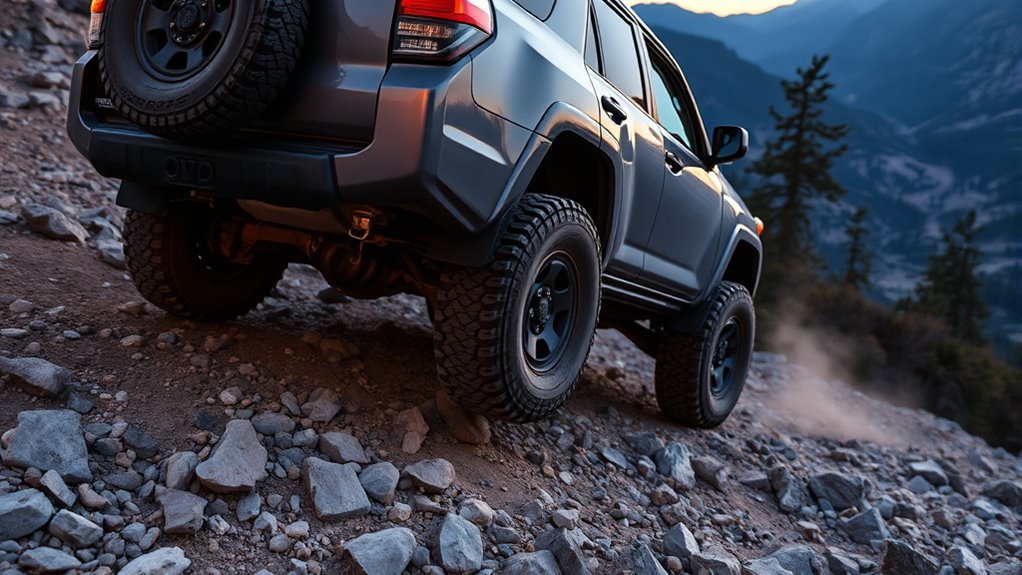
Downhill Assist Control (DAC) is most useful when your Toyota 4Runner is pointed down a steep, loose, rocky, muddy, snowy, or rutted grade and you want slow, steady downhill control while you focus on steering. Use it before the descent gets stressful, not after the vehicle is already moving too fast. The exact transfer mode, speed limit, shift position, and display message depend on your model year, so confirm your owner’s manual and dashboard indicator before relying on the system.
Quick Answer
Use Downhill Assist Control on steep, slippery, or loose descents where low-speed control matters more than momentum. Many 2010–2024 4Runner manuals use DAC in low range at very low speed, while current 2025+ Toyota DAC guidance lists operation in 4H under 18 mph. Always verify your exact manual first.
Key Takeaways
- Use DAC for slow downhill travel on steep, loose, muddy, rocky, snowy, or rutted terrain.
- Do not treat 4Hi/4Lo advice as universal: many 2010–2024 4Runners and current 2025+ 4Runners use different DAC conditions.
- DAC is a brake-and-traction-control-based descent aid; lower gear selection can still help where your manual recommends it.
- If the DAC light flashes, a buzzer sounds, the system overheats, or the vehicle feels unsettled, take over gently and stop where it is safe.
At a Glance
| Time Required | 30 seconds to slow down, choose the correct drive mode, press the DAC or DAC/CRAWL switch, and confirm the indicator |
| Difficulty | Easy, but only after confirming the correct model-year operating conditions |
| Tools Needed | Your 4Runner’s DAC or DAC/CRAWL switch, multi-information display, transfer-mode selector, and owner’s manual |
| Cost | $0 if your 4Runner is equipped with DAC |
What Downhill Assist Control (DAC) Does
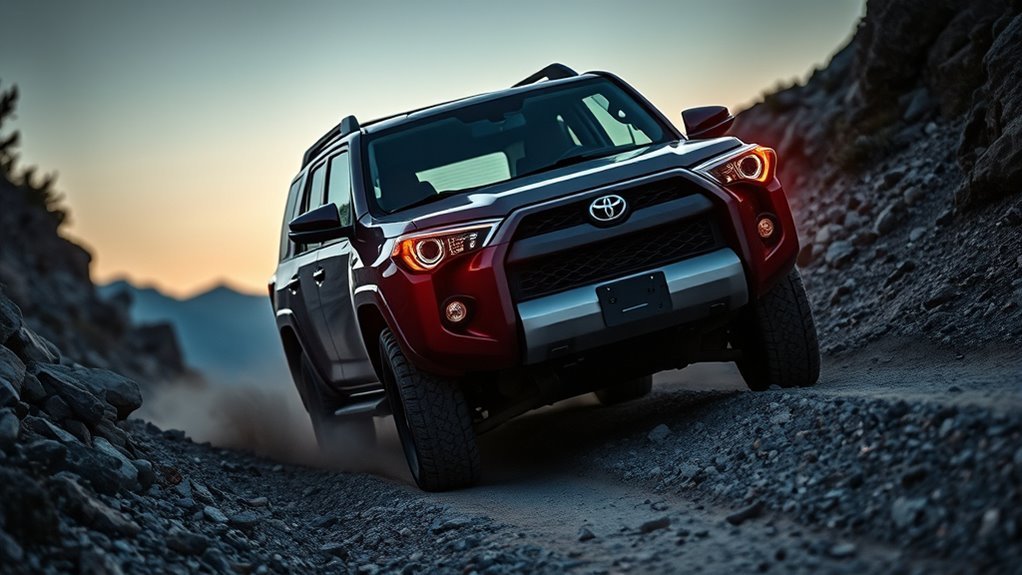
Downhill Assist Control helps prevent the vehicle from picking up too much speed on steep downhill slopes. In plain language, it is a low-speed descent aid: you steer and choose the line while the system helps manage speed so you are not constantly stabbing the brake pedal.
The important correction is that DAC is not simply “engine braking.” Toyota’s current owner information describes DAC operation with the DAC/CRAWL switch, mode select switch, multi-information display, slip indicator, stop lights, and brake actuator overheat warnings. That means the system is tied to the vehicle’s brake and traction-control logic. Selecting a lower shift range can still add engine braking where your manual recommends it, but DAC itself is an active descent-control system.
Warning: Do not rely on DAC to overcome poor traction, excessive speed, worn tires, a bad line, a heavy trailer, or a grade beyond the vehicle’s limits. Toyota warns that downhill assist does not extend the vehicle’s performance limitations, so you must still read the terrain and be ready to brake, steer, or stop.
Before You Press DAC: Conditions to Confirm
Before using DAC on a real descent, confirm five things: your 4Runner is equipped with DAC, the transfer mode matches your model-year manual, your speed is below the allowed limit, the shift position is allowed, and the DAC indicator or multi-information display confirms that the system is active.
- Confirm the switch. Look for a DAC switch or a DAC/CRAWL switch and verify the feature in your manual.
- Confirm the terrain. DAC is for downhill control, not climbing, deep throttle work, fast gravel driving, or getting unstuck.
- Confirm the speed. Slow before the drop. Do not roll into a steep hill and expect DAC to rescue too much speed.
- Confirm the display. Do not rely on the system until the correct indicator or multi-information display message appears.
- Confirm your escape plan. Pick a line, scan for obstacles, and know where you can stop safely if the vehicle slides or the system cancels.
Check Your Model Year Before Using DAC
The biggest mistake in most DAC advice is treating every 4Runner the same. Toyota introduced the all-new sixth-generation 4Runner for 2025, and the DAC operating conditions listed in current 2025+ digital manuals are not the same as the common 2010–2024 low-range instructions. Use the table below as a starting point, then verify the exact manual for your year, drivetrain, trim, and market.
| 4Runner model years | DAC rule to verify |
| Many 2010–2024 4Runners, if equipped | Older 4Runner instructions commonly list DAC operation under 15 mph (25 km/h), with the accelerator and brake pedals released, and transfer mode in L4 on part-time 4WD models or L4L on full-time 4WD models. Use the model-year manual from the Toyota Owners manuals portal to confirm your exact vehicle. |
| 2025+ 4Runner / 4Runner Hybrid, if equipped | Toyota’s current digital manuals list DAC operation under 18 mph (30 km/h) with transfer mode in 4H, and a selectable set speed of about 3–18 mph on applicable models. See Toyota’s 2026 4Runner DAC page and 2025 4Runner Hybrid DAC page. |
Note: “4Hi vs. 4Lo” is not a universal DAC rule. Use the label on your transfer switch, the message in your multi-information display, and the exact owner’s manual for your model year. Toyota’s general 4WD guidance treats 4H as a traction mode for slippery or light off-road driving and 4L as a low-speed mode for more challenging off-road conditions, but DAC’s required mode still depends on the model-year manual.
Quick-Start Checklist: Activate DAC Safely
Use this checklist before relying on DAC on a real descent:
- Confirm your 4Runner has DAC. Look for the DAC or DAC/CRAWL switch and verify the feature in your owner’s manual.
- Choose the correct transfer mode. Many 2010–2024 4Runners use low range for DAC; current 2025+ Toyota guidance lists 4H for DAC operation. Do not guess.
- Slow down before the drop. Be below the speed limit listed for your model-year system before you press the switch.
- Use the correct shift and pedal conditions. Older systems commonly require the accelerator and brake pedals to be released, and DAC will not operate in Park. Newer systems display prompts, so follow the screen.
- Press the DAC or DAC/CRAWL switch. Confirm the DAC indicator comes on before you rely on the system.
- Set the descent speed if your model allows it. On applicable 2025+ systems, Toyota lists a mode select switch that can set the desired DAC speed from about 3–18 mph.
- Steer smoothly and keep scanning. Let DAC help with speed, but keep your eyes on the line, obstacles, tire placement, and escape path.
Pro Tip: Practice DAC on a mild dirt slope before you need it on a rocky or muddy trail. Learn what the indicator, brake pulsing, system sounds, and speed control feel like when nothing is wrong.
[Products Worth Considering]

This replacement keyless entry remote set is designed for a wide range of Toyota, Scion, and related models, offering a convenient solution when your original fob is lost, damaged, or no longer working. Each remote comes pre-tested with battery and electronics already installed, and the set supports self-programming for compatible vehicles with a working key. It is intended for regular key vehicles and provides reliable remote locking and unlocking functionality.

This proportional trailer brake controller provides smooth, responsive braking by automatically matching your tow vehicle’s stopping force for safer trailer control. The bright LED digital display makes it easy to monitor voltage output in real time, while adjustable braking and sync settings help tailor performance to different trailers and road conditions. Designed for quick installation and broad compatibility, it supports 1 to 4 axle trailers for dependable towing confidence.

The CURT Venturer NEXT is a compact, time-delay electric trailer brake controller designed for dependable braking control from inside your vehicle. Its low-profile design, adjustable power and ramp time, and plug-and-play friendly setup make it a practical choice for towing with confidence. Built for 12-volt systems and compatible with electric over hydraulic brakes, it offers flexible installation without leveling or internal moving parts.
When to Use DAC
Use DAC when gravity is trying to make the 4Runner roll faster than you want and steady low-speed control is safer than repeated brake-pedal corrections. Good situations include loose gravel descents, muddy trail drops, snow-covered access roads, rocky downhill ledges, rutted forest roads, and steep boat-ramp-style grades where traction can change quickly.
DAC is most helpful when your main job is steering. It can reduce brake-pedal work, help prevent abrupt wheel lock, and make the descent feel more predictable. It is not meant for fast downhill driving, normal dry-road hills, or situations where you need precise throttle control to climb, bump over an obstacle, or reposition the vehicle.
When Not to Use DAC
- Do not use it as a rescue plan for too much speed. Slow down before the grade starts.
- Do not use it if the DAC indicator flashes and the manual says the system is unavailable. Take over manually and solve the condition first.
- Do not use it on terrain where you need quick throttle modulation. Examples include ledges, deep ruts, off-camber spots, and loose climbs where momentum control matters more than a fixed descent speed.
- Do not keep forcing it after overheating warnings. Toyota notes that continuous DAC operation can overheat the brake actuator, stop DAC operation, trigger a buzzer, and make the DAC indicator flash.
- Do not assume towing changes nothing. A trailer can push the vehicle downhill and increase braking demands. Use the towing section of your exact owner’s manual, proper trailer brakes where required, conservative speed, and manual control whenever the setup feels unsettled.
When to Let DAC Run—and When to Override With Brakes or Gears
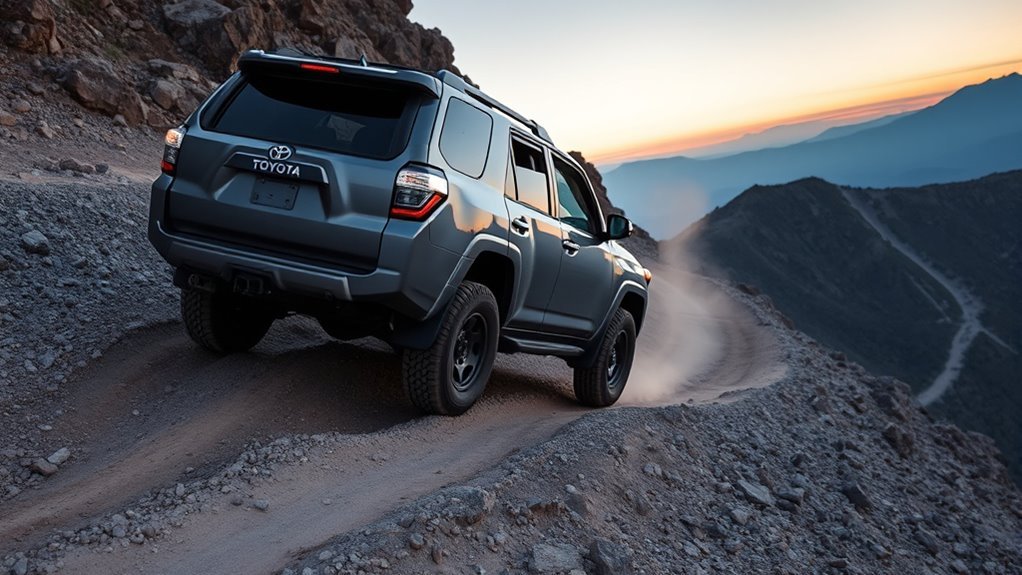
Let DAC run when the descent is steady, the trail line is clear, and the vehicle is tracking straight without sliding, hopping, or bouncing. This is where DAC earns its keep: it helps hold a low pace so your attention stays on steering, tire placement, and what comes after the next dip.
Override or turn DAC off when the terrain demands more direct control. Use manual braking, a lower shift range, or a different line when you approach sharp corners, rock steps, deep ruts, off-camber sections, sudden traction changes, or unexpected obstacles. If the truck starts to feel unsettled, do not fight the system. Take control smoothly and stop where it is safe.
DAC is best used before a descent becomes stressful, not after the vehicle is already moving too fast.
Dashboard Indicators, Sounds, and Normal Feel
When DAC is operating, Toyota owner information says the downhill assist control indicator comes on, the slip indicator can flash, and the stop lights/high-mounted stop light may illuminate. A sound or vibration during operation can also be normal because the system is actively controlling vehicle speed.
Normal signs can include a light pulsing feel through the vehicle, brake-system noise, a brief mechanical sound, or a motor sound after the vehicle comes to a stop. Not-normal signs include grinding, harsh clunks, a burning smell, a persistent warning message, or a DAC indicator that flashes when the system should be available. In those cases, stop using DAC and inspect the situation before continuing.
Troubleshooting: DAC Activation Failures and Fixes
If DAC will not activate, do not keep pressing the switch while rolling into a steeper section. Stop or slow in a safe place, then work through the most common causes.
| Problem | Likely cause | Fix |
| DAC light flashes and system will not operate | Wrong transfer mode, vehicle speed too high, shift lever in an unavailable position, pedal input, rear differential condition on some older models, or brake-system temperature issue | Slow down, select the correct transfer mode for your model year, check the shift position, release the pedals if your manual requires it, and let the system cool if needed. |
| Buzzer sounds during extended use | Brake actuator may be overheating after continuous DAC operation | Stop relying on DAC, drive manually, and wait until the warning clears according to the owner’s manual. |
| Vehicle descends faster than expected | Speed setting too high, terrain too loose, tire traction limited, trailer push, or slope too steep for the conditions | Brake smoothly, reduce speed, choose a safer line, lower the DAC set speed if available, or stop and reassess. |
| Grinding, harsh clunks, or burning smell | Possible mechanical issue, overheated brakes, loose trail damage, or unrelated drivetrain problem | Stop in a safe place, inspect the vehicle, and do not continue difficult terrain until the cause is understood. |
[Products Worth Considering]

This proportional electric brake controller automatically applies trailer brakes based on your vehicle's braking force and speed for smoother, more responsive stopping. It is compatible with a wide range of tow vehicles and trailer setups, and includes an LED display for easy setup, diagnostics, and manual braking control. The included mounting hardware and plug-and-play port help make installation simple and convenient.
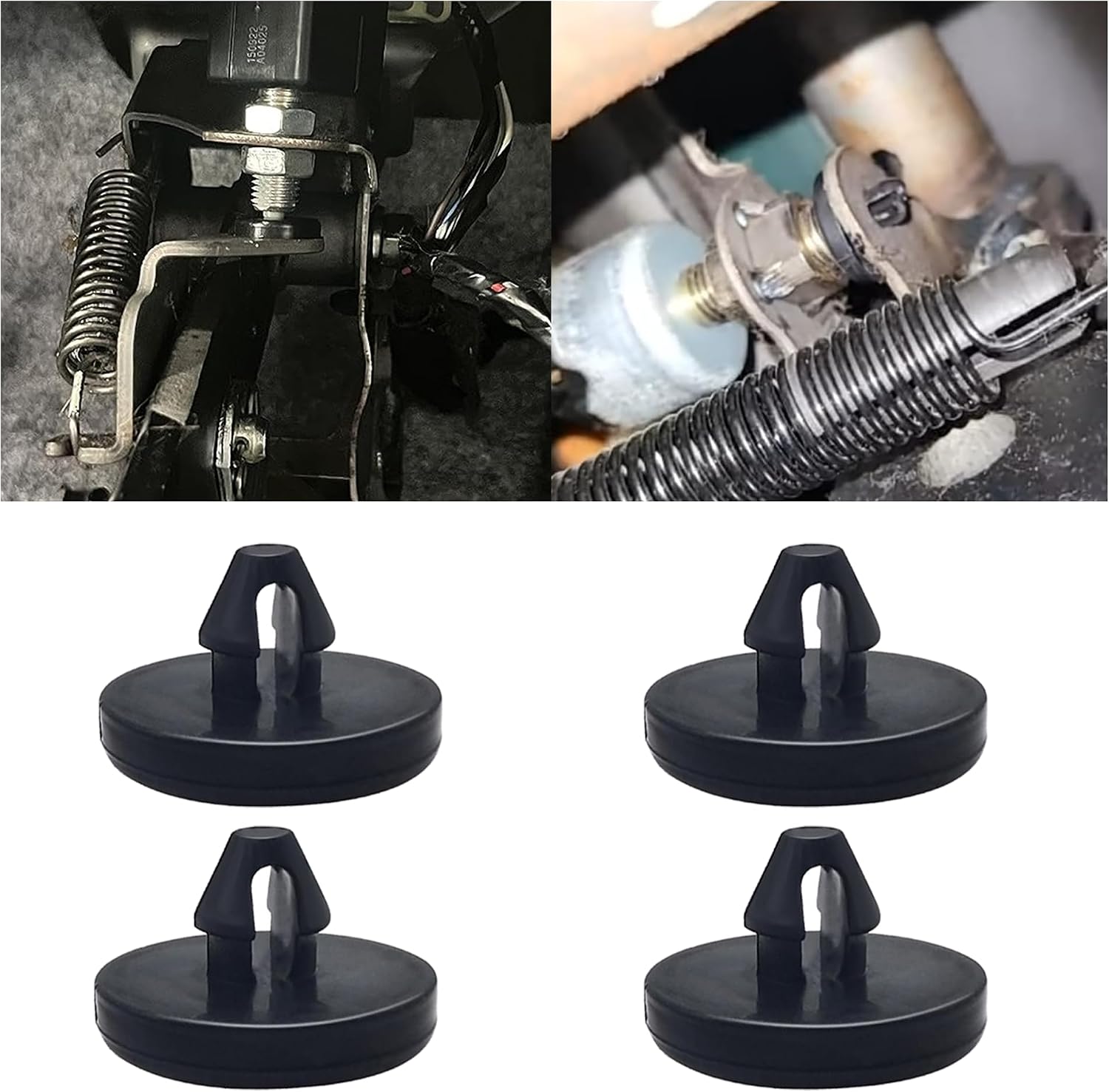
This brake pedal stop pad set is designed as an OEM replacement for compatible Toyota, Lexus, and Scion models, helping restore proper brake light switch function when the brake light stays on. Made from durable nylon, these compact stoppers are built for reliable long-term use and quick, tool-free installation. The set includes multiple pieces for convenient replacement and sharing.

This metal replacement center console latch is designed to restore secure closing performance for a wide range of Toyota and Scion vehicles. Built as an upgraded metal part, it helps solve broken latch issues and provides a more durable alternative to the original component. It is compatible with many popular models and includes the needed screws and screwdriver for installation.
DAC vs. Crawl Control: What Is the Difference?
DAC is mainly a downhill speed-control aid. Crawl Control, when equipped, is designed for very slow off-road movement and can help manage throttle and braking over rough terrain. DAC is the better fit for a controlled descent where gravity is the problem. Crawl Control is more useful when you are creeping through uneven terrain and want the vehicle to help manage both drive and braking inputs.
Some newer 4Runner controls combine DAC and CRAWL functions around the same switch area, so the display matters. Confirm whether the screen says DAC, Crawl Control, or another off-road mode before driving into the obstacle.
[Products Worth Considering]
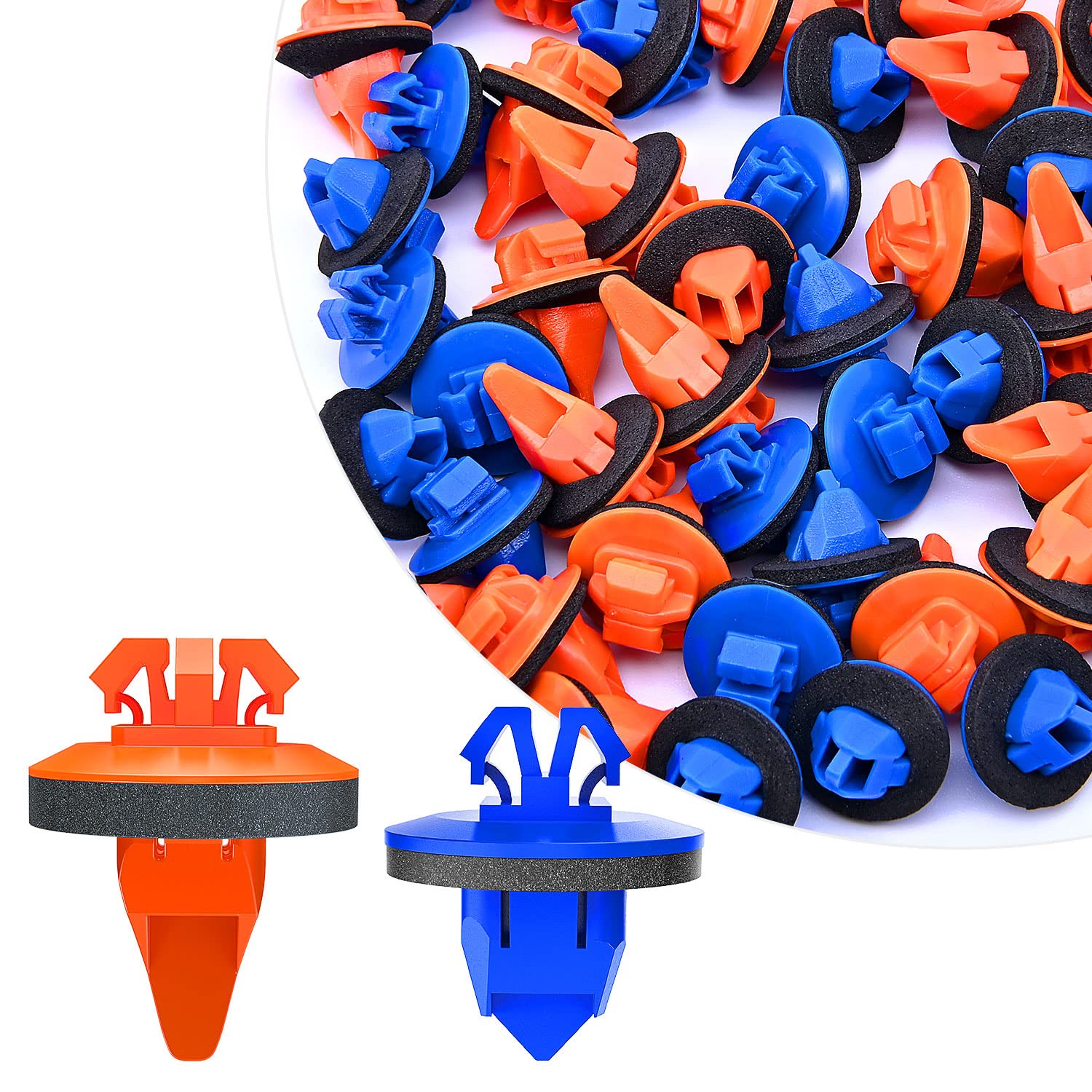
These replacement fender flare clips are designed to restore secure body trim mounting on compatible Toyota vehicles. The kit includes both rocker moulding and wheel flare moulding clips with sealers, helping ensure a proper fit for common applications on 4Runner, FJ Cruiser, Highlander, RAV4, and Tacoma models. With a mixed 100-piece assortment, this set is ideal for repairs, trim replacement, and maintenance.

This brake switch stopper helps restore proper brake light operation by providing a precise pedal stopping point, reducing issues where brake lights stay on. Made from durable nylon, it is designed for easy installation and dependable fitment across many Toyota, Lexus, and Scion models. The multi-pack supply makes it convenient to replace worn stoppers and keep spares on hand for future maintenance.
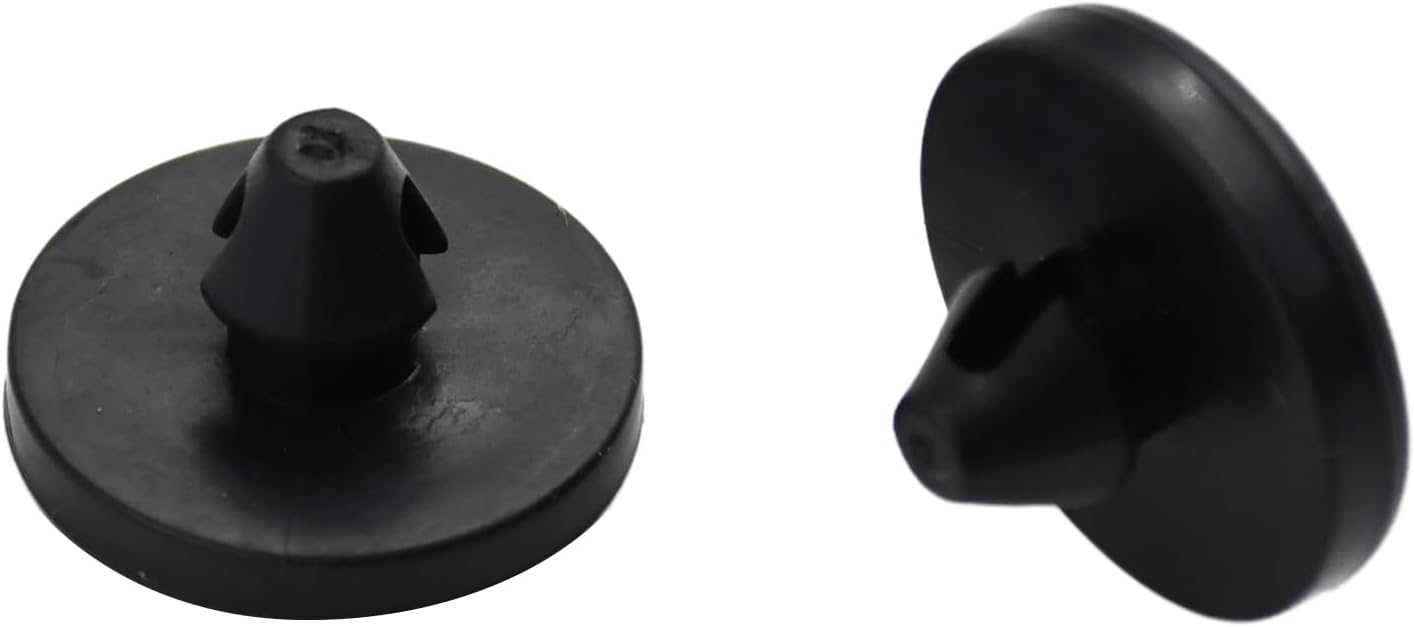
This brake switch stopper set helps restore proper brake pedal and brake light switch operation on a wide range of Toyota, Lexus, and Scion vehicles. Designed as a direct replacement part, it supports reliable pedal contact and can help fix worn or missing stoppers that affect brake light function. The package includes two stoppers for convenient replacement or spare use.
Frequently Asked Questions
When should I use Downhill Assist Control?
Use DAC when descending steep, loose, slippery, or technical terrain at low speed. It is most useful when you want the vehicle to help manage descent speed so you can focus on steering and tire placement.
Should downhill brake control be on or off?
Turn it on for slow, steep descents where steady control helps. Leave it off for normal driving, mild hills, higher-speed roads, or technical spots where you need direct throttle and brake control.
Does 4Runner DAC work in 4Hi or 4Lo?
It depends on the model year. Many 2010–2024 4Runner instructions place DAC in low range, while Toyota’s current 2025+ 4Runner DAC pages list operation in 4H under 18 mph. Check your exact owner’s manual before using it.
Why is my DAC light flashing?
A flashing DAC light usually means the system is unavailable, turning off, or warning you about a condition such as wrong transfer mode, excessive speed, shift-position mismatch, pedal input, rear differential condition on some older models, or brake-system overheating. Slow down and follow the owner’s manual message.
Is DAC the same as engine braking?
No. Engine braking comes from using the drivetrain and lower gear range to slow the vehicle. DAC helps control downhill speed through the vehicle’s brake and traction-control systems, while lower gear selection can support the descent where Toyota recommends it.
Can I use DAC while towing?
Do not assume towing changes nothing. A trailer adds downhill push and heat load, so use the towing section of your exact owner’s manual, proper trailer brakes where required, and conservative speed. If the vehicle or trailer feels unsettled, take manual control and stop where safe.
Does DAC replace using the brake pedal?
No. DAC can reduce brake-pedal work during a controlled descent, but the driver must stay ready to brake, steer, change lines, or stop. Use the brake pedal smoothly if the vehicle is moving too fast or the terrain changes.
Is it normal to hear noises when DAC is working?
Some brake-system noise, pulsing, vibration, slip-indicator flashing, and stop-light illumination can be normal during DAC operation. Grinding, harsh clunks, burning smells, or persistent warning messages are not normal and should be checked before continuing.
Conclusion
Think of DAC as a helpful downhill assistant, not a gravity-proof autopilot. Use it before the descent gets messy, confirm the correct 4Runner model-year conditions, watch the DAC indicator, and stay ready to take over. On steep, loose, or technical terrain, that combination gives you the real benefit: calmer speed control while you focus on steering, traction, and the safest line down.
Sources
- Toyota Owners — 2026 4Runner Downhill Assist Control System — backs current 2026 DAC operating conditions, indicators, speed setting, warnings, and overheating behavior.
- Toyota Owners — 2025 4Runner Hybrid Downhill Assist Control System — backs current 2025+ hybrid DAC operation and 4H/under-18-mph conditions.
- Toyota Owners — 2024 4Runner Manuals and Warranties — official portal for checking older model-year owner’s manual instructions.
- Toyota Support — Operating On-Demand 4-Wheel Drive — supports general Toyota 4WD mode context and the need to use the correct drive setting.
- Toyota Pressroom — The All-New 2025 Toyota 4Runner — supports the 2025 sixth-generation redesign, TNGA-F platform context, and current towing-mode availability context.