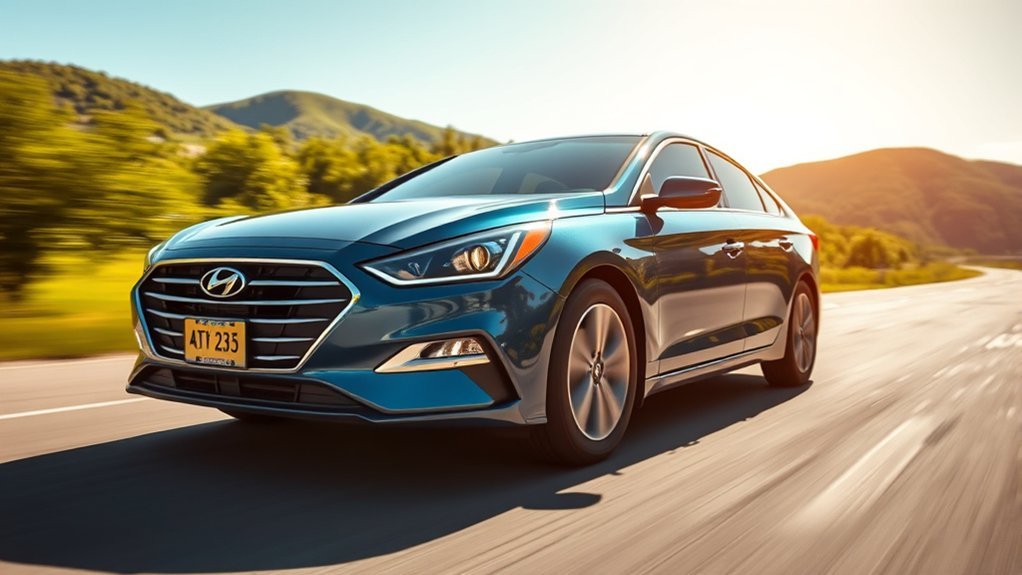
Lane Keeping Assist in your Hyundai Sonata helps you stay centered in your lane, enhancing safety and confidence on the road. To activate it, simply press the button on your steering wheel and check for the icon on the display. The system uses sensors to make slight steering adjustments at speeds between 60-200 km/h, alerting you with visual and audible warnings if you drift. Discover how to make the most of this feature for a smoother drive ahead.
What Is Lane Keeping Assist in the Hyundai Sonata?
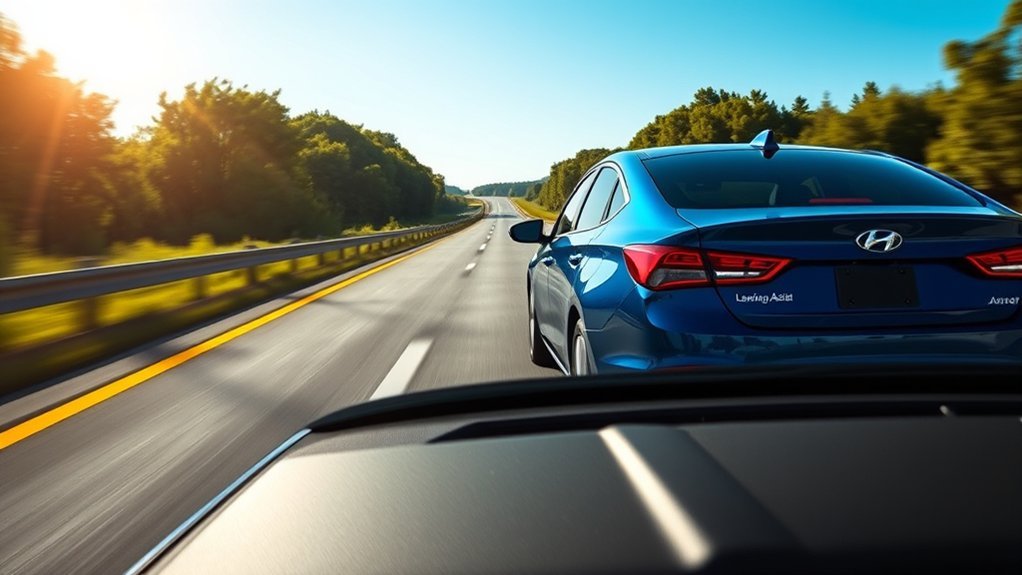
Lane Keeping Assist in the Hyundai Sonata is a cutting-edge safety feature designed to help you stay centered in your lane while driving. Utilizing advanced sensor technology, this system monitors lane markings at speeds between 60-200 km/h, ensuring you maintain your position. When engaged, a green indicator light blinks on the instrument cluster, confirming that the lane assist features are active.
If you begin to drift out of your lane, the system provides both visual and audible warnings, prompting you to take corrective action. This proactive approach not only enhances your safety but also liberates you from the constant stress of lane discipline. By integrating these innovative features into the Sonata, Hyundai underscores its commitment to making driving a more secure and enjoyable experience. With Lane Keeping Assist, you can navigate confidently, knowing the technology is working to keep you safe and centered on the road.
[Products Worth Considering]
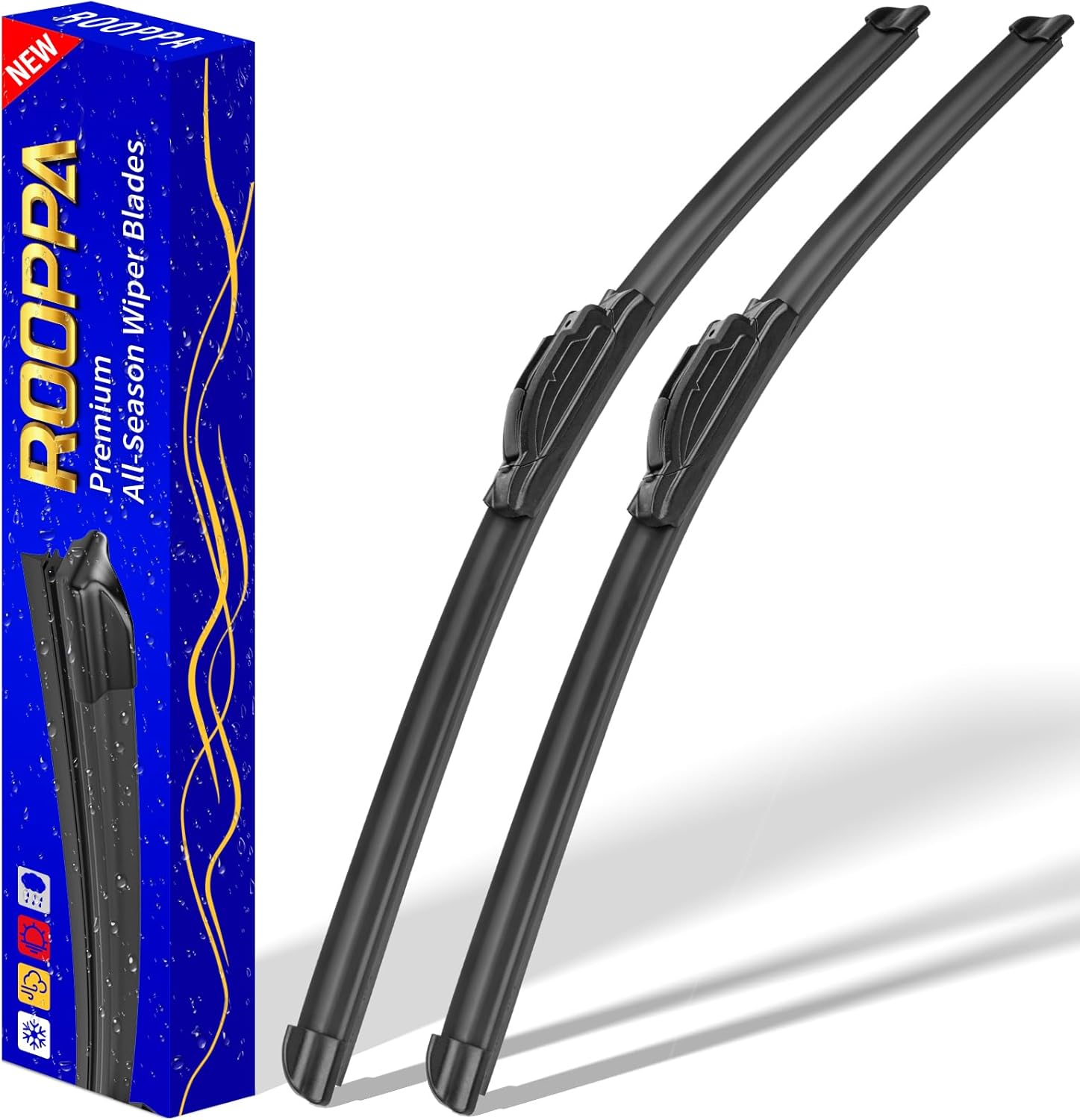
These front windshield wiper blades are designed as a direct replacement for compatible Hyundai models, helping restore clear visibility in rain and road grime. The hard-molded frame and stronger spring support smooth, reliable wiping performance, while the easy plug-and-play installation makes replacement simple. Included as a two-piece set, they are built for dependable everyday use with a one-year warranty for added confidence.

This filter combo is designed for Hyundai Sonata gas models from 2015 to 2019, including non-hybrid 2.4L vehicles, and replaces both the engine and cabin air filters in one convenient set. It helps improve engine airflow while also refreshing the cabin environment with activated carbon odor control and high-efficiency particle filtration for cleaner, quieter driving.
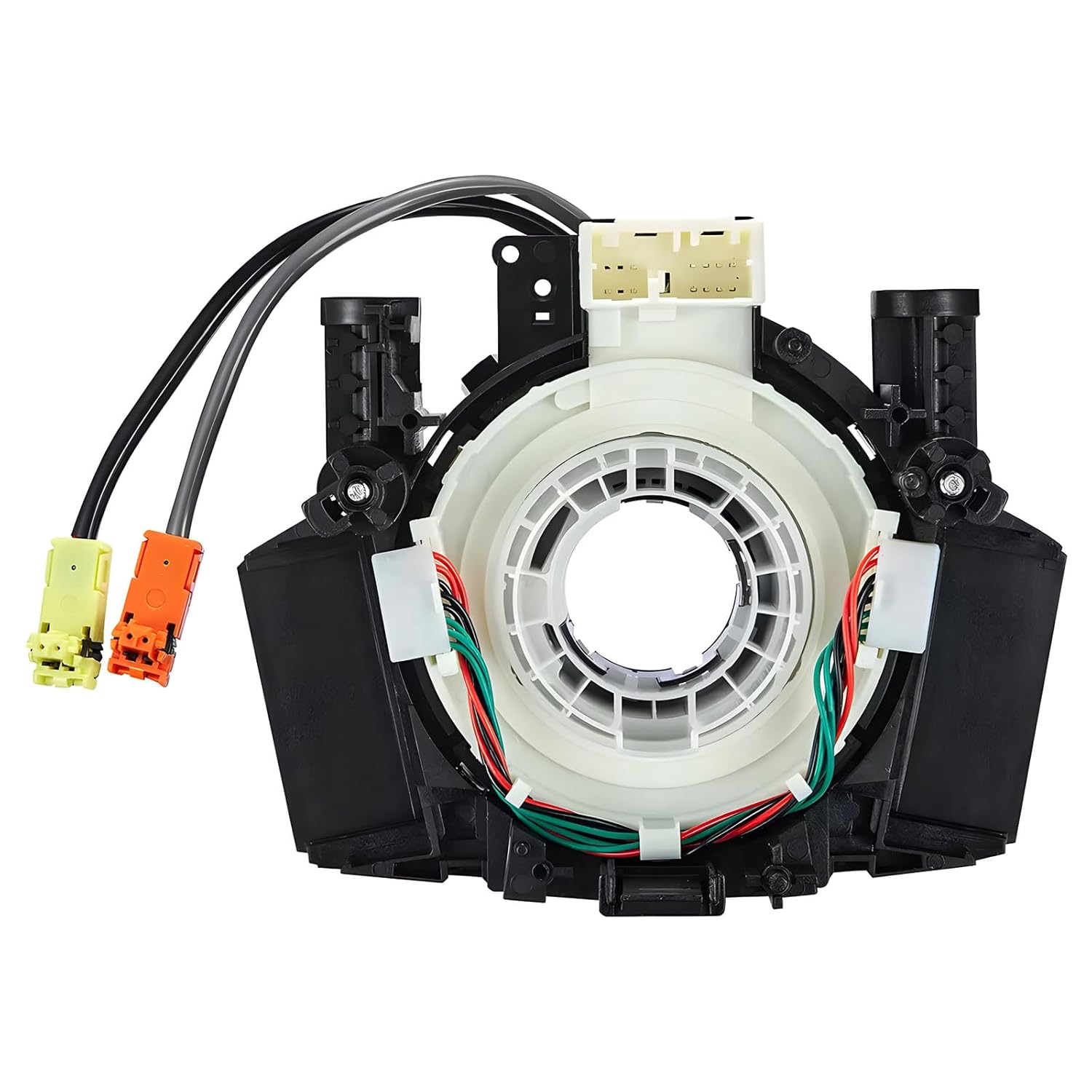
This steering clock spring assembly is an OEM-style replacement designed to restore steering wheel controls and related electronic functions in compatible Nissan vehicles. It supports audio, cruise control, and multi-function button operation while matching multiple factory part numbers for a reliable fit. Built for direct installation with vehicle-specific connectors, it helps return steering column electronics to proper working order.
How to Activate Lane Keeping Assist in Your Hyundai Sonata
Activating Lane Keeping Assist in your Hyundai Sonata is a straightforward process that enhances your driving experience. Just follow these simple activation steps:
- Locate the Lane Keeping Assist button on the steering wheel and press and hold it.
- Check the instrument display for the Lane Keeping Assist icon; it should light up, indicating the system is active.
- Ensure you’re driving between 60-200 km/h (approximately 37-124 mph), as these are the system requirements for peak performance.
Once activated, Lane Keeping Assist detects lane markings and provides steering assistance, helping you maintain control. However, remember that you’re always responsible for safe driving, so keep your hands on the wheel. Embrace this technology to enhance your driving freedom, knowing you have support on the road!
Key Benefits of Lane Keeping Assist for Safer Driving
Modern vehicles equipped with Lane Keeping Assist offer significant advantages for safer driving. This technology helps maintain your vehicle’s position within lane markings, drastically reducing the risk of unintended lane departures—especially when distractions arise. Operating efficiently at speeds between 60-200 km/h, it provides real-time steering adjustments, ensuring you stay centered in your lane.
The lane assist benefits extend beyond mere convenience; it enhances your driving safety by alerting you with visual and audible warnings if you begin to drift. This proactive approach keeps you aware of road conditions, ultimately reducing the likelihood of accidents caused by lane drifting. Plus, the system automatically deactivates when you use your turn signals, preventing unnecessary alerts during smooth lane changes. Embracing Lane Keeping Assist not only liberates you from the stress of constant vigilance but also empowers you to drive with greater confidence and security.
What You Need to Know About Lane Detection Indicators
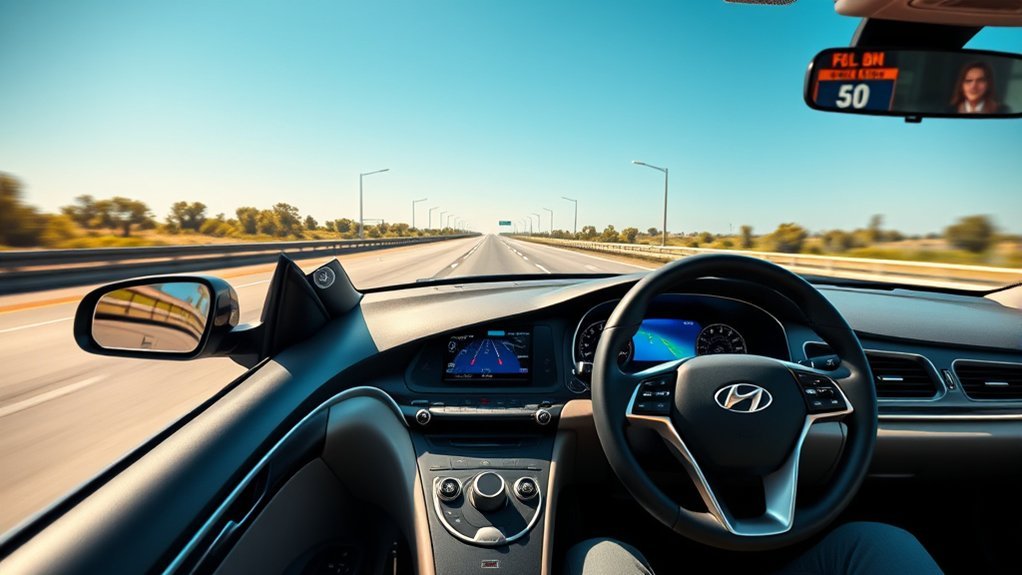
Understanding how your vehicle communicates with you is key to maximizing the benefits of Lane Keeping Assist. The lane detection indicators play a vital role, enhancing your driving experience by ensuring lane visibility importance. Here’s what you need to know:
- Indicator Color Changes: The indicators shift from grey to white when lane markings are recognized, signaling enhanced visibility.
- Green Light: A green indicator illuminates when your vehicle is properly within lane boundaries, giving you confidence in your position.
- Warnings: If you start to veer without signaling, the system provides visual and audible alerts, helping you stay on track.
How to Use Lane Keeping Assist Safely
While using Lane Keeping Assist can enhance your driving experience, it’s essential to follow specific guidelines to guarantee your safety on the road. First, activate the system by pressing and holding the Lane Keeping Assist button until the indicator blinks green. This feature works best at speeds between 60-200 km/h, providing alerts for lane departures. Remember to keep your hands on the steering wheel; if the Hands-Off Warning System detects a lack of grip, it may disengage assistance.
Stay engaged and aware, as you’re ultimately responsible for steering and lane maintenance. The system allows for some driver control, making minor adjustments as needed, and will deactivate when you signal a turn, preventing false alerts. Prioritize road safety by being attentive and using Lane Keeping Assist as a helpful tool, not a replacement for driver awareness. Your vigilance guarantees a safer journey for everyone on the road.
[Products Worth Considering]

Replace worn or damaged key fob buttons with this rubber keypad insert designed for compatible Hyundai remote key cases. It restores the look and feel of your car key, offering a simple installation and a snug fit for supported Santa Fe and Sonata models. The set includes two replacement pads and a mini screwdriver for convenience.

This steering clock spring is designed to restore reliable steering wheel controls across a wide range of Toyota models. It supports audio, cruise control, and other multifunction commands while matching OEM part numbers for confident replacement fitment. Built for dependable signal transfer and straightforward installation, it is an effective solution for repairing steering column control issues.
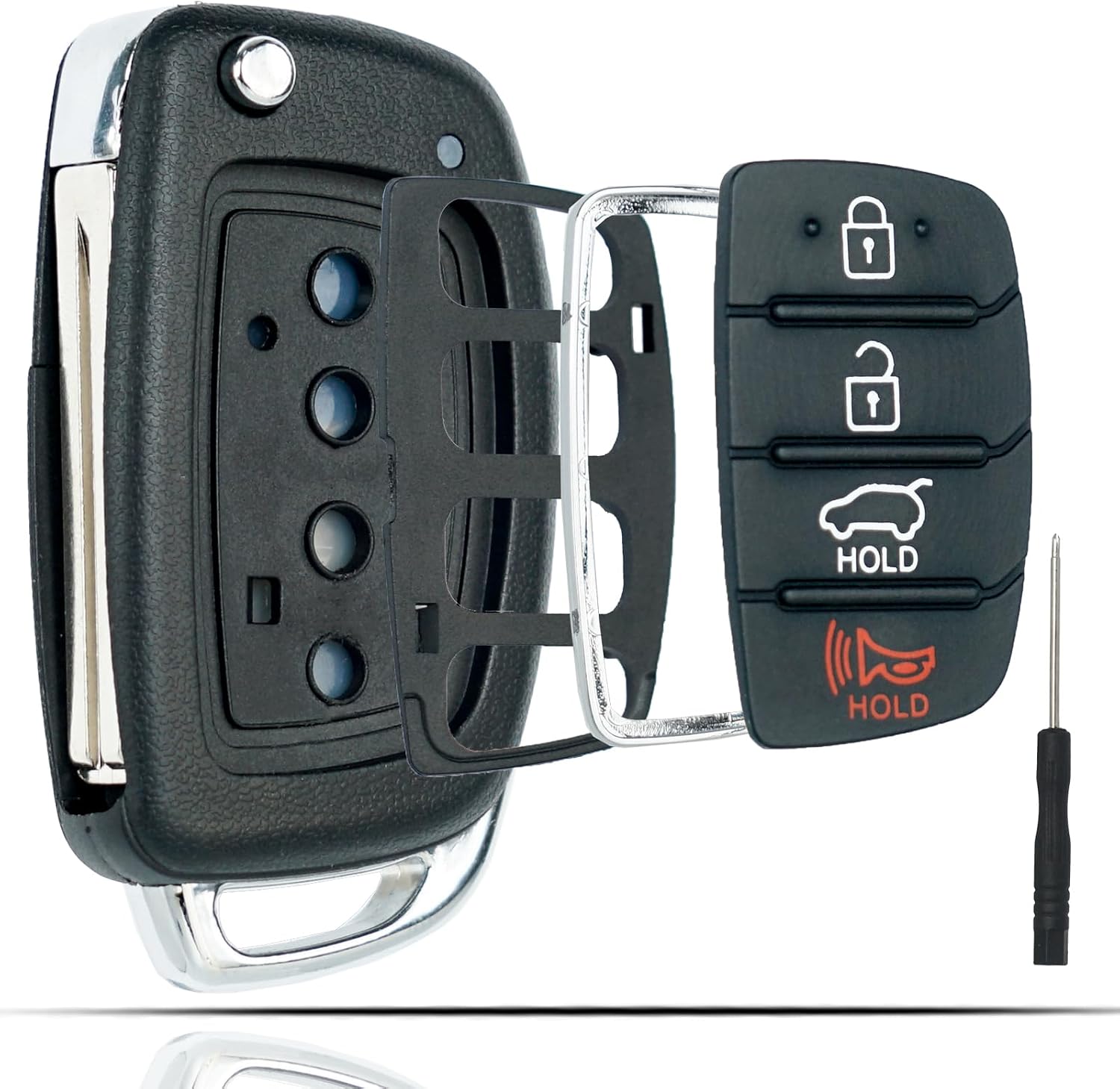
This flip key fob shell is a replacement case designed for compatible Hyundai Sonata and Santa Fe models, helping restore a worn or broken remote housing without replacing the electronics. It includes a 4-button layout and is made for easy transfer of your original internal components, with no reprogramming required. The durable metal and plastic construction makes it a practical fix for damaged key fobs, and the replacement blade must be cut by a locksmith or hardware store.
Common Problems With Lane Keeping Assist and How to Solve Them
While Lane Keeping Assist enhances your driving experience, it can encounter several issues that hinder its effectiveness. You might notice problems like sensor calibration issues, false hands-off warnings, or failures in lane marking detection. Understanding these common problems and their solutions can help you maintain peak functionality and guarantee a safer drive.
Sensor Calibration Issues
If your Lane Keeping Assist isn’t performing as expected, sensor calibration issues could be the culprit. To optimize sensor performance, consider these factors:
- Sensor Misalignment: Misaligned sensors may require professional recalibration to restore functionality.
- Dirty Windshield or Sensors: Regularly clean your windshield and sensors to prevent obscured views and false warnings.
- Vehicle Modifications: Any changes in ride height or wheel alignment can affect sensor accuracy, necessitating recalibration.
Also, keep your software updated to benefit from enhancements. Remember, environmental factors like heavy rain or snow can temporarily impair sensor effectiveness. By addressing these calibration issues, you can guarantee your Lane Keeping Assist operates at its best, allowing for a safer driving experience.
False Hands-Off Warnings
Sensor calibration issues can lead to unexpected behaviors in Lane Keeping Assist, including false hands-off warnings. You might notice these false alerts if you grip the steering wheel too tightly, preventing the system from engaging effectively. Conversely, a light grip can trigger premature warnings, especially on uneven roads. Additionally, any accessories on the steering wheel can interfere with hand detection, resulting in more confusion. During sharp turns or winding roads, the warnings may activate late, leaving you uncertain about the lane-keeping status. To reduce these issues, maintain a relaxed grip and eliminate distractions. This way, you’ll get better driver feedback and a smoother experience with Lane Keeping Assist, enhancing your driving freedom.
Lane Marking Detection Failures
Lane Keeping Assist can sometimes struggle with detecting lane markings, especially in challenging conditions. Factors like weather impact and lane visibility challenges can hinder its effectiveness. Here’s what you should watch for:
- Poor weather: Rain, fog, or snow can obscure lane markings, affecting sensor functionality.
- Faded markings: If the lines are worn or hidden, the system may not engage properly.
- Speed limitations: The system works best at speeds between 60 km/h and 200 km/h.
To enhance performance, regularly clean the windshield sensor area to prevent dirt from disrupting detection. Also, keep a relaxed grip on the steering wheel, allowing the system to recognize your presence. Addressing these issues guarantees you harness the full potential of your Lane Keeping Assist.
Lane Keeping Assist vs. Highway Driving Assist

When comparing Lane Keeping Assist and Highway Driving Assist, you’ll notice key differences in functionality and usage. Lane Keeping Assist provides basic lane guidance, while Highway Driving Assist takes it a step further by combining adaptive cruise control with automated lane-keeping features. Understanding these distinctions can enhance your driving experience and safety on the road.
Key Differences Explained
Understanding the key differences between Lane Keeping Assist and Highway Driving Assist can greatly enhance your driving experience. These lane assist features represent significant driving technology advancements, each serving unique purposes:
- Lane Keeping Assist: Maintains lane position with slight steering adjustments; alerts you with visual and audible warnings.
- Highway Driving Assist: Combines lane keeping with adaptive cruise control, adjusting speed to maintain safe distances and recognizing speed limits.
- Functionality: Lane Keeping Assist operates at 60-200 km/h, while Highway Driving Assist works over 37 MPH, even allowing automatic lane changes.
Both systems elevate vehicle safety, but Highway Driving Assist provides a more integrated experience, optimizing your driving freedom and relaxation on the road. Embrace these innovations for a smoother journey!
Functionality and Usage
Both Lane Keeping Assist and Highway Driving Assist enhance your driving experience, but they do so in distinct ways that cater to different needs on the road. Lane Keeping Assist actively monitors lane behavior, applying slight steering pressure to help you stay centered within your lane. When you veer off course, it provides visual and audible warnings, operating effectively at speeds between 60-200 km/h. In contrast, Highway Driving Assist combines adaptive cruise control with lane-keeping features, adjusting your speed and maintaining distance from the vehicle ahead. It even allows automatic lane changes when you signal. While both systems promote safety, be aware of their system limitations: Lane Keeping Assist focuses solely on lane maintenance, while Highway Driving Assist offers a more integrated driving experience.
Frequently Asked Questions
Does Lane Assist Automatically Turn Back On?
Yes, lane assist functionality automatically turns back on after you restart your Hyundai Sonata, provided it was previously activated. This safety feature enhances your driving experience, but remember, you’re always in control behind the wheel.
Conclusion
Incorporating lane keeping assist in your Hyundai Sonata is like having a co-pilot that nudges you back on track. This feature not only enhances your driving experience but also boosts safety on the road. By understanding how to activate and utilize lane keeping assist effectively, you can navigate with confidence. Remember to stay alert and aware, as no technology replaces your responsibility behind the wheel. Embrace this innovation to make your journeys smoother and safer.
[Products Worth Considering]

This heavy-duty steering wheel cover is made from thick microfiber leather with a natural rubber inner layer for a secure, comfortable grip. Its anti-slip, full-surround design helps improve control and driving safety while staying breathable and odor-free for everyday use. Designed to fit standard steering wheels, it adds a sporty look and lasting protection to your vehicle interior.

HAFIDI floor mats are custom-fit for select Kia Optima and Hyundai Sonata Hybrid models, using 3D laser scanning for precise coverage of the front and rear rows. Built from durable TPE with raised edges and anti-slip backing, they help contain dirt, water, snow, and spills while staying secure and easy to clean.
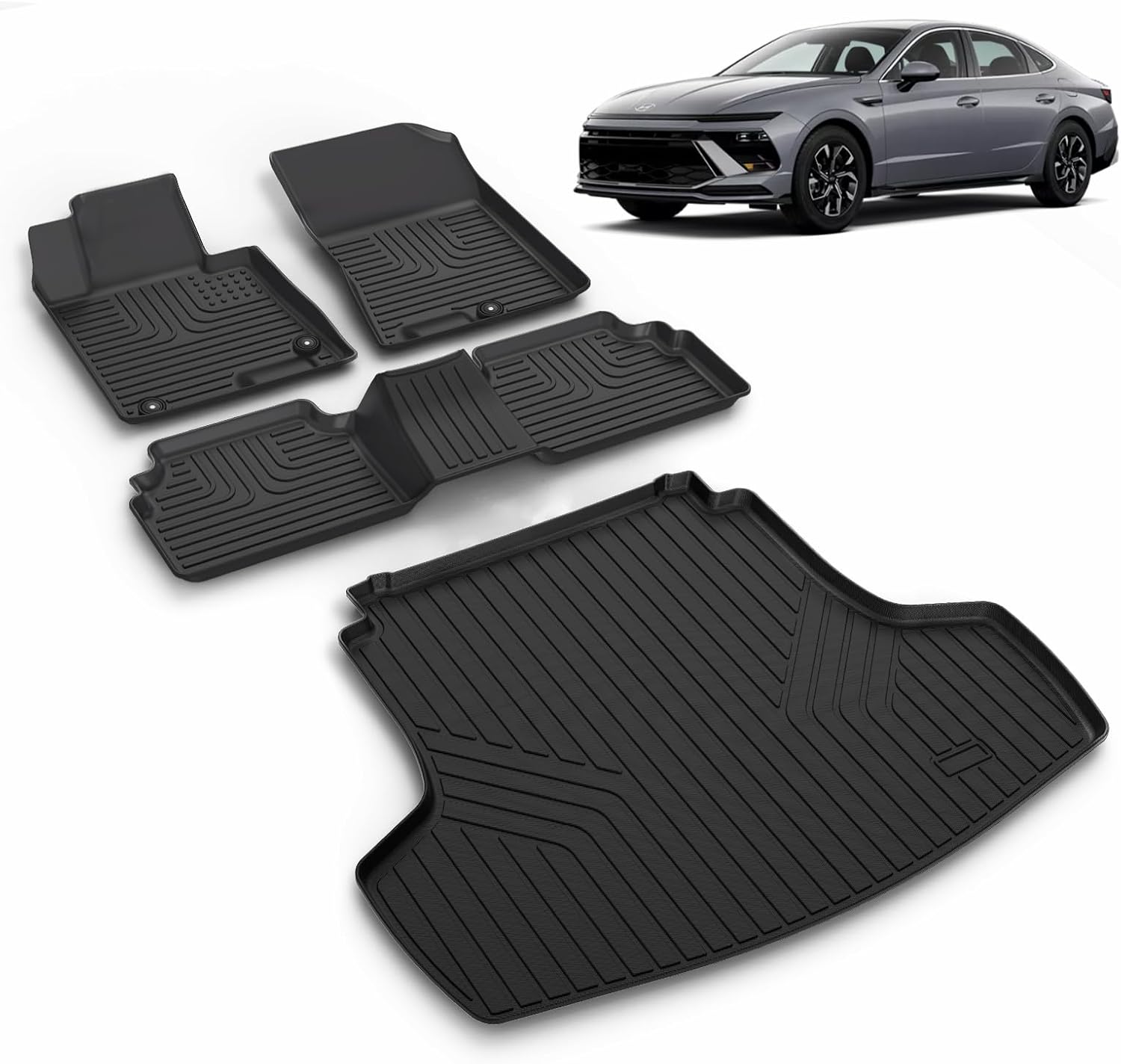
This custom-fit floor mat and cargo liner set is designed for select Kia K5 and Hyundai Sonata models to help protect your interior from dirt, spills, snow, and everyday messes. Made with durable TPE and shaped with raised edges and precise channeling, it offers secure coverage, easy cleanup, and reliable all-weather performance. The set includes front, rear, and cargo protection for a cleaner, safer driving experience.