If your Hyundai Sonata shows a “Key Not Detected” message, start with the simple checks before assuming the car needs an antenna or control module. Try your spare fob, verify the correct battery type for your exact model year, move phones and other electronics away from the key, and try starting the car by pressing the Engine Start/Stop button directly with the smart key. If both keys fail, also consider the vehicle’s 12V electrical supply before moving to professional smart-key diagnostics.
Quick Answer
A Hyundai Sonata may show “Key Not Detected” because of a weak or incorrectly installed key-fob battery, radio interference, a weak vehicle battery, a damaged or unregistered fob, or a vehicle-side smart-key fault. First try a spare key and press the Start/Stop button directly with the fob. Persistent failure with both keys needs vehicle-side diagnosis.
Key Takeaways
- Do not assume every Sonata uses a CR2032. Hyundai documentation shows different battery types by model year; for example, a 2025 Sonata manual specifies CR2450.
- If the fob battery is weak, Hyundai instructs you to try starting the vehicle by pressing the Engine Start/Stop button directly with the smart key.
- A nearby phone, radio transmitter, another smart key, electronics, metallic window tint, or other electromagnetic interference can reduce smart-key performance.
- If both registered fobs fail, do not automatically replace or reprogram them. Check the vehicle’s 12V power and vehicle-side smart-key system first.
- There is no universal Hyundai Sonata procedure that involves holding a fob release button with the ignition in ACC to “reset” the key.
At a Glance
| Time Required | About 5–20 minutes for the basic fob, battery, interference, and emergency-start checks |
| Difficulty | Easy for basic checks; professional diagnosis recommended for wiring, antenna, module, or network faults |
| Tools Needed | Spare fob, correct model-year coin battery, slim pry tool, vehicle owner’s manual, and optionally a multimeter for basic 12V checks |
| Cost | Low if a coin-cell battery fixes it; higher if a replacement key, programming, wiring repair, antenna component, or control-module diagnosis is required |
Immediate Fixes to Try Now (Battery, Spare Fob, Touch-Start Trick)
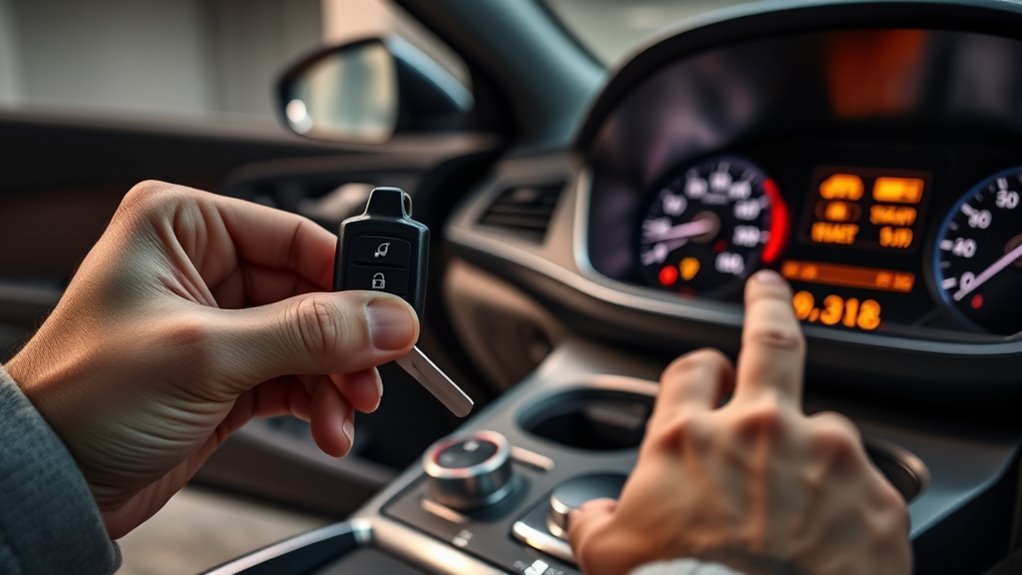
Start by separating a key-fob problem from a vehicle-side problem. If you have a second registered fob, try it first. If the spare works normally, concentrate on the primary fob. If both fail in the same way, the vehicle’s electrical supply, smart-key receiver system, interference, or related wiring becomes more likely.
[Products Worth Considering]

This portable tire inflator delivers fast, convenient inflation for cars, bikes, motorcycles, and balls with dual power options from a rechargeable battery or a 12V car cord. Its digital LCD pressure gauge and automatic shutoff help prevent over-inflation, while multiple preset modes and a custom setting make it easy to use for different inflation tasks. Built-in flashlight and USB power ports add extra emergency utility on the road.

The ANCEL AD410 PRO combines engine diagnostics and 12V battery testing in one easy-to-use tool, helping you read and clear check engine codes while checking battery health, cranking, and charging performance. It also provides live data, freeze frame details, and I/M readiness checks to help you diagnose issues faster and prepare for emissions testing. With plug-and-play operation, a clear screen, and broad vehicle compatibility, it is a practical solution for home mechanics and everyday drivers.

Masoll’s TPMS sensor set includes four advanced sensors and a relearn tool to help GM vehicle owners replace factory tire pressure sensors at home. Designed for broad compatibility with GM vehicles after 2006, it supports dual-frequency operation for easier fitment across Chevy, GMC, Buick, Cadillac, Pontiac, and select trucks. With low power use, high accuracy, and DIY installation, it offers a convenient way to clear TPMS warnings and restore proper tire pressure monitoring.
1. Verify the Correct Key-Fob Battery
Do not buy a CR2032 simply because another Sonata uses one. Battery type varies with key design and model year. For example, Hyundai documentation for an older Sonata lists CR2032, while the 2025 Sonata smart-key instructions specify CR2450. Check the number printed on the old battery or consult the manual for your exact Sonata before replacing it.
Install the new battery with the polarity exactly as shown in the key housing or owner’s manual. An incorrectly positioned cell may leave the fob completely inoperative or cause premature discharge.
Warning: Smart-key coin cells are button batteries. Hyundai warns that swallowing a lithium button battery can cause severe or fatal injury. Keep new and used batteries away from children and dispose of used cells according to local regulations.
2. Try the Emergency Start Method
If the key battery is weak or the Sonata is not detecting the fob normally, sit in the driver’s seat, make sure the transmission is in P (Park), press the brake pedal, and press the Engine Start/Stop button directly with the smart key. Hyundai documents this as the emergency starting method on current Sonata smart-key systems.
If the car starts only when the fob physically touches the button, that strongly suggests a weak fob battery, damaged fob, interference problem, or a fault affecting normal proximity detection. It does not prove that a particular antenna should be replaced.
3. Move the Key Away From Phones and Electronics
Hyundai notes that smart-key operation can be affected by radio transmitters, mobile phones, another vehicle’s smart key, electronic devices, discharged vehicle power, devices connected to a power outlet, electromagnetic materials, and some metallic window tint. Move the fob away from your phone, wallet, other keys, wireless chargers, and electronic accessories, then test again.
Pro Tip: Test the fob by itself in your hand rather than leaving it beside a phone or other key in a pocket or bag. This removes several common interference sources in one step.
4. Check the Vehicle’s 12V Electrical Supply
A discharged vehicle battery can also interfere with smart-key operation. If the dashboard is dim, interior lights are weak, door locks behave erratically, or several electrical systems are failing at once, address the vehicle’s 12V power problem before assuming the smart key itself has failed. Follow the jump-start or battery procedure in the manual for your exact Sonata, especially on hybrid models where 12V-system procedures can differ.
5. Use the Mechanical Key if You Cannot Unlock the Car
If the electronic smart-key functions stop working, the mechanical emergency key inside the fob can normally be used to unlock the driver’s door. The exact key-cylinder cover and removal procedure varies by Sonata generation, so follow your model-year owner’s manual rather than forcing the door-handle trim.
If your Sonata is equipped with Hyundai Digital Key and it was already registered and configured, it may provide another way to access or operate the vehicle. Digital Key availability depends on model year, trim, compatible device, Bluelink setup, and system status; it should not be treated as a universal backup for every Sonata.
DIY Checks to Pinpoint the Fault (Fob, Car, or Smart-Key System)
Use a simple sequence instead of replacing parts at random. Record what happens during each test so a technician can see whether the failure follows one fob or affects the entire vehicle.
| What Happens | Most Useful Next Check |
| Spare fob works normally | Primary fob battery, damage, contacts, or key registration |
| Neither fob works | Vehicle 12V supply, interference, fuses/power supply, body controller, smart-key receiver system, or wiring |
| Car starts when fob touches Start/Stop button | Verify correct fob battery and eliminate interference before deeper diagnosis |
| Doors work but engine will not recognize the key | Immobilizer/key registration, interior detection, start-button circuit, or related vehicle fault |
| Multiple electrical systems are weak or dead | Check vehicle 12V battery and main electrical supply first |
Do Not Use a 30–50-Foot “Proximity Test”
The Sonata does not use one universal 30–50-foot smart-key detection zone. Different functions have different operating ranges. For example, Hyundai’s 2025 Sonata documentation says the exterior door-handle smart-key function operates when the key is within about 1 meter, while remote-start commands can operate from farther away. Do not diagnose an antenna by walking 30–50 feet from the vehicle and seeing where the system stops responding.
Check the Fuse Information for Your Exact Vehicle
Do not look for a universal fuse labeled “SMART KEY.” Fuse names and protected circuits vary by model year and market. Current Sonata documentation includes circuits such as the body domain controller, start/stop button, smart-key outside handles, and brake-switch circuit under several fuse labels.
If the cluster specifically displays “Check BRAKE SWITCH fuse”, follow the applicable owner’s-manual procedure. The Sonata fuse-panel description should be matched to the label physically installed in your vehicle.
Warning: Never substitute a higher-amperage fuse or bridge a blown fuse. If a replacement fuse blows again, the circuit needs diagnosis rather than another fuse.
When to Reset, Reprogram, or Replace Your Sonata Key Fob
Battery replacement, key registration, and vehicle-side smart-key faults are different problems. A battery change should not automatically lead to reprogramming, and two failed fobs should not automatically lead to replacing both keys.
[Products Worth Considering]

The ANCEL AD410 helps drivers quickly read and clear engine-related fault codes, view live data, and understand why the check engine light is on before heading to a repair shop. With built-in code definitions, readiness checks, and support for common OBD2 functions, it makes basic diagnostics straightforward for beginners and DIY users. Powered directly from the vehicle and easy to use with no app required, it offers practical value for everyday vehicle troubleshooting.

This battery terminal cleaner kit helps remove corrosion, dirt, and debris from automotive and marine battery terminals for better electrical contact and easier starting. It includes dual-head cleaning brushes and fiber washers that help protect terminals from acid damage while supporting longer battery life. Designed for cars, trucks, vans, and boats, it is a practical maintenance tool for keeping battery connections clean and reliable.

Replacement: For Remote fob P/N: 95430-C1010, 95430-C1000; FCC ID: TQ8-RKE-4F16; Flip Key Fob Replacement Suitable for 2014-2017 Hyundai Sonata
When To Reset
There is no universal Hyundai Sonata owner procedure that requires you to hold the fob’s release button while the ignition is in ACC to reset the smart key. Hyundai’s current Sonata smart-key instructions instead tell owners to verify the battery, use the emergency Start/Stop-button method, avoid interference, and seek authorized diagnosis if the problem continues.
Turning the vehicle fully off and trying again can clear a temporary operating condition, but it does not re-register an erased, damaged, or replacement key. Avoid random online button combinations unless the procedure appears in the factory documentation for your exact model year.
Reprogramming Procedures
Reprogramming is appropriate when a replacement smart key must be registered, a previously registered key has been lost or removed, or diagnostic testing confirms a registration/immobilizer problem. Current Sonata documentation notes that the vehicle supports a limited number of registered smart keys and directs owners with lost-key or persistent smart-key problems to Hyundai service.
A Hyundai dealer or qualified automotive locksmith with compatible diagnostic equipment can determine whether the key is actually registered and whether the vehicle recognizes its identifier. If both existing fobs suddenly stop working at the same time, diagnose the vehicle first rather than assuming both keys simultaneously lost programming.
Replace Or Repair
If one fob fails while the spare works, first install the correct battery, inspect the battery contacts for obvious contamination or damage, and test the fob again. Physical damage, water intrusion, broken buttons, or internal electronic failure may justify fob repair or replacement.
If neither fob works, or the vehicle repeatedly displays an immobilizer or smart-key-system warning, the problem may be on the vehicle side. Do not replace an antenna, dashboard component, body controller, or smart-key module solely because the vehicle starts when the fob touches the button. Confirm the fault with diagnostic data and circuit testing first.
How Hyundai Detects Your Key—and What Can Fail
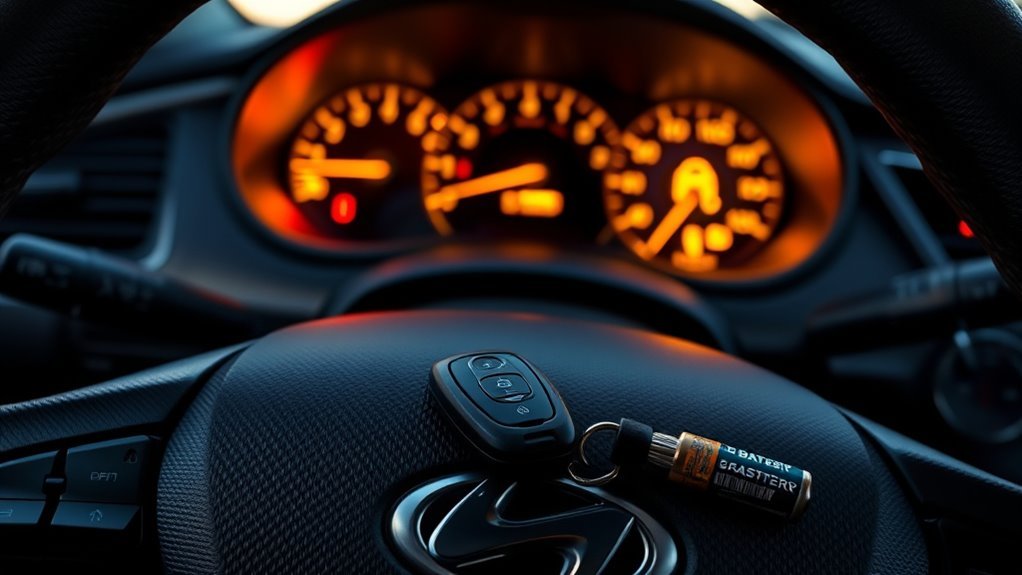
The Sonata smart-key system uses different radio functions for remote-button commands, exterior proximity functions, and authorization to start the vehicle. These functions should not be treated as one single “30–50 foot” signal.
Key Fob Antenna Network
Exterior smart-key detection allows equipped door handles or trunk functions to respond when the registered key is close to the vehicle. Interior detection confirms that an authorized key is available for starting. The exact number and location of antennas, receivers, and control units varies by Sonata generation and equipment.
Hyundai’s 2025 Sonata documentation states that the door-handle smart-key function operates when the key is within about 1 meter of the handle. Remote start, by contrast, can operate at a greater distance. That difference is why remote-button range should not be used as a test of the passive smart-key antennas.
Signal Transmission Failures
Smart-key communication can fail even when neither the key nor the antenna is physically broken. Hyundai lists several conditions that can reduce normal operation:
- A weak or incorrectly installed smart-key battery
- A discharged vehicle battery
- A mobile phone near the smart key
- Nearby radio transmitters or two-way radios
- Another vehicle’s smart key operating nearby
- Electronic devices or electromagnetic materials near the key
- An accessory connected to the vehicle power outlet near the key
- Metallic window tint that reduces radio performance
- Damage to the fob, wiring, antennas, connectors, or control unit
Remove easy interference sources first. If the same fault remains with two known-good registered keys and the vehicle’s electrical supply is healthy, professional diagnosis becomes much more worthwhile.
How Technicians Test Antennas, Wiring & CAN Bus
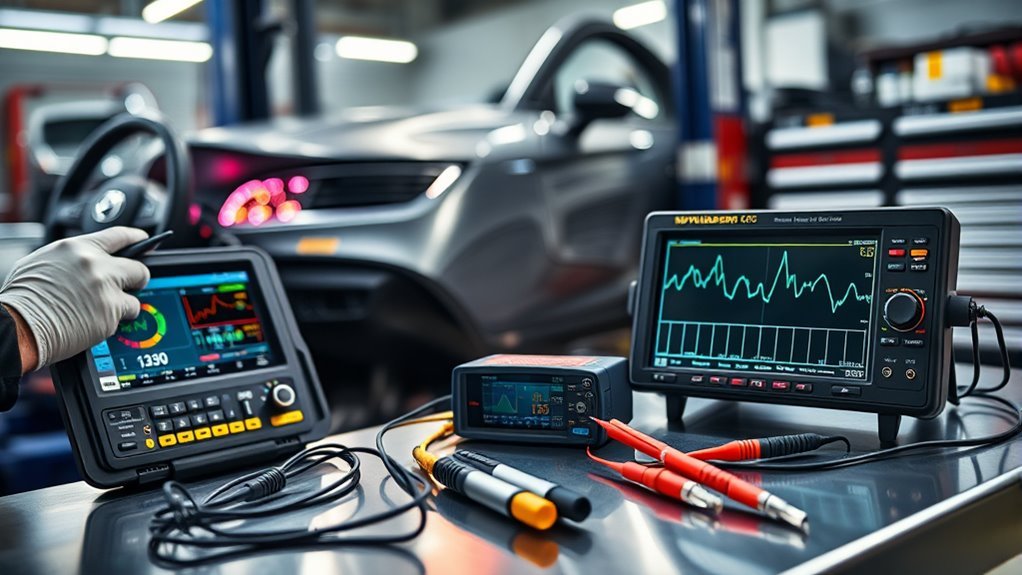
A technician should begin with the symptom and stored diagnostic trouble codes rather than replacing the first smart-key component that looks suspicious. A proper diagnostic process may include:
- Verify vehicle voltage. Confirm the 12V supply is healthy enough for the body electronics and starting system.
- Test both registered keys. Determine whether the problem follows one key or affects the entire vehicle.
- Scan the relevant control units. Read smart-key, immobilizer, body-controller, start-button, and communication fault codes available on that model.
- Confirm key registration. Verify that the vehicle recognizes the identifier of each programmed key.
- Check power supplies and fuses. Use the vehicle-specific fuse diagram rather than assuming there is one “SMART KEY” fuse.
- Test antenna or receiver operation. Use Hyundai-compatible diagnostic data and the service information for that exact Sonata.
- Inspect wiring and connectors. Check only the circuits indicated by the diagnostic results for opens, shorts, corrosion, poor terminal tension, or damaged connectors.
- Investigate network faults when indicated. CAN-bus testing is appropriate when diagnostic codes or module communication failures point to a network problem.
Note: CAN-bus and module wiring should not be probed casually. Incorrect back-probing, resistance testing, or shorting of network circuits can create new faults. Detailed wiring diagnosis belongs with a technician who has the correct service information.
Repair Costs & Choosing a Dealer for “Key Not Detected” Issues
There is no dependable universal price for a Sonata “Key Not Detected” repair because the final cost depends on the actual failed part, model year, local labor rate, and whether programming is required.
- Lowest-cost outcome: Correct coin-cell battery or simple interference issue.
- Next level: Fob housing, damaged key electronics, or replacement smart key with programming.
- Vehicle-side diagnosis: Diagnostic labor for the 12V supply, fuses, receiver/antenna circuits, start-button system, body controller, or immobilizer.
- Higher-cost repairs: Damaged wiring, inaccessible components requiring interior disassembly, or a control module that genuinely fails diagnostic testing.
Before authorizing a major repair, ask for an itemized estimate showing the diagnostic findings, part number, labor time, and programming charges. If a shop recommends an expensive module or wiring repair without clearly showing why it failed testing, getting a second diagnosis is reasonable.
The most useful clue is often whether one registered fob fails or both fail. One-fob failure points toward the key; two-fob failure makes vehicle-side power, interference, or smart-key-system diagnosis much more important.
Sources
- Hyundai 2025 Sonata — Using Smart Key — backs battery type, proximity operation, interference precautions, mechanical key use, and emergency starting guidance.
- Hyundai 2025 Sonata — Starting the Engine — backs the Start/Stop-button-with-key procedure and starting-system guidance.
- Hyundai 2025 Sonata — Fuse/Relay Panel Description — backs model-specific fuse identification.
- Hyundai Canada 2018 Sonata Owner Documentation — demonstrates that older Sonata smart-key battery specifications can differ from newer models.
- Hyundai Digital Key 2 — backs compatibility and setup limitations for smartphone-based Digital Key functions.
Frequently Asked Questions
Why Is My Hyundai Sonata Saying Key Not Detected?
Common causes include a weak or incorrectly installed fob battery, radio or phone interference, a weak vehicle 12V electrical supply, a damaged or unregistered smart key, or a vehicle-side smart-key/immobilizer fault. Testing a spare fob is one of the fastest ways to narrow the problem.
Can I Start My Sonata With a Dead Key-Fob Battery?
Often, yes. On current Sonata smart-key systems, Hyundai instructs the driver to press the brake pedal and press the Engine Start/Stop button directly with the smart key when the key battery is weak or the smart key is not operating normally.
Does Every Hyundai Sonata Key Fob Use a CR2032 Battery?
No. Battery type depends on the model year and key design. Hyundai documentation for an older Sonata lists CR2032, while the 2025 Sonata documentation specifies CR2450. Check your original battery or your exact model-year manual before buying a replacement.
Do I Need to Reprogram the Key After Changing the Battery?
A routine coin-cell replacement should not automatically require key registration. If the fob still does not work with the correct battery installed properly, test the spare key and have the system diagnosed before assuming programming was lost.
What If Both Sonata Key Fobs Say Key Not Detected?
Two fobs failing at the same time makes a vehicle-side cause more important to investigate. Check the vehicle’s 12V electrical condition, eliminate interference, try the emergency Start/Stop-button method, and then have the smart-key and immobilizer system diagnosed if the problem remains.
Can My Phone Interfere With the Hyundai Smart Key?
Yes. Hyundai specifically warns that a mobile phone located very close to the smart key can interfere with its signal. Test the key separately from your phone, other keys, electronic devices, and wireless accessories.
When Should I Take the Sonata to a Dealer or Locksmith?
Seek professional diagnosis when both registered keys fail despite good batteries and healthy vehicle power, the immobilizer or smart-key-system warning persists, a replacement key must be registered, or testing points to wiring, antenna, body-controller, start-button, or network faults.
Conclusion
A Hyundai Sonata “Key Not Detected” warning does not automatically mean the car needs an expensive antenna, module, or new key. Start with a spare fob, verify the correct model-year battery, remove possible interference, and use Hyundai’s emergency method of pressing the Engine Start/Stop button directly with the smart key. If both registered keys fail, check the vehicle’s electrical condition and move to professional smart-key diagnostics instead of replacing parts by guesswork. A methodical sequence usually separates a simple battery or interference problem from a genuine vehicle-side fault.