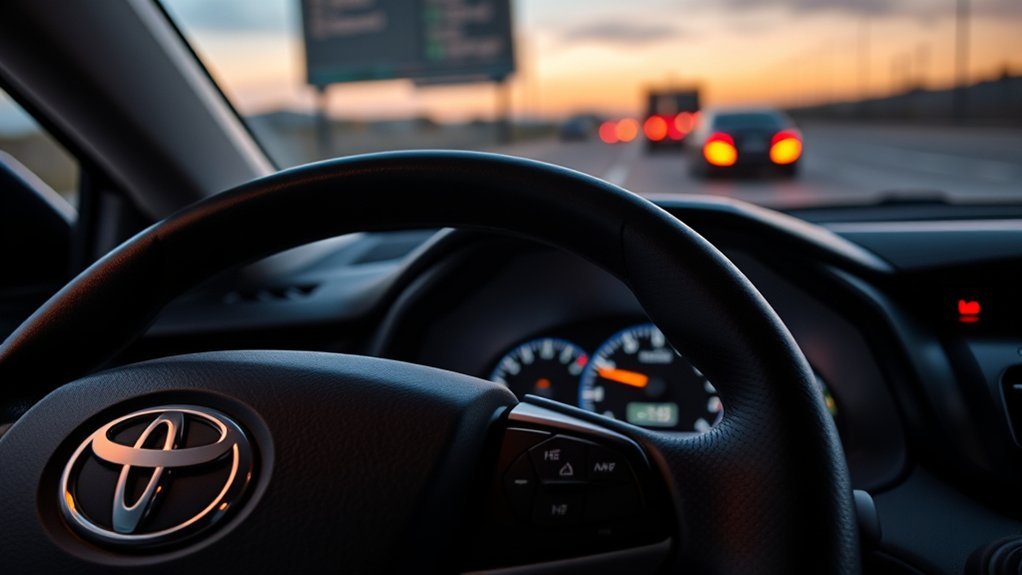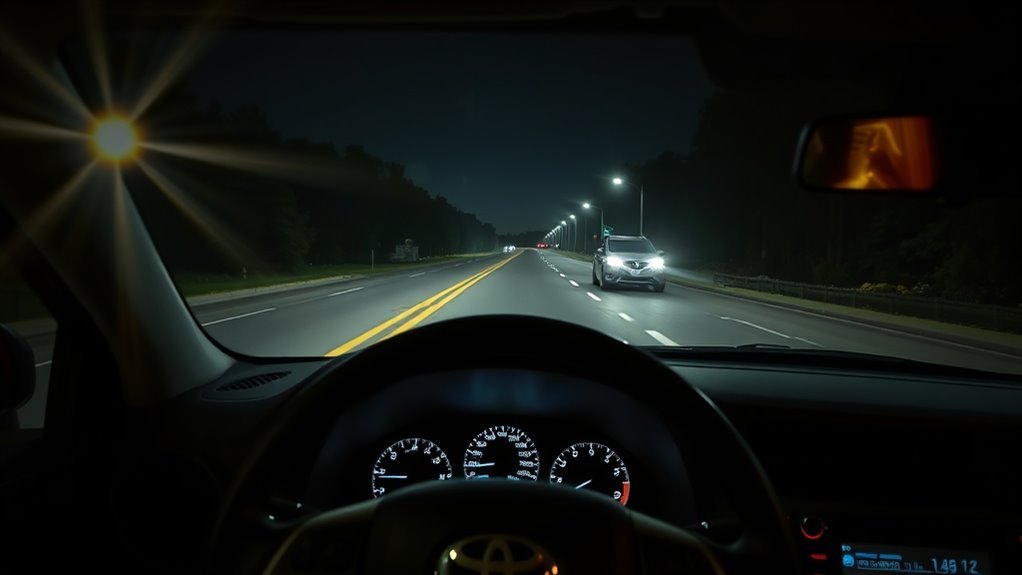
RAV4 automatic high beams (AHB) can switch between low and high beams when the road is dark enough and traffic conditions allow, but the exact activation procedure is not identical on every model year. Press the Automatic High Beam switch, set the headlight control to the position required by your owner’s manual, and place the lever in the AHB position specified for your RAV4. Many 2019–2023 U.S. models use a pushed-forward lever position, while newer Toyota AHB systems can use the original low-beam position. The AHB indicator means the system is enabled; the separate blue high-beam indicator means the high beams are actually on.
Quick Answer
To use RAV4 automatic high beams, press the Automatic High Beam (AHB) switch and select AUTO or the normal headlight-on position required by your model. Then place the headlight lever in the AHB position specified in your owner’s manual. On documented 2019–2023 U.S. RAV4 procedures, that means pushing the lever away from you. Do not assume pulling the stalk is the normal manual-high-beam override: for continuous manual high beams, push the lever away. The blue high-beam indicator confirms when the high beams are actually illuminated.
Last updated: September 1, 2026 · Verification: Operating guidance in this update was checked against Toyota owner-manual and Toyota Safety Sense documentation. Controls, indicator graphics, and thresholds can vary by model year, production source, trim, and market.
Key Takeaways
- Use the Automatic High Beam switch and the headlight-control position specified for your model year.
- The AHB indicator means the system is enabled; it does not mean the high beams are currently on.
- The blue high-beam icon confirms that high beams are actually illuminated.
- Push the headlight lever away for continuous manual high beams; pulling the lever is normally the flash-to-pass action.
- Low speed, bright roads, other vehicles, curves, hills, weather, or a blocked front camera can keep AHB on low beam.
What’s in This Article
- How to Use RAV4 Automatic High Beams
- Before You Begin
- RAV4 AHB Model-Year Differences
- How RAV4 Automatic High Beams Work
- Turn On and Arm Automatic High Beams
- RAV4 Dashboard Indicators
- When the RAV4 Switches Low and High Beams
- Override and Manually Control High Beams
- Troubleshooting Auto High Beam Failures
- Headlight Timers and AHB Settings
- Frequently Asked Questions
- Sources
- Conclusion
How to Use RAV4 Automatic High Beams
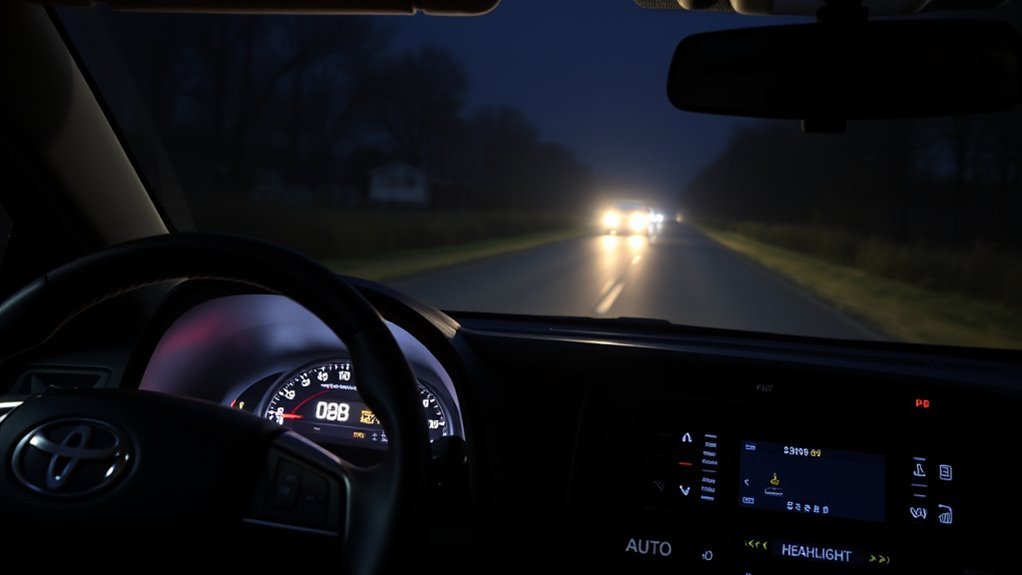
Estimated time: Less than 1 minute once you identify the controls for your model year.
Start by locating the Automatic High Beam (AHB) switch. It normally uses a headlamp/AHB symbol and is separate from the rotating headlight control. Select AUTO or the normal headlight-on position specified in your manual, press the AHB switch, and place the headlight lever in the position required for your RAV4.
Do not judge the system only by whether the road immediately becomes brighter. The AHB indicator means automatic control is enabled. The separate blue high-beam indicator tells you when the high beams are actually on. AHB may stay on low beam because of vehicle speed, streetlights, traffic, weather, curves, hills, or camera visibility.
[Products Worth Considering]

Upgrade your Toyota RAV4 with bright, road-clarifying LED lighting designed for 9012/HIR2 sockets and compatible with both high and low beam applications. These plug-and-play bulbs deliver cool white illumination, quick installation, and dependable performance in challenging weather, while the built-in cooling system helps support long service life.
Upgrade your nighttime driving with these halogen headlight bulbs designed for 2016-2019 Toyota RAV4 models. The HIR2/9012 high and low beam combo delivers a brighter white light, a safer beam pattern, and broader road coverage for improved visibility. With plug-and-play installation and durable construction, this two-bulb set is built for a fast, hassle-free replacement.

These SYJIIP halogen headlight bulbs are designed for Toyota RAV4 models from 2013 to 2015, offering a plug-and-play replacement with stock-size fitment for easier installation. They deliver brighter warm white light for improved night visibility while maintaining a safe beam pattern with reduced flicker and fewer CANBUS issues. The four-pack makes it convenient to refresh multiple bulbs or keep spares on hand for reliable driving performance.
Before You Begin
You do not need tools to use RAV4 automatic high beams. You do need the correct model-year procedure, suitable nighttime conditions, and an unobstructed view through the windshield-mounted front camera.
- Park safely before locating switches or changing vehicle settings.
- Confirm your RAV4 model year and market because AHB procedures can differ.
- Clean the outside windshield area in front of the camera near the rearview mirror.
- Remove snow, ice, heavy condensation, or other material that blocks the camera’s view.
- Do not cover the camera’s viewing area with stickers, accessories, or unsuitable tint.
- Use your exact owner’s manual if the lever position in your vehicle differs from the procedure below.
RAV4 AHB Model-Year Differences
Toyota has changed Automatic High Beam controls and operating logic across RAV4 generations and markets. That is why a single lever instruction should not be applied blindly to every RAV4.
| Model guidance | AHB setup | What to remember |
|---|---|---|
| 2019–2023 U.S. RAV4 | Toyota documentation shows the AHB switch, the required headlight setting, and the lever pushed away for the documented fifth-generation procedure. | High beams may come on only after speed, darkness, traffic, and street-light conditions are satisfied. |
| Later fifth-generation / market variations | Use the AHB switch and headlight setting shown in the exact owner’s manual. Toyota documentation is not identical across every production source and market. | Do not move the lever solely because an older online guide says to do so. |
| 2026 redesigned RAV4 | Use the switch and lever sequence shown in the 2026 owner documentation for your vehicle. | Toyota’s U.S. Safety Sense information describes AHB operation above 21 mph, but other required conditions still apply. |
Important: An enabled AHB system can remain on low beams even after you complete the setup correctly. The system still decides whether conditions are suitable for high beams.
How RAV4 Automatic High Beams Work
The RAV4’s automatic high beams use the vehicle’s windshield-mounted front camera to evaluate light ahead. The system looks at factors such as surrounding brightness, streetlights, headlights from oncoming vehicles, and taillights from vehicles traveling ahead.
When conditions permit, AHB can switch from low to high beam. When the camera detects another vehicle or a brighter environment, it can return to low beam to reduce glare. The system is a driver-assistance feature, not a replacement for your judgment. Take manual control whenever the automatic choice could dazzle another driver, cyclist, pedestrian, or other road user.
Auto Headlights vs. Automatic High Beam
Auto headlights control when the exterior headlights turn on or off according to lighting conditions. Automatic High Beam controls whether the already-operating headlights use low or high beam. Setting the headlight switch to AUTO does not, by itself, mean AHB is enabled.
[Products Worth Considering]
These halogen headlight bulbs are designed as a direct replacement for compatible Toyota models, offering plug-and-play installation with the same base and connector as the original bulbs. They deliver brighter, whiter light for improved visibility and a more modern look while helping reduce eye fatigue during night driving. Built for long life and reliable performance, this two-pack is ideal for restoring or upgrading your vehicle's headlight output.

This three-piece windshield wiper set is designed for compatible Toyota RAV4 and Highlander models to help deliver clear visibility in everyday driving. The natural rubber blades feature a graphite-treated surface for quiet, smooth wiping performance and reliable weather resistance. Installation is quick and tool-free, making it easy to replace worn blades on the front and rear of your vehicle.

[Vehicle Fitment]: Compatible with Toyota Avalon 2013-2018, Corolla 2014-2016 (with Daytime Running Lights (drl); USA Built), Highlander 2014-2019, fit for RAV4 2013-2018 (USA Built), Tacoma 2016-2023 --- with Fog Lights; with Automatic Headlights
Turn On and Arm Automatic High Beams
To arm the RAV4’s automatic high beams, first identify the procedure for your model year. Press the Automatic High Beam switch, select the required headlight-control position, and place the lever in the AHB position required by your manual. Then confirm that the AHB status indicator appears.
Press the Automatic High Beam (AHB) Button
Press the Automatic High Beam switch to enable the system. This switch is normally separate from the rotating headlight control. Its appearance and exact position can differ by model year and trim.
- Select the correct headlight setting. Use AUTO or the normal headlight-on position specified in your manual.
- Press the AHB switch. This enables automatic high-beam control.
- Position the lever correctly. On documented 2019–2023 U.S. procedures, push the lever away. Follow your exact manual on later models.
- Check the instrument cluster. Look for the AHB indicator.
- Drive in suitable conditions. The blue high-beam indicator appears only when the system actually selects high beams.
This distinction matters: AHB enabled and high beams illuminated are two different states.
Verify the AHB Indicator
After enabling the system, check the dashboard for the Automatic High Beam indicator, commonly shown as a headlamp/AHB symbol. Its exact appearance or color can vary by instrument cluster.
If the AHB indicator is present but the blue high-beam icon is not, the system may simply be waiting for suitable conditions. Low vehicle speed, nearby traffic, streetlights, bright surroundings, or limited camera visibility can all keep the headlights on low beam.
RAV4 Dashboard Indicators: AHB, Blue High Beam, and Headlight Status
Your instrument cluster helps separate three different lighting states. The AHB indicator shows that automatic high-beam control is enabled. The blue high-beam indicator shows that the high beams are currently illuminated. A separate headlight or lighting-status indicator may appear when the exterior lights are operating, depending on the cluster and model year.
AHB Indicator Meaning
The AHB indicator means the Automatic High Beam system is enabled or available according to the vehicle’s current operating state. It does not guarantee that the high beams will be on.
- AHB can be enabled while the vehicle remains on low beams.
- The camera and vehicle logic continue checking road and traffic conditions.
- The high beams illuminate only when the system’s operating conditions are satisfied.
Blue High-Beam Light
The blue high-beam indicator is the clearest confirmation that the high beams are actually on. It can appear when you select continuous manual high beams or when the AHB system automatically selects high beam.
When the system returns to low beam, the blue indicator goes out. Do not confuse the blue high-beam indicator with the AHB status indicator.
Headlight Indicator
Depending on the RAV4’s model year and cluster, a separate headlight or lighting-status indicator can show that the exterior lighting system is operating. Use the icon descriptions in your model’s owner’s manual rather than relying only on color.
- The AHB indicator means automatic high-beam control is enabled or ready.
- The blue icon means high beams are actually illuminated.
- The normal lighting indicator relates to the exterior-lighting state, not necessarily AHB operation.
When the RAV4 Switches Low and High Beams
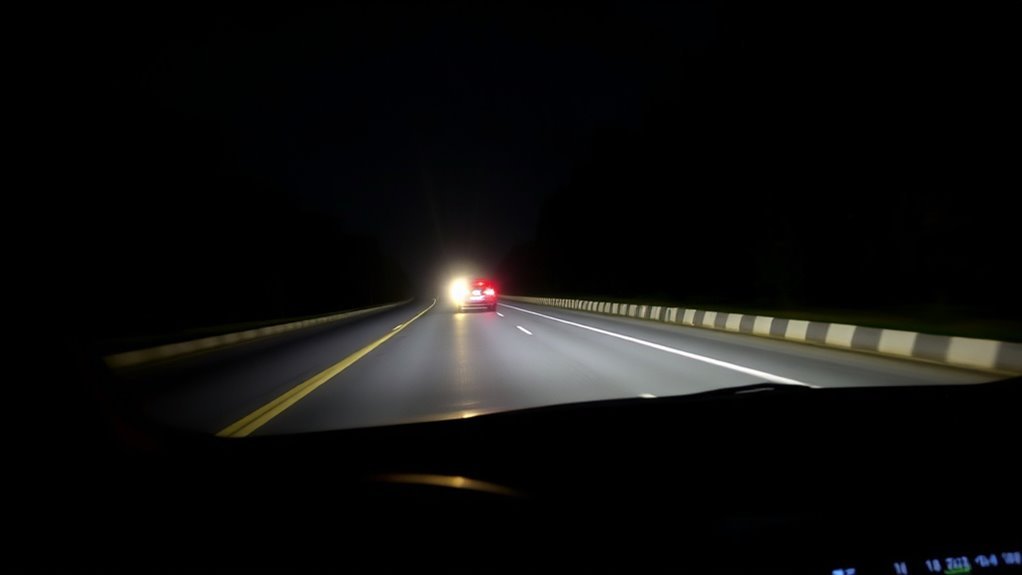
When Automatic High Beam is enabled, the RAV4’s front camera evaluates darkness, street lighting, and vehicle lights ahead. On Toyota’s documented 2019 U.S. RAV4 procedure, the high beams can turn on after about one second when vehicle speed is above approximately 21 mph (34 km/h), the area ahead is dark, there are no detected headlights or taillights ahead, and there are few streetlights. That documentation also describes an automatic return to low beam when speed falls below approximately 17 mph (27 km/h) or other low-beam conditions occur.
Toyota’s current U.S. 2026 RAV4 Safety Sense information also describes AHB operation above 21 mph. Exact thresholds and control logic can vary by year and market, so use these numbers as model-specific guidance rather than a universal rule for every RAV4.
AHB may remain on low beam or react differently when you encounter:
- Oncoming headlights or taillights from a vehicle ahead.
- Bright streetlights, traffic signals, illuminated signs, or buildings.
- Repeated curves, hills, crests, road dividers, or roadside trees.
- Vehicles that suddenly appear around a curve or enter your lane.
- Heavy rain, fog, snow, spray, frost, or condensation.
- Dirt, film, damage, or an obstruction in the front camera’s field of view.
- Highly reflective road signs, wet surfaces, or other unusual lighting.
Warning: Automatic high beams do not replace your judgment. Switch the beams manually whenever AHB could glare another road user or fails to match current visibility conditions.
Override and Manually Control High Beams
You can take manual control whenever the automatic setting does not suit the road. The important point is that pushing and pulling the headlight lever do different things.
- Continuous manual high beams: With the headlights on, push the lever away from you. Toyota documents this as the normal sustained manual-high-beam position.
- Return from continuous manual high beams: Move the lever back toward its normal position and confirm the dashboard state.
- Disable AHB for low-beam control: Press the Automatic High Beam switch and confirm that the AHB indicator turns off.
- Flash-to-pass: Pull the lever toward you and release it. The high beams illuminate while the lever is held.
- Check model-specific temporary behavior: Some newer AHB systems use a pull-and-release action as part of temporary low-beam logic after the flash. Follow the procedure shown for your exact model year.
Do not use “pull the stalk” as a generic instruction for selecting sustained manual high beams.
Troubleshooting Auto High Beam Failures
If the automatic high-beam system will not operate, first determine whether AHB is actually disabled or simply staying on low beam because its conditions are not satisfied.
| What you see | Likely explanation | What to check |
|---|---|---|
| No AHB indicator | System may not be enabled or the controls are in the wrong position. | AHB switch, headlight setting, lever position, and warning messages. |
| AHB indicator on, blue icon off | AHB is enabled but conditions do not call for high beams. | Speed, streetlights, traffic, ambient brightness, curves, and weather. |
| AHB behaves inconsistently | Camera visibility or difficult road geometry may be affecting detection. | Windshield cleanliness, fog, rain, snow, hills, curves, reflective signs, and road spray. |
| Front-camera warning message | Toyota may temporarily suspend AHB together with other camera-based safety systems. | Follow the message on the multi-information display. If it persists after the view is clear, arrange Toyota inspection. |
Start by cleaning the windshield area in front of the camera. Remove dirt, oily film, snow, frost, or condensation that could reduce visibility. Do not attempt to clean or reposition the camera hardware itself.
If the system still does not work under suitable nighttime conditions, check the owner’s manual for the exact AHB procedure and read any warning displayed in the instrument cluster. A persistent system or front-camera warning should be inspected by a Toyota dealer or qualified technician.
Pro tip: If the AHB indicator is on but the blue high-beam icon is not, do not immediately assume there is a fault. First test on a dark road at an appropriate speed with no nearby vehicle lights or strong street lighting.
Headlight Timers and AHB Settings
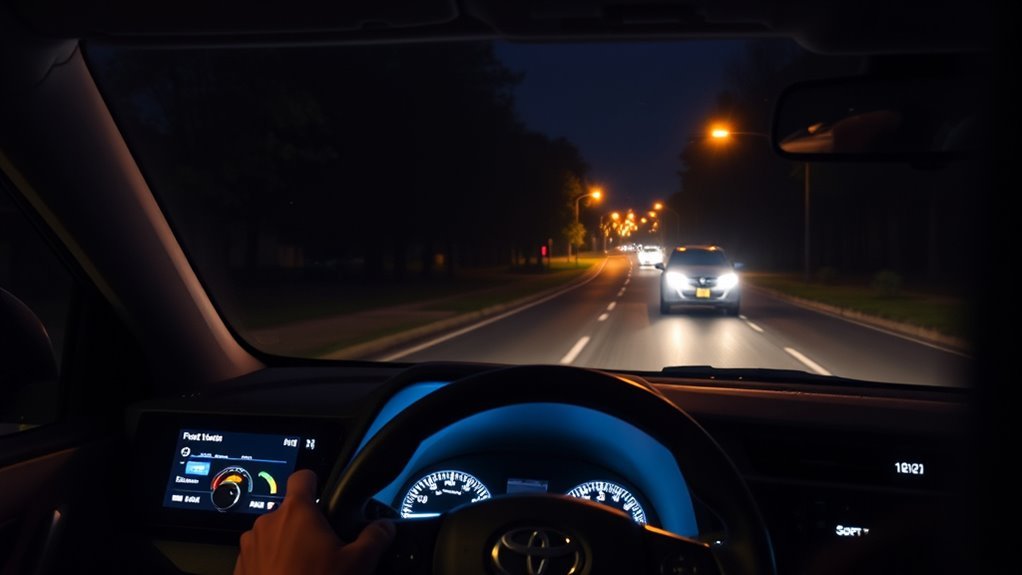
The RAV4’s headlight-off timer and Automatic High Beam are separate features. The timer controls how long exterior lights remain on after the vehicle is switched off or the doors are closed. It does not control when AHB selects high beam.
Toyota RAV4 lighting customization varies by model year, market, production source, and multimedia system. Some manuals specify a standard automatic light-off delay and allow additional customization, but you should not assume that 30, 60, or 120 seconds are universal choices.
- Headlight-off delay: controls how long lights remain on after shutdown.
- Automatic headlights: determine when normal exterior headlights operate based on ambient light.
- Automatic High Beam: determines when the vehicle changes between low and high beam while AHB is enabled.
Frequently Asked Questions
What Is the Symbol for High Beams on a Toyota RAV4?
The normal high-beam indicator is a blue headlamp icon. It illuminates when the high beams are actually on. The Automatic High Beam indicator is separate and shows that AHB is enabled or available.
Should I Keep the Auto High Beam On?
You can leave AHB enabled for normal nighttime driving when conditions are suitable, but you still need to monitor the road. Switch beams manually whenever the system could glare another road user or does not provide the lighting you need.
Why Won’t My RAV4 Automatic High Beams Turn On?
Common causes include an incorrect AHB switch or lever position, low vehicle speed, bright street lighting, nearby headlights or taillights, poor weather, or a blocked front camera. A front-camera warning can also suspend AHB on models that use that camera for the feature.
Can I Use High Beams Manually When Auto High Beam Is Armed?
Yes. For continuous manual high beams, push the headlight lever away from you. The exact procedure for returning to automatic control can vary by model year, so confirm the AHB indicator after moving the lever.
Does Auto High Beam Work in Fog or Heavy Rain?
AHB can be less reliable in fog, heavy rain, snow, road spray, frost, or other conditions that reduce the front camera’s view. High beams can also create additional reflected glare in fog, so use manual lighting control whenever visibility requires it.
What Speed Do RAV4 Automatic High Beams Work?
Toyota’s documented 2019 U.S. RAV4 procedure says automatic high beams can turn on above approximately 21 mph when all other conditions are met and can return to low beam below approximately 17 mph. Toyota’s U.S. 2026 Safety Sense information also describes AHB operation above 21 mph. Check your model-year manual because thresholds can vary.
Why Is the AHB Indicator On but the High Beams Are Off?
The AHB indicator means automatic control is enabled; it does not mean high beams must be illuminated. The system can intentionally stay on low beam because of traffic, streetlights, vehicle speed, road brightness, weather, or camera conditions.
Are Auto Headlights and Automatic High Beams the Same?
No. Auto headlights control when the exterior headlights turn on or off. Automatic High Beam controls whether the headlights use low or high beam after the lighting system is operating.
Sources Used for This Update
- Toyota 2019 RAV4 Owner’s Manual — Automatic High Beam
- Toyota 2025 RAV4 Manuals and Warranties
- Toyota 2026 RAV4 Safety Sense — Automatic High Beams
Conclusion
RAV4 automatic high beams are easiest to use once you separate three things: the AHB switch enables automatic control, the AHB indicator confirms the system’s status, and the blue high-beam icon confirms when high beams are actually illuminated. Follow the lever procedure for your exact model year rather than assuming every RAV4 works the same way. If AHB stays on low beam, check speed, traffic, lighting, weather, and the front camera before assuming the system has failed. When automatic operation does not suit the road, take manual control and use the lights in a way that avoids glare for other road users.