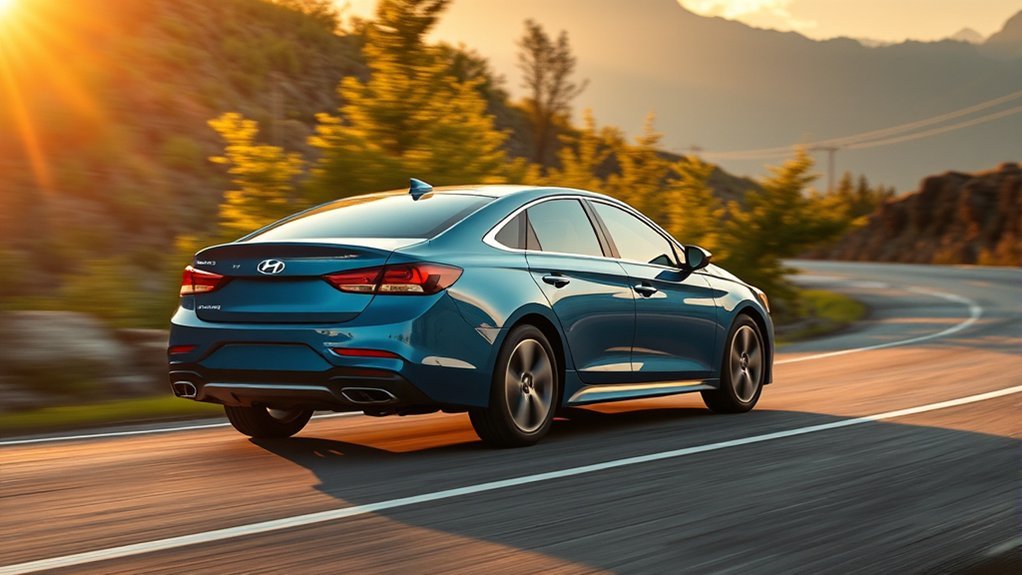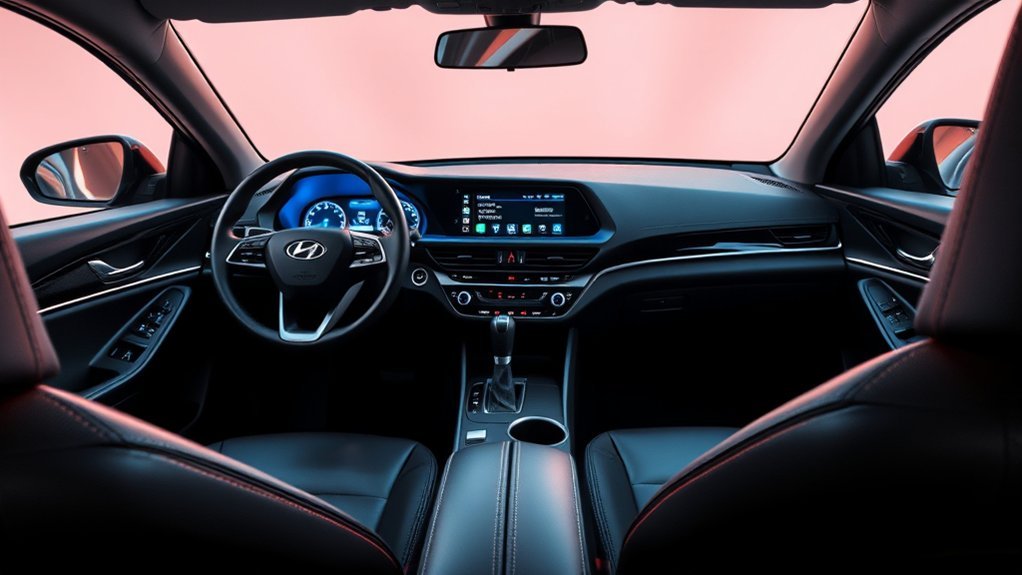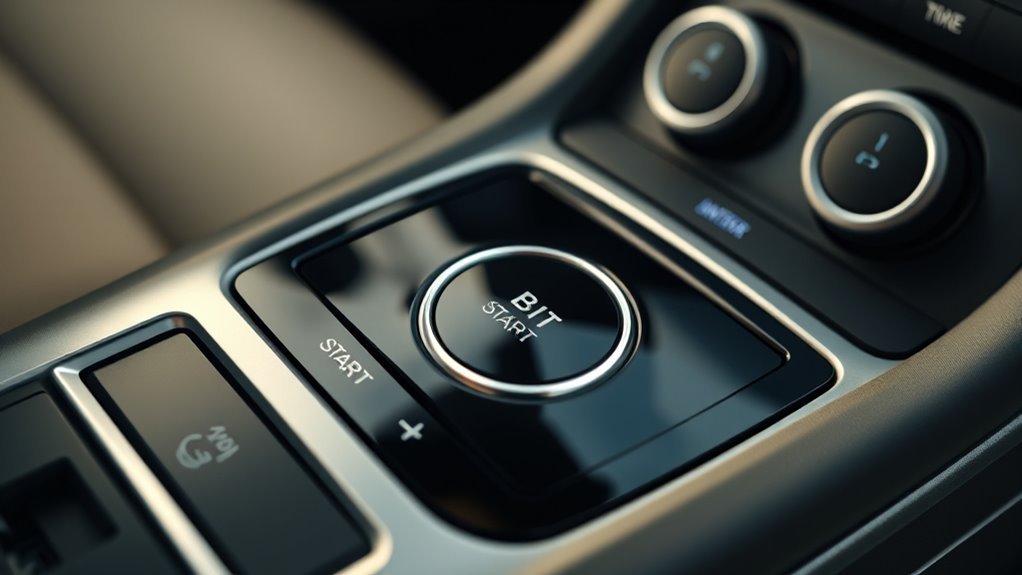
You use the smart key to start, stop, lock, and remotely run the Sonata: keep the key inside the cabin (~1 m) and press the brake then the start/stop button to start, shift to Park and press to stop, or remote-start via the fob for up to 10 minutes. The system enforces four ignition states, unique key code validation, automatic idle shutdown, and battery-failure fallbacks (mechanical key, CR2450). Continue for detailed procedures, troubleshooting, and safety guidance.
Start, Stop, and Remote Start: Step-by-Step (Sonata Push-Button Start)
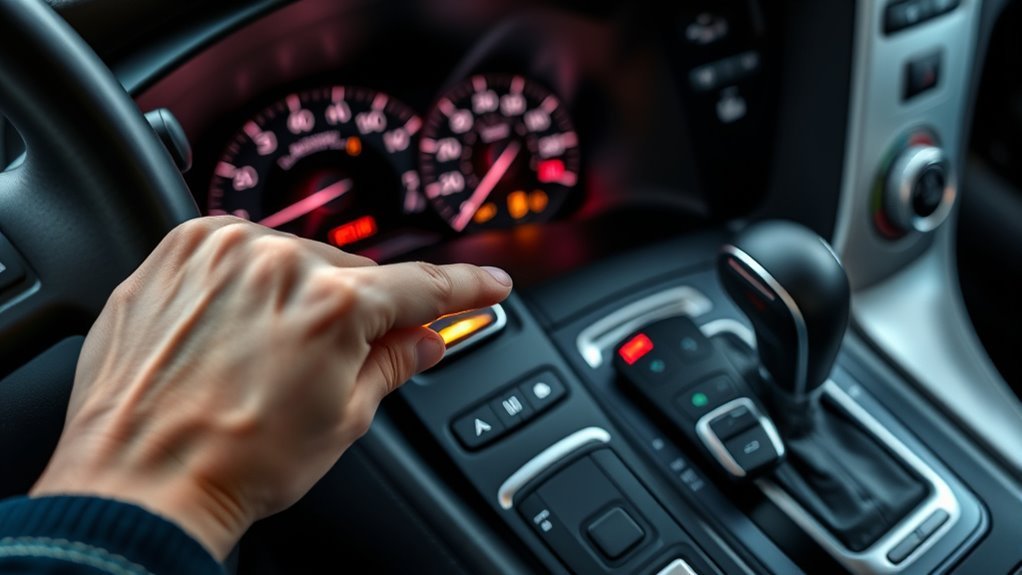
To start your Hyundai Sonata with the push-button system, make sure the smart key is inside the vehicle, press the brake pedal, then push the start/stop button once; to stop the engine, put the transmission in Park and press the start/stop button again. You’ll use the smart key features to authenticate and enable push-button ignition; if the key isn’t detected, the system won’t start, preserving security. For remote start, press Lock then hold the remote-start button ~3 seconds while the vehicle’s parked in a safe, secure location. Remote start runs the engine up to 10 minutes and can be reactivated by repeating the procedure within that period. Follow these safety tips: verify surroundings, secure the cabin, and confirm transmission is in Park before initiating remote start.
[Products Worth Considering]

Replace worn or damaged key fob buttons with this rubber keypad insert designed for compatible Hyundai remote key cases. It restores the look and feel of your car key, offering a simple installation and a snug fit for supported Santa Fe and Sonata models. The set includes two replacement pads and a mini screwdriver for convenience.
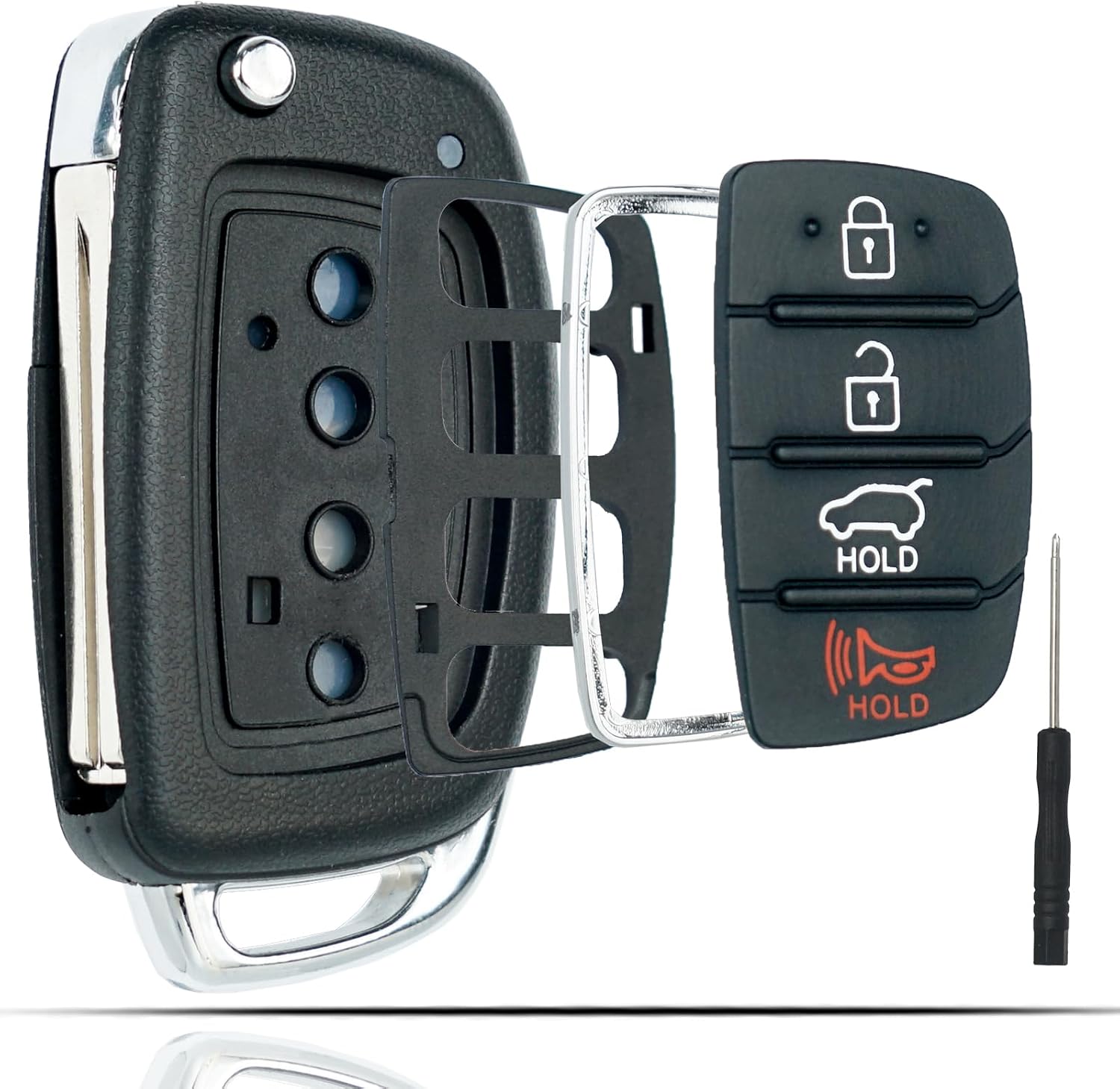
This flip key fob shell is a replacement case designed for compatible Hyundai Sonata and Santa Fe models, helping restore a worn or broken remote housing without replacing the electronics. It includes a 4-button layout and is made for easy transfer of your original internal components, with no reprogramming required. The durable metal and plastic construction makes it a practical fix for damaged key fobs, and the replacement blade must be cut by a locksmith or hardware store.
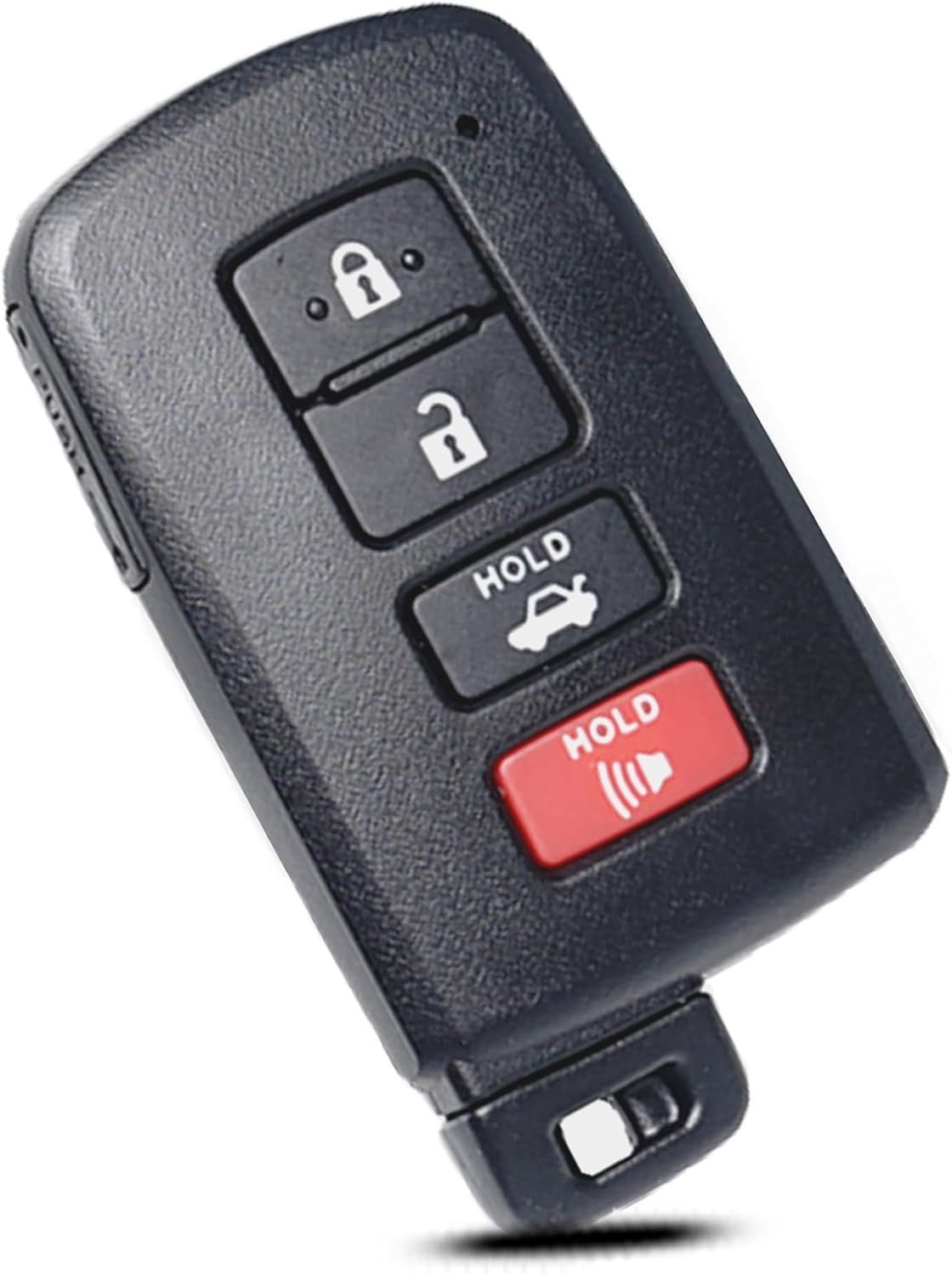
This replacement key fob shell is designed for select Toyota models and provides a simple way to restore a worn or broken remote without replacing the electronics. It includes only the outer case, so you can transfer your existing circuit board, chip, and battery into the new shell for a quick, no-reprogramming installation. Built for a precise fit, it is a practical solution for maintaining your keyless entry remote.
Before You Press Start: Smart-Key Basics for Sonata
Now that you know the basic steps for starting and stopping the Sonata, get familiar with the smart key behavior that makes push-button ignition work. You’ll rely on smart key features that deliver keyless convenience and straightforward control. Verify the key’s location, battery health, and range before engaging the system.
- Keep the smart key on your person for seamless keyless convenience.
- Make sure the key is within ~1 meter of the dashboard for reliable detection.
- Depress the brake pedal and press the start button only when the key’s inside the cabin.
- Use the mechanical key inside the fob for manual entry if the smart key malfunctions.
- Replace the smart key battery at first sign of weak response to avoid lockout.
Act proactively; these checks preserve autonomy and prevent avoidable interruptions.
How Sonata’s Push-Button Start Works (Security & Ignition States)
Although it looks simple, the Sonata’s push-button start uses defined ignition states and secure key authentication to control when the engine can run. You interact with four ignition states: Off, On, Run, and Start. The system only moves from Run to Start when you press the button while the brake pedal is engaged. Key recognition is mandatory: the smart key generates a unique code the immobilizer must validate before permitting engine cranking. If the vehicle doesn’t detect the key, it blocks starting to deter theft. An automatic shut-off protects against unattended idling by turning the engine off after extended running without input. You retain control, but the layered Ignition states plus authentication guarantee security without friction.
Locking, Unlocking, and Leaving the Car With the Smart Key
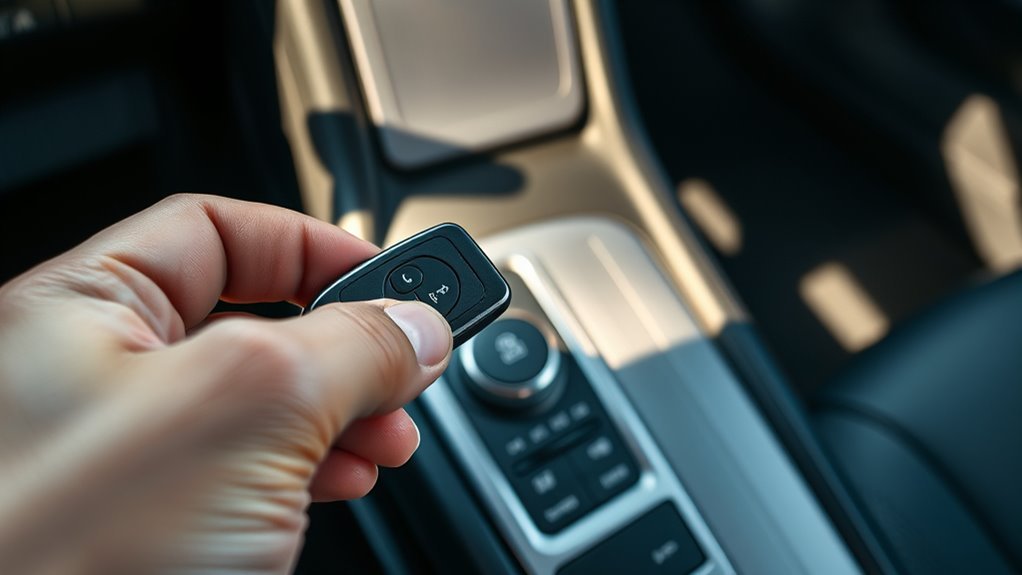
When you lock the Sonata, confirm all doors, the bonnet, and the tailgate are closed, then press the handle button or the smart key lock button and check for the lock confirmation chime. To open, keep the smart key within about 1 meter and press the handle button or open button; note the doors will re-lock automatically after 30 seconds if none are opened. Always take the smart key with you to avoid battery drain, and use the mechanical key if the fob malfunctions.
Locking Procedures And Checks
Before you leave the Sonata, confirm all doors, the bonnet, and the tailgate are closed and carry the smart key with you; press the door-handle button or the key’s lock button within 1 meter to lock the vehicle. Use smart key features to control locking mechanisms precisely and avoid accidental battery drain by not leaving the key nearby.
- Verify closure of all entry points before securing.
- Press lock; immediately pull handle within 3 seconds to confirm; chime indicates failure.
- If doors remain unopened 30 seconds after release, they auto-relock for security.
- Carry the key when you depart to prevent discharge and malfunction.
- Use the door-handle button for hands-free locking when liberated from the vehicle.
Follow these checks to secure the vehicle reliably and maintain operator freedom.
Unlocking And Auto-Lock
If you keep the smart key within about 1 meter of a door handle, pressing the handle button or the key’s release button will open the doors instantly and, if no door opens, the system will auto-relock after 30 seconds to maintain security. You’ll rely on smart key functionality to engage the access mechanism: a quick press at the handle or release button verifies proximity and actuates door latches. For locking, confirm all doors, bonnet, and tailgate are closed; the car won’t secure if a contact fails and it will chime to alert you. Carry the smart key when you exit to avoid unintended battery drain or malfunctions. This procedure gives you reliable, autonomous access while preserving vehicle security.
Leaving Vehicle With Key
1 simple step secures the Sonata after you exit: close all doors, carry the smart key, and press the door-handle button or the key’s lock button while the key is within about 1 meter. That action enforces smart key security and immediate vehicle accessibility.
- Keep the smart key on your person to prevent battery drain or accidental lockouts.
- If no door opens after disengaging, the vehicle auto-locks in ~30 seconds when the smart key is present.
- To gain entry, bring the smart key close and press the door-handle button or key disengage.
- If the smart key fails, deploy the integrated mechanical key for entry and operation.
- Verify doors are closed before locking; remote confirmations reinforce security and freedom.
Follow these steps to maintain access control and liberated mobility without compromise.
Other Smart-Key Controls: Tailgate and Remote Windows
Use the smart key to operate the tailgate and windows remotely: press and hold the tailgate open/close button for over one second with the key within 1 meter to cycle a power tailgate (or press and hold the release button for non-power tailgates). You’ll get tailgate convenience without leaving your position; the system requires the key’s proximity to prevent unauthorized use. For window control, press and hold the lock button for over three seconds to close all windows remotely, useful when you’re leaving the vehicle and want a sealed cabin. Compatibility includes models with safety power windows such as Grandeur, Palisade, and Santa Fe. These controls are deterministic: they won’t actuate beyond the specified range, and they prioritize safety and predictable operation.
Troubleshooting: Why the Push-Button Won’t Start
If the Sonata won’t start, first confirm the smart key is within about 1 meter so the vehicle can detect it. Check the key’s battery—weak or dead batteries often prevent recognition—and guarantee you fully depress the brake (or clutch for manual models) while pressing the start button. If detection and inputs are correct but the car still won’t start, inspect the dash for warning lights and use the mechanical key to enter the vehicle before contacting a dealer.
[Products Worth Considering]

This replacement key fob shell is designed to refresh worn or broken Toyota remote cases without changing the electronics inside. It fits select Toyota models and provides a simple, no-reprogramming solution for restoring your key’s appearance and function. The durable mixed metal and plastic construction helps protect your original internal components while the blank key can be cut by a locksmith or hardware store.

This key fob cover is designed for a wide range of Toyota smart keys, helping protect your remote from scratches, dust, and everyday wear. Its upgraded one-piece construction offers a secure fit, clear button coverage, and a transparent back that keeps the vehicle logo visible while still allowing easy valet key removal.

This Toyota key fob cover keychain is designed to help protect and refresh your smart key while adding a premium look. Made with a TPU key cover, leather keychain, and metal accents, it offers 360-degree protection against scratches, dust, and everyday impacts. It is compatible with select Toyota models using a four-button keyless entry remote, but buyers should verify their key shape before purchasing.
Smart Key Not Detected
When the Sonata doesn’t detect the smart key, the vehicle won’t permit engine start, so first confirm the key is inside the cabin and functioning. You’ll apply smart key troubleshooting steps that respect keyless entry security and your autonomy. If detection fails, act decisively:
- Verify the smart key is inside the vehicle and not obstructed.
- Replace the key battery with a CR2450 if you suspect low power.
- Remove nearby radio transmitters or mobile devices that can cause interference.
- Use the mechanical key to access and place the smart key in the designated slot to start manually.
- Contact an authorized Hyundai dealer for persistent faults; avoid unauthorized modifications that may void warranty.
These steps are technical, direct, and aimed at restoring your mobility.
Dead Or Weak Battery
Although the push-button system is convenient, a dead or weak smart‑key battery will prevent the vehicle from recognizing the transponder and won’t allow the engine to start. You should perform basic battery troubleshooting: test the key’s signaling (LED or range), then replace the CR2450 if indicators weaken. Maintain a simple key maintenance routine—inspect and replace batteries proactively to avoid access issues. If replacing the CR2450 doesn’t restore recognition, use the mechanical key to open and isolate whether the fault is the key or the vehicle’s keyless entry system. Persistent failures indicate a receiver or transponder fault; that requires diagnostic tools and dealer service. Regular testing and scheduled battery replacement give you control and reduce dependence on emergency assistance.
Brake Or Clutch Not Engaged
Because the Sonata’s push‑button start requires the brake (or clutch on manuals) to be fully depressed, failing to engage the pedal will prevent the starter sequence from initiating and may trigger a chime or warning light. You should verify proper brake engagement (or clutch engagement on manuals) before troubleshooting other systems. Check these steps to regain control and mobility:
- Press the brake firmly until the indicator acknowledges brake engagement.
- For manuals, fully depress the clutch and verify clutch engagement via the start response.
- Confirm the gear selector is in Park and the smart key is within ~1 meter.
- Replace the key fob battery if the button remains unresponsive after pedals are engaged.
- If issues persist, seek professional diagnostics for the vehicle start system.
Smart-Key Battery (CR2450): Replacement, Safety, and Disposal
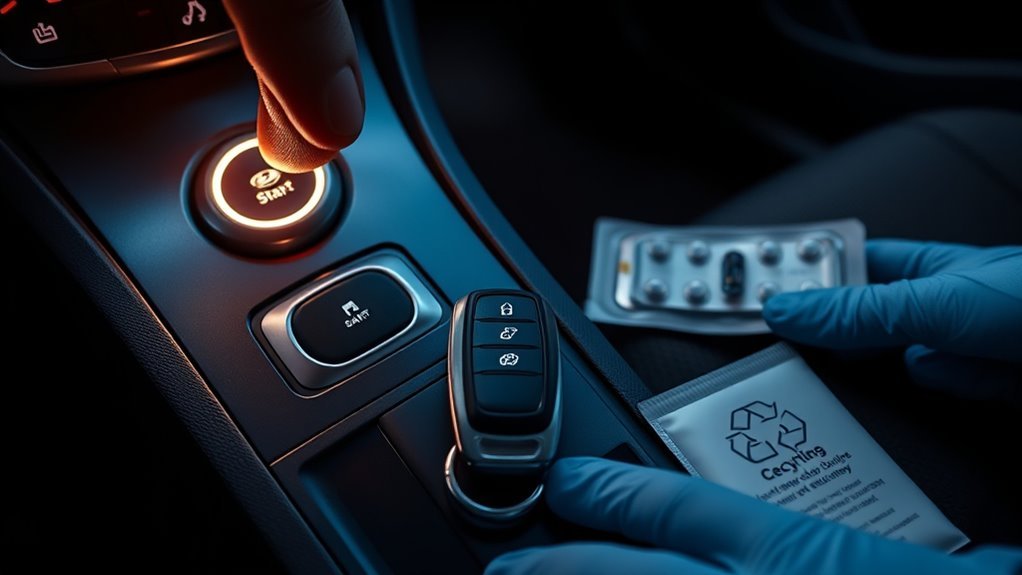
If your Sonata’s smart key starts showing intermittent response or reduced range, replace the CR2450 coin cell promptly to restore reliable operation. Track battery lifespan and follow replacement tips: use a slim tool to open the rear cover, note polarity, and seat the new CR2450 precisely to avoid malfunctions. After insertion, reinstall the rear cover securely to preserve seals and internal integrity. Store spare batteries safely and keep the smart key away from children; button cells present severe ingestion hazards and require immediate medical attention if swallowed. Dispose of spent CR2450 cells per local regulations or at designated recycling points to prevent environmental contamination. These measured steps maintain function, safety, and your autonomy over vehicle access.
Medical Device & Safety Precautions for the Smart Key
Replacing the smart-key battery restores reliable operation, but you should also consider how the key’s radio emissions can affect implanted medical devices and nearby medical equipment. You must manage medical device safety proactively to prevent smart key interference that could impair pacemakers or defibrillators.
- Keep the smart key at least 15 cm from implanted devices.
- Consult your healthcare provider about risks from radio transmitters.
- Avoid leaving the key near hospital monitors or critical equipment.
- If you feel unusual symptoms near the key, seek immediate medical attention.
- Inform clinicians about your smart key and device if interference is suspected.
Maintain distance, stay aware of surroundings, and take control of your safety to minimize electromagnetic risk without surrendering mobility.
Dealer Help, Warranty Limits, and When to Seek Service
When your push-button start behaves erratically or won’t engage, contact an authorized Hyundai dealer for diagnosis and repair, since they have the calibrated tools, software access and trained technicians required to identify faults and program or replace components without risking further damage. You should pursue dealer diagnosis promptly when the smart key won’t start the engine or warning indicators appear, because delays can mask systemic faults. Avoid unauthorized modifications to keyless entry hardware or software: such changes often create warranty implications that leave you liable for repairs. Perform regular functional checks of the smart key and push-button start to maintain performance and compliance. If in doubt, request documented inspection from the dealer so you retain evidence for warranty coverage and future recourse.
Frequently Asked Questions
What Are the Disadvantages of Push Button Start?
You face safety concerns and battery issues: push-button starts can fail if fob batteries die, rely on electronics vulnerable to glitches and relay theft, complicate emergency access, and frustrate users new to keyless systems.
How Does Hyundai Keyless Entry Work?
You get keyless convenience: the smart key transmits encrypted signals to the car when within range, opening or remote-starting. Security features include rolling codes, automatic relock after 30 seconds, and bonnet/tailgate checks before locking.
Conclusion
You’ve learned how the Sonata’s push-button start works, from Smart-Key basics to remote start, locking, tailgate control, and battery replacement. Use the key fob like a secure passport: keep batteries charged, follow safety precautions, and stow it away from medical devices. If the car won’t start, troubleshoot battery, brake, and sensor issues, then contact your dealer for diagnostics within warranty limits. Treat electronics cautiously and seek service when faults persist.
[Products Worth Considering]

This soft TPU key fob cover helps protect your Toyota smart key from scratches, dust, drops, and everyday wear while giving it a clean, premium look. It is designed for select Toyota models and keyless entry remotes, with careful model-year fit guidance to help ensure compatibility. The included metal and textile keychain adds convenience for carrying and helps keep your keys secure.

This leather key fob cover helps protect your Toyota remote from scratches, wear, dust, and everyday damage while keeping the buttons easy to use. Its snug fit preserves sensor access and gives your key a distinctive look that is easy to identify in a bag or on a keychain. Designed for compatible Toyota smart key models, it is a practical accessory for added protection and style.

This cabin and engine air filter kit is designed for compatible Hyundai Sonata gas models from 2015 to 2019 with a 2.4L engine. It helps improve airflow, capture dust and impurities, and support cleaner cabin air and efficient engine performance. The kit is engineered for long service life and simple installation, making routine maintenance easier.