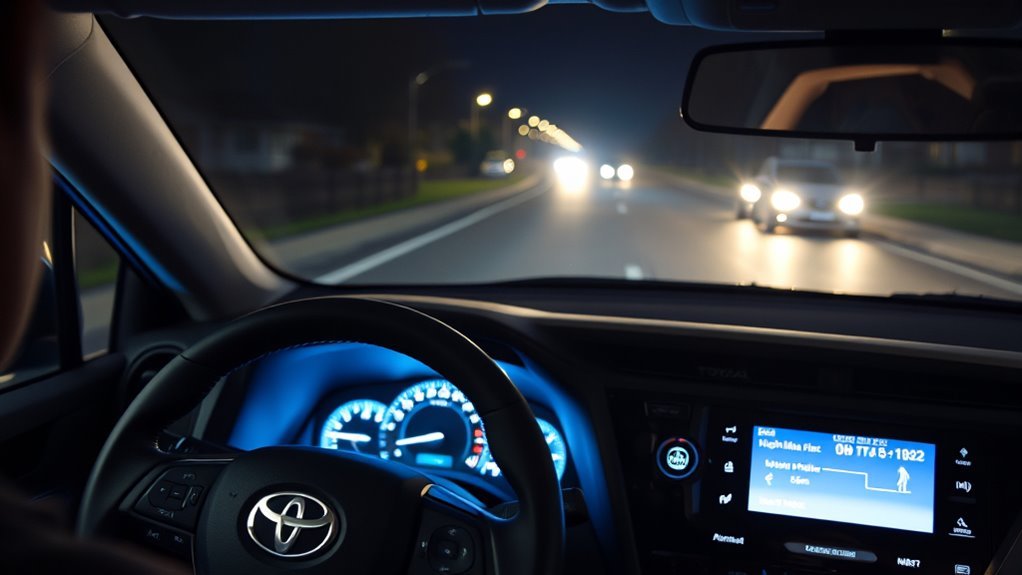
Turn on the AUTO setting on the light stalk and press the circle button to engage automatic high beams; the green “A” confirms it’s active. The system will switch between high and low beams in low-light driving, typically above about 22 MPH and reverting below 17 MPH, and it won’t fire if it detects oncoming cars or bright ambient light. You can push the stalk forward for high beams or pull it back to cancel, and more tips follow if you want them.
Enable Auto High Beam in 60 Seconds
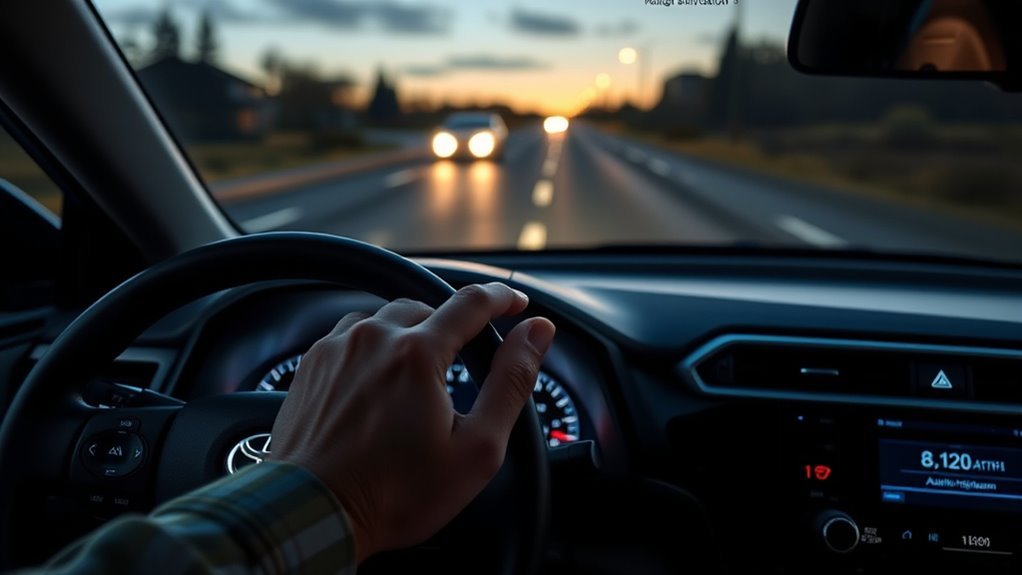
To enable Auto High Beam in about 60 seconds, press the auto high beam button (circle icon) with the light stalk set to AUTO, then drive above 22 MPH in low-light conditions so the system can activate. You’ll feel immediate empowerment: you set the system and it handles beam switching, giving you Auto highbeam benefits like consistent long-range illumination without constant manual toggling. Make sure it’s genuinely dark; bright streetlights or nearby vehicles will block activation. Remember some models still require a manual lever push to send full high beams even with Auto engaged, so check your specific behavior and adapt. The feature drops to low beams below 17 MPH or when sensors detect other cars, preserving courtesy and safety. If you want full control, disable the system with the switch by your left knee. Use this setup to reclaim focus and calm on night drives, improving Nighttime visibility while freeing you from repetitive tasks.
How Auto High Beam Works on a RAV4
Although it runs automatically once set, the RAV4’s Auto High Beam relies on a few specific conditions: you’ll need the stalk in AUTO, the high beams enabled, and vehicle speed above 22 MPH. Press the dashboard auto high beam button (circle icon) to activate; if you prefer manual control, a disable switch sits near your left knee. The system senses oncoming or preceding vehicles and reduces glare by temporarily switching to low beams, a core safety feature that preserves sightlines without blinding others. It also won’t engage under bright ambient light, like streetlights, preventing unnecessary flicker. These auto beam advantages free you from constant adjustment while keeping responsibility in your hands.
| Condition | Effect |
|---|---|
| Speed >22 MPH | Enables auto switching |
| Speed <17 MPH | Reverts to low beams |
| Oncoming vehicle detected | Switches to low beams |
| Bright ambient light | Auto disabled |
| Manual disable switch | Turns feature off |
Trust the system to amplify safety without ceding control.
When Auto High Beam Will : and Won’t : Switch
You’ll see the auto high beam engage only when you’re over 22 MPH, it’s dark, the stalk is in AUTO, and the high beams are on. It won’t switch on if other vehicles are nearby, bright street lighting makes conditions too light, or you slow below 17 MPH. These rules determine the exact situations when the system will and won’t activate.
Activation Conditions
When conditions are right, your RAV4’s auto high beams will switch on only if the stalk is set to AUTO and you’ve manually activated the high beams, the car is traveling over 22 MPH, it’s dark outside, and no oncoming vehicles or bright street lights are detected. You’ll know the activation requirements and driving conditions are met when the system engages; you can still reclaim control anytime.
- Stalk in AUTO and high beams manually engaged
- Vehicle speed above 22 MPH
- Ambient light low (night/dark)
- No detected oncoming vehicles or bright street lights
- System can be disabled at the left-knee switch for full manual freedom
If speed drops below 17 MPH, the system returns to low beams automatically.
Situations Preventing Activation
Now that you know the conditions that let auto high beams engage, it helps to understand what will stop them from coming on. You won’t get automatic highs when vehicle proximity is detected; the system cuts to low beams near other cars to protect everyone. Bright ambient lighting prevents activation, so well-lit streets or driveway globe lights keep highs off. Certain environmental factors — specific street lamp types or reflections — can also trick the sensor into staying on low. The light stalk must be in AUTO and you must have engaged the high-beam setting manually; otherwise auto high beams won’t function. Finally, speeds below 17 MPH disable the feature (it only works above about 22 MPH), so slow driving won’t trigger it.
Take Control Instantly: Manual Overrides and Tips
Anyone can take instant control of your RAV4’s headlights by using the stalk and dashboard controls: push the lever forward to force high beams on or pull it back to return to low beams, regardless of whether Auto is enabled. You’ll use manual activation when driving conditions demand certainty—bright streetlights, adverse weather, or when the system delays. Keep the stalk in AUTO for regular operation; high beams engage automatically only when it’s dark and you’re above 22 MPH, and the green “A” indicator confirms readiness.
- Push the lever forward to override Auto and force high beams.
- Pull the lever back to revert to low beams immediately.
- Disable Auto with the left-knee switch if it feels unreliable.
- Watch the green “A” light to know Auto is active.
- Use manual activation in poor visibility or inconsistent driving conditions.
Seize control confidently; you’re free to choose safety over automation at any moment.
Troubleshoot False Switching, Flicker, and Sensor Issues
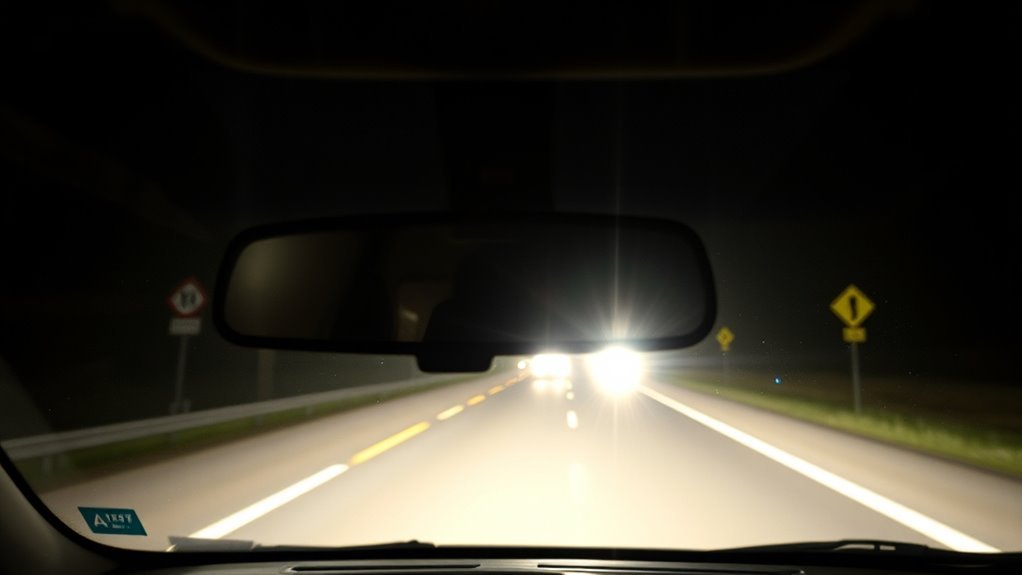
If your RAV4’s auto high beams are flickering or switching falsely, start by inspecting and gently cleaning the front sensor and camera lens for dirt, frost, or misalignment. If cleaning doesn’t help, check settings and use the manual switch by your left knee to disable or adjust the auto high beam function. That lets you restore reliable lighting immediately while you diagnose or schedule a sensor repair.
Sensor Cleaning And Alignment
Start by checking the small sensor near the rearview mirror—keep it clean and correctly aligned to prevent false switching, flicker, or unintended high/low beam changes. You’ll want to practice simple sensor maintenance and verify the sensor location against the manual so you’re not guessing.
- Wipe the sensor gently with a microfiber cloth and mild glass cleaner.
- Inspect the windshield for chips or films that can block the sensor.
- Confirm the sensor sits squarely; avoid tilting during windshield replacement.
- Avoid parking under bright lights or reflective surfaces that confuse the sensor.
- Refer to the owner’s manual for exact sensor placement and service intervals.
These steps free you from unreliable automatic toggling and restore confident, consistent high-beam behavior.
Disable Or Adjust Settings
You can turn off the auto high beam system using the switch by your left knee to regain manual control when false switching, flicker, or sensor confusion becomes a problem. Use manual control if streetlights, reflections, or globe lights keep forcing low beams. Confirm the light stalk sits in AUTO when you want the system active, then check surroundings for bright fixtures that confuse sensors. Remember auto high beams engage above 22 MPH and drop below 17 MPH; speed changes often cause perceived instability. If flicker persists, try adjusting sensitivity by cleaning and aligning sensors first, then disabling the feature in consistently variable lighting environments. Choosing manual control liberates you from unreliable automation until conditions improve.
Adjust or Disable Auto High Beam for Safer Driving
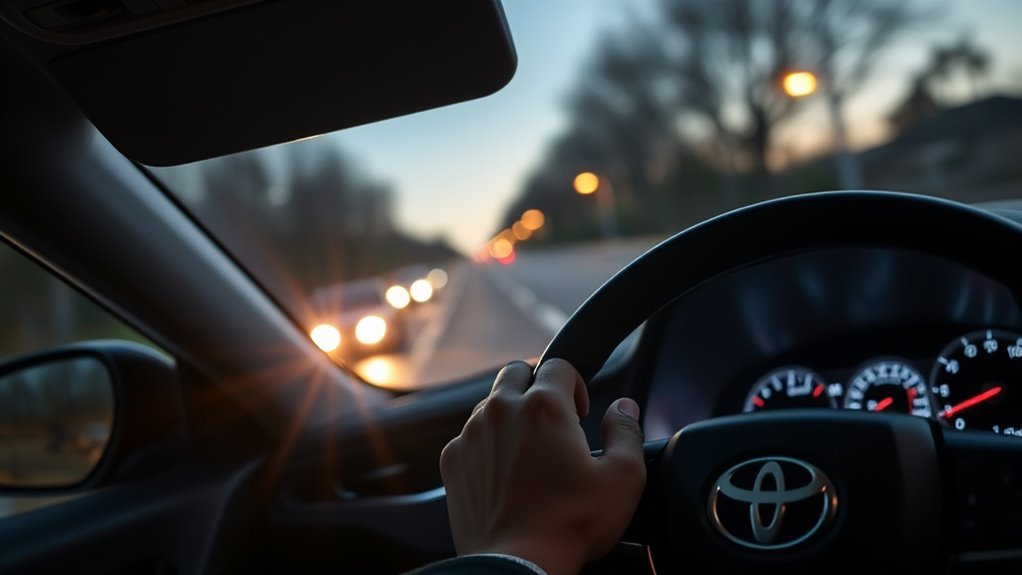
When automatic high beams act up or the road conditions make them more nuisance than help, you can switch to manual control by toggling the dedicated switch beside your left knee; this lets you override the system quickly and prevent unwanted flickering or unwanted low-beam activations from streetlights or nearby cars. You’ll regain freedom over illumination and adapt to varied driving conditions without relying on sensors that misread light sources.
- Toggle the switch off for manual control when streetlights or driveways trigger false low-beam switches.
- If the system flickers or seems unreliable, slow below 17 MPH to force low beams and stabilize visibility.
- Confirm the auto high beam button is pressed and the stalk set to AUTO when you want the system active.
- Remember detection of other vehicles or bright ambient light prevents auto engagement; choose manual in complex lighting.
- Learn the system’s sensitivity so you can decide when to trust automation and when to take control for safer, liberated driving.
Frequently Asked Questions
How to Turn on High Beam Assist on Toyota?
You turn on high beam assist by setting the stalk to AUTO and pressing the auto high beam button; this engages high beam functionality automatically above 22 MPH for improved driving safety, and you can manually disable it if desired.
Conclusion
You’ve now got the quick trick to let Auto High Beam do the heavy lifting—flip it on, let sensors mind the road, and step in when you want. If it gets chatty with false switches or flicker, calm it down with a sensor wipe, calibration check, or temporary manual override. Adjust or switch it off for tricky roads. Use it like a polite co‑pilot: handy, considerate, and ready to yield when you take the wheel.