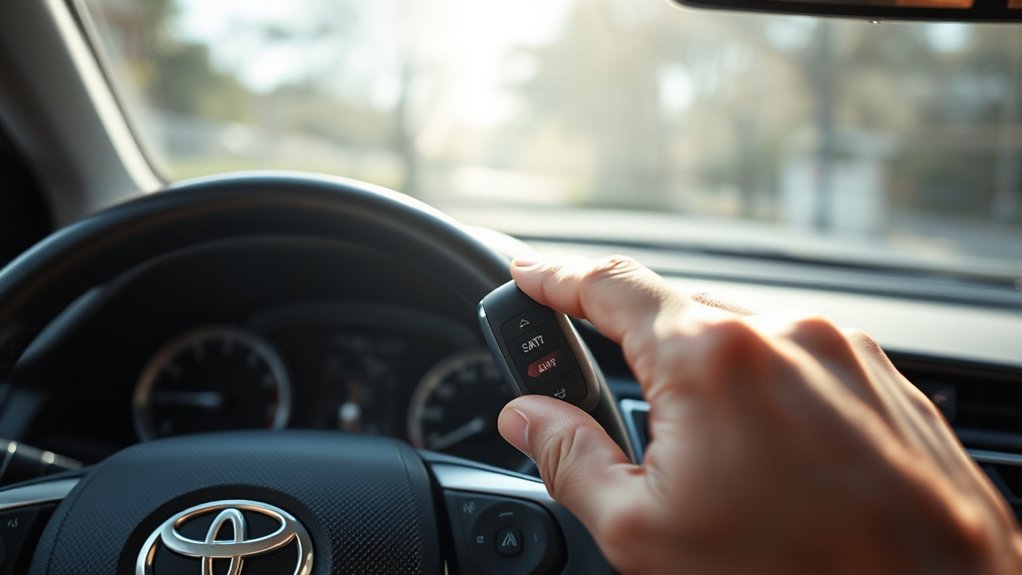
To use remote start on your 2025 or 2026 Toyota Camry, first verify you’ve got Remote Connect activated through the Toyota App. With your vehicle parked and locked, press the LOCK button three times, holding the last press for three seconds. Look for the turn signal lights flashing to confirm it’s started. If you encounter issues, check your key fob’s battery and refer to your Owner’s Manual for troubleshooting. There’s more to explore about enhancing your remote experience!
Check Your Toyota Camry’s Remote Start Compatibility First
Before you can enjoy the convenience of remote start in your Toyota Camry, it’s essential to confirm its compatibility. First, make sure your model is from 2025 or 2026, as only these years support this feature. Next, check your owner’s manual to see if your vehicle is Remote Connect capable. This capability is vital for accessing the remote start benefits, like pre-conditioning your car’s interior before you even step inside.
You’ll also need an active trial or subscription for Connected Services, which is a key part of the subscription requirements for remote start functionality. Use the Toyota App to verify your vehicle’s Remote Connect status. If you’re unsure or face any issues, consulting your dealership can help clarify if any additional settings are necessary to activate the feature. With these steps, you’re well on your way to enhancing your driving experience!
How to Use Your Key Fob for Remote Start
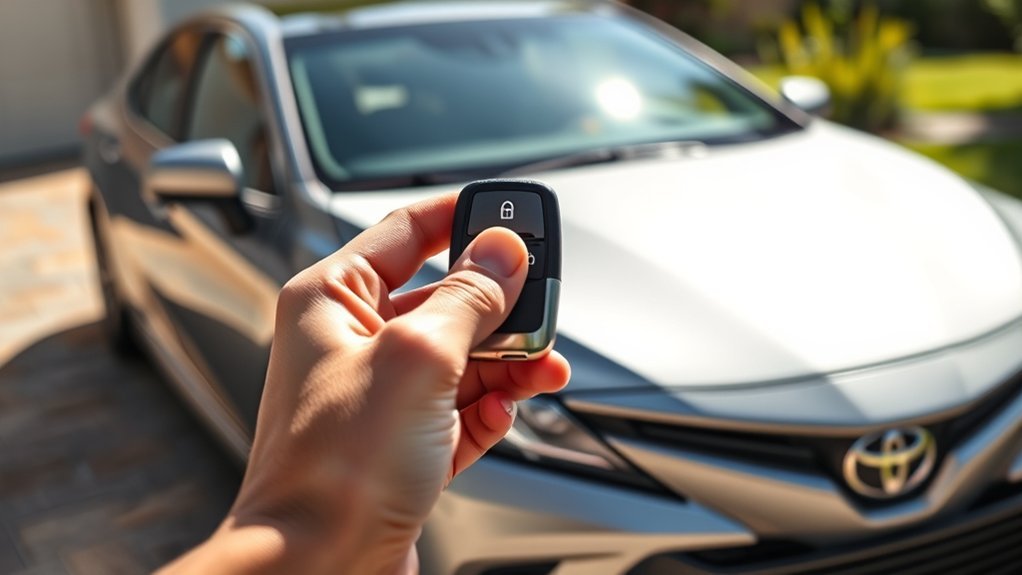
Using your key fob for remote start on a Toyota Camry is straightforward and convenient. Follow these remote start tips to guarantee success:
Using your key fob for remote start on a Toyota Camry is simple and effective.
- Check Vehicle Status: Make sure your Camry is parked, locked, and within range of your key fob.
- Initiate Start: Press the LOCK button three times quickly, holding the last press for three seconds.
- Look for Confirmation: Watch for the turn signal flashes, which indicate that your vehicle has started successfully.
- Battery Check: Regularly check your key fob battery status; a low battery can hinder key fob usage and prevent remote start from working.
Understanding Visual Indicators for Remote Start Success
Understanding the visual indicators during the remote start process on your Toyota Camry is vital for a smooth experience. When you initiate the remote start, the turn signal lights will flash, providing important visual feedback that confirms your vehicle is starting. This indication helps you gauge the success of your operation and prevents any confusion.
If you notice the turn signals don’t flash, it might signal a problem with your key fob or the remote start settings. Monitoring these visual cues enhances your user experience, keeping you informed about your vehicle’s status. Familiarizing yourself with these indicators guarantees you can effectively troubleshoot any issues that arise, empowering you to enjoy the benefits of remote start without frustration. Remember, the clearer you understand these visual signals, the more liberated you’ll feel in controlling your vehicle’s start process.
What to Do When Your Remote Start Isn’t Working?
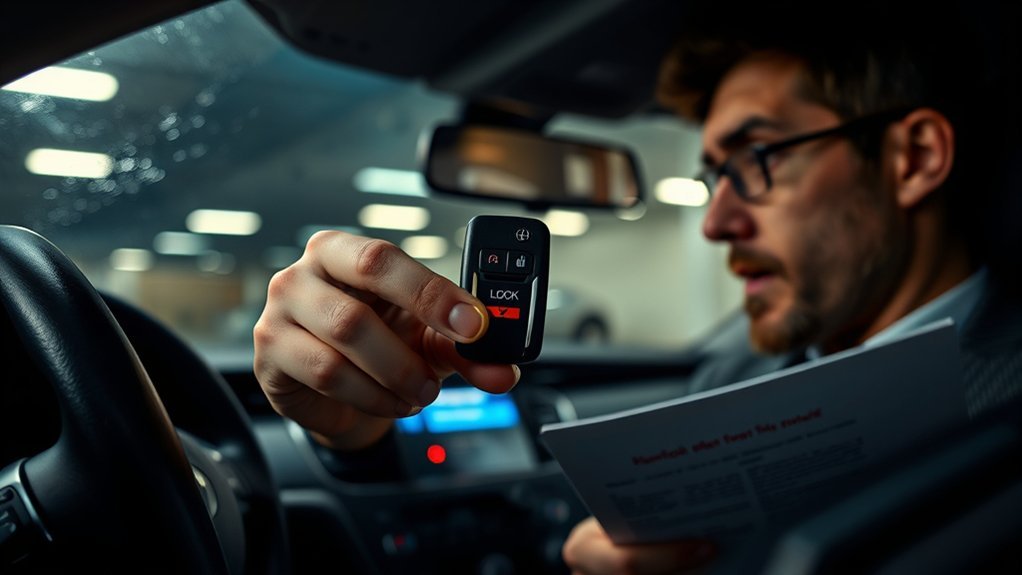
What should you do if your remote start isn’t working? Don’t worry; there are several troubleshooting tips to help you identify the common issues.
- Verify Compatibility: Verify your vehicle is Remote Connect capable and that you have an active subscription for Connected Services.
- Check Key Fob: Make sure the key fob is within range and has a functioning battery. Distance and battery issues can hinder operation.
- Inspect Vehicle Settings: Confirm that your vehicle is parked safely, with all doors closed and locked. Look for any dealership settings that may have disabled remote start.
- Consult Owner’s Manual: Refer to your Owner’s Manual for specific troubleshooting steps. If after multiple attempts it still doesn’t respond, consider resetting the key fob.
Additional Features of Toyota Remote Connect for a Better Experience
While you enjoy the convenience of remote starting your Toyota Camry, the Toyota Remote Connect system offers even more features to enhance your driving experience. With real-time vehicle status updates, you can easily check your fuel level and battery health right from the Toyota App. If you’re parking in a crowded lot, the location services feature makes vehicle tracking a breeze, helping you find your car quickly.
Security gets a boost with remote locking and opening, allowing you to secure your vehicle from a distance. Plus, the geofencing alerts notify you when your Camry enters or exits designated areas, giving you peace of mind, especially for young drivers.
These features aren’t just about convenience—they empower you to stay connected with your vehicle like never before, ensuring a safer and more enjoyable driving experience. Embrace the liberation that comes with Toyota Remote Connect!
Frequently Asked Questions
Can I Use Remote Start With My Smartphone App?
Yes, you can use remote start with your smartphone app if your vehicle supports smartphone compatibility. This feature allows remote access, giving you the freedom to start your car from virtually anywhere, enhancing convenience.
How Far Can I Be From My Camry for Remote Start to Work?
You can typically be up to 800 feet away for your Camry’s remote start to work effectively. This maximum distance guarantees you enjoy the convenience of starting your vehicle from a comfortable spot.
Is Remote Start Available on All Toyota Camry Trims?
Not all Toyota Camry trims offer remote start features. Why settle for less? Check the specific trim differences to discover which models come equipped with this convenient functionality, enhancing your driving experience effortlessly.
Does Remote Start Affect My Vehicle’s Battery Life?
Using remote start features can lead to slight battery drain, especially if used frequently. However, if your vehicle’s battery is in good condition, you shouldn’t notice any significant impact on its overall lifespan.
Can I Program Multiple Key Fobs for Remote Start?
Yes, you can program multiple key fobs for remote start. Just verify they’re compatible with your vehicle. Enjoy the freedom of starting your Camry from a distance and embrace that convenience in your daily routine.
Conclusion
Incorporating remote start into your Toyota Camry can feel like having a magic wand at your fingertips, transforming chilly mornings into cozy drives. By mastering the key fob and understanding visual cues, you’re not just starting your car—you’re embracing convenience. If challenges arise, don’t fret; troubleshooting is part of the journey. With Toyota Remote Connect, you’re accessing a world of features that enhance your driving experience, turning every ride into a seamless adventure.