
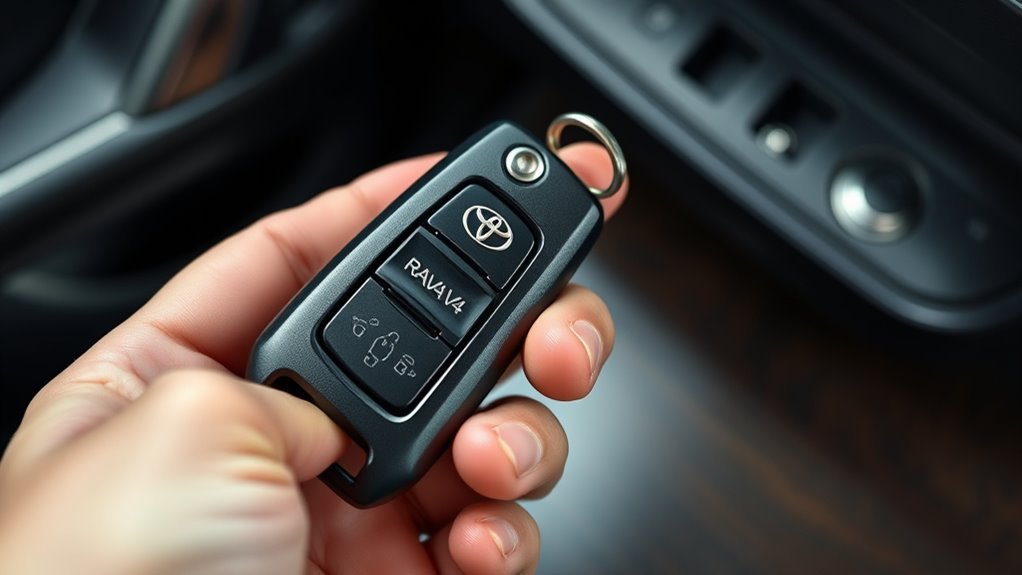
How to Use the Hidden Key in a RAV4 Key Fob
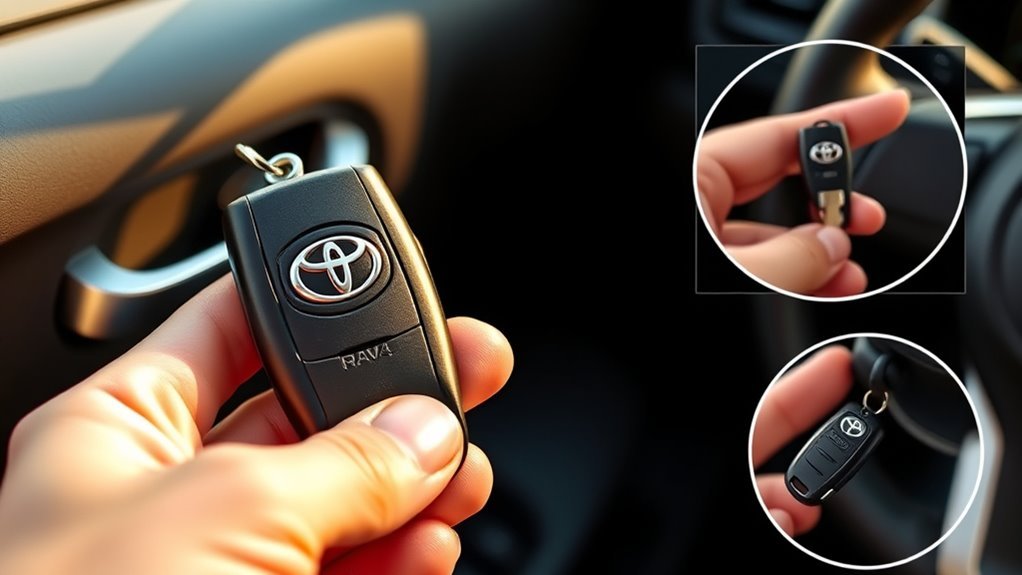
To use the hidden key in a 2019–2025 U.S.-market RAV4 or RAV4 Hybrid Smart Key, slide the release lever and pull out the metal mechanical key. Insert it fully into the driver’s door lock and turn it toward the rear of the vehicle to unlock. For backup starting, place the transmission in Park, press the brake, touch the Toyota-emblem side of the registered electronic fob to the engine switch, wait for recognition, and press the switch shortly and firmly.
The metal blade provides door access only. It cannot authorize a push-button start without the registered electronic fob. On a RAV4 Hybrid, the READY indicator confirms that the vehicle can drive even if the gasoline engine remains silent. If the remote, interior lights, horn, and dashboard are all dead, suspect the vehicle’s 12-volt battery rather than only the fob battery.
Key Takeaways
- The hidden metal key unlocks the driver’s door but does not start a push-button RAV4 by itself.
- Turn the mechanical key toward the rear of the vehicle rather than relying on a universal clockwise instruction.
- Touch the Toyota-emblem side of the registered fob to the engine switch during backup starting.
- On a RAV4 Hybrid, look for the READY indicator instead of listening for engine noise.
- Alarm behavior varies by market and configuration; use the registered fob and the model-specific manual if an alarm sounds.
- Working cabin lights usually point toward a fob or Smart Key problem; dead cabin power may indicate a discharged 12-volt battery.
Merrick Vaughn · Last updated: July 31, 2026 · Reviewed against Toyota owner guidance for 2019–2025 U.S.-market RAV4 and RAV4 Hybrid Smart Key models.
Update note: Clarified model scope, RAV4 Hybrid READY behavior, alarm differences, key-linked window cautions, and fob-battery compatibility.
What’s in This Article
- How to Use the Hidden Key in a RAV4 Key Fob
- Before You Begin
- Which RAV4 Models Do These Steps Cover?
- Is the RAV4 Key-Fob Battery Dead or Is the 12-Volt Battery Dead?
- Where to Find the Emergency Key on Your RAV4 Key Fob
- How to Remove the Emergency Key Without Damaging the Fob
- Unlock the Driver’s Door With the Emergency Key
- Alarm Behavior After Unlocking: What Happens and How to Stop It
- How Do You Start a RAV4 When the Key-Fob Battery Is Dead?
- Return the Emergency Key to the Fob Safely
- Replace the Key Fob Battery Safely
- Troubleshooting: Key Won’t Turn or the RAV4 Won’t Start
- Preventive Tips to Avoid Getting Stranded
- Frequently Asked Questions
- Toyota Sources
- Conclusion
Before You Begin
You do not need a powered key-fob battery to unlock the driver’s door mechanically. You do need the registered electronic fob to authorize a push-button start because the metal blade does not replace the immobilizer credential.
- Keep the entire fob with you: Do not leave the electronic portion outside after removing the metal key.
- Use the driver’s door: The mechanical lock cylinder is intended for emergency access.
- Confirm the transmission is in Park: Press and hold the brake before beginning the backup-start procedure.
- Check for READY on Hybrid models: A silent gasoline engine does not mean the start failed.
- Do not force anything: Stop if the blade, release lever, fob cover, or lock cylinder resists.
- Check the vehicle’s electrical power: A dead 12-volt battery requires a different solution from a dead fob battery.
Warning: The mechanical key may be thin and the door cylinder may rarely be used. Do not apply strong twisting force because you can bend the blade or damage the lock.
Which RAV4 Models Do These Steps Cover?
The detailed procedure applies most directly to 2019–2025 U.S.-market gasoline RAV4 and RAV4 Hybrid models with Smart Key and push-button start. Fob shape, alarm programming, battery type, and backup detection can differ by model year, trim, powertrain, and country.
| Vehicle or key type | What this guide covers | What to verify |
|---|---|---|
| 2019–2025 gasoline RAV4 or RAV4 Hybrid with Smart Key | Mechanical driver-door entry and engine-switch backup detection | Exact alarm behavior and fob-battery type in the owner’s manual |
| 2020–2025 RAV4 Prime or Plug-in Hybrid | The mechanical-entry concept may be similar | Use the Prime or Plug-in Hybrid manual for the exact start procedure and coin-cell type |
| RAV4 with a traditional keyed ignition | Some mechanical-access advice may apply | Use the ignition-key procedure for the exact model year |
| 2026 or newer redesigned RAV4 | The general idea of mechanical backup access may still apply | Check the current manual for the fob-detection point and start procedure |
| Non-U.S. model | Mechanical-key location may be similar | Door orientation, alarm programming, battery type, and equipment for that market |
Toyota introduced an all-new sixth-generation RAV4 for the 2026 model year. Do not assume its fob, detection point, or emergency-start sequence matches a 2019–2025 vehicle.
Is the RAV4 Key-Fob Battery Dead or Is the 12-Volt Battery Dead?
A failed remote does not always mean the coin cell is the only problem. Check what still works before opening the fob or arranging a jump-start.
| What you notice | Likely cause | Next action |
|---|---|---|
| Remote buttons do not work, but the cabin lights and horn work | Weak fob battery, radio interference, battery-saving mode, or Smart Key setting | Use the mechanical key, try the backup-start procedure, then replace or test the fob battery |
| The vehicle starts when the fob touches the engine switch | The fob battery is likely weak, but the registered transponder is still recognized | Replace the correct coin cell soon |
| Remote, cabin lights, horn, and dashboard are all dead | The vehicle’s 12-volt battery may be discharged | Use the mechanical key for entry, then follow the correct jump-start or roadside-assistance procedure |
| Both registered fobs fail while cabin power is normal | Smart Key deactivation, interference, receiver fault, damaged fobs, or another system issue | Check settings and the owner’s manual, then contact a Toyota dealer or qualified automotive locksmith |
| The metal key opens the door, but the electronic fob is missing | You have mechanical access but no registered start credential | Arrange a registered replacement key; the metal blade alone cannot start a push-button model |
For broader no-start symptoms after you enter the vehicle, use this RAV4 no-start troubleshooting guide.
[Products Worth Considering]
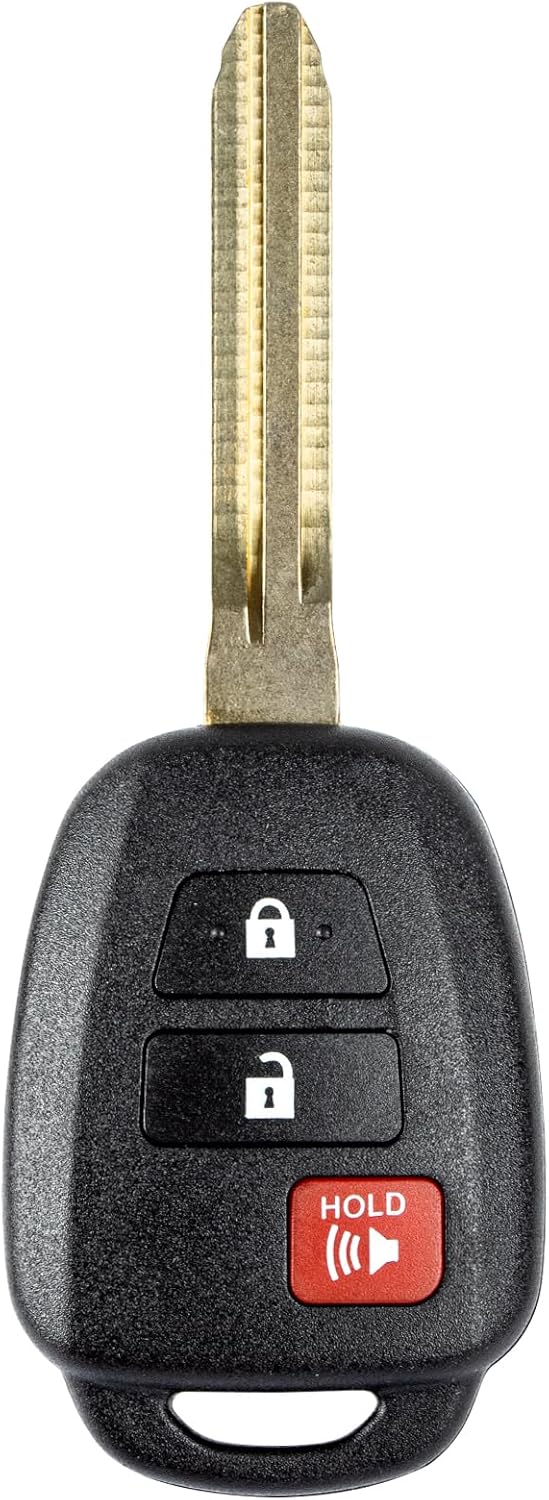
This replacement key fob is designed for select Toyota models and provides reliable keyless entry functionality with a factory-like fit and operation. It comes pre-tested with electronics and battery installed, making it a convenient solution when your original remote is lost, damaged, or worn out. Professional programming and cutting are required, and compatibility should be confirmed against the original remote and vehicle fitment details.

This keyless entry remote replacement is designed for select Toyota models and comes pre-tested with battery and electronics installed for ready-to-program convenience. It supports compatible part numbers and FCC IDs, making it a practical solution for replacing a lost or damaged fob. Programming and cutting by a qualified locksmith or dealership are required, and it is intended for regular key vehicles rather than push-start systems.

This keyless entry remote replacement is designed for a wide range of Toyota, Scion, and Lexus-compatible vehicles, offering a convenient way to restore remote locking and unlocking functions. Each fob is pre-tested, comes with the battery and electronics already installed, and is ready to be programmed for supported standard-key vehicles. It is a practical replacement choice for drivers who need a reliable, compatible remote for everyday use.
Where to Find the Emergency Key on Your RAV4 Key Fob
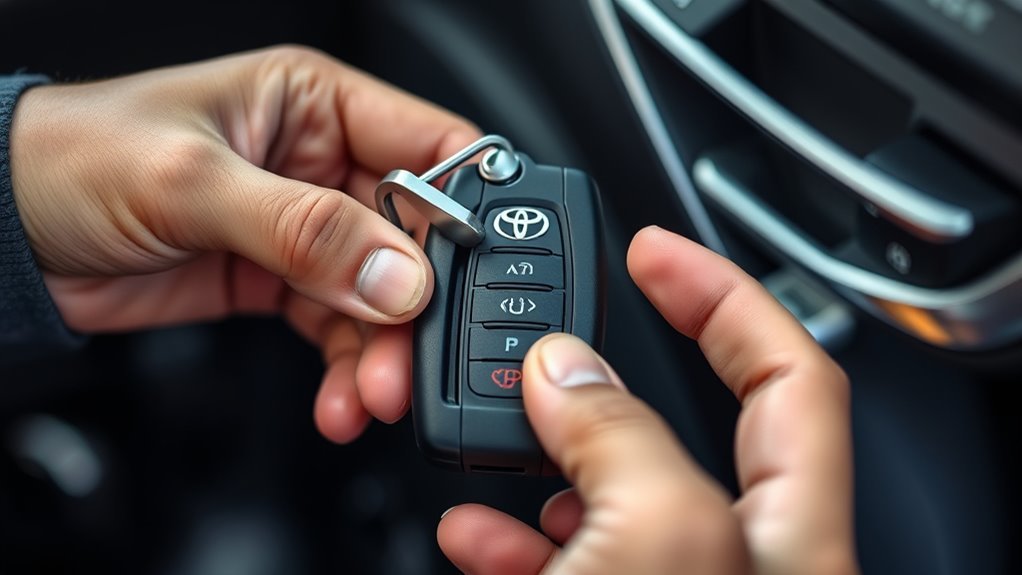
Look for a small release lever on the back, side, or lower edge of the electronic key. On many 2019–2025 RAV4 Smart Keys, sliding this release allows the narrow metal key to pull out of the fob housing.
Locating the Release Tab
- Hold the fob securely with the buttons facing away from your palm.
- Inspect the back and lower edge for a recessed slider or release lever.
- Slide and hold the release while pulling the metal portion straight out.
Do not pry the metal key out before the release has fully disengaged. Practice the movement at home so you know how the mechanism feels before an emergency.
Retrieving the Emergency Key
Once the latch releases, pull the key straight along the fob’s axis. Avoid bending it sideways.
- Keep the release lever engaged.
- Pull the metal blade straight out.
- Inspect the blade for bends, damage, or heavy dirt.
- Keep both the blade and electronic fob together.
The electronic portion still contains the registered credential needed to authorize a push-button start.
How to Remove the Emergency Key Without Damaging the Fob
- Locate the release lever on the electronic key.
- Hold the fob steady without squeezing its buttons unnecessarily.
- Slide or press the release with firm, even pressure.
- Pull the mechanical key straight out of the housing.
- Check the key’s one-sided grooves and note its orientation.
- Keep the electronic fob in your other hand or a secure pocket.
If the key will not move, stop and confirm that the release remains fully engaged. Do not twist the blade to overcome a partly engaged latch.
Unlock the Driver’s Door With the Emergency Key
Insert the mechanical key into the driver’s door lock. The key has grooves on one side, so it may only enter in one orientation. If it will not slide fully into the cylinder, remove it, turn it over, and try again.
- Insert the key fully without forcing it.
- Turn the key toward the rear of the vehicle to unlock the driver’s door.
- On the 2025 U.S. RAV4, turn it rearward again within five seconds if you need to unlock the other doors.
- Return the key to its neutral position and remove it.
- Open the driver’s door and bring the electronic fob inside.
Do not rely on “clockwise” or “counterclockwise” as a universal direction. The clearer reference is the rear of the vehicle, together with any lock symbols beside the cylinder.
Window and moonroof caution: Toyota manuals note that turning and holding the mechanical key can operate the windows and, if equipped and customized, the moonroof or panoramic moonroof. Use a brief turn to unlock unless you intentionally want a key-linked function, and keep people clear of moving glass.
Alarm Behavior After Unlocking: What Happens and How to Stop It
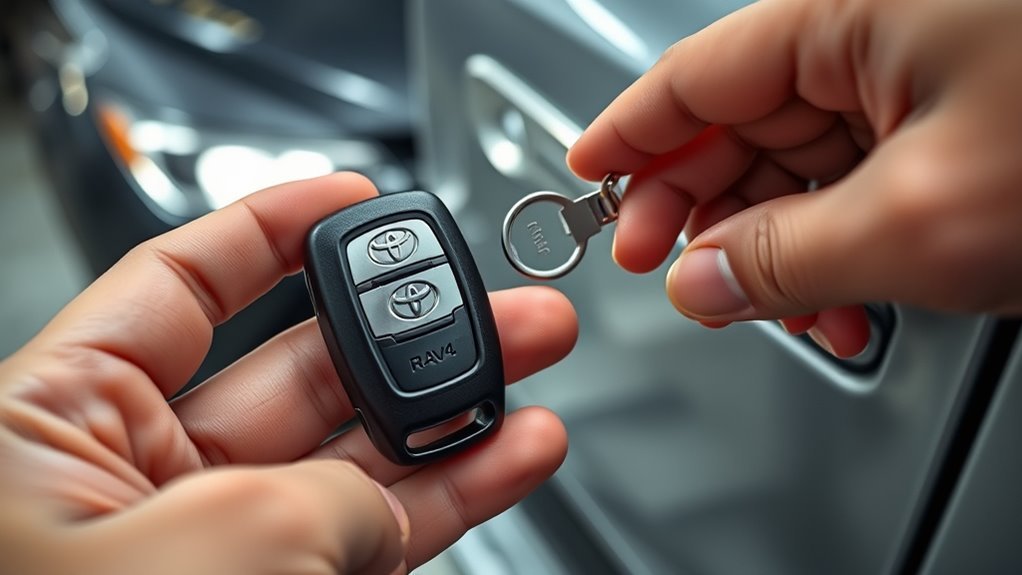
Alarm behavior is market- and configuration-specific. Toyota’s owner guidance shows that mechanical-key entry can trigger a warning or alarm on some versions, while other configurations allow the alarm to be canceled by unlocking or switching the vehicle to ACC or ON. If your RAV4 sounds after mechanical entry, use the registered electronic fob and the backup-start procedure below.
Do not disconnect the vehicle battery just to silence the alarm. Bring the registered electronic fob inside and complete these steps:
- Confirm the transmission is in Park.
- Press and hold the brake pedal.
- Touch the Toyota-emblem side of the fob to the engine switch.
- Wait for the recognition buzzer, dashboard prompt, or switch-mode change.
- Keep the brake pressed and press the engine switch shortly and firmly.
Authentication and switching the vehicle to ACC or ON, or starting it, will normally stop an entry-triggered alarm. If the alarm continues, use the alarm instructions in the owner’s manual for your exact year and market rather than pressing random buttons.
Note: The alarm is not guaranteed to sound. Treat alarm response as model- and market-specific, not as a required step in emergency entry.
How Do You Start a RAV4 When the Key-Fob Battery Is Dead?
A push-button RAV4 can read the registered transponder at very short range even when the fob battery is too weak to operate the remote buttons. The backup method uses the electronic fob at the engine switch; the loose metal blade cannot authorize the start.
What the Mechanical Key Does
Use the release lever to remove the mechanical key and unlock the driver’s door. Keep the electronic portion of the fob with you because it contains the registered credential needed for push-button starting.
Starting With a Dead Fob
- Enter the vehicle and confirm the shift lever is in Park.
- Press and hold the brake pedal.
- Touch the Toyota-emblem side of the registered electronic key to the engine switch.
- Wait for recognition. A buzzer, dashboard message, or switch-mode change may confirm that the key was detected.
- Keep the brake firmly depressed.
- Press the engine switch shortly and firmly.
- On a RAV4 Hybrid, confirm that the READY indicator illuminates before shifting out of Park.
Success check: A gasoline RAV4 starts its engine. A RAV4 Hybrid may remain quiet, but the READY indicator means the hybrid system is operating and the vehicle can move. If the dashboard remains completely dark, check the vehicle’s 12-volt battery instead of repeating the fob procedure.
Important: A loose metal blade without its registered electronic fob cannot authorize a push-button start.
Return the Emergency Key to the Fob Safely
Return the mechanical key to its storage slot after you regain access.
- Align the blade with the opening in the electronic key.
- Push it straight into the housing.
- Continue until the release mechanism clicks or locks.
- Pull gently without operating the release to confirm that the key is secure.
If the key remains loose, inspect the slot and latch for dirt or damage. A broken fob housing may need replacement even when the electronics still work.
Replace the Key Fob Battery Safely
Toyota lists a CR2032 lithium battery for the 2025 U.S.-market gasoline RAV4 electronic key, and recent RAV4 Hybrid manuals use the same battery type. Do not apply that specification automatically to a RAV4 Prime or Plug-in Hybrid, a different model year, or a non-U.S. fob. Read the number on the old battery and check the exact owner’s manual before buying a replacement.
- Work on a clean, dry surface where small parts cannot roll away.
- Release the latch and remove the mechanical key.
- Use an appropriately sized flathead screwdriver at the designated seam. Cover the screwdriver tip with a cloth to reduce the risk of case damage.
- Open the cover gently without forcing or bending it.
- Note the old battery’s number and orientation before removal.
- Use a small flathead screwdriver to lift the depleted battery carefully.
- Install the exact replacement type in the same orientation. On the 2025 RAV4 procedure, the positive side faces up.
- Reassemble the fob and return the mechanical key to its slot.
- Test lock, unlock, panic, and proximity starting before relying on the fob.
Coin-battery warning: Keep new and used coin cells away from children and pets. A swallowed or inserted battery can cause life-threatening internal injury. Seek emergency medical help immediately if ingestion or insertion is suspected.
Pro tip: Photograph the old battery before removing it. The photo records both the battery number and its installed orientation.
Dispose of the used cell according to local battery-disposal rules. Do not leave a loose coin battery in a cup holder, drawer, bag, or other place accessible to children.
[Products Worth Considering]

This replacement key fob set is designed for select Toyota RAV4 and XB models with regular key systems, offering lock, unlock, and panic functions in a convenient two-pack. Each remote comes pre-tested with battery and electronics installed, and it must be cut and programmed by a qualified dealer or locksmith for proper use. Built from durable materials and backed by warranty support, it provides a reliable solution when replacing worn or missing remotes.
This USARemote key fob replacement provides convenient keyless entry for a wide range of Toyota and Scion vehicles. It is programmable, ready to use, and designed to help restore remote locking and unlocking functionality for compatible models. The compact black remote offers dependable everyday use for drivers needing a simple replacement solution.

10 pack of Energizer CR2032 Batteries (CR2032 3V Lithium Battery compatible with Apple AirTags and Key Fobs)
Troubleshooting: Key Won’t Turn or the RAV4 Won’t Start
[Products Worth Considering]

COMPATIBLE WITH AIRTAG & KEY FOBS: Works with Apple AirTag, all major car key fobs (Toyota, Honda, BMW, Ford, Chevrolet, Lexus), fitness trackers, glucose monitors, tire pressure sensors, and any CR2032 / 3V lithium coin battery device.

**Please confirm compatibility using the fitment guide located in the product images**

KEY FOB BATTERY INSTALLATION: This kit includes [qty 2] CR2016 batteries for an easy and secure replacement of your key fob battery for Toyota vehicles.
Key Won’t Turn
Start with the key’s orientation. The mechanical blade may have grooves on only one side.
- Remove the key and inspect it for bends or damage.
- Turn the blade over and try inserting it again.
- Push it fully into the cylinder with light, straight pressure.
- Turn it toward the rear of the vehicle while applying only moderate force.
- Stop if the blade flexes or the cylinder remains stuck.
Dirt, corrosion, ice, an incorrect blade, or a damaged cylinder may prevent movement. Do not use enough force to bend the key. Contact a qualified automotive locksmith or Toyota dealer if the cylinder remains stuck.
Alarm Won’t Stop
- Confirm that you have the registered electronic fob rather than only the metal blade.
- Place the vehicle in Park and press the brake.
- Touch the Toyota-emblem side of the fob to the engine switch.
- Wait for recognition, then press the engine switch shortly and firmly.
- Replace the correct fob battery if the remote buttons remain dead.
- Follow the model-specific alarm procedure or contact Toyota if authentication does not stop the alarm.
RAV4 Still Won’t Start
If the instrument panel is dark and the horn or interior lights do not work, the vehicle’s 12-volt battery may be discharged. If the panel powers up but both registered fobs fail, check whether Smart Key was deactivated, whether the fob is in battery-saving mode, whether radio interference is present, and whether the vehicle has stored a Smart Key fault.
Do not repeatedly pry open the fob or replace batteries at random. Use the symptom table above, the RAV4 Key Not Detected guide, or the RAV4 no-start troubleshooting guide to choose the next check. If the problem began immediately after a battery change, use the post-battery-change key-fob checklist.
Preventive Tips to Avoid Losing the Emergency Key or Getting Stranded
- Practice once at home: Remove and reinstall the mechanical key without forcing the latch.
- Test the blade: With the alarm disarmed and the electronic fob available, confirm that the mechanical key fits the driver’s lock.
- Watch for reduced range: A fob that only works near the vehicle may need a new battery.
- Check the old cell before buying: Battery type can differ across fobs and model years.
- Maintain a registered spare: A spare metal blade alone will not start a push-button vehicle.
- Store coin cells safely: Keep new and used batteries in child-resistant packaging until proper disposal.
Testing the mechanical blade is especially useful because the driver-door cylinder may go unused for years. Discovering a damaged blade or seized cylinder at home is easier than discovering it during a lockout.
Frequently Asked Questions
How Do You Use the Key Inside the Key Fob?
Slide the release lever and pull the mechanical key straight out. Insert it fully into the driver’s door lock and turn it toward the rear of the vehicle. Keep the electronic fob because a push-button RAV4 still needs to recognize the registered transponder before it can start.
Can the Hidden Metal Key Start a RAV4?
The metal key cannot start a push-button RAV4 by itself. It provides mechanical door access. To start with a weak fob battery, touch the Toyota-emblem side of the registered electronic fob to the engine switch while pressing the brake, then press the switch after the vehicle recognizes the key.
Will the RAV4 Alarm Go Off When You Use the Emergency Key?
It depends on the vehicle’s market, equipment, and alarm settings. Mechanical-key entry can trigger a warning or alarm on some RAV4s, while other configurations may disarm when the door is unlocked or the vehicle is switched to ACC or ON. Use the registered fob and follow the exact owner’s manual if an alarm sounds.
How Can You Tell if the Fob Battery or Car Battery Is Dead?
If the remote is dead but the cabin lights, horn, and dashboard still work, suspect the fob battery or Smart Key communication. If the remote, cabin lights, horn, and dashboard are all dead, the vehicle’s 12-volt battery may be discharged.
Can You Drive a RAV4 With a Dead Key Fob Battery?
You can often start and drive a push-button RAV4 by using the short-range backup-detection procedure. Keep the registered fob in the vehicle and replace the depleted coin cell soon. On a RAV4 Hybrid, confirm the READY indicator is on before shifting. The method will not help if the vehicle’s 12-volt battery is discharged.
What Battery Does a RAV4 Key Fob Use?
Toyota lists a CR2032 lithium coin cell for the 2025 U.S.-market gasoline RAV4 electronic key, and recent RAV4 Hybrid manuals use CR2032. RAV4 Prime or Plug-in Hybrid fobs, other model years, and non-U.S. keys may differ, so confirm the number printed on the old cell and in the exact owner’s manual.
Does This Procedure Work on a 2026 RAV4?
The RAV4 was redesigned for 2026, so do not assume that the 2019–2025 engine-switch contact procedure is unchanged. Use the mechanical-access and backup-start instructions in the 2026 owner’s manual for your exact trim and market.
What Should You Do If the Emergency Key Is Missing?
Contact a Toyota dealer or qualified automotive locksmith. A replacement blade can restore mechanical door access, but a push-button RAV4 also requires a registered electronic key for starting. Keep the VIN and proof of ownership available for key cutting and registration.
Toyota Sources
- Toyota 2025 RAV4 owner’s manuals
- Toyota 2019 RAV4: keys and mechanical-key use
- Toyota Support: Smart Key and engine-start troubleshooting
- Toyota 2025 RAV4 Quick Reference Guide
- Toyota: all-new sixth-generation 2026 RAV4
Conclusion
The hidden key in a RAV4 key fob gives you emergency driver-door access when the Smart Key buttons stop working. Turn the blade toward the rear of the vehicle, then use the registered electronic fob at the engine switch for backup authentication. The metal blade cannot start a push-button RAV4 by itself.
After you regain access, identify whether the problem is a weak fob battery, a discharged 12-volt battery, interference, a disabled Smart Key setting, or a system fault. Confirm the exact coin-cell type for your model, reinstall the mechanical key securely, and test normal lock, unlock, and backup starting before the next trip.


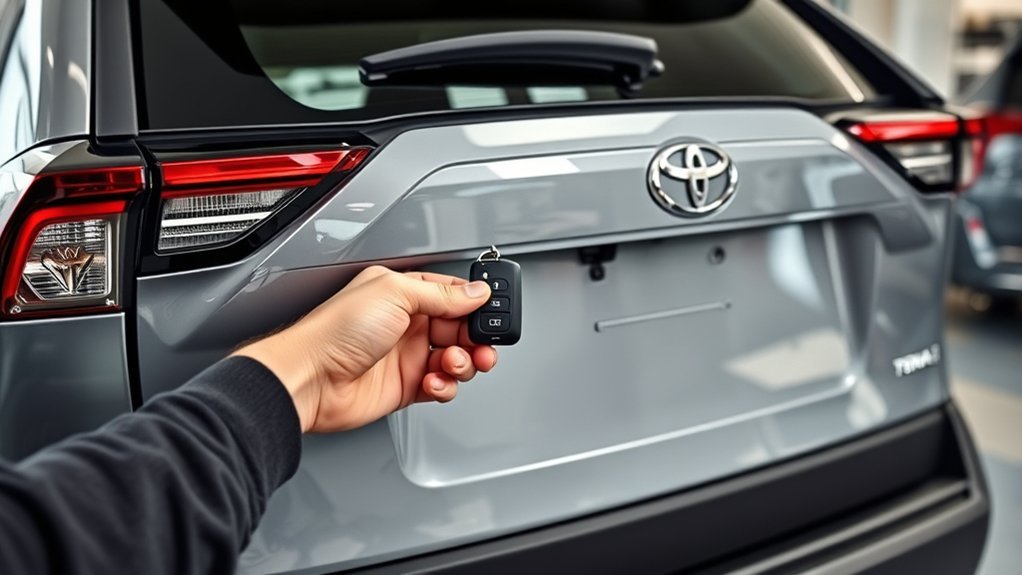
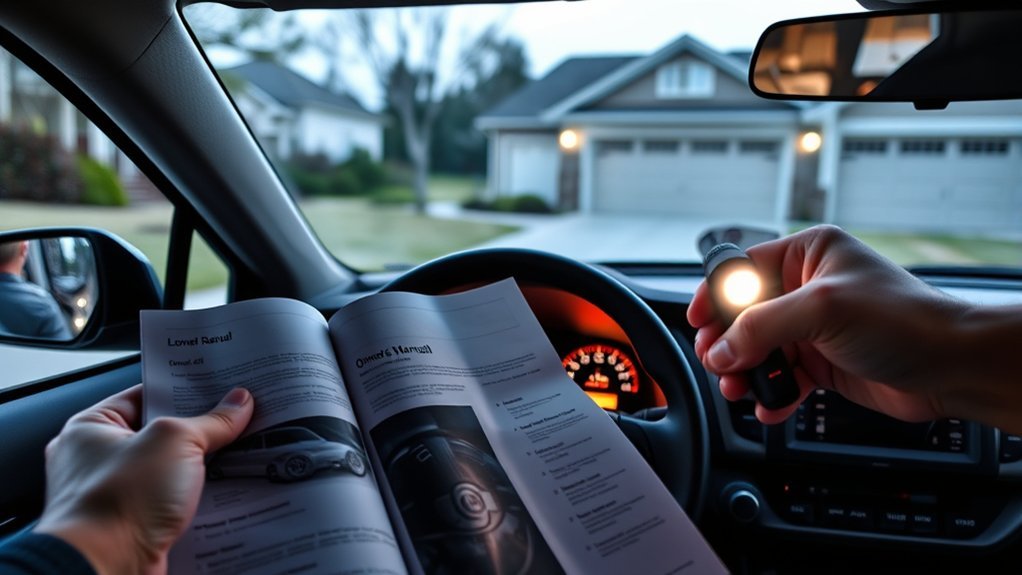
[…] the detailed guide on how to use the hidden key in a RAV4 key fob for model-specific access […]
[…] Note: If the doors will not unlock because the fob battery is dead, remove the mechanical key blade and unlock the driver’s door manually. The alarm may sound until the vehicle recognizes the registered electronic fob. For the door-access procedure, see the RAV4 hidden-key and dead-fob guide. […]