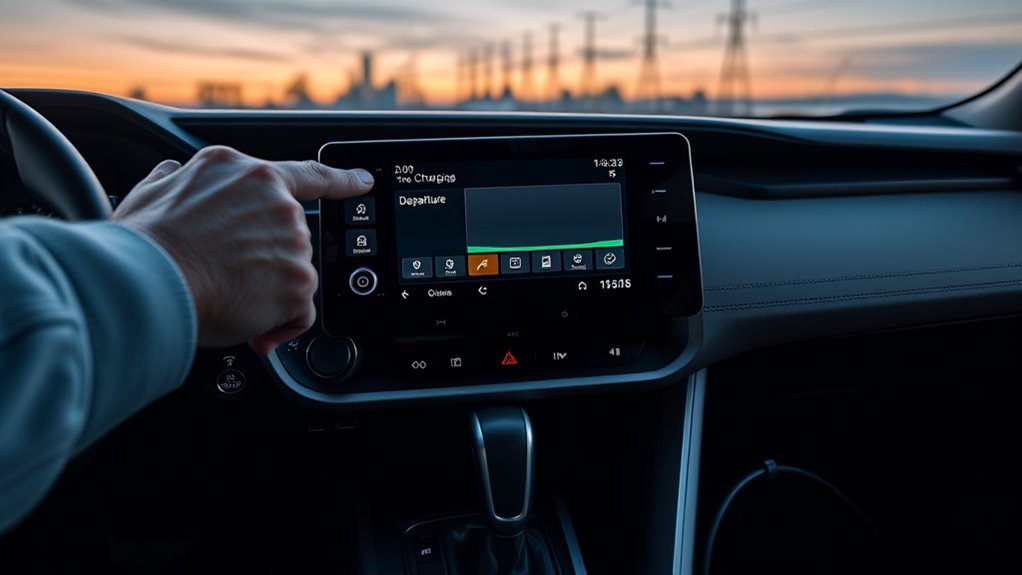
Tap the vehicle icon on your RAV4 Prime multimedia display, open the drop-down and choose Charging Schedule. Tap “Add New Charging Schedule,” set precise start and finish times, select days or repeat windows, and define preferences like target state of charge or delayed start. Schedules save instantly and you can create distinct weekday/weekend plans. Use off-peak hours to cut costs and protect the battery. Keep going to see troubleshooting steps and optimization tips.
Access the RAV4 Prime Charging Schedule

To access the RAV4 Prime’s charging schedule, tap the vehicle icon on the multimedia display, open the drop-down menu, and select “Charging Schedule.” You’ll see options to add a new schedule by entering start and finish times, and you can create or adjust multiple schedules to match your routine. From there, you’ll interact with a streamlined user interface that’s built for direct control: select days, set repeated windows, and enable or disable individual entries. You’ll appreciate the charging benefits tied to deliberate scheduling—reduced grid costs, optimized battery longevity, and readiness when you need it. The display gives immediate feedback on active schedules and next charge events, so you won’t guess at state or timing. Use this control to free yourself from manual plugging habits and to align vehicle energy with your values. Regularly reviewing and tweaking schedules keeps performance tight and preserves battery health without friction.
Set Up a Charging Schedule (Step‑by‑Step)
Start by tapping the vehicle icon on the multimedia display, open the drop‑down menu, and choose “Charging Schedule” to enter the setup screen. Select “Add New Charging Schedule” to begin building a plan that serves your routine and frees you from fuel dependence. Set precise start and finish times, prioritizing off‑peak hours to reduce cost and strain on the grid. Define charging preferences—such as desired state of charge or delayed start—so the vehicle charges only when you want. Save the schedule and verify it appears in the active list. Regularly review schedules to confirm readiness each morning and to protect battery longevity; adjust times if your commute or utility peak hours change. Each change consolidates control over energy use and cost, advancing your autonomy. Don’t skip periodic checks: small tweaks keep performance optimized and your driving choices liberated from inefficient charging habits.
Create and Edit Multiple Charging Schedules
Now that you’ve saved a primary charging plan, you can set up and edit multiple schedules to match different days and driving patterns. Access the multimedia display, tap the vehicle icon, and choose Charging Schedule from the menu to create a new entry. You’ll input start and finish times, applying customization options to align charging with routines or energy rates. The system supports distinct weekday and weekend plans and varied driving needs.
| Schedule | Start Time | End Time |
|---|---|---|
| Weekday | 02:00 | 05:00 |
| Weekend | 03:00 | 06:00 |
To modify a schedule, select it from the list and adjust times; changes save instantly. Regularly review schedules to refine efficiency and strengthen battery longevity. This workflow improves your user experience by giving control and flexibility, reducing dependence on unpredictable grids. You’ll feel liberated by predictable charging that fits life, while the interface stays technical, direct, and efficient.
Why Scheduled Charging Saves Money and Protects the Battery
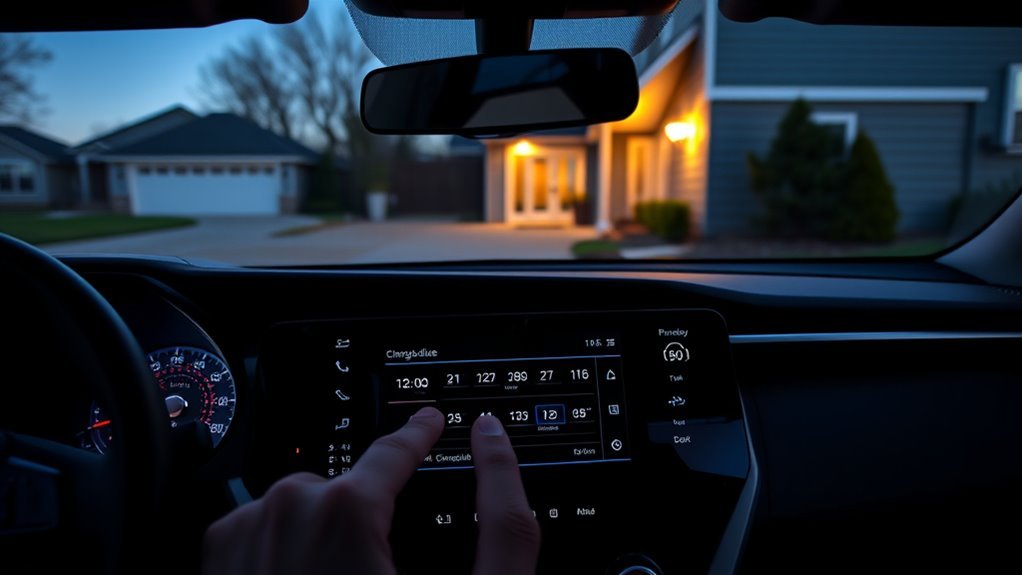
Although you can plug in anytime, scheduling charging lets you tap lower off-peak rates and utility incentives, often cutting energy costs by 30–50% while ensuring your RAV4 Prime is charged when you need it. By defining charge windows aligned to off-peak periods, you capture direct cost savings and, where available, rebates that further reduce operational expense.
You’ll also protect battery health by avoiding unnecessary mid-day top-offs and by charging during cooler night hours, which mitigates heat-driven degradation and extends cycle life. Schedule-based charging lets you match state-of-charge targets to daily needs, minimizing high-depth cycles that stress battery cells.
Finally, timed charging enables eco benefits: you can prioritize overnight hours when grid mix often includes higher renewable input, lowering lifecycle emissions. Combining scheduled charging with utility incentives and mindful state-of-charge management gives you financial savings, improved battery longevity, and greater autonomy from fossil-fuel dependence.
Troubleshooting Common Setup Issues and Pro Tips
If you hit issues while setting charging schedules, first verify your multimedia system is running the latest software and that you’ve accessed the vehicle icon and chosen the correct drop-down option—missteps here cause most setup problems. Confirm software updates in Settings, then reboot the multimedia display; outdated firmware or temporary glitches often block saving schedules. When a schedule won’t save, restart the vehicle as an immediate reset. Create multiple schedules to match varying off-peak windows and retain flexibility; label them clearly so you can switch without confusion. If touch inputs don’t respond, recalibrate the screen per the diagnostics menu or cycle power to the system. For persistent faults, consult the user manual for step-by-step troubleshooting and error codes, and record exact behaviors before contacting Toyota customer support so you control the resolution. These steps let you reclaim time and cost savings while ensuring your RAV4 Prime charges reliably on your terms.
Frequently Asked Questions
How Do I Schedule My EV Charging?
You schedule EV charging via your vehicle’s charging schedule menu: set start/finish times, add multiple routines, and favor off-peak hours. These charging benefits and scheduling tips cut costs, extend battery life, and free your daily energy choices.
Should I Charge PHEV Every Night?
Yes — usually you should charge nightly, but consider usage: balancing charging frequency against battery longevity matters. You’ll maximize electric range and savings by charging when needed, using timers and off-peak rates to stay free and efficient.
Conclusion
You’ve now seen how to access and program charging windows on your RAV4 Prime, create multiple schedules, and avoid common setup pitfalls. By scheduling charging for off‑peak hours you lower costs and reduce battery stress—so why plug in at peak time when a simple timer can do it for you? Take a moment to verify your settings, test one charge cycle, and refine schedules as rates or driving needs change to maximize savings and battery life.