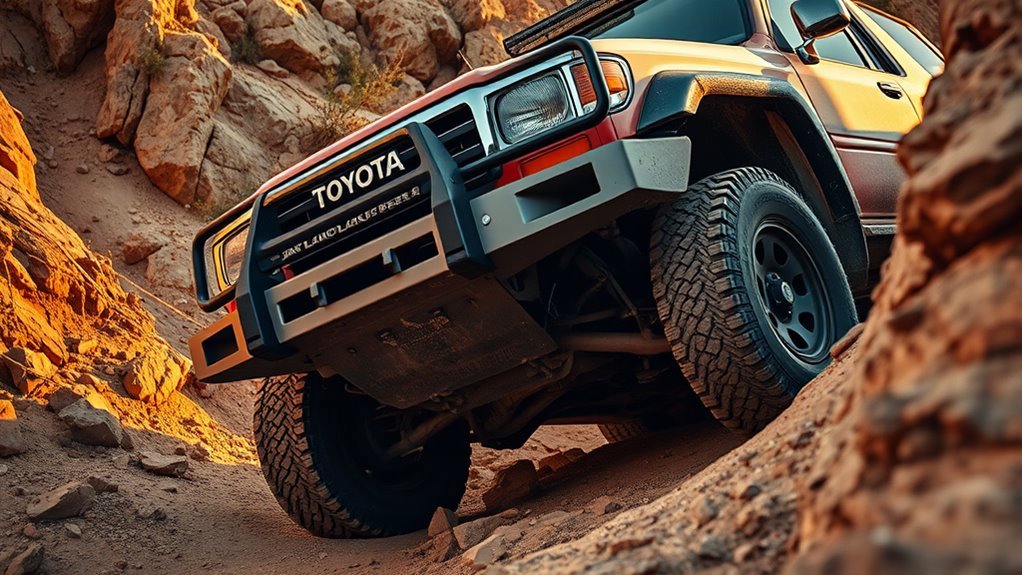
A-TRAC, short for Active Traction Control, is Toyota’s brake-and-throttle-based traction aid for difficult low-speed conditions. On many Toyota Land Cruiser models, it helps control wheel spin by braking a slipping wheel and helping drive force move to wheels that still have grip. It is useful off-road, but it is not magic, and it is not the same on every Land Cruiser year, trim, or market.
Quick Answer
A-TRAC on a Toyota Land Cruiser helps reduce wheel spin on loose, slippery, or uneven terrain by using brake pressure and engine/throttle control. It works best with smooth inputs at low speed and should be treated as a traction aid that complements, not replaces, lockers, proper tires, and careful driving.
Key Takeaways
- A-TRAC helps when one or more wheels slip by applying brake pressure to the slipping wheel and helping usable drive force reach wheels with grip.
- It is most helpful on slow technical trails, loose climbs, ruts, snow, gravel, and uneven terrain where one wheel may lift or unload.
- It does not replace locked differentials, good tires, safe line choice, or the limits in your owner’s manual.
- If the brake system gets hot, traction-control assistance can reduce or pause until the system cools.
- Toyota’s terminology varies by model year, so check whether your Land Cruiser uses A-TRAC, Active TRAC, Auto LSD, Multi-Terrain Select, Crawl Control, lockers, or a combination of these systems.
At a Glance
| Time Required | A few seconds to engage; use only as conditions require |
| Difficulty | Beginner to intermediate off-road driving skill |
| Tools Needed | No tools; owner’s manual recommended |
| Cost | No extra cost if equipped on your vehicle |
What A-TRAC Is and Why Toyota Uses It
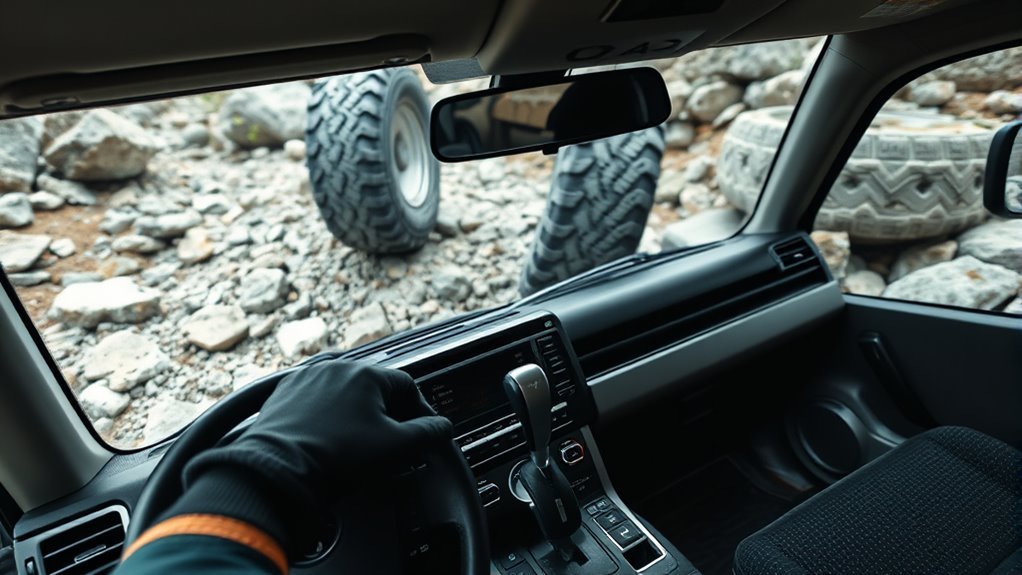
Think of A-TRAC as a smart off-road traction helper. When a wheel spins, the system can apply brake pressure to that wheel and adjust engine output so more usable drive force reaches the wheels that still have traction. Toyota’s 200-series Land Cruiser materials describe Active Traction Control as using both brake and throttle intervention to help control wheel spin.
That makes A-TRAC especially helpful on uneven trails where one tire is light, crossed up, or sitting on loose ground. Instead of letting the easiest wheel spin freely, the system helps the vehicle keep moving with less throttle and less drama.
Note: A-TRAC does not physically lock the axle like a mechanical differential locker. It uses brake and engine control to create a limited-slip-like effect, so it should be viewed as a traction aid, not a substitute for lockers, proper tires, or good trail judgment.
Check Your Model Year First
“A-TRAC” is not described the same way on every Land Cruiser. Older 200-series Land Cruisers were commonly described with a full-time 4WD system, a TORSEN limited-slip locking center differential, Multi-Terrain Select, Crawl Control, and Active Traction Control. Toyota’s 200-series material says the TORSEN center differential used a 40:60 front-to-rear torque distribution and could direct more torque to wheels with better grip.
Newer U.S.-market Land Cruiser models use a different off-road package. Toyota’s 2026 Land Cruiser information lists full-time four-wheel drive, center and rear locking differentials, Multi-Terrain Select, CRAWL Control, Downhill Assist Control, Vehicle Stability Control, and Auto LSD. Toyota owner-manual pages may also use the term Active TRAC for driving-assist operation.
The practical takeaway is simple: confirm your exact year, trim, and market in the owner’s manual before relying on one button sequence or one online explanation.
When to Use A-TRAC: Best Off-Road Scenarios
Use A-TRAC or the equivalent Active TRAC function when traction is uneven and you need controlled low-speed progress. It works best when you drive smoothly and give the system time to respond.
Low-Speed Traction Assistance
A-TRAC is most useful when one or more wheels start spinning during slow crawling. Common examples include ruts, wet grass, loose gravel, hard-packed snow, ledges, and uneven rocky trails. The system helps reduce wasted wheel spin so the tires with grip can keep the vehicle moving.
Use gentle throttle. Stabbing the accelerator can make the tires spin faster than the system can comfortably manage and can also build heat in the brake system. A steady pedal gives the control system cleaner wheel-speed information and usually produces smoother forward motion.
Slippery Uphill Climbs
On muddy, snowy, sandy, or gravel climbs, A-TRAC can help prevent one unloaded tire from wasting all the available traction. The best technique is to choose your line before the climb, keep momentum modest, and add throttle gradually.
Warning: Do not rely on A-TRAC to overcome unsafe terrain. Directional control and drive power may still be limited on slippery surfaces, even when traction control is working. Back out and choose another line if the vehicle starts sliding sideways or losing stability.
Narrow Technical Trails
On narrow technical trails, A-TRAC is helpful because it works without forcing both wheels on an axle to turn at the same speed. That can make it smoother than a locked axle in some tight or uneven spots, especially where steering precision matters.
Keep your steering inputs small, avoid bouncing the front end, and avoid sharp steering while a tire is wedged against an obstacle. That reduces stress on CV joints, steering parts, tires, and the front differential.
How A-TRAC Controls Slipping Wheels
A-TRAC uses wheel-speed information to detect when a tire is spinning faster than the others. When the system sees slip, it can apply brake pressure to the slipping wheel. That resistance helps the driveline send more useful force toward wheels with traction. Depending on the vehicle, the system can also reduce or manage engine output.
- Wheel-speed sensors detect a spinning wheel.
- The brake-control system applies pressure to the slipping wheel.
- Engine or throttle intervention may reduce unnecessary wheel spin.
- The vehicle uses the remaining grip to continue moving, as long as traction and driver control are still available.
You may hear buzzing, clicking, or pump noise, and you may feel vibration through the body or steering when the system is active. That can be normal during traction-control operation. Warning lights that stay on, however, should be checked.
How to Use A-TRAC Safely
The exact button sequence depends on your Land Cruiser, so use your owner’s manual as the final authority. The safe process is generally the same across Toyota off-road systems:
- Stop and set the vehicle up correctly. Select the proper 4WD range or terrain mode for your model before the obstacle, not halfway through it.
- Use the correct traction aid. On some models that may be A-TRAC. On newer models it may involve Multi-Terrain Select, Crawl Control, Auto LSD, a locking center differential, or a locking rear differential.
- Apply smooth throttle. Avoid sudden pedal movements. Let the system pulse, brake, and transfer drive force.
- Keep steering controlled. Avoid large steering changes while a wheel is spinning or loaded against a rock, rut, or ledge.
- Pause if heat warnings appear. If the system reduces assistance, sounds a buzzer, or shows traction-control warnings, stop in a safe place and let the brakes cool.
Pro Tip: If A-TRAC is working hard, reduce wheel spin instead of adding more throttle. Back up slightly, straighten the wheels, choose a cleaner line, and try again with slower, steadier input.
Driving Techniques to Get the Most From A-TRAC
Throttle Control
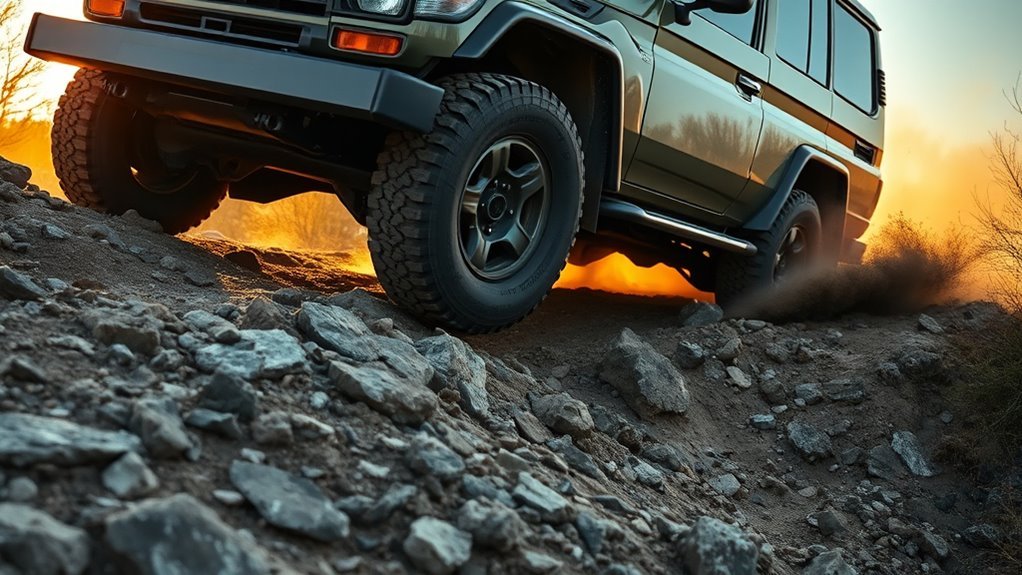
The best A-TRAC throttle technique is steady and patient. Too little throttle can stall progress, but too much throttle can create extra wheel spin, brake heat, and drivetrain shock. The goal is to feed in enough power for the system to work without forcing it to fight constant tire spin.
Avoid using one fixed RPM rule for every Land Cruiser. Engine, gearing, tire size, terrain, and model year all change what “right” feels like. Listen to the tires, watch the vehicle’s movement, and use the lowest smooth throttle that keeps progress controlled.
Steering and Momentum
Momentum helps, but too much momentum can damage the vehicle or put it off line. Enter technical sections slowly, keep the wheels as straight as practical when climbing over obstacles, and make steering changes gradually.
On crossed-up terrain, a slight angle can sometimes keep more tires loaded, but there is no universal safe angle for A-TRAC. Vehicle weight, slope, surface, tire pressure, and driver experience matter more than a single number.
How A-TRAC Compares to Lockers, TRAC, VSC, and Crawl Control
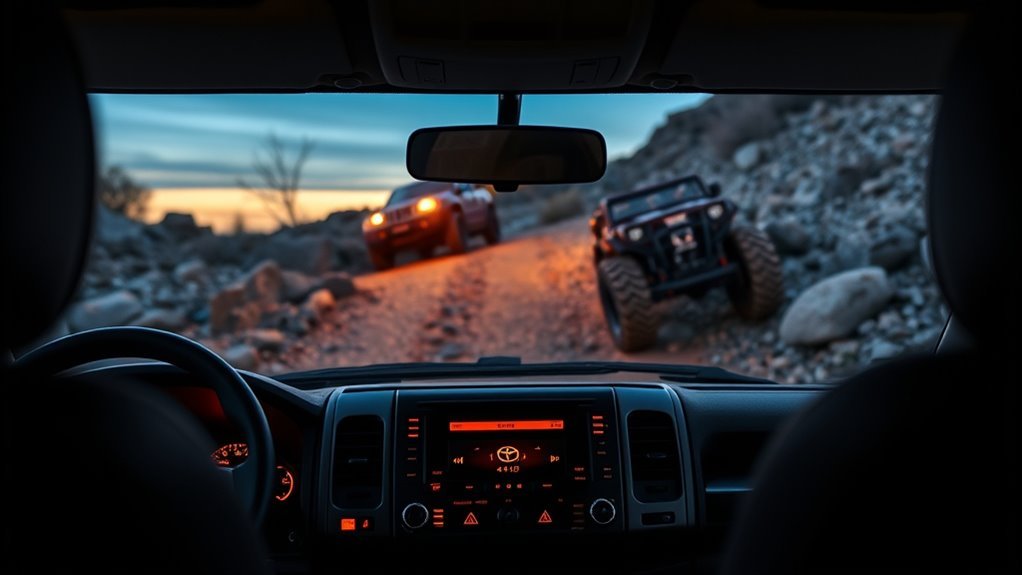
A-TRAC is only one part of Toyota’s off-road toolkit. Knowing what each system does helps you choose the right one instead of fighting the vehicle.
| System | What It Does | Best Use |
|---|---|---|
| A-TRAC / Active TRAC | Uses brake and engine/throttle control to reduce wheel spin. | Uneven low-speed traction where one wheel slips or lifts. |
| Center Differential Lock | Locks the front and rear driveline together on equipped models. | Loose or technical off-road surfaces where front/rear speed difference is acceptable. |
| Rear Differential Lock | Forces both rear wheels to turn together on equipped models. | Severe low-speed traction loss, ledges, deep ruts, and crossed-axle situations. |
| TRAC | Helps reduce drive-wheel slip during acceleration. | Wet, icy, gravel, or slippery starts and normal-road traction events. |
| VSC | Helps the vehicle maintain directional stability during skids or cornering events. | On-road and mixed-surface stability support. |
| Multi-Terrain Select | Adjusts traction behavior for surfaces such as mud, dirt, and sand on equipped models. | Matching wheel-slip control to the trail surface. |
| Crawl Control | Manages low-speed throttle and braking so the driver can focus on steering. | Slow, rough sections where controlled pace matters more than speed. |
In simple terms, A-TRAC is finesse, lockers are mechanical commitment, VSC is stability support, Multi-Terrain Select changes the traction strategy, and Crawl Control manages speed on difficult terrain.
A-TRAC Overheating, Shutdown Behavior, and Fixes
A-TRAC uses the brake system, so repeated heavy intervention can build heat. If the system overheats, Toyota-style owner-manual language says traction assistance may cease, a buzzer may sound, and indicators can change until the system cools. This is protective behavior, not always a failure.
If it happens, stop in a safe place, keep the vehicle secure, and let the brakes cool. Do not keep forcing the same obstacle with more throttle. Once the system is available again, use a cleaner line, less wheel spin, and smoother throttle.
Note: If traction-control, ABS, brake, or VSC warning lights stay on after normal driving resumes, treat it as a diagnostic issue. Mismatched tires, damaged wheel-speed sensors, low brake fluid, brake faults, or wiring problems can affect traction-control operation.
Tires, Lift Kits, and Maintenance
A-TRAC depends on accurate wheel-speed information. That means tires matter. Keep all four tires the correct size, similar tread depth, and appropriate load rating. Toyota owner-manual guidance warns that systems such as ABS, Active TRAC, Trailer Sway Control, and VSC may not function correctly if different tires are installed.
Lift kits and oversized tires do not automatically disable A-TRAC, but they can change wheel-speed behavior, alignment, braking load, steering geometry, and stability-control calibration. Before major suspension or tire changes, use quality parts, align the vehicle, check sensor wiring, and verify that no ABS/VSC/traction-control lights remain on.
Quick Troubleshooting Guide
| Symptom | Likely Meaning | What to Do |
|---|---|---|
| Buzzing, clicking, or vibration during use | Normal traction-control brake operation may be occurring. | Keep smooth throttle and steering unless warning lights stay on. |
| A-TRAC assistance fades or stops | Brake system may be hot from repeated intervention. | Stop safely, let the system cool, then retry with less wheel spin. |
| ABS, VSC, brake, or traction lights stay on | Possible sensor, brake, tire, or control-system fault. | Check tire matching and brake fluid, then scan codes or see a Toyota technician. |
| System seems weak after tire or lift changes | Wheel-speed, alignment, or calibration changes may affect operation. | Verify tire size/load/tread match, alignment, sensor wiring, and system codes. |
Frequently Asked Questions
Does A-TRAC work in 2WD or only in 4Low?
On Land Cruisers, think of A-TRAC as a 4WD traction aid rather than a 2WD feature. Exact operation depends on model year and market. Some Toyota manuals require low range for active off-road traction-control operation, while newer Land Cruiser systems may combine Active TRAC behavior with Multi-Terrain Select, Auto LSD, Crawl Control, and lockers. Check your owner’s manual for your exact vehicle.
Should I use A-TRAC or lock the differential?
Use A-TRAC for smoother low-speed traction when the trail is uneven but you still need steering finesse. Use a locker when traction loss is severe and your owner’s manual says it is appropriate. A rear locker can be stronger in deep ruts or ledges, but it can also make turning harder and should not be used carelessly on high-traction surfaces.
Can A-TRAC be used while towing heavy trailers off-road?
Yes, if your Land Cruiser allows it and conditions are appropriate, but towing raises the risk. Extra weight increases brake heat, changes traction, and makes recovery harder. Stay within the vehicle’s tow rating, use the correct trailer setup, avoid aggressive throttle, and do not expect A-TRAC to overcome poor trailer balance or unsafe terrain.
Does A-TRAC affect fuel economy during regular driving?
During normal driving, you usually will not notice A-TRAC affecting fuel economy because it only intervenes when wheel slip or traction-control conditions require it. When it is actively braking spinning wheels and managing throttle off-road, the priority is traction and control, not fuel savings.
Is A-TRAC compatible with aftermarket tires and lift kits?
It can be, but tire and suspension changes need care. All tires should match in size, load rating, tread pattern, and wear as closely as possible. Lifts and larger tires can affect alignment, sensor wiring, wheel-speed readings, braking load, and stability-control behavior. After modifications, check for ABS, VSC, brake, or traction-control warning lights.
How does A-TRAC interact with hill-start assist and cruise control?
Hill-start assist helps reduce rollback when starting on a hill, while A-TRAC helps manage wheel spin. They serve different purposes and may work alongside other brake-control systems. Regular cruise control is not the right tool for technical off-road driving; on equipped Land Cruisers, Crawl Control is the low-speed off-road assist designed for that job.
Why does A-TRAC make noise or vibration?
A-TRAC can make pump, clicking, pulsing, or vibration sensations because it is applying and releasing brake pressure. That can be normal when the system is actively controlling wheel spin. If warning lights stay on afterward, inspect the tires and brake system and scan for fault codes.
What should I do if A-TRAC shuts off on the trail?
Stop in a safe place, keep the vehicle secure, and let the brakes cool. Do not keep spinning the tires. Once the system returns, retry with a smoother line and less throttle. If the warning remains during normal driving, treat it as a diagnostic issue rather than normal heat protection.
Conclusion
A-TRAC can make a Toyota Land Cruiser more controlled and capable on loose, slippery, and uneven terrain. Its real strength is not brute force; it is smooth brake-and-throttle intervention that helps limit wasted wheel spin. Use it with steady inputs, correct 4WD settings, good tires, and patience. For the best results, know your exact Land Cruiser model, understand how its lockers and terrain systems work, and treat A-TRAC as one helpful tool in a larger off-road system.
Sources
- Toyota USA Newsroom: Toyota Land Cruiser Defines and Refines 65 Years of Brand Heritage — backs 200-series A-TRAC brake/throttle intervention, TORSEN center differential, and related off-road systems.
- Toyota USA Newsroom: 2026 Land Cruiser Built to Explore, Designed to Impress — backs current-generation full-time 4WD, locking differentials, Multi-Terrain Select, CRAWL Control, DAC, VSC, and Auto LSD information.
- Toyota Owners: 2026 Land Cruiser Driving Assist Systems — backs Active TRAC/VSC driving-assist context and tire/system-operation cautions.
- Toyota Australia: LandCruiser 200 Owner’s Manual — backs official LandCruiser 200 manual availability and model-period context.
- Toyota Support: Repair Information and Publications — backs Toyota’s official repair and service information source for model-specific technical procedures.