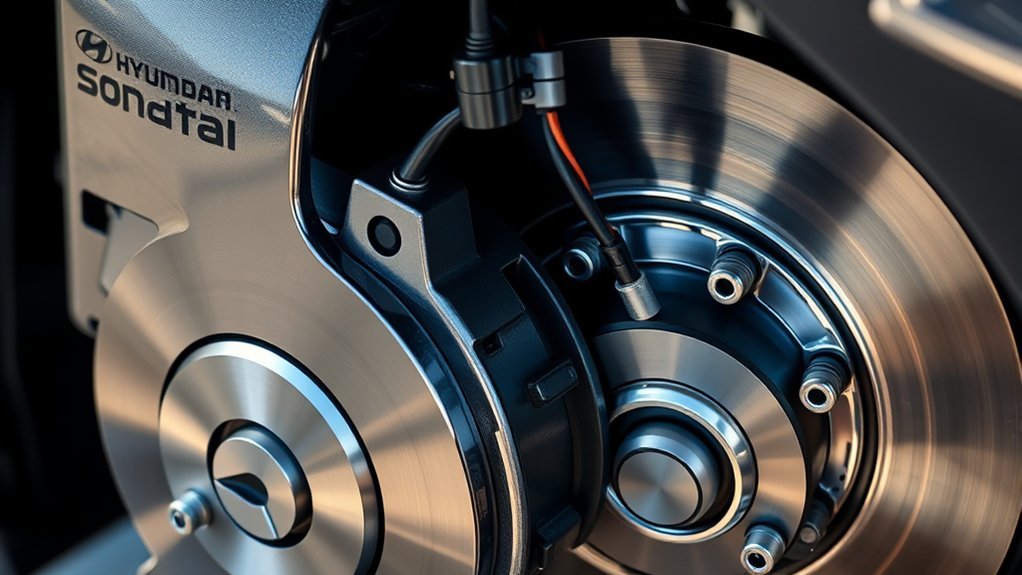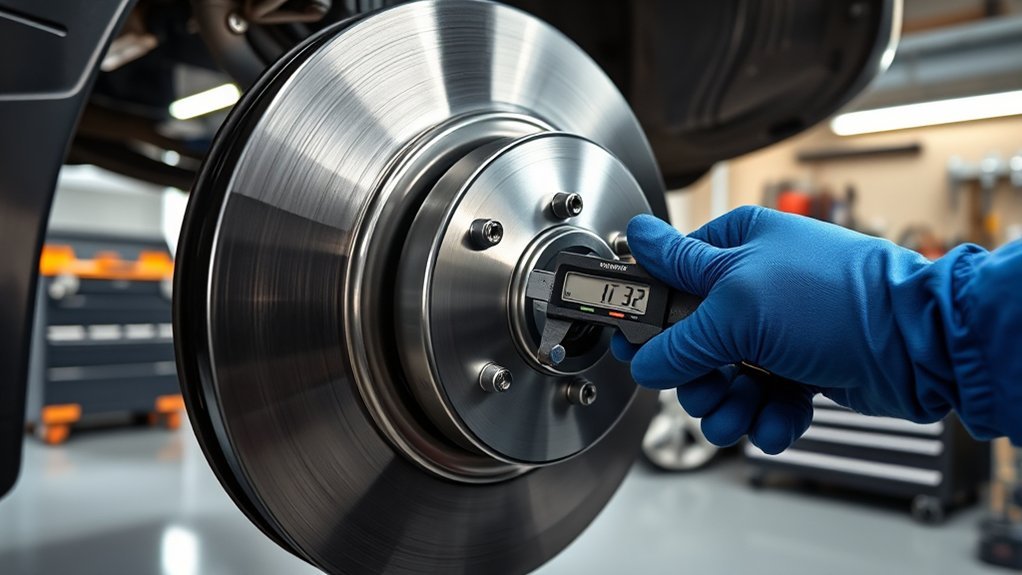
To check rotor wear on your Hyundai Sonata, inspect the rotor surface for grooves, scoring, or discoloration. Listen for noises like squeaking or grinding, and feel for vibrations in the brake pedal. Use calipers to measure rotor thickness at multiple points, ensuring it meets the minimum specification of 24 mm. If the thickness is below this limit, or if you notice visible damage, immediate replacement is essential for safety. Discover detailed steps and tips for maintenance next.
How to Identify Signs of Rotor Wear in Your Hyundai Sonata?
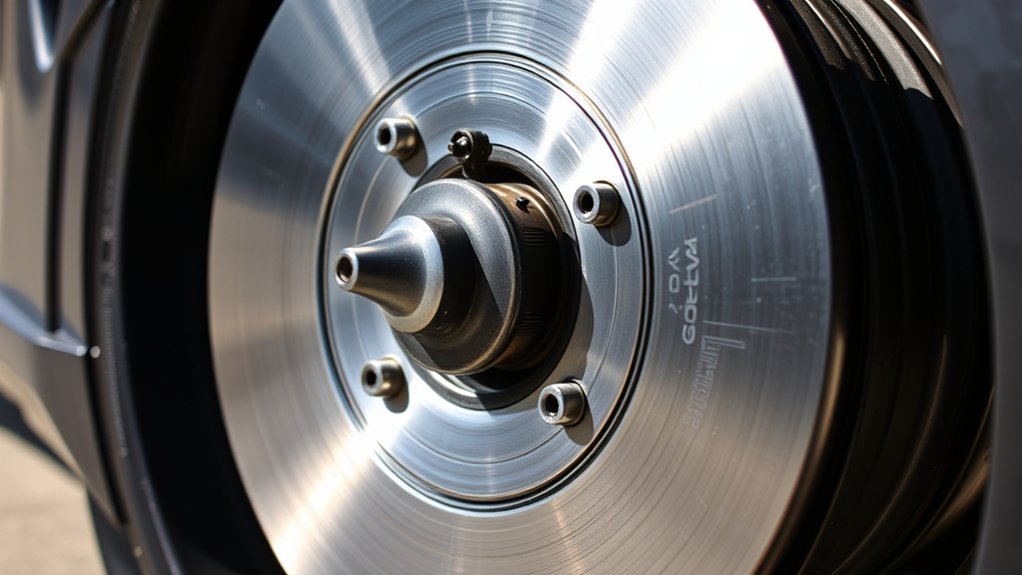
Identifying signs of rotor wear in your Hyundai Sonata is vital for maintaining ideal braking performance. Start by inspecting the rotor surface for grooves, scoring, or rotor discoloration, which can indicate excessive wear and affect braking efficiency. Listen closely for any brake noise like squeaking or grinding; these sounds often signal that the rotors need replacement. Additionally, measure the rotor thickness with a caliper to guarantee it meets the manufacturer’s specified minimum. If you notice vibrations or pulsations in the brake pedal while applying brakes, this could signify warped rotors due to wear. Regular inspections during brake pad replacements or routine maintenance are essential for catching these issues early, empowering you to maintain control and safety in your driving experience. Prioritizing these checks keeps your Hyundai Sonata in peak condition, assuring your freedom on the road.
How to Inspect Your Rotors
When inspecting your rotors, start by confirming you have the right tools, such as a caliper, to measure rotor thickness accurately. This is vital for effective rotor maintenance. Follow these steps during your brake inspection:
- Check rotor thickness: Measure and confirm it meets the manufacturer’s minimum specification, typically around 24 mm for a Hyundai Sonata.
- Examine the surface: Look for scoring, grooves, or rust, which indicate excessive wear and may necessitate replacement.
- Inspect for discoloration: Warping or discoloration suggests overheating, compromising braking performance.
Regularly check for uneven wear patterns, as they can signal brake pad issues or alignment problems. If your rotors fall below the specified minimum thickness, replace them promptly to maintain peak braking efficiency. Keeping a close eye on these factors guarantees your vehicle remains safe and responsive on the road.
Measuring Rotor Thickness: Tools and Techniques
To measure rotor thickness accurately, you’ll need essential tools like a caliper or rotor gauge. Start by following a step-by-step technique to guarantee you capture precise readings from both sides of the rotor. Regular checks will help you monitor wear patterns and maintain your vehicle’s braking efficiency.
Essential Measuring Tools
Accurate measurement of rotor thickness is essential for maintaining brake performance, and you’ll need a few key tools to do it right. To guarantee precision, use either measuring calipers or rotor micrometers, both of which provide readings in millimeters.
- Measuring Calipers: Ideal for quick checks, guaranteeing you get a reliable thickness reading.
- Rotor Micrometers: Offers the highest precision for more accurate measurements, especially critical for worn rotors.
- Cleaning Supplies: Keep the rotor surface free of debris to avoid inaccurate readings.
Remember to measure at multiple points around the rotor, as wear can be uneven. Regular inspections not only enhance safety but also extend the lifespan of your brakes.
Step-By-Step Measurement Technique
With the right measuring tools in hand, you can effectively assess rotor thickness using a systematic approach. First, remove the wheel to gain clear access to the rotor. Employ a caliper gauge for precise measurement. Measure the rotor thickness at multiple points around its surface, as wear can be uneven. This guarantees measurement accuracy. Next, compare your readings to the minimum thickness specification in your Hyundai Sonata’s owner manual, typically around 24 mm. While measuring, check for any signs of scoring or grooves, as these can compromise braking performance and indicate the need for replacement. Regularly inspecting the rotors during brake maintenance helps catch wear early, ensuring peak braking efficiency and safety.
What Happens If Your Rotors Are Below Minimum Thickness?
When rotors fall below the minimum thickness, your vehicle’s braking performance can be severely compromised. This situation poses significant safety risks, as insufficient rotor thickness can lead to:
- Decreased braking efficiency and longer stopping distances.
- Increased wear on brake pads, causing further damage to the braking system.
- Excessive heat generation, resulting in warped rotors and compromised brake function.
Operating with worn rotors can jeopardize not just your safety, but also that of others on the road. If you notice that your rotors are below the specified thickness—usually marked on the rotor or found in your service manual—it’s vital to replace them immediately. Regular inspections help maintain rotor thickness within specifications, ensuring peak brake performance. Don’t take chances; addressing rotor wear promptly is essential for maintaining your vehicle’s safety and reliability.
Steps to Take If Your Hyundai Rotors Are Worn or Damaged
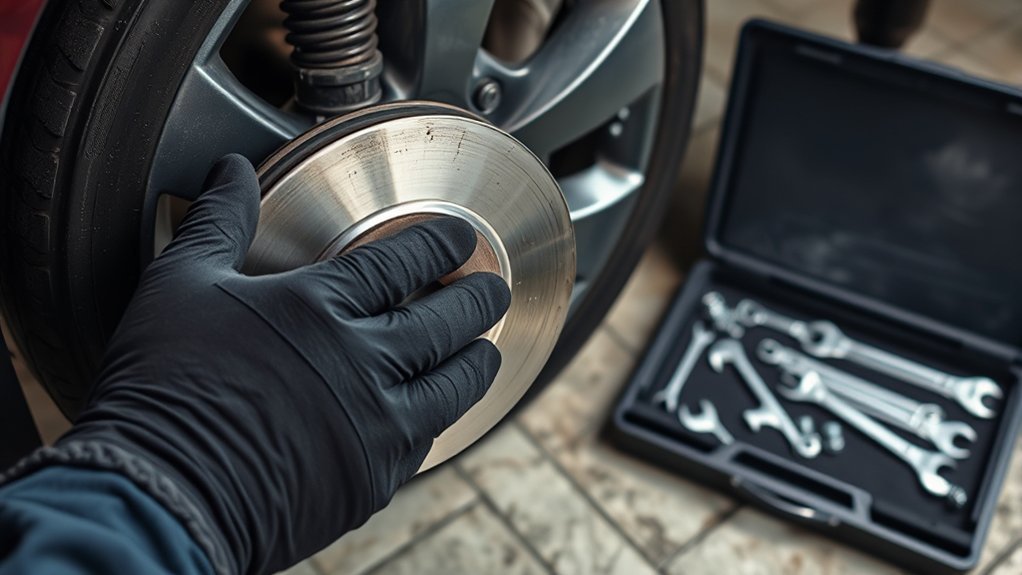
If you suspect your Hyundai rotors are worn or damaged, start by regularly inspecting their thickness with a micrometer. If the measurement falls below the manufacturer’s specification, or if you notice warping or significant grooves, replace them immediately to guarantee safe braking. Timely rotor replacement not only enhances performance but also prevents further damage and costly repairs.
Inspect Rotor Thickness Regularly
Regularly inspecting rotor thickness is vital for maintaining the braking performance of your Hyundai. Use a caliper to measure your rotors; they should be between 24 mm and 28 mm when new, with a minimum safe thickness of 22 mm. During your rotor inspection, pay attention to:
- Signs of warping or scoring, which can greatly affect brake performance.
- Rust or corrosion, especially if the vehicle has been stationary for a while.
- Monitor rotor thickness during brake pad checks to prevent uneven wear.
If your rotors fall below the minimum thickness or show serious damage, it’s important to address these issues promptly. This guarantees safe braking and ideal vehicle performance, keeping you liberated on the road.
Replace Worn Rotors Promptly
Replace worn rotors promptly to guarantee your Hyundai maintains peak braking performance and safety. Start by inspecting both front and rear rotors for visible damage, such as grooves or cracks. If the rotor’s thickness measures below the minimum specified in your owner’s manual, it’s time for a replacement. Pay attention to any pulsating brake pedal or grinding noises, as these could signal excessive wear. When replacing rotors, verify brake pad compatibility to prevent uneven wear and maintain maximum stopping power. Regular rotor replacement frequency is vital; schedule inspections to catch wear early and confirm your braking system performs effectively. Prioritize timely replacements to safeguard your driving experience.
Why Regular Brake System Maintenance Is Crucial
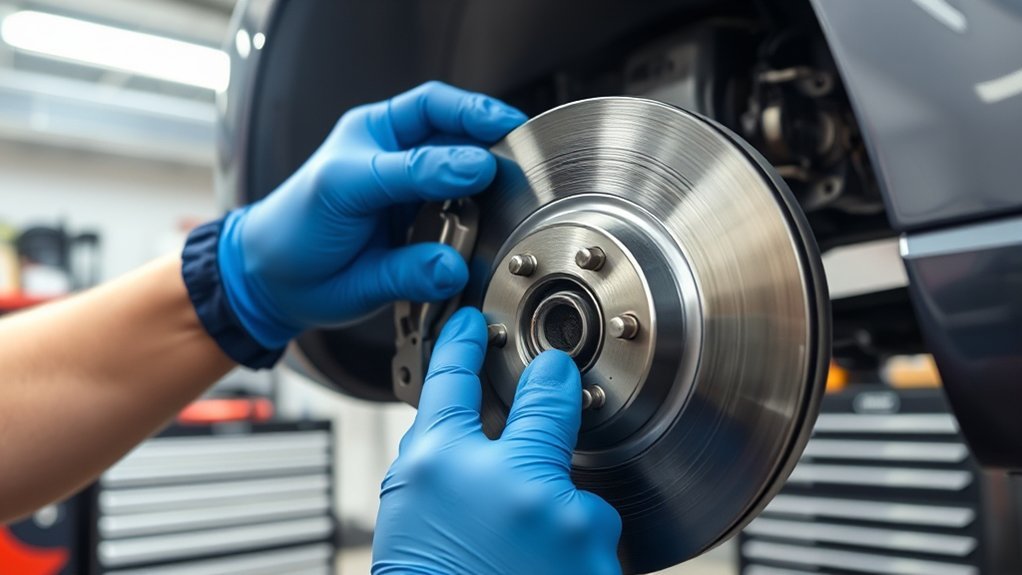
To maintain maximum stopping power and secure your vehicle’s safety, it’s essential to prioritize brake system maintenance. Neglecting this critical aspect can lead to severe consequences, including brake failure and costly repairs.
- Monitoring rotor thickness keeps your braking system effective.
- Regularly changing brake fluid guarantees peak performance and prevents contamination.
- Consistent inspections of pads and rotors extend their lifespan.
How Hyundai OEM Parts Impact Brake Performance and Safety
Brake system maintenance not only involves checking pads and fluid but also selecting the right components for ideal performance. Using Hyundai OEM parts, such as brake rotors, guarantees they meet your Sonata’s exact specifications, vital for maximum safety and effectiveness. OEM brake material is engineered for consistent braking power, minimizing the risk of brake fade and enhancing vehicle stability during operation.
In a performance comparison, aftermarket rotors often fall short, compromising braking efficiency and safety due to inferior quality standards. Furthermore, opting for OEM components can help maintain your vehicle’s warranty, as aftermarket parts may void it by not adhering to manufacturer specifications. Regularly checking the thickness of your OEM rotors is important; replace them before they reach the minimum thickness to avoid brake failure. Prioritizing OEM parts not only guarantees your Sonata performs at its best but also safeguards your safety on the road.
Frequently Asked Questions
How to Check if Brakes Are Worn on a Hyundai Sonata?
To check if your brakes are worn on a Hyundai Sonata, conduct a brake pad inspection for thickness under 3 mm, and measure rotor thickness for grooves or discoloration that may affect performance.
How Long Do Hyundai Rotors Last?
Hyundai rotors typically last between 30,000 to 70,000 miles. To maximize rotor lifespan, follow maintenance tips like regular inspections and avoid heavy braking, ensuring your vehicle remains safe and responsive on the road.
Conclusion
To sum up, keeping an eye on your Hyundai Sonata’s rotors isn’t just a good idea—it’s essential. After all, who doesn’t love the thrill of a brake failure at 60 mph? Regular checks can prevent that “exciting” experience. Remember, measuring rotor thickness isn’t just for fun; it’s a matter of safety. So, invest time in maintenance, choose OEM parts, and keep your ride smooth. Because nothing says “I care” like a well-functioning brake system!