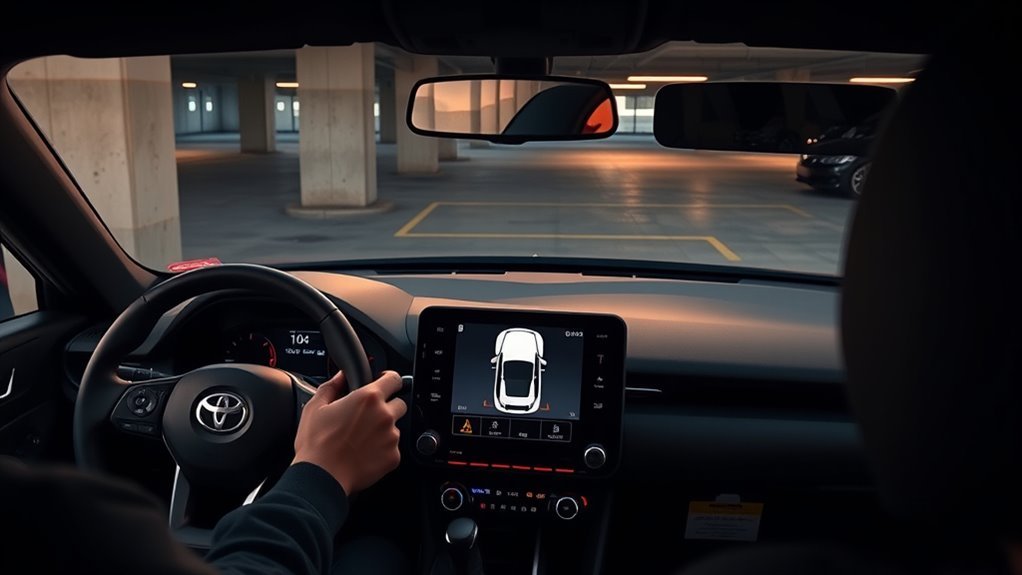
Shift into reverse (or drive slowly for front checks) to auto-activate the Supra’s sensors; they work under about 10 km/h and use beeps plus dashboard distance readouts. Listen for increasing beep frequency as you approach obstacles and monitor the backup-camera guidelines while steering incrementally. Back slowly so sensors can update, stop if beeps go continuous, and visually confirm hazards. If alerts fail, inspect and clean sensors, check the harness, or scan for fault codes to learn more.
Activate Toyota Supra Parking Sensors (Quick Steps)
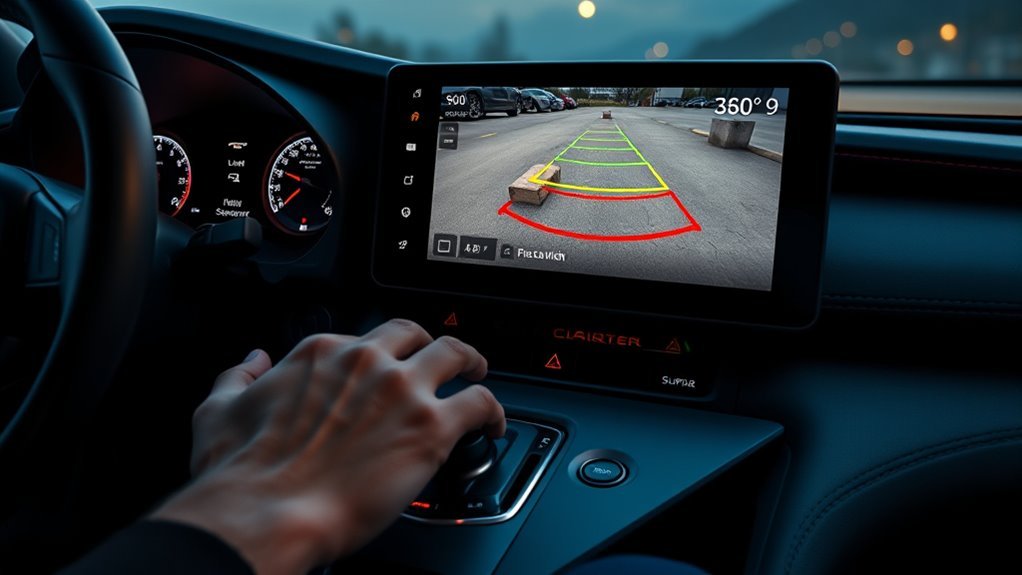
Start by placing the Supra in reverse (or drive for front-sensor checks) to engage the system; the sensors auto-activate at low speeds (below about 10 km/h/6 mph) and will give audio beeps that increase in frequency as you approach an obstacle while showing distance indications on the dashboard. You’ll hear escalating tones and see distance bars; trust both for situational awareness. If alerts fail, inspect the wire harness behind the bumper for loose connectors or damage—basic sensor maintenance restores function in many cases. For aftermarket installs, follow installation tips precisely: correct sensor orientation, secure harness routing, and factory-spec connectors. Operate deliberately, use short, controlled movements, and don’t override safety cues. This procedure empowers you to control risk and reclaim confident maneuvering without reliance on guesswork.
Use Sensors When Reversing and Parking (Step-by-Step)
Shift into reverse to engage the Supra’s rear parking sensors, then monitor both the audible beeps—which increase in frequency as you approach an obstacle—and the dashboard distance display to judge clearance. You’ll use sensor safety and obstacle awareness to execute controlled maneuvers: trust the alerts, verify visually, and adjust speed for precision. Keep movements deliberate; slow backing gives the sensors time to update readings and preserves margin for correction.
- Check bumper sensor zones are clean before starting.
- Back slowly while listening for faster beeps near objects.
- Cross-check dashboard distance indicators with a visual scan.
- Stop immediately if alerts become continuous or if you spot low/small hazards.
These steps free you to park confidently while maintaining vigilant obstacle awareness and sensor safety.
Read the Beeps and Backup Camera Cues
When you reverse, listen for the sensors’ beeps and watch the backup-camera guidelines together: the beeps speed up as you get closer (continuous means stop immediately), while the camera shows alignment and blind-spot hazards so you can correct steering and speed precisely. Use the beep cadence to judge distance—slow intermittent tones mean clear, faster tones mean caution, continuous means halt. Align the vehicle using on-screen guidelines; adjust steering incrementally and stop if camera shows unexpected obstacles in coverage gaps. Learn sensor placement and coverage area to interpret blind zones. Check control-module messages before relying on cues. Review sensor sensitivity settings as part of pre-maneuver checks. Apply parking awareness tips: scan surroundings, trust combined audible and visual cues, and act decisively to maintain freedom of movement.
Troubleshoot, Clean, and Recalibrate Sensors
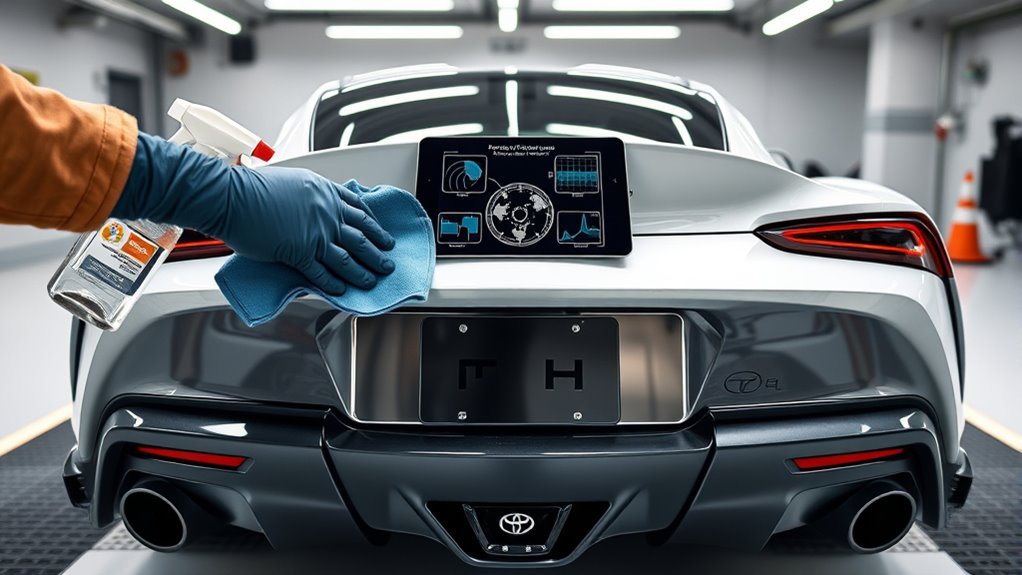
Check the sensors and wiring visually and by test—wipe each sensor with a soft, damp cloth to remove dirt or ice, then slowly reverse toward an obstacle to confirm audible and on-screen alerts; if a sensor stays silent or shows errors on the dash, scan the vehicle with an OBD-II diagnostic tool for fault codes and note any control-module messages before attempting reprogramming or calling the dealer. You’ll apply sensor maintenance tips and troubleshooting techniques: inspect connectors, secure loose harnesses, and clear grime. If codes persist, document them and consult community threads for likely causes before escalating. For persistent calibration drift, seek dealer recalibration to restore spec performance. Act deliberately to reclaim reliable sensor function and refuse false alarms.
Wipe and test sensors, scan for OBD-II codes, secure connectors, document faults, and pursue dealer recalibration if needed.
- Wipe sensors; retest by reversing slowly
- Read OBD-II codes; record messages
- Check connectors and harness routing
- Engage dealer recalibration if needed
Retrofit, Upgrades, and Dealer Installation Options
After you’ve verified sensor function and ruled out wiring faults, consider retrofit and upgrade paths to add or improve parking sensors on your Supra. Use retrofit techniques that tap existing wire harnesses behind the bumpers for a clean, reversible install. Route sensors, secure connectors, and seal penetrations; then reprogram the control module so the system recognizes added units. If you want factory-level features, upgrading to the GR Plus model adds a safety pack that enriches sensor performance and alerts. Dealer benefits include professional installation, calibrated wiring, and often deferred or complimentary service visits that preserve warranties and reduce risk. Engage community threads to learn troubleshooting tips and time-saving hacks, then choose DIY freedom or dealer support based on your skill level and demand for assurance.
Frequently Asked Questions
How Do You Turn on Parking Sensors on a Toyota?
You press the parking sensor button on the center console or near the gear shift to enable sensor activation methods; the system also auto-engages in reverse, giving parking assistance features and audible alerts while you maintain clear sensors for reliability.
How Do Toyota Parking Sensors Work?
Think of them as discreet sentries: you’ll use ultrasonic sensor technology that emits waves, measures echoes, and translates distances into beeps. These safety features activate in reverse, guiding your movements so you’re freely in control.
Conclusion
You’ve learned to activate and rely on Supra parking sensors for safer maneuvers; remember to use them with the backup camera and audible cues. Studies show parking sensors reduce low-speed collisions by about 38%, so keep them calibrated and clean to maintain that safety benefit. If a sensor fails, inspect for debris, recalibrate per the manual, or consult your dealer for replacement or retrofit upgrades to restore full sensor function.