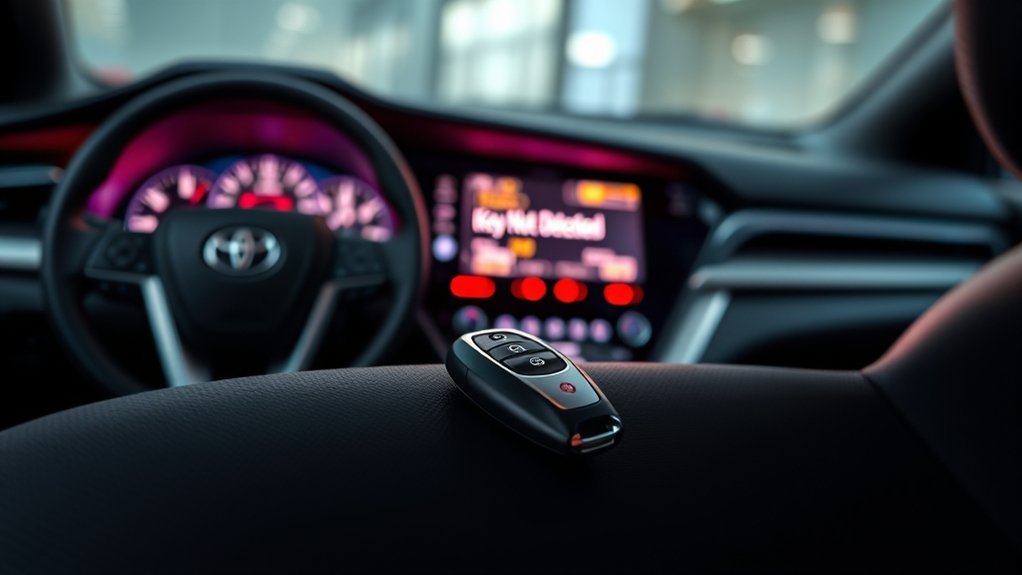
If your Camry’s smart key isn’t detected, it means there’s a communication failure preventing the car from starting. Common issues include weak key fob batteries, faulty antenna rings, or blown fuses in the smart key system. Start troubleshooting by replacing the key fob battery and ensuring it’s close to the ignition. If that doesn’t help, you may need to inspect the antenna or consider reprogramming the fob. Stick around to discover more tips on resolving these issues.
What Does the ‘Smart Key Malfunction’ Message Mean?
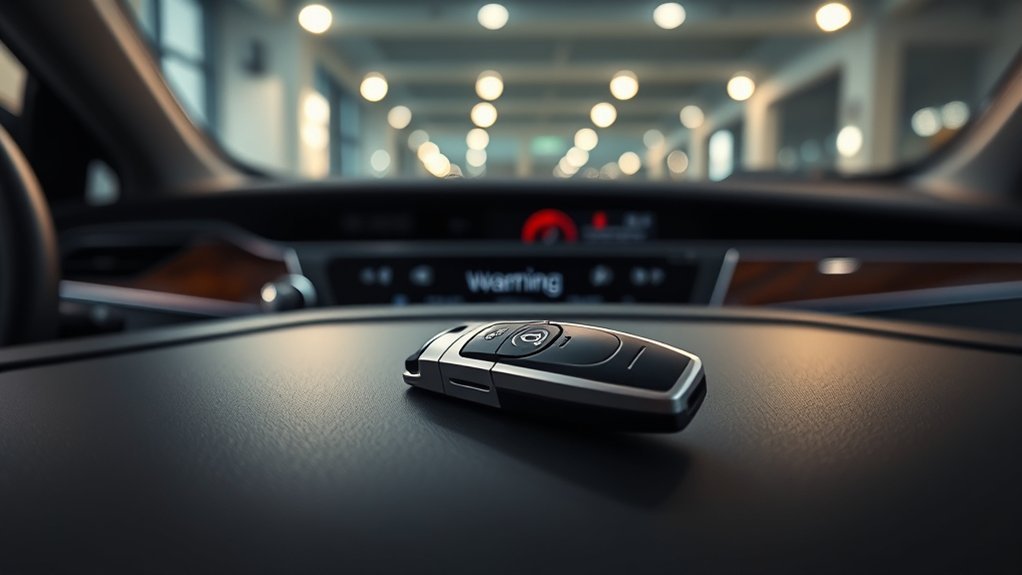
When you see the ‘Smart Key Malfunction’ message, it means your vehicle isn’t recognizing or communicating with the smart key fob, which stops the car from starting. This issue typically points to problems within the key fob technology, affecting your vehicle security. You might notice a weak or flickering dashboard display, and neither of your keys will start the engine.
The malfunction can stem from several sources, such as weak or dead key fob batteries, faulty antenna rings around the ignition, or blown fuses related to the smart key system. To troubleshoot, check the battery voltage, use the physical key to open the doors, and determine if the issue is isolated to the smart key system. If these steps don’t resolve the problem, professional diagnostics may be needed, which could involve reprogramming the key fob or replacing it entirely.
Common Causes of Smart Key Detection Issues
If you’re experiencing a ‘Smart Key Malfunction’ message, it’s important to understand the common causes of smart key detection issues to effectively diagnose the problem. One major culprit is weak or dead key fob batteries, which can prevent your vehicle from starting and activating remote functions. Additionally, faulty antenna ring issues around the ignition can hinder communication between the smart key and your vehicle, resulting in detection failures.
Blown fuses related to the smart key system may disrupt functionality, causing your vehicle to not recognize the key. Moreover, intermittent communication errors with the engine control module can block detection during start-up. Finally, using incorrect or generic key fob types can lead to compatibility issues, greatly increasing the chances of detection failures. Being aware of these factors can help you pinpoint the issue and take appropriate action.
Effective Steps to Troubleshoot Key Detection Issues
Troubleshooting key detection issues can often be straightforward with a few targeted steps. Start by replacing the key fob battery with a fresh 1632 battery to eliminate power problems. Next, verify the key fob is close to the ignition transmitter; distance can hinder detection, especially in cold weather. If you’re still facing issues, use the mechanical key inside the fob to open the car. Then, press the fob against the Start/Stop button to improve detection.
Don’t overlook checking for blown fuses related to the smart key system; a blown fuse can disrupt communication between the key fob and your vehicle. For persistent problems, consult your owner’s manual for specific reprogramming instructions. If all else fails, seeking professional assistance may be necessary, as dealer intervention could be required to resolve deeper issues. Regular key fob maintenance can help prevent these problems in the future.
What to Do If Troubleshooting Doesn’t Work?
Sometimes, troubleshooting steps may not resolve the smart key detection issue. If that’s the case, consider reprogramming the key fob, as many users find this essential after replacing the battery. Additionally, check for antenna ring issues around the ignition; a faulty antenna can disrupt communication between your key fob and the vehicle. Don’t overlook blown fuses related to the smart key system, as they can also cause problems.
If you continue to experience intermittent communication errors, consulting a professional technician can be beneficial. Document all symptoms and your troubleshooting attempts, as this information can aid mechanics during diagnostics. Finally, if the problem persists, explore warranty coverage with your dealership for possible replacement or repair options, which may save you from out-of-pocket expenses. Taking these steps can help you regain control over your smart key functionality.
How to Keep Your Key Fob in Top Shape
To keep your key fob in top shape, regularly checking and replacing the battery is essential. Ideally, store a spare battery in your glove box to avoid unexpected failures. When replacing the battery, make sure it’s installed correctly, with the labeled side facing up; incorrect orientation can cause malfunctions.
For effective key fob maintenance, clean the contacts and receiver ports periodically to eliminate dirt or debris that may disrupt signal transmission. Avoid exposing your key fob to extreme temperatures or moisture, as these conditions can damage internal components and reduce functionality.
If you encounter issues, try pressing the fob against the start button or door handle. Proximity can sometimes help establish a connection, making certain your key fob remains reliable. By following these guidelines, you can maintain your key fob’s performance and longevity, enhancing your driving experience.
Frequently Asked Questions
Why Is My Smart Key Not Being Detected?
Your smart key isn’t detected likely due to a weak key fob battery or incorrect smart key programming. Try replacing the battery or reprogramming the key to restore functionality and regain access to your vehicle.
How Do I Fix a Key Fob That Isn’t Detected?
If your key fob isn’t detected, start with battery replacement—ensure it’s oriented correctly. Next, troubleshoot for interference, clean connections, or reprogram. Consult your manual or a dealer if issues persist; liberation awaits!
What to Do if the Smart Key Is Not Working?
If your smart key isn’t working, start smart key troubleshooting by checking the battery, reprogramming if needed, and testing proximity. Confirm your vehicle security isn’t compromised by inspecting fuses or seeking professional help if issues persist.
Conclusion
To sum up, if your Camry’s smart key isn’t detected, don’t panic. Picture yourself standing by your car, the sun setting, with the key fob quietly resting in your pocket. By following the troubleshooting steps, you can often resolve the issue. If problems persist, seeking professional help is your best bet. Regular maintenance of your key fob will keep it in top shape, ensuring seamless access to your vehicle every time you approach.