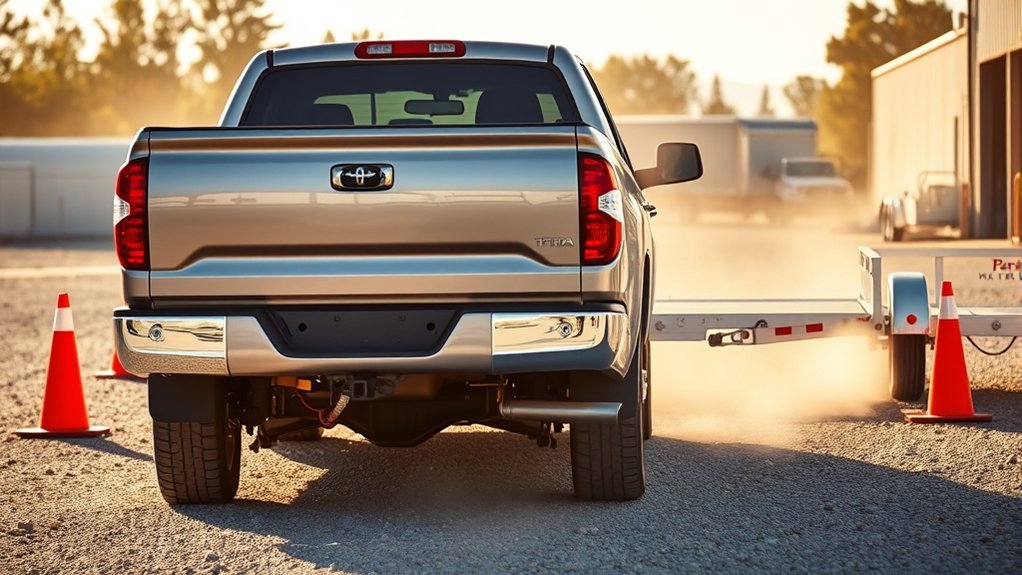
Backing a trailer with a Toyota Tundra is easiest when you combine basic trailer-backing skill with the truck’s available towing technology. Start with a full walk-around, confirm the hitch and lights, set your mirrors and camera views, add or select the trailer in the truck’s Trailer Settings if equipped, then back at an idle-speed crawl with small steering inputs.
Quick Answer
To back up a trailer with a Toyota Tundra, inspect the hitch, chains, wiring, lights, brakes, tires, and load first. Then set your mirrors and camera view, use Trailer Backup Guide with Straight Path Assist if your Tundra has it, steer opposite the trailer’s desired direction, move slowly, and pull forward to reset before the trailer jackknifes.
Key Takeaways
- Do the safety checks before you shift into reverse: hitch, coupler, safety chains, wiring, lights, brakes, tires, cargo, mirrors, and path clearance.
- Use the Tundra’s available Trailer Backup Guide, Straight Path Assist, tow mirrors, reverse tilt-down mirrors, and Wireless Camera System only as aids; you are still responsible for watching the path.
- When backing a conventional bumper-pull trailer, steer opposite the direction you want the trailer to move and make small corrections.
- If the trailer angle gets too sharp, stop, straighten the wheel, pull forward, and restart instead of forcing the turn.
At a Glance
| Time Required | 5–10 minutes for setup, plus practice time |
| Difficulty | Moderate for beginners; easier with an open practice area |
| Tools Needed | Wheel chocks, gloves, tire-pressure gauge, spotter if available, cones for practice |
| Cost | Usually $0 if your trailer and Tundra are already equipped; optional cameras or tow mirrors cost extra |
Before Backing Up: Do the Trailer Safety Checks
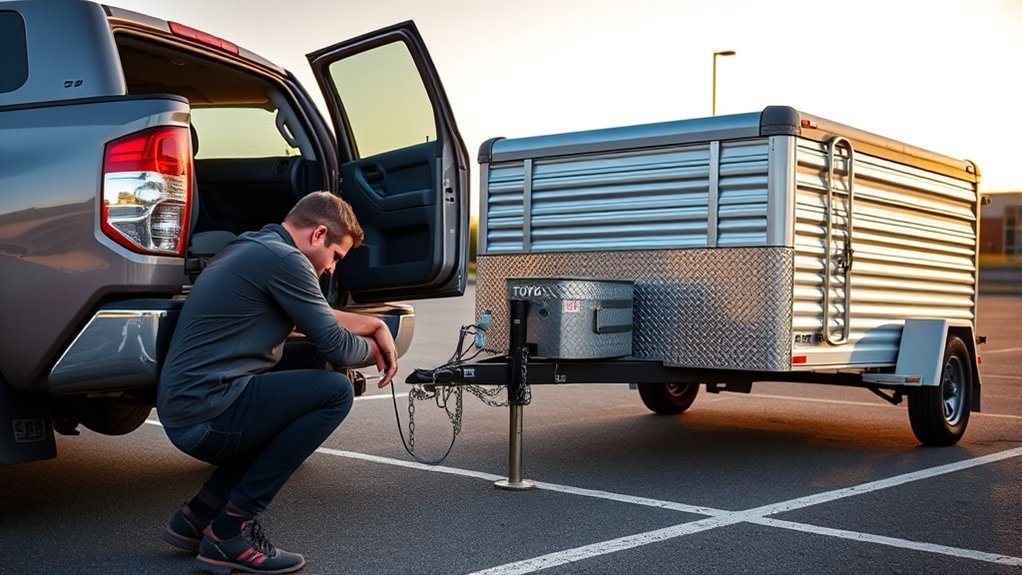
Before you back up, walk around the Tundra and trailer. Confirm the coupler is locked on the hitch ball, the safety pin is installed, the safety chains are crossed under the tongue, and the breakaway cable is attached to the truck—not wrapped around the chains. Check that the wiring connector is fully seated and has enough slack for turning without dragging on the ground.
Test the running lights, brake lights, turn signals, hazard lights, and trailer brakes if the trailer has them. Toyota’s official 2025 Tundra brochure lists an available max towing capacity of up to 12,000 lb when properly equipped, but your real limit depends on your specific truck, passengers, cargo, hitch, and trailer. Always follow the owner’s manual, door-jamb labels, and trailer ratings before towing.
Also check tire pressure, obvious tire damage, lug nuts, cargo tie-downs, trailer jack position, ramps, doors, and loose items. The tow vehicle and trailer should sit level, and cargo should be balanced front-to-back and side-to-side. If the trailer feels unstable while backing, stop and inspect the load before trying again.
Warning: Do not rely only on a camera, screen, or assist feature. Backup cameras do not show every blind spot. Use mirrors, look around, stop often, and get out to check the area when you are unsure.
Check Recalls and Which Tundra Features You Actually Have
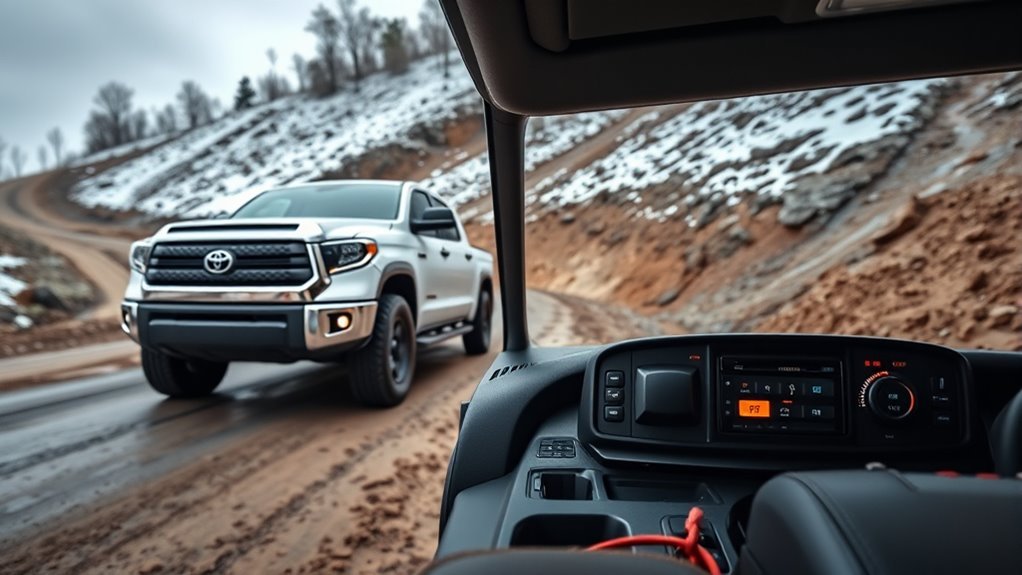
Not every Tundra has the same towing equipment. Trailer Backup Guide with Straight Path Assist, Panoramic View Monitor, reverse tilt-down mirrors, tow mirrors, and the Toyota Wireless Camera System are available or package-based features, not guaranteed on every truck. Before you follow a tech-based step, confirm the feature exists on your Tundra and read the matching owner’s-manual section.
If your rear camera, center display, or trailer-camera feed is unreliable, do not use it as your main backing aid until it is checked. Toyota announced a U.S. recall for certain 2022–2025 Tundra and Tundra Hybrid models involving a rearview image that may not display correctly. You can check your VIN through Toyota’s recall lookup.
Note: This guide is for conventional trailer backing technique. Fifth-wheel and gooseneck trailers pivot differently and may use different equipment or visibility strategies.
[Products Worth Considering]

The Pigenius windshield sunshade protects your Tundra's interior from heat and UV damage while keeping the cabin cool. Its accordion design folds easily for storage and quick setup, and the triple‑laminate construction provides durable, reflective protection. Ideal for long trips and daily commutes, it guards dashboards, seats, and steering wheels from sun‑related wear.

These TPE door anti‑kick pads provide durable, water‑resistant protection for Toyota Tundra doors from 2022 to 2026. They fit precisely, are easy to install with double‑sided tape, and can be cleaned simply with water. The pads guard against scuffs and impacts while preserving the door's appearance and smooth operation.
Set the Tundra Cameras, Mirrors, and Trailer Settings
Start with your mirrors. Adjust both side mirrors so you can see down the trailer sides and toward the trailer tires. If your Tundra has reverse tilt-down mirrors, confirm they tilt to a useful angle before you begin. If you have tow mirrors, extend them before backing a wide trailer.
If your Tundra has Trailer Backup Guide with Straight Path Assist, add or select the trailer in Trailer Settings and complete the calibration prompts exactly as the display instructs. Toyota describes the system as using the rear camera, hitch light, sensors, and calibration data to help determine trailer angle and keep the trailer tracking straight while backing.
If your trailer uses the Toyota Wireless Camera System, pair it before mounting, confirm it is charged or powered, check that the USB cover and mounting hardware are secure, and verify the full field of view. A rear trailer camera is helpful, but it does not replace mirrors or a spotter.
Wireless Camera Check
- Confirm the camera is paired and streaming before you start backing.
- Clean the lens and check for glare, rain, dust, or blocked antennas.
- Make sure the camera angle shows the trailer’s rear corners and the area directly behind the trailer.
- Stop and fix the camera if the feed lags, freezes, disconnects, or shows the wrong angle.
Trailer Settings and Calibration
Use the Tundra’s trailer setup prompts instead of guessing. The system may need a short calibration movement so it can understand the trailer and hitch relationship. If you switch trailers, change hitch height, change a major load, or reconnect after a long gap, recheck the setup before backing into a tight space.
Plan Your Approach Before You Shift Into Reverse
The easiest trailer backup starts before the truck moves backward. Pull forward until the truck and trailer are as straight as possible. When you can choose, set up for a driver-side back so you can see more of the trailer in your mirror. Avoid blind-side backing unless you have no better option and a reliable spotter is helping.
Scan the full path for people, pets, curbs, posts, mailboxes, soft ground, low branches, overhead wires, and tight corners. If you are backing into a campsite, driveway, ramp, or shop bay, identify a safe stopping point and a place where you can pull forward to reset.
Pro Tip: Use the GOAL habit: Get Out And Look. A 20-second walk-around is faster than repairing a trailer fender, tailgate, jack, or fence post.
How Steering Inputs Move the Trailer
With a conventional bumper-pull trailer, the trailer moves opposite your steering input at first. Turn the wheel left and the trailer begins moving right. Turn the wheel right and the trailer begins moving left. This is why small inputs matter.
Hold the bottom of the steering wheel. Move your hand left to send the trailer left, and move your hand right to send the trailer right. Go slowly enough that you can stop before the angle gets away from you.
- Start straight: A straight truck-and-trailer angle is easier to control than a sharp starting angle.
- Use tiny corrections: Turn the wheel a little, wait for the trailer to respond, then adjust again.
- Watch both mirrors: The mirror that shows more trailer side usually tells you which way the trailer is drifting.
- Pull forward early: Resetting is not failure. It is the safest correction.
Backing Straight With the Tundra and Straight Path Assist
If your Tundra has Trailer Backup Guide with Straight Path Assist, use it for straight backing after you have confirmed the area is clear. Toyota describes the available system as using sensors and cameras to help keep the trailer in a straight line while you back up.
- Stop in a straight line with the trailer behind the truck.
- Shift into reverse and confirm the camera view, mirrors, and on-screen guides are useful.
- Turn on Trailer Backup Guide or Straight Path Assist if your truck prompts you to do so.
- Control the brake and throttle gently. Let the truck idle backward whenever possible.
- Keep scanning mirrors, camera views, and the area around the trailer.
- Stop immediately if a person, vehicle, pet, or obstacle enters the path.
Straight Path Assist can reduce steering workload, but it does not make the trailer automatic or obstacle-aware. You still control the vehicle and must stop if the situation changes.
Turning, Correcting, and Avoiding a Jackknife
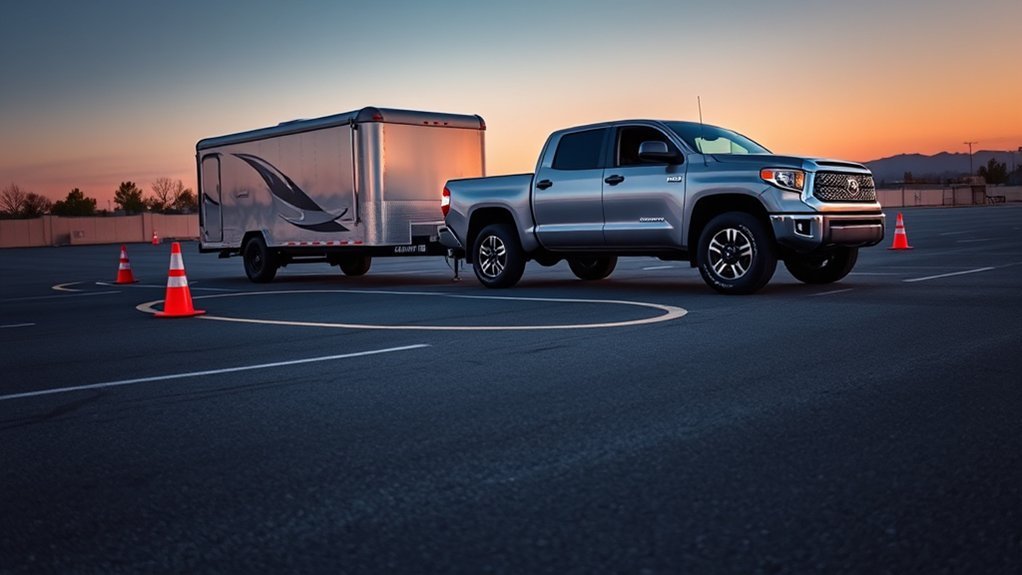
When the trailer starts turning, it can turn faster than you expect. Keep your speed at an idle-speed crawl, cover the brake, and correct early. If the trailer’s rear is drifting left and you want it back right, turn the wheel right slightly. If it is drifting right and you want it back left, turn the wheel left slightly.
A jackknife begins when the angle between truck and trailer becomes too sharp. Do not try to save a severe angle with a big steering input. Stop, straighten the wheel, pull forward until the truck and trailer are aligned again, then restart the backing move.
Use fixed reference points such as painted lines, cones, a driveway edge, or a spotter’s hand signal. If you cannot see the trailer corner you are worried about, stop and get out to check.
Using a Spotter Safely
A spotter helps most in tight driveways, boat ramps, campsites, storage lots, and crowded areas. Agree on signals before you move. Keep the spotter visible in the driver-side mirror whenever possible. If you lose sight of the spotter, stop immediately.
- Open palm: Stop.
- Slow hand motion: Keep backing slowly.
- Point left or right: Trailer needs to move that direction.
- Both hands toward driver: Pull forward and reset.
The spotter should not stand directly behind the trailer, between the truck and trailer, or in a pinch point. They should stay visible, avoid walking backward, and move out of the path before giving instructions.
Backing on Slopes, Ramps, and Tight Spaces
On a slope or boat ramp, use an idle-speed crawl and smooth brake pressure. Avoid sudden throttle because the trailer can surge, sway, or push the truck off line. If the trailer has electric brakes, confirm your brake controller is set correctly before you begin. If the trailer uses surge brakes, check the trailer’s reverse-lockout instructions before backing uphill or into resistance.
In tight spaces, shorten the move. Back a few feet, stop, check the angle, and continue. If you need a sharper turn, pull forward to create a better angle instead of cranking the wheel while the trailer is already folded.
Practice Drills and Troubleshooting
Practice in an empty lot before you need to back into a real driveway, campsite, or ramp. Set up cones or soft markers and work through short drills. Keep each drill slow and repeatable.
- Straight-line drill: Back 30–50 feet while keeping the trailer centered between two lines or cones.
- Small-correction drill: Let the trailer drift slightly, then bring it back with one small correction.
- Pull-forward reset drill: Back into a mild angle, stop, pull forward, and restart straight.
- 90-degree setup drill: Pull past a mock driveway, start the turn, then stop before the angle becomes too sharp.
| Problem | Likely Cause | Fix |
|---|---|---|
| Trailer swings too fast | Too much steering or too much speed | Stop, straighten, pull forward, then restart with smaller inputs. |
| You cannot see the trailer corner | Mirror angle, blind-side backing, or blocked camera | Stop, adjust mirrors, use a spotter, or get out and look. |
| Camera feed is poor | Dirty lens, glare, weak wireless connection, or display issue | Clean the lens, check pairing/power, reposition if needed, and verify recall status if the display fails. |
| Trailer pushes truck downhill | Too much speed, poor brake setup, steep grade, or heavy trailer | Use an idle crawl, cover the brake, confirm trailer brakes, and stop if control feels weak. |
Frequently Asked Questions
Can I back up a trailer solo without a spotter?
Yes, but only when the area is clear and you can stop often. Use mirrors, cameras, and the GOAL method: Get Out And Look. A spotter is safer in tight, crowded, sloped, or low-visibility areas.
How does tongue weight affect backing stability?
Tongue weight affects how stable the trailer feels. Too little tongue weight can make the trailer sway or wander. Too much can unload the Tundra’s front axle and reduce steering response. Follow the trailer and vehicle ratings, and balance the load before backing or towing.
Can I use a phone camera app instead of the Tundra camera?
A phone camera or aftermarket wireless camera can help, but it should not be your only guide. Test delay, battery life, mount strength, field of view, and weather resistance before relying on it. Keep using mirrors and stop to look when unsure.
What speed should I maintain while backing down a slope?
Use an idle-speed crawl, cover the brake, and avoid sudden throttle. Do not chase a fixed mph number. Conditions, trailer weight, grade, traction, and brake setup matter more than speed alone.
Do I need to disconnect trailer brakes after backing up?
No. Do not disconnect trailer brakes just because you finished backing up. Keep the trailer plug and breakaway cable connected while towing. Disconnect the 7-way plug, breakaway cable, safety chains, and coupler only after you are parked, chocked, and ready to unhitch.
Why does my trailer go the wrong way when I turn the wheel?
A bumper-pull trailer pivots at the hitch, so it initially moves opposite your steering input. Hold the bottom of the steering wheel to make it easier: move your hand left to send the trailer left, and move your hand right to send it right.
Conclusion
Backing a trailer with a Toyota Tundra is about control, not speed. Inspect the trailer first, set mirrors and cameras, confirm any available Tundra assist features, and plan your path before shifting into reverse. Use small steering inputs, stop often, and pull forward to reset whenever the trailer angle gets too sharp. With a few practice drills, the process becomes calm, repeatable, and much safer.
Sources
- Toyota Owners: 2025 Tundra Trailer Backup Guide — supports Trailer Backup Guide setup and system behavior.
- Toyota 2025 Tundra eBrochure — supports available Straight Path Assist, tow mirrors, camera limitations, and towing-capacity context.
- Toyota Wireless Camera System Quick Start Guide — supports wireless trailer camera pairing, mounting, power, and field-of-view checks.
- Toyota Safety Recall Lookup — supports VIN-based recall checks before relying on camera/display systems.
- Texas Department of Insurance Vehicle Backing Safety Fact Sheet — supports walk-around, spotter, mirror, slow-backing, and trailer steering safety guidance.